- Clasificación por edad17+
- CategoríaEconomía y empresa
- DesarrolladorBrainbean Technolabs Pvt Ltd
- IdiomasInglés
- Tamaño35,3 MB
Es posible que Crown POS no esté disponible en App Store en este momento
No se pudo acceder a la ficha de la tienda en nuestra última comprobación. El enlace sigue llevando a la página oficial de App Store.
Capturas de pantalla




Acerca de
El desarrollador no ha proporcionado este texto en tu idioma.
This POS (Point of Sale) app offers a streamlined interface for managing sales, customer interactions, and order history in a retail or service environment. Here’s a description of the key features:
Login Screen: Users can securely log into the app using their username and password, providing a personalized experience. There's a password visibility toggle to ensure ease of access while maintaining privacy.
Main Dashboard: After logging in, users are greeted with an overview of today’s sales, including the total sales amount. There are quick access buttons for easy navigation to the POS system, settings, and additional features like viewing past orders.
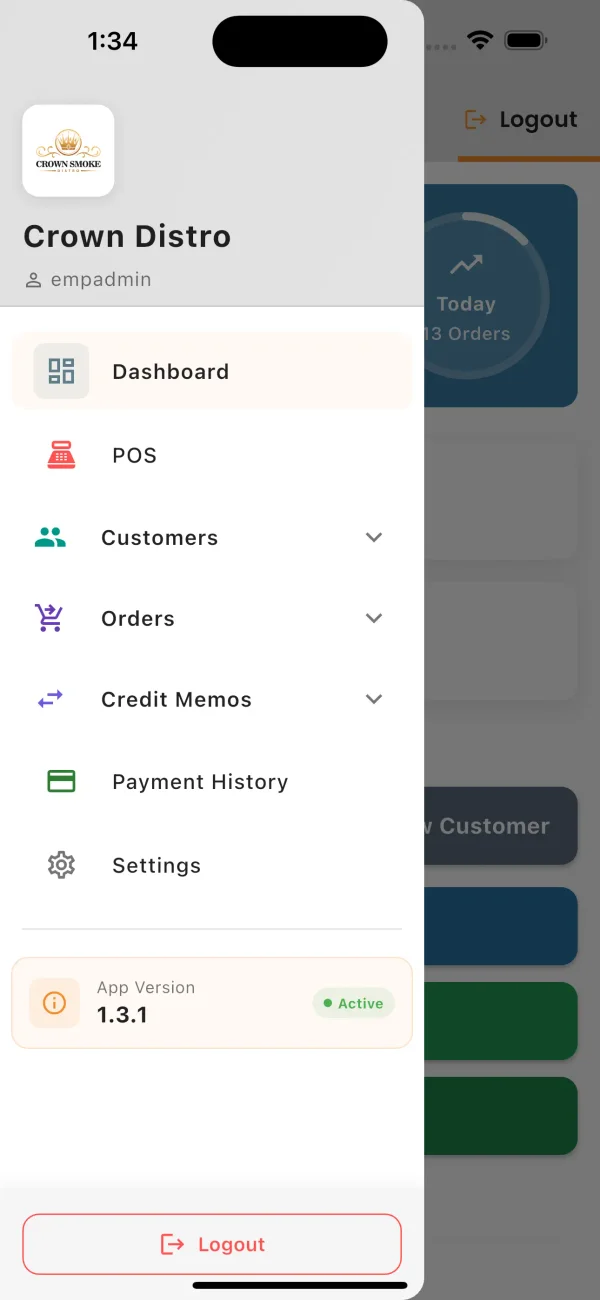
Menu Navigation: The side menu allows users to navigate between key areas such as Dashboard, POS, Order History, Settings, and Help & Support. This makes it easy to access different functionalities.
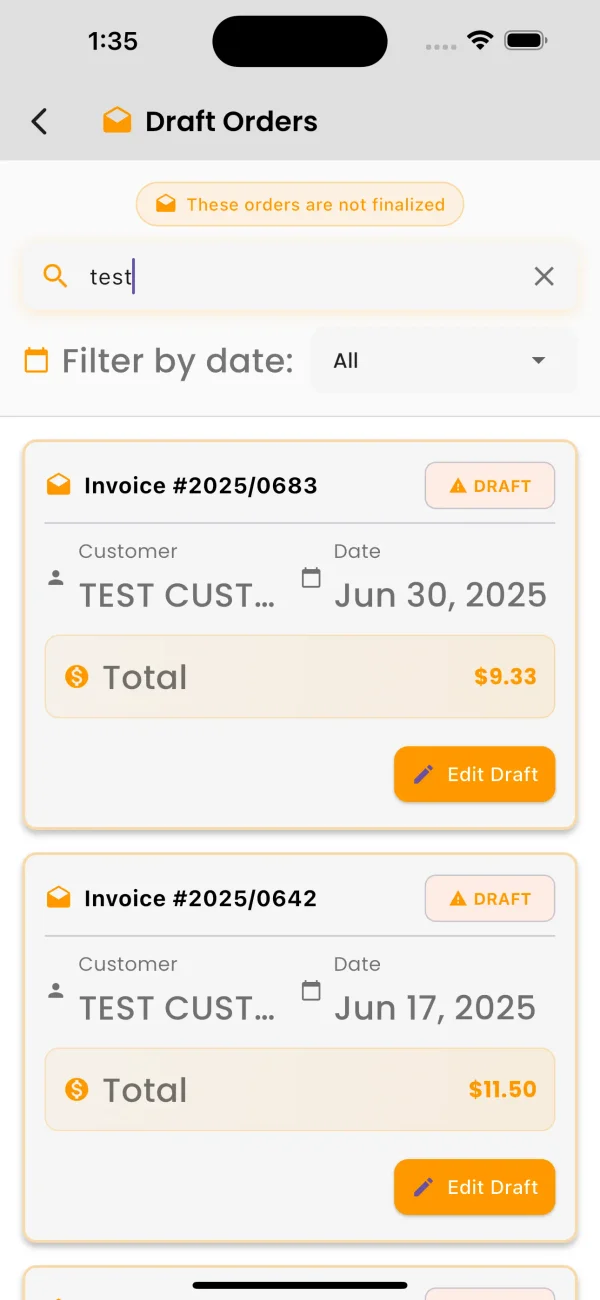
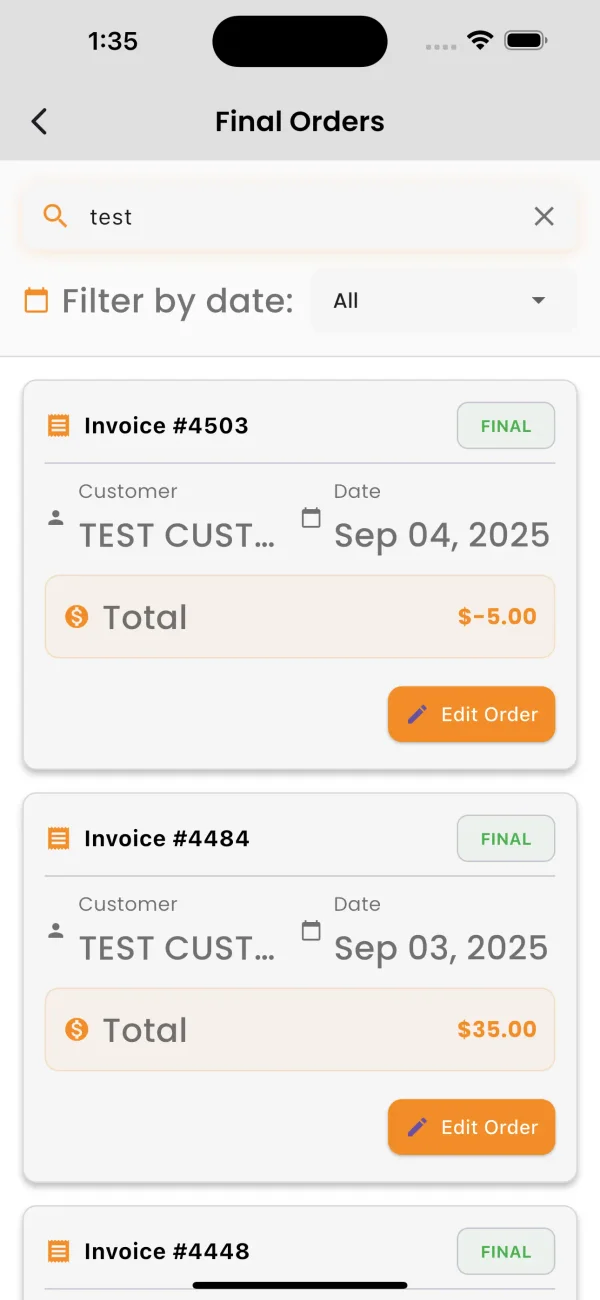
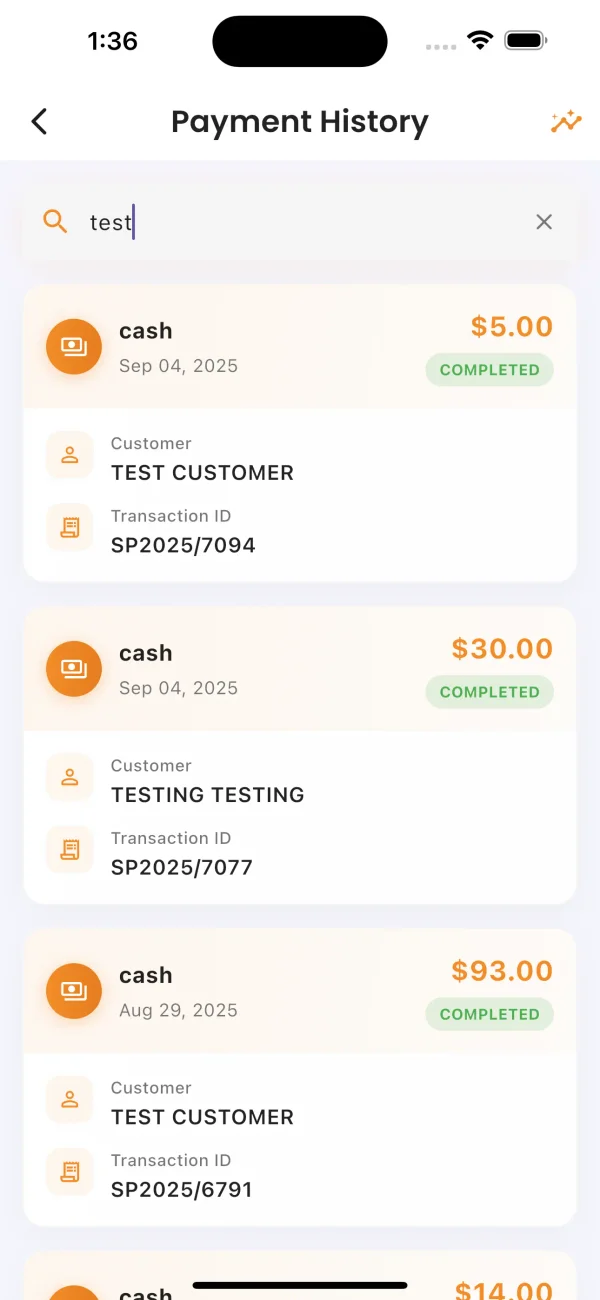
Order History: Users can view past orders with key details like the invoice number, customer name, date, total amount, and the status (Finalized or in Draft). The option to edit or finalize an order is available for users with the appropriate permissions.
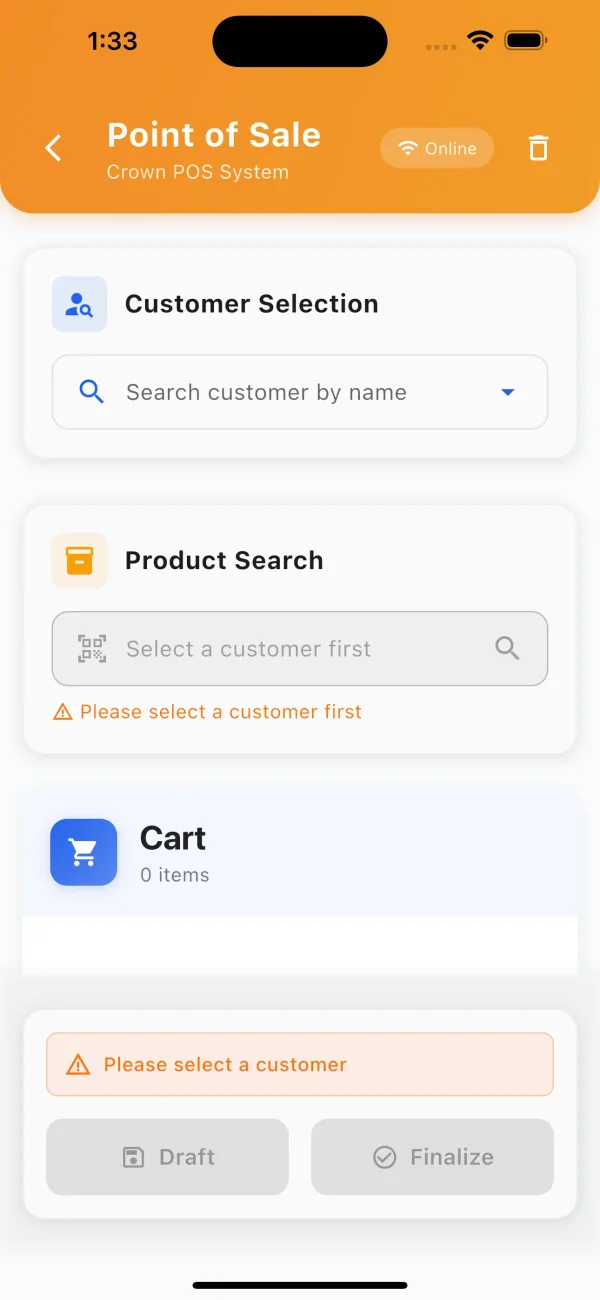
POS System: The POS interface enables users to search for customers, add products by name or SKU, apply discounts, and view order details like the subtotal, shipping charge, and total amount. It’s designed to provide a quick and easy checkout experience.
Settings: The settings page allows users to adjust preferences like theme mode, ensuring the app matches their personal or business environment.
This app is perfect for businesses looking to simplify their sales process with an intuitive, user-friendly interface and a focus on functionality like managing orders, viewing sales data, and customizing the app’s appearance.
Novedades
Versión 2.0 · 28/10/2026
Crown POS 2.0 brings a completely redesigned app.
• Fresh, modern design across the app, with an option to switch back to the Classic design in Settings.
• New dashboard: see sales for Today, This Week, This Month and Year to Date.
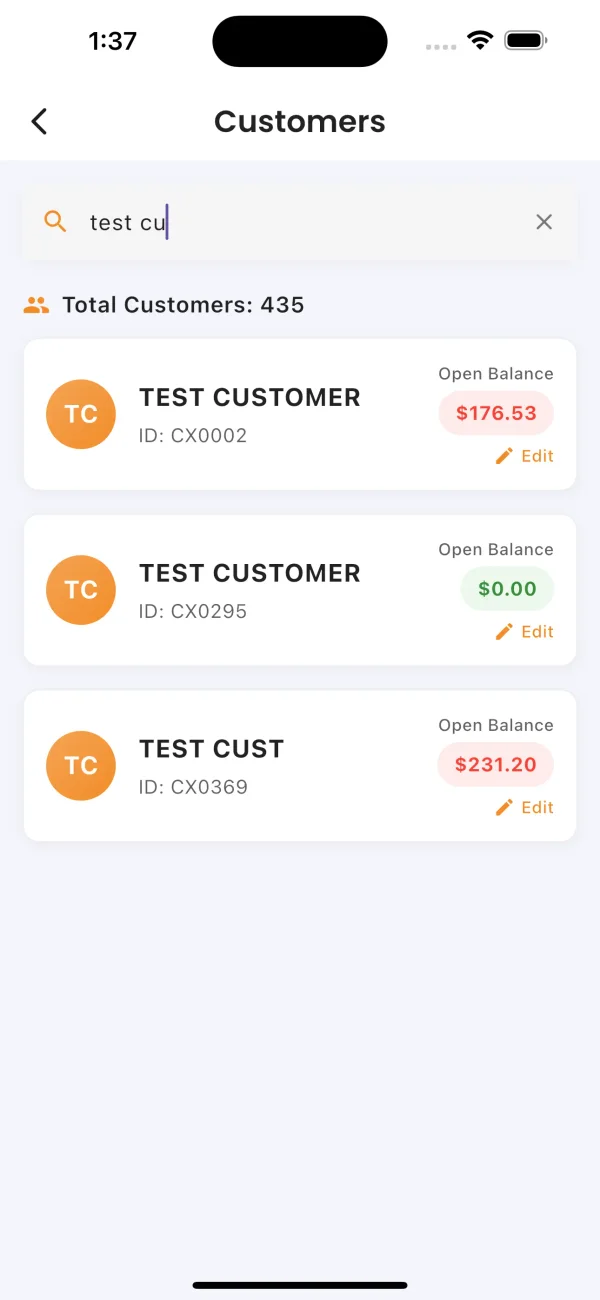
• Search customers, orders and products right from the dashboard.
• Faster product search with brand and stock filters.
• View, print and share invoices as PDF.
• More reliable credit memos, including offline support.
• Performance improvements and bug fixes.
Privacidad de la aplicación
Lo que Brainbean Technolabs Pvt Ltd declara en App Store sobre cómo esta aplicación gestiona los datos.
-
No se recopilan datos
El desarrollador no recopila ningún dato de esta aplicación.
Las prácticas de privacidad pueden variar, por ejemplo, según las funciones que uses o tu edad.
Información
- Vendedor
- BRAINBEAN TECHNOLABS OPC PRIVATE LIMITED
- Categoría
- Economía y empresa
- Versión
- 2.0
- Actualizado
- 28/10/2026
- Publicado
- 26/3/2025
- Tamaño
- 35,3 MB
- Requiere
- iOS 15.6 o posterior
- Clasificación por edad
- 17+
- Idiomas
- Inglés
- Copyright
- © 2025 Crown POS
Quizá también te guste
-
 PayDAO PayerFinanzas
-
 RMFAR INCEconomía y empresa
-
 Falcon POSEconomía y empresa
-
 GNS Wholesale B2BEconomía y empresa
-
 GIS POS – Point of SaleEconomía y empresa
-
 CBNA Premier Business ConnectFinanzas
-
 Gokul POSEconomía y empresa
-
 Marfatia : Share4SureFinanzas
-
 LimoGridEconomía y empresa
-
 PayItCobra rápido. Cobra fácil.