
Don't Forget: ADHD Task Timer
Task Switching & Focus Tracker
Diseñada para iPhone, iPad, Mac
Gratis · Compras en la aplicación
- Clasificación por edad4+
- CategoríaProductividad
- DesarrolladorFrancesco Leoni
- IdiomasInglés+ 4 más
- Tamaño26,0 MB
Enlaza a la página oficial de App Store
Download.org no aloja ningún archivo de Don't Forget: ADHD Task Timer. El botón abre la página de la aplicación en App Store, donde la publica Francesco Leoni. Ficha comprobada por última vez el 17/11/2026.
Capturas de pantalla

Acerca de
El desarrollador no ha proporcionado este texto en tu idioma.
You start something. Something else pulls you away. An hour later you can't remember what you were doing before.
Don't Forget is a task timer built for brains that switch. Instead of asking you to stop getting interrupted, it expects interruptions and keeps your place for you, so getting back takes one tap.
HOW IT WORKS
Start: name what you're working on and go. The timer runs and your task stays front and center.
Switch: something urgent comes up? Tap Switch. Your current task is parked with its time saved, and a new one starts.
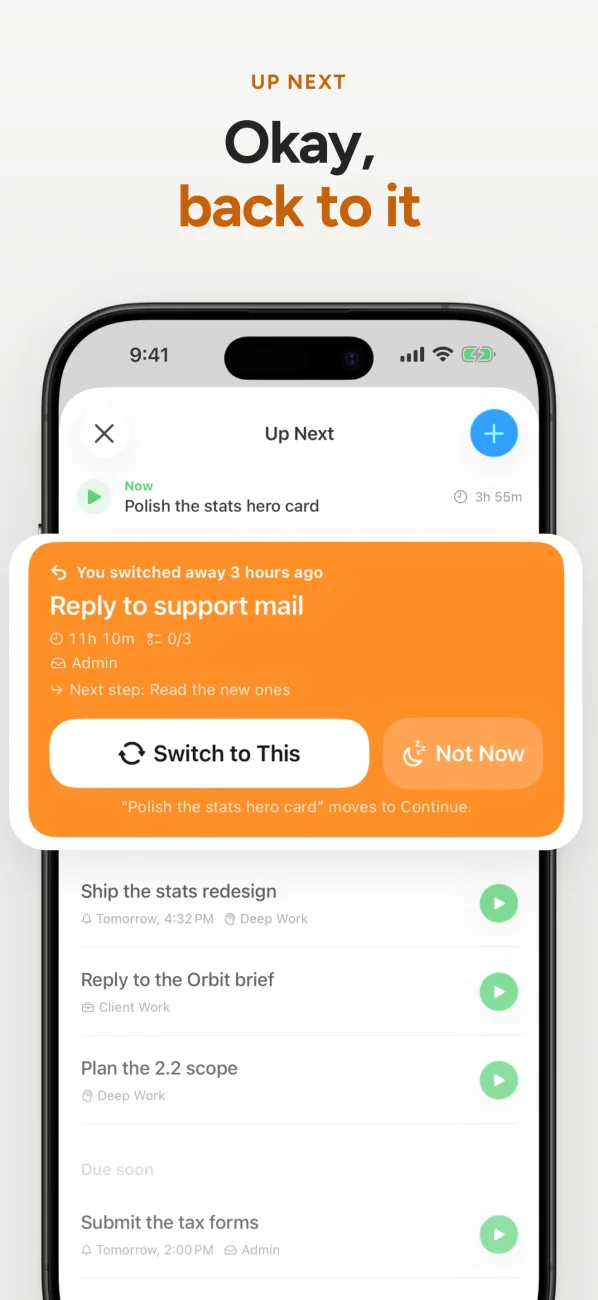
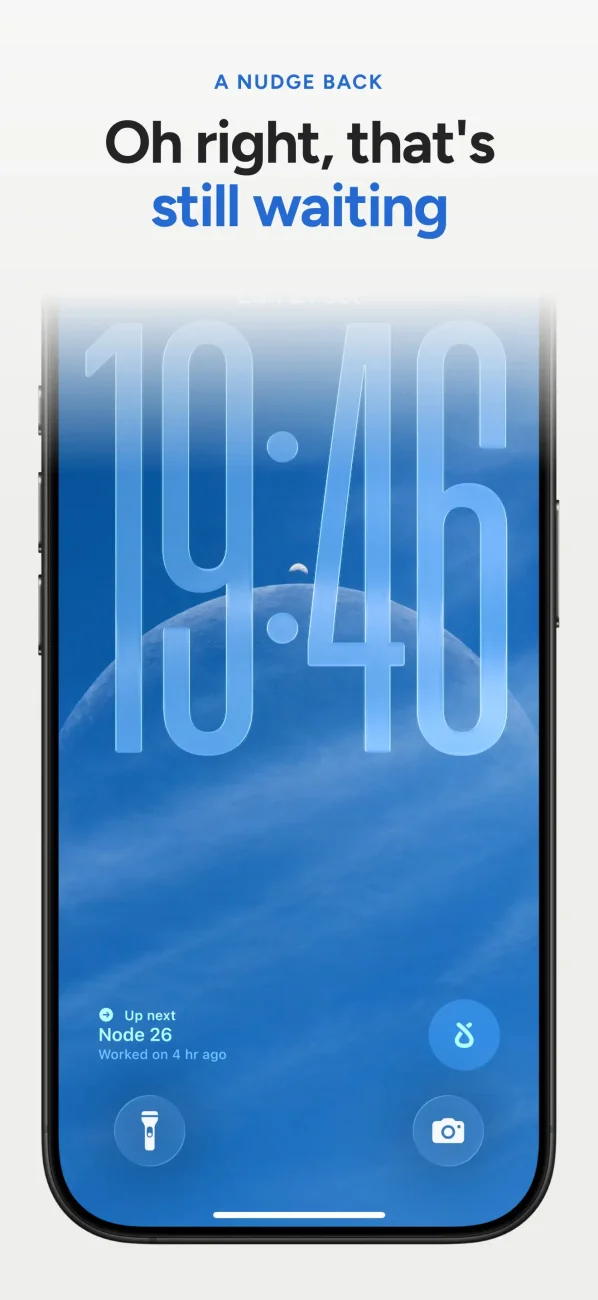
Come back: a minute later, a gentle notification asks if you want to go back. Your parked task is waiting with its timer, steps and notes exactly as you left them. Resume in one tap.
BREAK IT INTO STEPS
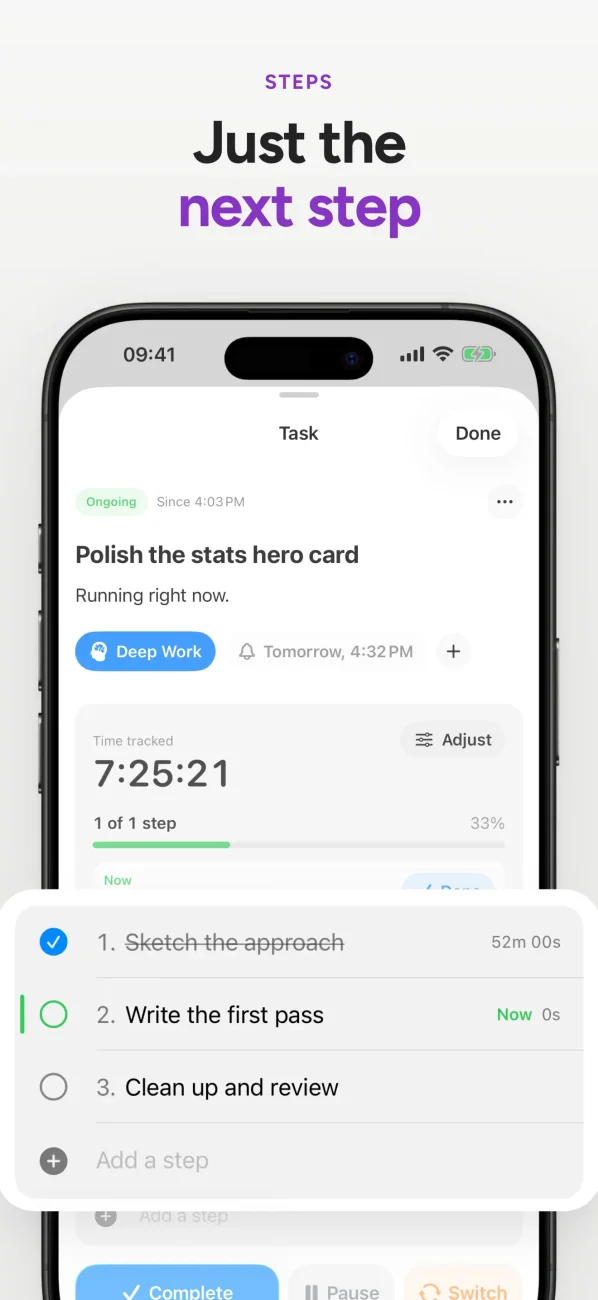
Big tasks are easier to return to when you know the next step. Add steps to any task, focus on one at a time, and see how long each one really took.
FOCUS THAT FOLLOWS REAL LIFE
· Pomodoro sessions with focus and break lengths you choose
· Pause any time, and the timer doesn't keep counting while you're gone
· On Mac, tasks pause when your Mac sleeps, locks or starts the screen saver, and resume if you're back soon
· A check-in when a timer has been running for hours, so forgotten timers don't skew your day
· Fix the time afterwards with "stopped at" if you walked away and forgot to pause
PLAN WITHOUT LOSING FOCUS
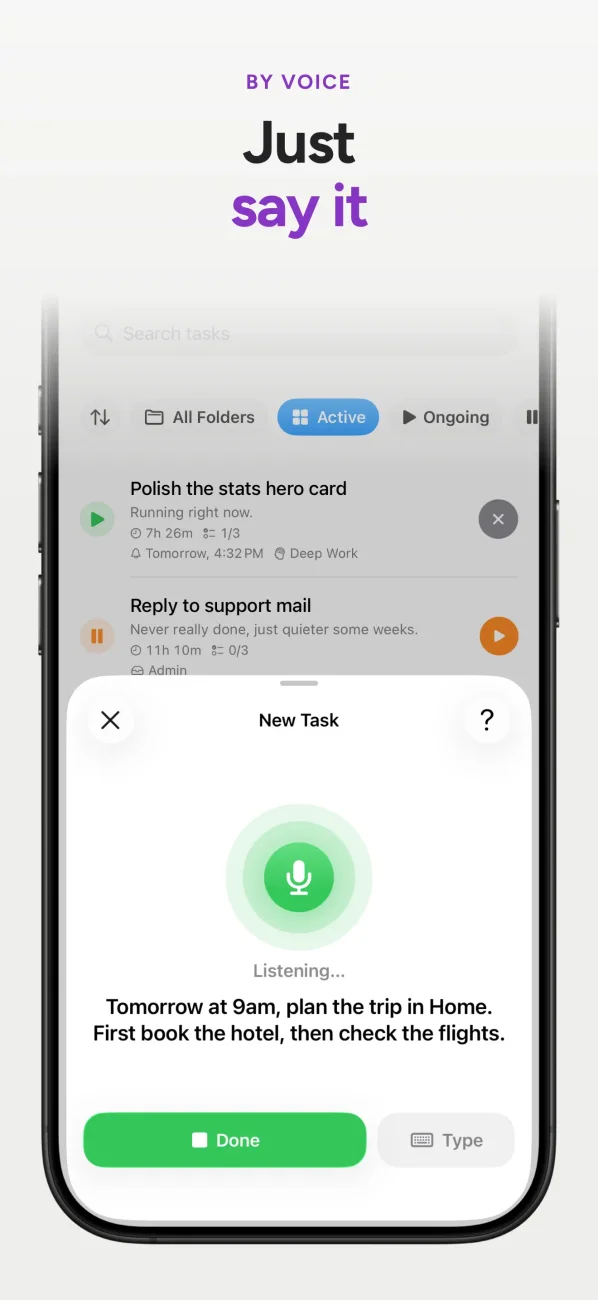
Capture what's up next without breaking your current flow. Plan tasks with due dates and reminders, sort them into folders, and start the next one when you're ready. Finished something you do often? Run it again.
SEE WHERE YOUR TIME WENT
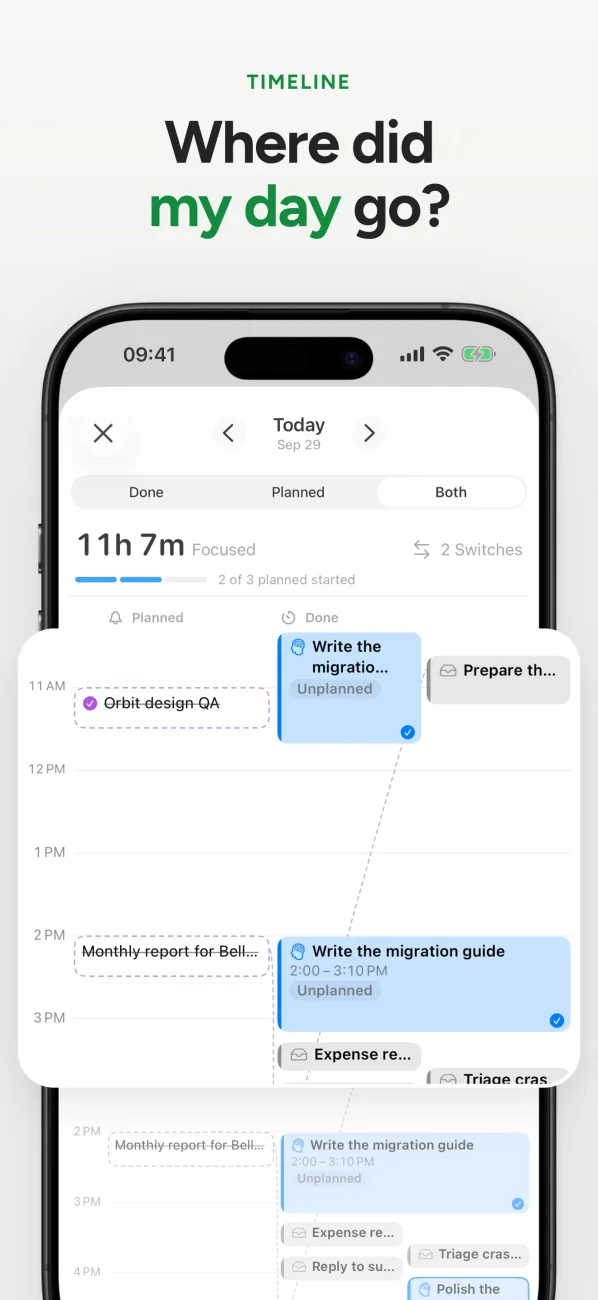
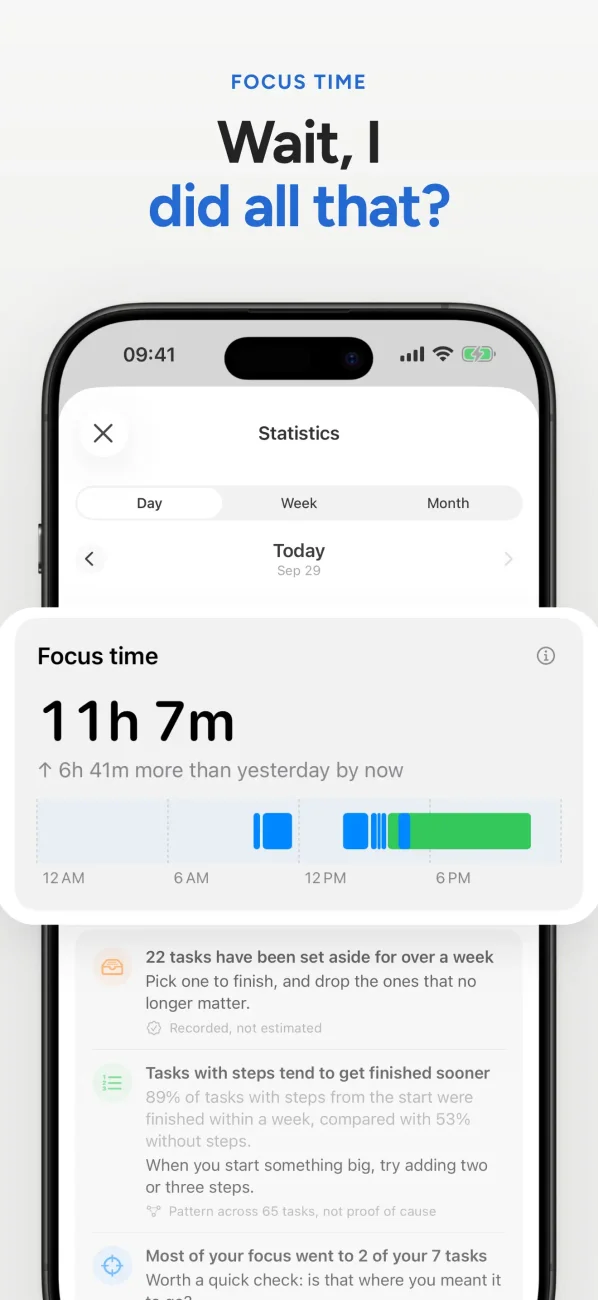
Honest statistics built from the time you actually focused: focus time, tasks finished, how often you were interrupted, and your sessions by day, week or month.
EVERYWHERE YOU WORK
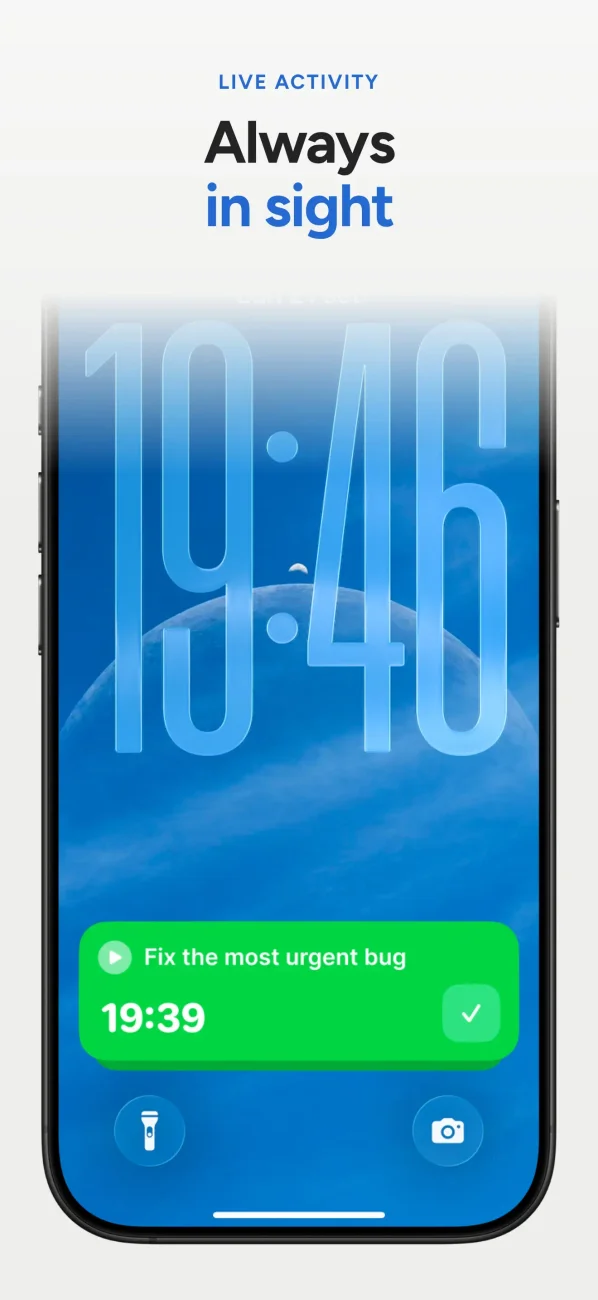
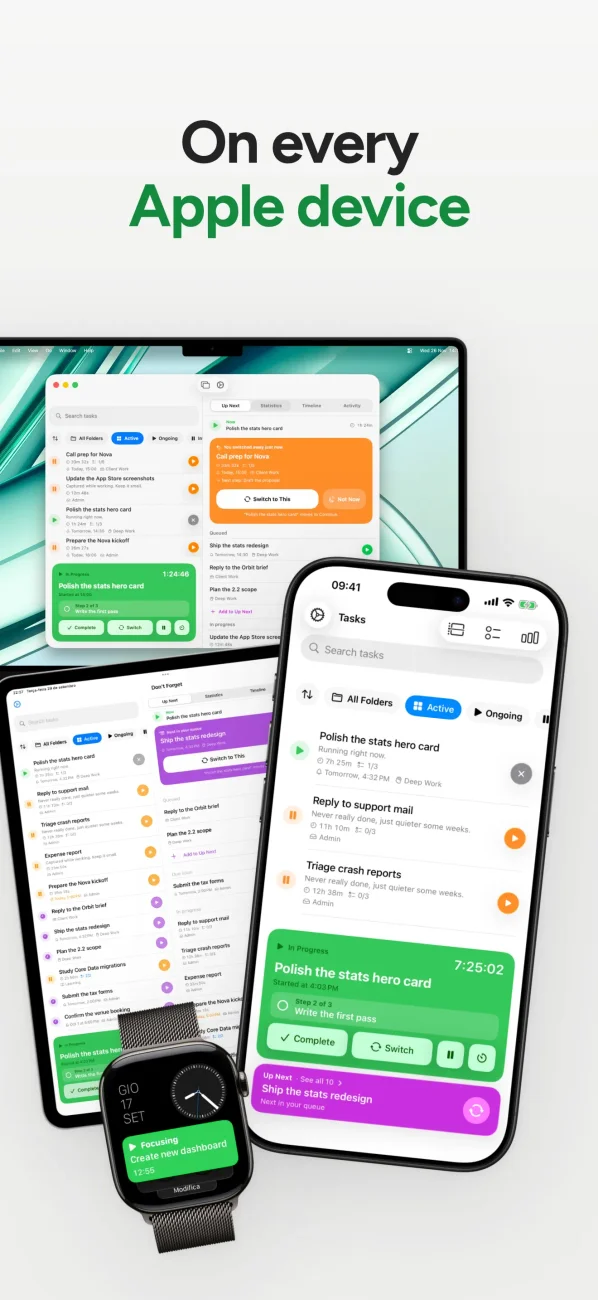
· iPhone: Live Activity and Dynamic Island keep your running task visible in any app, plus Home and Lock Screen widgets to start a task
· Apple Watch: see your current task and timer, tick off steps, pause, complete, or start what's next, with complications for your watch face
· Mac: lives in the menu bar, with a small floating window that keeps your task in view
· iPad: a two-column layout with your tasks and details side by side
· Your tasks sync across your devices through your iCloud account
DON'T FORGET PRO
A one-time purchase, no subscription:
· Focus patterns: your best hours and days, and what keeps pulling you away
· Time by folder: see where your focus goes across projects
· Siri & Shortcuts: start, switch and complete tasks hands-free or from automations
BUILT FOR PEOPLE WHO SWITCH
Many productivity apps assume you'll sit down with a list and work through it in order. Don't Forget is for people whose days don't go that way: people with ADHD, people who hyperfocus and lose track of time, and anyone whose work is full of interruptions. No streaks to break and no guilt. It remembers what you were doing so you don't have to.
No account or sign-up needed.
Novedades
Versión 1.6.2 · 4/11/2026
Apple Watch: see your current task and timer, tick off steps, pause, complete, or start what's next, with complications for your watch face.
Siri & Shortcuts (Pro): ask Siri to start, switch, resume or complete a task, or use the same actions in the Shortcuts app, the Action button and your automations. The exact phrases are in Settings.
Photos: attach up to 10 photos to a task, from your library or the camera, and share text, links and images straight into a new task from other apps.
Up Next: a clearer running order for what to work on next, plus Someday for ideas you want to capture without committing to them.
Now in German, Italian, Korean and Brazilian Portuguese.
Also: Pro Insights into where your time goes and what helps, and a lot of smaller fixes.
Privacidad de la aplicación
Lo que Francesco Leoni declara en App Store sobre cómo esta aplicación gestiona los datos.
-
No se recopilan datos
El desarrollador no recopila ningún dato de esta aplicación.
Las prácticas de privacidad pueden variar, por ejemplo, según las funciones que uses o tu edad.
Información
- Vendedor
- Francesco Leoni
- Categoría
- Productividad
- Versión
- 1.6.2
- Actualizado
- 4/11/2026
- Publicado
- 8/3/2026
- Tamaño
- 26,0 MB
- Requiere
- iOS 17.6 o posterior
- Clasificación por edad
- 4+
- Precio
- Gratis
- Compras en la aplicación
- Sí
- Idiomas
- Inglés, Alemán, Italiano, Coreano, Portugués
- Copyright
- © Francesco Leoni 2026
Quizá también te guste
-
 ProduktiveProductividad
-
 DON’T FORGET: To-DoProductividad
-
 Startiny: ADHD To-Do PlannerProductividad
-
 iWorkUntil: Temporizador TDAHBloques de tiempo · foco
-
 MetaTimer Timeboxing for ADHDProductividad
-
 ADHD Notes: AI Brain DumpProductividad
-
 Ontime: TDAH, rutina y tiempoTemporizador visual y rutina
-
 Finishly -Beat ProcrastinationProductividad
-
 Mapa Mental: Ideas y NotasMapas mentales y conceptuales
-
 Daily Planner, Habit TrackerProductividad