Draw Every Day
24 hours, a canvas, & a prompt
Diseñada para iPhone, iPad, iPod touch
5,99 €
- Clasificación por edad4+
- CategoríaEntretenimiento
- DesarrolladorSam Bleckley
- IdiomasInglés
- Tamaño9,2 MB
Enlaza a la página oficial de App Store
Download.org no aloja ningún archivo de Draw Every Day. El botón abre la página de la aplicación en App Store, donde la publica Sam Bleckley. Ficha comprobada por última vez el 13/11/2026.
Capturas de pantalla

Acerca de
El desarrollador no ha proporcionado este texto en tu idioma.
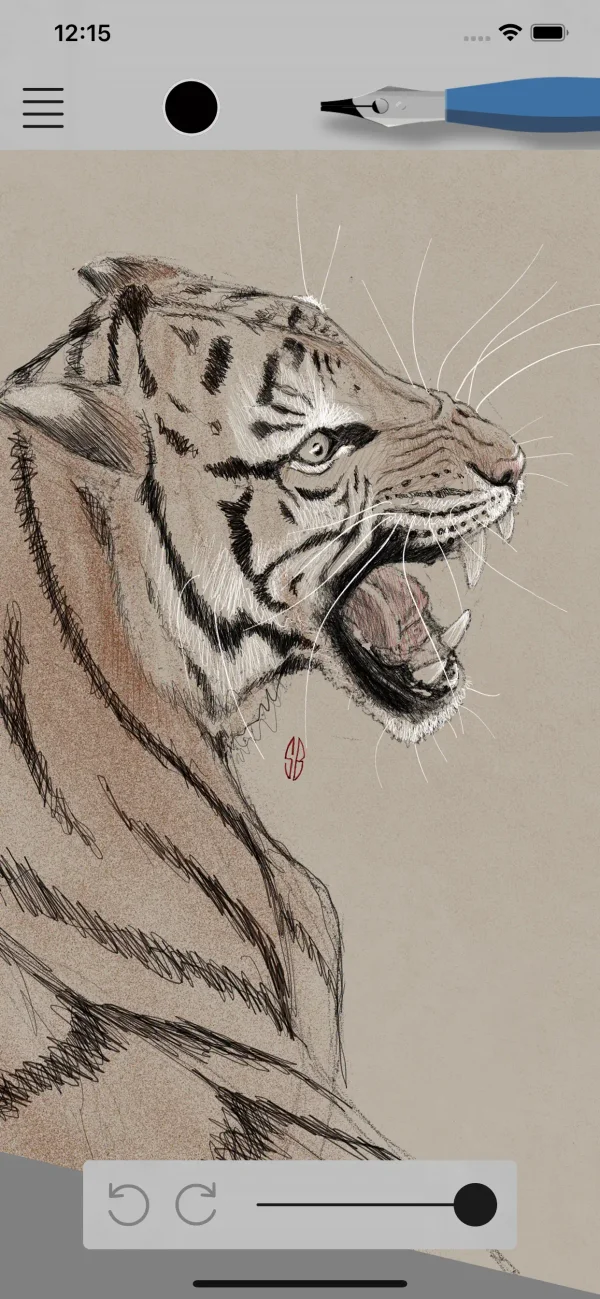
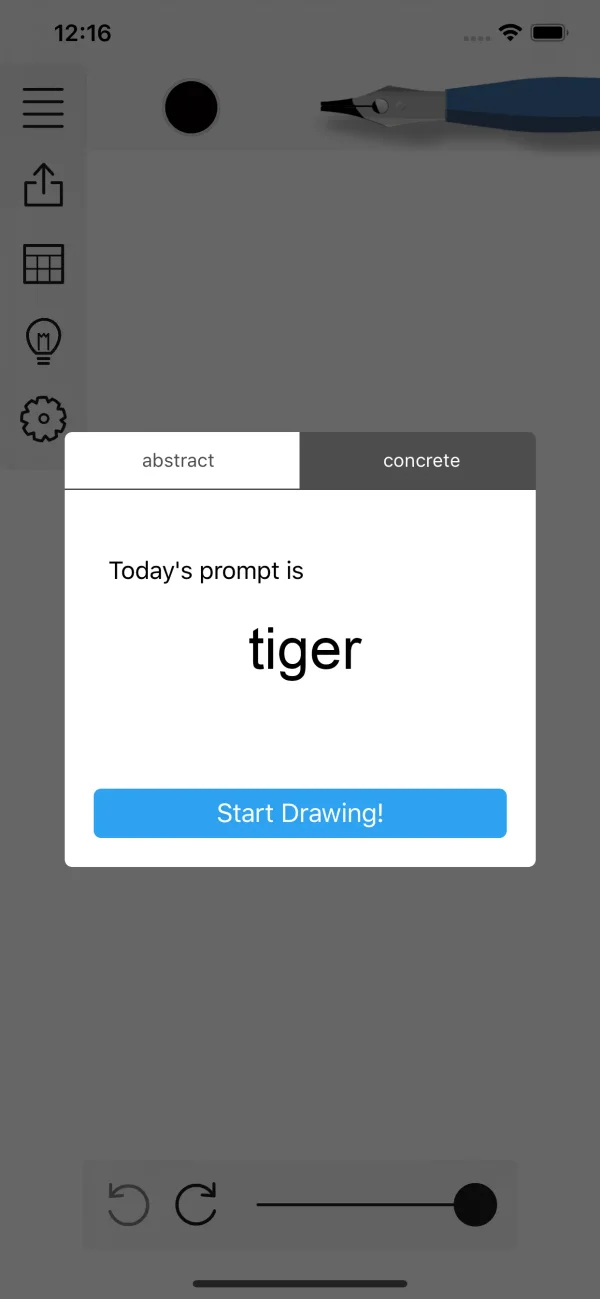
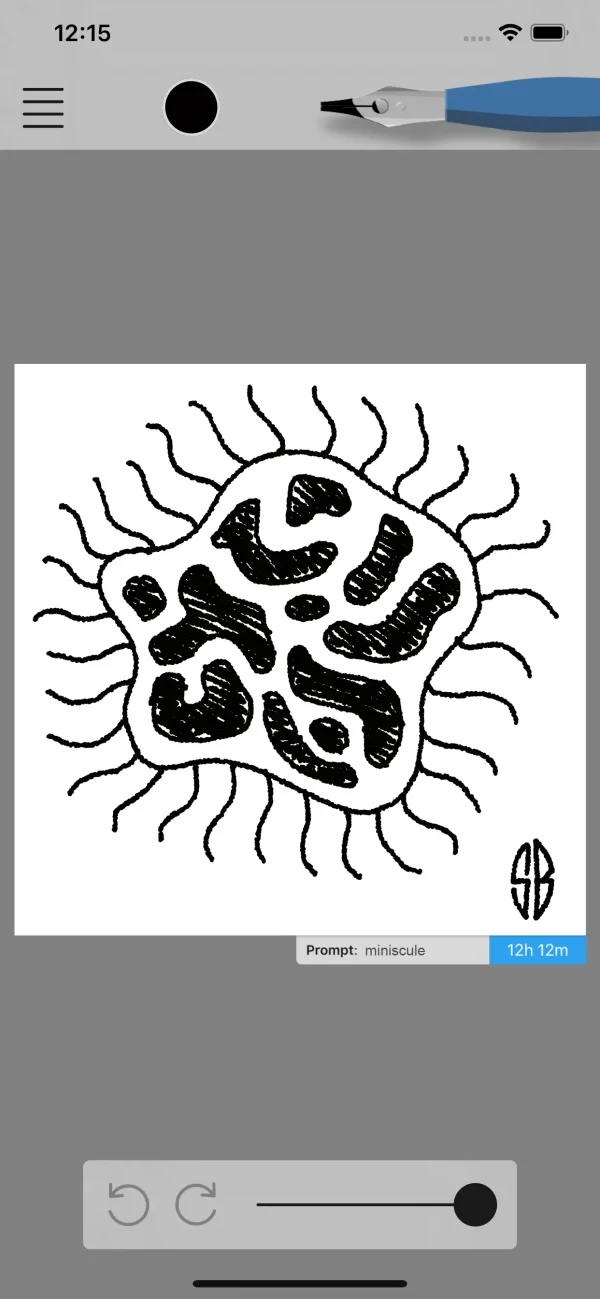
At the beginning of each day, Draw Every Day gives you one blank canvas and a prompt. You have 24 hours to fill that canvas up with an ink drawing. The next day, your drawing is frozen, saved, and a new blank canvas and a new prompt appears.
Every day is a new prompt, all year -- so you'll never run out of new ideas.
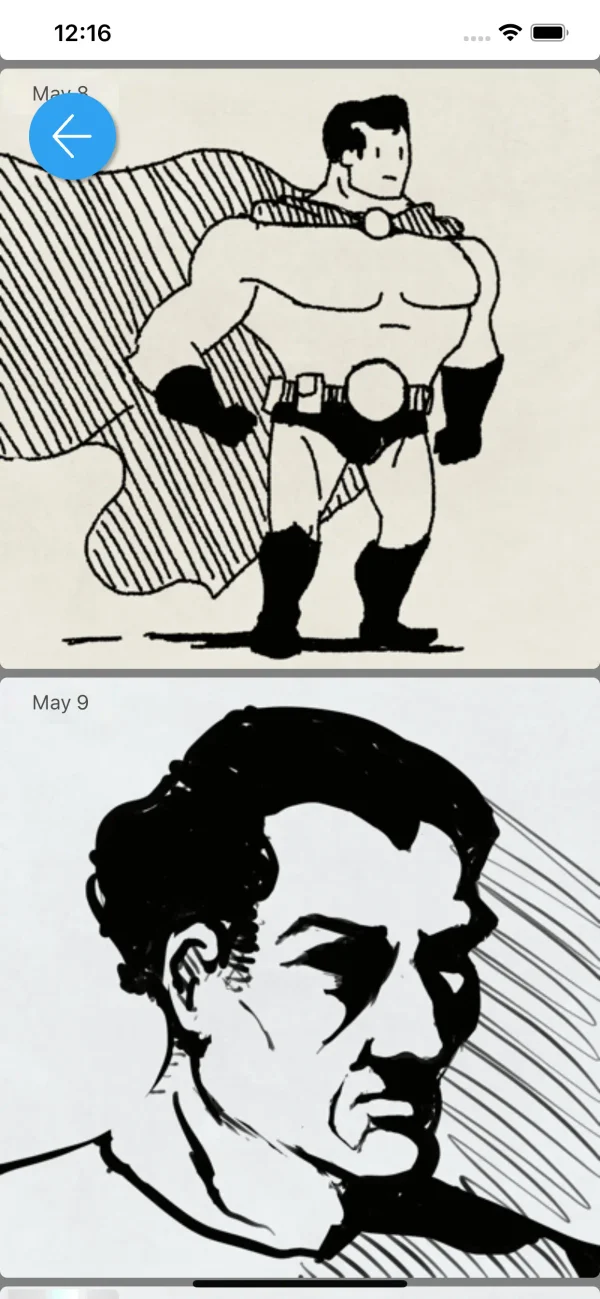
Draw Every Day forces you to take it slow and steady, and records your progress over days and weeks -- as time goes on, you'll see how far you've come!
• Simplicity
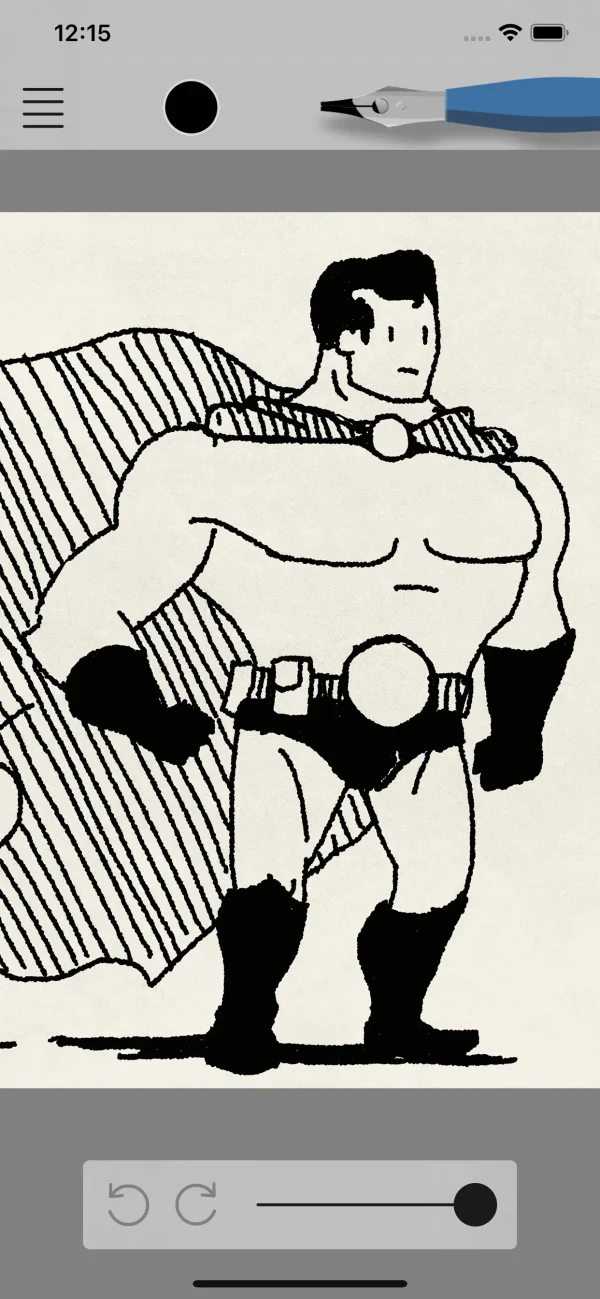
Draw Every Day has 6 highly-tuned drawing tools, tweaked by professional artists. You can spend your time drawing, not hunting for the perfect brush settings.
Most teachers and ateliers recommend learning to draw before learning to paint. Draw Every Day lets you learn the intricacies of black and white without the distraction of color.
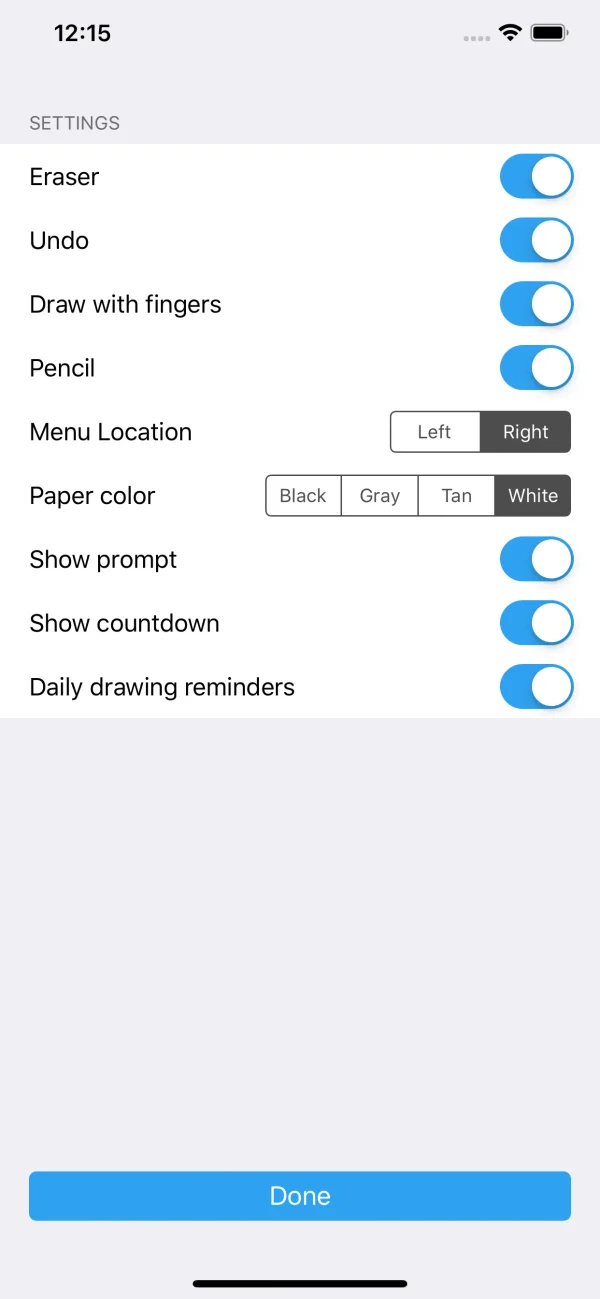
For a real ink experience, you can turn off undo, redo, and the eraser tool -- every mark can be permanent, just as if you were using india ink on paper.
• Great for daily challenges
Participating in a 30-day drawing challenge like Inktober, Drawloween, or Mer-may? Draw Every Day is a perfect tool to keep yourself on track.
• Features
- Optimized for iPad Pro and Apple Pencil
- Works with Logitech Crayon
- Draw in your spare moments on the iPhone with your fingers
- Daily prompts, including Inktober prompts during October
- Optional daily reminder notifications
- Infinite undo and redo (even if you close the app)
- 6 highly-tuned drawing tools: Fine-liner, smooth brush, rough brush, pencil, and eraser
- 5 colors of ink
- Left-handed and right-handed interfaces
- Disable or enable the pencil, eraser, undo, and redo to make drawing more or less like real ink on paper
- Several kinds of tinted paper
- See a calendar of your progress over time
Novedades
Versión 3.1.2 · 5/9/2025
Bugfixes
Privacidad de la aplicación
Lo que Sam Bleckley declara en App Store sobre cómo esta aplicación gestiona los datos.
-
No se recopilan datos
El desarrollador no recopila ningún dato de esta aplicación.
Las prácticas de privacidad pueden variar, por ejemplo, según las funciones que uses o tu edad.
Información
- Vendedor
- Sam Bleckley
- Categoría
- Entretenimiento
- Versión
- 3.1.2
- Actualizado
- 5/9/2025
- Publicado
- 26/5/2019
- Tamaño
- 9,2 MB
- Requiere
- iOS 13.0 o posterior
- Clasificación por edad
- 4+
- Precio
- 5,99 €
- Idiomas
- Inglés
- Copyright
- © 2025 Sam Bleckley
Quizá también te guste
-
 Qué Prefieres? Juego de amigosJuegos con preguntas en pareja
-
 inmuba Player: Audio & VideoEntretenimiento
-
 Pawlo: AI Pet Photo GeneratorEntretenimiento
-
 ShowCal: Seguir series y pelisCalendario, avisos y progreso
-
 Reverse Audio: Al RevésVoz divertida, canta y graba
-
 Fyv It! – Rank Your FavsEntretenimiento
-
 Vanish: Magic AppEntretenimiento
-
 Micrófono a Altavoz BluetoothKaraoke Cambiador Voz Efectos
-
 Swipe & Find Movies: flixyAIMovieDiary for Cosy Nights
-
 Voxdream: Dream InterpretationEntretenimiento