Draw Every Day
24 hours, a canvas, & a prompt
Designed for iPhone, iPad, iPod touch
$4.99
- Age rating4+
- CategoryEntertainment
- DeveloperSam Bleckley
- LanguagesEnglish
- Size9.2 MB
Links to the official App Store page
Download.org hosts no file of Draw Every Day. The button opens its official App Store page, published by Sam Bleckley. Listing last checked on Nov 13, 2026.
Screenshots

About
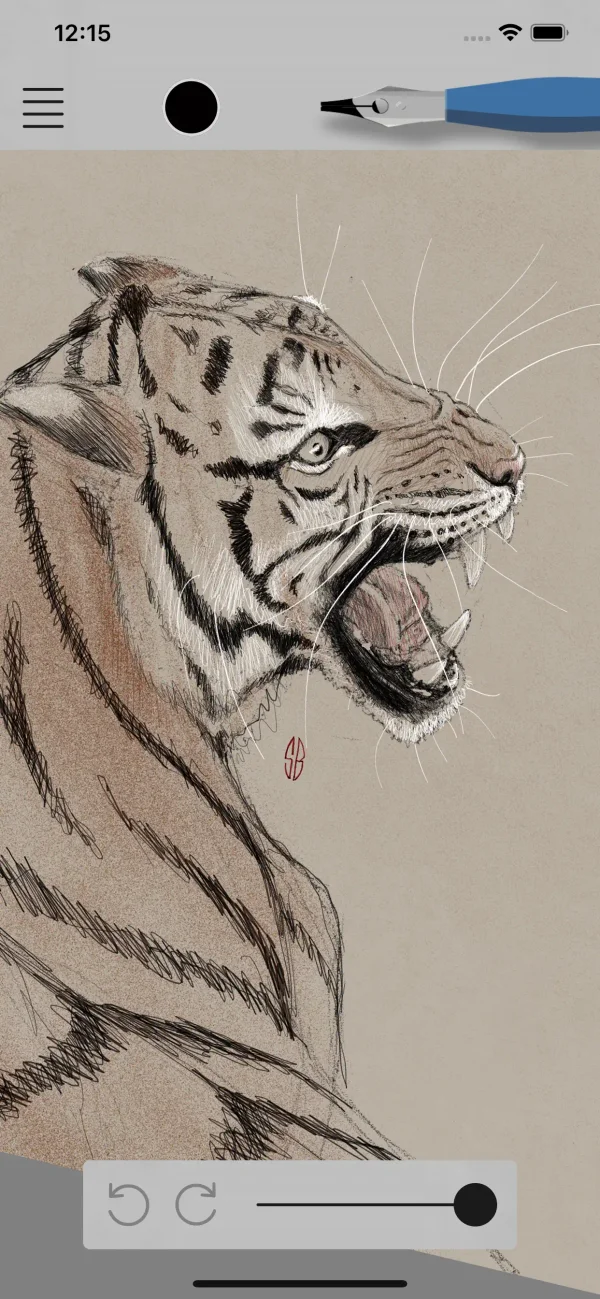
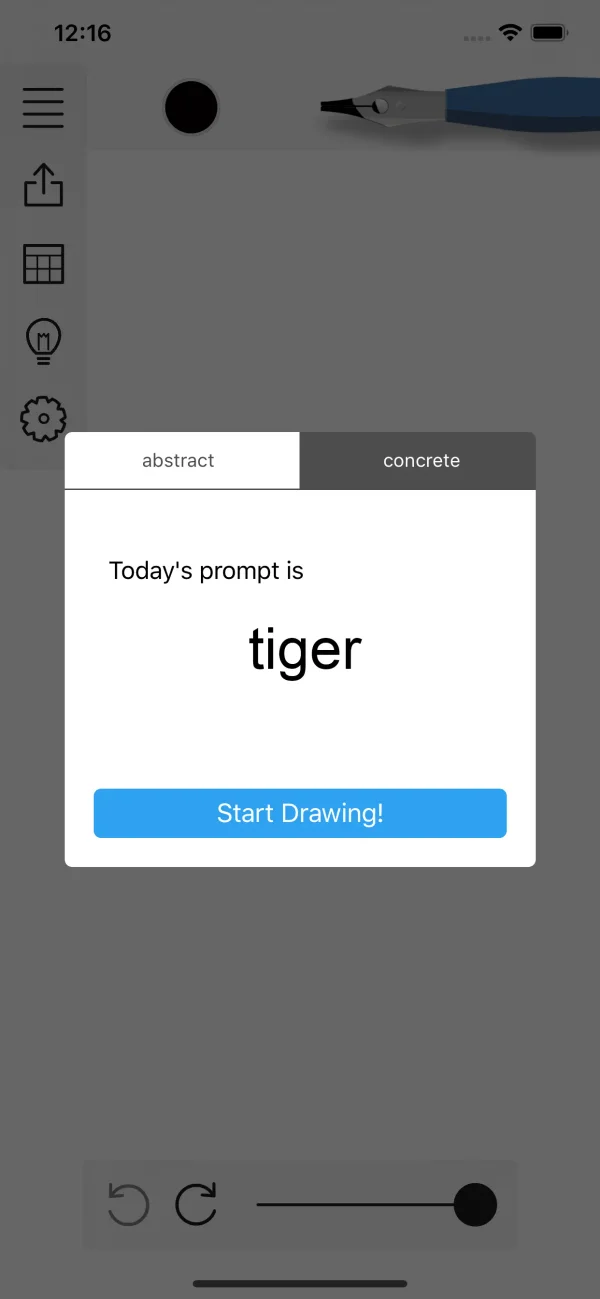
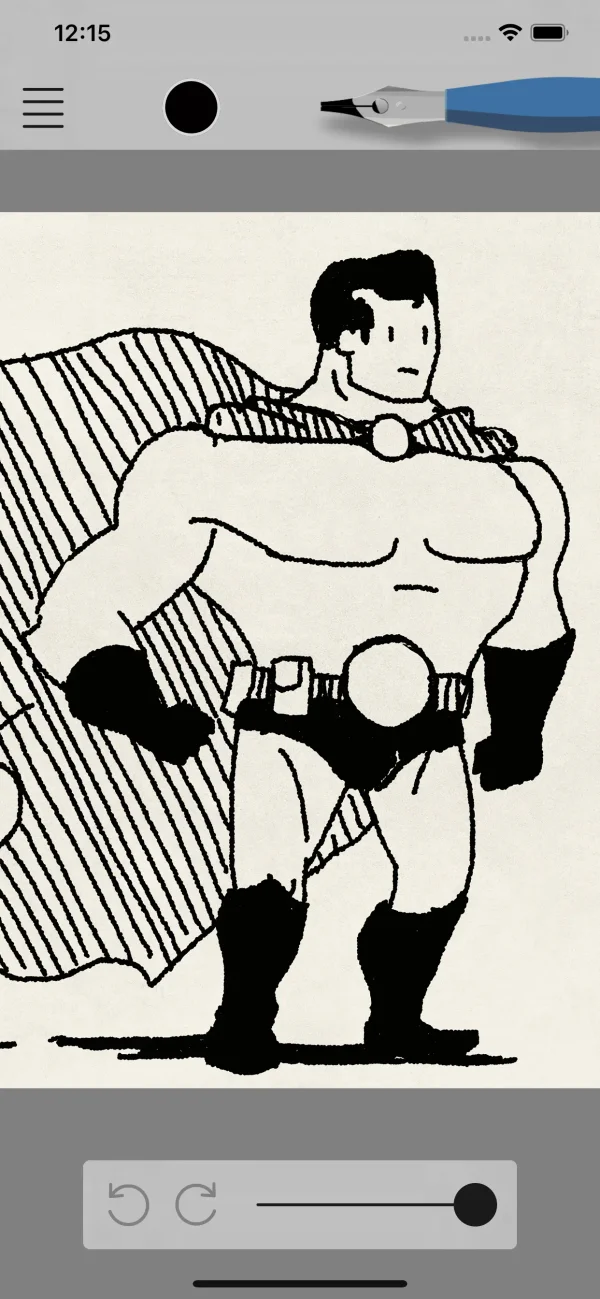
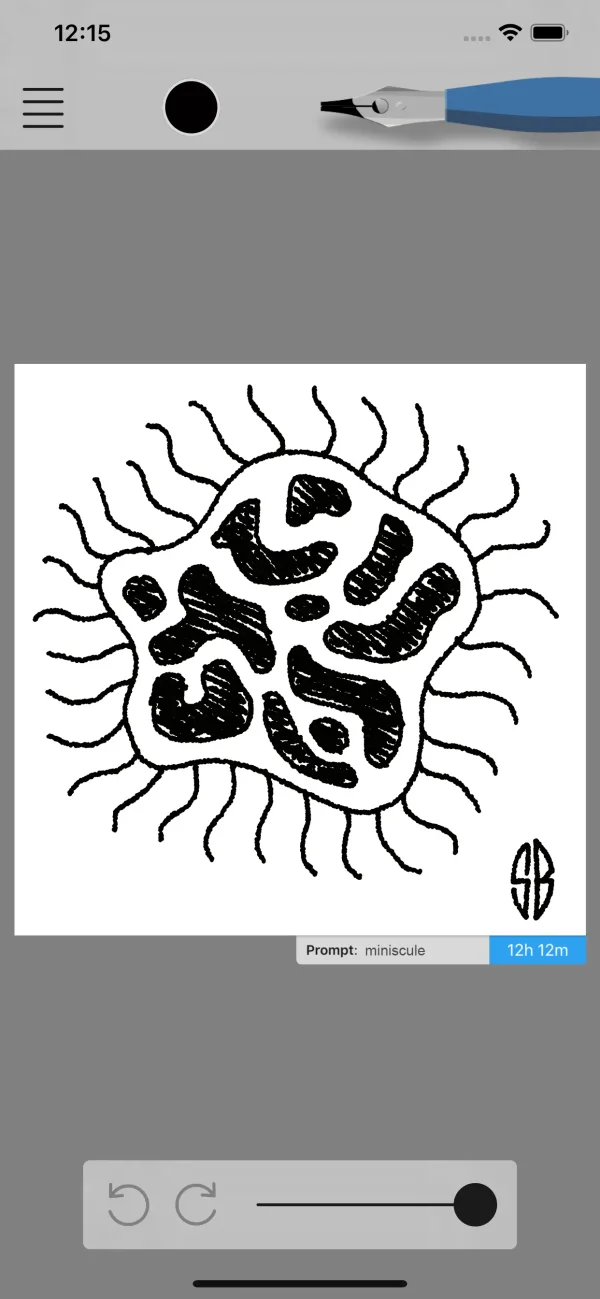
At the beginning of each day, Draw Every Day gives you one blank canvas and a prompt. You have 24 hours to fill that canvas up with an ink drawing. The next day, your drawing is frozen, saved, and a new blank canvas and a new prompt appears.
Every day is a new prompt, all year -- so you'll never run out of new ideas.
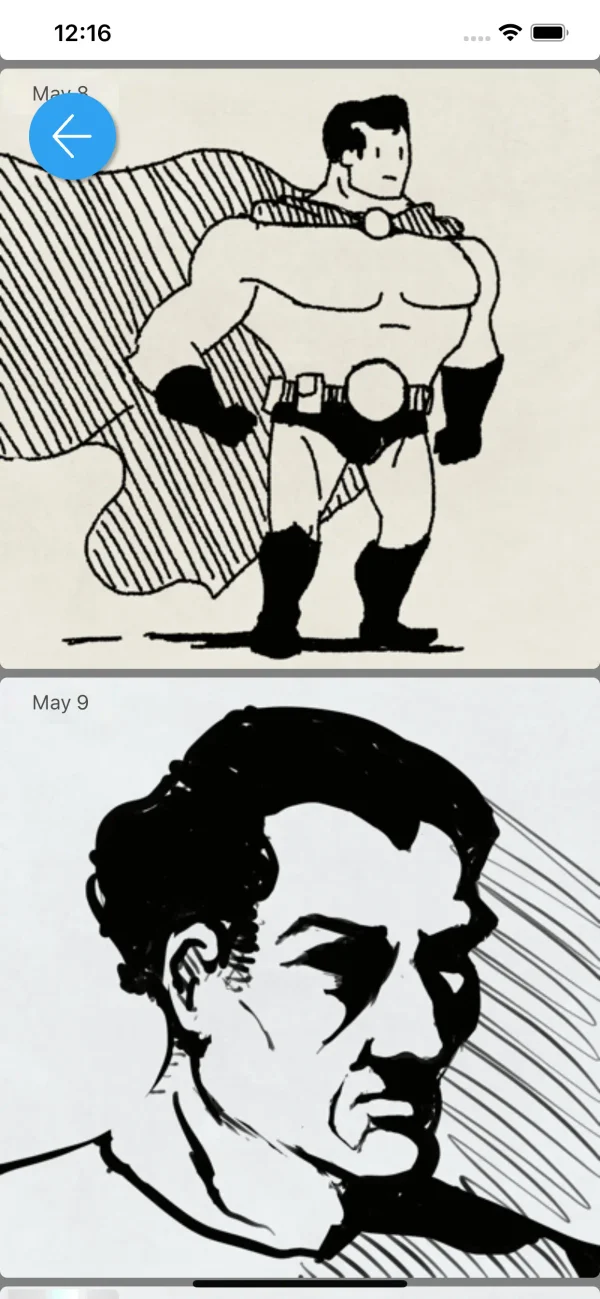
Draw Every Day forces you to take it slow and steady, and records your progress over days and weeks -- as time goes on, you'll see how far you've come!
• Simplicity
Draw Every Day has 6 highly-tuned drawing tools, tweaked by professional artists. You can spend your time drawing, not hunting for the perfect brush settings.
Most teachers and ateliers recommend learning to draw before learning to paint. Draw Every Day lets you learn the intricacies of black and white without the distraction of color.
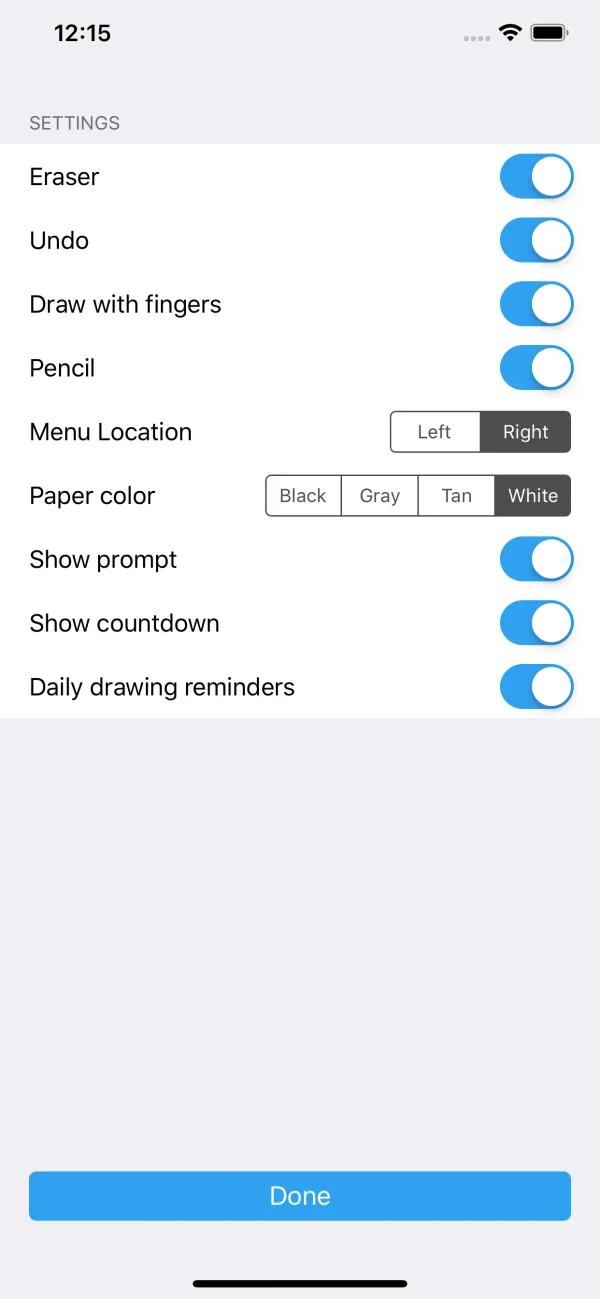
For a real ink experience, you can turn off undo, redo, and the eraser tool -- every mark can be permanent, just as if you were using india ink on paper.
• Great for daily challenges
Participating in a 30-day drawing challenge like Inktober, Drawloween, or Mer-may? Draw Every Day is a perfect tool to keep yourself on track.
• Features
- Optimized for iPad Pro and Apple Pencil
- Works with Logitech Crayon
- Draw in your spare moments on the iPhone with your fingers
- Daily prompts, including Inktober prompts during October
- Optional daily reminder notifications
- Infinite undo and redo (even if you close the app)
- 6 highly-tuned drawing tools: Fine-liner, smooth brush, rough brush, pencil, and eraser
- 5 colors of ink
- Left-handed and right-handed interfaces
- Disable or enable the pencil, eraser, undo, and redo to make drawing more or less like real ink on paper
- Several kinds of tinted paper
- See a calendar of your progress over time
What’s new
Version 3.1.2 · Sep 5, 2025
Bugfixes
App privacy
What Sam Bleckley declares on the App Store about how this app handles data.
-
Data not collected
The developer does not collect any data from this app.
Privacy practices may vary, for example with the features you use or your age.
Information
- Seller
- Sam Bleckley
- Category
- Entertainment
- Version
- 3.1.2
- Updated
- Sep 5, 2025
- Released
- May 26, 2019
- Size
- 9.2 MB
- Requires
- iOS 13.0 or later
- Age rating
- 4+
- Price
- $4.99
- Languages
- English
- Copyright
- © 2025 Sam Bleckley
You might also like
-
 Would You Rather This or That?Dirty Adult Party Games
-
 inmuba Player: Audio & VideoOffline audio, video & tools
-
 Pawlo: AI Pet Photo Generatorcreate fun AI Styles for pets
-
 Track TV & Movies - ShowCalShow Tracker & Watchlist Guide
-
 Reverse Audio: Sing VoicesBackwards Singing & Effects
-
 Fyv It! – Rank Your FavsWhat's your Top 5?
-
 Vanish: Magic AppEntertainment
-
 Mic to Speaker: MicrophoneBluetooth Live Karaoke Voice
-
 Movie Diary & Picker: flixyAISwipe & Find Movies for Night
-
 Voxdream: Dream InterpretationSleep Journal & Dictionary App