
Draw XP
The experimental drawing app
Diseñada para iPhone, iPad, iPod touch
Gratis · Compras en la aplicación
- Clasificación por edad4+
- CategoríaDiseño gráfico
- DesarrolladorDavid Leander Dias Duarte
- IdiomasInglés
- Tamaño39,1 MB
Enlaza a la página oficial de App Store
Download.org no aloja ningún archivo de Draw XP. El botón abre la página de la aplicación en App Store, donde la publica David Leander Dias Duarte. Ficha comprobada por última vez el 18/11/2026.
Capturas de pantalla
Acerca de
El desarrollador no ha proporcionado este texto en tu idioma.
Experience New Ways To Draw on Your Phone
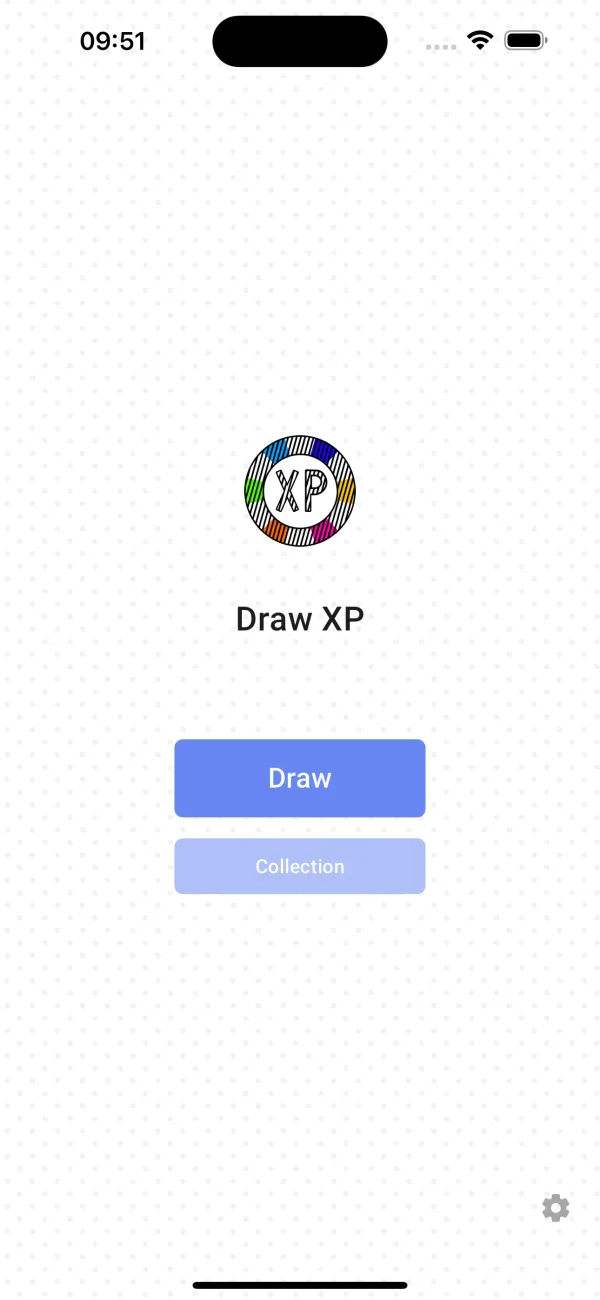
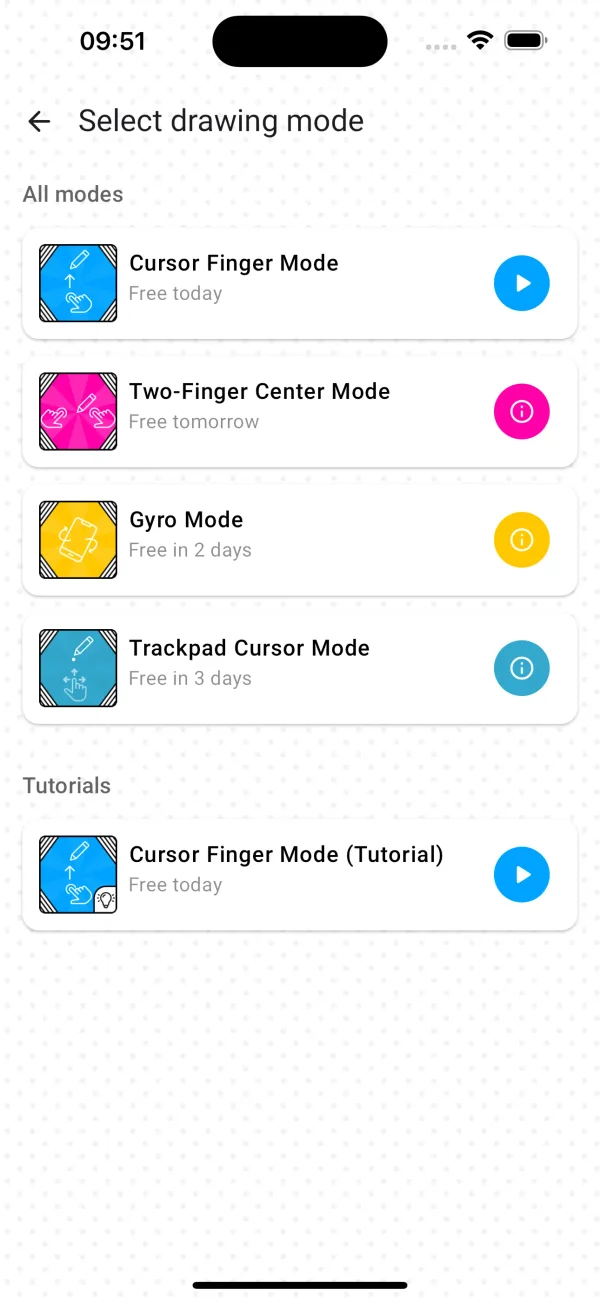
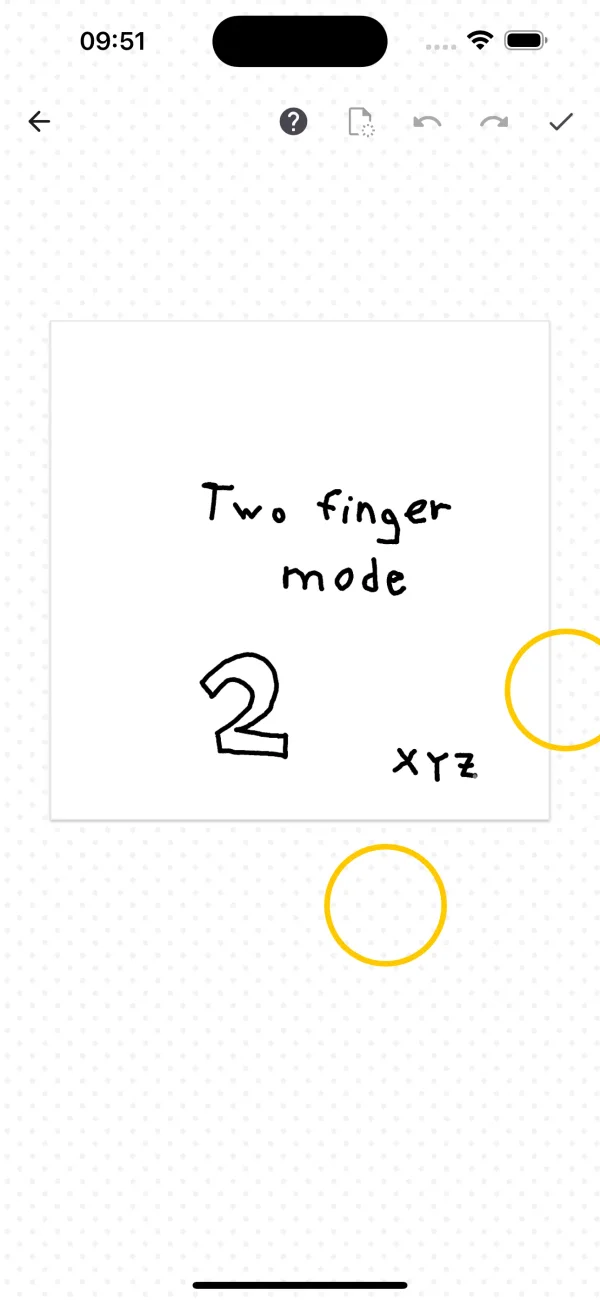
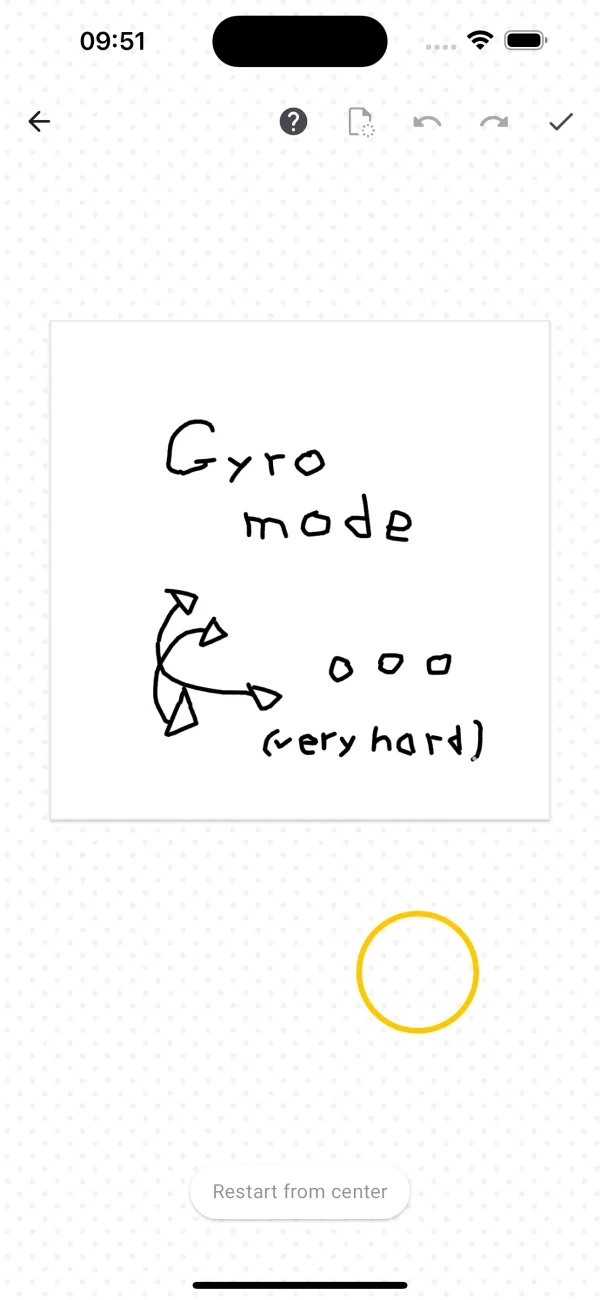
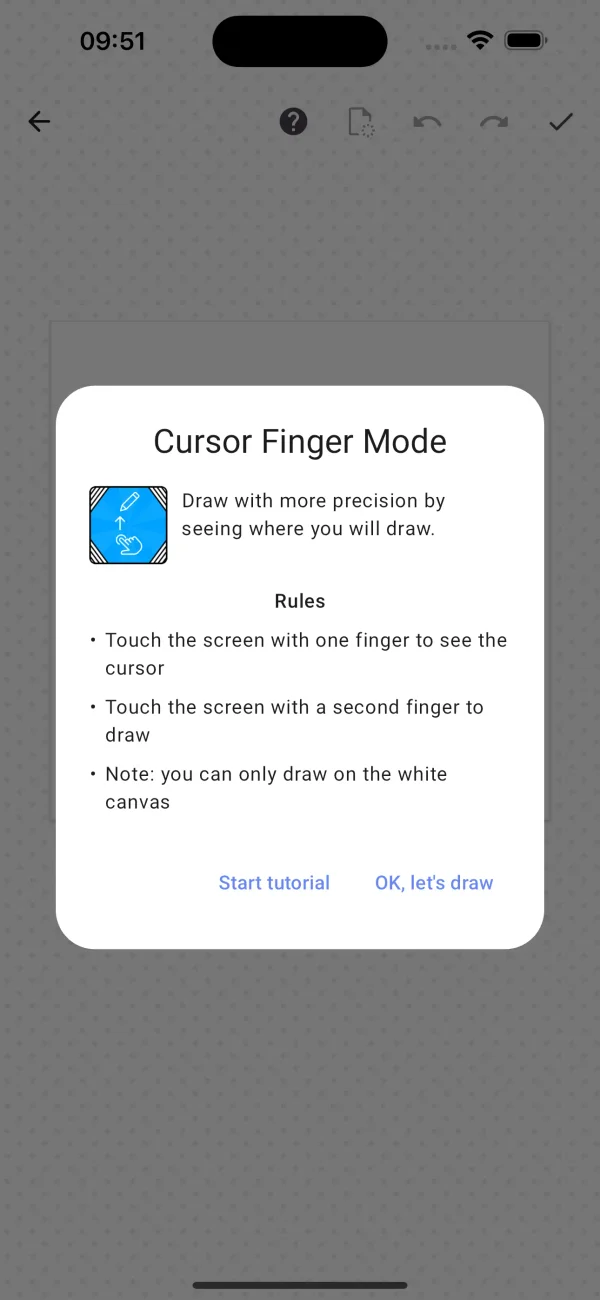
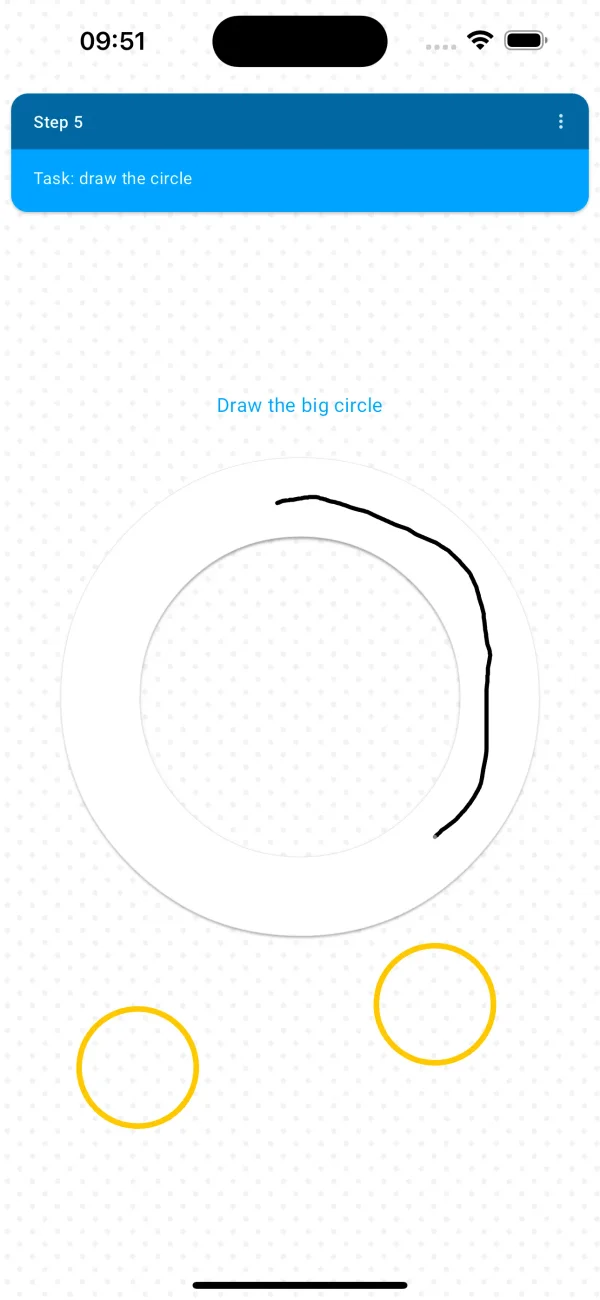
Making sketches on a phone without a stylus can be a hassle, with precise drawings being almost impossible. Draw XP aims to change this by trying out unique new ideas to draw on a phone. These ideas include cursors, using multiple fingers to draw, or even a gyroscope. Some of these ideas work, others don't - the aim is to learn and to use these learnings to arrive at great new ways to draw on a phone at the end of this journey.
Be Part of the Experiment
By using Draw XP, you get two things: first, you get to try out unique new ways to draw on your phone. These new ways may be fun, or they may lead you to think anew about what you can do with your phone. Secondly, you get access to some seriously useful drawing modes that offer finger-based drawing on a level not possible with other apps.
Create Precise Sketches on Your Phone Without a Stylus: Trackpad Mode and Cursor Finger Mode
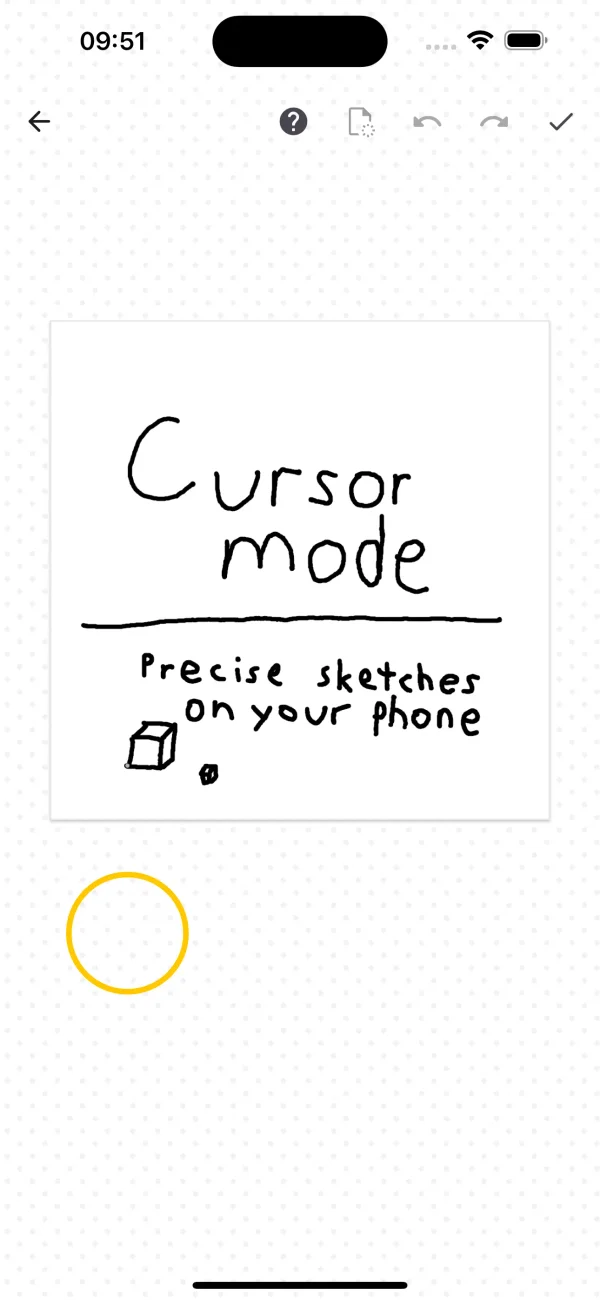
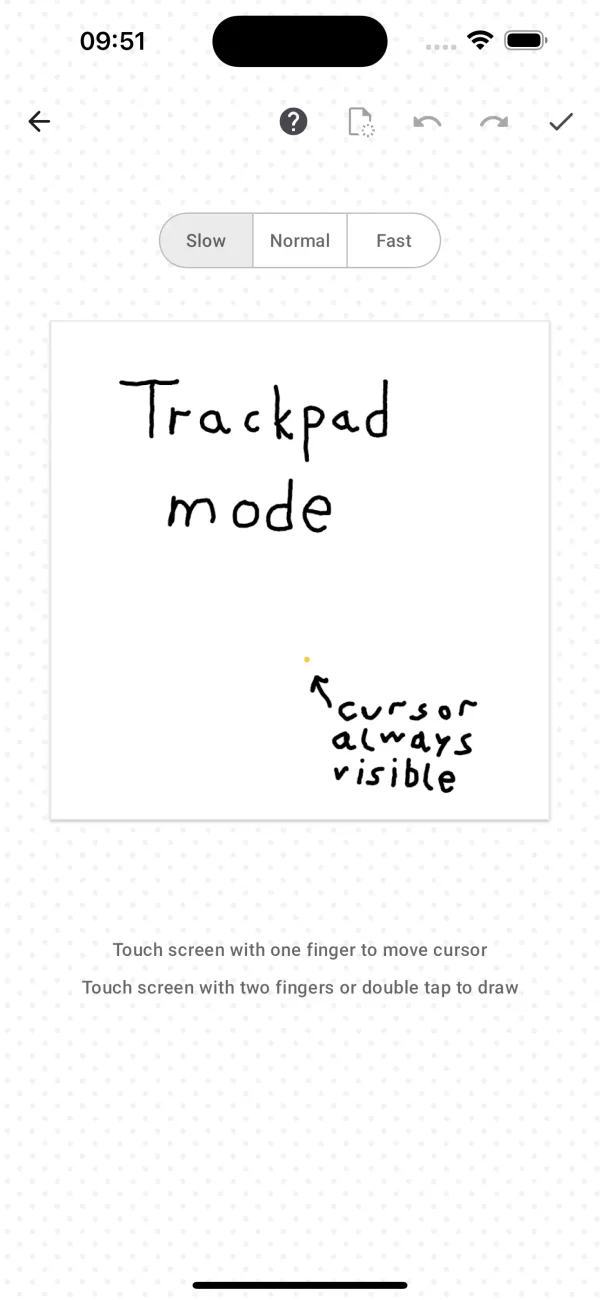
Ever wanted to quickly make a sketch to explain something or to remember a brilliant idea on the go? Then Draw XP's "Trackpad" and "Cursor Finger" modes are for you. With these modes you can draw more precise than ever before via a cursor preview that's placed above your draw finger. These modes may take a bit of time to get used to, but once you've understood it, you'll be able to create drawings and sketches right from your phone like never before.
---
Terms of Use: http://drawxp.viewout.net/terms-and-conditions.htm
Novedades
Versión 0.10.1 · 7/8/2025
• Updated age ratings
• Optimisations for new iOS versions
Privacidad de la aplicación
Lo que David Leander Dias Duarte declara en App Store sobre cómo esta aplicación gestiona los datos.
-
Datos usados para rastrearte
Pueden usarse para rastrearte en aplicaciones y sitios web propiedad de otras empresas.
- Ubicación
- Identificadores
- Datos de uso
- Diagnóstico
-
Datos vinculados a ti
Pueden recopilarse y vincularse a tu identidad.
- Ubicación
- Identificadores
- Datos de uso
- Diagnóstico
-
Datos no vinculados a ti
Pueden recopilarse, pero no se vinculan a tu identidad.
- Compras
- Diagnóstico
Las prácticas de privacidad pueden variar, por ejemplo, según las funciones que uses o tu edad.
Información
- Vendedor
- David Leander Dias Duarte
- Categoría
- Diseño gráfico
- Versión
- 0.10.1
- Actualizado
- 7/8/2025
- Publicado
- 4/8/2024
- Tamaño
- 39,1 MB
- Requiere
- iOS 15.0 o posterior
- Clasificación por edad
- 4+
- Precio
- Gratis
- Compras en la aplicación
- Sí
- Idiomas
- Inglés
- Copyright
- © 2023 David Leander Dias Duarte
Quizá también te guste
-
 MultiPlotDiseño gráfico
-
 IrisFold: Pattern MakerDiseño gráfico
-
 LineForge: Vector SVGDiseño gráfico
-
 Pixel WorksDiseño gráfico
-
 Infinite PumpkinsDiseño gráfico
-
 IsometriaDiseño gráfico
-
 EtchDrawDiseño gráfico
-
 ¡Explota Todo! Dibujo LocoPinceles mágicos para niños
-
 ISD Studio 3DDiseño gráfico
-
 CraZeAppDiseño gráfico