
Draw XP
The experimental drawing app
Conçue pour iPhone, iPad, iPod touch
Gratuit · Achats intégrés
- Classification d’âge4+
- CatégorieGraphisme et design
- DéveloppeurDavid Leander Dias Duarte
- LanguesAnglais
- Taille39,1 Mo
Renvoie vers la page App Store officielle
Download.org n’héberge aucun fichier de Draw XP. Le bouton ouvre la page de l’application sur App Store, où David Leander Dias Duarte la publie. Fiche vérifiée pour la dernière fois le 18/11/2026.
Captures d’écran
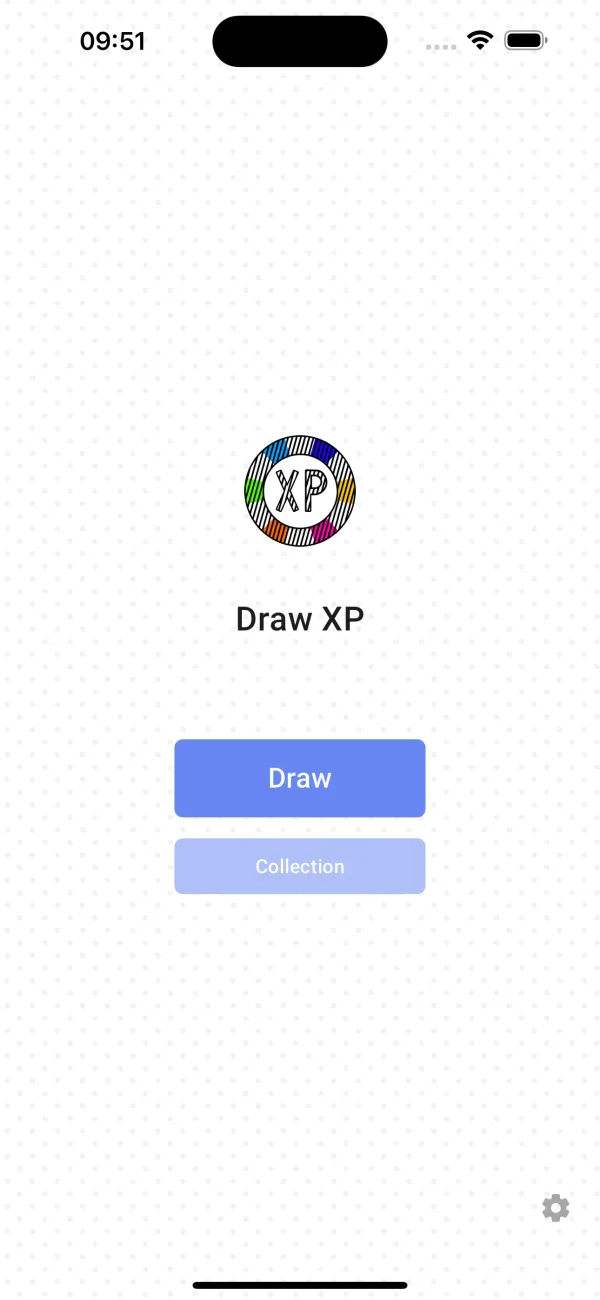
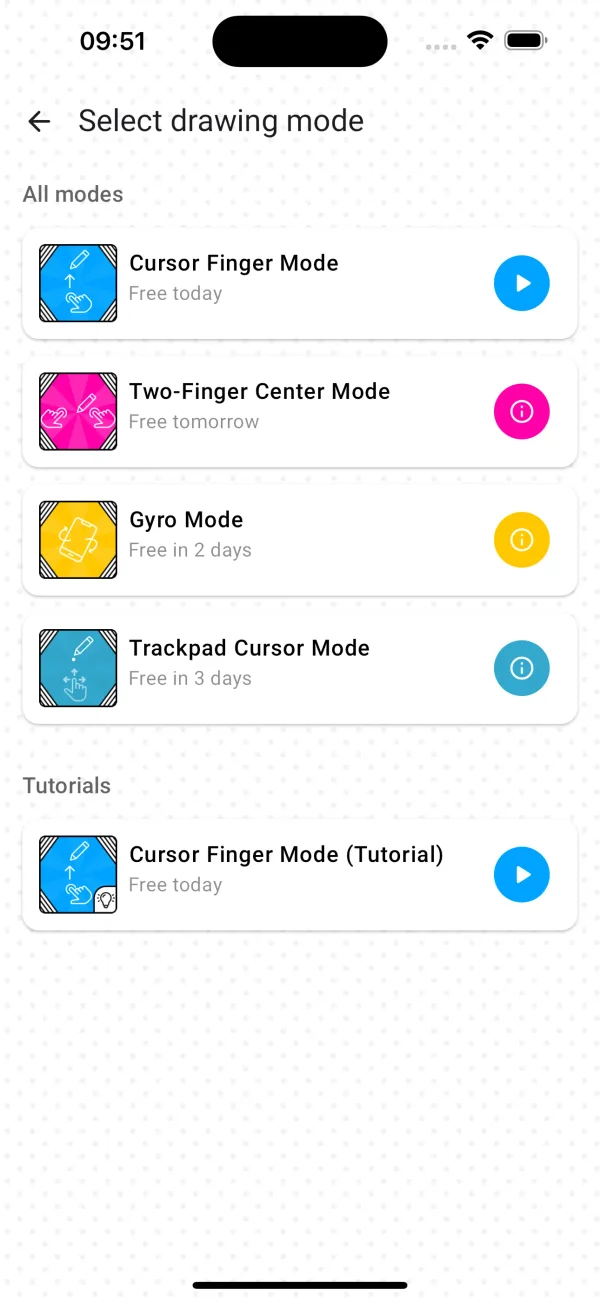
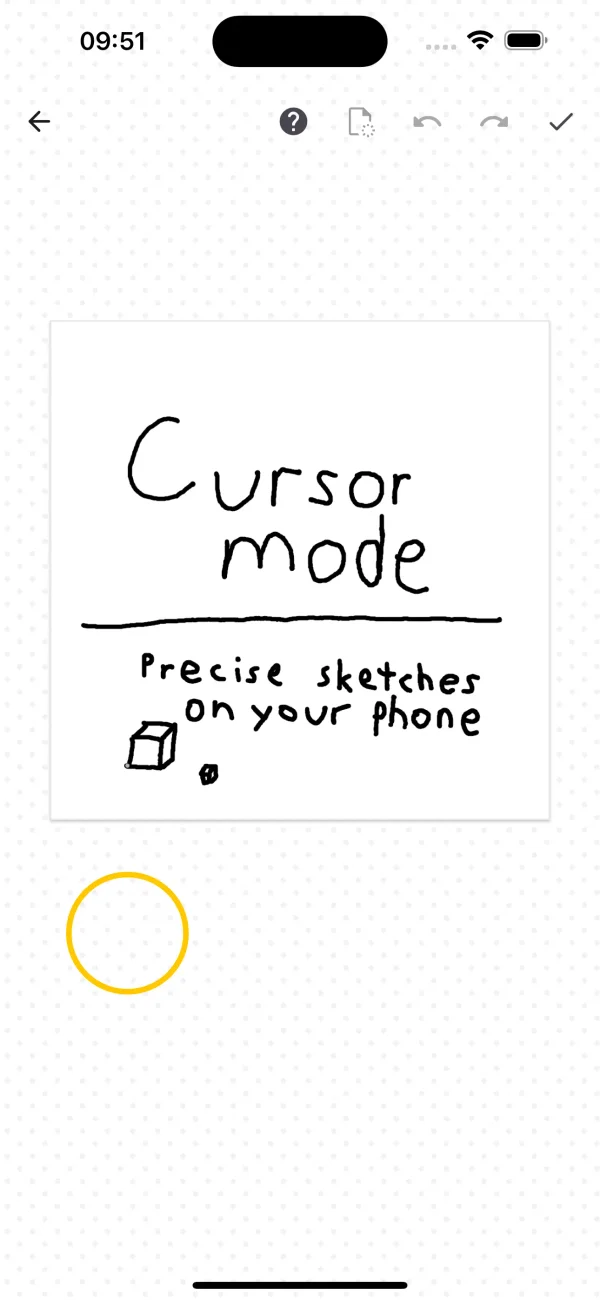
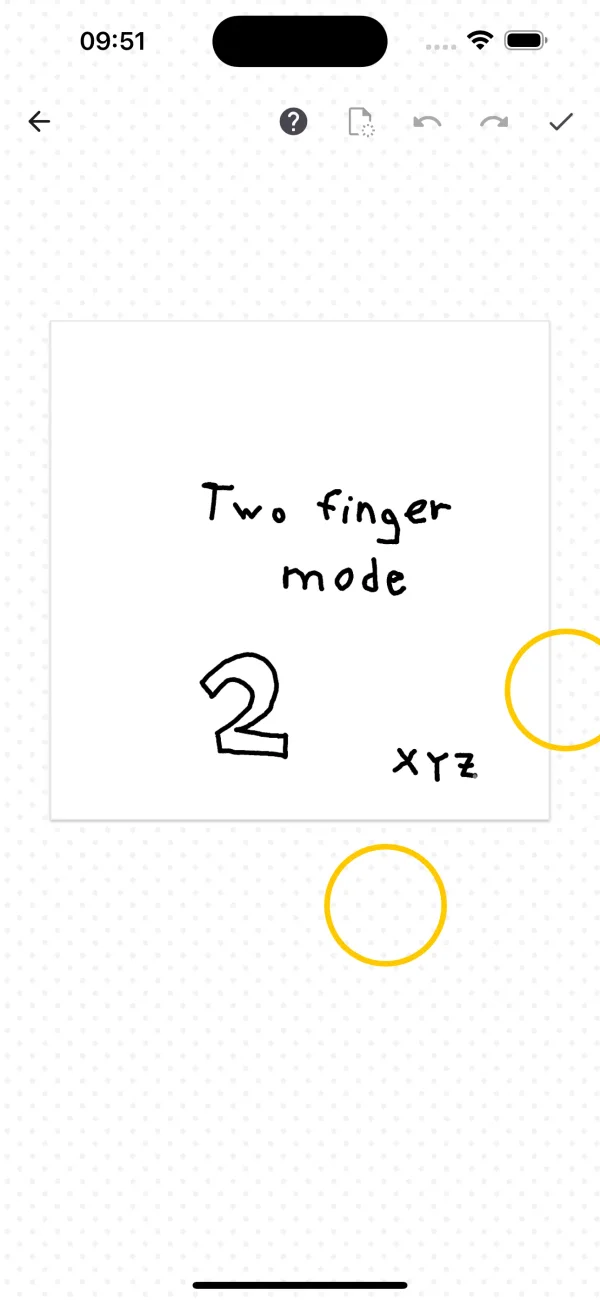
À propos
Le développeur n’a pas fourni ce texte dans votre langue.
Experience New Ways To Draw on Your Phone
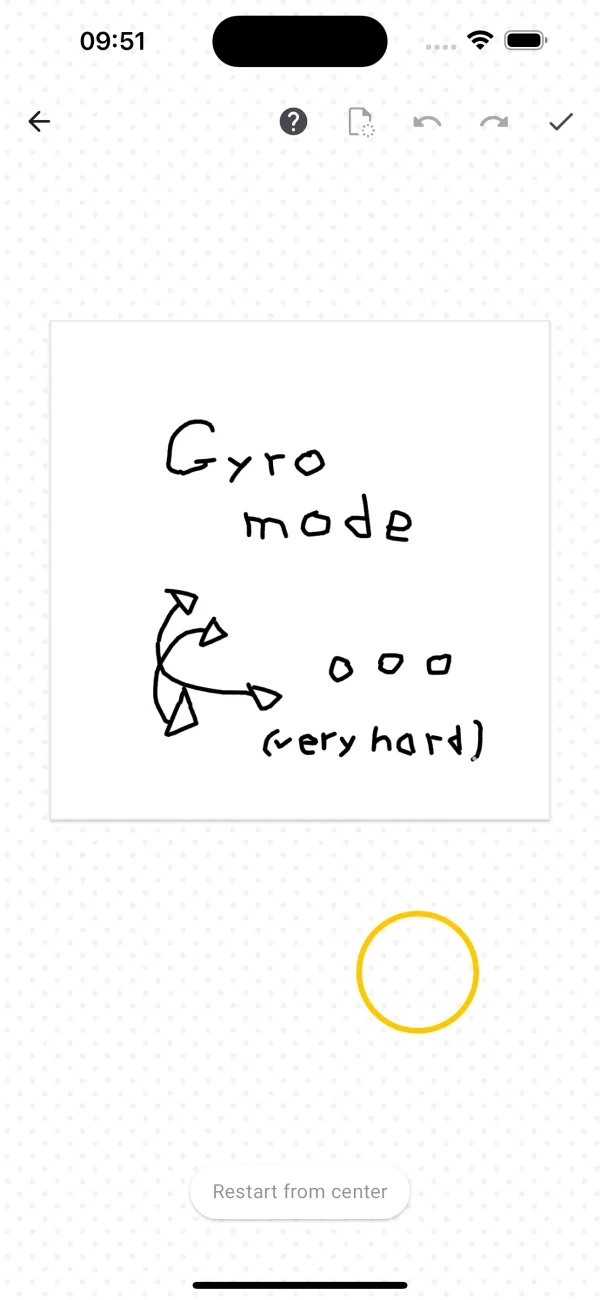
Making sketches on a phone without a stylus can be a hassle, with precise drawings being almost impossible. Draw XP aims to change this by trying out unique new ideas to draw on a phone. These ideas include cursors, using multiple fingers to draw, or even a gyroscope. Some of these ideas work, others don't - the aim is to learn and to use these learnings to arrive at great new ways to draw on a phone at the end of this journey.
Be Part of the Experiment
By using Draw XP, you get two things: first, you get to try out unique new ways to draw on your phone. These new ways may be fun, or they may lead you to think anew about what you can do with your phone. Secondly, you get access to some seriously useful drawing modes that offer finger-based drawing on a level not possible with other apps.
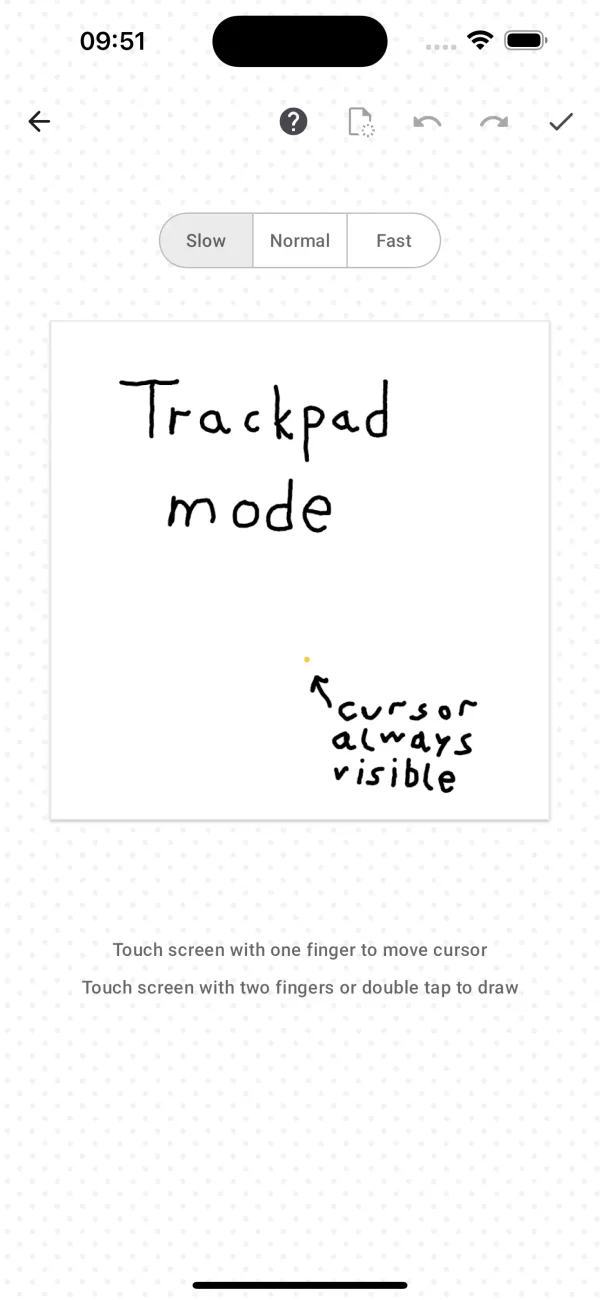
Create Precise Sketches on Your Phone Without a Stylus: Trackpad Mode and Cursor Finger Mode
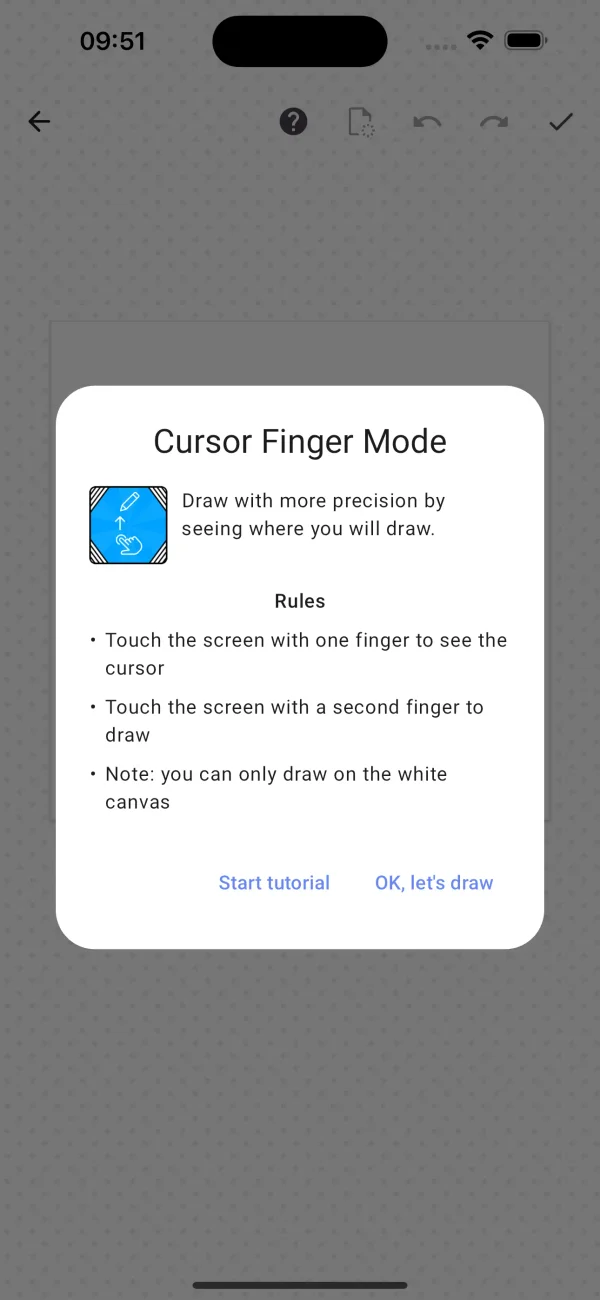
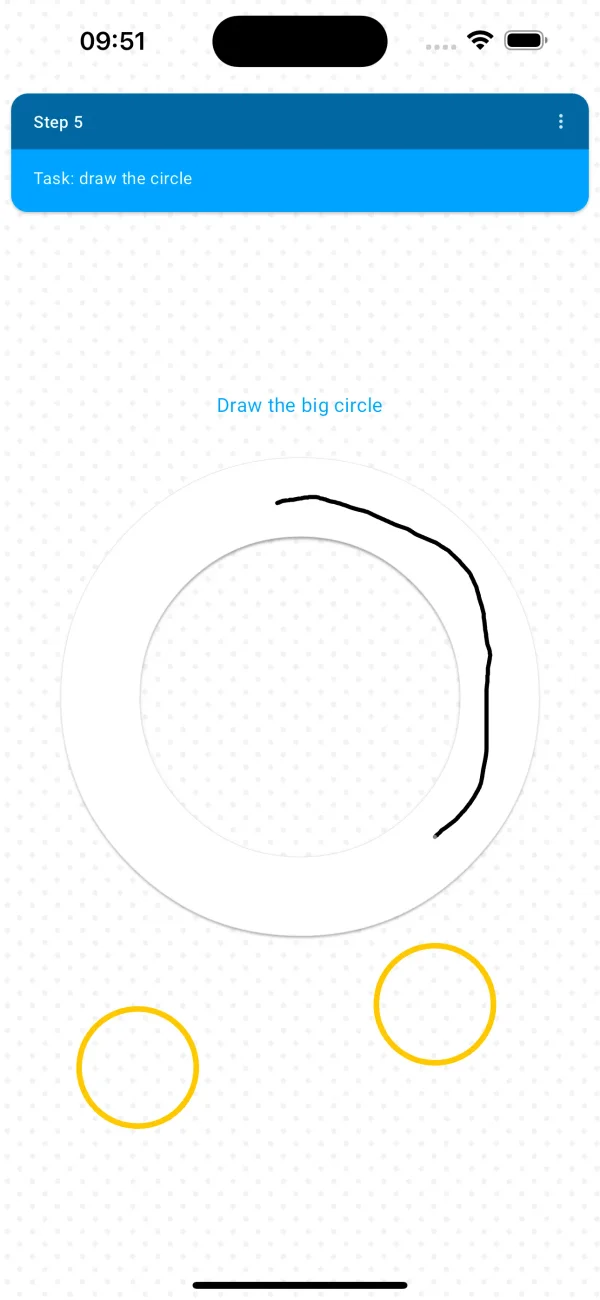
Ever wanted to quickly make a sketch to explain something or to remember a brilliant idea on the go? Then Draw XP's "Trackpad" and "Cursor Finger" modes are for you. With these modes you can draw more precise than ever before via a cursor preview that's placed above your draw finger. These modes may take a bit of time to get used to, but once you've understood it, you'll be able to create drawings and sketches right from your phone like never before.
---
Terms of Use: http://drawxp.viewout.net/terms-and-conditions.htm
Nouveautés
Version 0.10.1 · 07/08/2025
• Updated age ratings
• Optimisations for new iOS versions
Confidentialité de l’application
Ce que David Leander Dias Duarte déclare sur l’App Store au sujet du traitement des données par cette application.
-
Données utilisées pour vous suivre
Peuvent être utilisées pour vous suivre sur des applications et des sites web appartenant à d’autres sociétés.
- Emplacement
- Identifiants
- Données d’utilisation
- Diagnostic
-
Données établissant un lien avec vous
Peuvent être collectées et liées à votre identité.
- Emplacement
- Identifiants
- Données d’utilisation
- Diagnostic
-
Données n’établissant aucun lien avec vous
Peuvent être collectées, mais ne sont pas liées à votre identité.
- Achats
- Diagnostic
Les pratiques en matière de confidentialité peuvent varier, notamment en fonction des fonctionnalités que vous utilisez ou de votre âge.
Informations
- Vendeur
- David Leander Dias Duarte
- Catégorie
- Graphisme et design
- Version
- 0.10.1
- Mis à jour
- 07/08/2025
- Publié
- 04/08/2024
- Taille
- 39,1 Mo
- Nécessite
- iOS 15.0 ou version ultérieure
- Classification d’âge
- 4+
- Prix
- Gratuit
- Achats intégrés
- Oui
- Langues
- Anglais
- Copyright
- © 2023 David Leander Dias Duarte
Vous aimerez peut-être aussi
-
 MultiPlotGraphisme et design
-
 IrisFold: Pattern MakerGraphisme et design
-
 LineForge: Vector SVGGraphisme et design
-
 Pixel WorksGraphisme et design
-
 Infinite PumpkinsGraphisme et design
-
 IsometriaGraphisme et design
-
 EtchDrawGraphisme et design
-
 ASMR Drawing for KidsGraphisme et design
-
 ISD Studio 3DGraphisme et design
-
 CraZeAppGraphisme et design