
EasyGrid: Collage Maker
Grids, carousels & collages
Diseñada para iPhone, iPod touch
Gratis
- Clasificación por edad4+
- CategoríaFoto y vídeo
- DesarrolladorStarlance LLP
- IdiomasInglés
- Tamaño82,3 MB
Enlaza a la página oficial de App Store
Download.org no aloja ningún archivo de EasyGrid: Collage Maker. El botón abre la página de la aplicación en App Store, donde la publica Starlance LLP. Ficha comprobada por última vez el 17/11/2026.
Capturas de pantalla
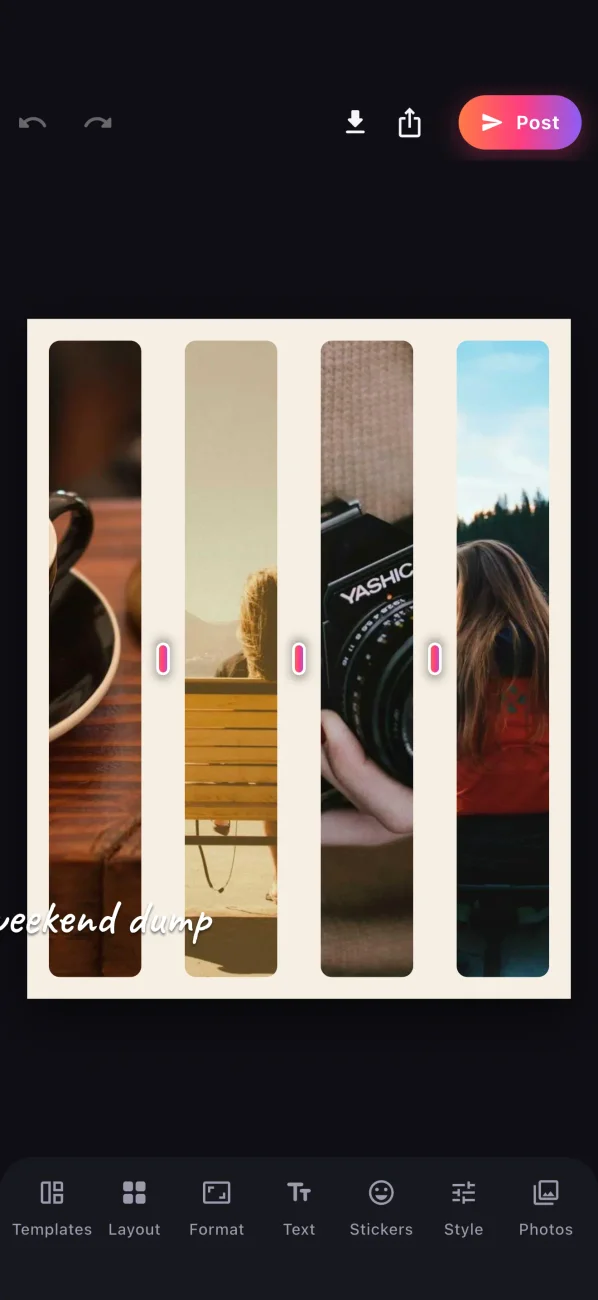
Acerca de
El desarrollador no ha proporcionado este texto en tu idioma.
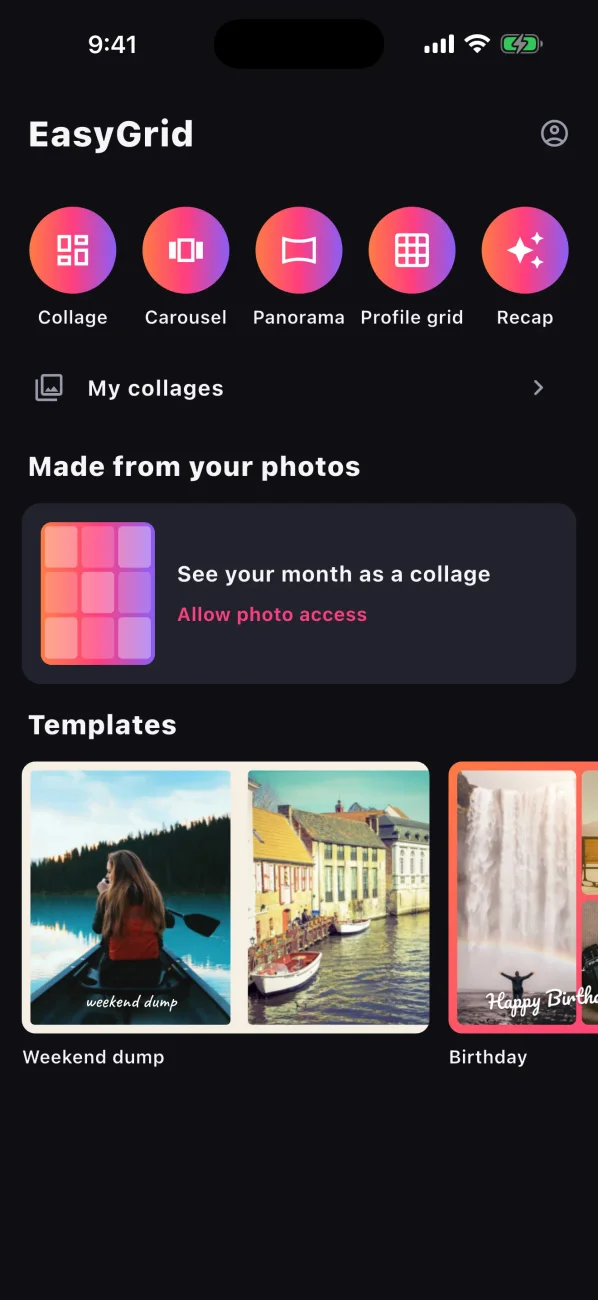
EasyGrid turns your photos into collages, swipeable carousels, panoramas and profile grids, sized for Instagram and ready to post.
SEAMLESS CAROUSELS AND PANORAMAS
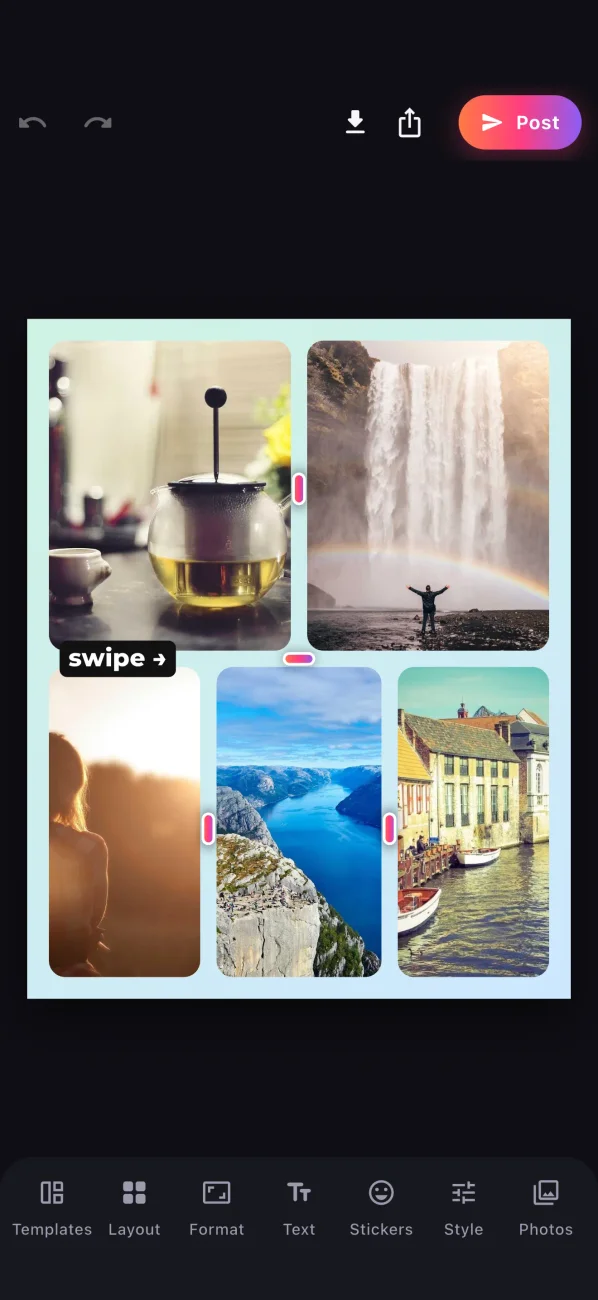
• Photos flow from one slide into the next, so a swipe reads as one big picture
• 7 seamless layouts that adapt to any number of slides, from 2 to 20
• Spread one wide photo across slides as a panorama
PROFILE GRID MAKER
• Split one picture across up to 12 posts (1–4 rows of 3) to fill your profile grid
• Every post is numbered, so you post in the right order and the grid lines up
• Preview the grid as it will look on your profile before you post
RECAPS THAT BUILD THEMSELVES
• Your latest trip, this month, last month or the whole year, laid out in one tap
• Picks your best shots and leaves out blurry and badly exposed ones
• Trips are titled with where they happened
COLLAGES AND LAYOUTS
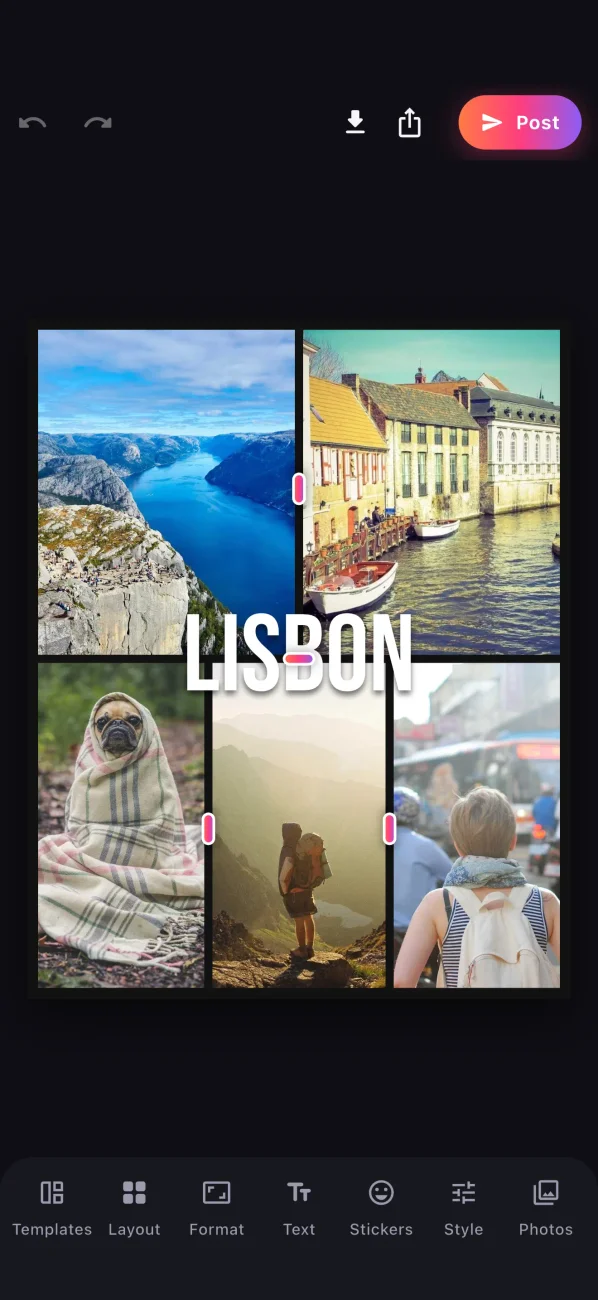
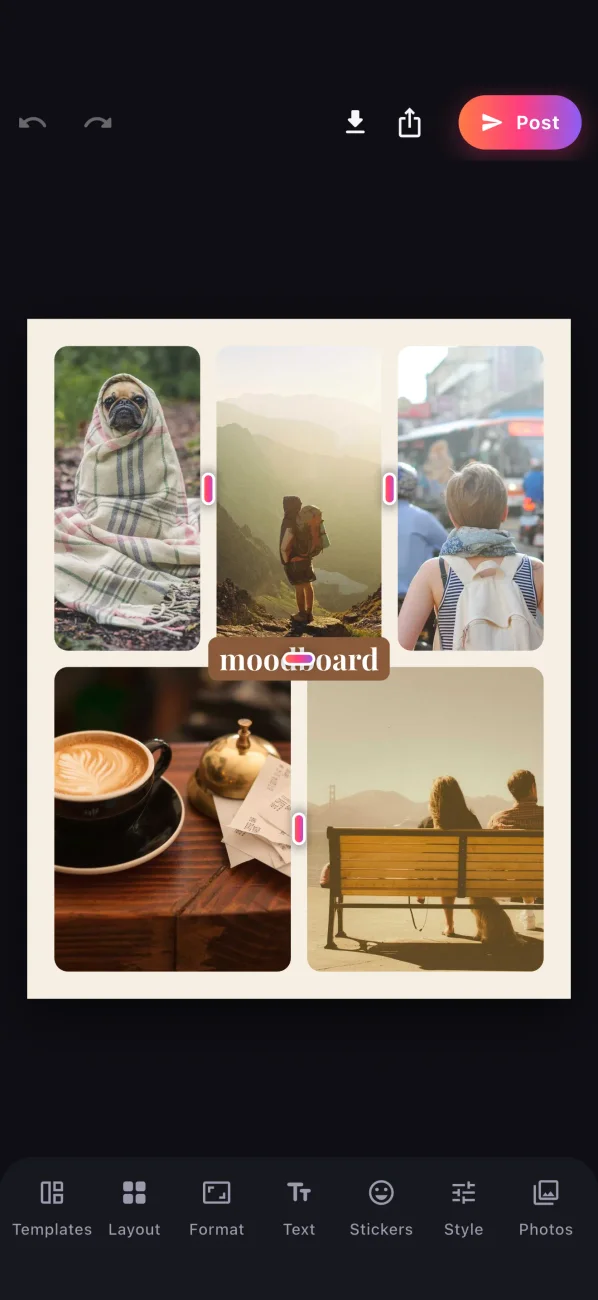
• 16 templates, including Photo dump, Travel, Birthday, Moodboard, Film strip and Before / After
• 14 layouts with dividers you can drag to resize
• Square, portrait, story and landscape sizes, with a tip on when to use each
• Smart framing keeps faces in the frame automatically
MAKE IT YOURS
• 11 filters and 6 adjustments, and one tap to give every photo the same look
• Text in 10 fonts, with colours, backgrounds and text that runs across slides
• Shape and emoji stickers
• Colour, gradient and blurred-photo backgrounds
• Spacing, border and rounded-corner controls
• Lay photos on top like prints, with a white frame and shadow
POST, SAVE AND SHARE
• Post straight to Instagram, with carousel slides in order
• Save full-resolution images to Photos
• Share to any app
• Share photos into EasyGrid from Photos or Files
PRIVATE BY DESIGN
• No account needed
• Your photos stay on your iPhone. Face detection and photo picking run on the device
• Every change is saved automatically, with undo and redo
EasyGrid is not affiliated with or endorsed by Instagram or Meta.
Privacidad de la aplicación
Lo que Starlance LLP declara en App Store sobre cómo esta aplicación gestiona los datos.
-
Datos vinculados a ti
Pueden recopilarse y vincularse a tu identidad.
- Información de contacto
- Contenido del usuario
- Identificadores
-
Datos no vinculados a ti
Pueden recopilarse, pero no se vinculan a tu identidad.
- Identificadores
- Datos de uso
- Diagnóstico
Las prácticas de privacidad pueden variar, por ejemplo, según las funciones que uses o tu edad.
Información
- Vendedor
- Starlance LLP
- Categoría
- Foto y vídeo
- Versión
- 0.1.0
- Actualizado
- 28/10/2026
- Publicado
- 28/10/2026
- Tamaño
- 82,3 MB
- Requiere
- iOS 15.0 o posterior
- Clasificación por edad
- 4+
- Precio
- Gratis
- Idiomas
- Inglés
- Copyright
- © 2026 Starlance LLP
Quizá también te guste
-
 TileifyFoto y vídeo
-
 Photo Grid & Collage MakerFoto y vídeo
-
 Collage - Collage FotosLayout y Montaje de Fotos
-
 AI Studio XFoto y vídeo
-
 Photo Collage: Easy GridFoto y vídeo
-
 AI Artist: Generador Vídeo IAImagen a vídeo y arte IA
-
 Hook − Viral Video ContentFoto y vídeo
-
 DragMagic - Drag Photo EditorFoto y vídeo
-
 AI VidEff: Creador de vídeo IAUptown Funk & Talk Dirty Dance
-
 CamArt-Cut Out&Art FiltersFoto y vídeo