
EasyGrid: Collage Maker
Grids, carousels & collages
Designed for iPhone, iPod touch
Free
- Age rating4+
- CategoryPhoto & Video
- DeveloperStarlance LLP
- LanguagesEnglish
- Size82.3 MB
Links to the official App Store page
Download.org hosts no file of EasyGrid: Collage Maker. The button opens its official App Store page, published by Starlance LLP. Listing last checked on Nov 17, 2026.
Screenshots

About
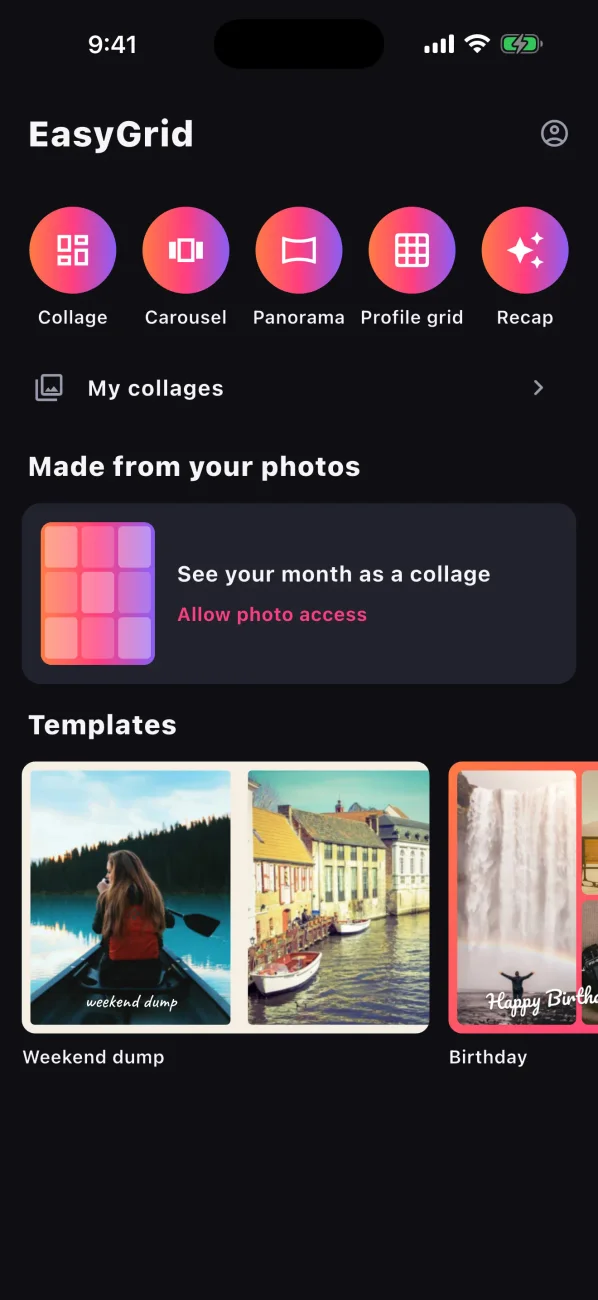
EasyGrid turns your photos into collages, swipeable carousels, panoramas and profile grids, sized for Instagram and ready to post.
SEAMLESS CAROUSELS AND PANORAMAS
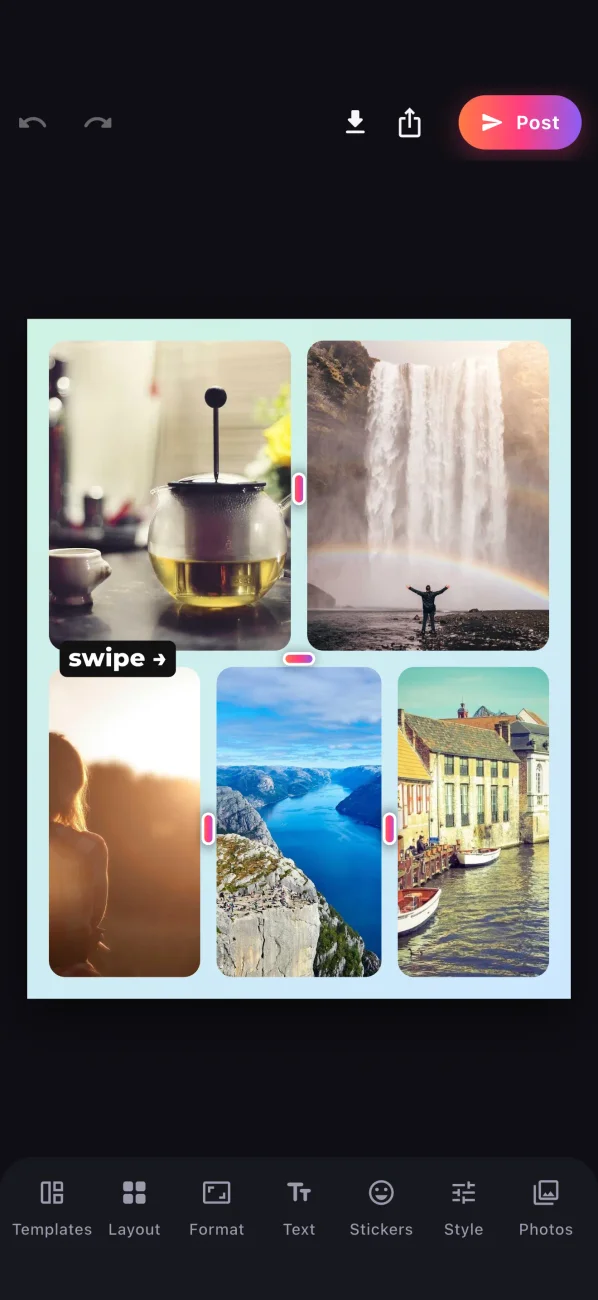
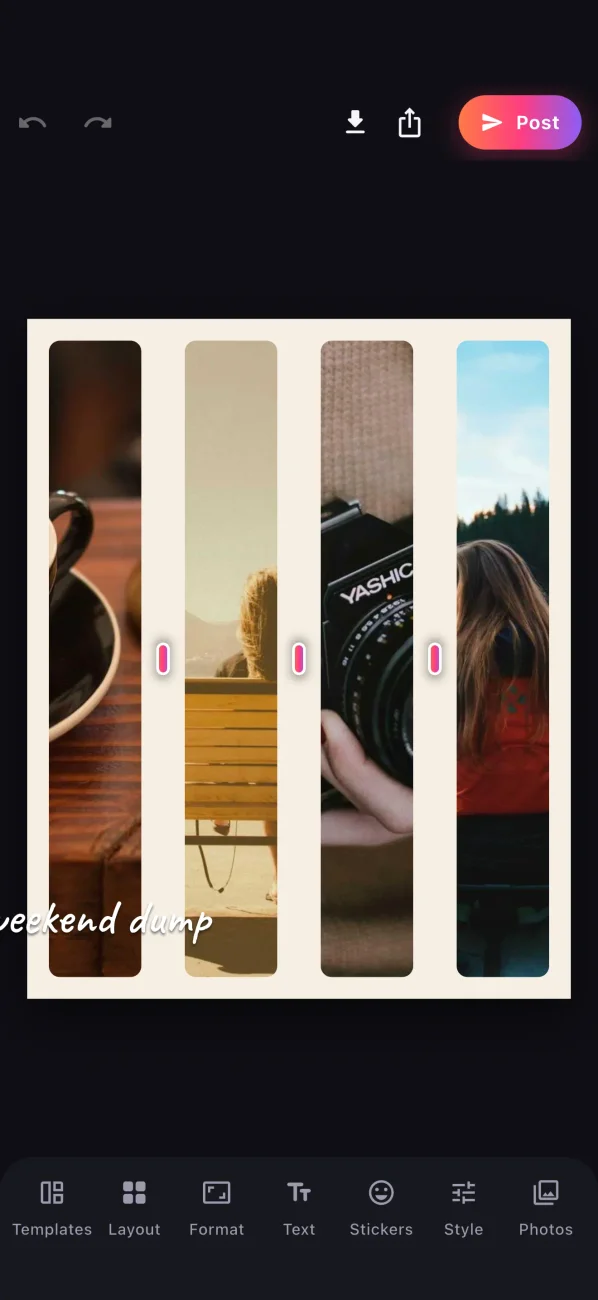
• Photos flow from one slide into the next, so a swipe reads as one big picture
• 7 seamless layouts that adapt to any number of slides, from 2 to 20
• Spread one wide photo across slides as a panorama
PROFILE GRID MAKER
• Split one picture across up to 12 posts (1–4 rows of 3) to fill your profile grid
• Every post is numbered, so you post in the right order and the grid lines up
• Preview the grid as it will look on your profile before you post
RECAPS THAT BUILD THEMSELVES
• Your latest trip, this month, last month or the whole year, laid out in one tap
• Picks your best shots and leaves out blurry and badly exposed ones
• Trips are titled with where they happened
COLLAGES AND LAYOUTS
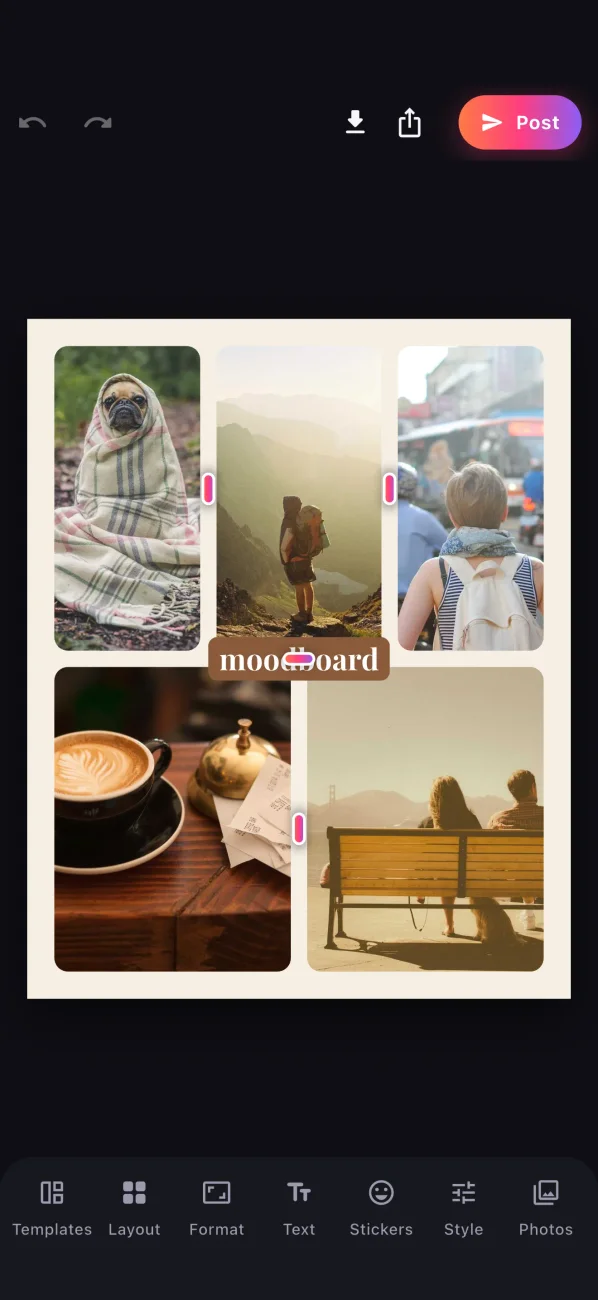
• 16 templates, including Photo dump, Travel, Birthday, Moodboard, Film strip and Before / After
• 14 layouts with dividers you can drag to resize
• Square, portrait, story and landscape sizes, with a tip on when to use each
• Smart framing keeps faces in the frame automatically
MAKE IT YOURS
• 11 filters and 6 adjustments, and one tap to give every photo the same look
• Text in 10 fonts, with colours, backgrounds and text that runs across slides
• Shape and emoji stickers
• Colour, gradient and blurred-photo backgrounds
• Spacing, border and rounded-corner controls
• Lay photos on top like prints, with a white frame and shadow
POST, SAVE AND SHARE
• Post straight to Instagram, with carousel slides in order
• Save full-resolution images to Photos
• Share to any app
• Share photos into EasyGrid from Photos or Files
PRIVATE BY DESIGN
• No account needed
• Your photos stay on your iPhone. Face detection and photo picking run on the device
• Every change is saved automatically, with undo and redo
EasyGrid is not affiliated with or endorsed by Instagram or Meta.
App privacy
What Starlance LLP declares on the App Store about how this app handles data.
-
Data linked to you
May be collected and linked to your identity.
- Contact info
- User content
- Identifiers
-
Data not linked to you
May be collected but is not linked to your identity.
- Identifiers
- Usage data
- Diagnostics
Privacy practices may vary, for example with the features you use or your age.
Information
- Seller
- Starlance LLP
- Category
- Photo & Video
- Version
- 0.1.0
- Updated
- Oct 28, 2026
- Released
- Oct 28, 2026
- Size
- 82.3 MB
- Requires
- iOS 15.0 or later
- Age rating
- 4+
- Price
- Free
- Languages
- English
- Copyright
- © 2026 Starlance LLP
You might also like
-
 TileifyPhoto Collage & Grid Layouts
-
 Photo Grid & Collage MakerSquare Fit Panorama Layout
-
 Collage Maker, Carousel - GridPhoto Editor, Story & Layout
-
 AI Studio XAI Apps and Image Generators
-
 Photo Collage: Easy GridFrames, Collages and Templates
-
 AI Artist: Image to Video AIText to Video & Art Generator
-
 Hook − Viral Video ContentCreator, Transition editor
-
 DragMagic - Drag Photo EditorAI Modify: Face, Pose, Element
-
 AI VidEff: Video GeneratorUptown Funk & Talk Dirty Dance
-
 CamArt-Cut Out&Art FiltersTemplate,Photo Editor