Eave: Lock Screen Notes
Todo, list & reminder widget
Diseñada para iPhone
Compras en la aplicación
- Clasificación por edad4+
- CategoríaProductividad
- DesarrolladorDexter Brylle Matos
- IdiomasInglés
- Tamaño14,6 MB
Es posible que Eave: Lock Screen Notes no esté disponible en App Store en este momento
No se pudo acceder a la ficha de la tienda en nuestra última comprobación. El enlace sigue llevando a la página oficial de App Store.
Capturas de pantalla

Acerca de
El desarrollador no ha proporcionado este texto en tu idioma.
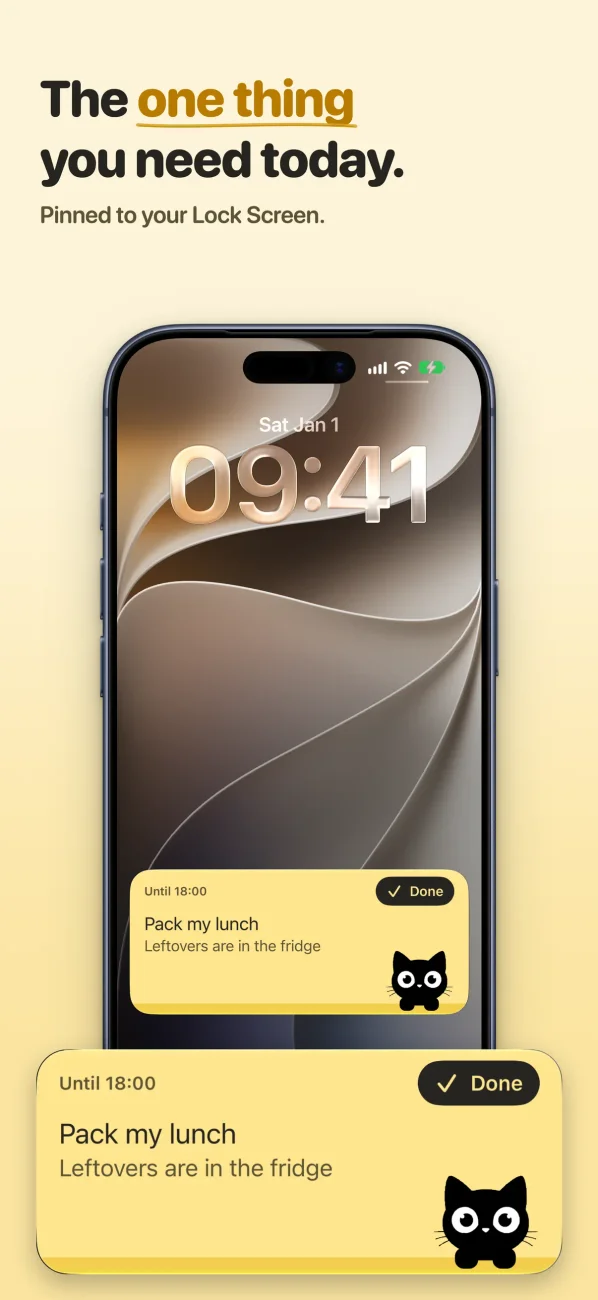
Eave pins the one thing you need today to your iPhone Lock Screen. Pick up your phone, and there it is.
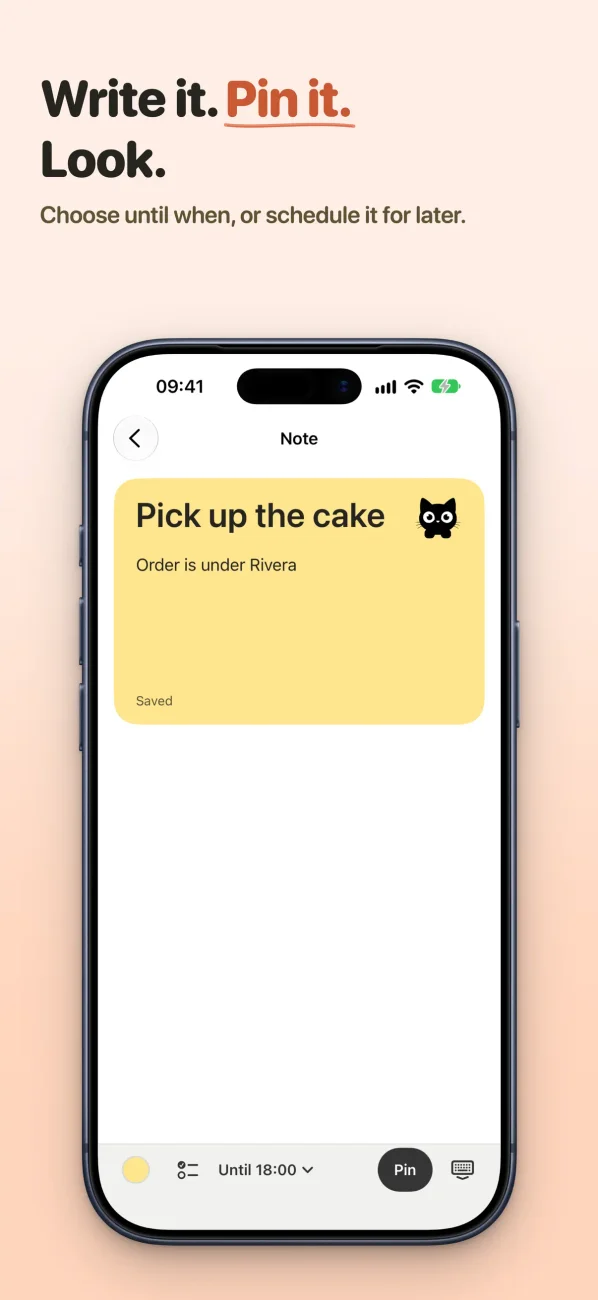
Write a note or a checklist, choose how long it stays, and tap Pin. It shows on your Lock Screen and in the Dynamic Island until it's done or its time is up. No opening an app to check, no digging through a list.
WRITE IT. PIN IT. LOOK.
• Type straight onto the paper. Notes save as you go.
• Choose until when, like "Until 6:00 PM", up to 8 hours.
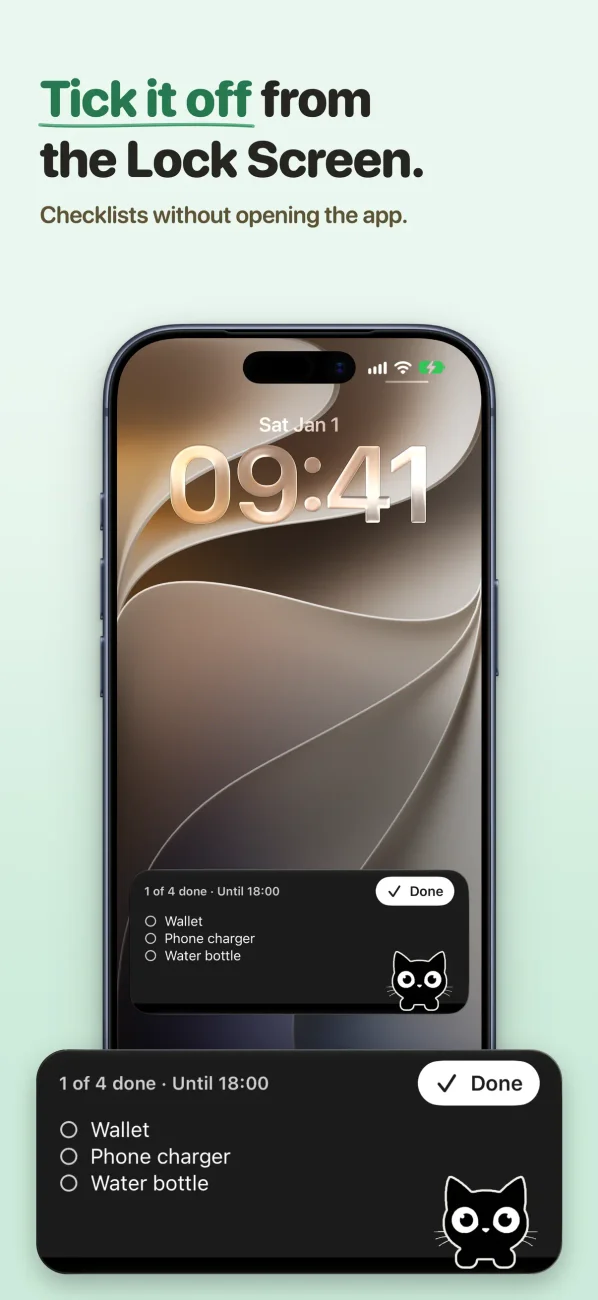
• Tap Done on the Lock Screen when it's handled. The title is struck through, and a moment later the card clears itself.
CHECKLISTS FROM THE LOCK SCREEN
• Groceries, packing, errands: tick off the next item right from the Lock Screen, without opening the app.
• See how far along you are: "1 of 4 done".
PIN IT FOR LATER
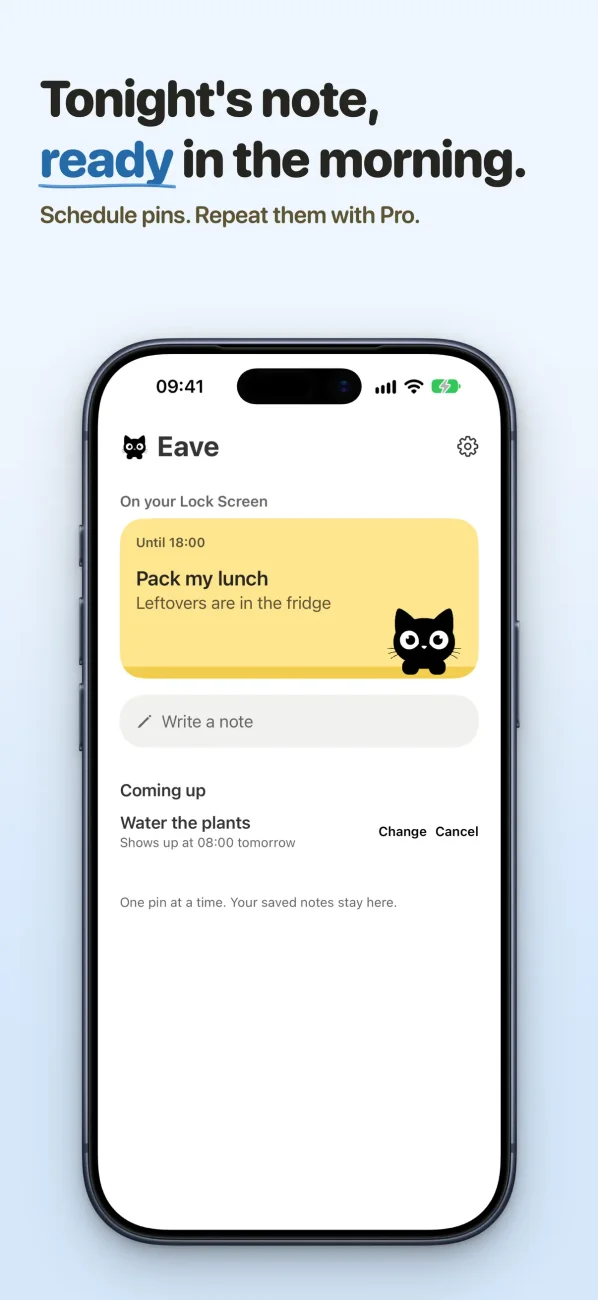
• Write it tonight, and have it ready tomorrow morning. Choose Tonight, Tomorrow, or pick a time.
• On iOS 26 and later, Eave puts it on your Lock Screen by itself at that time. On earlier versions, you get a reminder, and one tap pins it.
MAKE IT YOURS
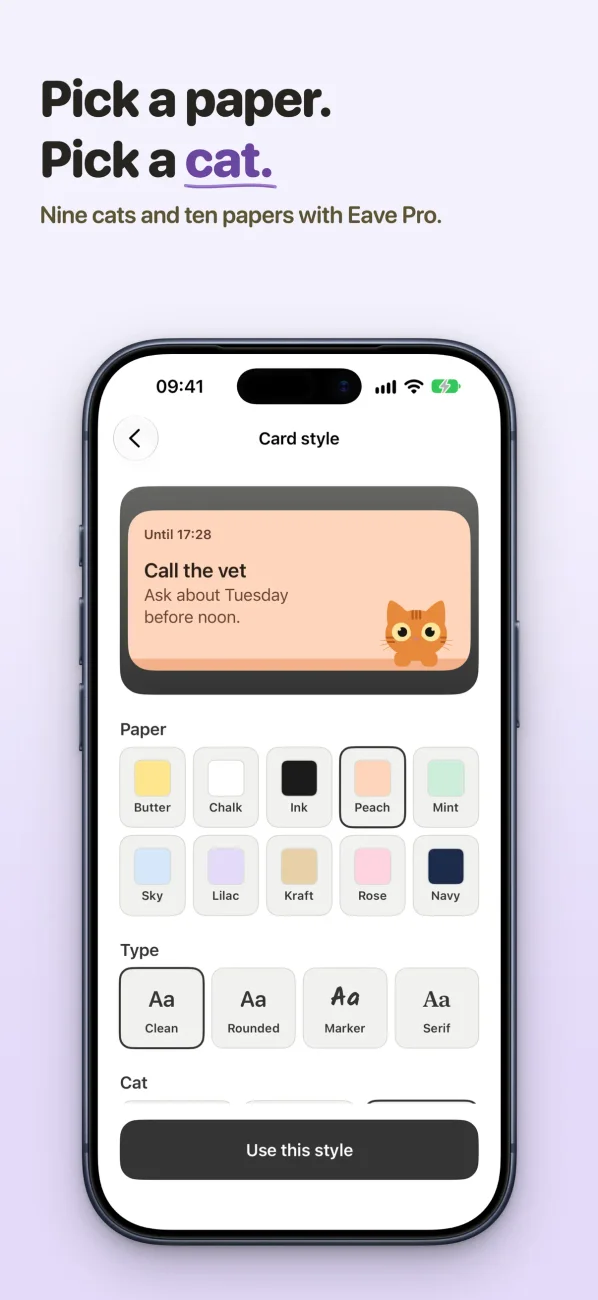
• Each note gets its own paper, so the gym list and the rent reminder don't look alike.
• Free: the Butter, Chalk and Ink papers, the Clean font, and two cats, Black and Snow.
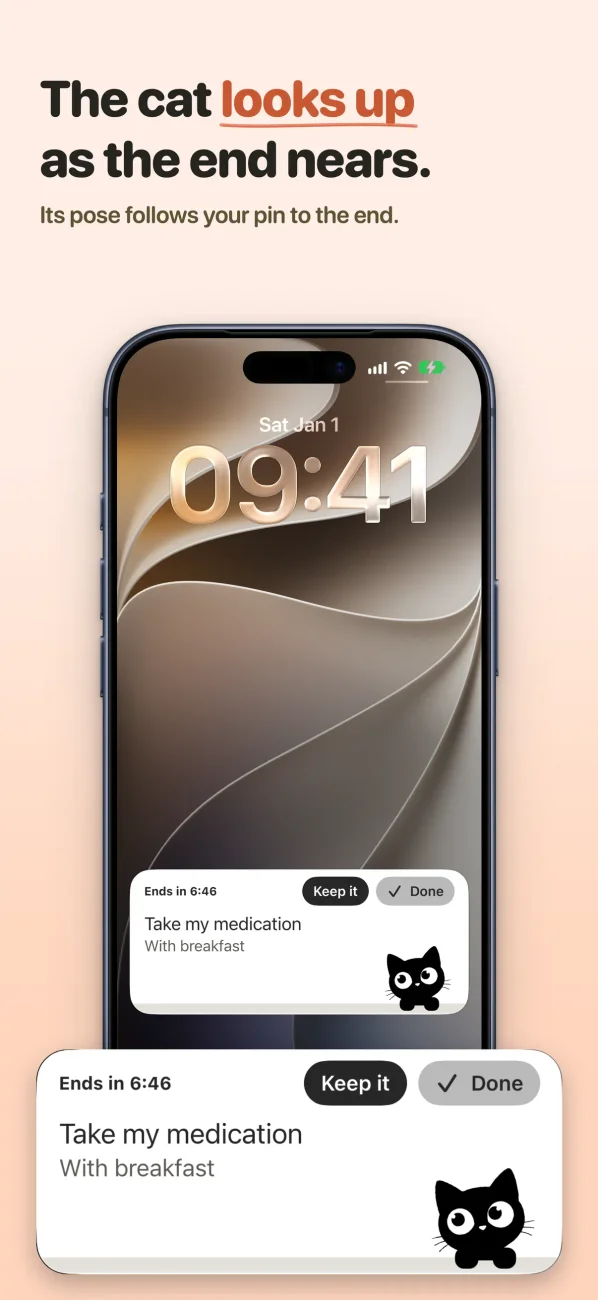
• The cat keeps time with your pin. It watches while the note is up, looks up as the end nears, and closes its eyes when it's over.
• More papers, fonts and cats require Eave Pro, a separate in-app purchase (details below).
WIDGETS, SIRI AND CONTROL CENTER
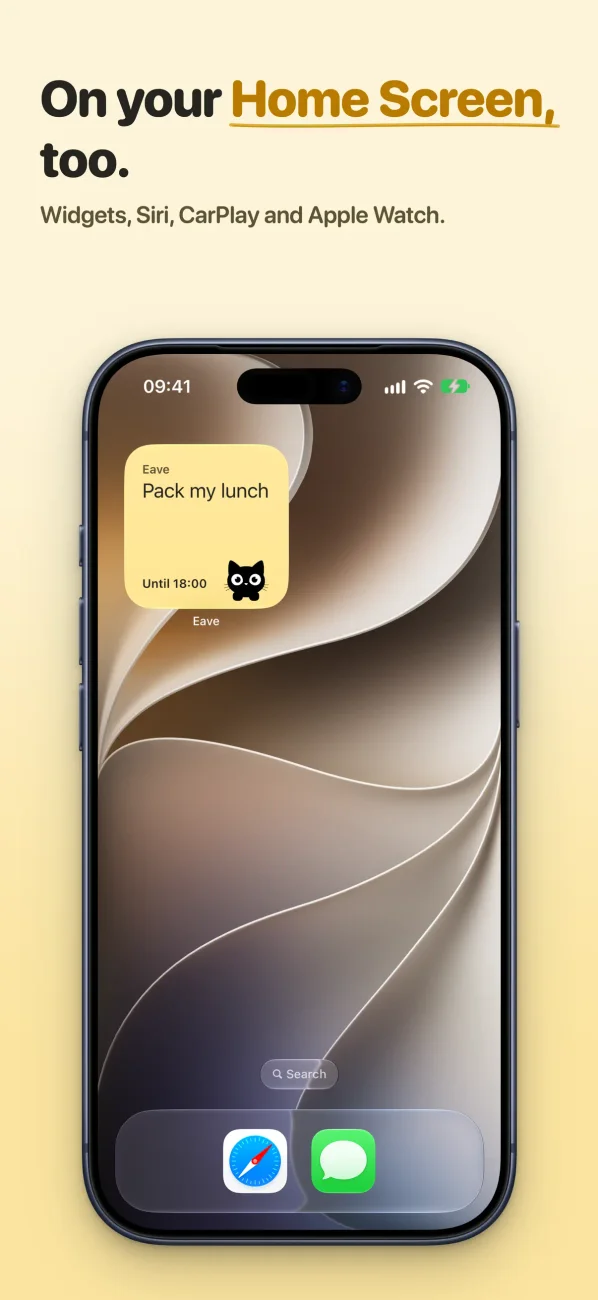
• The free "Eave" widget for your Home Screen and Lock Screen.
• Your pin also shows on Apple Watch, and in CarPlay on iOS 26 and later.
• Start a note from Control Center or the Action Button.
• Ask Siri: "Pin my most recent note in Eave".
PRIVATE BY DESIGN
• No account and nothing to sign up for.
• Your notes stay on your iPhone. There's no server that receives them.
• Export your notes any time.
EAVE PRO: OPTIONAL IN-APP PURCHASE, PAY ONCE
Eave is free to use. These features require Eave Pro, a single in-app purchase (not a subscription):
• Seven more papers: Peach, Mint, Sky, Lilac, Kraft, Rose and Navy
• Three more fonts: Rounded, Marker and Serif
• Seven more cats: Ginger, Smoke, Calico, Tuxedo, Siamese, Brown Tabby and Tortoiseshell
• Repeat: every day, weekdays, or weekly
• The Eave Pro widget, your note as a paper card with list progress
Restore your purchase any time from Settings.
A note on how pins work: iOS runs a Lock Screen card for up to 8 hours, and can end one early, for example after a restart. Eave shows you when a pin has ended, and your note stays saved so you can pin it again in one tap.
Requires iOS 18 or later.
Terms: https://tryeave.app/terms/
Privacy: https://tryeave.app/privacy/
Novedades
Versión 1.0.1 · 3/11/2026
A new cat peeks over the corner of your note, and looks up as the end nears.
• Redesigned Lock Screen card, Dynamic Island, Apple Watch and CarPlay
• Snow joins Black as a free cat
• Eave Pro adds two papers, Rose and Navy, and four cats: Tuxedo, Siamese, Brown Tabby and Tortoiseshell
• Tap Done and the card clears from your Lock Screen after a minute
• The time left keeps counting down on the dimmed Lock Screen
Privacidad de la aplicación
Lo que Dexter Brylle Matos declara en App Store sobre cómo esta aplicación gestiona los datos.
-
Datos no vinculados a ti
Pueden recopilarse, pero no se vinculan a tu identidad.
- Compras
- Identificadores
Las prácticas de privacidad pueden variar, por ejemplo, según las funciones que uses o tu edad.
Información
- Vendedor
- Dexter Brylle Matos
- Categoría
- Productividad
- Versión
- 1.0.1
- Actualizado
- 3/11/2026
- Publicado
- 27/10/2026
- Tamaño
- 14,6 MB
- Requiere
- iOS 18.0 o posterior
- Clasificación por edad
- 4+
- Compras en la aplicación
- Sí
- Idiomas
- Inglés
- Copyright
- © 2026 Dexter Matos
Quizá también te guste
-
 Vellure - Lock Screen NotesProductividad
-
 quickpinsProductividad
-
 Ahead IslandProductividad
-
 fusen - Lock Screen NotesProductividad
-
 Better IslandProductividad
-
 Island Hub: acciones en vivoTemporizadores, listas y pines
-
 Queue: Copy & PasteProductividad
-
 ¿Qué hago? - Lista de tareasTareas en la Dynamic Island
-
 Recordatorios de un VistazoWidget para la pantalla inicio
-
 ADHD NotesProductividad