
Elapsed Time Adder
Adds & subtracts elapsed time
Diseñada para iPhone, iPad, Mac
Gratis
- Clasificación por edad4+
- CategoríaUtilidades
- DesarrolladorAllison Sheridan
- IdiomasInglés
- Tamaño9,5 MB
Enlaza a la página oficial de App Store
Download.org no aloja ningún archivo de Elapsed Time Adder. El botón abre la página de la aplicación en App Store, donde la publica Allison Sheridan. Ficha comprobada por última vez el 14/11/2026.
Capturas de pantalla
Acerca de
El desarrollador no ha proporcionado este texto en tu idioma.
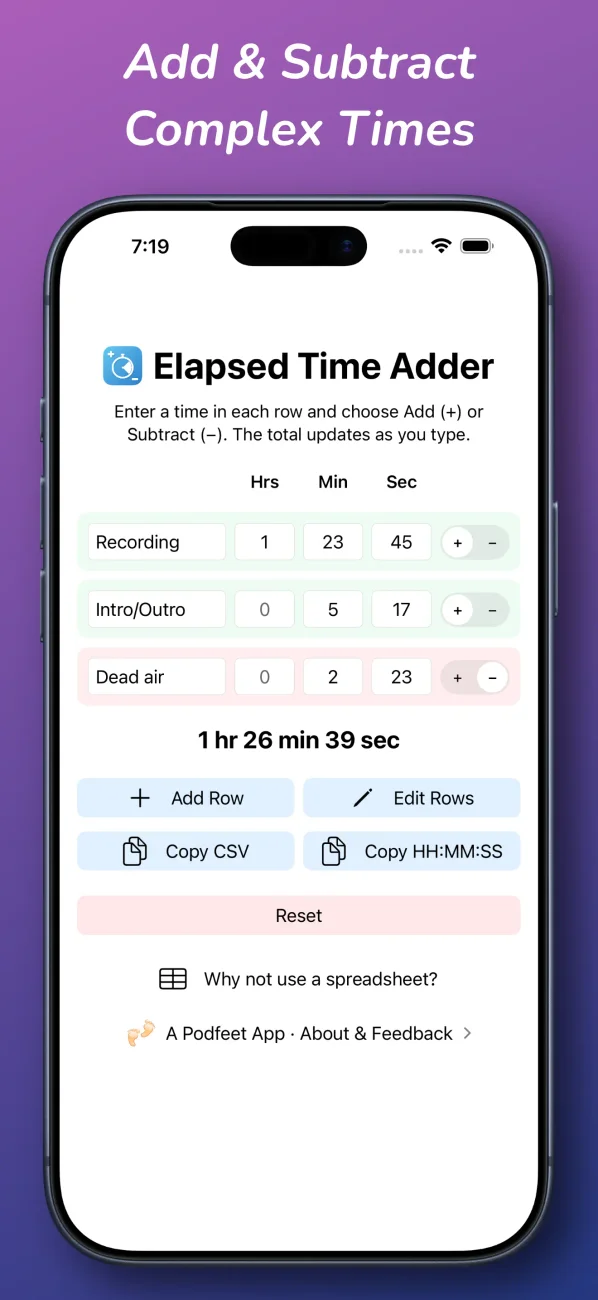
Elapsed Time Adder runs on iOS, iPadOS, and macOS to help you add and subtract elapsed time.
You might ask why not just use a spreadsheet for this? Sadly, while spreadsheets are great at doing calculations, they don't know how to work with elapsed time; they think in time-of-day. Try adding 23 hours plus 7 hours in a spreadsheet — you won't get 30, you'll get 6 (AM)!
If you need to add split times for running or walking, or keep track of time segments in audio or video recording, or time spent on projects, all of these efforts work great with ElapsedTimeAdder.
Enter the times in each row, along with an optional title for each row, and watch the total update automatically in a plain-language way (e.g., "1 hr 23 min 45 sec").
You can type 384.6 seconds, or 74 minutes, and Elapsed Time Adder will easily work with it. If you want to subtract a row, simply hit the +/- toggle, and you'll see the row turn from green to pink.
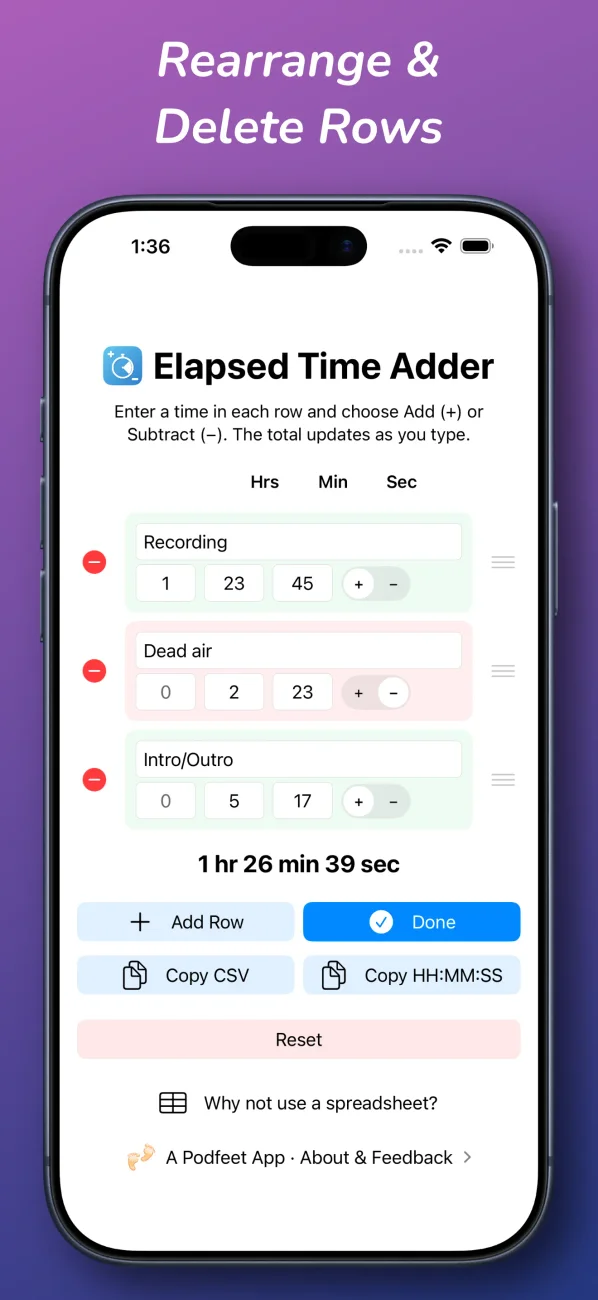
Use the "Add Another Row" button to have more rows in your calculations. If you're on a Mac or an iPad with a keyboard, hitting Tab at the end of the last second cell will add a new row too.
Want to start over? Use the Reset button, and you'll be back to the default number of rows, and they'll all be empty.
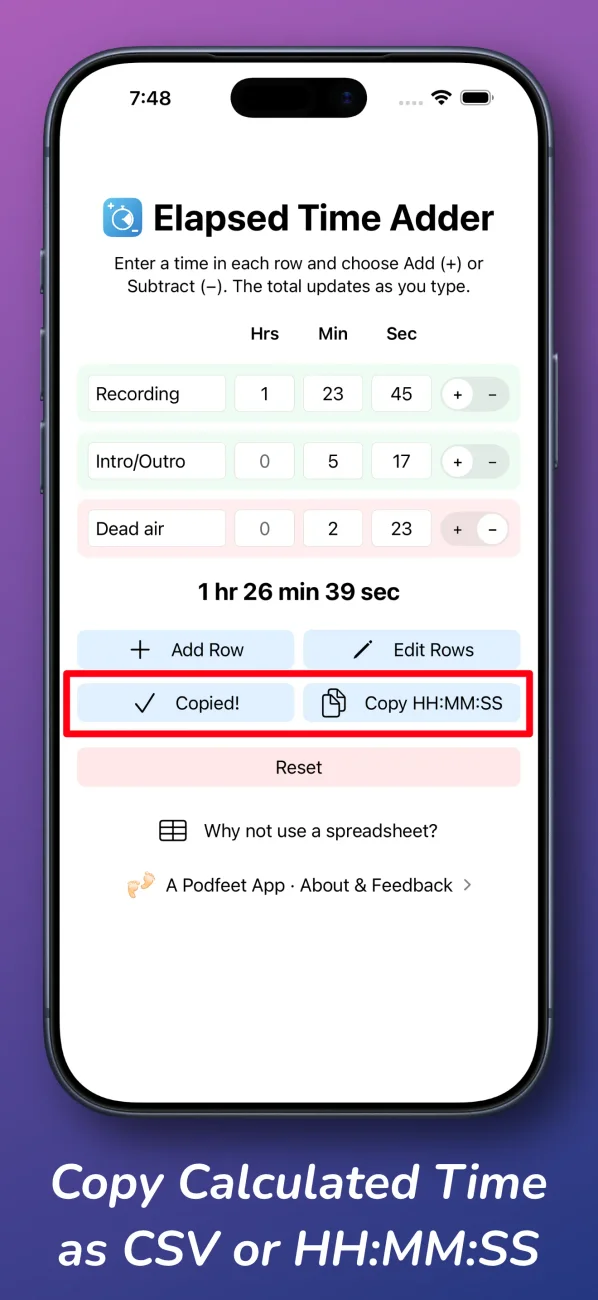
When you're finished, you can copy your data to a CSV suitable for opening in a spreadsheet application, or you can copy in HH:MM:SS format along with the titles for each row. Note that nothing is stored in a back-end system or in the cloud; all of your data is kept on-device only.
Privacidad de la aplicación
Lo que Allison Sheridan declara en App Store sobre cómo esta aplicación gestiona los datos.
-
No se recopilan datos
El desarrollador no recopila ningún dato de esta aplicación.
Las prácticas de privacidad pueden variar, por ejemplo, según las funciones que uses o tu edad.
Información
- Vendedor
- Allison Sheridan
- Categoría
- Utilidades
- Versión
- 1.0
- Actualizado
- 6/8/2026
- Publicado
- 4/8/2026
- Tamaño
- 9,5 MB
- Requiere
- iOS 18.6 o posterior
- Clasificación por edad
- 4+
- Precio
- Gratis
- Idiomas
- Inglés
- Copyright
- © 2026 Allison Sheridan
Quizá también te guste
-
 FLConvertUtilidades
-
 The Last Time ProUtilidades
-
 Ago — Track Life, Not HabitsUtilidades
-
 N2W: Numbers to WordsUtilidades
-
 Quick Timer - Tap & GoUtilidades
-
 CryptoText: Cifrador de Texto10 Cifrados — Cifra y Descifra
-
 ForgeWatch3DUtilidades
-
 Accelerate CrewUtilidades
-
 CheckSync - Check-in StatsUtilidades
-
 My Score Keeper - Scoreboard+Utilidades