Elapsed Time Adder
Adds & subtracts elapsed time
Được thiết kế cho iPhone, iPad, Mac
Miễn phí
- Độ tuổi4+
- Danh mụcTiện Ích
- Nhà phát triểnAllison Sheridan
- Ngôn ngữTiếng Anh
- Kích thước9,5 MB
Liên kết đến trang App Store chính thức
Download.org không lưu trữ tệp nào của Elapsed Time Adder. Nút này mở trang ứng dụng trên App Store, nơi Allison Sheridan phát hành ứng dụng. Trang được kiểm tra lần cuối: 14/11/2026.
Ảnh chụp màn hình
Giới thiệu
Nhà phát triển chưa cung cấp nội dung này bằng ngôn ngữ của bạn.
Elapsed Time Adder runs on iOS, iPadOS, and macOS to help you add and subtract elapsed time.
You might ask why not just use a spreadsheet for this? Sadly, while spreadsheets are great at doing calculations, they don't know how to work with elapsed time; they think in time-of-day. Try adding 23 hours plus 7 hours in a spreadsheet — you won't get 30, you'll get 6 (AM)!
If you need to add split times for running or walking, or keep track of time segments in audio or video recording, or time spent on projects, all of these efforts work great with ElapsedTimeAdder.
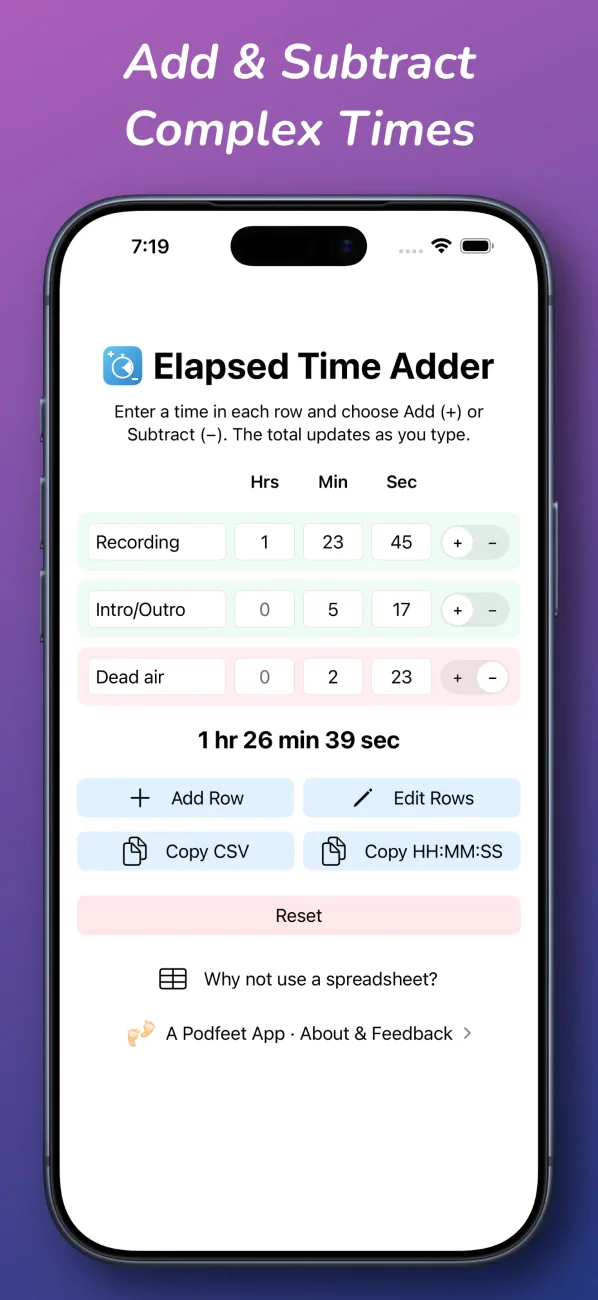
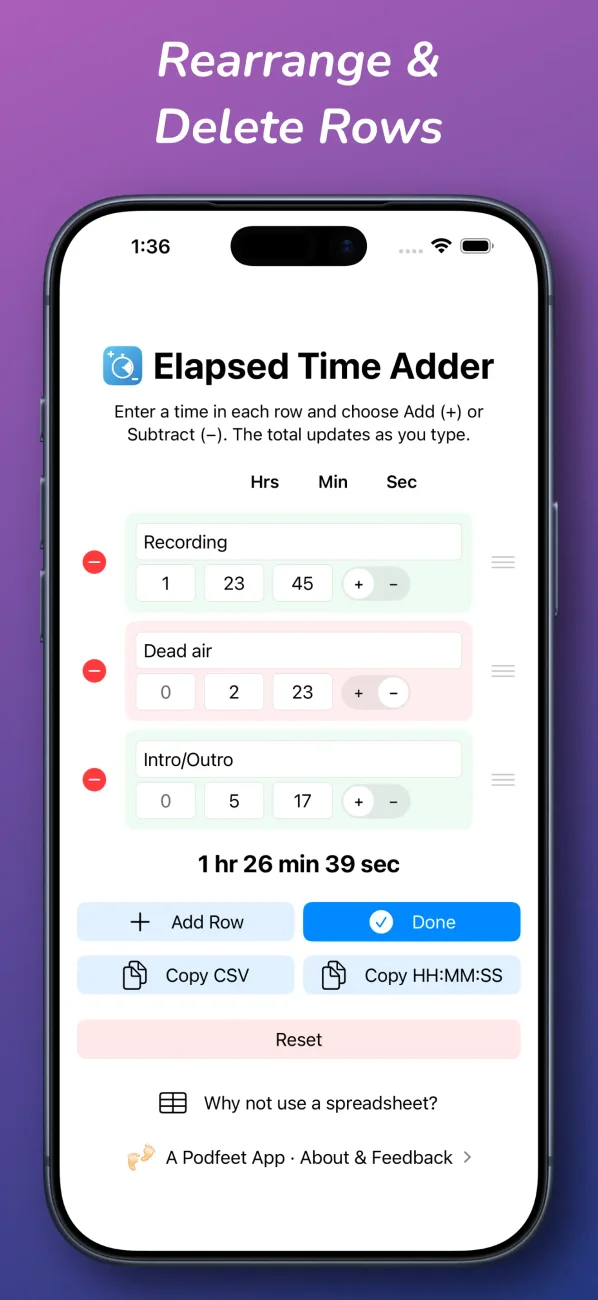
Enter the times in each row, along with an optional title for each row, and watch the total update automatically in a plain-language way (e.g., "1 hr 23 min 45 sec").
You can type 384.6 seconds, or 74 minutes, and Elapsed Time Adder will easily work with it. If you want to subtract a row, simply hit the +/- toggle, and you'll see the row turn from green to pink.
Use the "Add Another Row" button to have more rows in your calculations. If you're on a Mac or an iPad with a keyboard, hitting Tab at the end of the last second cell will add a new row too.
Want to start over? Use the Reset button, and you'll be back to the default number of rows, and they'll all be empty.
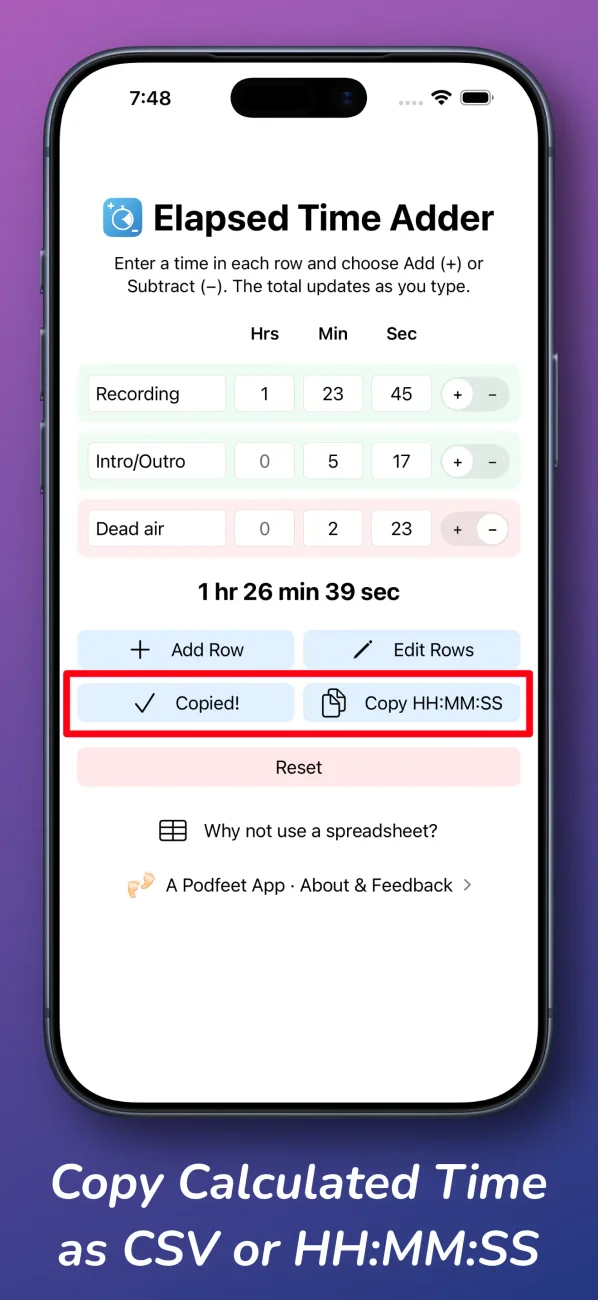
When you're finished, you can copy your data to a CSV suitable for opening in a spreadsheet application, or you can copy in HH:MM:SS format along with the titles for each row. Note that nothing is stored in a back-end system or in the cloud; all of your data is kept on-device only.
Quyền riêng tư của ứng dụng
Những gì Allison Sheridan khai báo trên App Store về cách ứng dụng này xử lý dữ liệu.
-
Dữ liệu không được thu thập
Nhà phát triển không thu thập bất kỳ dữ liệu nào từ ứng dụng này.
Phương thức đảm bảo quyền riêng tư có thể khác nhau, chẳng hạn như tuỳ theo các tính năng bạn sử dụng hoặc độ tuổi của bạn.
Thông tin
- Người bán
- Allison Sheridan
- Danh mục
- Tiện Ích
- Phiên bản
- 1.0
- Cập nhật
- 06/08/2026
- Phát hành
- 04/08/2026
- Kích thước
- 9,5 MB
- Yêu cầu
- iOS 18.6 trở lên
- Độ tuổi
- 4+
- Giá
- Miễn phí
- Ngôn ngữ
- Tiếng Anh
- Bản quyền
- © 2026 Allison Sheridan