GanJiang Timer
Study & Exam Timer
Diseñada para iPhone, iPad, iPod touch
Gratis · Compras en la aplicación
- Clasificación por edad4+
- CategoríaEducación
- Desarrollador显金 王
- IdiomasInglés+ 1 más
- Tamaño53,2 MB
Enlaza a la página oficial de App Store
Download.org no aloja ningún archivo de GanJiang Timer. El botón abre la página de la aplicación en App Store, donde la publica 显金 王. Ficha comprobada por última vez el 27/11/2026.
Capturas de pantalla
Acerca de
El desarrollador no ha proporcionado este texto en tu idioma.
Ganjiang Timer is a study timer and study-management tool for students, parents and teachers. It records the study process and turns it into time data and reports, so you can see exactly where the time went.
· Exam timing
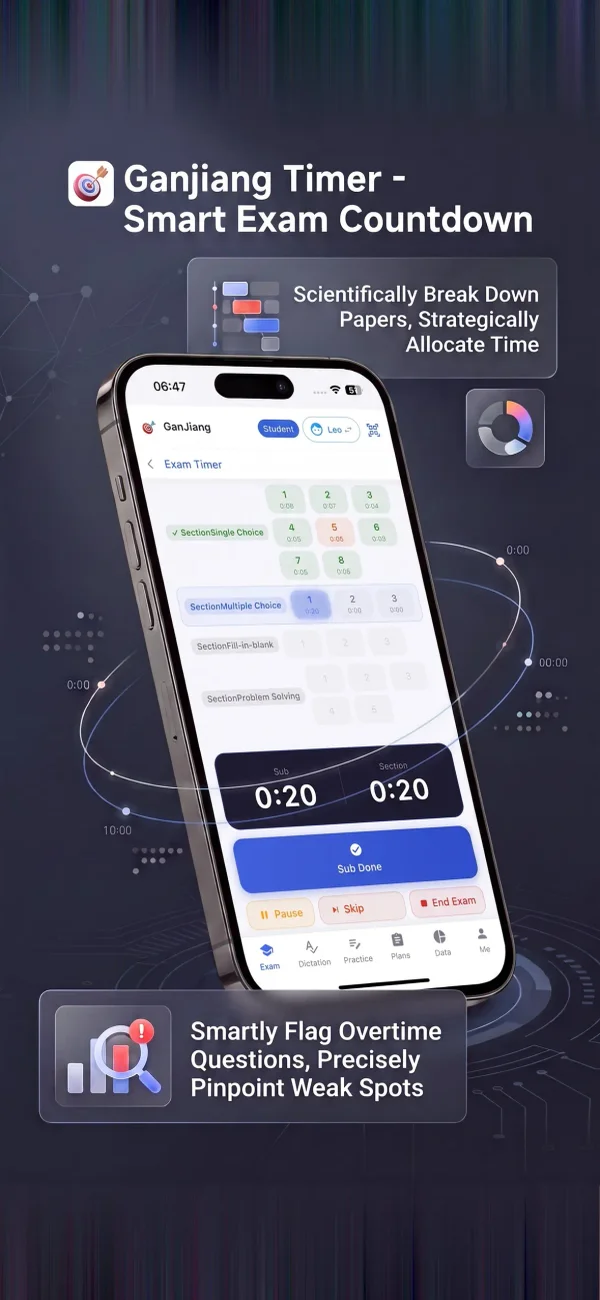
Time each question, grouped by section and sub-question, with configurable section count and a countdown limit. Skip a question, mark it done, or finish early — then get an automatic time report. You can record scores, share the report with teachers and classmates, and print a time label. Retakes and renaming are supported.
· Free practice
Practise any subject or question type with timing, and get a time report. Custom frameworks are supported, with nine built-in preset frameworks for the Chinese college entrance exam.
· Study plans
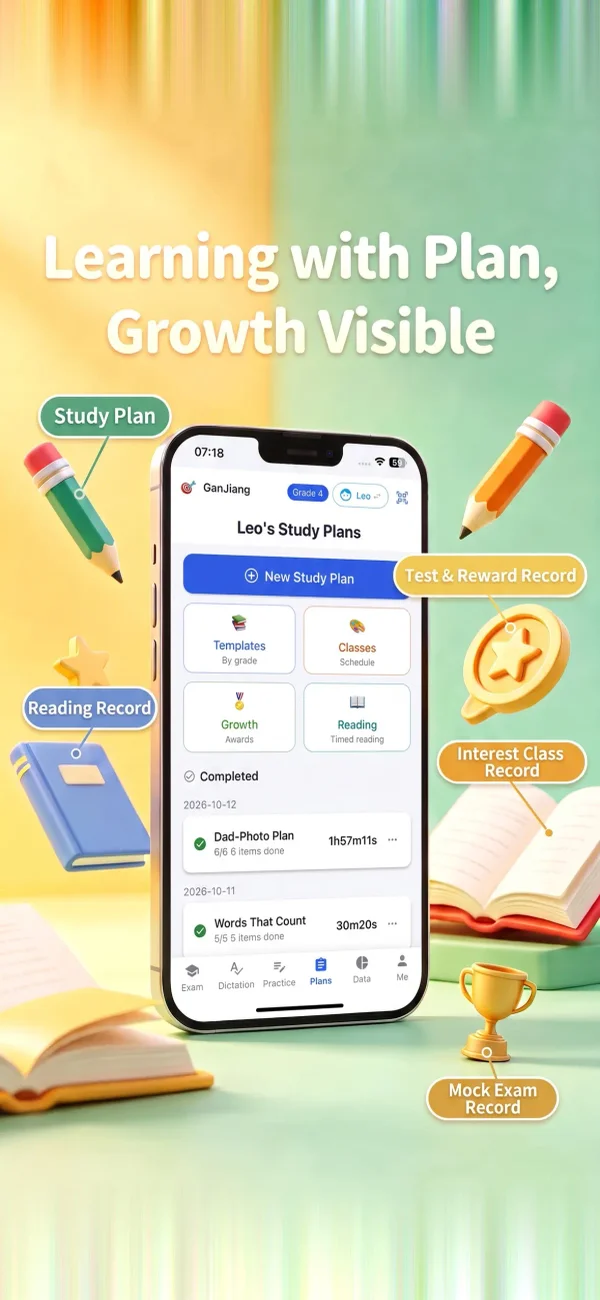
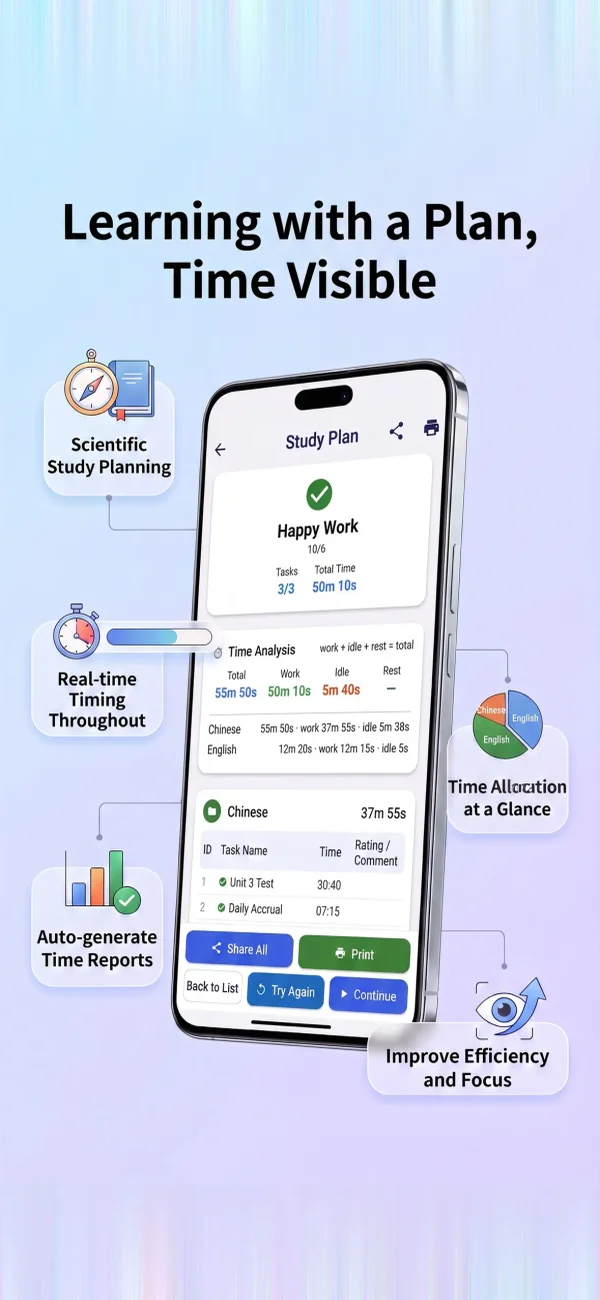
Break the day's work into large and small tasks and time each one as you go. When you finish, you get a "working time / idle time" breakdown showing the split between focus and drift. Built-in templates are organised by school stage and subject, and you can save your own. Batch-adding tasks is supported.
· Pomodoro
Focus, short break and long break modes, with goals and bonus rewards.
· Dictation and spelling
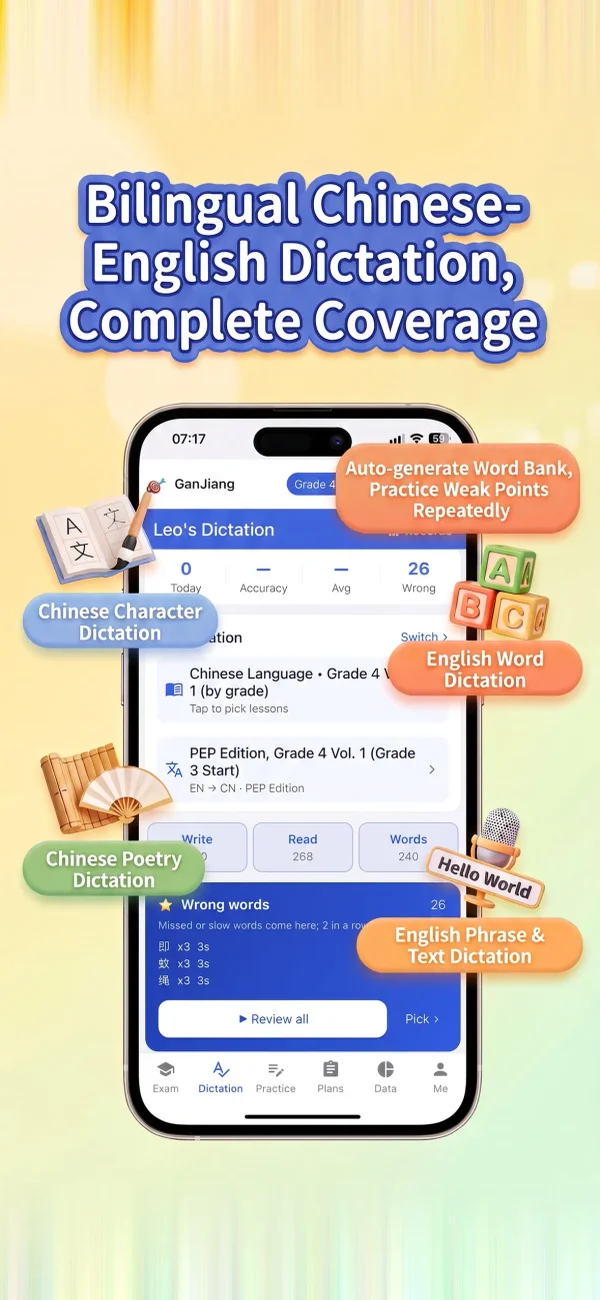
Chinese dictation includes the standard character, vocabulary and classical-poetry lists; English covers word lists from multiple textbook editions. Questions are read aloud, each word is timed, and any wrong or timed-out word goes automatically into a wrong-word book for repeated practice.
· Reading log
Pick a book and start timing; duration and page numbers are recorded automatically. Several books can be tracked at once.
· Data and reports
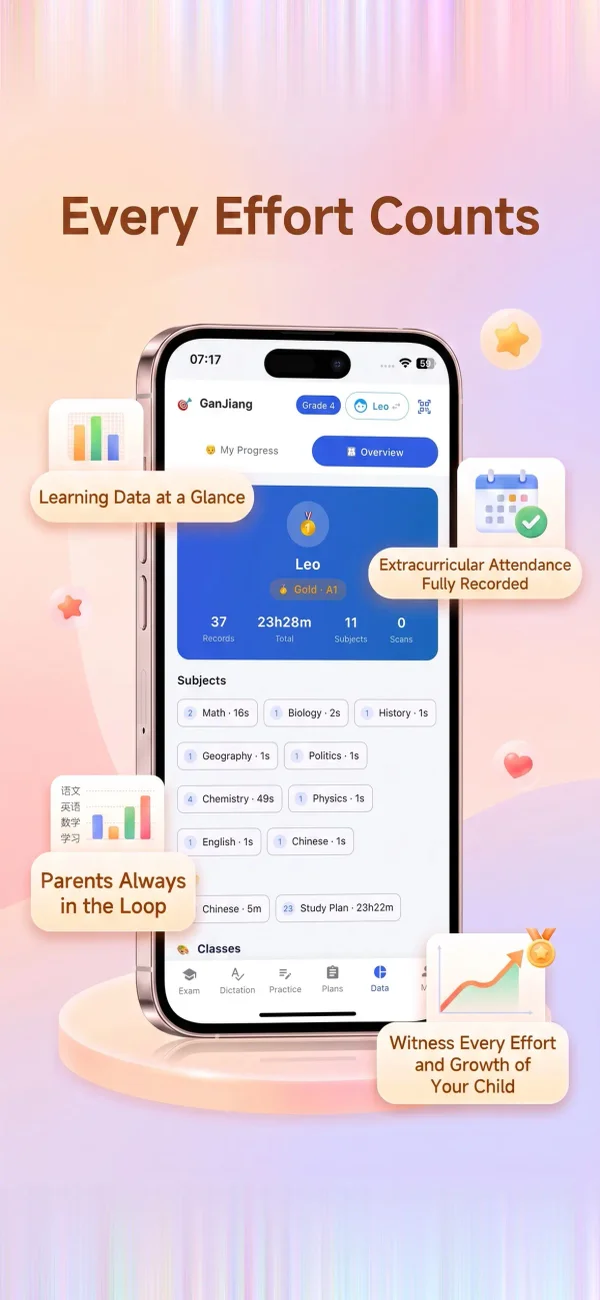
Today, this week, this month, this year and all-time study totals, plus subject breakdown, streaks and badges. A study report can be turned into a QR code and shared with your family.
· Roles
Switch between student, parent and teacher. Teachers can import a class list and compare questions and time; parents can follow their child's records.
· Family sharing
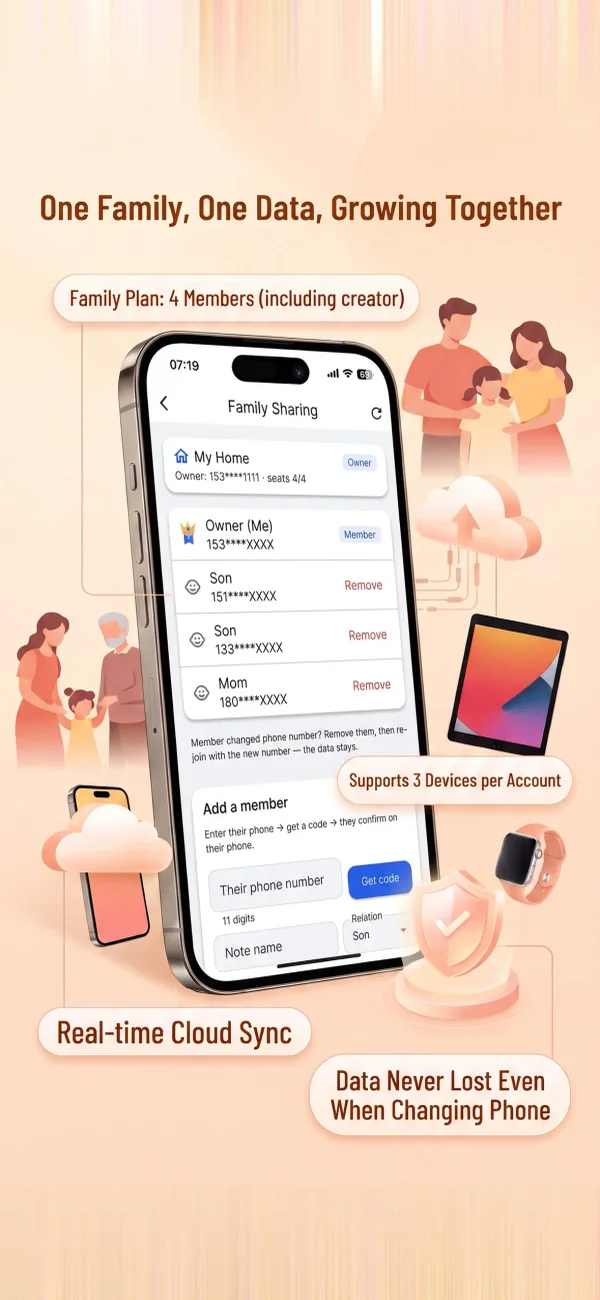
One family card. Up to 4 phone numbers (including the main card) can be used together, all seeing the same profiles and records. One phone number can be used on up to 3 devices at the same time; membership follows the account, so you don't pay again when you switch devices.
· Pricing
All timing, planning, dictation and reading features are available, local features work without an account, and there are no ads. Membership unlocks the full history (without membership the last 7 days are kept), saving your own exam frameworks, and cloud sync — so your profiles and records are still there on a new device. Membership is an auto-renewable subscription with monthly, quarterly, semi-annual and yearly options; each option's price is shown on the in-app purchase screen. The subscription renews automatically 24 hours before the end of the current period at the same price, unless auto-renew is turned off at least 24 hours before the end of the current period in Settings > Apple ID > Subscriptions. You can cancel any time; after cancelling, your benefits remain until the end of the current period. Purchases can be restored with "Restore Purchases".
Available in Chinese and English.
Privacy policy: https://5dbds.com/privacy.html
Terms of use: https://5dbds.com/user_agreement.html
Support: https://5dbds.com/support.html
Novedades
Versión 1.0.133 · 26/11/2026
1. Share reports upgraded: the child's name comes first, with subject distribution, per-subject grouped details and a subtotal for each subject; plan reports now list every item. 2. Share images now include a slogan and a download guide at the bottom; the QR code can be scanned to view and import/reuse the report. 3. The Records page is now a single page (stats + history): exam papers, simple timer, countdown and pomodoro all go into history. 4. Starting an exam paper now records only the total duration by default. 5. Fixed issues including cross-device timing details not syncing, pomodoro sessions mixing up, profile deletions not syncing, and duplicated timetable entries.
Privacidad de la aplicación
Lo que 显金 王 declara en App Store sobre cómo esta aplicación gestiona los datos.
-
No se recopilan datos
El desarrollador no recopila ningún dato de esta aplicación.
Las prácticas de privacidad pueden variar, por ejemplo, según las funciones que uses o tu edad.
Información
- Vendedor
- 显金 王
- Categoría
- Educación
- Versión
- 1.0.133
- Actualizado
- 26/11/2026
- Publicado
- 31/8/2026
- Tamaño
- 53,2 MB
- Requiere
- iOS 15.0 o posterior
- Clasificación por edad
- 4+
- Precio
- Gratis
- Compras en la aplicación
- Sí
- Idiomas
- Inglés, Chino simplificado
- Copyright
- © 2026 王显金