GanJiang Timer
Study & Exam Timer
Projetado para iPhone, iPad, iPod touch
Grátis · Compras no app
- Classificação etária4+
- CategoriaEducação
- Desenvolvedor显金 王
- IdiomasInglêse mais 1
- Tamanho53,2 MB
Leva à página oficial na App Store
O Download.org não hospeda nenhum arquivo de GanJiang Timer. O botão abre a página do app na App Store, onde 显金 王 o publica. Página verificada pela última vez em 27/11/2026.
Capturas de tela
Sobre
O desenvolvedor não forneceu este texto no seu idioma.
Ganjiang Timer is a study timer and study-management tool for students, parents and teachers. It records the study process and turns it into time data and reports, so you can see exactly where the time went.
· Exam timing
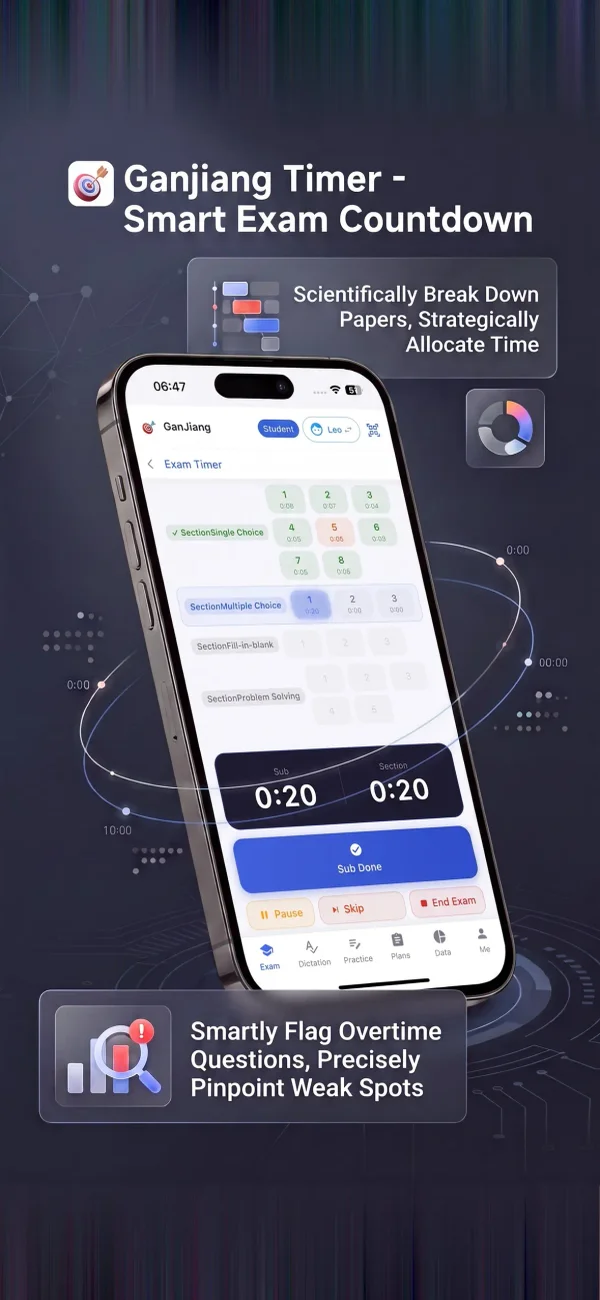
Time each question, grouped by section and sub-question, with configurable section count and a countdown limit. Skip a question, mark it done, or finish early — then get an automatic time report. You can record scores, share the report with teachers and classmates, and print a time label. Retakes and renaming are supported.
· Free practice
Practise any subject or question type with timing, and get a time report. Custom frameworks are supported, with nine built-in preset frameworks for the Chinese college entrance exam.
· Study plans
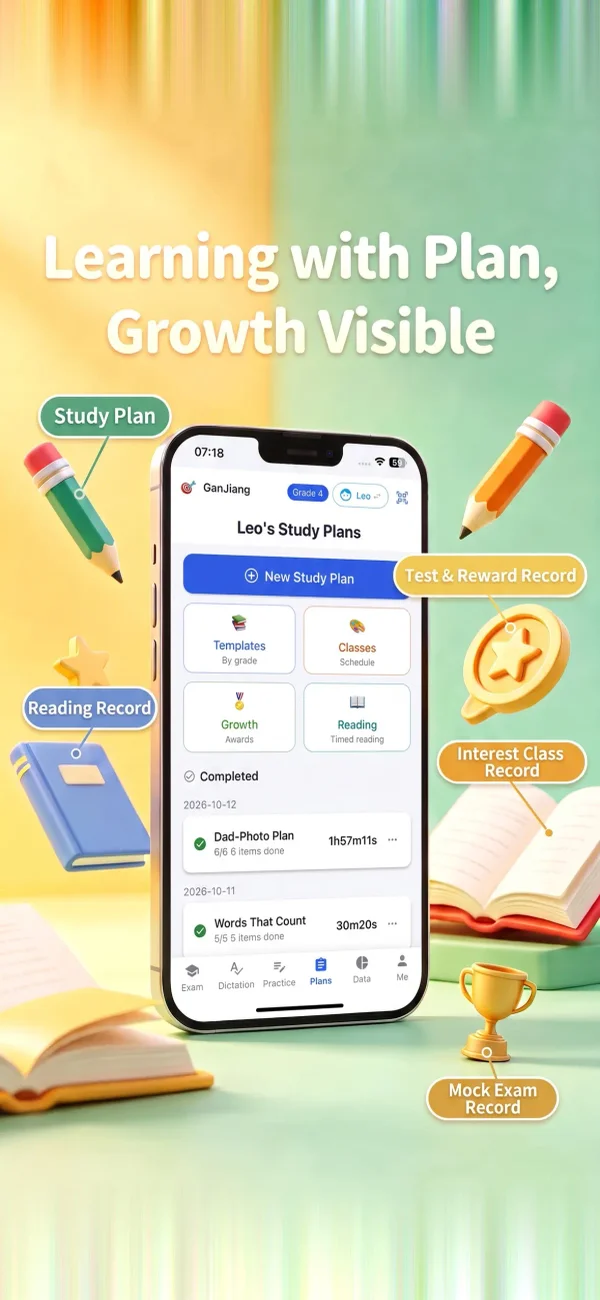
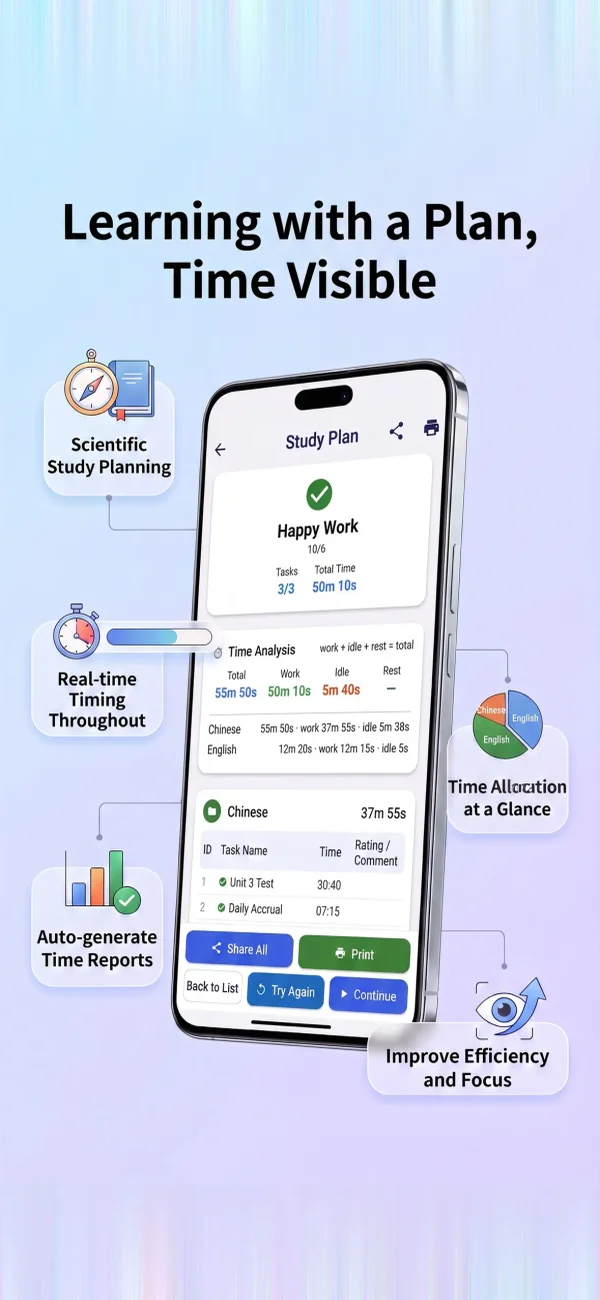
Break the day's work into large and small tasks and time each one as you go. When you finish, you get a "working time / idle time" breakdown showing the split between focus and drift. Built-in templates are organised by school stage and subject, and you can save your own. Batch-adding tasks is supported.
· Pomodoro
Focus, short break and long break modes, with goals and bonus rewards.
· Dictation and spelling
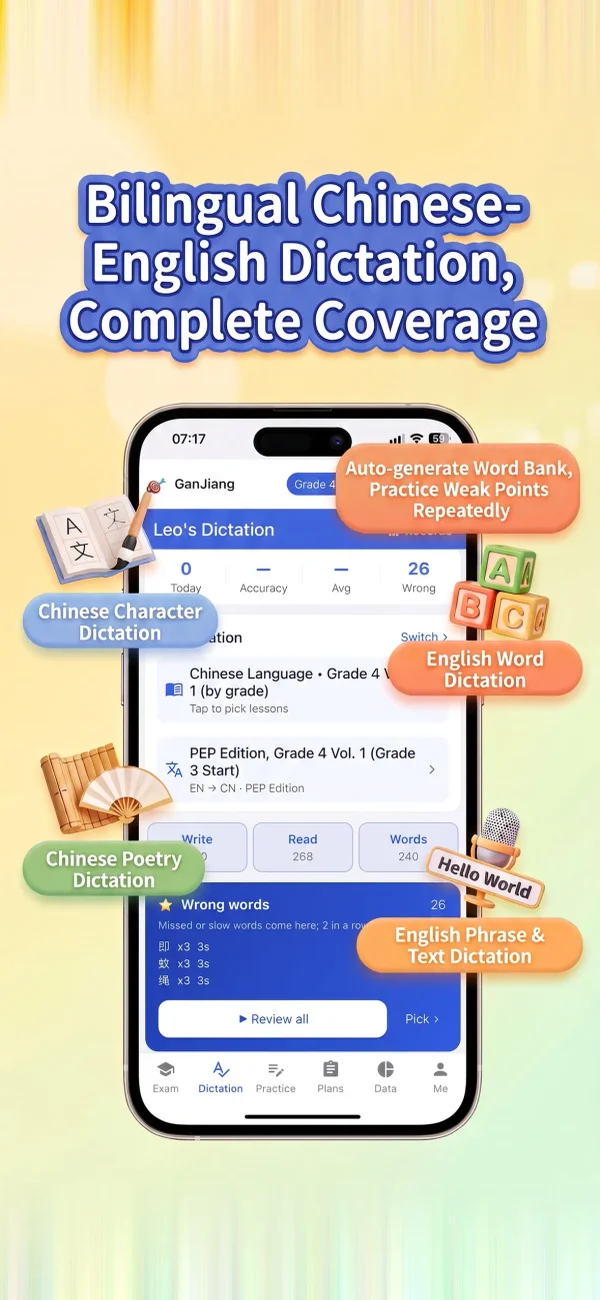
Chinese dictation includes the standard character, vocabulary and classical-poetry lists; English covers word lists from multiple textbook editions. Questions are read aloud, each word is timed, and any wrong or timed-out word goes automatically into a wrong-word book for repeated practice.
· Reading log
Pick a book and start timing; duration and page numbers are recorded automatically. Several books can be tracked at once.
· Data and reports
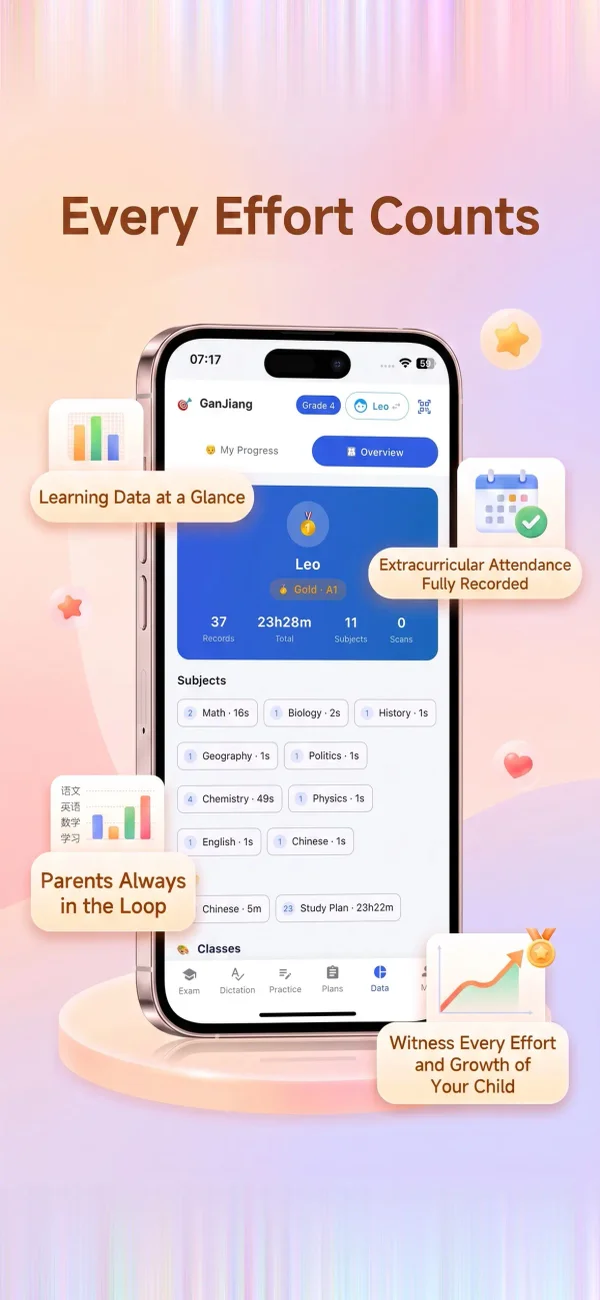
Today, this week, this month, this year and all-time study totals, plus subject breakdown, streaks and badges. A study report can be turned into a QR code and shared with your family.
· Roles
Switch between student, parent and teacher. Teachers can import a class list and compare questions and time; parents can follow their child's records.
· Family sharing
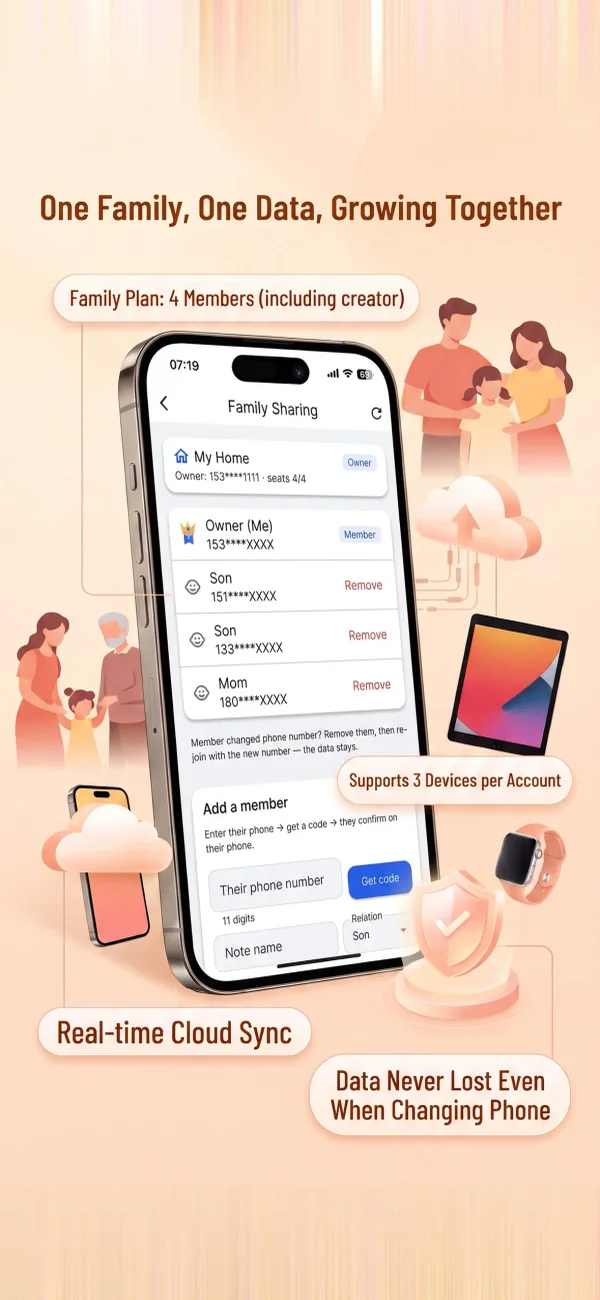
One family card. Up to 4 phone numbers (including the main card) can be used together, all seeing the same profiles and records. One phone number can be used on up to 3 devices at the same time; membership follows the account, so you don't pay again when you switch devices.
· Pricing
All timing, planning, dictation and reading features are available, local features work without an account, and there are no ads. Membership unlocks the full history (without membership the last 7 days are kept), saving your own exam frameworks, and cloud sync — so your profiles and records are still there on a new device. Membership is an auto-renewable subscription with monthly, quarterly, semi-annual and yearly options; each option's price is shown on the in-app purchase screen. The subscription renews automatically 24 hours before the end of the current period at the same price, unless auto-renew is turned off at least 24 hours before the end of the current period in Settings > Apple ID > Subscriptions. You can cancel any time; after cancelling, your benefits remain until the end of the current period. Purchases can be restored with "Restore Purchases".
Available in Chinese and English.
Privacy policy: https://5dbds.com/privacy.html
Terms of use: https://5dbds.com/user_agreement.html
Support: https://5dbds.com/support.html
Novidades
Versão 1.0.133 · 26/11/2026
1. Share reports upgraded: the child's name comes first, with subject distribution, per-subject grouped details and a subtotal for each subject; plan reports now list every item. 2. Share images now include a slogan and a download guide at the bottom; the QR code can be scanned to view and import/reuse the report. 3. The Records page is now a single page (stats + history): exam papers, simple timer, countdown and pomodoro all go into history. 4. Starting an exam paper now records only the total duration by default. 5. Fixed issues including cross-device timing details not syncing, pomodoro sessions mixing up, profile deletions not syncing, and duplicated timetable entries.
Privacidade do app
O que 显金 王 declara na App Store sobre como este app lida com os dados.
-
Dados não coletados
O desenvolvedor não coleta nenhum dado deste app.
As práticas de privacidade podem variar, por exemplo, com base nos recursos que você usa ou na sua idade.
Informações
- Vendedor
- 显金 王
- Categoria
- Educação
- Versão
- 1.0.133
- Atualizado
- 26/11/2026
- Lançamento
- 31/08/2026
- Tamanho
- 53,2 MB
- Requer
- iOS 15.0 ou posterior
- Classificação etária
- 4+
- Preço
- Grátis
- Compras no app
- Sim
- Idiomas
- Inglês, Chinês simplificado
- Copyright
- © 2026 王显金