- Clasificación por edad4+
- CategoríaRecreativos
- DesarrolladorMichael Mayo
- IdiomasInglés
- Tamaño5,8 MB
Enlaza a la página oficial de App Store
Download.org no aloja ningún archivo de Helichopter. El botón abre la página de la aplicación en App Store, donde la publica Michael Mayo. Ficha comprobada por última vez el 17/11/2026.
Capturas de pantalla


Acerca de
El desarrollador no ha proporcionado este texto en tu idioma.
Find your rhythm in a helicopter obstacle game you can adjust to suit your play.
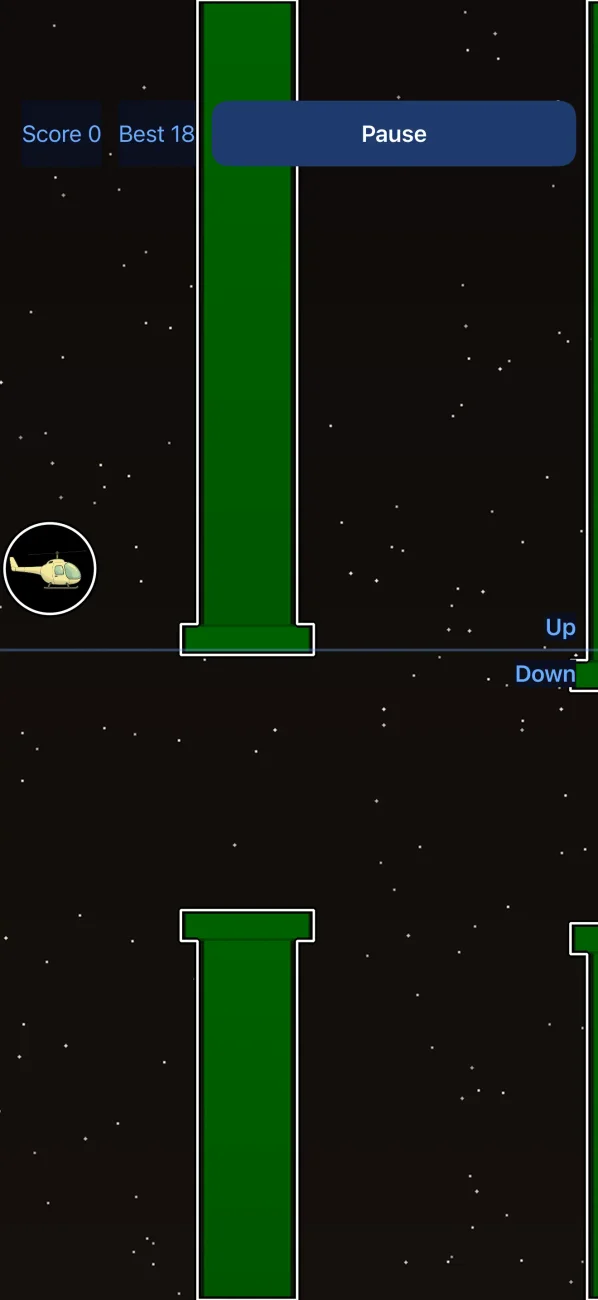
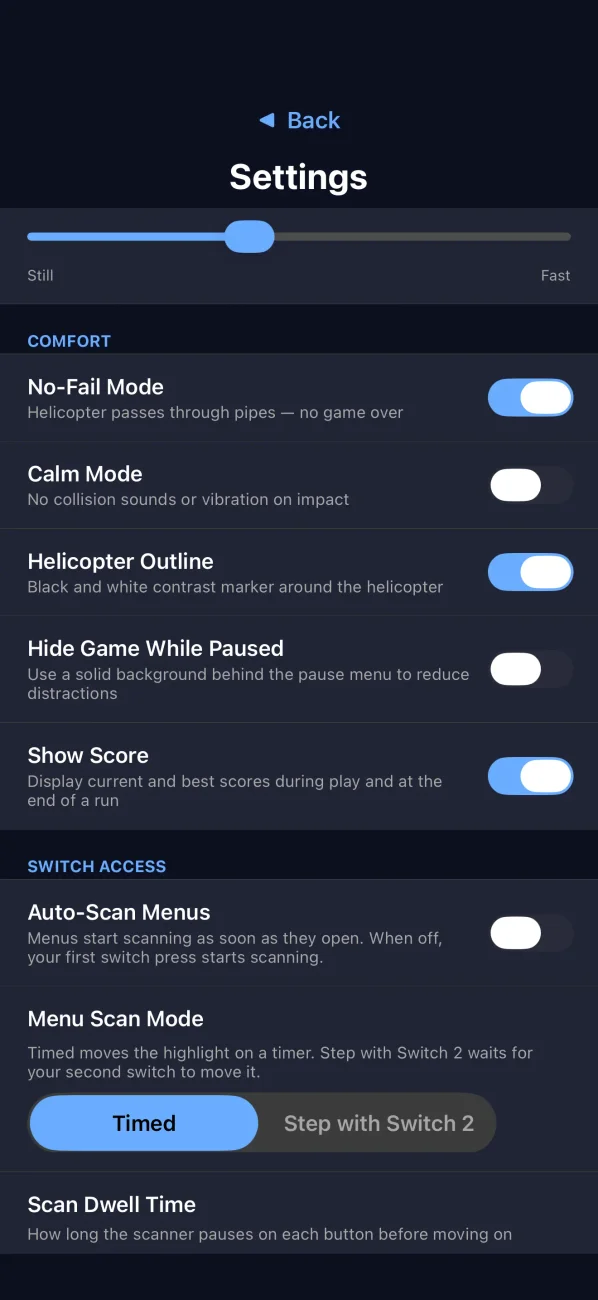
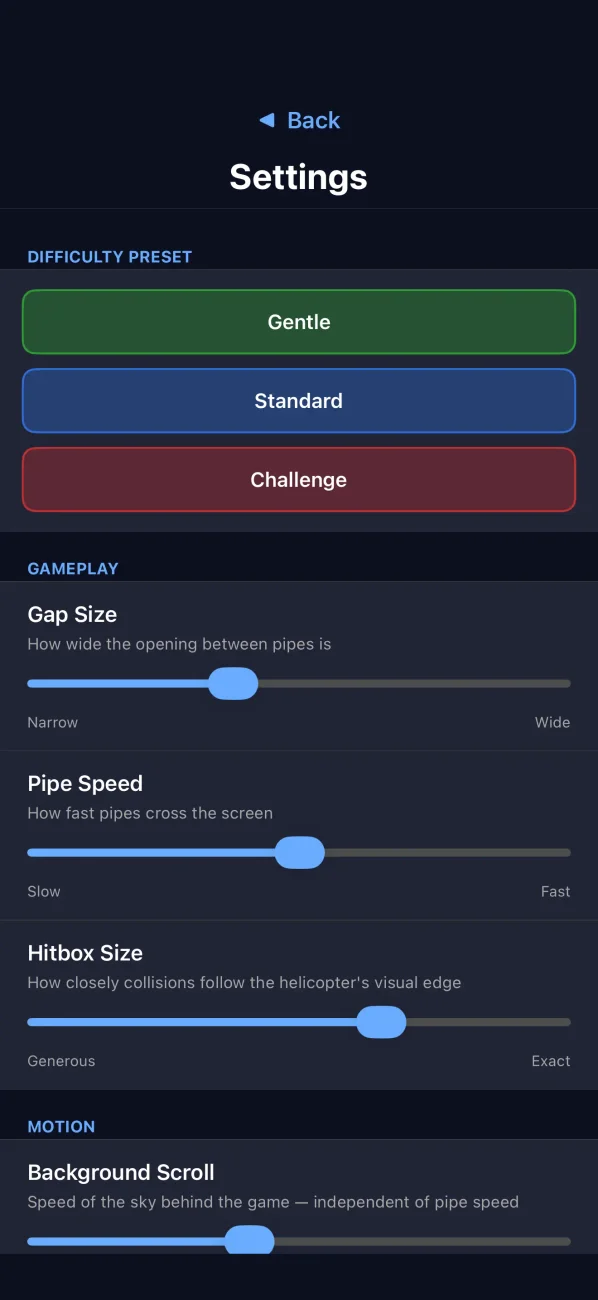
Fly through the gaps, try another round, or keep practicing with No-Fail Mode. Start with Gentle, Standard, or Challenge, then adjust gap size, pipe speed, and hitbox forgiveness.
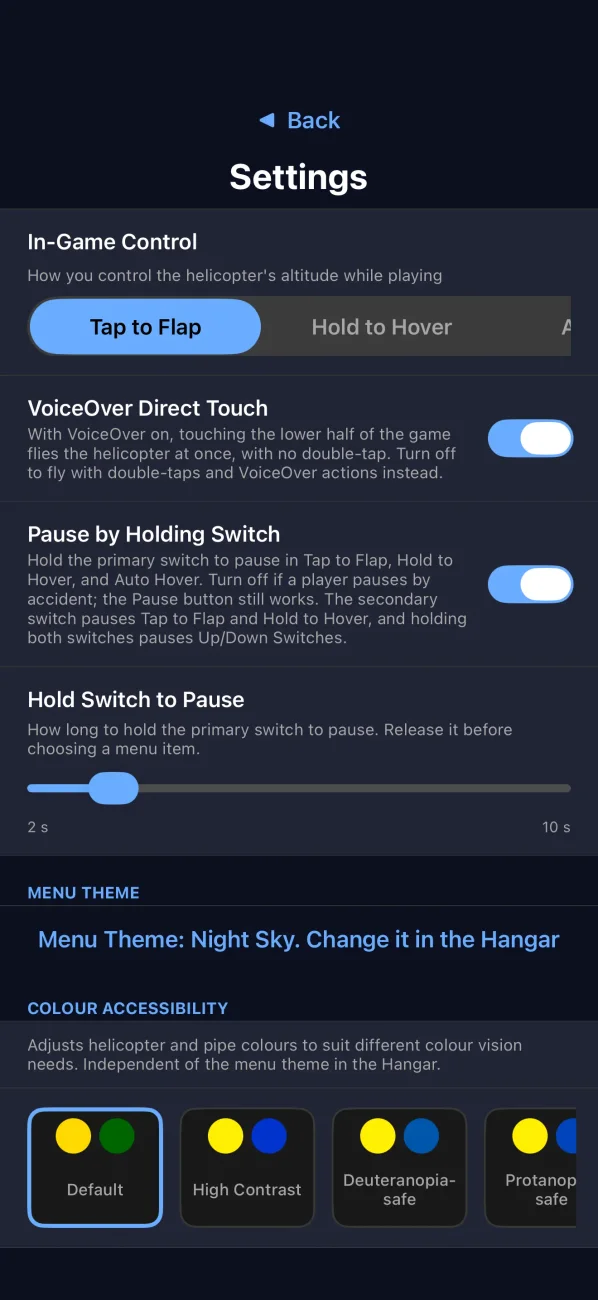
Choose how you fly:
- Tap to Flap
- Hold to Hover
- Auto Hover with altitude nudges
- Up/Down Switches: one switch to rise, another to descend
Make the experience comfortable:
- No-Fail Mode lets you keep going after collisions.
- Calm Mode removes collision sounds and impact vibration.
- Show or hide the score, and switch music and sound effects on or off.
- Adjust background scrolling and choose among three themes and six colour palettes.
- Replay How to Play whenever you need a reminder.
Menus and Settings offer scalable text and switch scanning. With VoiceOver, touch the game to fly at once, or use double-taps and actions; spoken gap guidance tells you where the next gap is. Each flight scheme has its own way to pause with switches, and Settings let you adjust the hold delay and scanning speed or turn hold-to-pause off.
Helichopter works offline without an account, ads, or in-app purchases. Settings and scores are saved on your device.
Novedades
Versión 2.1 · 30/10/2026
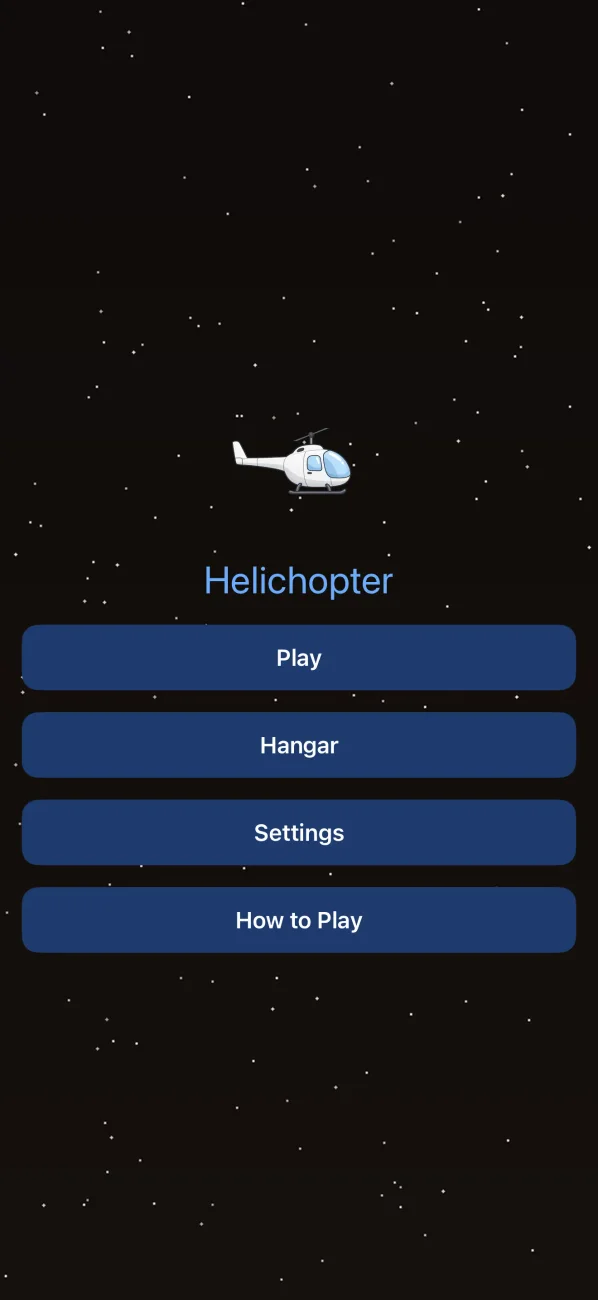
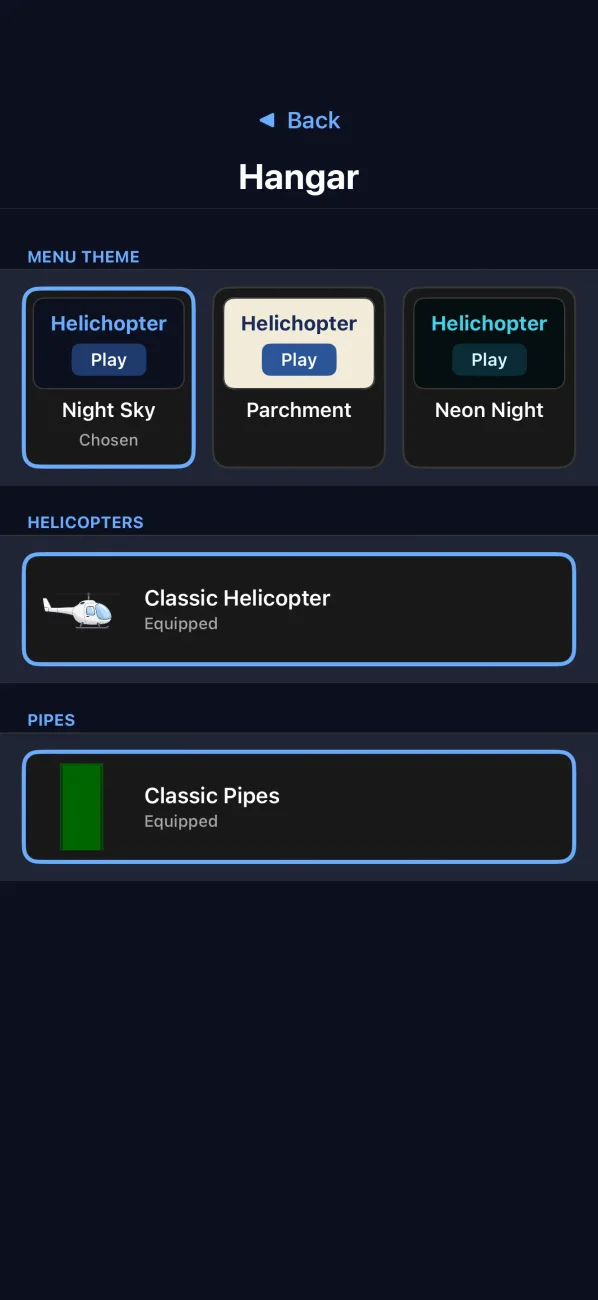
New Hangar on the Home screen: choose the menu theme there, with a preview of each one. The menu theme has moved from Settings, which now has a button that opens the Hangar. When Settings is locked, the Hangar is locked too.
Rebuilt menus: Home, Settings, Pause, and Round Over now fade as one whole screen, so two menus never appear at the same time. Taps and switch presses wait until the new screen is ready. With Reduce Motion on, the fade is shorter.
New ways to fly and pause:
- VoiceOver Direct Touch (on by default): with VoiceOver on, touch the lower half of the game to fly at once, with no double-tap. Gap guidance is still spoken, and the Pause button stays at the top. Turn it off in Settings to fly with double-taps and actions.
- In Auto Hover and Up/Down Switches, touch above the middle of the screen to move up and below it to move down. A faint line marks the middle.
- Pausing suits each flight scheme. In Tap to Flap and Hold to Hover, the secondary switch pauses at once. In Up/Down Switches, hold both switches for half a second, so holding one switch to rise no longer pauses. New setting Pause by Holding Switch turns off hold-to-pause for players who pause by accident.
Accessibility improvements:
- VoiceOver reads each Settings switch and slider once, with its description as a hint, and announces each screen once. Settings sections are headings, so the rotor can jump between them.
- Sliders open a Decrease and Increase page when activated, so they can be adjusted without dragging.
- Time settings are spoken in seconds, and other sliders as a percentage.
- Clearer names: Menu Scan Mode is now Timed or Step with Switch 2, and the two-switch flight scheme is now Up/Down Switches.
- Locked Settings controls now show as dimmed.
Other changes:
- In a narrow iPad window, such as Split View or Slide Over, the game is drawn larger.
- A game controller's d-pad can now move down in Auto Hover and Up/Down Switches.
- In Tap to Flap and Hold to Hover, the secondary switch no longer starts a round without moving the helicopter.
- In No-Fail Mode, landing on a pipe corner no longer pushes the helicopter forwards or backwards.
- The app uses less power on menu screens.
Privacidad de la aplicación
Lo que Michael Mayo declara en App Store sobre cómo esta aplicación gestiona los datos.
-
No se recopilan datos
El desarrollador no recopila ningún dato de esta aplicación.
Las prácticas de privacidad pueden variar, por ejemplo, según las funciones que uses o tu edad.
Información
- Vendedor
- Michael Mayo
- Categoría
- Recreativos
- Versión
- 2.1
- Actualizado
- 30/10/2026
- Publicado
- 27/3/2021
- Tamaño
- 5,8 MB
- Requiere
- iOS 17.6 o posterior
- Clasificación por edad
- 4+
- Precio
- Gratis
- Idiomas
- Inglés
- Copyright
- © 2026 Nathan Mayo
Quizá también te guste
-
 Echo Chain: MultiplayerRecreativos
-
 Bondman ClickerRecreativos
-
 Retro Island Survival: The RPGAventura
-
 Space Jump: Last LamplighterAcción
-
 Dark AssaultAcción
-
 Bubble BlindArcade rápido de tocar color
-
 Yaya - Classic Dice GameJuegos de mesa
-
 Blind EchoAcción
-
 Whack A BrailleJuegos
-
 Ludo: Fun Dice GameRecreativos