
Inkspread: Paper Notebook
Handwriting, Sketch & Journal
Diseñada para iPhone, iPad
Gratis · Compras en la aplicación
- Clasificación por edad4+
- CategoríaProductividad
- Desarrollador克立 丁
- IdiomasInglés+ 10 más
- Tamaño16,3 MB
Enlaza a la página oficial de App Store
Download.org no aloja ningún archivo de Inkspread: Paper Notebook. El botón abre la página de la aplicación en App Store, donde la publica 克立 丁. Ficha comprobada por última vez el 23/11/2026.
Capturas de pantalla


Acerca de
El desarrollador no ha proporcionado este texto en tu idioma.
Open it and write.
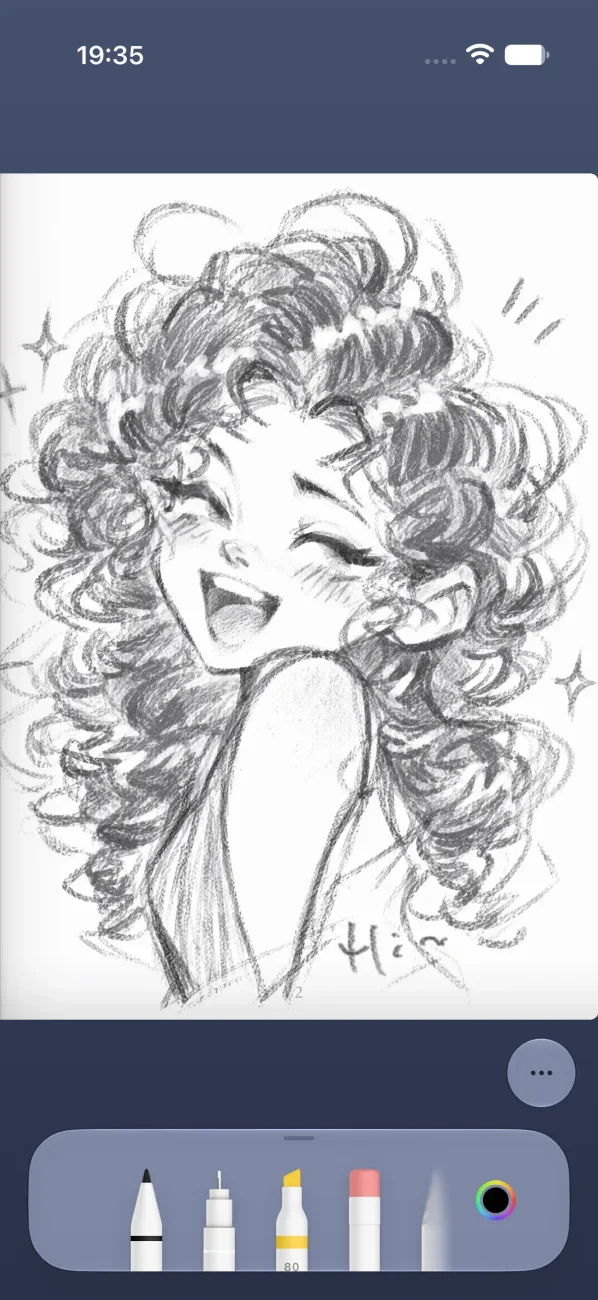
Inkspread is a paper-style notebook for your iPhone and iPad. Capture a thought in handwriting, sketch what you see, or make a page with photos and stickers. Pages curl as you turn them, and a pinch closes the book.
BUILT AROUND IPHONE DUO
The outer screen is your notebook cover. Unfold to return to the page you left; turn to landscape for a two-page spread. Pinch to close the book, then choose another from the bookshelf. The book's cover and pages are part of how you use it, from one screen to the next.
ROOM TO WRITE ON IPAD
Write and draw with Apple Pencil. In landscape, use a two-page spread and choose notebooks from the bookshelf. Rotate to portrait for a single page. Keep the paper in front of you and bring up tools when you need them.
A NOTEBOOK FOR YOUR OWN PAGES
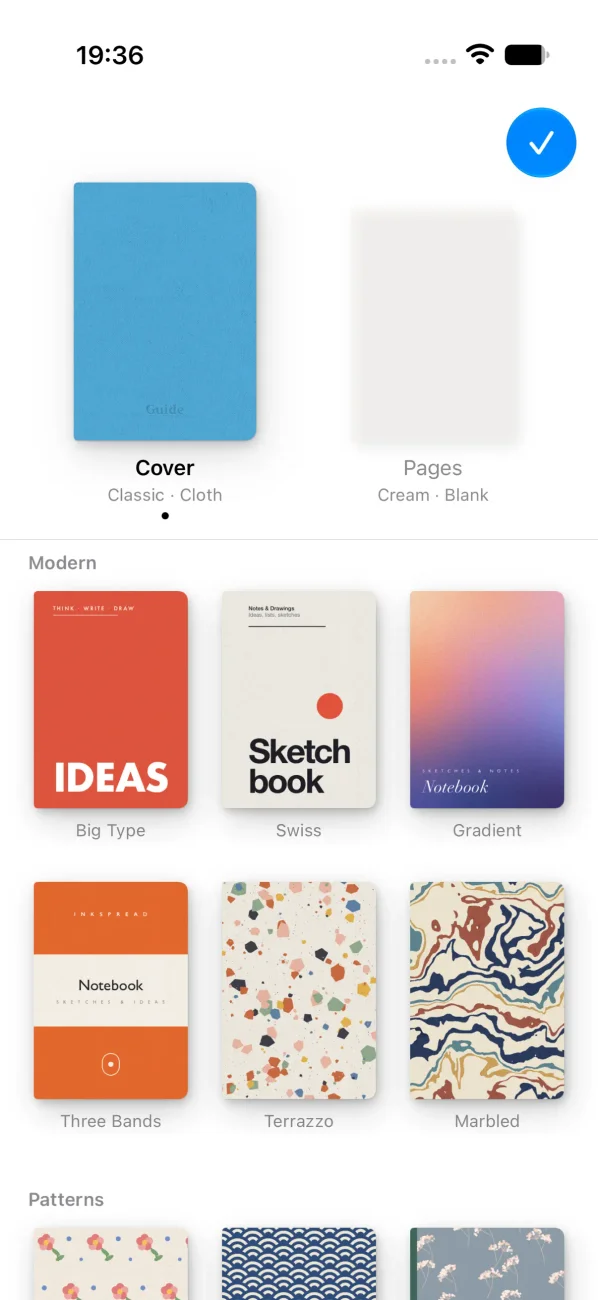
Use it for handwritten notes, a sketchbook, a diary or a scrapbook. Choose from 38 paper styles, including blank, lined, dot grid and graph paper. Each page can have its own style. Dress the cover in cloth, leather or paper, or use your own photo.
MORE THAN INK
Add photos, PDFs, scanned documents and text beneath your handwriting. The eraser touches only the ink. Build a sticker library, cut subjects out of photos, and reuse them across notebooks. Write with Apple's pens, lasso and ruler.
SMALL GESTURES, MORE SPACE
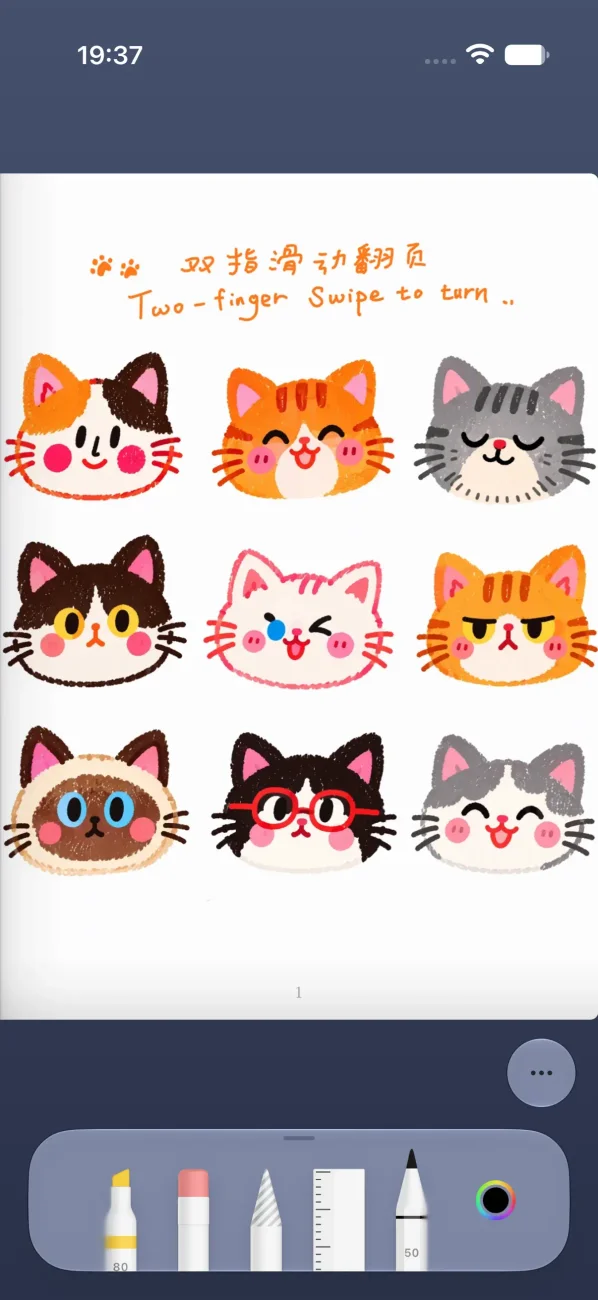
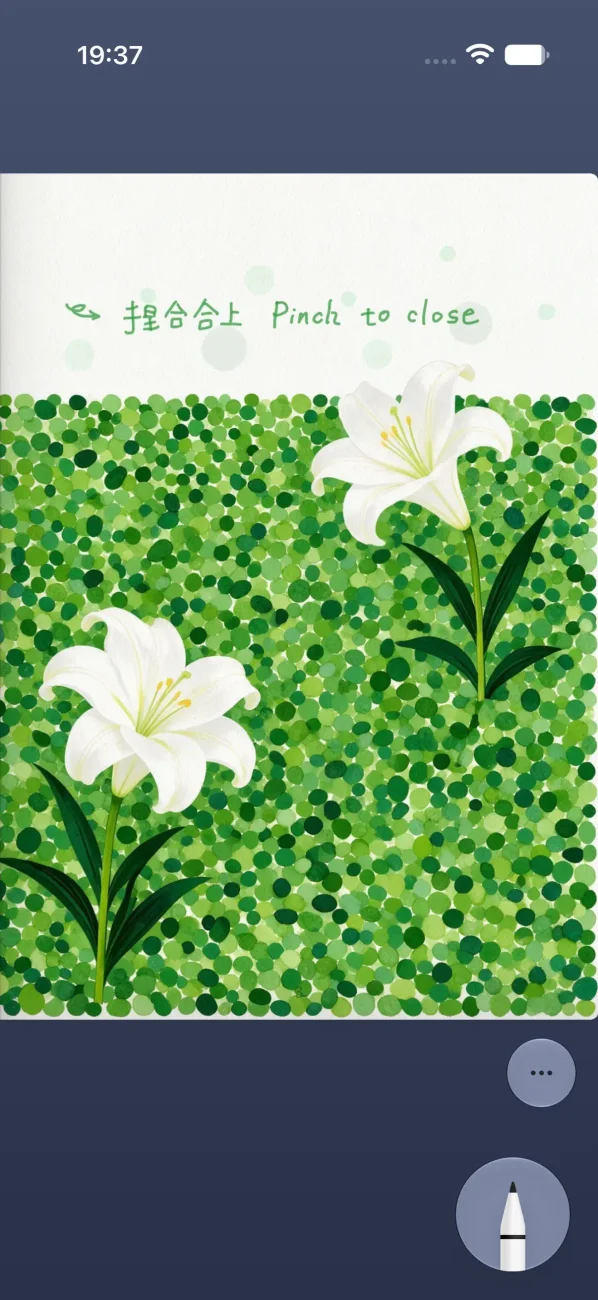
Swipe with two fingers to turn pages. Pinch to close the notebook. Tap with two fingers to undo, three to redo. Turn past the last page and keep writing on a fresh one.
YOUR NOTEBOOKS, YOUR ICLOUD
Sync through your own iCloud. No account to create, no ads and no tracking.
FREE TO START, ONE PURCHASE TO KEEP
Create up to 2 notebooks for free, including the built-in Guide, with every feature available. A one-time purchase unlocks unlimited notebooks and supports Family Sharing. No subscription.
Novedades
Versión 1.1 · 16/11/2026
Added iPad support, with a notebook layout and bookshelf designed for landscape use.
Improved cover animations and color adaptation for buttons and text.
Fixed known issues to improve the overall experience.
Privacidad de la aplicación
Lo que 克立 丁 declara en App Store sobre cómo esta aplicación gestiona los datos.
-
No se recopilan datos
El desarrollador no recopila ningún dato de esta aplicación.
Las prácticas de privacidad pueden variar, por ejemplo, según las funciones que uses o tu edad.
Información
- Vendedor
- 克立 丁
- Categoría
- Productividad
- Versión
- 1.1
- Actualizado
- 16/11/2026
- Publicado
- 12/11/2026
- Tamaño
- 16,3 MB
- Requiere
- iOS 26.0 o posterior
- Clasificación por edad
- 4+
- Precio
- Gratis
- Compras en la aplicación
- Sí
- Idiomas
- Inglés, Francés, Alemán, Italiano, Japonés, Coreano, Portugués, Ruso, Chino simplificado, Español, Chino tradicional
- Copyright
- © 2026 Keli Ding
Quizá también te guste
-
 ReadKeepsProductividad
-
 CARLOG: Gastos del AutoCombustible y kilometraje
-
 Buckets: Time Blocking PlannerProductividad
-
 Yeliner: Outline, Notes, TasksProductividad
-
 Owl: AI Planner & PetProductividad
-
 Cita TodoProductividad
-
 Life AI: Organiza tu vidaTareas, gastos y hábitos
-
 Floato: Pickup CodesProductividad
-
 Quietdays: Cuenta atrás widgetContador de días, sin anuncios
-
 BitBetter - Plans & ProgressProductividad