
Inkspread: Paper Notebook
Handwriting, Sketch & Journal
Conçue pour iPhone, iPad
Gratuit · Achats intégrés
- Classification d’âge4+
- CatégorieProductivité
- Développeur克立 丁
- LanguesAnglais+ 10 de plus
- Taille16,3 Mo
Renvoie vers la page App Store officielle
Download.org n’héberge aucun fichier de Inkspread: Paper Notebook. Le bouton ouvre la page de l’application sur App Store, où 克立 丁 la publie. Fiche vérifiée pour la dernière fois le 23/11/2026.
Captures d’écran


À propos
Le développeur n’a pas fourni ce texte dans votre langue.
Open it and write.
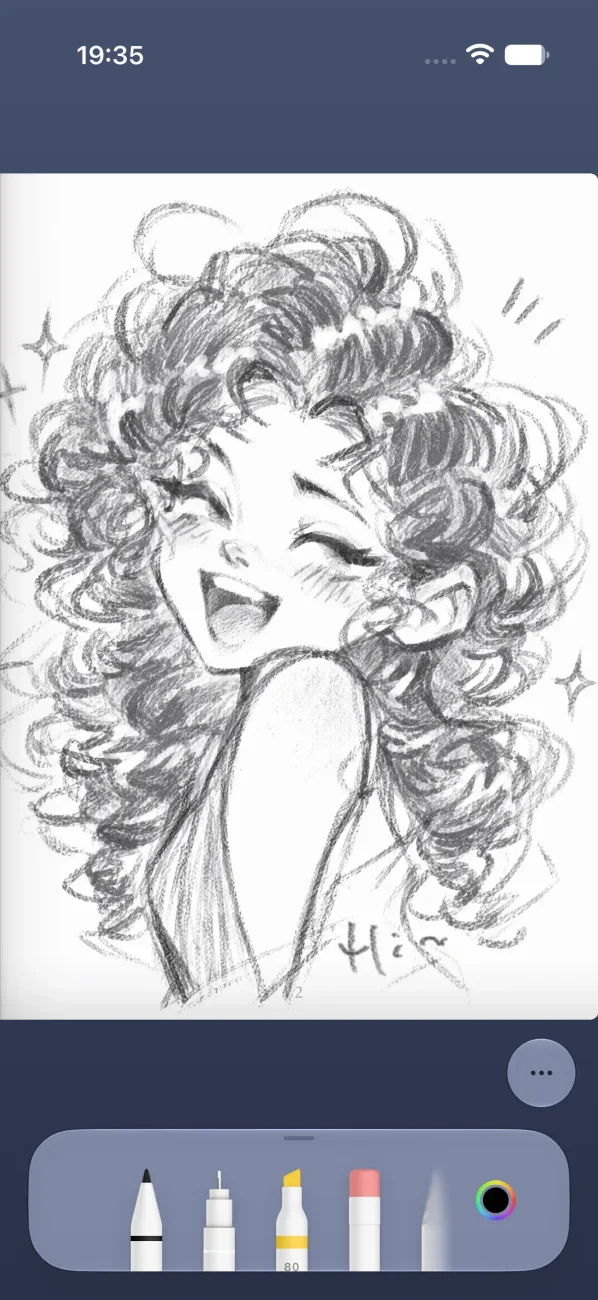
Inkspread is a paper-style notebook for your iPhone and iPad. Capture a thought in handwriting, sketch what you see, or make a page with photos and stickers. Pages curl as you turn them, and a pinch closes the book.
BUILT AROUND IPHONE DUO
The outer screen is your notebook cover. Unfold to return to the page you left; turn to landscape for a two-page spread. Pinch to close the book, then choose another from the bookshelf. The book's cover and pages are part of how you use it, from one screen to the next.
ROOM TO WRITE ON IPAD
Write and draw with Apple Pencil. In landscape, use a two-page spread and choose notebooks from the bookshelf. Rotate to portrait for a single page. Keep the paper in front of you and bring up tools when you need them.
A NOTEBOOK FOR YOUR OWN PAGES
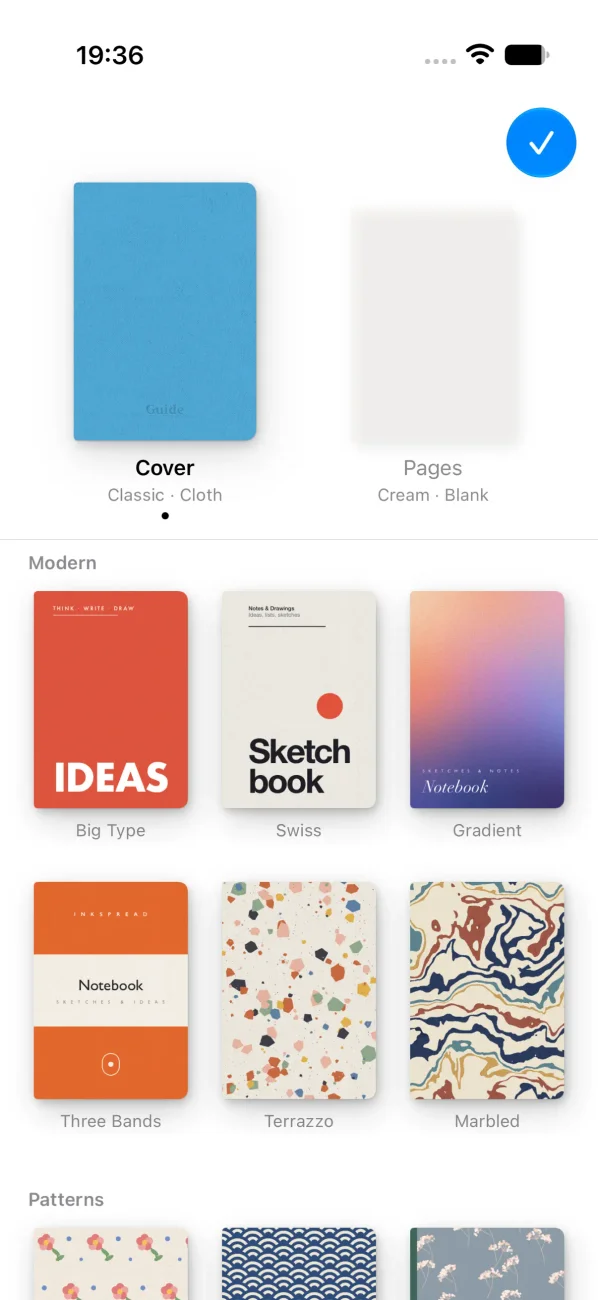
Use it for handwritten notes, a sketchbook, a diary or a scrapbook. Choose from 38 paper styles, including blank, lined, dot grid and graph paper. Each page can have its own style. Dress the cover in cloth, leather or paper, or use your own photo.
MORE THAN INK
Add photos, PDFs, scanned documents and text beneath your handwriting. The eraser touches only the ink. Build a sticker library, cut subjects out of photos, and reuse them across notebooks. Write with Apple's pens, lasso and ruler.
SMALL GESTURES, MORE SPACE
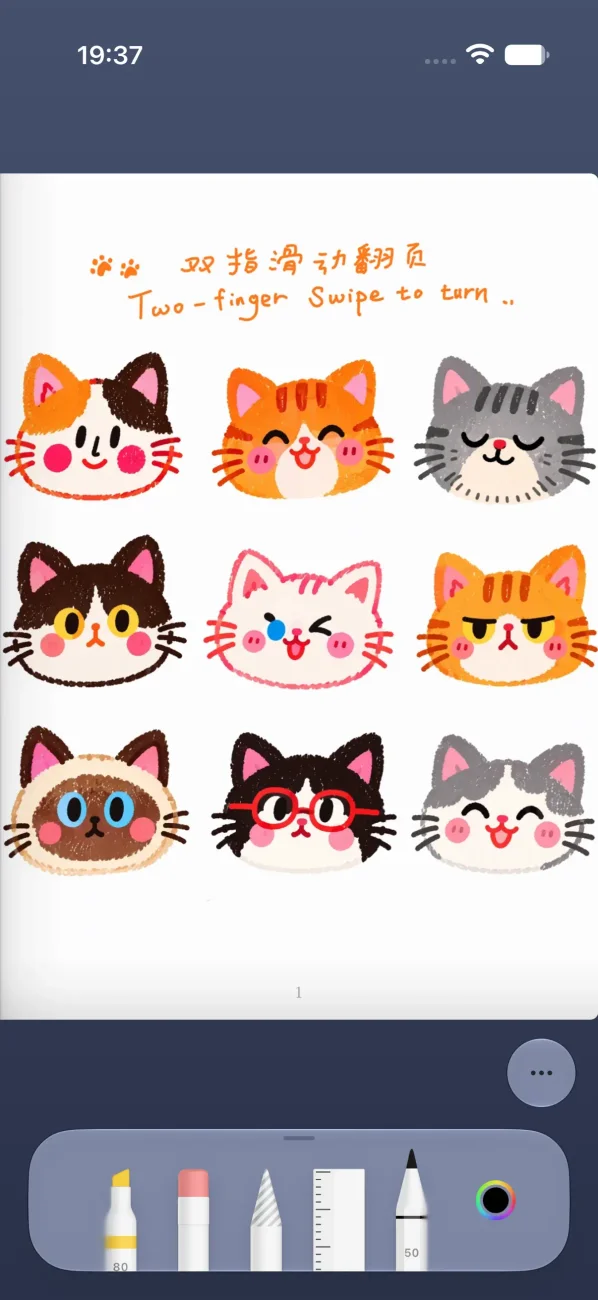
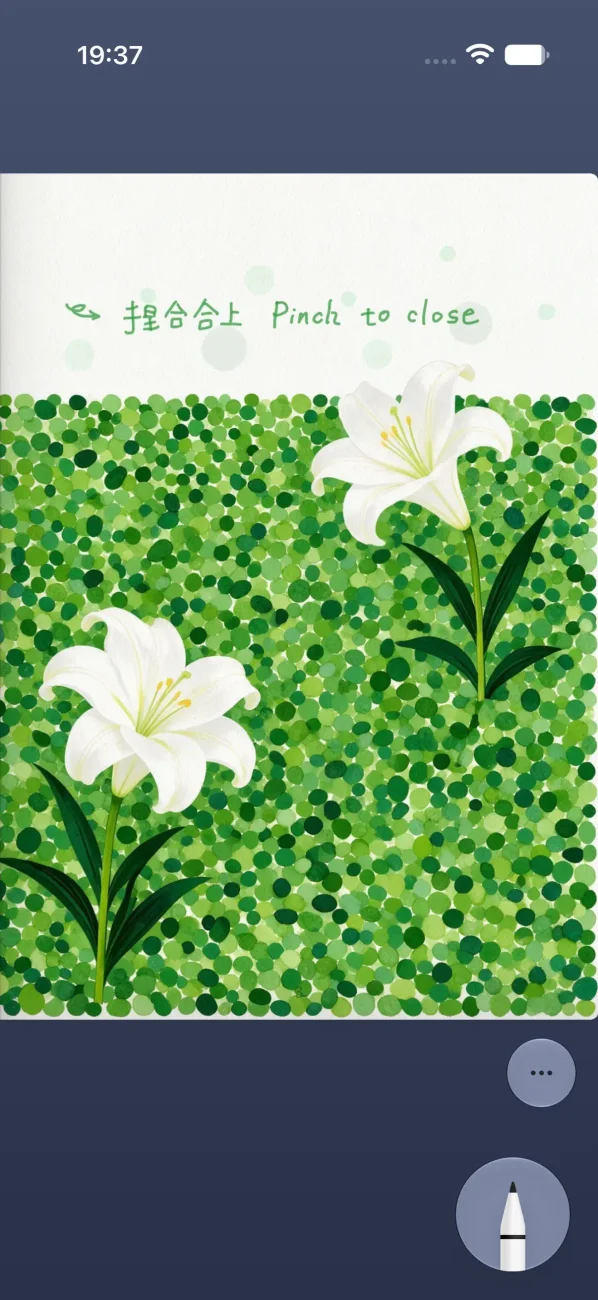
Swipe with two fingers to turn pages. Pinch to close the notebook. Tap with two fingers to undo, three to redo. Turn past the last page and keep writing on a fresh one.
YOUR NOTEBOOKS, YOUR ICLOUD
Sync through your own iCloud. No account to create, no ads and no tracking.
FREE TO START, ONE PURCHASE TO KEEP
Create up to 2 notebooks for free, including the built-in Guide, with every feature available. A one-time purchase unlocks unlimited notebooks and supports Family Sharing. No subscription.
Nouveautés
Version 1.1 · 16/11/2026
Added iPad support, with a notebook layout and bookshelf designed for landscape use.
Improved cover animations and color adaptation for buttons and text.
Fixed known issues to improve the overall experience.
Confidentialité de l’application
Ce que 克立 丁 déclare sur l’App Store au sujet du traitement des données par cette application.
-
Données non collectées
Le développeur ne collecte aucune donnée à partir de cette application.
Les pratiques en matière de confidentialité peuvent varier, notamment en fonction des fonctionnalités que vous utilisez ou de votre âge.
Informations
- Vendeur
- 克立 丁
- Catégorie
- Productivité
- Version
- 1.1
- Mis à jour
- 16/11/2026
- Publié
- 12/11/2026
- Taille
- 16,3 Mo
- Nécessite
- iOS 26.0 ou version ultérieure
- Classification d’âge
- 4+
- Prix
- Gratuit
- Achats intégrés
- Oui
- Langues
- Anglais, Français, Allemand, Italien, Japonais, Coréen, Portugais, Russe, Chinois simplifié, Espagnol, Chinois traditionnel
- Copyright
- © 2026 Keli Ding
Vous aimerez peut-être aussi
-
 ReadKeepsProductivité
-
 CARLOG AI: Car Expense TrackerProductivité
-
 Buckets: Time Blocking PlannerProductivité
-
 Yeliner: Outline, Notes, TasksProductivité
-
 Owl: AI Planner & PetProductivité
-
 Cita TodoProductivité
-
 Life AI: Organisez votre vieTâches, budget et habitudes
-
 Floato: Pickup CodesProductivité
-
 Quietdays : Compte à reboursWidget jours restants sans pub
-
 BitBetter - Plans & ProgressProductivité