
iWidget: DIY Widget Studio
Your Content. Your Layout.
Diseñada para iPhone, iPad
Gratis · Compras en la aplicación
- Clasificación por edad4+
- CategoríaDiseño gráfico
- Desarrollador天从 何
- IdiomasInglés+ 12 más
- Tamaño206,3 MB
Enlaza a la página oficial de App Store
Download.org no aloja ningún archivo de iWidget: DIY Widget Studio. El botón abre la página de la aplicación en App Store, donde la publica 天从 何. Ficha comprobada por última vez el 28/11/2026.
Capturas de pantalla
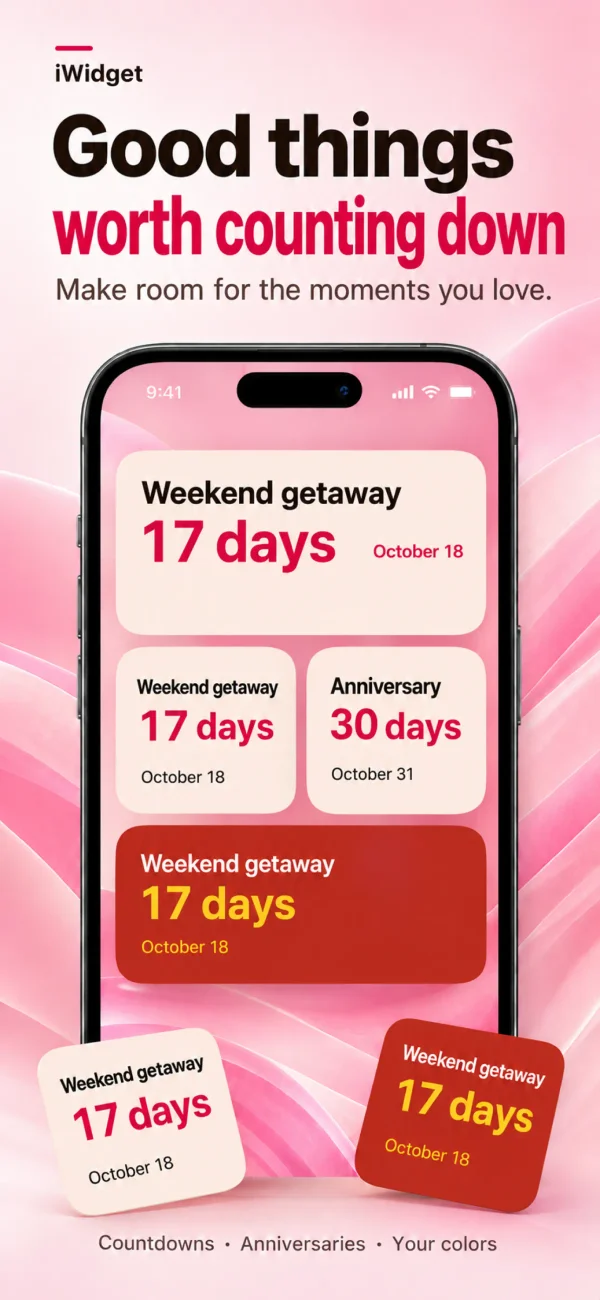
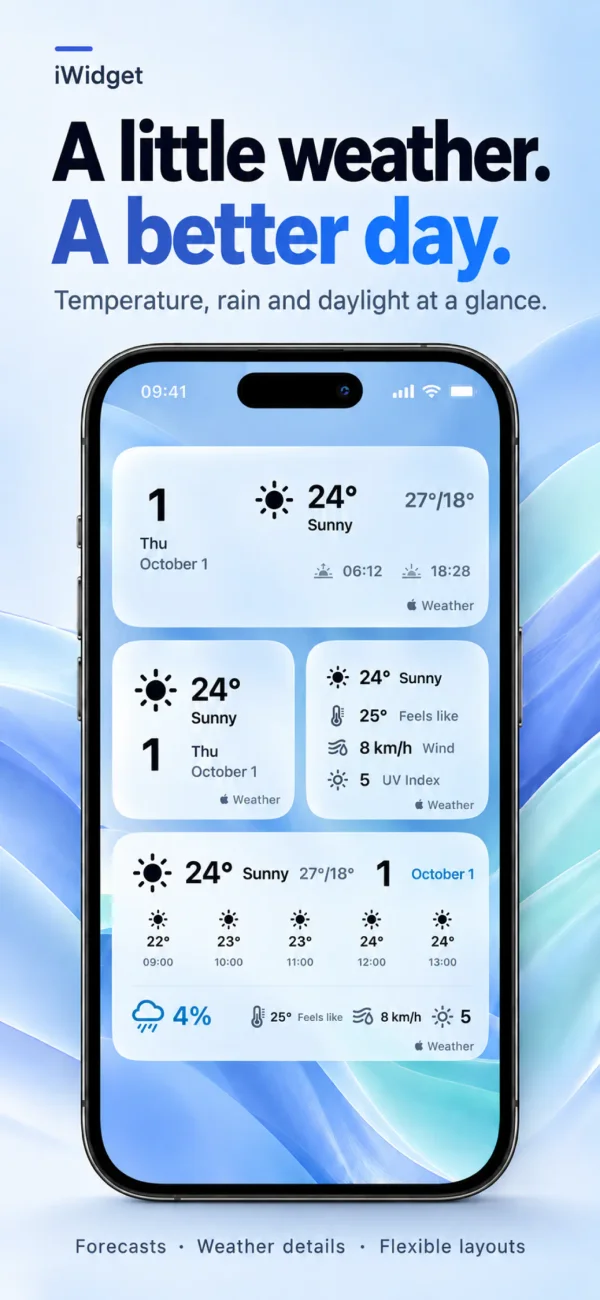
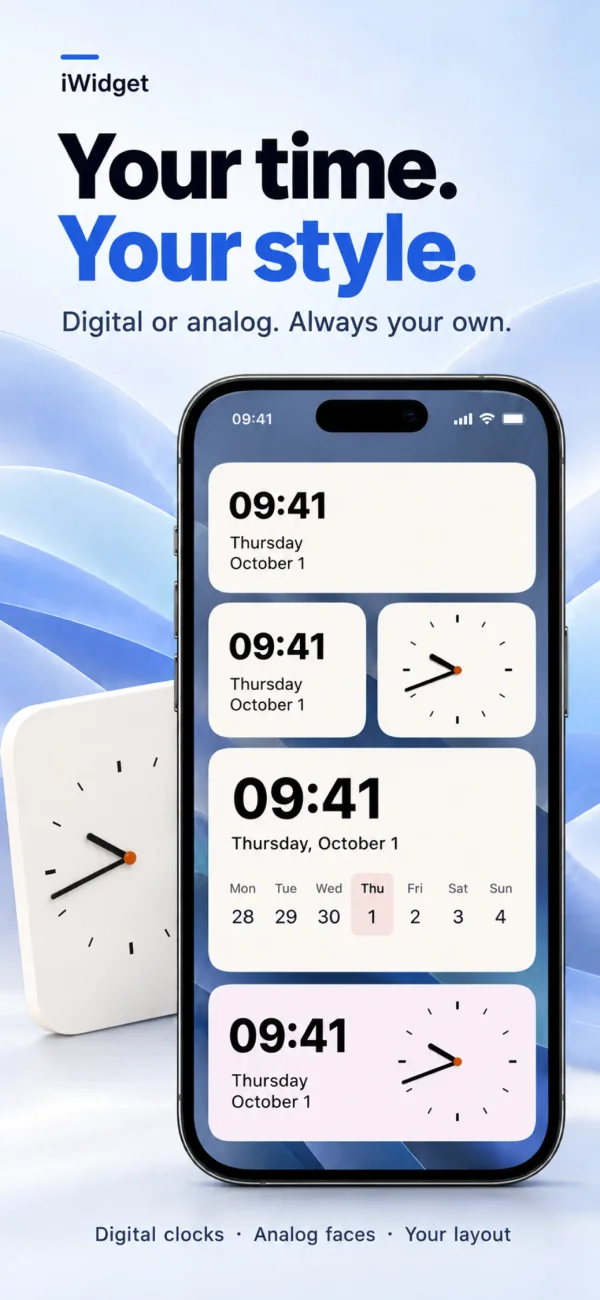
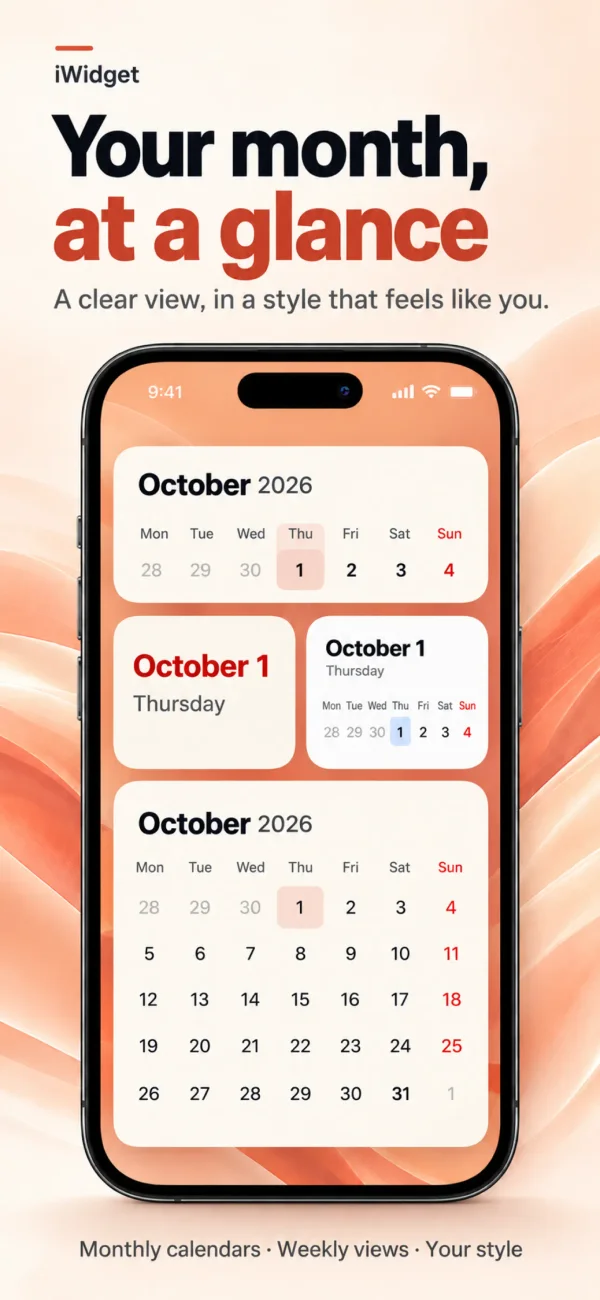
Acerca de
El desarrollador no ha proporcionado este texto en tu idioma.
DIY your Home Screen widgets freely—your style, your rules!
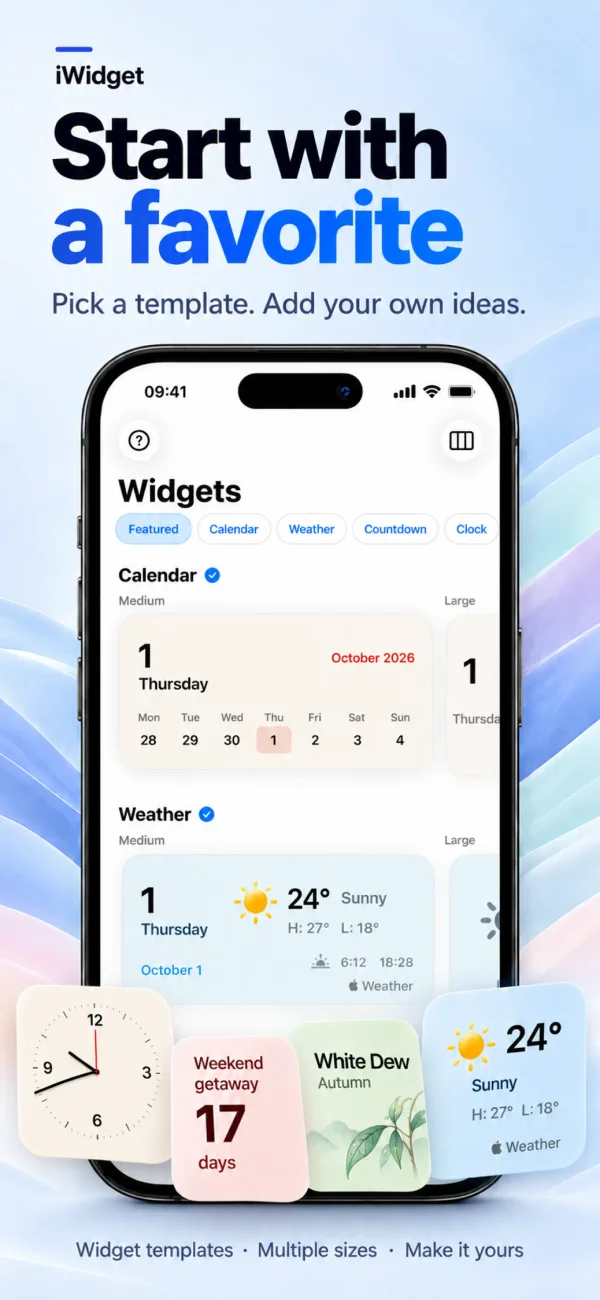
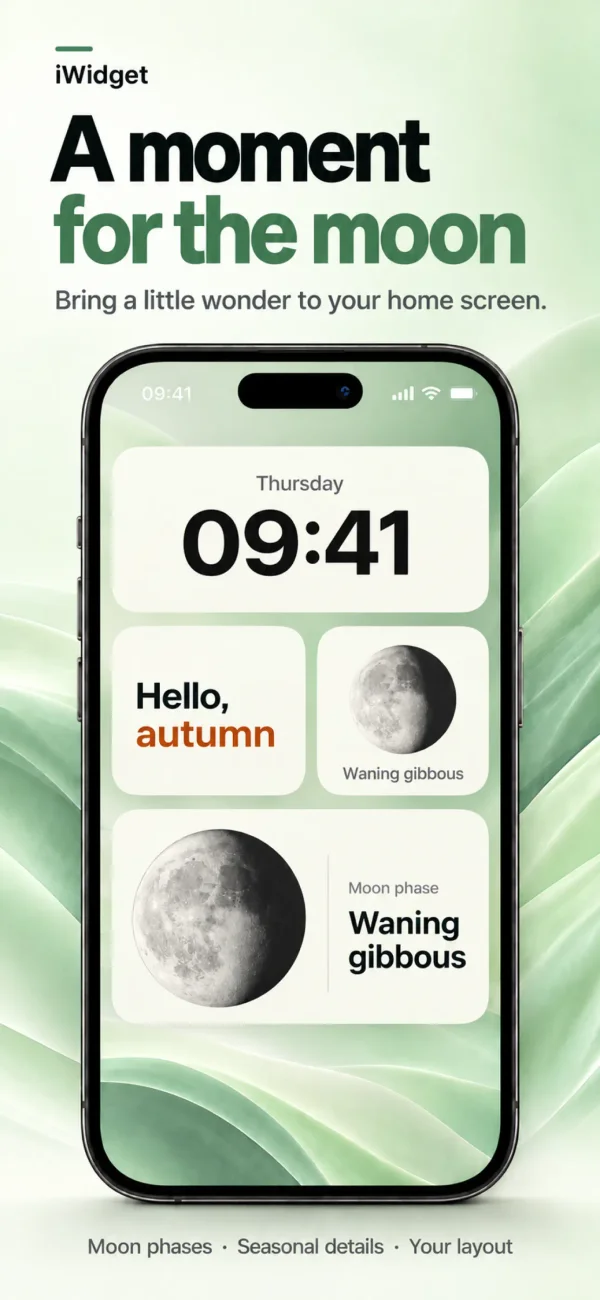
iWidget is a DIY widget studio built for your wallpaper. Go beyond fixed cards: mix blocks to choose your content, layout, and colors. No coding needed—tweak 100+ templates or build from scratch.
90+ BLOCKS TO MIX AND MATCH
• Time & Calendars: Digital/analog clocks, month grids, week strips, year progress, off-work countdowns, lunar dates, solar terms, holidays, almanac, and moon phases.
• Weather & Daily Info: Apple Weather forecasts and charts, Calendar events, interactive Reminders, hydration tracking, countdowns, health metrics, and device gauges (battery, memory, storage, CPU, network).
• Photos & Decor: Shaped photo masks, overflow stickers, custom text, rice grids, second rings, frames, and dividers.
INTERACTIVE & WALLPAPER-MATCHED
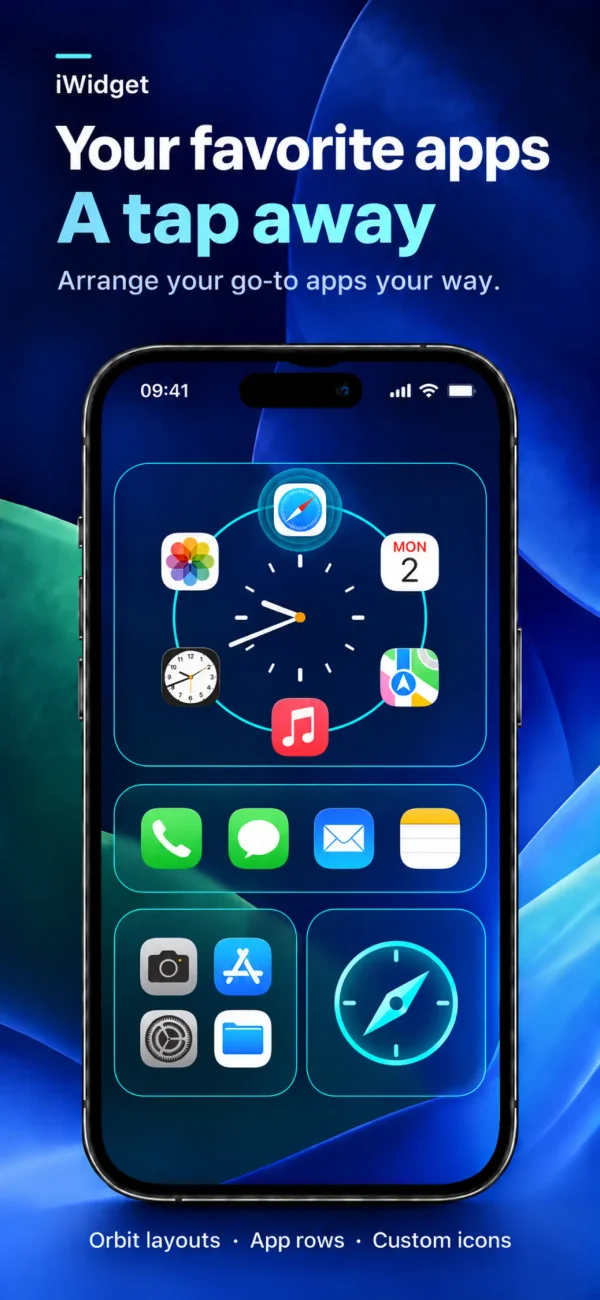
• Launchers & Multi-Page Widgets: Row, orbit, or free app launchers, plus stacks, menu pages, expansion centers, edge drawers, and split-reveal panels.
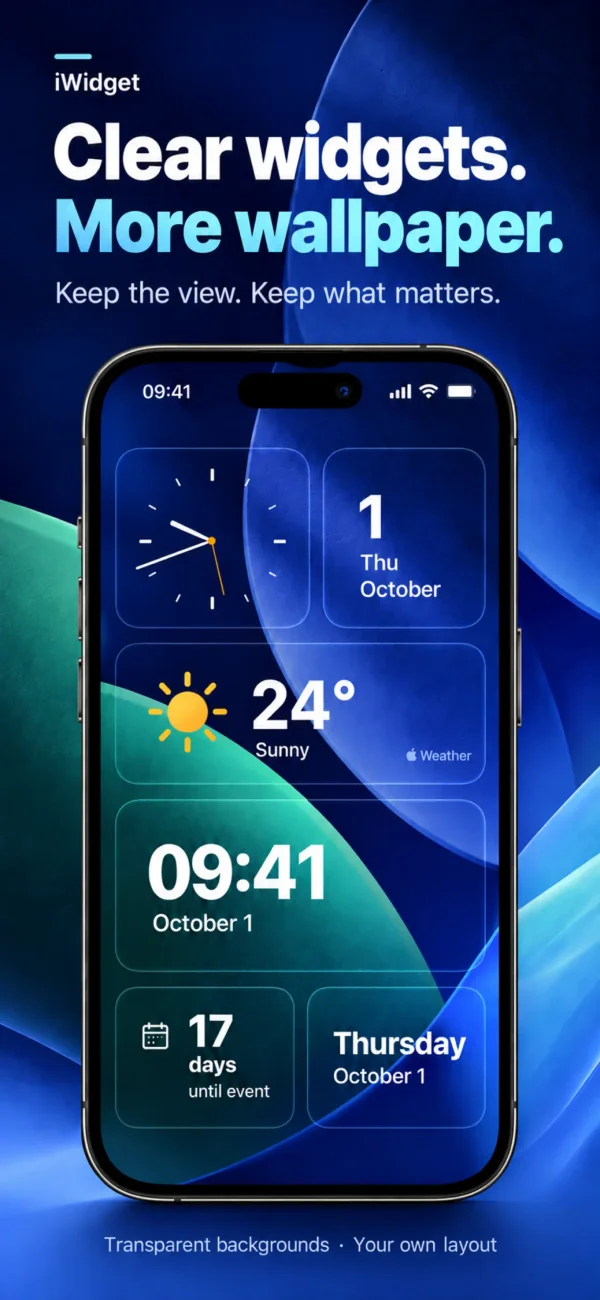
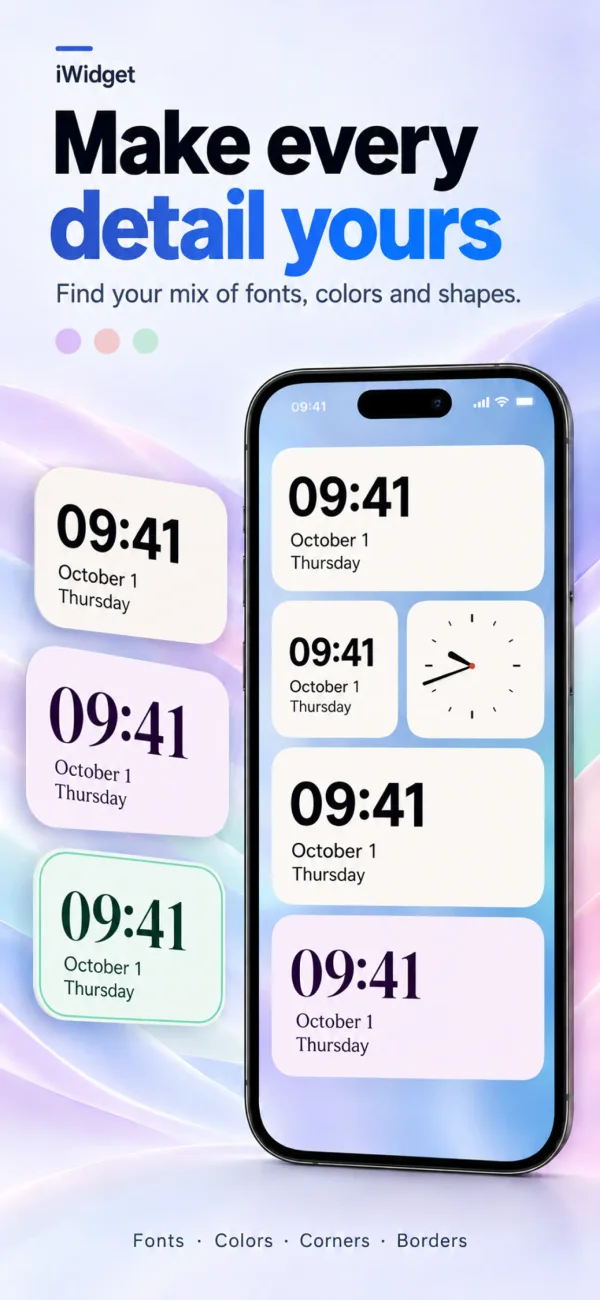
• Precision Styling: Fine-grid layout, layers, alignment, style copy, separate light/dark colors, contrast checks, in-app screenshot alignment previews, Liquid Glass / clear / gradient backgrounds, and color keeping in Clear/Tinted mode (where supported).
• Multi-Surface & Private: Home Screen, Lock Screen, StandBy, Control Center, and Live Activities / Dynamic Island (varies by OS/device). Share via .iwidget files or QR codes, with optional iCloud sync. No account or ads; only water intake can optionally write to Apple Health.
Full feature guide: https://ihtcstudio.github.io/iWidget
FREE EXPERIENCE AND MEMBERSHIP
Download free for a 7-day full editing trial from first use—no upfront subscription or auto-charge. Afterward, choose monthly or annual auto-renewing membership, or a one-time lifetime purchase; all plans unlock the same editor.
Browse, add, import, and open saved designs free; editing needs the trial or membership. Home Screen, Lock Screen, and Quick Launch widgets work while active and show a lock overlay once expired (tap to subscribe and restore). Apple sets prices and currency. Buying during the trial charges immediately without crediting remaining days. Subscriptions auto-renew within 24 hours before expiry; cancel anytime in Apple Subscription Management and keep access through the current period.
Lifetime does not auto-renew or cancel existing subscriptions—manage them separately. Restore purchases in-app. Tips unlock nothing. No Family Sharing. Requires iOS or iPadOS 17 or later.
Terms of Use: https://ihtcstudio.github.io/iWidget/terms/
Privacy Policy: https://ihtcstudio.github.io/iWidget/privacy/
iWidget — DIY content and layouts freely, and make every widget yours.
Novedades
Versión 1.12.0 · 27/11/2026
iWidget v1.12.0 is here
This update adds Live Activities & Dynamic Island, Home Screen Split Reveal, a Fit-to-Frame analog dial, a redesigned app launcher picker with batch slot management, tabbed block inspectors, and richer Expansion Center styling. Saved designs stay unchanged.
1. Live Activities & Dynamic Island (iOS): Design Lock Screen banners on a fine grid with three height tiers and frosted glass, tinted, or dark backdrops. Place app launchers, hydration, off-work countdowns, dates, weather, clocks, and system metrics. Configure leading, trailing, and minimal Dynamic Island slots (including photo avatars and live metrics) with interactive pill & Always-On preview. Run up to 5 Live Activities at once, manage or renew them together, log water directly from the Lock Screen, and automate renewal via Shortcuts or auto-renew on foreground. Five templates are included (macOS supports editing and iCloud sync).
2. Split Reveal (Home Screen): Tap to dock the main page to any edge and reveal 1 to 4 secondary pages, with optional expanded-only overlay and persistent common layers. Choose reflow, scale-to-fit, or scale-to-fill (with 5 focal points) for the main page, plus 6 transitions, multi-page cycling, and auto-collapse. Shares the 4-container board limit and cannot be nested; open state stays on this device. Added Split Dial · Weather and Split Frame · Moments templates.
3. Fit-to-Frame Analog Dial: Analog clocks can now conform to rounded rectangles with radially aligned ticks and numerals in any aspect ratio, adjustable corner/inset ratios, and full compatibility with existing dial styles and hand colors.
4. Redesigned App Picker & Batch Slot Management: Always-visible search, category tabs, compact icon grid, and smart parsing for App Store links, URL schemes, and Bundle IDs—plus local hiding of saved entries without breaking existing widgets. Row, Orbit, Scatter, Expansion Center, and Edge Drawer now support multi-select batch adding, quick fill from recent apps, direct slot swaps, drag or exact-position reordering, and moving apps across groups.
5. Expansion Center Upgrades: Switch group expansion between Arc and Full Circle (with per-group overrides), set fixed or folder-aligned starts and clockwise/counterclockwise direction, customize track line styles, circular icons, icon strokes, minimum tap targets, and wider outer ring radii (65%–100%).
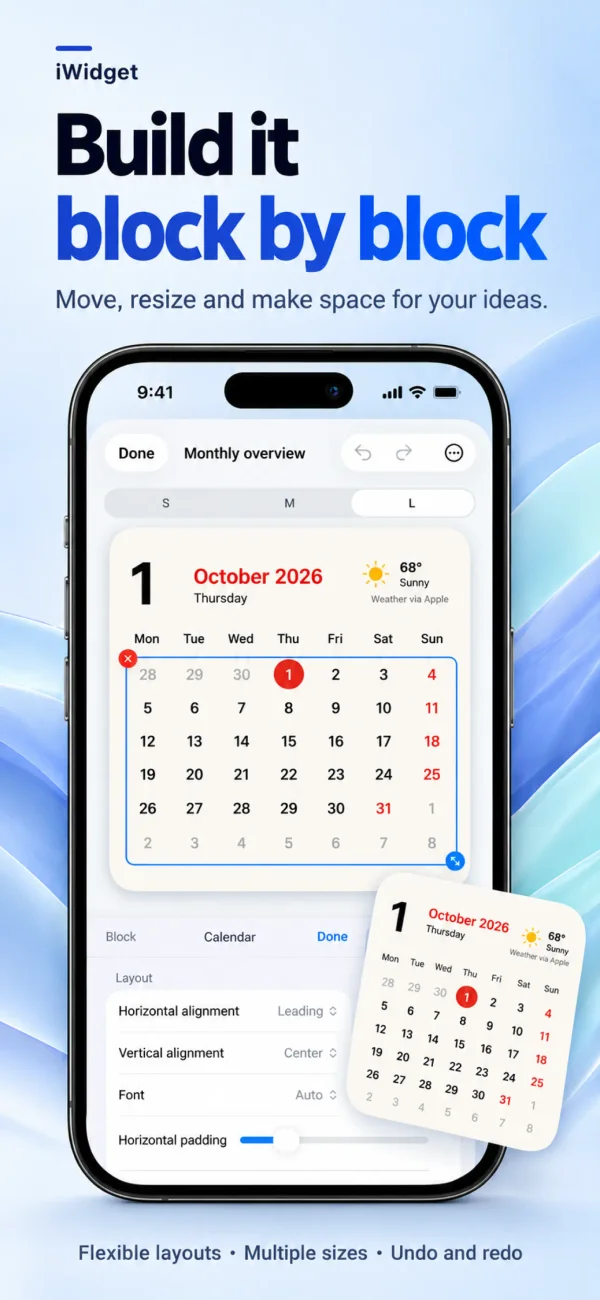
6. Tabbed Inspector & Embedded Geometry Panel: Block inspectors are now organized into Content, Layout, Style, Card, and Action tabs (with multi-select support and an option to remember the last tab). The precision Position & Size panel is embedded right inside the Layout tab.
7. Polish & Reliability: Live off-work countdown previews in My Widgets, redrawn cloudy/rain/snow icons in Soft Set 1, and stronger protected-data handling before first unlock after reboot.
8. Stability: the editor crashes less often. Opening a menu-page canvas no longer pushes the editor into an abnormal exit. Checking off a reminder, turning a stack page, and refreshing weather keep the current picture in place, so the whole widget does not flash.
If this version helps, please rate or review on the App Store, or send feedback from About. Thank you.
Privacidad de la aplicación
Lo que 天从 何 declara en App Store sobre cómo esta aplicación gestiona los datos.
-
No se recopilan datos
El desarrollador no recopila ningún dato de esta aplicación.
Las prácticas de privacidad pueden variar, por ejemplo, según las funciones que uses o tu edad.
Información
- Vendedor
- 天从 何
- Categoría
- Diseño gráfico
- Versión
- 1.12.0
- Actualizado
- 27/11/2026
- Publicado
- 30/10/2026
- Tamaño
- 206,3 MB
- Requiere
- iOS 17.0 o posterior
- Clasificación por edad
- 4+
- Precio
- Gratis
- Compras en la aplicación
- Sí
- Idiomas
- Inglés, Neerlandés, Francés, Alemán, Italiano, Japonés, Coreano, Portugués, Ruso, Chino simplificado, Español, Tailandés + 1 más
- Copyright
- © @iHTCboy
Quizá también te guste
-
 Emoji Battery Widget · WattieAnimación de carga de batería
-
 DesktopWidgetDiseño gráfico
-
 灵犀桌面 - 万能灵动Widget 小组件 壁纸照片组件主题Diseño gráfico
-
 MotMark - Video maqueta 3DCapturas de alta conversión
-
 Photo Collage StudioDiseño gráfico
-
 Spectrum: Color DetectorDiseño gráfico
-
 Imán frigorífico: recorta fotoHaz bonito imán con foto para
-
 OSomeWidgets - Health ToolsDiseño gráfico
-
 AR Builder: Pixel Art 3D VoxelCrea diseños 3D con cubos AR
-
 Crayon MaestroDiseño gráfico