
iWidget: DIY Widget Studio
Your Content. Your Layout.
Dirancang untuk iPhone, iPad
Gratis · Pembelian dalam aplikasi
- Batasan usia4+
- KategoriGrafik & Desain
- Pengembang天从 何
- BahasaInggris+ 12 lainnya
- Ukuran210,0 MB
Tertaut ke halaman resmi App Store
Download.org tidak menyimpan file iWidget: DIY Widget Studio apa pun. Tombol ini membuka halaman aplikasi di App Store, tempat 天从 何 menerbitkannya. Halaman terakhir diperiksa pada 29/11/2026.
Tangkapan layar
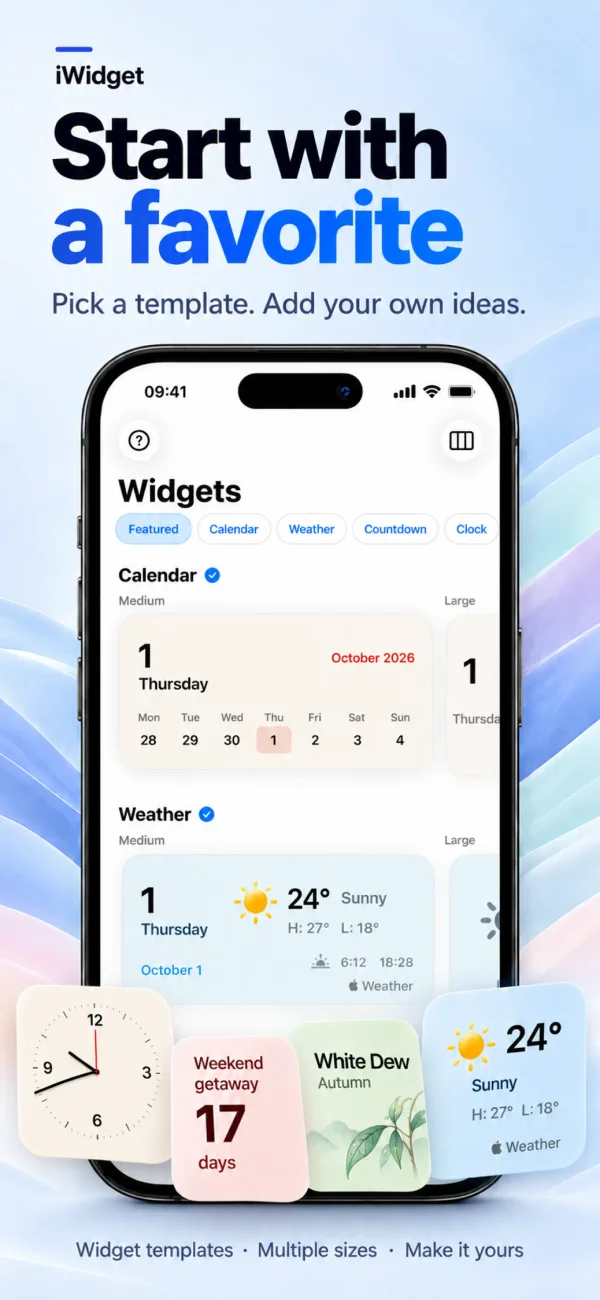
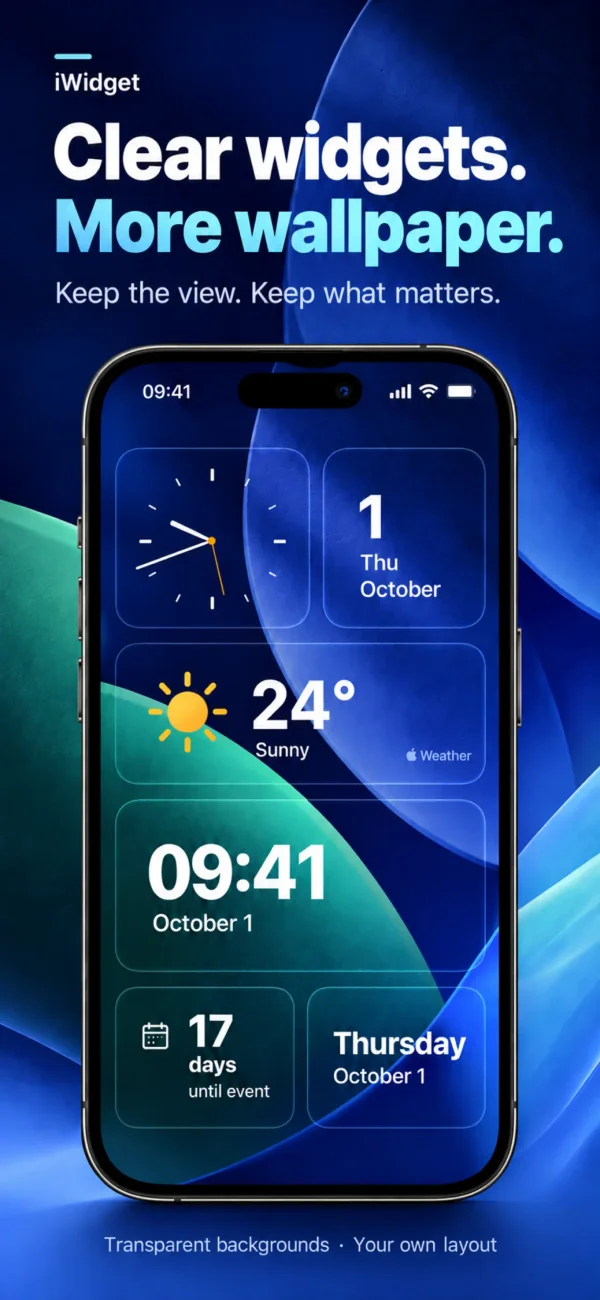
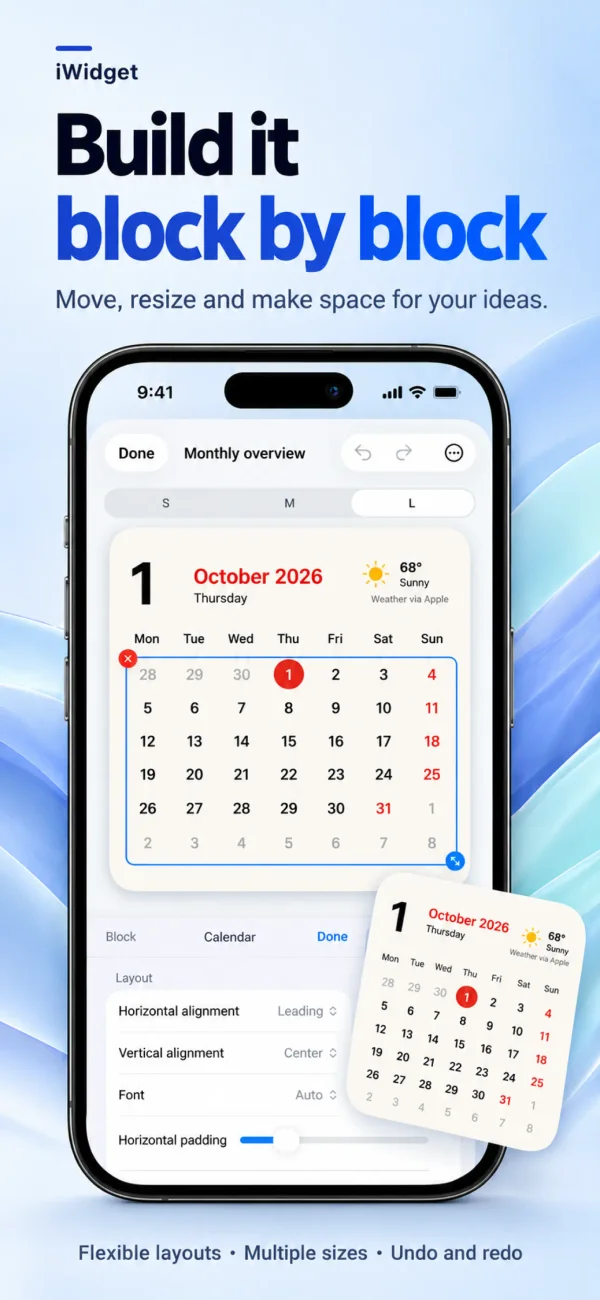
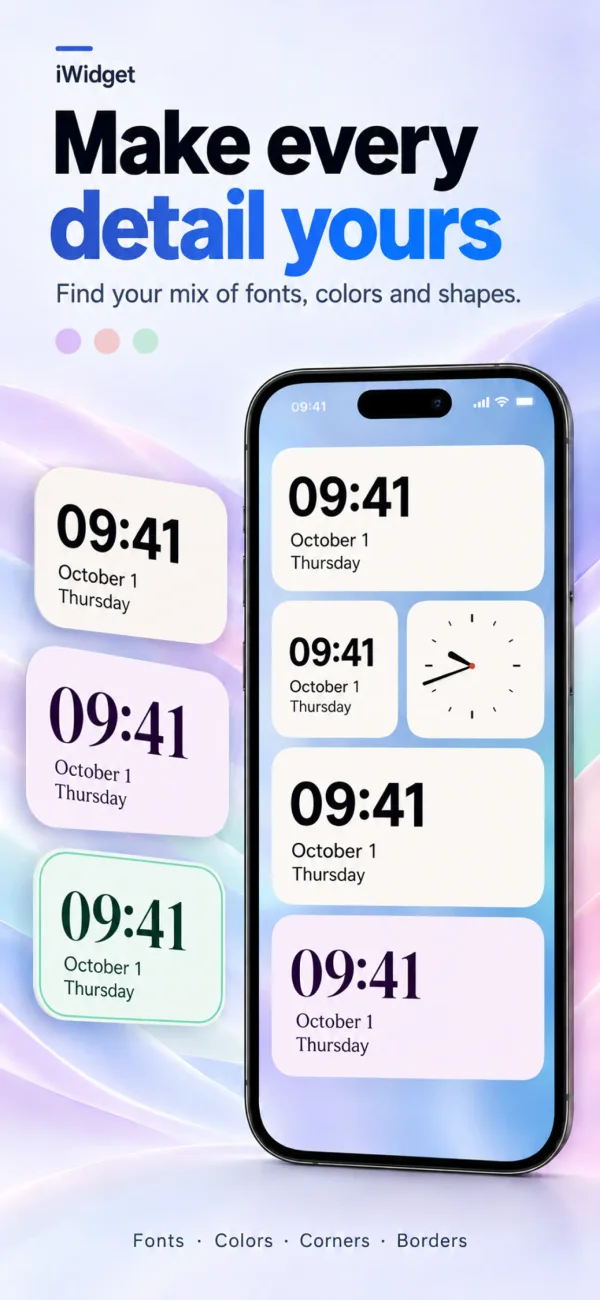
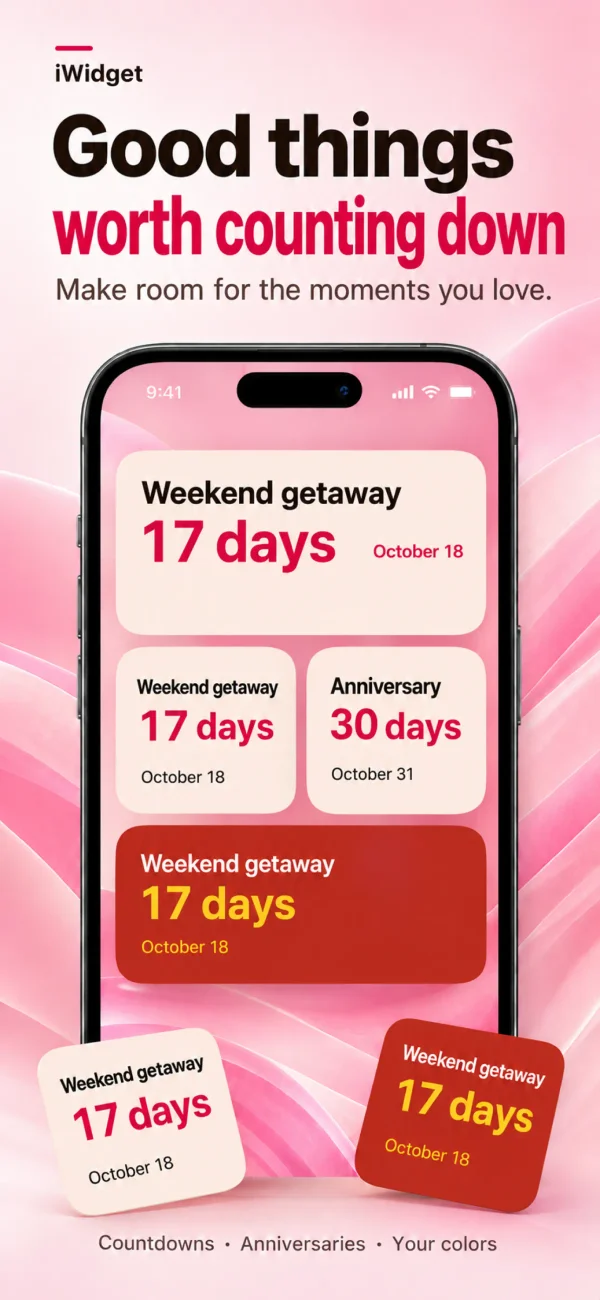
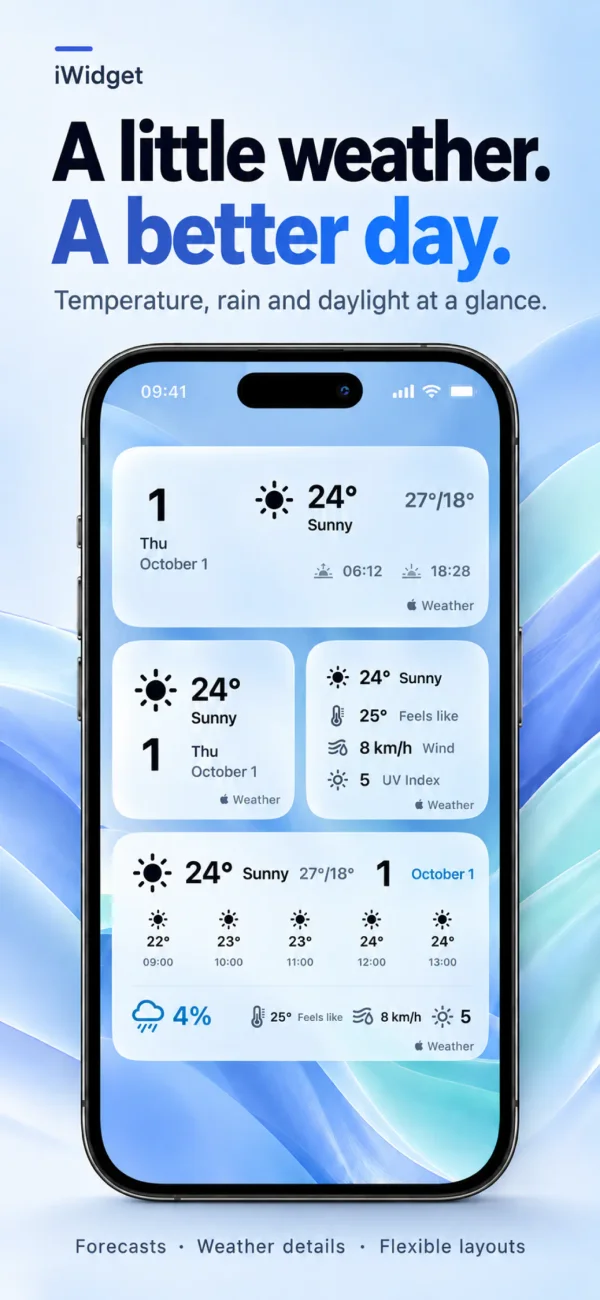
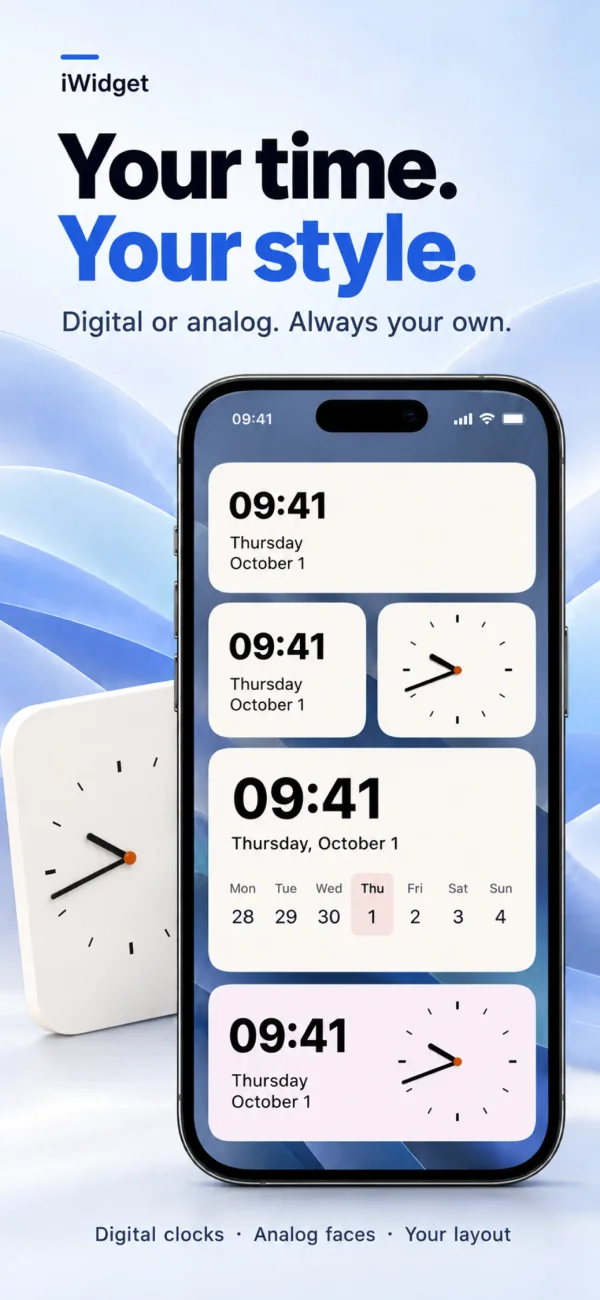
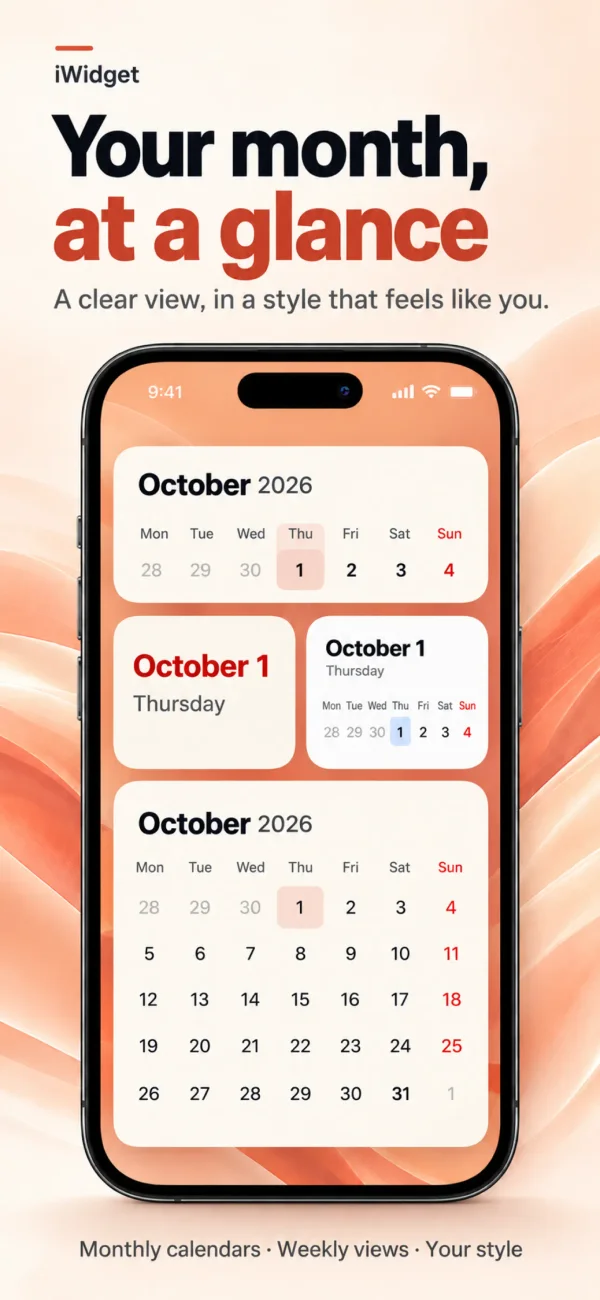
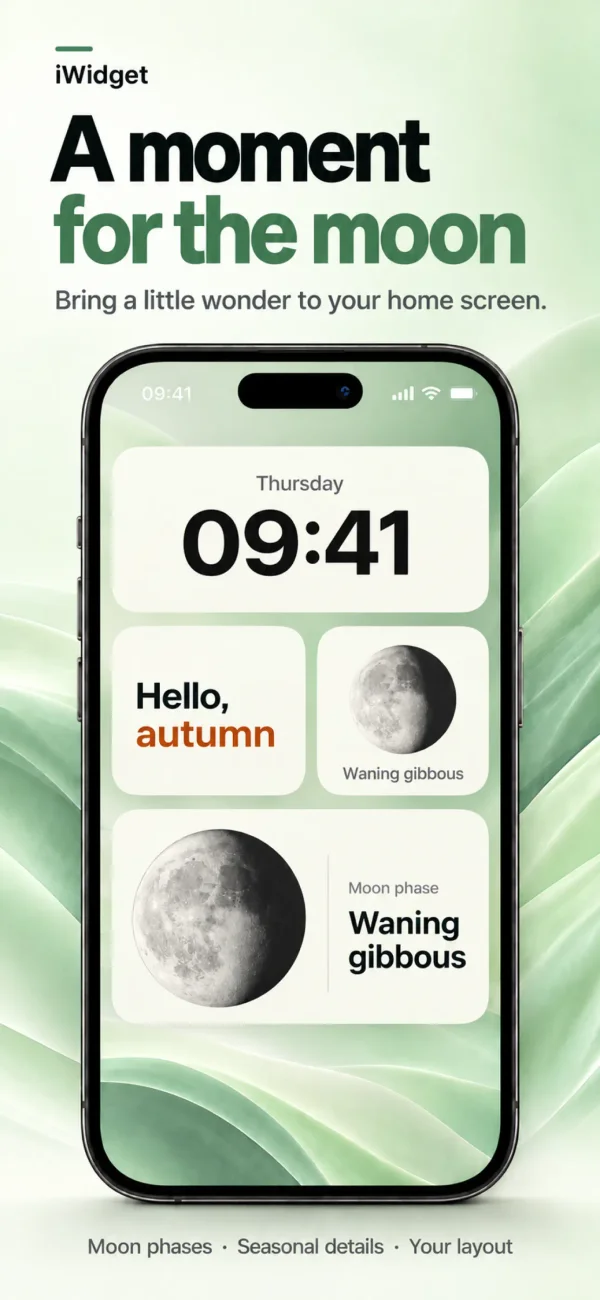
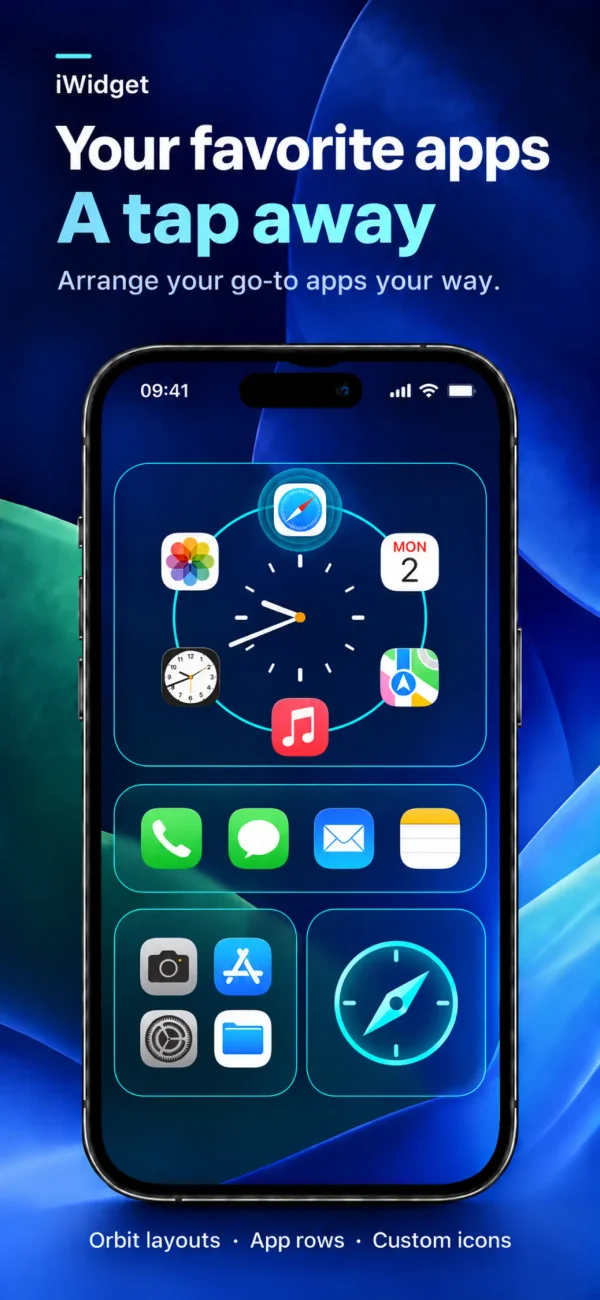
Tentang
Pengembang belum menyediakan teks ini dalam bahasa Anda.
DIY your Home Screen widgets freely—your style, your rules!
iWidget is a DIY widget studio built for your wallpaper. Go beyond fixed cards: mix blocks to choose your content, layout, and colors. No coding needed—tweak 100+ templates or build from scratch.
90+ BLOCKS TO MIX AND MATCH
• Time & Calendars: Digital/analog clocks, month grids, week strips, year progress, off-work countdowns, lunar dates, solar terms, holidays, almanac, and moon phases.
• Weather & Daily Info: Apple Weather forecasts and charts, Calendar events, interactive Reminders, hydration tracking, countdowns, health metrics, and device gauges (battery, memory, storage, CPU, network).
• Photos & Decor: Shaped photo masks, overflow stickers, custom text, rice grids, second rings, frames, and dividers.
INTERACTIVE & WALLPAPER-MATCHED
• Launchers & Multi-Page Widgets: Row, orbit, or free app launchers, plus stacks, menu pages, expansion centers, edge drawers, and split-reveal panels.
• Precision Styling: Fine-grid layout, layers, alignment, style copy, separate light/dark colors, contrast checks, in-app screenshot alignment previews, Liquid Glass / clear / gradient backgrounds, and color keeping in Clear/Tinted mode (where supported).
• Multi-Surface & Private: Home Screen, Lock Screen, StandBy, Control Center, and Live Activities / Dynamic Island (varies by OS/device). Share via .iwidget files or QR codes, with optional iCloud sync. No account or ads; only water intake can optionally write to Apple Health.
Full feature guide: https://ihtcstudio.github.io/iWidget
FREE EXPERIENCE AND MEMBERSHIP
Download free for a 7-day full editing trial from first use—no upfront subscription or auto-charge. Afterward, choose monthly or annual auto-renewing membership, or a one-time lifetime purchase; all plans unlock the same editor.
Browse, add, import, and open saved designs free; editing needs the trial or membership. Home Screen, Lock Screen, and Quick Launch widgets work while active and show a lock overlay once expired (tap to subscribe and restore). Apple sets prices and currency. Buying during the trial charges immediately without crediting remaining days. Subscriptions auto-renew within 24 hours before expiry; cancel anytime in Apple Subscription Management and keep access through the current period.
Lifetime does not auto-renew or cancel existing subscriptions—manage them separately. Restore purchases in-app. Tips unlock nothing. No Family Sharing. Requires iOS or iPadOS 17 or later.
Terms of Use: https://ihtcstudio.github.io/iWidget/terms/
Privacy Policy: https://ihtcstudio.github.io/iWidget/privacy/
iWidget — DIY content and layouts freely, and make every widget yours.
Yang baru
Versi 1.13.1 · 28/11/2026
iWidget v1.13.1 — Fixes & Improvements
This update focuses on fixing widget display, launch, membership verification, and calibration issues for better day-to-day stability, along with refinements to Desktop Reader and Settings plus a new on-device Cutout Sticker block. Saved designs stay unchanged.
1. Fixed Clock & Animation Freezing (Home Screen & CarPlay): Resolved an issue where Large Icons, Display Zoom, StandBy, or certain small Home Screen widgets could be misidentified as CarPlay, causing analog clock hands, rotating items, and digital clock animations to freeze. Replaced size-based heuristics with explicit Default / CarPlay host selection per widget instance, and hid the second hand in static CarPlay mode to avoid a stationary hand.
2. Fixed False Membership Lockouts on App Store Account Switch: Resolved an issue where existing members who temporarily switched App Store accounts could immediately see widgets locked or a false "trial ended" message. Added a local installation-bound grace period backed by verified transactions, with automatic silent restoration upon switching back and a clear re-verification prompt when expired (refunds and expired subscriptions still take effect immediately).
3. Fixed App Launch Unresponsiveness, Live Activity Jump & Slot Copy Issues: Fixed heavy widgets combining multi-app launchers, month grids, and weather forecasts becoming unresponsive or stale after launching an app, via display-sized icon downsampling, weather archive budgeting, and fast post-launch reloads. Fixed duplicate slot IDs when copying launchers, stacks, or Expansion Centers causing misplaced taps or ordering issues (existing designs auto-repair). Fixed occasional launch failures or blank pages for apps like App Store from Lock Screen, Dynamic Island, or launchers, and added manual Store icon refresh.
4. Fixed Frosted/Transparent Calibration & Screen Alignment: Fixed an issue where the calibration marker lost its color under Clear or Tinted Home Screen appearances and could not be detected. Fixed wallpaper crop offsets across device resolutions and multi-screen layouts with per-resolution screenshot storage, updated alignment tables, ±24 px global fine-tuning, and a new None (0%) widget margin preset.
5. Fixed Desktop Reader Pagination & Typography (Plus Chapter Mode): Fixed backward-page jump offsets after changing font size, line spacing, or margins, fixed Style tab sliders not directly controlling Reader body/header font sizes, and preserved per-size margins when adjusting body font size. Added chapter-aware pagination, chapter-opening emphasis, per-chapter page counts, quick-read Aa typography controls, and Book Cover (auto-extracted from local EPUB) or Custom Image privacy hide styles (books and covers stay on device).
6. Fixed Inspector Button Display & Reorganized Settings: Fixed inspector form buttons whose icons could blend into the button fill, and unified sticker layout coordinates between the editor and Home Screen. Reorganized Settings into cleaner subpages (Today Page, Weather & Location, Holidays & Reminders, Home Screen & Editor, Permissions & Health) with live permission status summaries that never trigger unexpected prompts.
7. New On-Device Cutout Stickers & Local Sticker Library: Added the Home Screen Cutout Sticker block with offline subject cutout (multi-subject selection, manual refine brush, and automatic shape framing for landscapes), contour strokes, paper/glitter/film styles, tape/pin decor, tap-to-cycle, and a WYSIWYG Arrange on Canvas workspace with drag, pinch-zoom, rotate, layer ordering, and 30-step undo. Added an offline Sticker Library in Settings → Tools for batch cutout, grouping, search, and transparent PNG export, plus a one-tap cutout shortcut in Photo Frame blocks.
If this version helps, please rate or review on the App Store, or send feedback from About. Thank you.
Privasi aplikasi
Yang dinyatakan 天从 何 di App Store tentang cara aplikasi ini menangani data.
-
Data tidak dikumpulkan
Pengembang tidak mengumpulkan data apa pun dari aplikasi ini.
Praktik privasi dapat bervariasi, misalnya berdasarkan fitur yang Anda gunakan atau usia Anda.
Informasi
- Penjual
- 天从 何
- Kategori
- Grafik & Desain
- Versi
- 1.13.1
- Diperbarui
- 28/11/2026
- Dirilis
- 30/10/2026
- Ukuran
- 210,0 MB
- Memerlukan
- iOS 17.0 atau yang lebih baru
- Batasan usia
- 4+
- Harga
- Gratis
- Pembelian dalam aplikasi
- Ya
- Bahasa
- Inggris, Belanda, Prancis, Jerman, Italia, Jepang, Korea, Portugis, Rusia, Tionghoa Sederhana, Spanyol, Thai + 1 lainnya
- Hak cipta
- © @iHTCboy
Mungkin Anda juga suka
-
 Emoji Battery Widget · WattieCharging Animation, Baterai
-
 DesktopWidgetGrafik & Desain
-
 灵犀桌面 - 万能灵动Widget 小组件 壁纸照片组件主题Grafik & Desain
-
 MotMark - Video Mockup 3DTangkapan layar,Media sosial
-
 Photo Collage StudioGrafik & Desain
-
 Spectrum: Color DetectorGrafik & Desain
-
 Fridge magnet: photos stickersGrafik & Desain
-
 OSomeWidgets - Health ToolsGrafik & Desain
-
 AR Builder: Pixel Art 3D VoxelGrafik & Desain
-
 Crayon MaestroGrafik & Desain