- Clasificación por edad4+
- CategoríaProductividad
- DesarrolladorSerpensoft Group
- IdiomasInglés+ 11 más
- Tamaño19,6 MB
Enlaza a la página oficial de App Store
Download.org no aloja ningún archivo de iWriter 2. El botón abre la página de la aplicación en App Store, donde la publica Serpensoft Group. Ficha comprobada por última vez el 12/11/2026.
Capturas de pantalla

Acerca de
El desarrollador no ha proporcionado este texto en tu idioma.
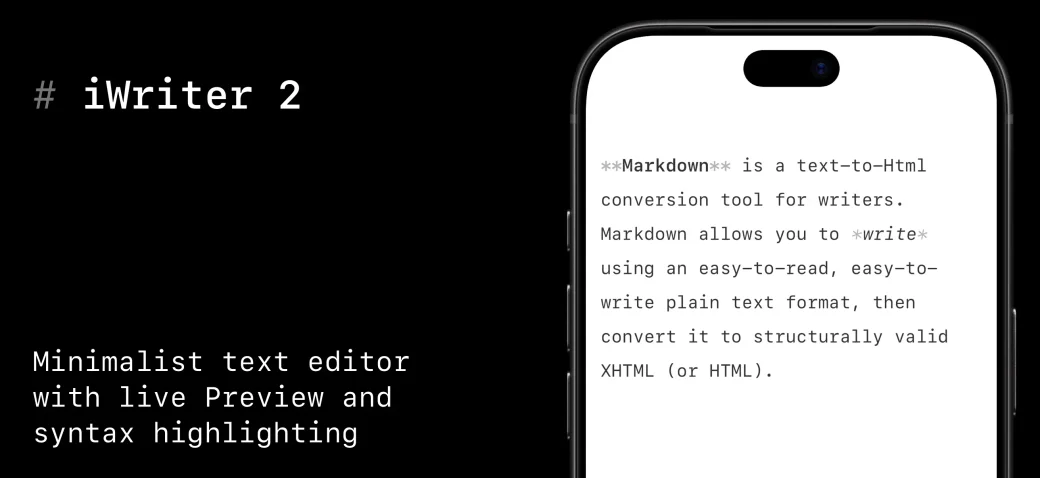
iWriter 2 is an elegant and minimalist Markdown text editor designed for distraction-free writing.
# iWriter 2 is the next generation of the beloved iWriter text editor.
"Simple & beautiful"
App Store Review, 2019
"Terrific Writing and Notes App"
App Store Review, 2015
"Great simple text editor"
App Store Review, 2014
Immerse yourself in a minimalist writing environment designed to enhance focus and productivity. Say hello to structured, professional documents that effortlessly transform your ideas.
## MultiMarkdown Support
iWriter 2 is a full-featured Markdown editor built for precision and flexibility.
- MultiMarkdown support with live preview and syntax highlighting.
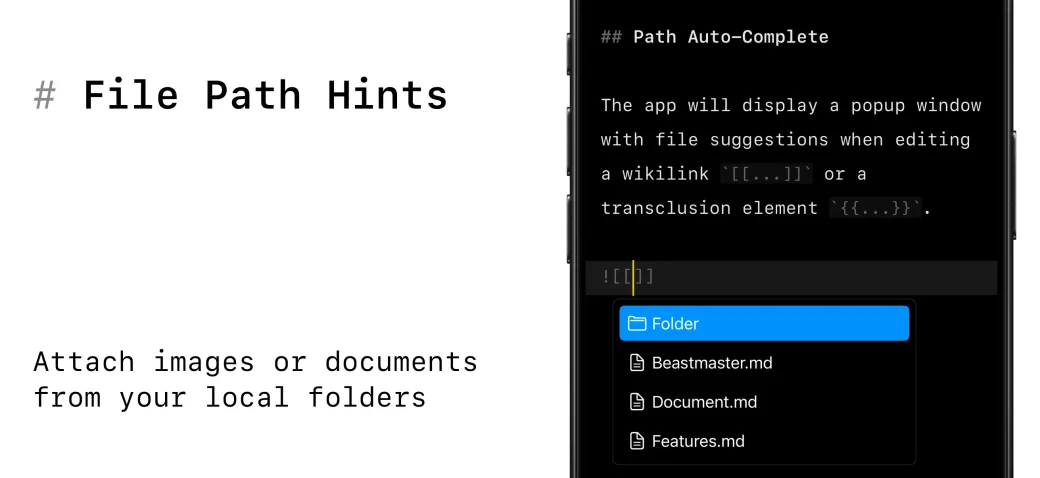
- Wikilinks and Wiki-Embeds for connected notes.
- Task lists and code blocks made simple.
- Keyboard shortcuts for fast inline formatting.
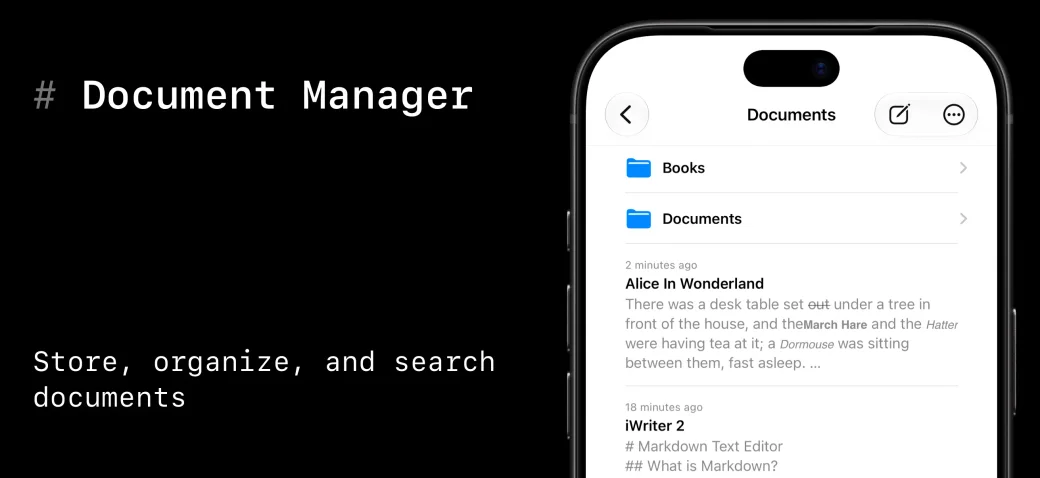
## Built-in Document Manager
A built-in document manager that lets you easily organize, browse, and manage all your files in one place — complete with powerful document search to quickly find exactly what you need.
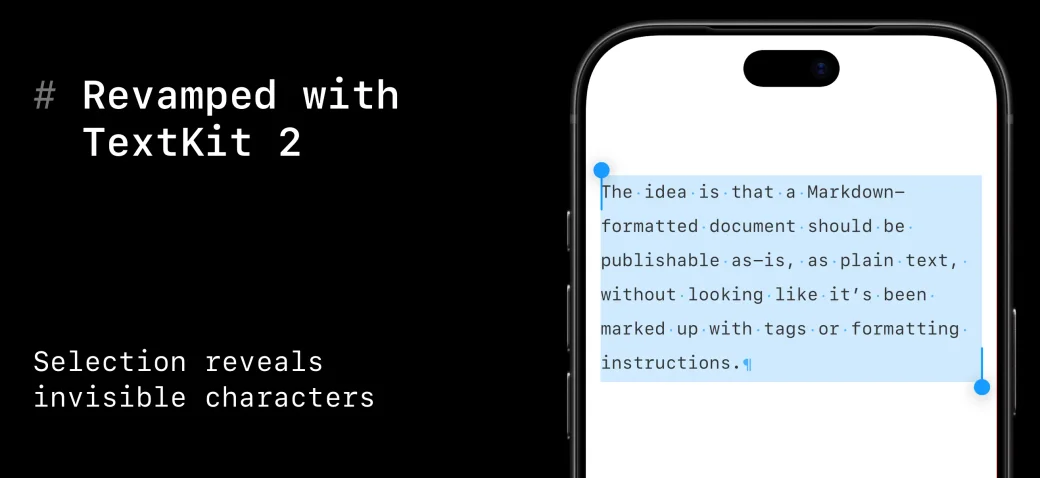
## Rebuilt with TextKit 2
iWriter 2 has been completely rebuilt from the ground up using Apple’s modern TextKit 2 framework, delivering faster performance, smoother scrolling, and a more responsive writing experience.
## Multiple Export Options
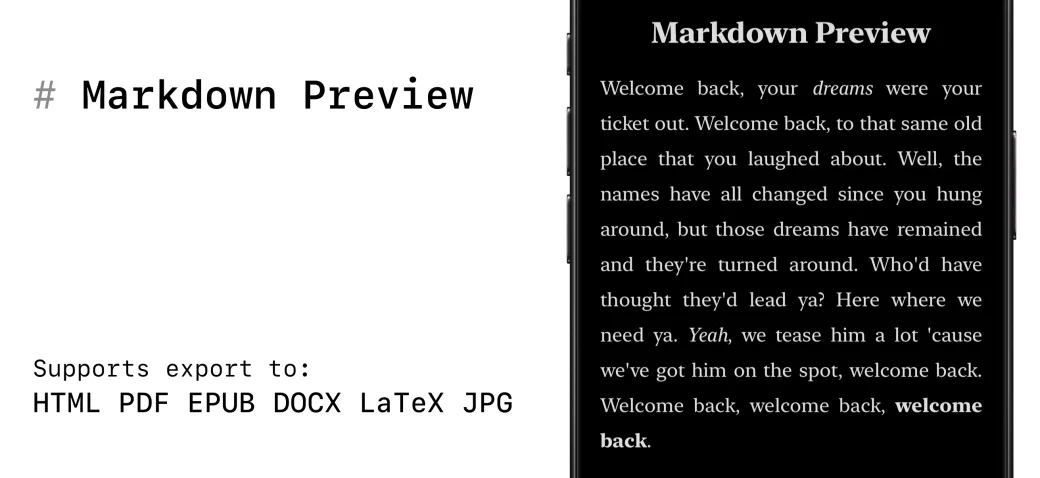
A refined, user-friendly interface designed for focus and productivity, offering intuitive formatting options and seamless export to multiple formats including HTML, PDF, EPUB, DOCX (Microsoft Word), and LaTeX.
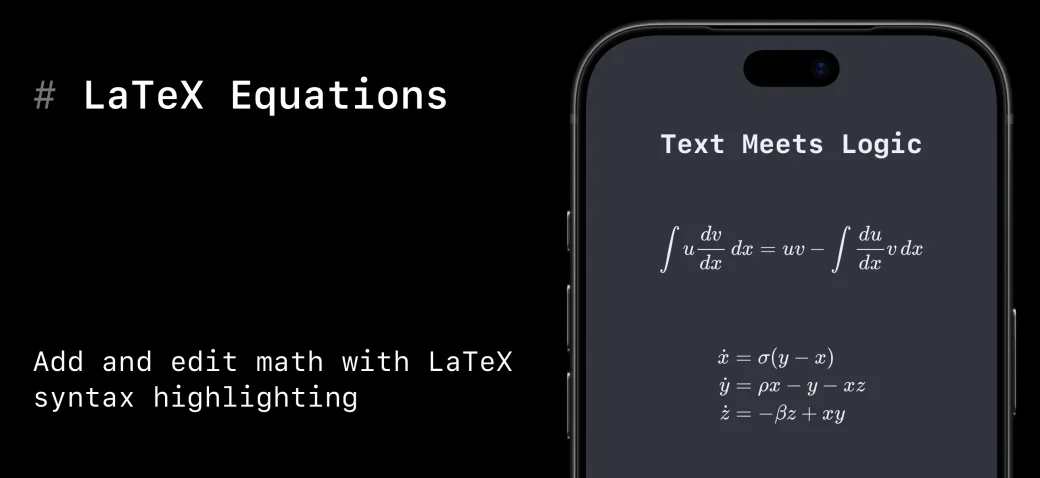
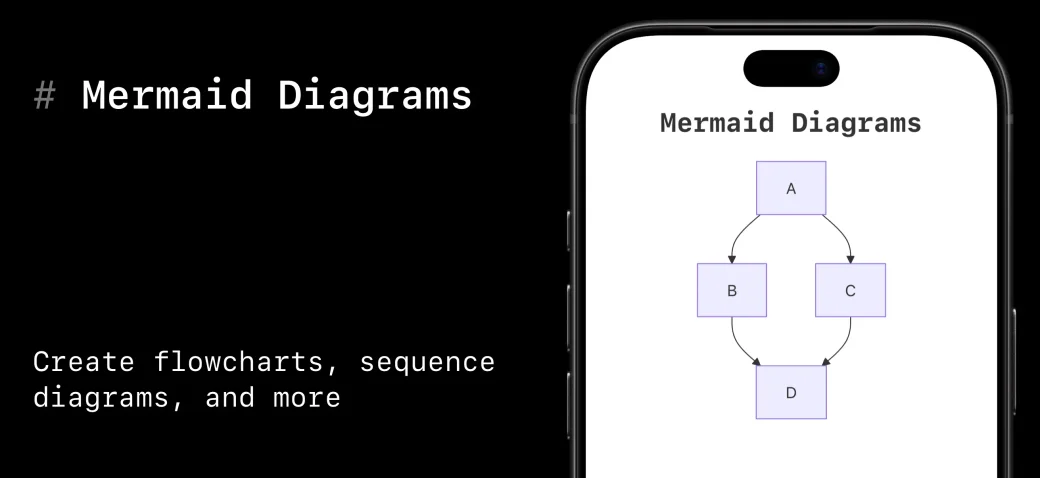
## LaTeX and Mermaid Diagrams
iWriter 2 offers LaTeX syntax highlighting, making complex math expressions easy to read and edit as you write. It also supports Mermaid diagrams, letting you create flowcharts, sequence diagrams, and more using simple text-based syntax. Both integrate seamlessly into your Markdown workflow, keeping technical writing and visual documentation in one place.
---
Terms of Use: http://www.apple.com/legal/itunes/appstore/dev/stdeula
Privacy Policy: https://serpensoft.com/privacy-policy/
Novedades
Versión 19 · 2/11/2026
- Text Navigation now follows your cursor. The navigation panel highlights the heading of the section you’re writing in.
- Focus Mode now uses a new approach that’s much easier on performance.
- Improvements to invisible characters rendering.
- Improvements to navigation in the Documents Manager. New "Go" menu is availabe on iPad.
- Smoother scrolling in long documents.
- Better handling of files in the Document Manager.
- Fixed scrolling problems in long documents.
- Fixed incorrect background drawing in code blocks.
- Fixed Typewriter Mode bugs, including wrong spacing at the top and bottom of the text.
- Fixed problems restoring documents and windows at launch.
- Fixed several Document Manager bugs.
If you like iWriter, please rate it in the App Store every time the update goes live. Your ratings and great reviews help us a lot!
Privacidad de la aplicación
Lo que Serpensoft Group declara en App Store sobre cómo esta aplicación gestiona los datos.
-
No se recopilan datos
El desarrollador no recopila ningún dato de esta aplicación.
Las prácticas de privacidad pueden variar, por ejemplo, según las funciones que uses o tu edad.
Información
- Vendedor
- Sergey Zorin
- Categoría
- Productividad
- Versión
- 19
- Actualizado
- 2/11/2026
- Publicado
- 16/10/2025
- Tamaño
- 19,6 MB
- Requiere
- iOS 26 o posterior
- Clasificación por edad
- 4+
- Precio
- 8,99 €
- Idiomas
- Inglés, Francés, Alemán, Italiano, Japonés, Coreano, Portugués, Ruso, Chino simplificado, Español, Chino tradicional, Turco
- Copyright
- © Sergey Zorin 2026