
- Clasificación por edad17+
- CategoríaUtilidades
- DesarrolladorDenys Pashchenko
- IdiomasInglés
- Tamaño13,6 MB
Enlaza a la página oficial de App Store
Download.org no aloja ningún archivo de JoyArk: Cloud Gaming. El botón abre la página de la aplicación en App Store, donde la publica Denys Pashchenko. Ficha comprobada por última vez el 17/11/2026.
Capturas de pantalla


Acerca de
El desarrollador no ha proporcionado este texto en tu idioma.
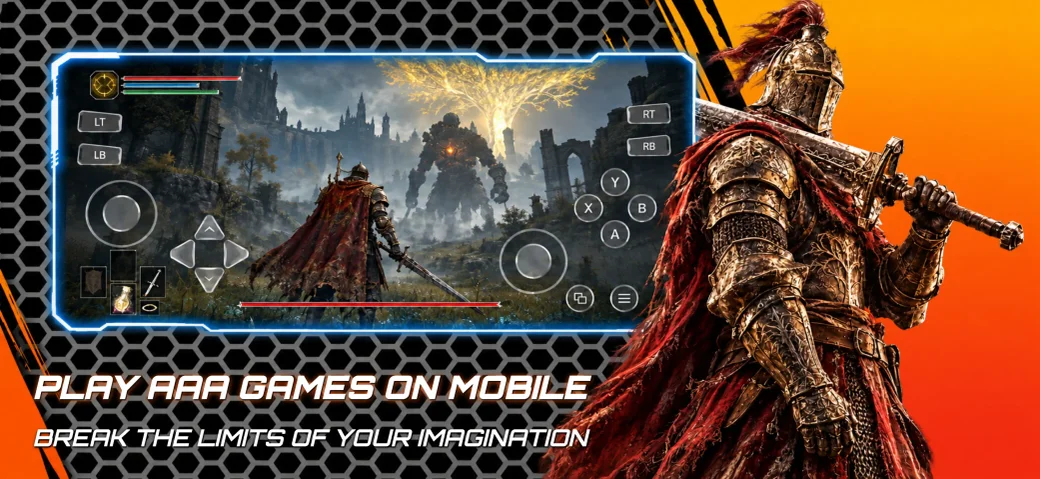
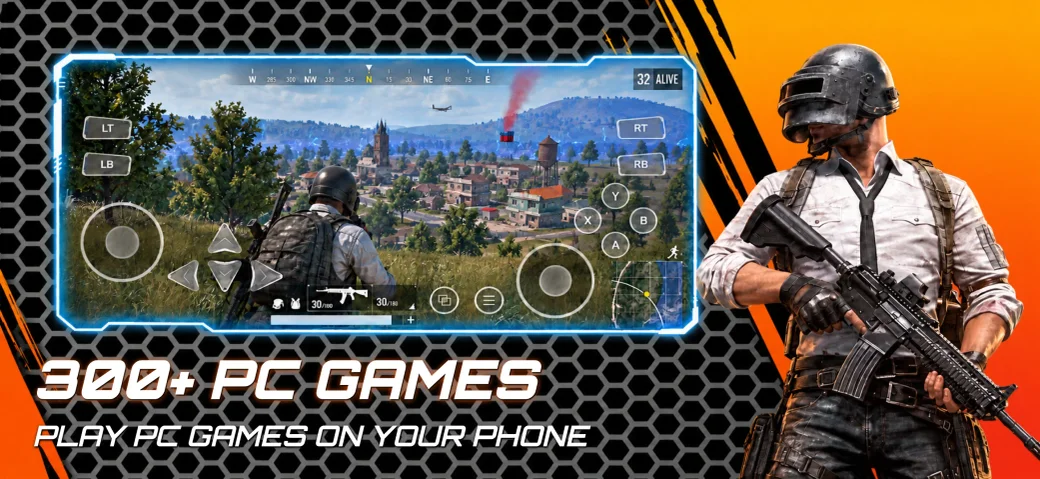
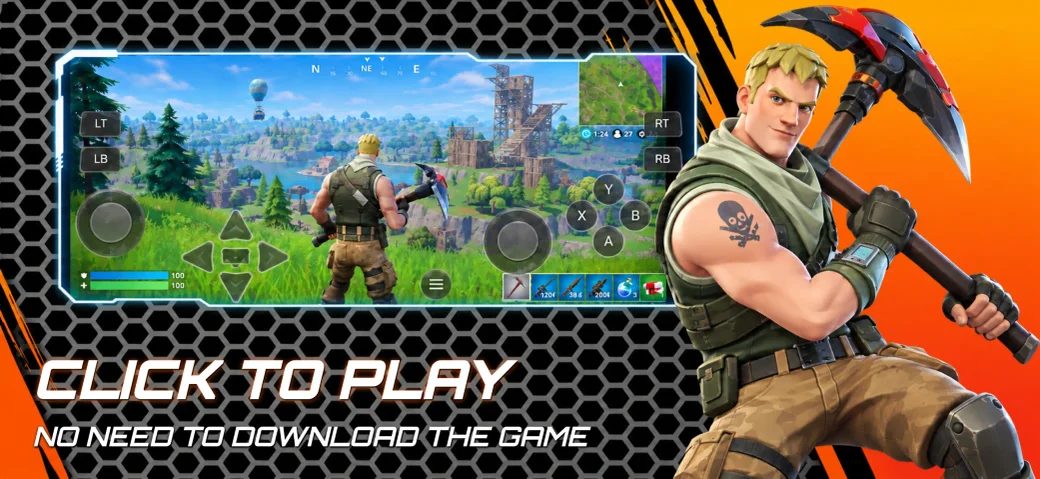
Stream games running on your own Mac to your iPhone over the same local network.
JoyArk connects directly to the free JoyArk Host companion on your Mac. Your game runs on the Mac, while your iPhone shows the screen and sends your controls back over an encrypted local connection.
PLAY FROM YOUR MAC
• Find nearby Macs automatically and compare a six-digit code to approve pairing.
• Reconnect to a saved Mac without entering its address or key again.
• Use touch controls or a Bluetooth controller connected to your iPhone.
• Stream system audio and choose 720p or 1080p, 30 or 60 FPS, and a suitable bitrate.
• Rotate your iPhone to landscape for a wider view.
• Get connection help and a keyboard/mouse mapping guide inside the app.
WHAT YOU NEED
• A Mac running macOS 13 or later and an iPhone running iOS 17 or later.
• Xcode with Swift 5.9 or later to build the Mac host from the public source download.
• Both devices on the same home network. The Mac can use Wi-Fi or Ethernet and must remain awake with the host running.
• Games you own that run on your Mac and support keyboard and mouse input.
MAC HOST SETUP
Download the source and follow the build instructions:
https://github.com/egnatkinadev/JoyArkHost
Build the host once, allow Screen Recording and Accessibility on your Mac, and open it whenever you want to stream. Select your Mac in JoyArk, approve the matching code, open your game on the Mac and tap Start streaming.
JoyArk shares the whole selected Mac display. Close private windows before streaming. Controls target the focused Mac app. The host maps input to keyboard and mouse commands; it does not emulate a native Mac gamepad.
Games, cloud computers and a game subscription are not included. This version supports Mac hosts on the same local network; Windows hosts and streaming over the internet are not supported. Streaming quality depends on your devices, game and network.
Usage analytics is optional and disabled by default. Advertising permission can be declined without limiting streaming.
Setup and support: https://egnatkinadev.github.io/JoyArkHost/
Privacy: https://egnatkinadev.github.io/JoyArkHost/privacy.html
Novedades
Versión 1.0.1 · 30/10/2026
Bug fixes.
Privacidad de la aplicación
Lo que Denys Pashchenko declara en App Store sobre cómo esta aplicación gestiona los datos.
-
Datos usados para rastrearte
Pueden usarse para rastrearte en aplicaciones y sitios web propiedad de otras empresas.
- Ubicación
- Historial de navegación
- Identificadores
- Datos de uso
- Otros datos
-
Datos vinculados a ti
Pueden recopilarse y vincularse a tu identidad.
- Ubicación
- Historial de navegación
- Identificadores
- Datos de uso
- Diagnóstico
- Otros datos
-
Datos no vinculados a ti
Pueden recopilarse, pero no se vinculan a tu identidad.
- Diagnóstico
Las prácticas de privacidad pueden variar, por ejemplo, según las funciones que uses o tu edad.
Información
- Vendedor
- Denys Pashchenko
- Categoría
- Utilidades
- Versión
- 1.0.1
- Actualizado
- 30/10/2026
- Publicado
- 27/10/2026
- Tamaño
- 13,6 MB
- Requiere
- iOS 17.0 o posterior
- Clasificación por edad
- 17+
- Precio
- Gratis
- Idiomas
- Inglés
- Copyright
- © 2026 Denys Pashchenko
Quizá también te guste
-
 PlayPc - Pocket ComputerUtilidades
-
 Koyozo ClubUtilidades
-
 CloudPlayPlusUtilidades
-
 GameArchive+Utilidades
-
 Lose ControlTu móvil, mando para tu PC
-
 Gamepad Pro – Remote for PCUtilidades
-
 Dark Aura Panel - Rabbit GreenUtilidades
-
 IPA Installer: Dev UtilityUtilidades
-
 GameHubUtilidades
-
 MuMuPlayerMuMuPlayer: control remoto PC