- Clasificación por edad4+
- CategoríaUtilidades
- DesarrolladorZhi Zheng Yeo
- IdiomasInglés
- Tamaño6,1 MB
Enlaza a la página oficial de App Store
Download.org no aloja ningún archivo de Klayboard. El botón abre la página de la aplicación en App Store, donde la publica Zhi Zheng Yeo. Ficha comprobada por última vez el 18/11/2026.
Capturas de pantalla


Acerca de
El desarrollador no ha proporcionado este texto en tu idioma.
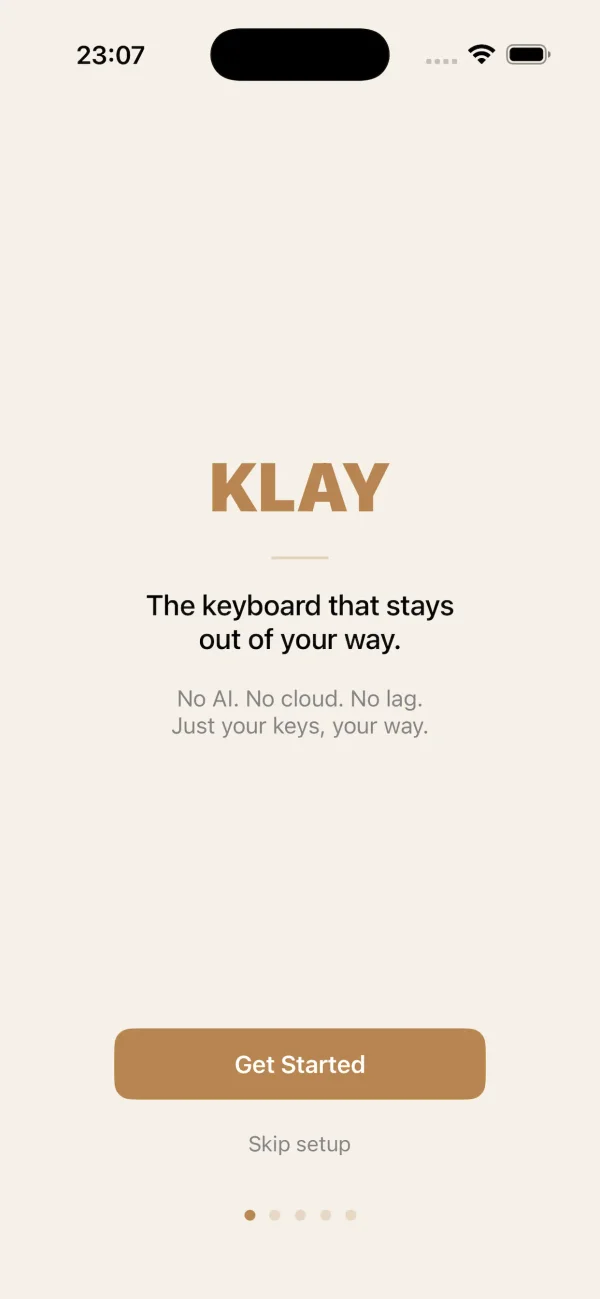
Klayboard is a precision keyboard built for people who want total control over their typing. No predictive AI. No aggressive autocorrect. No cloud connection. What you press is exactly what appears on the screen — every single time.
DETERMINISTIC TYPING
Most keyboards fight you. They change words after you type them, insert suggestions you didn't ask for, and send your keystrokes to the cloud. Klay does none of that. Every tap produces exactly one character. You stay in control.
DEDICATED NUMBER ROW
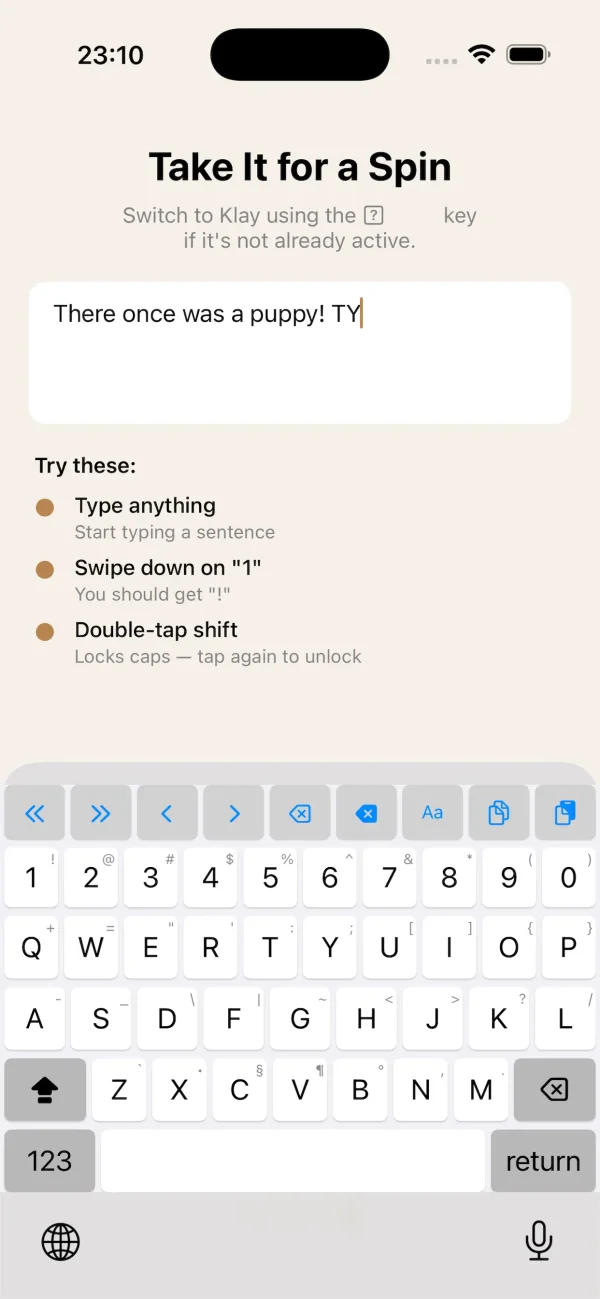
Access numbers without switching layouts. Klay's 5-row and 6-row modes both include a permanent number row across the top. Every number key has a symbol alternate — swipe down on "1" for "!", on "2" for "@", and so on.
WORD-BY-WORD CURSOR NAVIGATION
The utility row gives you desktop-class text editing on your phone. Jump the cursor forward or backward by whole words. Delete the previous word or everything to the start of the line. Toggle case between lower, Title, and UPPER. Copy and paste without leaving the keyboard.
THREE LAYOUTS, ONE KEYBOARD
Standard: Clean QWERTY with a full symbol set available by swipe or long-press on every key.
Coding: Braces, brackets, semicolons, slashes, and equals on the primary layer. Tab key included. Built for writing code on mobile.
Markdown: One-tap buttons for headings, bold, italic, code blocks, links, lists, and horizontal rules. The cursor auto-positions between delimiters.
SMART TOUCH ACCURACY
Klayboard uses a geometric probability model to resolve ambiguous taps near key boundaries. It considers finger position, key proximity, and letter-pair frequency — all computed locally, with zero dictionary lookups. The result: fewer missed keys, especially at smaller keyboard sizes.
FULLY CUSTOMIZABLE
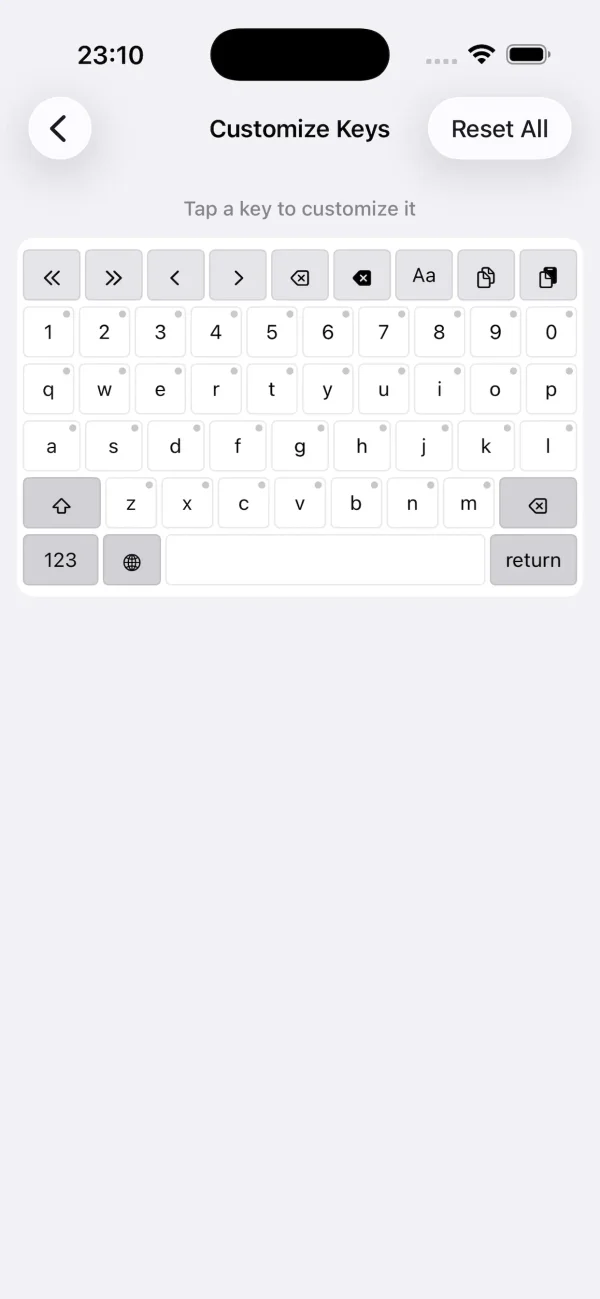
Remap any character key's primary and long-press actions. Adjust keyboard height from 75% to 140%. Choose between 5-row compact and 6-row full modes. Toggle haptic feedback, sound feedback, and key popups independently. Set your preferred long-press duration.
TEXT EXPANSION MACROS
Create custom trigger-based text macros that expand as you type. Set "@@" to expand into your email address, or "addr" into your full mailing address. Macros fire instantly with zero lag — everything runs locally.
BUILT FOR PRIVACY
Klay never connects to the internet. Your keystrokes never leave your device. There is no analytics, no telemetry, no usage tracking, and no data collection of any kind. Full Access is requested only for clipboard features (copy/paste) and is entirely optional.
ADDITIONAL FEATURES
• Swipe down or long-press any key for its alternate character
• Double-space automatically inserts a period and shifts for the next sentence
• Hold delete to accelerate — first by character, then by whole word
• Swipe up from the spacebar to dismiss the keyboard
• Shift cycles through off → shifted → caps lock
• Symbols layout with every special character you need
• Dark mode and light mode with automatic switching
Klay is for developers, writers, power users, and anyone tired of fighting their keyboard. It does exactly what you tell it to — nothing more, nothing less.
Novedades
Versión 1.5 · 5/7/2026
Oh wow I did not expect to get actual users. Thank you for your interest in Klayboard! I've worked on some additional improvements based on how you're using it:
Hold any letter for accents and special characters — é, π, √, © — then slide to pick
Emoji key next to the spacebar: categories, recents, no keyboard switching
Spacebar trackpad: hold, then slide to move the cursor exactly where you need it
Typing calibration now survives keyboard restarts
Taps at the far ends of the spacebar register reliably
Long-press timing is consistent on every key, and swiping down near delete no longer fires a delete
Full Access is now optional — Klayboard types without it; clipboard history, haptics, and settings sync switch on when you grant it
Refreshed setup guide covering all of the above
Still no autocorrect, no prediction, no network. Keep the feedback coming.
Privacidad de la aplicación
Lo que Zhi Zheng Yeo declara en App Store sobre cómo esta aplicación gestiona los datos.
-
No se recopilan datos
El desarrollador no recopila ningún dato de esta aplicación.
Las prácticas de privacidad pueden variar, por ejemplo, según las funciones que uses o tu edad.
Información
- Vendedor
- Zhi Zheng Yeo
- Categoría
- Utilidades
- Versión
- 1.5
- Actualizado
- 5/7/2026
- Publicado
- 6/4/2026
- Tamaño
- 6,1 MB
- Requiere
- iOS 17.6 o posterior
- Clasificación por edad
- 4+
- Precio
- 3,99 €
- Idiomas
- Inglés
- Copyright
- © 2026 Zhizheng Yeo
Quizá también te guste
-
 UtilKBUtilidades
-
 Easy Walkaround VUtilidades
-
 Falconkey (developer keyboard)Utilidades
-
 VimKey - Code & Vim KeyboardUtilidades
-
 OpenWebUI - MobileTu IA, en tu propio servidor
-
 Deadclock - Spawn TimersUtilidades
-
 N-Signal / FFT Sound AnalyzerUtilidades
-
 Is It Snappy?Utilidades
-
 Wrotate: Watch TimegrapherUtilidades
-
 Nova Standby - Color widgetsUtilidades