- Clasificación por edad4+
- CategoríaPara desarrolladores
- DesarrolladorDan Stevens
- IdiomasInglés
- Tamaño16,4 MB
Enlaza a la página oficial de App Store
Download.org no aloja ningún archivo de Ledge Notebook. El botón abre la página de la aplicación en App Store, donde la publica Dan Stevens. Ficha comprobada por última vez el 23/11/2026.
Capturas de pantalla
Acerca de
El desarrollador no ha proporcionado este texto en tu idioma.
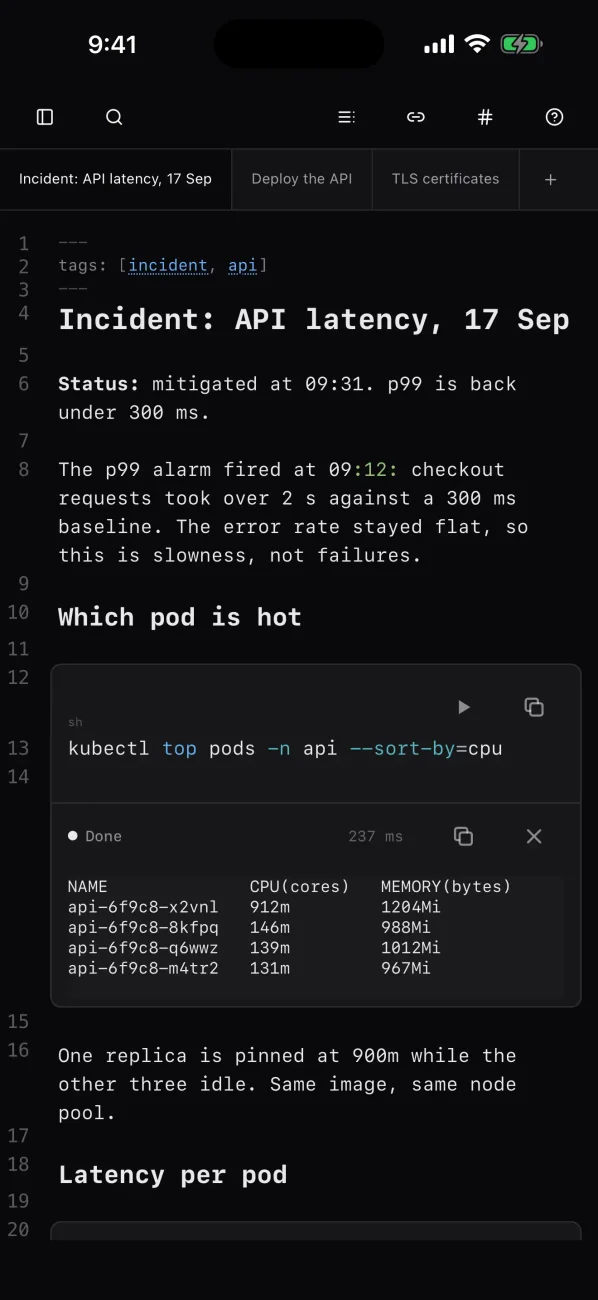
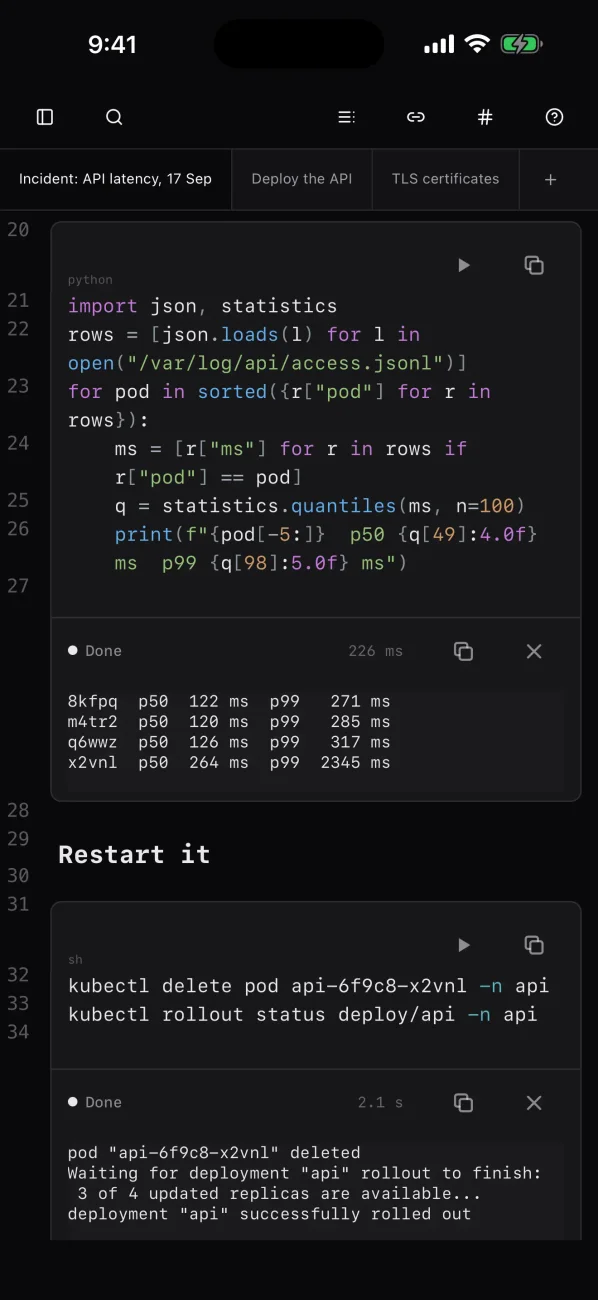
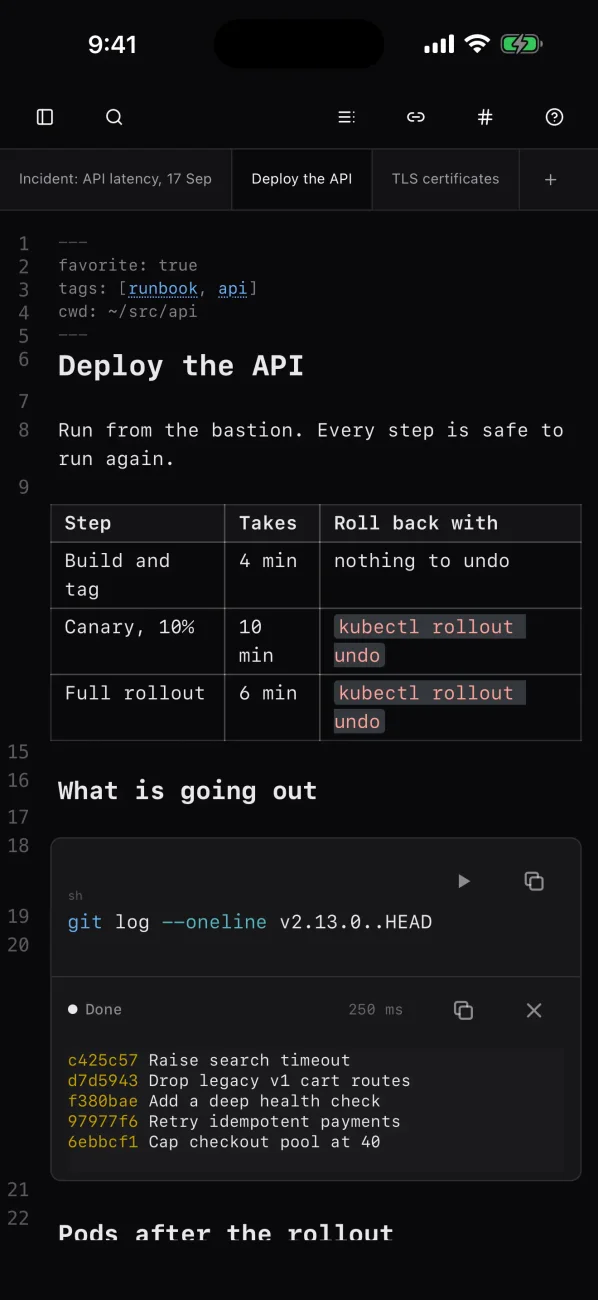
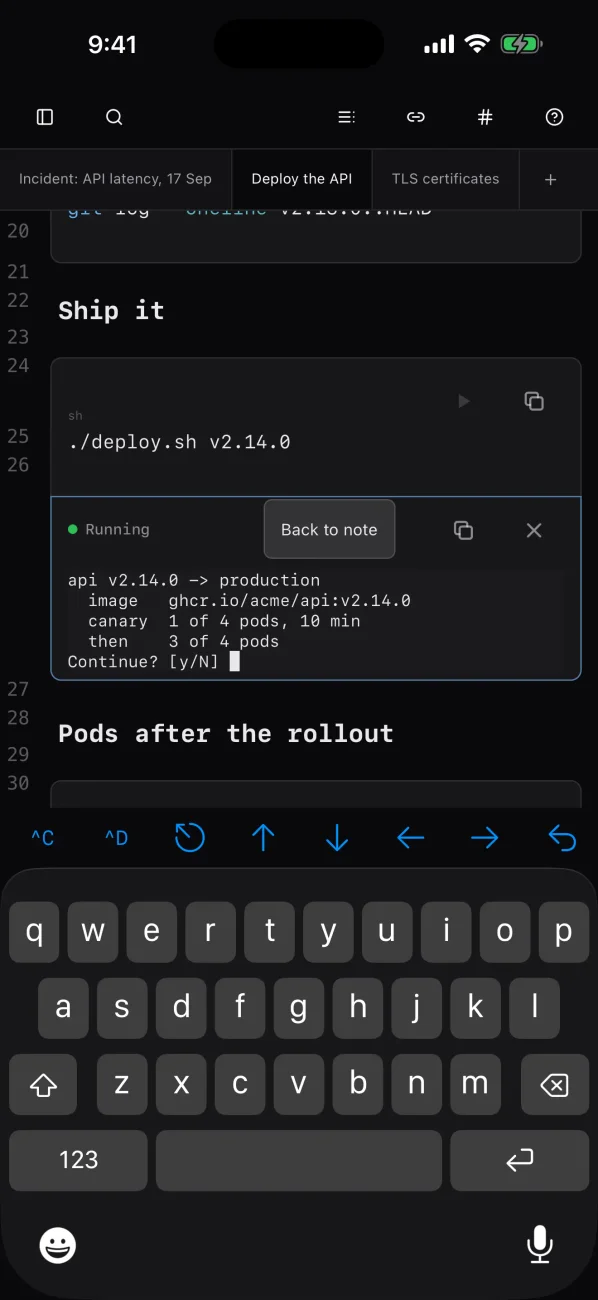
Ledge is a Markdown notebook that runs the code in your notes. Write the commands for a deploy, a fix or a setup once, with the reasoning beside them, and run each block with a tap. The output appears right under the block.
On iPhone and iPad, Ledge opens the notes on your own server: a Linux machine or a Mac running the free Ledge server, reached over SSH. Your notes, shells and commands stay on your machine.
RUN ANYTHING
• Shell, Python, Node, TypeScript, Ruby, PHP and Redis blocks run with the tools on your server
• Add SQL or any other language by naming the command that runs it, such as psql or mysql
• Prompt blocks hand a request to an AI agent on your server, such as Claude Code, which can read your notes
• Answer a running command's prompts by typing into its output, with ^C, ^D, Esc and arrow keys above the keyboard
• Each note keeps its own shell, so a cd or an exported variable carries into the next block
• Give a note its own working directory, environment and secrets, kept outside the note
• Run a note's blocks on another machine over SSH with one line at the top of the note
• Mark a risky block to ask before it runs
• A command keeps running on the server after you lock the phone, and its output is waiting when you come back
WRITE AND ORGANIZE
• Markdown with live preview, tables, checklists and images, including photos from the camera
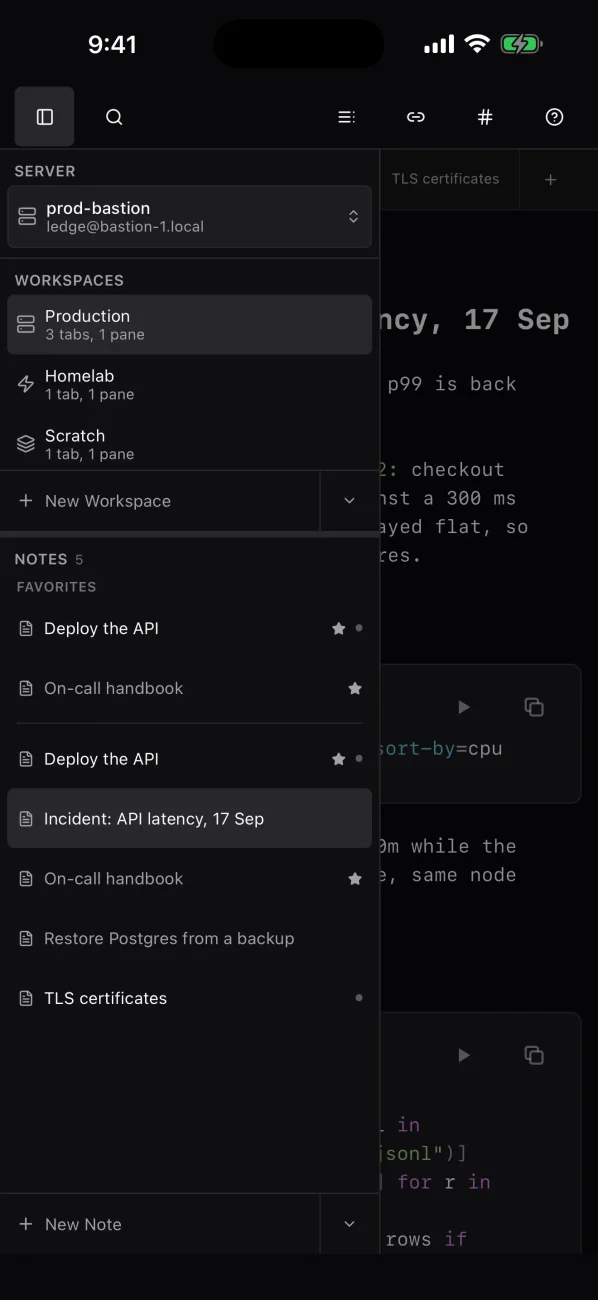
• Link notes to each other, with outline, backlinks and tags panels
• Workspaces, folders, favorites and full-text search
• Use the same notes from Ledge for Mac and from every phone and iPad you pair
PRIVATE AND SECURE
• You stay in control of your notes: they live on your own machine, not on our servers or anyone else's
• No Ledge account, no sign-up and no third party in between
• Sign in with a key made in the Secure Enclave that never leaves the device, or with a password kept in the keychain
• Each server's host key is confirmed on the first connection and checked on every one after
• Lock sensitive notes with a passphrase
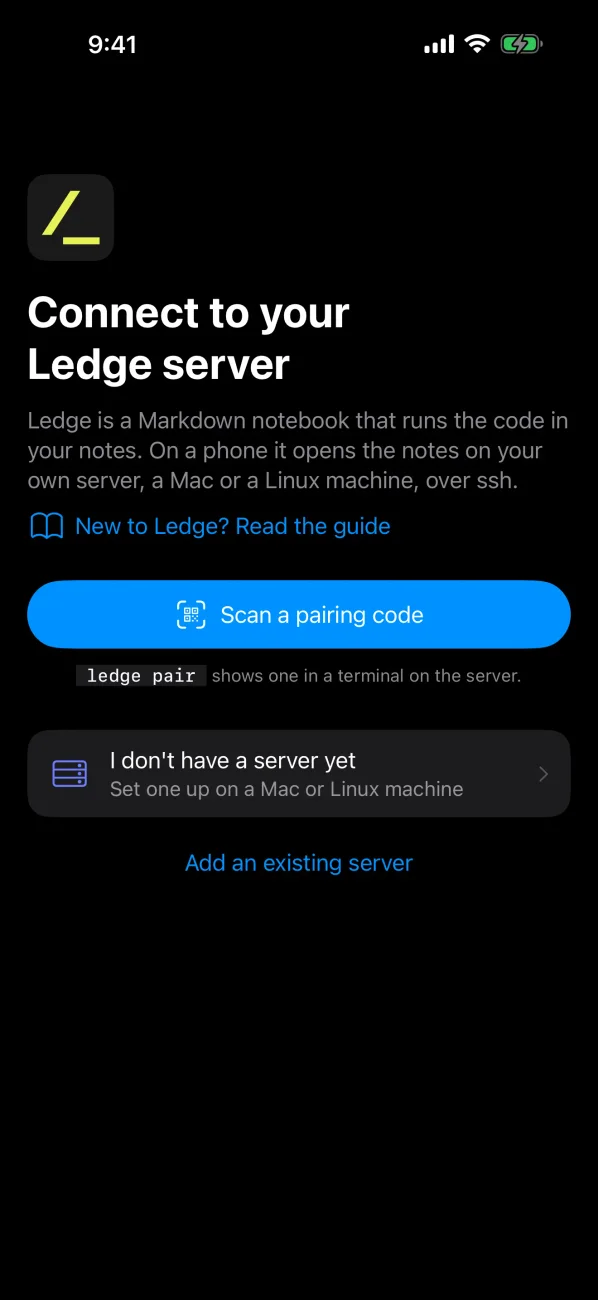
• Add a server by scanning the QR code it prints
WHAT YOU NEED
A Mac or a Linux machine you can reach over SSH, with the Ledge server installed. One command installs it, with no root access, no open port and no background service. The guide in the app walks you through it.
Ledge is free and open source.
Novedades
Versión 0.1.11 · 18/11/2026
- Settings on iPhone and iPad: the This app tab no longer stays on "Loading…". Your phone now keeps its own copy of these settings, so you can change the editor and terminal font sizes on the phone.
- The Settings dialog now tells you when a settings file can't be read or saved.
Privacidad de la aplicación
Lo que Dan Stevens declara en App Store sobre cómo esta aplicación gestiona los datos.
-
No se recopilan datos
El desarrollador no recopila ningún dato de esta aplicación.
Las prácticas de privacidad pueden variar, por ejemplo, según las funciones que uses o tu edad.
Información
- Vendedor
- Dan Stevens
- Categoría
- Para desarrolladores
- Versión
- 0.1.11
- Actualizado
- 18/11/2026
- Publicado
- 22/9/2026
- Tamaño
- 16,4 MB
- Requiere
- iOS 17.0 o posterior
- Clasificación por edad
- 4+
- Precio
- Gratis
- Idiomas
- Inglés
- Copyright
- © 2026 Dan Stevens
Quizá también te guste
-
 Store ConsolePara desarrolladores
-
 JSON MasterVisor, editor y formateador
-
 TokenMaster: AI UsagePara desarrolladores
-
 Read Markdown: Fast & LightPara desarrolladores
-
 SkillPilot: AI Tool RadarPara desarrolladores
-
 MonkeytailCliente HTTP, cURL y JSON
-
 PyNotebookPara desarrolladores
-
 TerraToys - acciones de AtajosPoder para ti
-
 .md viewer & editor: NanoFileAbrir y editar Markdown
-
 42 Editor: Code & Text EditorPara desarrolladores