LumiWave
See your music. Any source.
Diseñada para iPhone, iPad
Gratis · Compras en la aplicación
- Clasificación por edad4+
- CategoríaMúsica
- DesarrolladorPAOSystem
- IdiomasJaponés+ 1 más
- Tamaño28,5 MB
Enlaza a la página oficial de App Store
Download.org no aloja ningún archivo de LumiWave. El botón abre la página de la aplicación en App Store, donde la publica PAOSystem. Ficha comprobada por última vez el 8/11/2026.
Capturas de pantalla
Acerca de
El desarrollador no ha proporcionado este texto en tu idioma.
LumiWave is a music player that lets you see your music, no matter where it comes from.
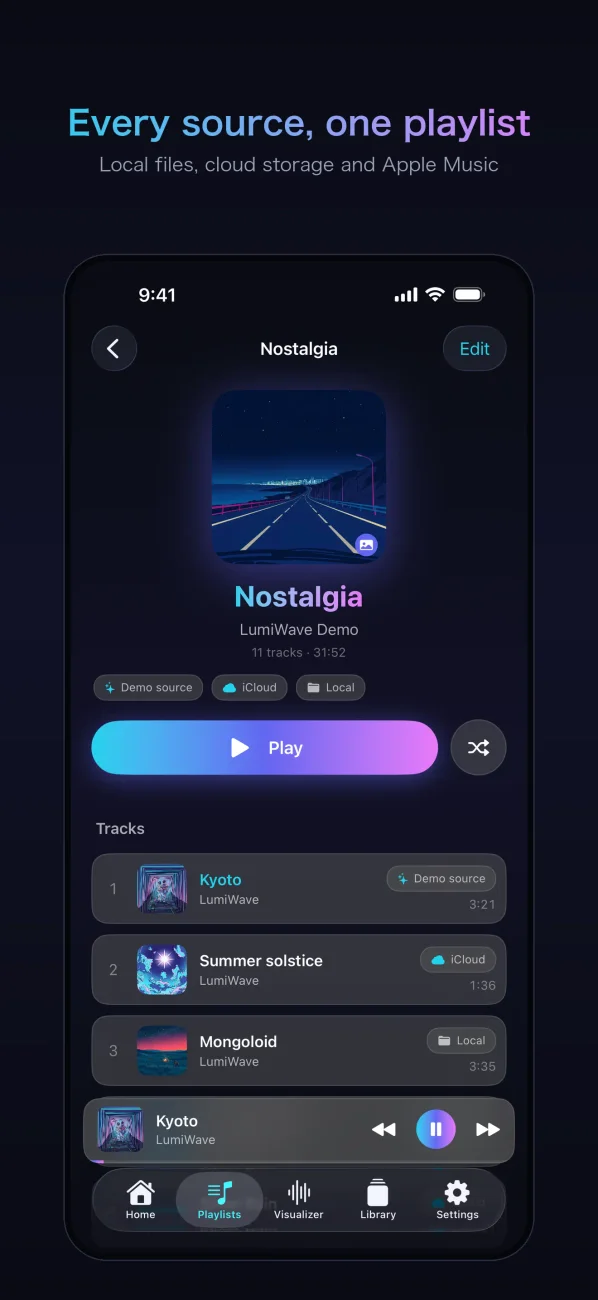
■ One playlist across every source
Files on iCloud Drive, Google Drive and other cloud services, local audio on your iPhone, and Apple Music (including tracks in your library imported from CDs) — LumiWave brings them together into a single playlist built around your mood, not around where each track came from.
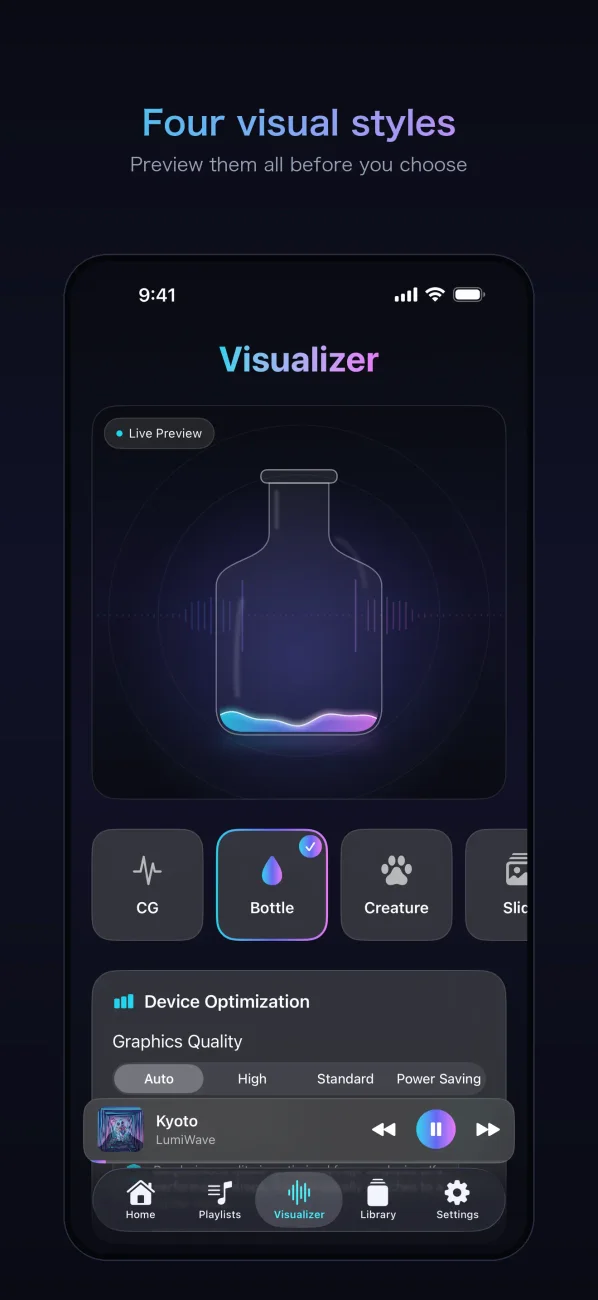
■ Visualizers that react to sound
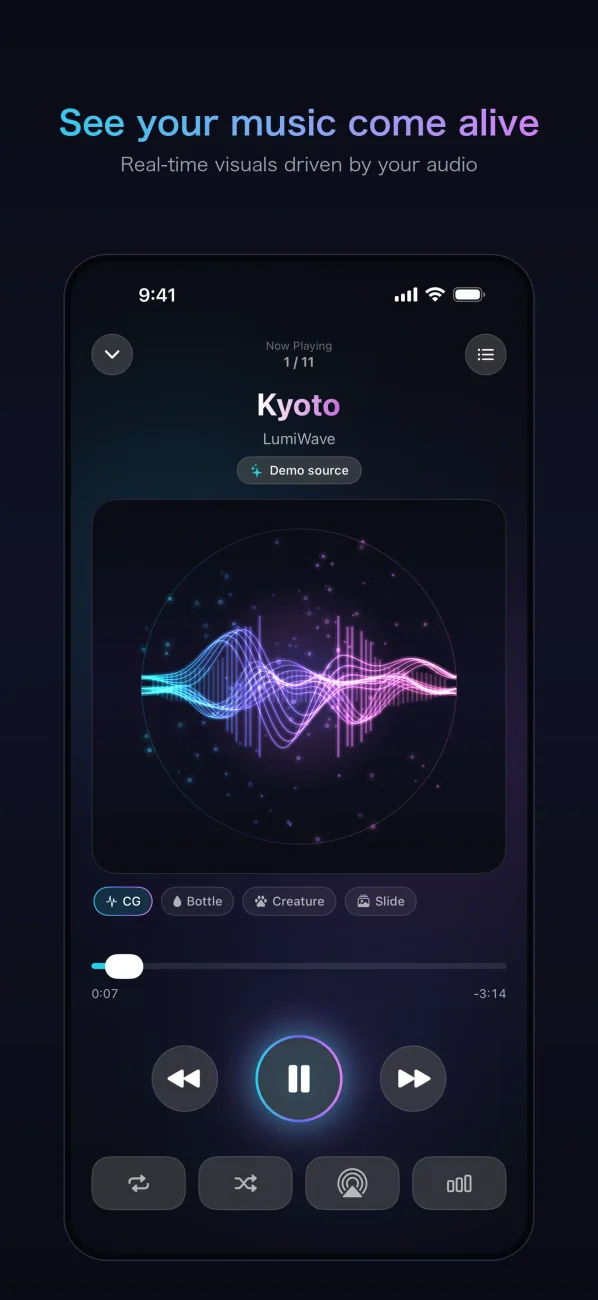
The playback screen is more than artwork and a play button. Five visualizers move in real time with your music:
- CG: reactive particles and waveforms
- Bottle: liquid fills as playback progresses
- Creature: little creatures gather when you tap
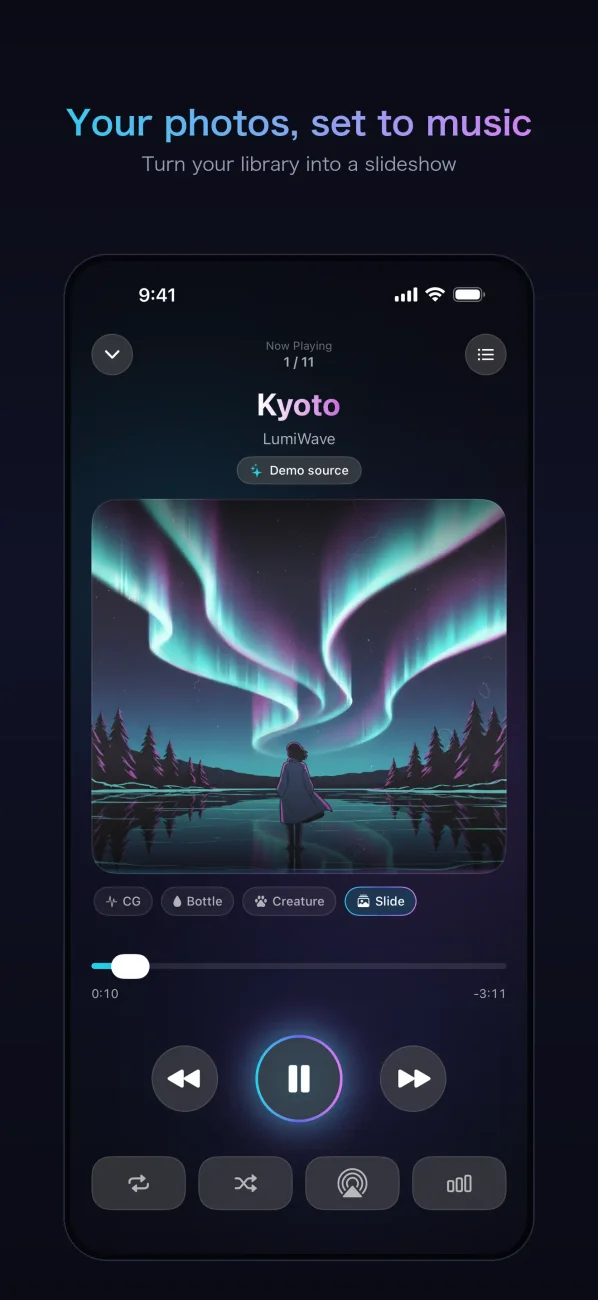
- Slide: your chosen photos or playlist artwork slowly pan and zoom
- Aquarium: a school of fish swims to the music and gathers when you tap to drop food
Pinch out for full-screen mode: nothing but the visualizer and minimal controls, so you can sink into the music.
For late-night listening, focus sessions, or just changing the mood of a room.
■ Honest about audio
The more striking the visuals, the more the sound has to be trustworthy. LumiWave treats the audio path with care.
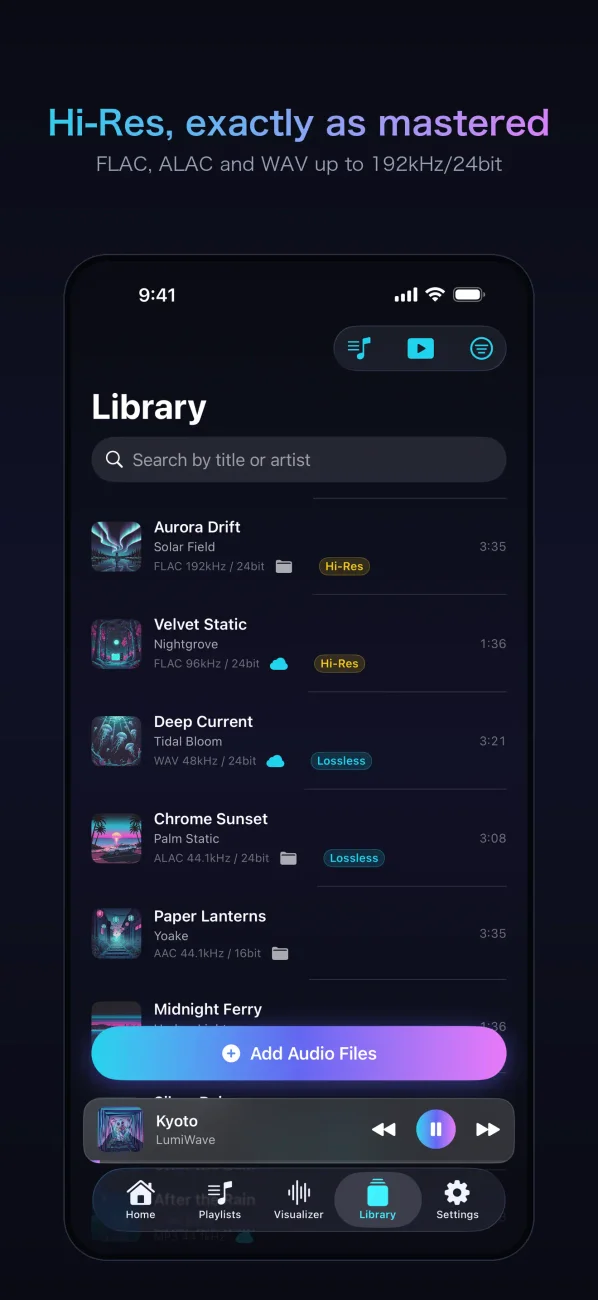
- Supports WAV, AIFF, FLAC, ALAC, AAC and MP3 (up to 192kHz / 24-bit)
- Plays imported files at their original quality
- Lossless and Hi-Res tracks are clearly badged, with format, sample rate and bit depth shown
- Playback comes first: under load, rendering quality drops automatically to protect the sound
■ Privacy
No account, no servers. Imported audio, playlists, photos and settings stay on your device, and audio analysis runs locally. Nothing is collected.
■ Visualizer Pro (one-time purchase)
All playback features, the CG and Slide visualizers, playlists and quality display are free. A one-time Pro purchase — not a subscription — unlocks the Bottle, Creature and Aquarium visualizers and any Pro features added later. You can preview the Pro visualizers for free before buying.
Music, set free.
Novedades
Versión 1.4.0 · 8/9/2026
- Add tracks from your Apple Music library (including songs imported from CDs) to playlists
- New full-screen visualizer mode: pinch out (or double-tap) the visualizer on the playback screen to fill the whole screen with minimal controls
Privacidad de la aplicación
Lo que PAOSystem declara en App Store sobre cómo esta aplicación gestiona los datos.
-
No se recopilan datos
El desarrollador no recopila ningún dato de esta aplicación.
Las prácticas de privacidad pueden variar, por ejemplo, según las funciones que uses o tu edad.
Información
- Vendedor
- PAOSystem
- Categoría
- Música
- Versión
- 1.4.0
- Actualizado
- 8/9/2026
- Publicado
- 24/8/2026
- Tamaño
- 28,5 MB
- Requiere
- iOS 17.0 o posterior
- Clasificación por edad
- 4+
- Precio
- Gratis
- Compras en la aplicación
- Sí
- Idiomas
- Japonés, Inglés
- Copyright
- © 2026 PAOSystem