Marker for Creators: Timecode
Timecode Notes while filming
Diseñada para iPhone, iPad
Gratis · Compras en la aplicación
- Clasificación por edad4+
- CategoríaFoto y vídeo
- Desarrolladorichbinjona.com
- IdiomasInglés
- Tamaño119,1 MB
Enlaza a la página oficial de App Store
Download.org no aloja ningún archivo de Marker for Creators: Timecode. El botón abre la página de la aplicación en App Store, donde la publica ichbinjona.com. Ficha comprobada por última vez el 12/11/2026.
Capturas de pantalla
Acerca de
El desarrollador no ha proporcionado este texto en tu idioma.
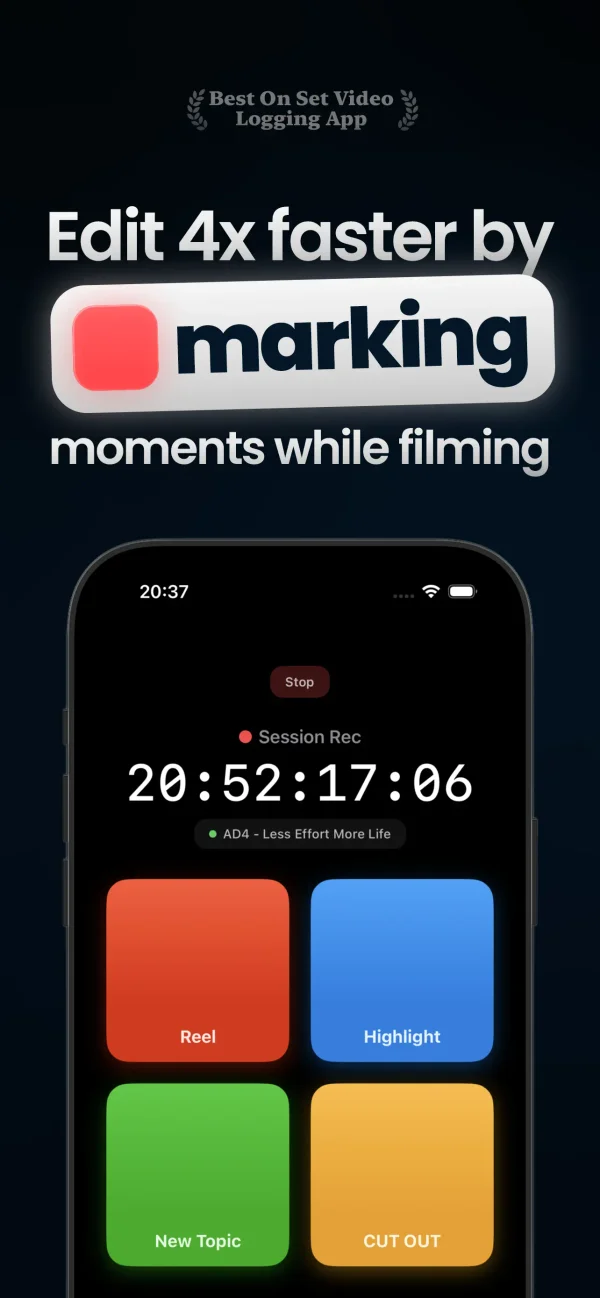
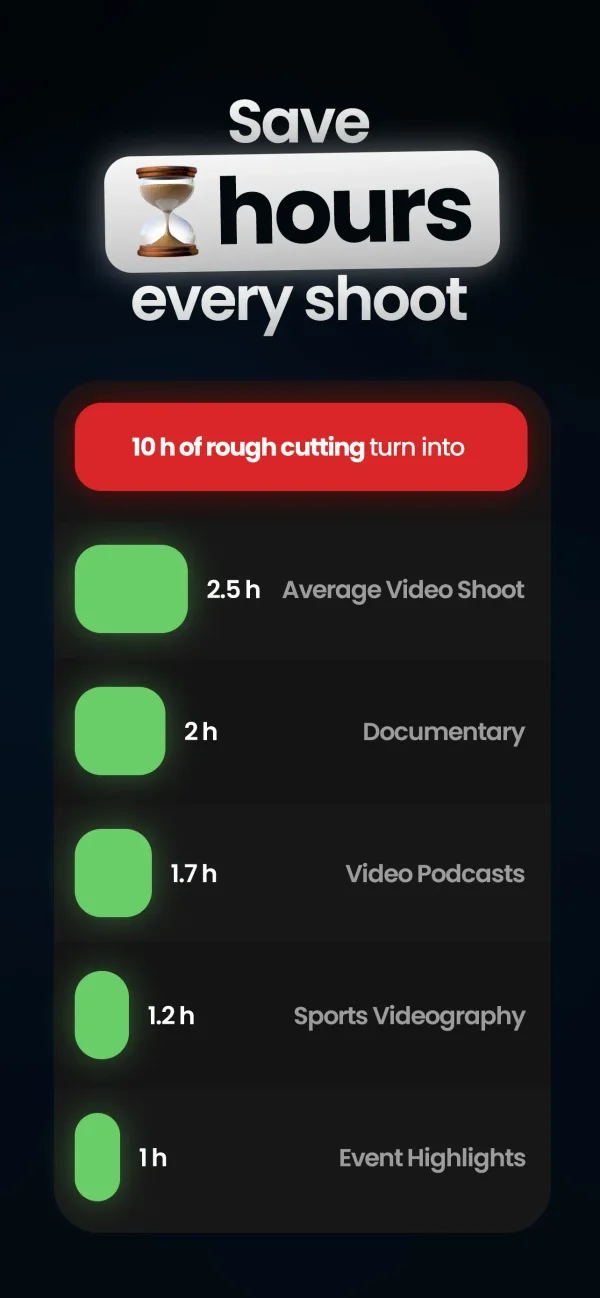
Edit rough cuts 4x faster by marking moments while filming.
»The biggest workflow upgrade since keyboard shortcuts.
We've spent years shaving seconds off our edits. This one saves hours.«
Marker for Creators is the best way for videographers, podcasters, and content teams to speed up a video rough cut.
Stop rewatching hours of footage. Set highlights while filming via your iPhone or Apple Watch - directly into your editing timeline.
Perfect for long sessions, events, interviews, podcasts, and multi-camera shoots.
While shooting, you notice great moments all the time.
A reaction. A highlight. A take you defenitely know you will use. Or you know you’ll have to cut out.
But on a busy set, there’s no time to note something.
And syncing notes would be super painful anyways.
How cool would it be, to just press a button, which would appear in your editing timeline?
That’s exactly what Marker for Creators does.
"Editing a sports game used to take me 2 hours. Now I'm done in 30 minutes" – Joshua Schwartz, Sports Videographer
CORE FEATUTES:
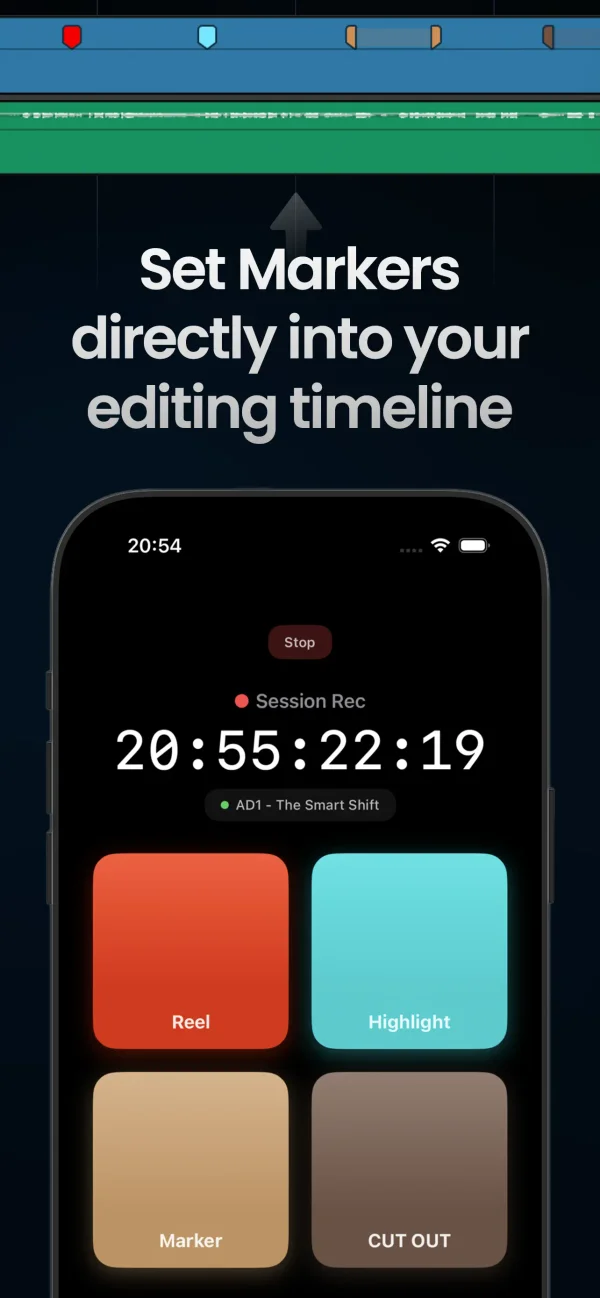
Create Timeline Markers on set:
• Add markers with a single tap
• Markers are placed onto your video clips instead of onto the timeline (so your markers stay in the correct position in editing)
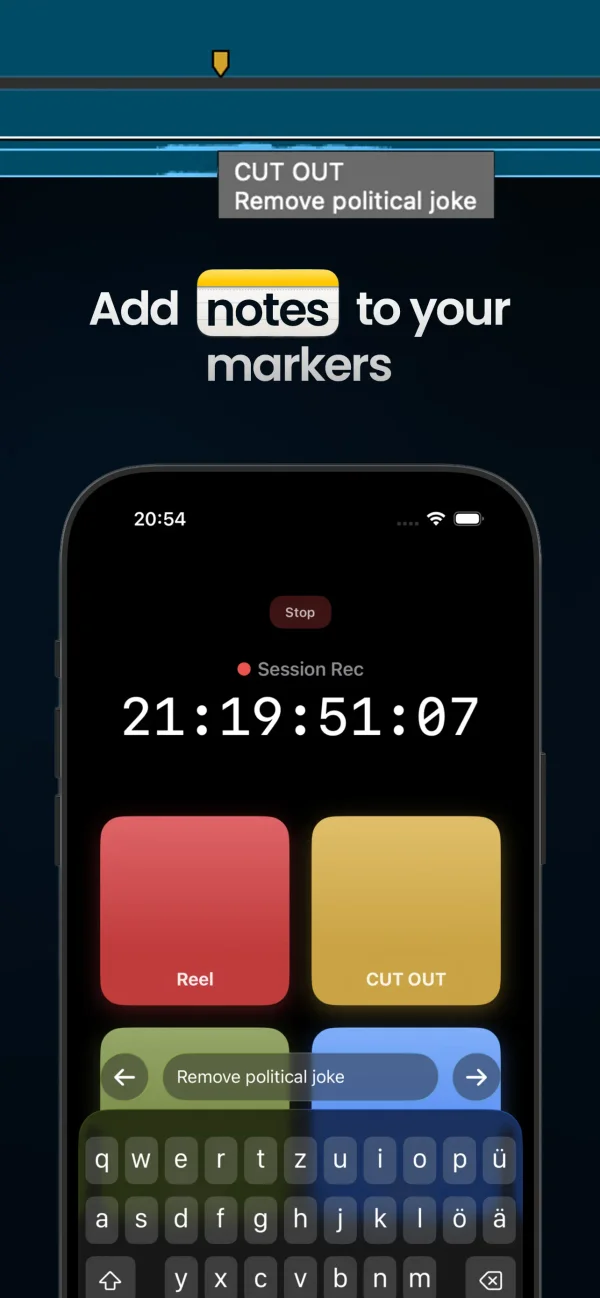
• Add Notes to Markers, visible in your NLE
• Lock In/Out Markers
• Create Marker Presets for different kind of shoots
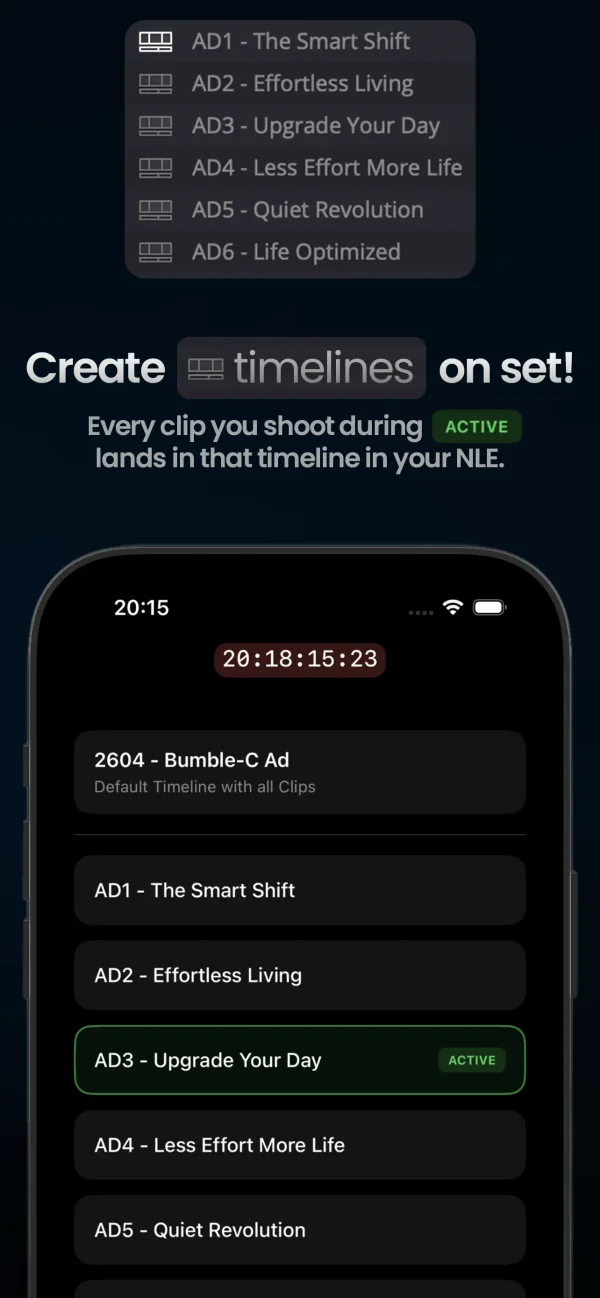
Timeline Creation
• Automatically add video clips to timelines while filming
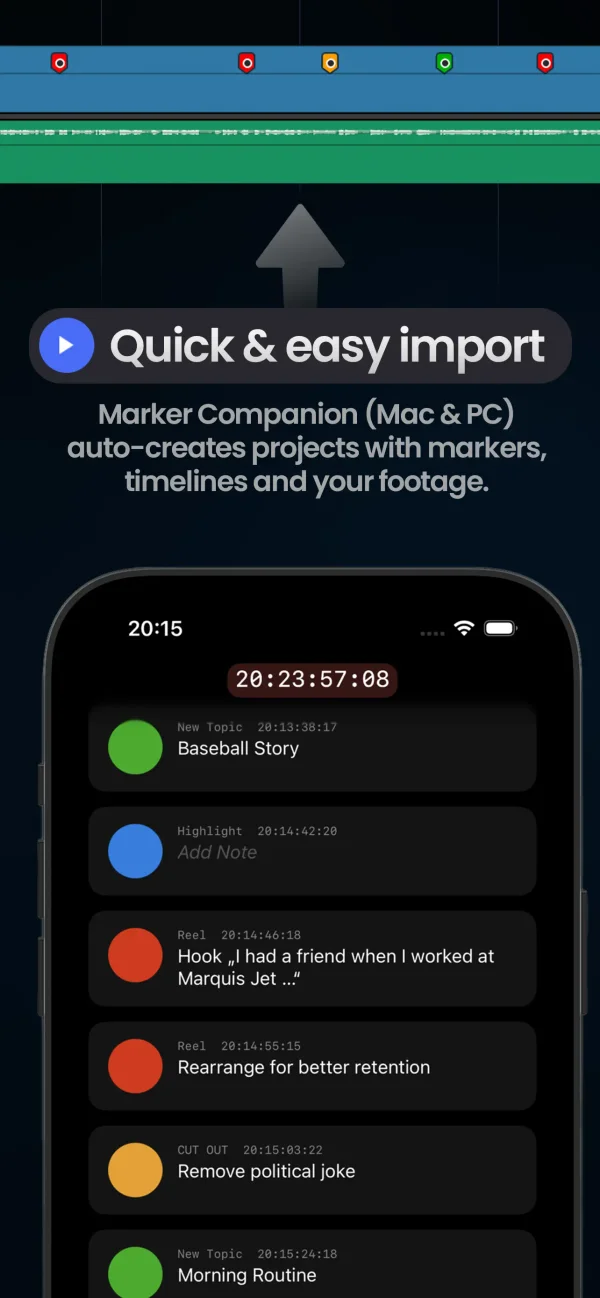
• The Companion app automatically opens up your project with your timelines prebuilt
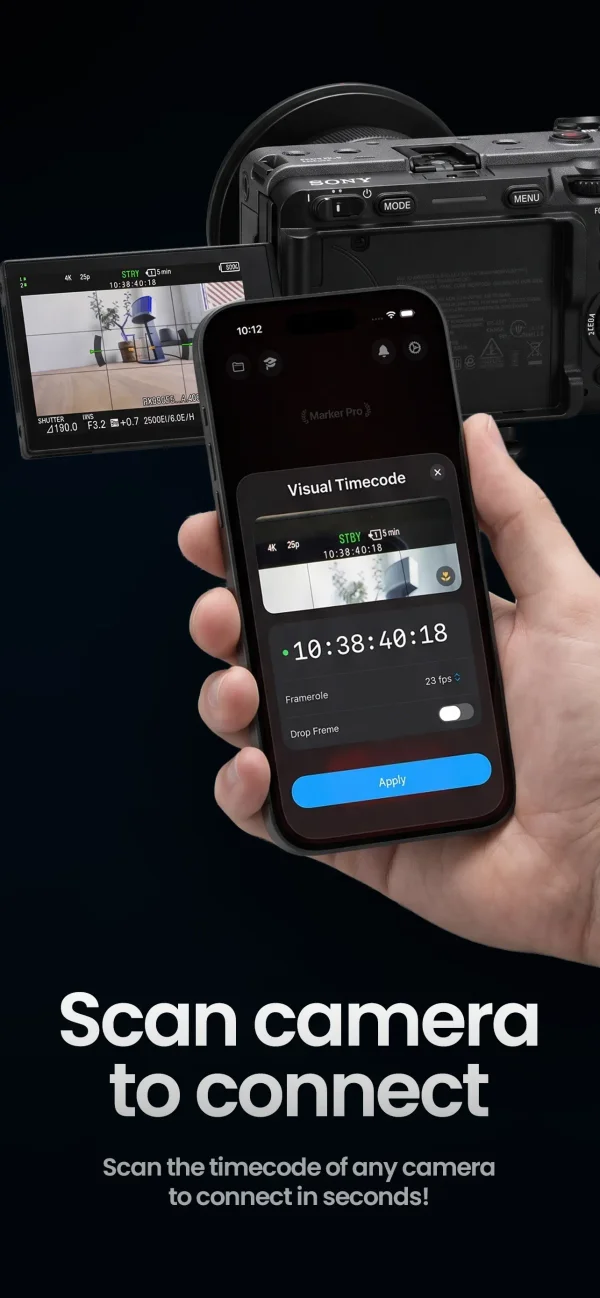
Scan to connect Camera
• Scan the timecode of any camera to connect it to Marker for Creators in seconds!
One-Click-Workflow
The Companion app (Mac & PC) syncs & detects which footage on your PC belongs to your Marker session, connects it and you just click "Play".
Marker will create a DaVinci Resolve, Premiere Pro or Final Cut Pro project with all videos, timelines & markers onto your video clips - so you can jump into editing within 10 seconds.
Academy
• Easy & fast setup for all kinds for cameras and supported editing software
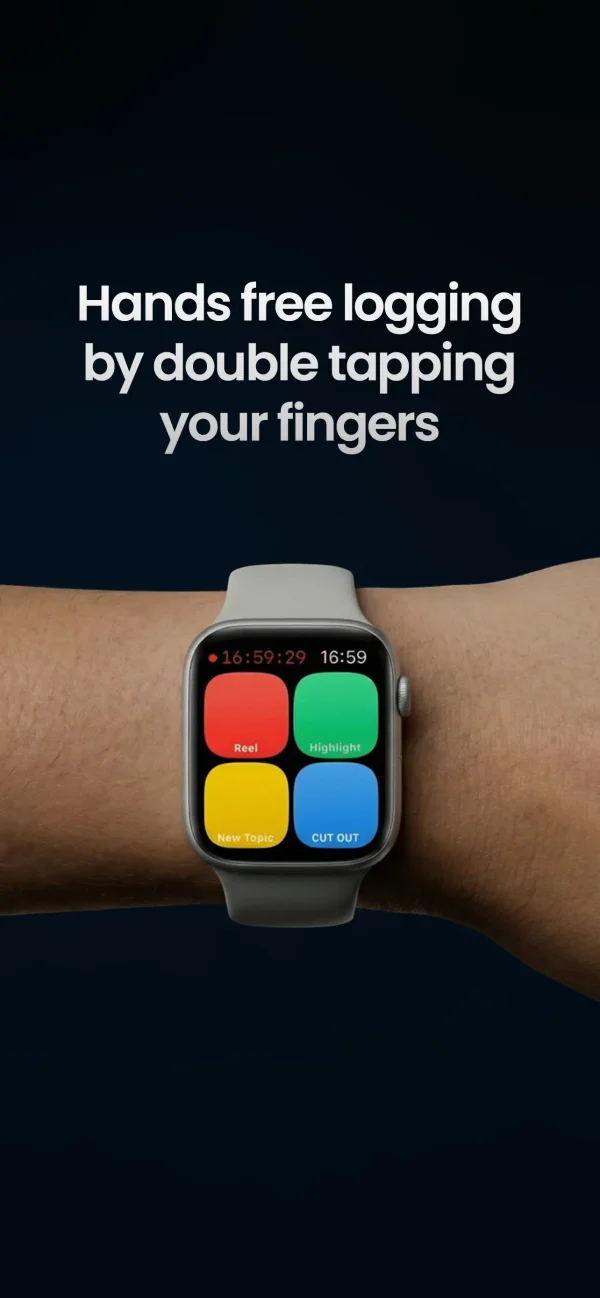
Apple Watch Support
• Add markers & create timelines – directly from your wrist
• Ideal for run-and-gun setups, events, and busy shoots
Timecode Modes
• Time-of-Day – matches real-world TOD timecode
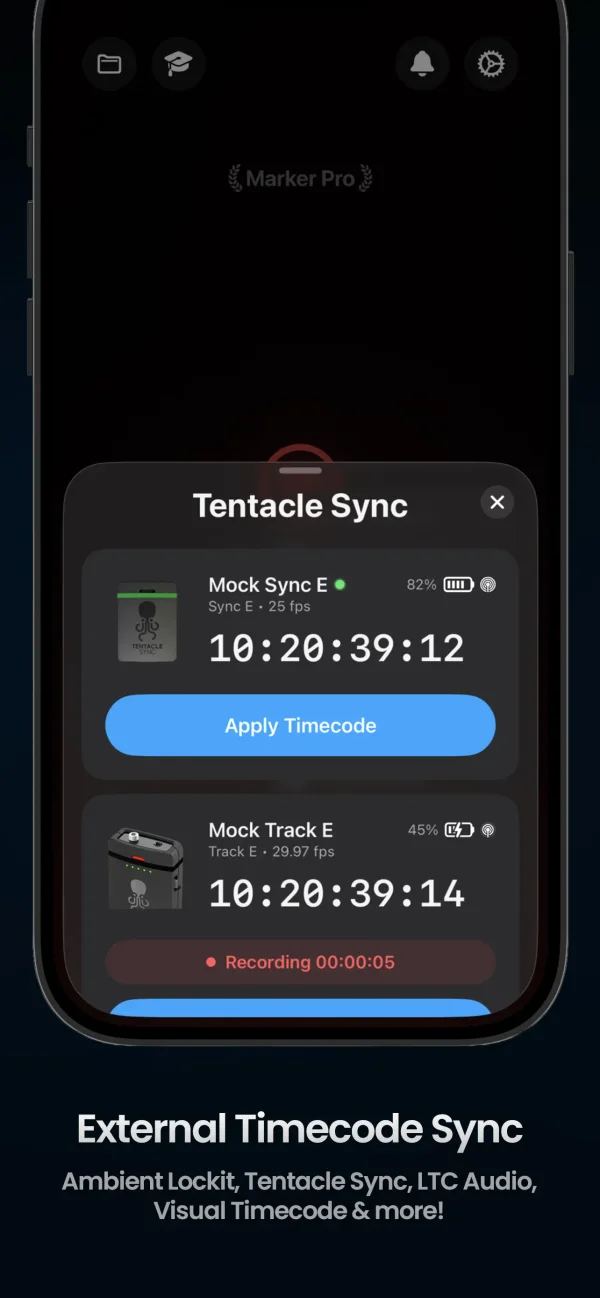
• External Timecode – Sync to Tentacle Sync, Ambient Lockit, LTC, Visual Timecode & more!
• Rec Run – follows your recording start
Professional Workflow Export
• Export directly into DaVinci Resolve, Premiere Pro or Final Cut Pro
• Share sessions with your editor or team
Perfect for:
Video production and filmmaking
Podcast recording and editing
Live event documentation
Interviews and meetings
Sports and performance analysis
Any recording scenario requiring precise time markers
How it works:
1. Start a recording session
2. Tap markers, add notes & create timelines while filming
3. Stop the session
4. Open the Companion on Mac or PC
5. Press play and start editing right away
Marker for Creators is the fastest way to take live timecode notes while filming and get them straight into your editing tools.
Edit faster, earn more, stress less.
– Marker for Creators.
Terms of use: https://markerforcreators.com/terms
Privacy Policy: https://markerforcreators.com/privacy
Novedades
Versión 1.6.6 · 1/11/2026
• You can now chat directly with the Marker Team within the app
• Small fixes for iPhone Duo users
Privacidad de la aplicación
Lo que ichbinjona.com declara en App Store sobre cómo esta aplicación gestiona los datos.
-
Datos vinculados a ti
Pueden recopilarse y vincularse a tu identidad.
- Compras
- Información de contacto
- Identificadores
- Datos de uso
- Diagnóstico
Las prácticas de privacidad pueden variar, por ejemplo, según las funciones que uses o tu edad.
Información
- Vendedor
- Jona Ramos de la Rosa
- Categoría
- Foto y vídeo
- Versión
- 1.6.6
- Actualizado
- 1/11/2026
- Publicado
- 10/11/2025
- Tamaño
- 119,1 MB
- Requiere
- iOS 18.6 o posterior
- Clasificación por edad
- 4+
- Precio
- Gratis
- Compras en la aplicación
- Sí
- Idiomas
- Inglés
- Copyright
- © 2026 Jona Ramos de la Rosa
Quizá también te guste
-
 CineTempFoto y vídeo
-
 Prop ScreenFoto y vídeo
-
 Blackmagic Remote MonitorFoto y vídeo
-
 Cadrage Director's ViewfinderVisor de Director
-
 FinderKit: ViewfinderFoto y vídeo
-
 Shot ListerFoto y vídeo
-
 Digilog CameraFoto y vídeo
-
 iFootage MocoFoto y vídeo
-
 Panasonic LUMIX FlowFoto y vídeo
-
 Bluetooth+ for BlackmagicFoto y vídeo