Marker for Creators: Timecode
Timecode Notes while filming
Được thiết kế cho iPhone, iPad
Miễn phí · Mua hàng trong ứng dụng
- Độ tuổi4+
- Danh mụcẢnh & Video
- Nhà phát triểnichbinjona.com
- Ngôn ngữTiếng Anh
- Kích thước119,1 MB
Liên kết đến trang App Store chính thức
Download.org không lưu trữ tệp nào của Marker for Creators: Timecode. Nút này mở trang ứng dụng trên App Store, nơi ichbinjona.com phát hành ứng dụng. Trang được kiểm tra lần cuối: 12/11/2026.
Ảnh chụp màn hình
Giới thiệu
Nhà phát triển chưa cung cấp nội dung này bằng ngôn ngữ của bạn.
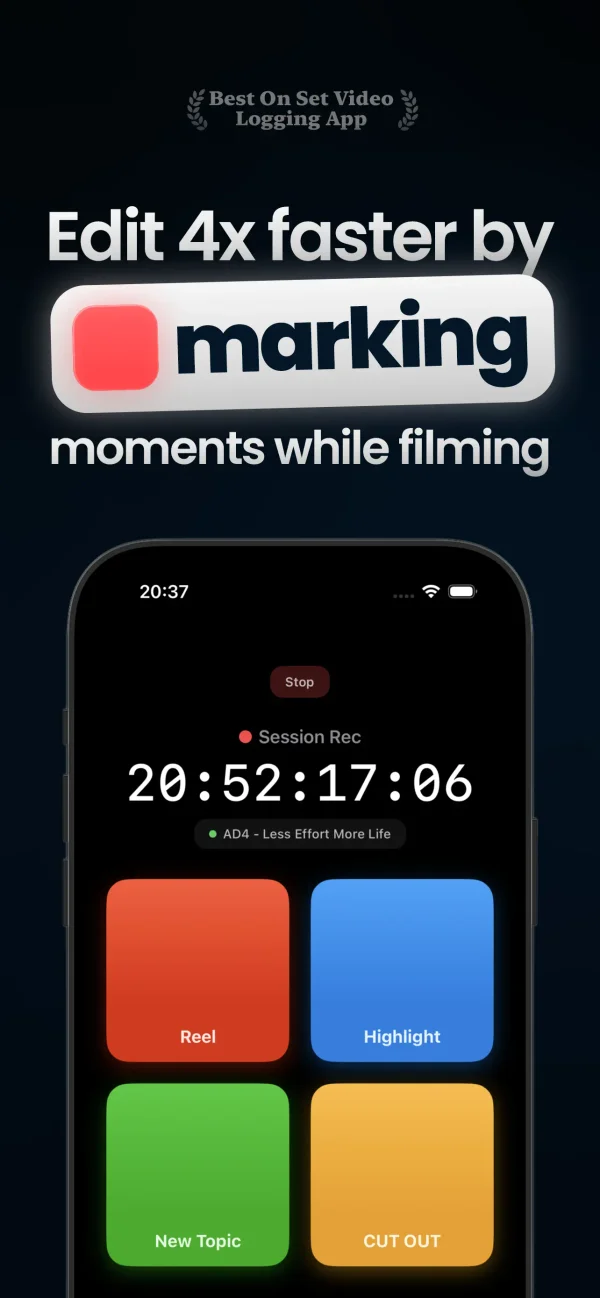
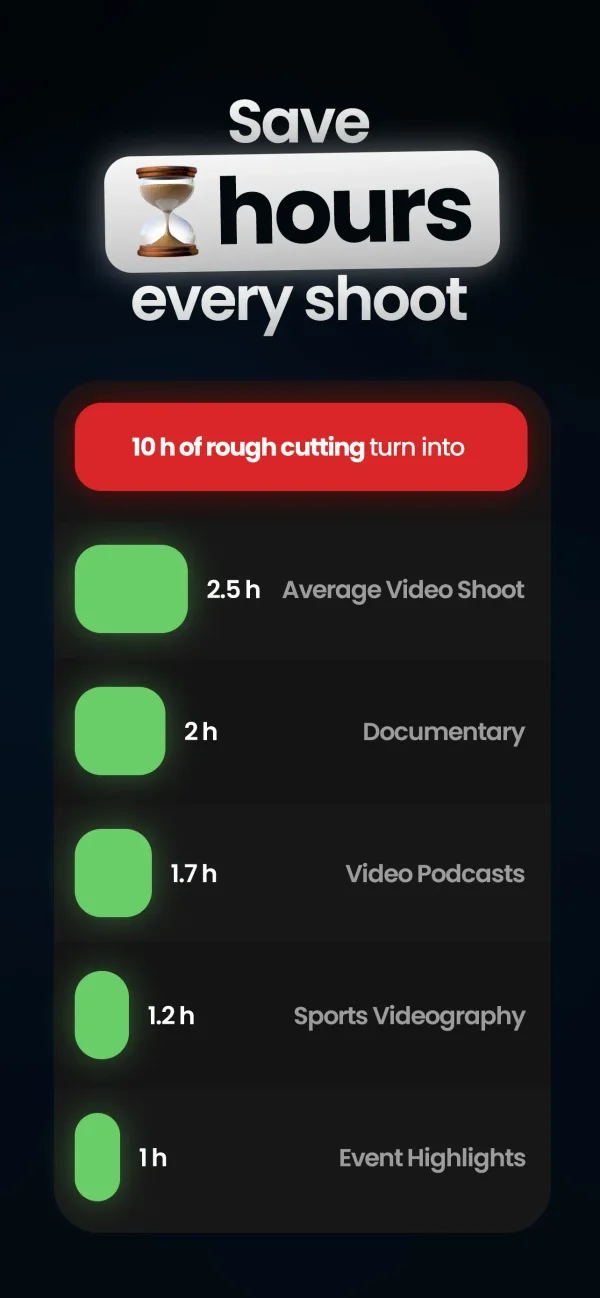
Edit rough cuts 4x faster by marking moments while filming.
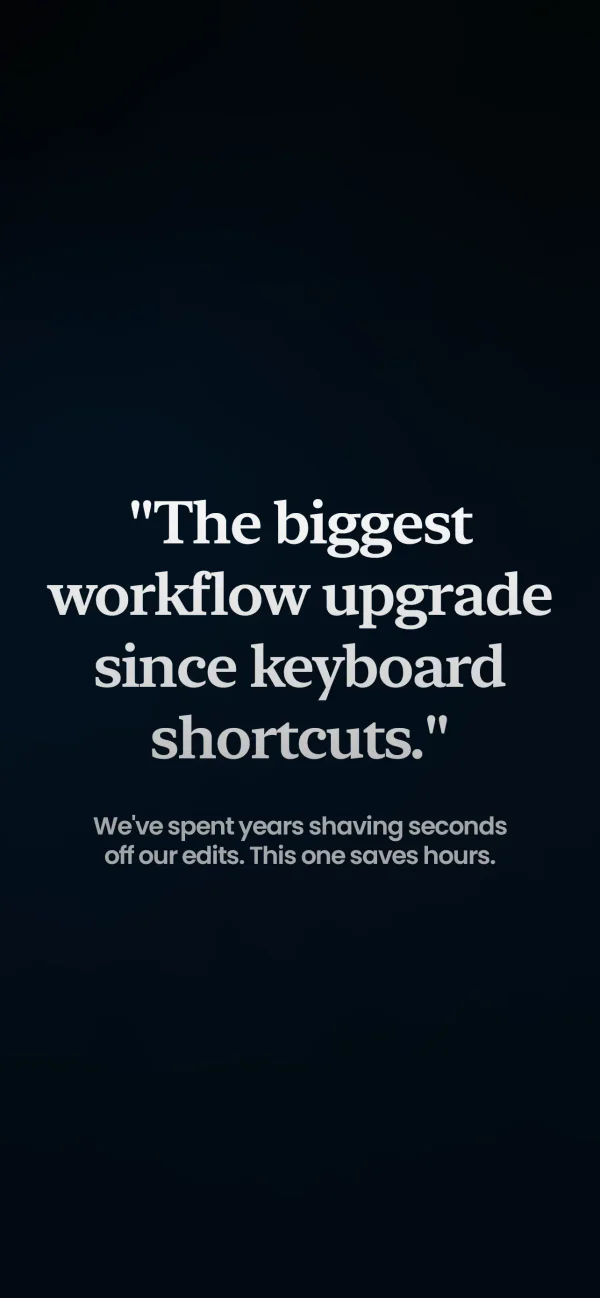
»The biggest workflow upgrade since keyboard shortcuts.
We've spent years shaving seconds off our edits. This one saves hours.«
Marker for Creators is the best way for videographers, podcasters, and content teams to speed up a video rough cut.
Stop rewatching hours of footage. Set highlights while filming via your iPhone or Apple Watch - directly into your editing timeline.
Perfect for long sessions, events, interviews, podcasts, and multi-camera shoots.
While shooting, you notice great moments all the time.
A reaction. A highlight. A take you defenitely know you will use. Or you know you’ll have to cut out.
But on a busy set, there’s no time to note something.
And syncing notes would be super painful anyways.
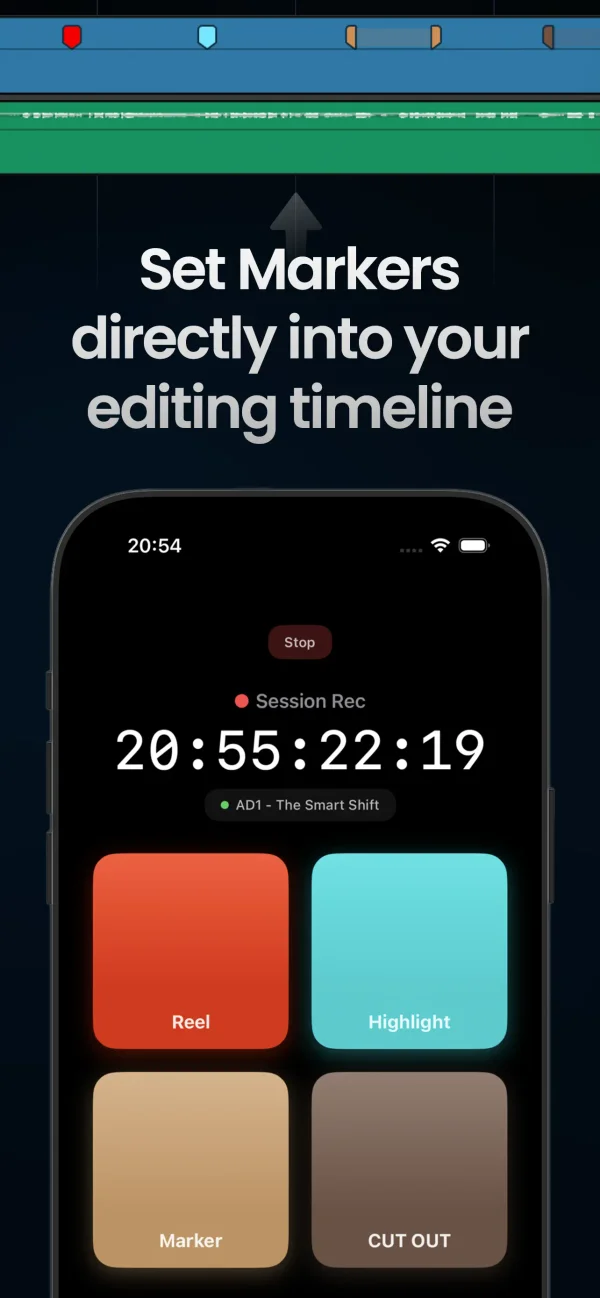
How cool would it be, to just press a button, which would appear in your editing timeline?
That’s exactly what Marker for Creators does.
"Editing a sports game used to take me 2 hours. Now I'm done in 30 minutes" – Joshua Schwartz, Sports Videographer
CORE FEATUTES:
Create Timeline Markers on set:
• Add markers with a single tap
• Markers are placed onto your video clips instead of onto the timeline (so your markers stay in the correct position in editing)
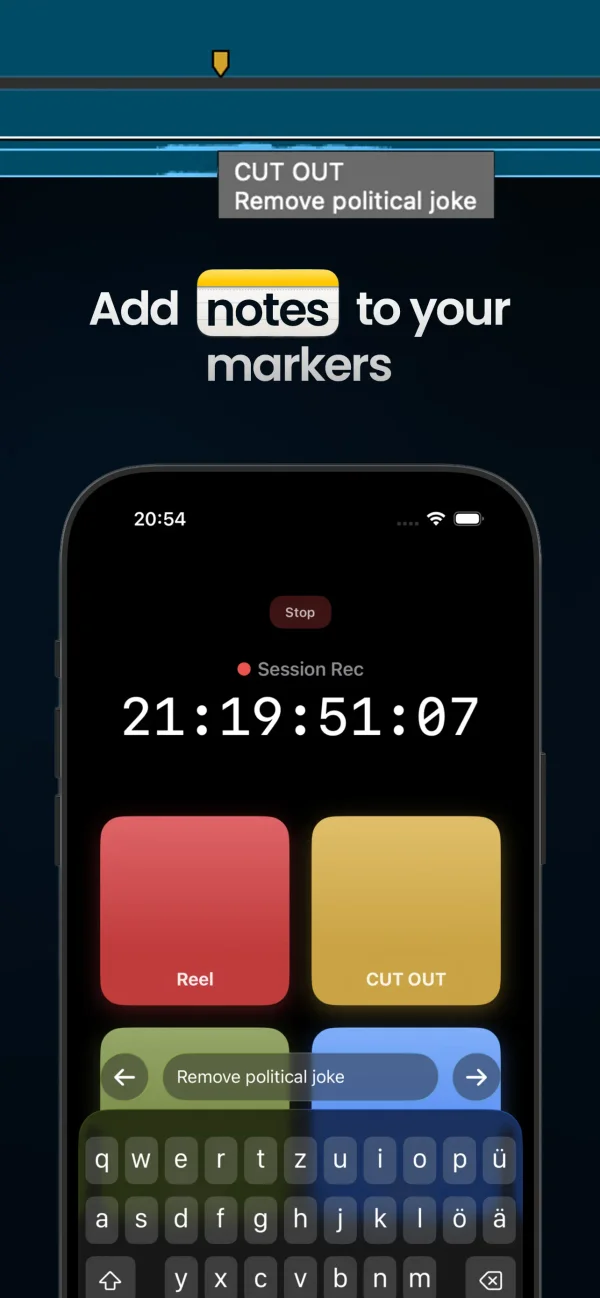
• Add Notes to Markers, visible in your NLE
• Lock In/Out Markers
• Create Marker Presets for different kind of shoots
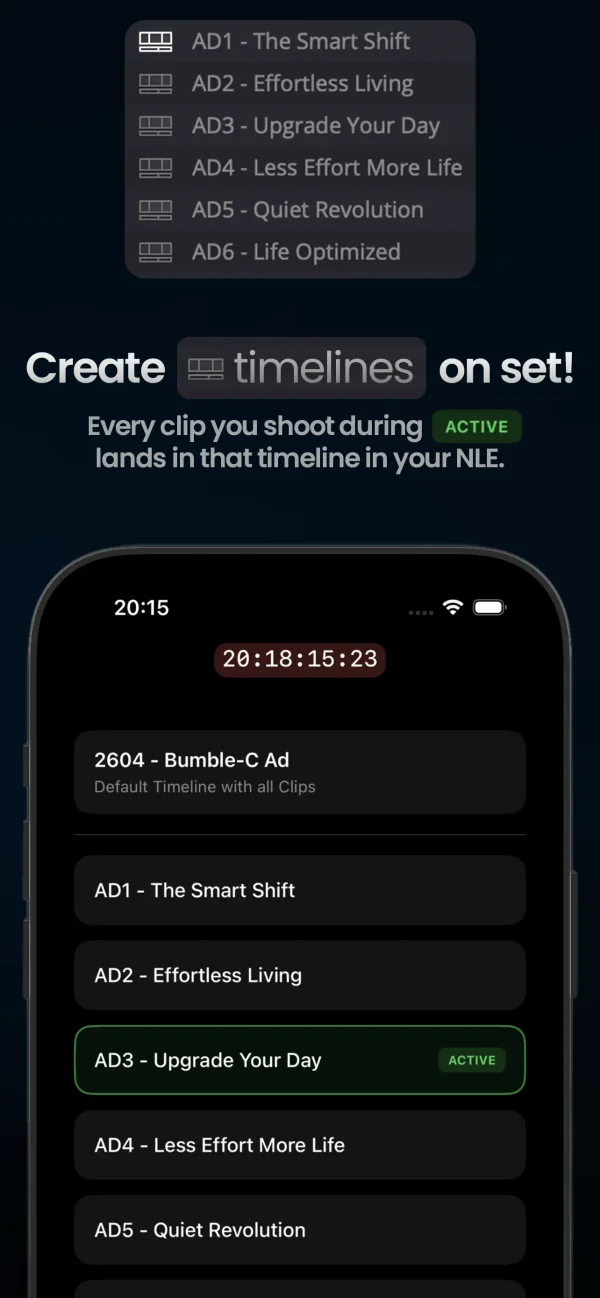
Timeline Creation
• Automatically add video clips to timelines while filming
• The Companion app automatically opens up your project with your timelines prebuilt
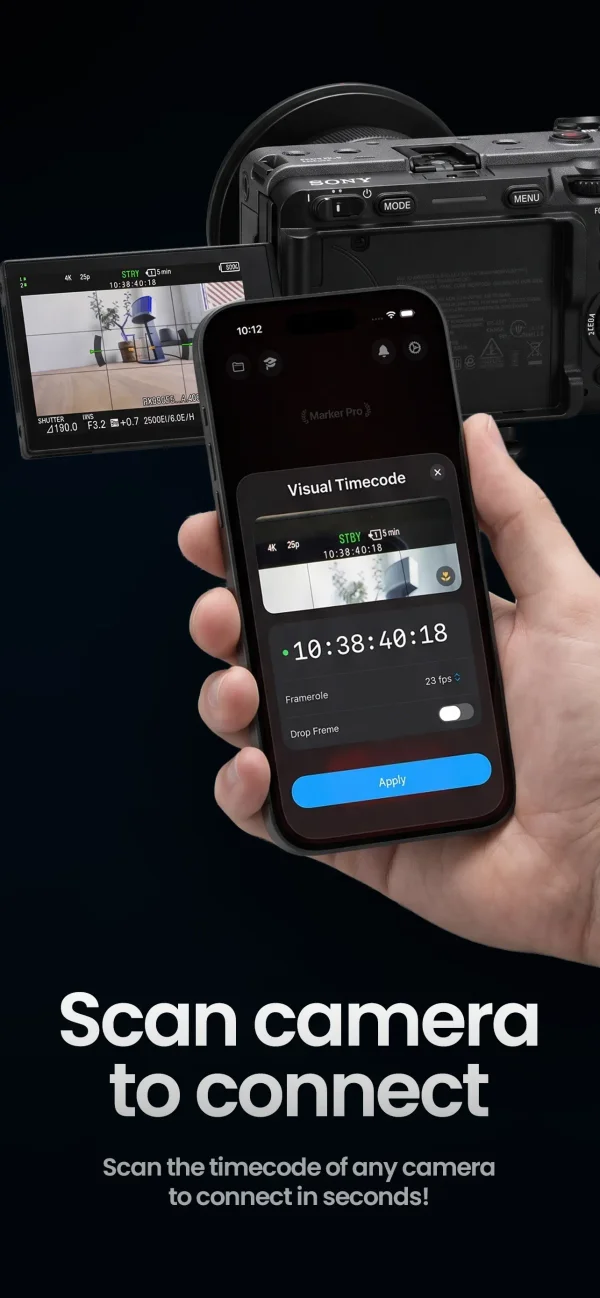
Scan to connect Camera
• Scan the timecode of any camera to connect it to Marker for Creators in seconds!
One-Click-Workflow
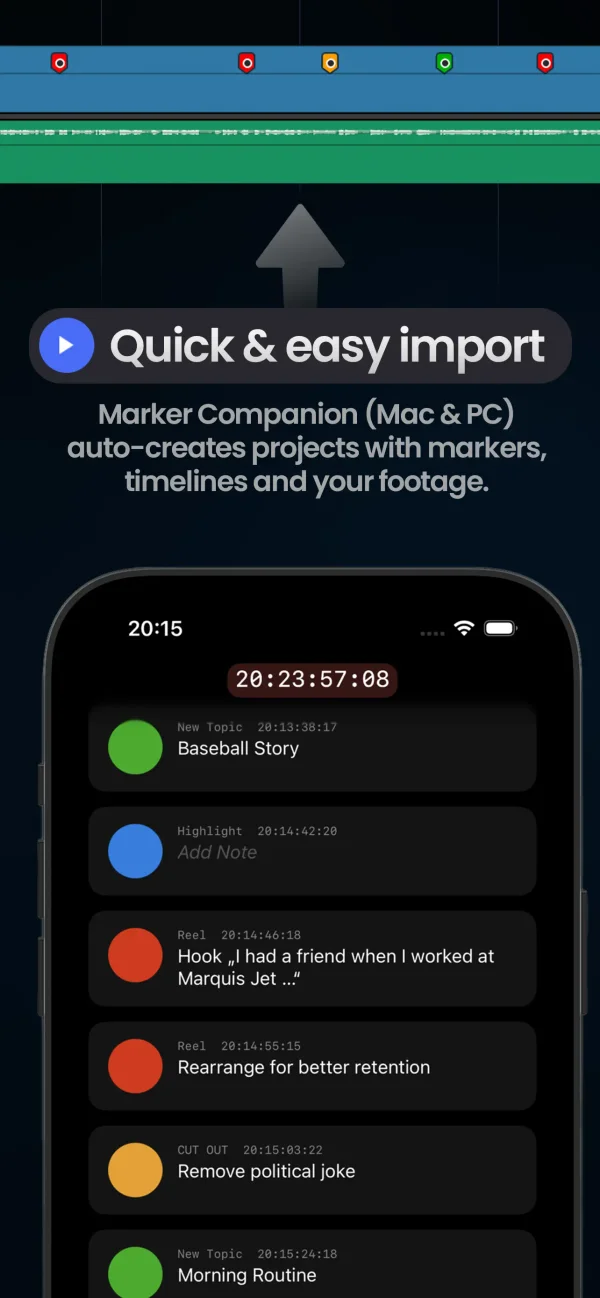
The Companion app (Mac & PC) syncs & detects which footage on your PC belongs to your Marker session, connects it and you just click "Play".
Marker will create a DaVinci Resolve, Premiere Pro or Final Cut Pro project with all videos, timelines & markers onto your video clips - so you can jump into editing within 10 seconds.
Academy
• Easy & fast setup for all kinds for cameras and supported editing software
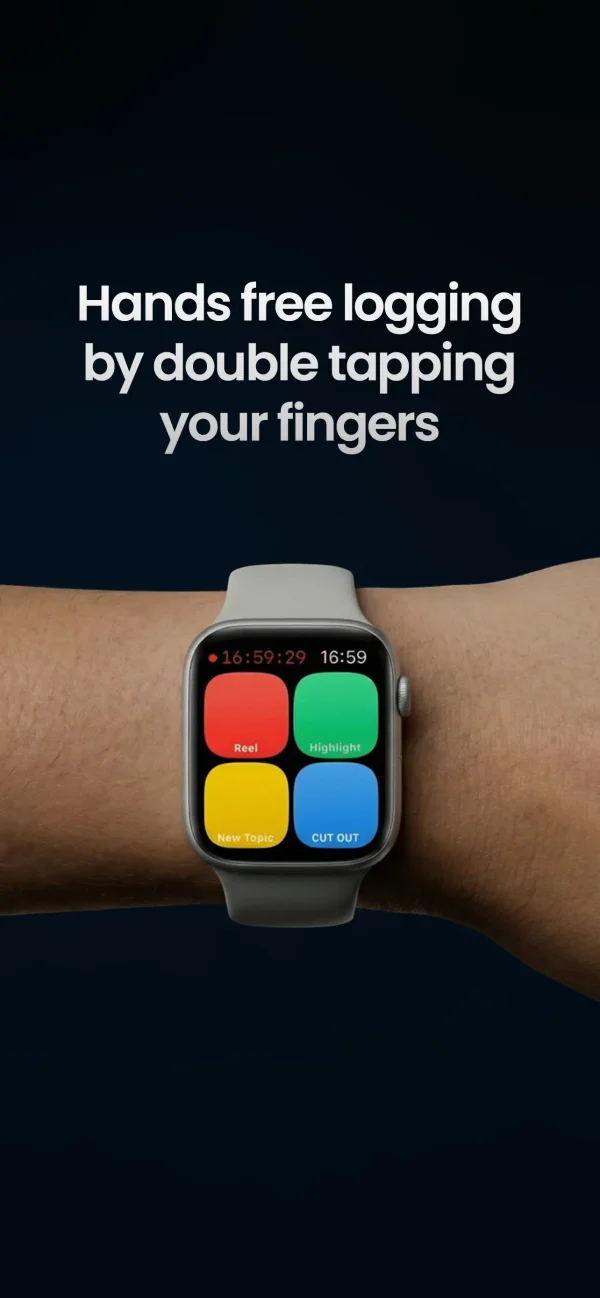
Apple Watch Support
• Add markers & create timelines – directly from your wrist
• Ideal for run-and-gun setups, events, and busy shoots
Timecode Modes
• Time-of-Day – matches real-world TOD timecode
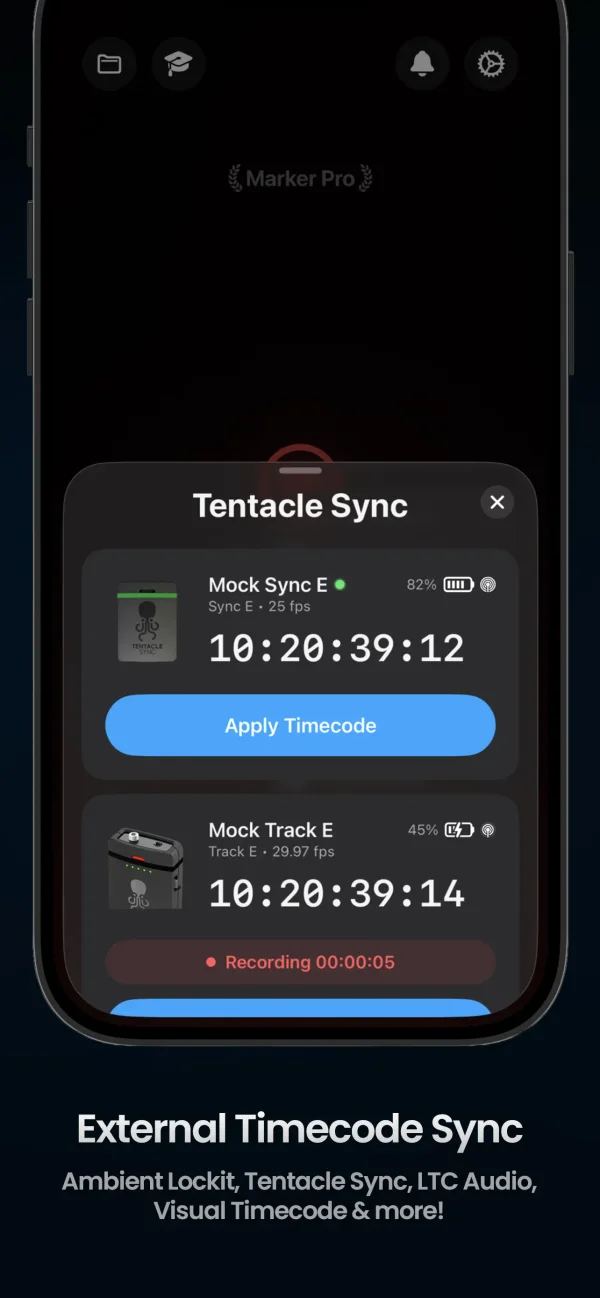
• External Timecode – Sync to Tentacle Sync, Ambient Lockit, LTC, Visual Timecode & more!
• Rec Run – follows your recording start
Professional Workflow Export
• Export directly into DaVinci Resolve, Premiere Pro or Final Cut Pro
• Share sessions with your editor or team
Perfect for:
Video production and filmmaking
Podcast recording and editing
Live event documentation
Interviews and meetings
Sports and performance analysis
Any recording scenario requiring precise time markers
How it works:
1. Start a recording session
2. Tap markers, add notes & create timelines while filming
3. Stop the session
4. Open the Companion on Mac or PC
5. Press play and start editing right away
Marker for Creators is the fastest way to take live timecode notes while filming and get them straight into your editing tools.
Edit faster, earn more, stress less.
– Marker for Creators.
Terms of use: https://markerforcreators.com/terms
Privacy Policy: https://markerforcreators.com/privacy
Có gì mới
Phiên bản 1.6.6 · 01/11/2026
• You can now chat directly with the Marker Team within the app
• Small fixes for iPhone Duo users
Quyền riêng tư của ứng dụng
Những gì ichbinjona.com khai báo trên App Store về cách ứng dụng này xử lý dữ liệu.
-
Dữ liệu liên kết với bạn
Có thể được thu thập và liên kết với danh tính của bạn.
- Mục mua
- Thông tin liên hệ
- Mã định danh
- Dữ liệu sử dụng
- Chẩn đoán
Phương thức đảm bảo quyền riêng tư có thể khác nhau, chẳng hạn như tuỳ theo các tính năng bạn sử dụng hoặc độ tuổi của bạn.
Thông tin
- Người bán
- Jona Ramos de la Rosa
- Danh mục
- Ảnh & Video
- Phiên bản
- 1.6.6
- Cập nhật
- 01/11/2026
- Phát hành
- 10/11/2025
- Kích thước
- 119,1 MB
- Yêu cầu
- iOS 18.6 trở lên
- Độ tuổi
- 4+
- Giá
- Miễn phí
- Mua hàng trong ứng dụng
- Có
- Ngôn ngữ
- Tiếng Anh
- Bản quyền
- © 2026 Jona Ramos de la Rosa