MemoKey - Quick Notes Keyboard
Text Snippets & Saved Replies
Diseñada para iPhone, iPad
Gratis · Compras en la aplicación
- Clasificación por edad4+
- CategoríaProductividad
- DesarrolladorTran Cong Minh
- IdiomasInglés+ 1 más
- Tamaño67,6 MB
Enlaza a la página oficial de App Store
Download.org no aloja ningún archivo de MemoKey - Quick Notes Keyboard. El botón abre la página de la aplicación en App Store, donde la publica Tran Cong Minh. Ficha comprobada por última vez el 25/11/2026.
Capturas de pantalla
Acerca de
El desarrollador no ha proporcionado este texto en tu idioma.
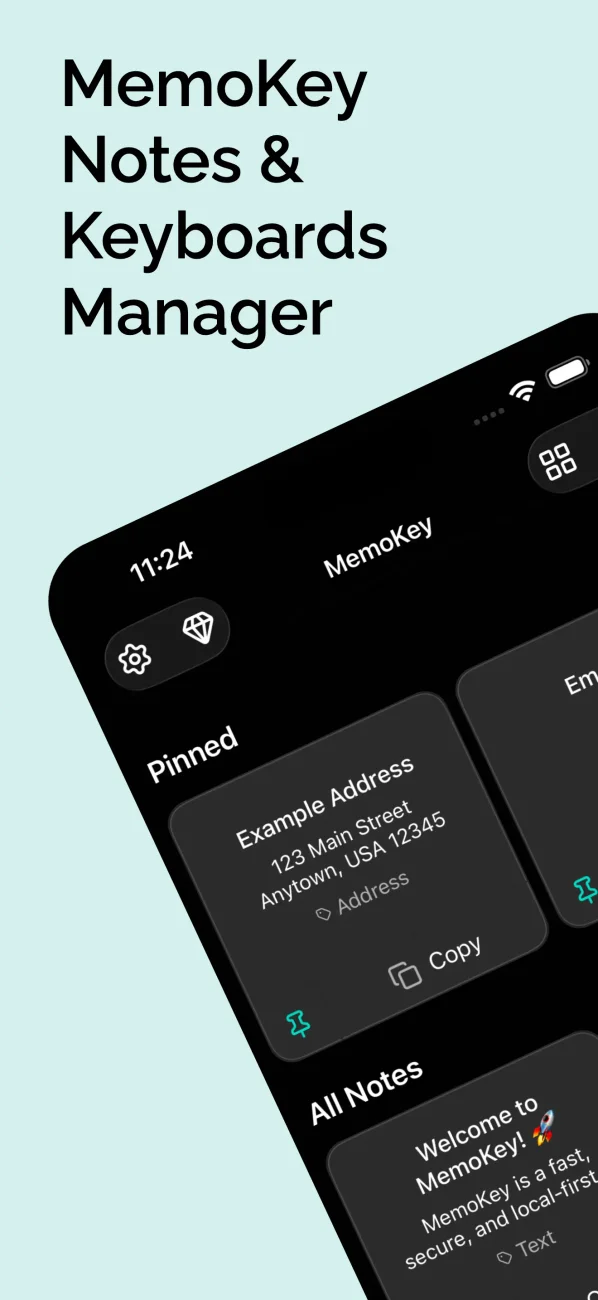
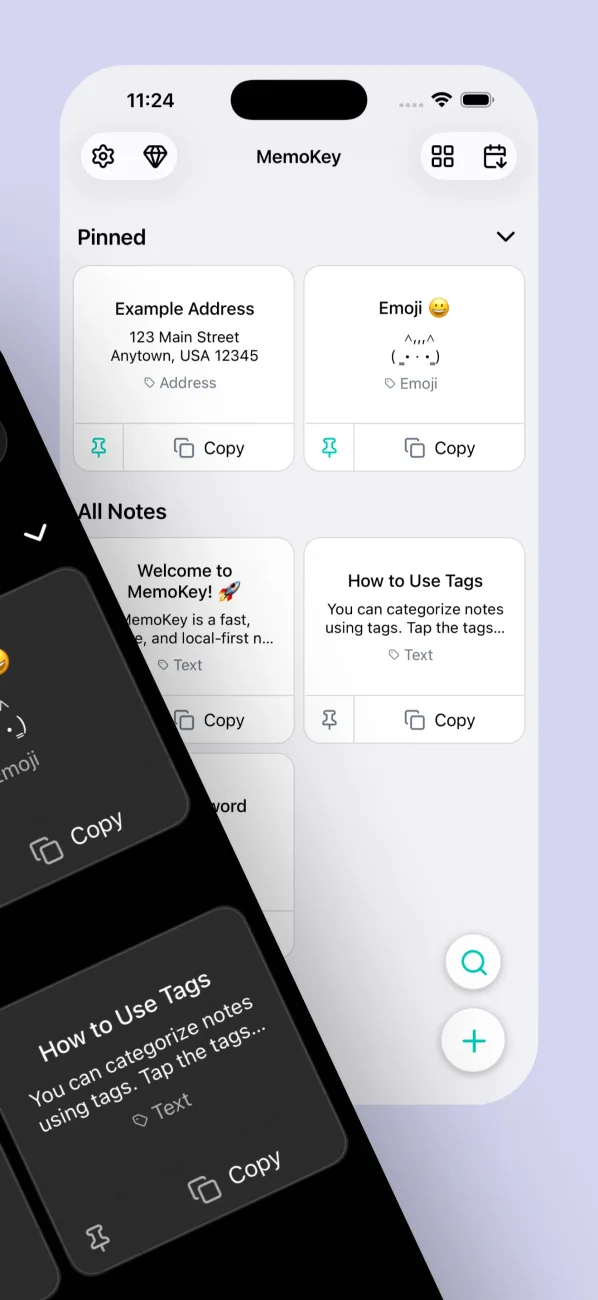
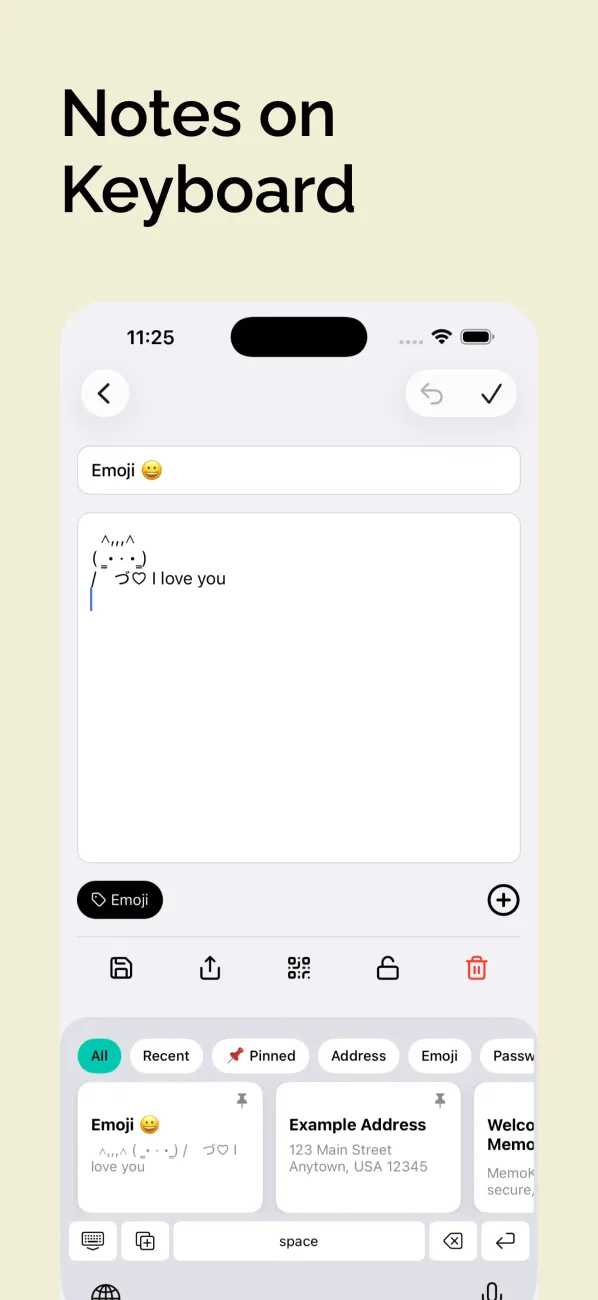
MemoKey keeps your text snippets, saved replies and message templates on your keyboard. Save a reply once, then paste it into any app with one tap.
PASTE FROM THE KEYBOARD
• Your notes in every app: Use your saved notes, quick replies and templates in Messages, WhatsApp, Gmail and any other app, filtered by tag, pinned or recent.
• Paste key: Insert what you copied without switching keyboards. It needs Allow Full Access and reads the clipboard only when you tap it.
• Smart placeholders: {date}, {time}, {date+3}, {clipboard} (keyboard: with Allow Full Access) and {cursor} fill in as you insert; Insert Placeholder in the editor adds them.
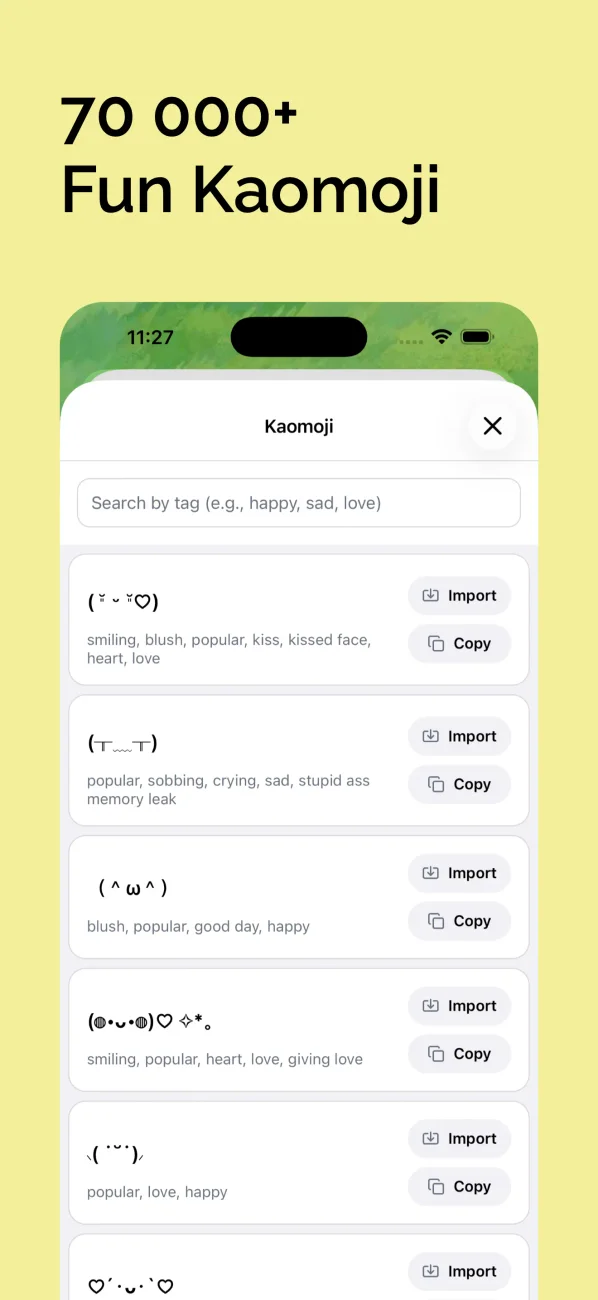
• Keyboard tabs: Notes, Keyboard, Draw and Kaomoji. The Keyboard tab is plain typing (letters, 123, VN), no autocorrect or word predictions; Kaomoji inserts by category, plus Recent. Both work while MemoKey is locked and without Full Access; nothing you type is stored.
• Fill-in fields: {ask:Name} asks for a value as you insert; the keyboard shows your last 5 answers as chips, on this device only and never for locked notes (off or Clear in Settings > Keyboard).
• Telex: The VN key types Vietnamese in the Keyboard tab and fill-in fields (Vieejt becomes Việt); touch and hold a letter to type it as is.
• Fill line by line: One note fills a form field by field. Tap once per field: name, then phone, email, address.
• AI rewrite (optional, off by default): Your own actions, like Shorter, rewrite the selected text with your own OpenAI or Anthropic key; it goes only to that provider, only when you tap (with Allow Full Access).
• Save note: Save what you just typed as a note, right from the keyboard (with Allow Full Access).
• Themes and sounds: 12 keyboard looks, from Cute to Mocha, Mono and Liquid Glass (iOS 26), and over 20 key sounds from mechanical switches.
ORGANIZE IN SECONDS
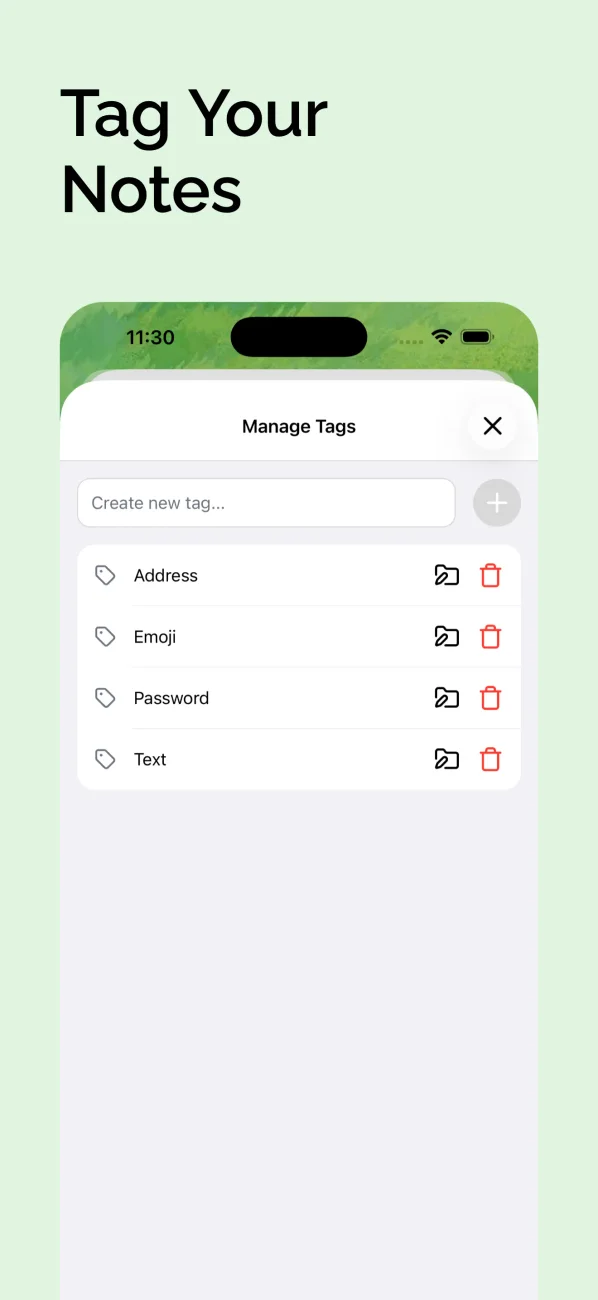
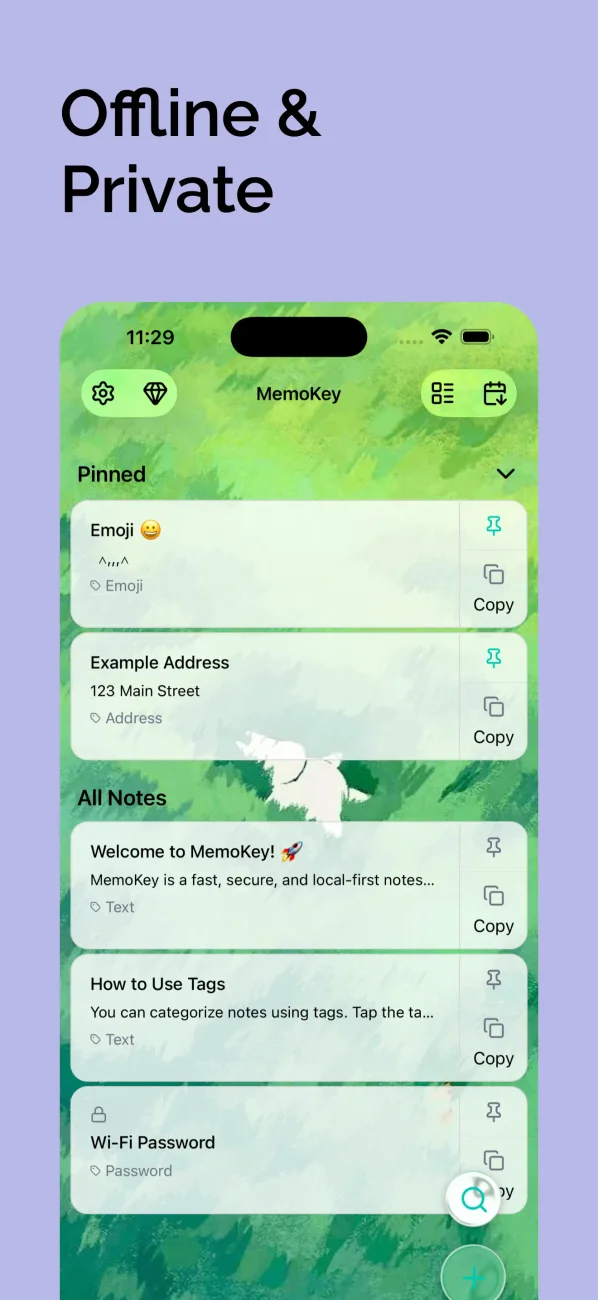
• Tags, pins and search: List or grid view, pin the important notes, drag pinned notes into your own order and find them in seconds.
• Tags that open by themselves in email, phone or web fields.
WIDGETS AND SHORTCUTS
• Home Screen widget: Your pinned notes, or the notes of one tag. On iOS 17 or later a tap copies a note. Locked notes are never shown.
• Lock Screen and Control Center: New note, Search notes and Copy note in one tap, also from the Action button (iOS 18 or later).
• Shortcuts app: Use a note's text in any shortcut, save text as a new note, or add text to a note with Append to MemoKey Note (iPhone and iPad).
PRIVATE AND OFFLINE
• No account, no ads, no tracking and no MemoKey servers. MemoKey collects no data, and your notes stay on your device; AI rewrite, if on, sends only the text you rewrite to your provider.
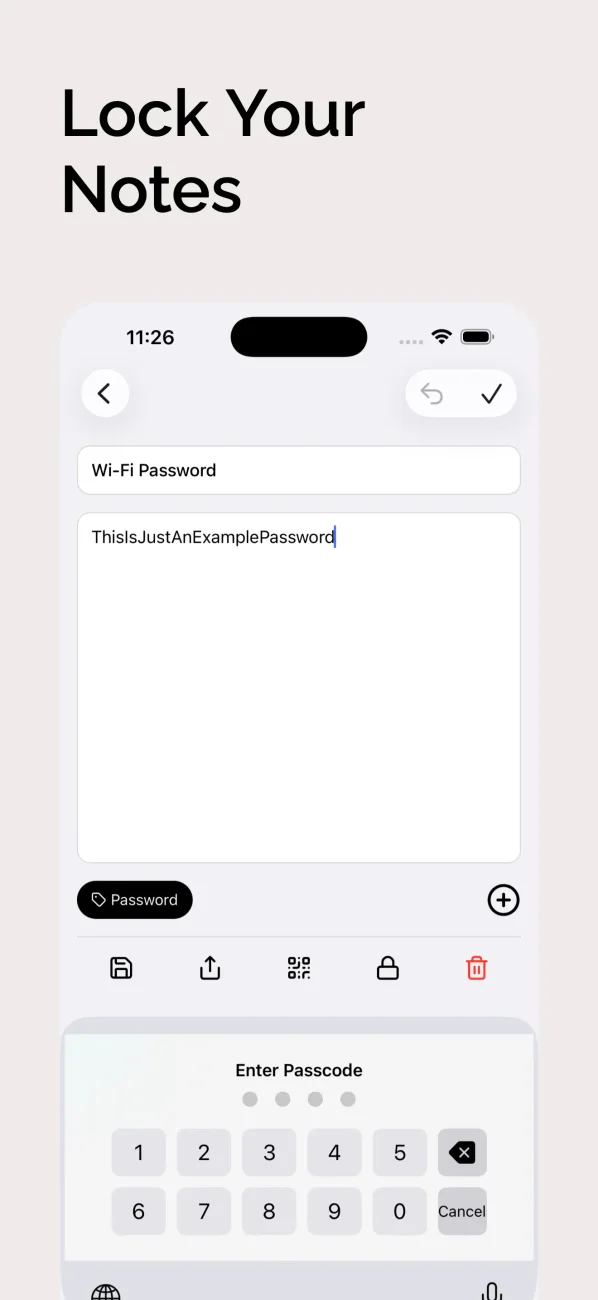
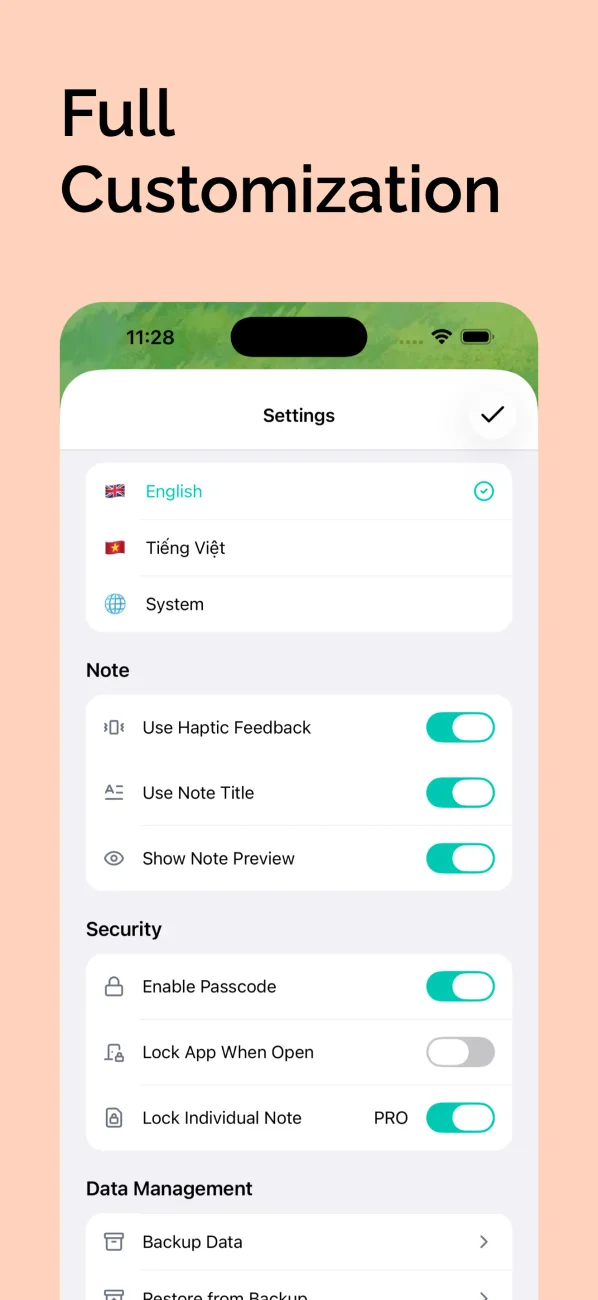
• Protect the app with a passcode, Face ID or Touch ID, and change your passcode any time.
• Lock single notes behind your passcode (PRO).
YOUR DATA, YOUR WAY
• Backup to iCloud or Files: Back up to your own iCloud or a folder in Files (Google Drive, Dropbox), automatically if you like, with a reminder after 30 days. Nothing is uploaded unless you turn it on.
• Export: JSON and CSV backups, or all notes in one Markdown file that MemoKey can restore.
• Bring your notes along: Import Google Keep (.json), Evernote (.enex), .txt and .md files, Mac Text Replacements and the Gboard dictionary.
MORE BUILT IN
• 60,000+ kaomoji: A huge library of text emoticons (^_^) by category, searchable in English and Vietnamese.
• Scan text: Add the printed text of up to 10 photos at once to a note.
MAKE IT YOURS (PRO)
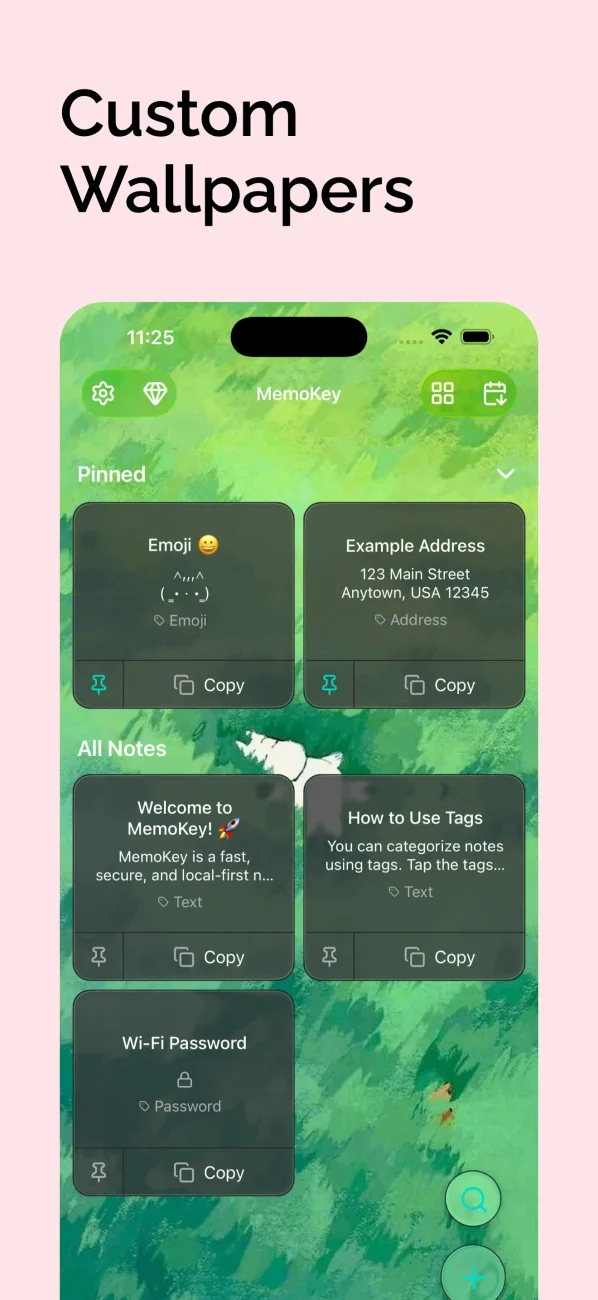
Unlimited tags (free: 10), locked notes, custom colors and your own background image. What you set up with Pro stays yours if Pro ends.
---
Terms of Use: https://www.apple.com/legal/internet-services/itunes/dev/stdeula/
Novedades
Versión 4.0 · 24/11/2026
- Typing right after a fast Send in a chat app no longer puts letters of the sent message into the new one.
- MemoKey keeps a safety copy of your notes on your iPhone, ready for the next big update.
Privacidad de la aplicación
Lo que Tran Cong Minh declara en App Store sobre cómo esta aplicación gestiona los datos.
-
No se recopilan datos
El desarrollador no recopila ningún dato de esta aplicación.
Las prácticas de privacidad pueden variar, por ejemplo, según las funciones que uses o tu edad.
Información
- Vendedor
- Tran Cong Minh
- Categoría
- Productividad
- Versión
- 4.0
- Actualizado
- 24/11/2026
- Publicado
- 12/11/2025
- Tamaño
- 67,6 MB
- Requiere
- iOS 17.0 o posterior
- Clasificación por edad
- 4+
- Precio
- Gratis
- Compras en la aplicación
- Sí
- Idiomas
- Inglés, Vietnamita
- Copyright
- © 2025 HomieLab
Quizá también te guste
-
 SumNote - Notes with SumsProductividad
-
 NoteBlocks: Notas en líneaNotas de otras personas
-
 ZyNotes: Mis notas privadasDiario secreto offline con PIN
-
 HabitBook - Habit TrackerProductividad
-
 Dialed: Radial Day PlannerProductividad
-
 Magicley AI - Abra(chat)dabraProductividad
-
 Save It Later Bookmark ManagerSave Web Links & Bookmarks
-
 Gravity Notes: Bloc de notasApuntes e ideas, sin conexión
-
 LudyType - Teclado IACorrector y Reescritura
-
 Sticky Notes: Notas y TareasOrganizador, agenda y widgets