
MemoWall – Notes & Widgets
Spatial Notes & Boards
Diseñada para iPhone, iPad
Gratis · Compras en la aplicación
- Clasificación por edad4+
- CategoríaProductividad
- DesarrolladorAndre Finetti Cangussu
- IdiomasInglés+ 8 más
- Tamaño15,0 MB
Enlaza a la página oficial de App Store
Download.org no aloja ningún archivo de MemoWall – Notes & Widgets. El botón abre la página de la aplicación en App Store, donde la publica Andre Finetti Cangussu. Ficha comprobada por última vez el 14/11/2026.
Capturas de pantalla

Acerca de
El desarrollador no ha proporcionado este texto en tu idioma.
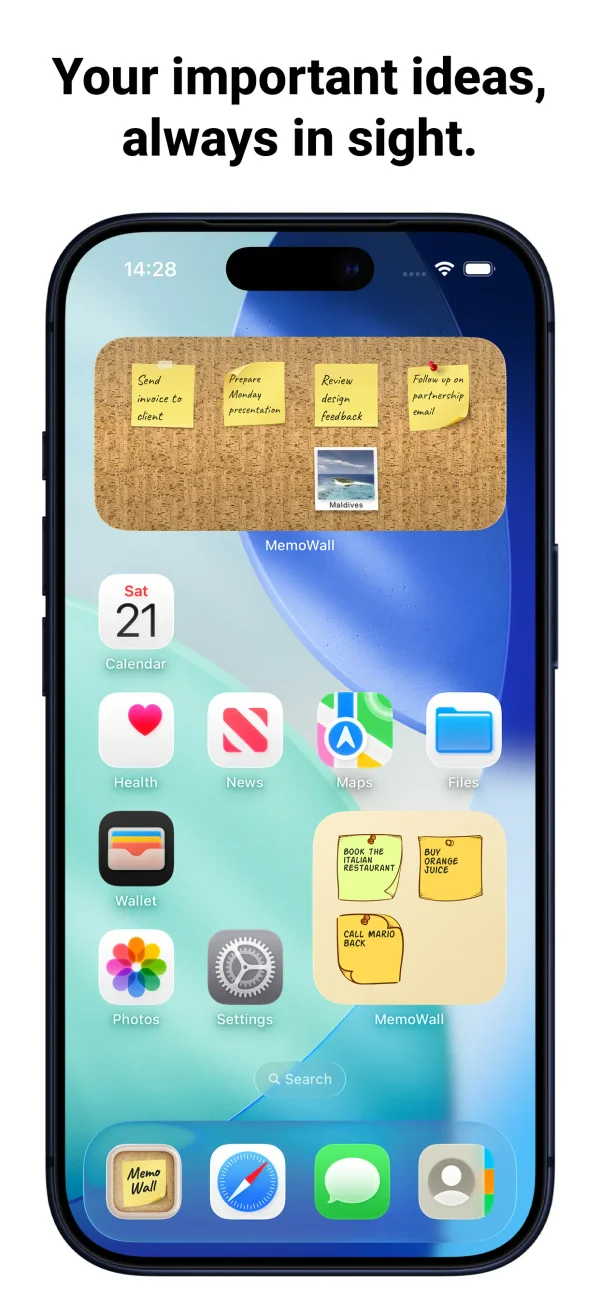
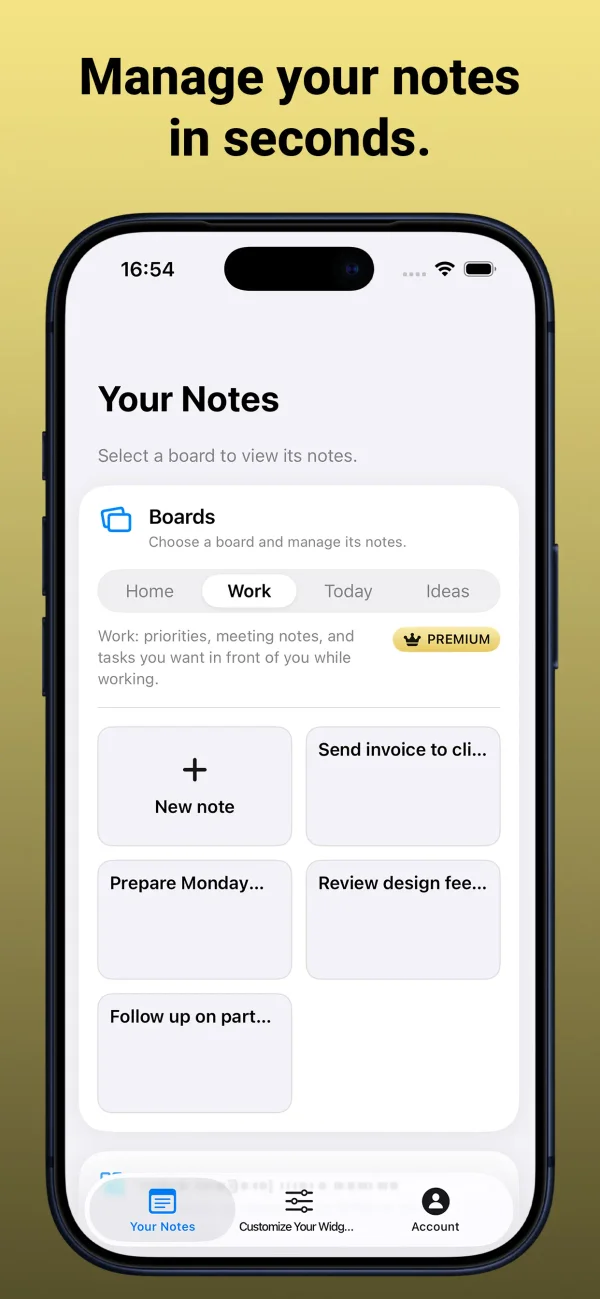
Keep the things you want to remember in sight. MemoWall brings sticky notes, photos, and boards to your iPhone and iPad, with widgets that put your notes right on the Home Screen.
Make a note with a photo
Choose a picture from your photo library or take one in the note editor. Adjust the framing, add a caption, and find your text and photo notes together in a clear grid.
Keep your notes on the Home Screen
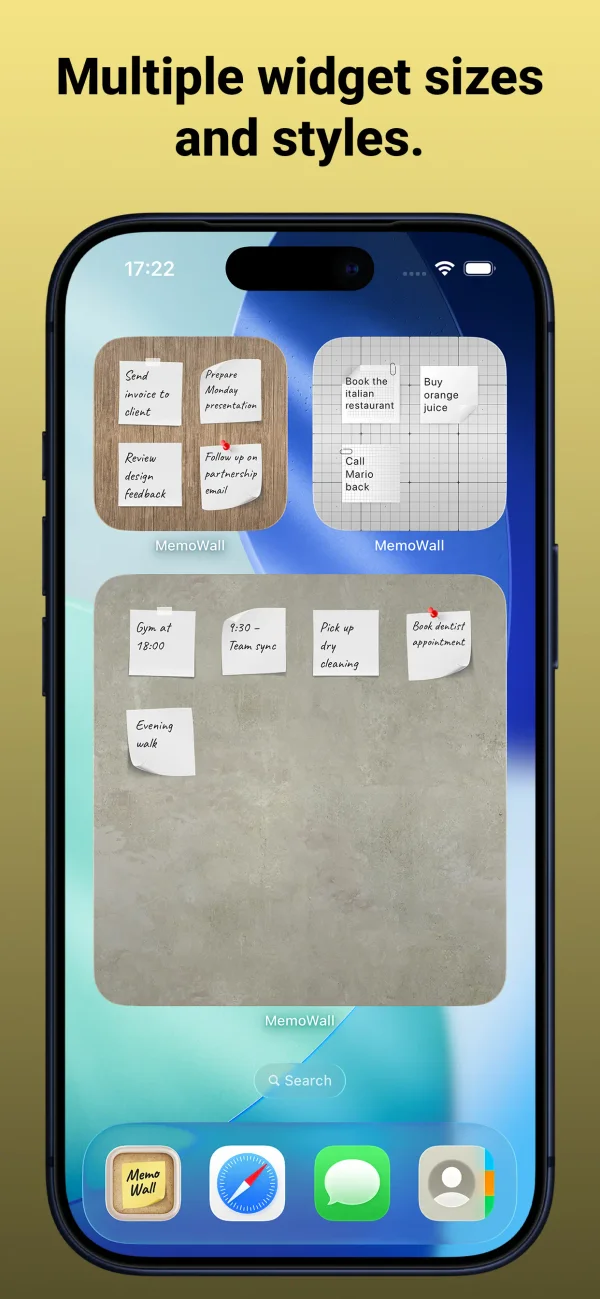
Add a small, medium, or large MemoWall widget to see your reminders, ideas, and photos at a glance. Tap a note to open it in MemoWall.
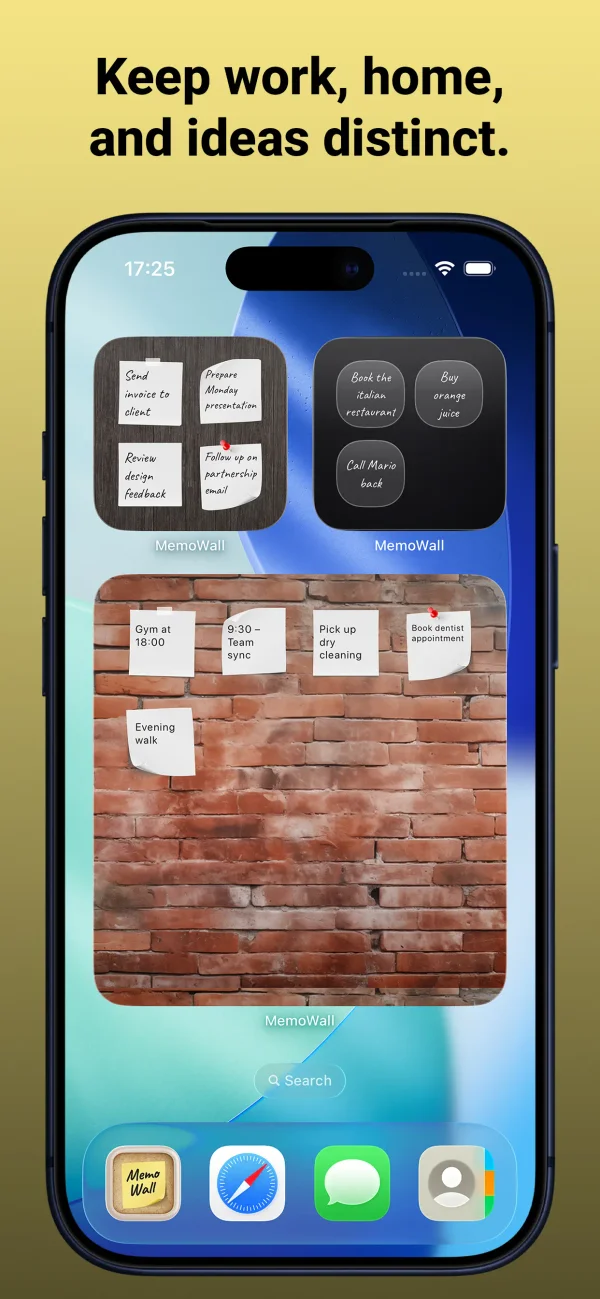
Make each board your own
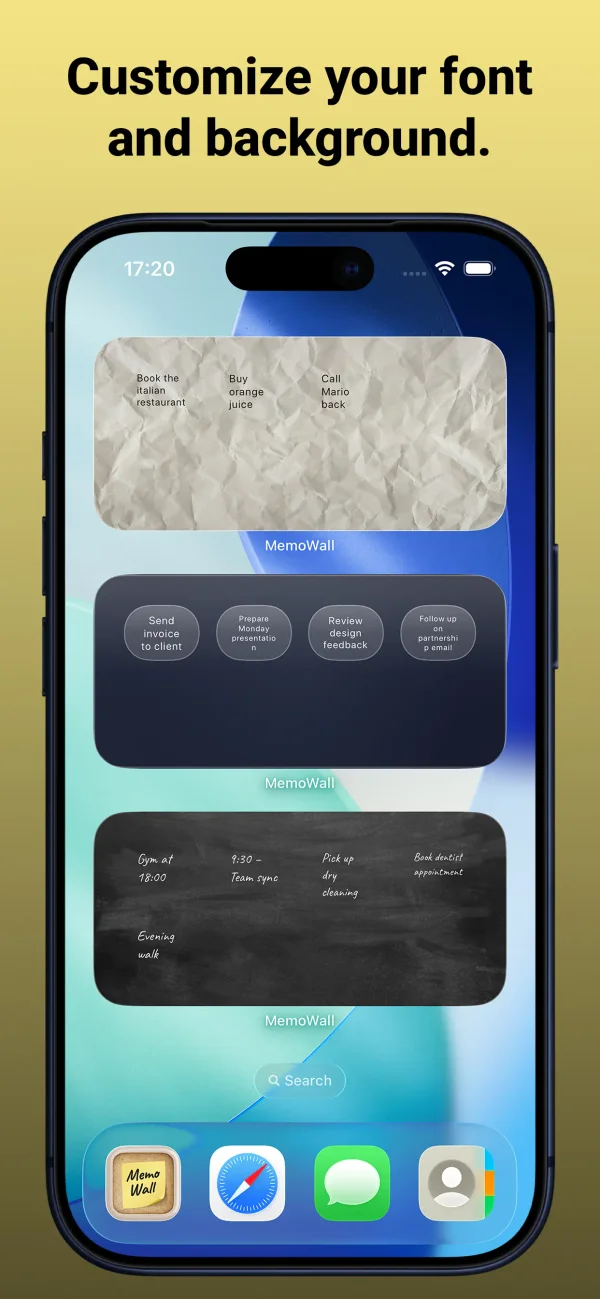
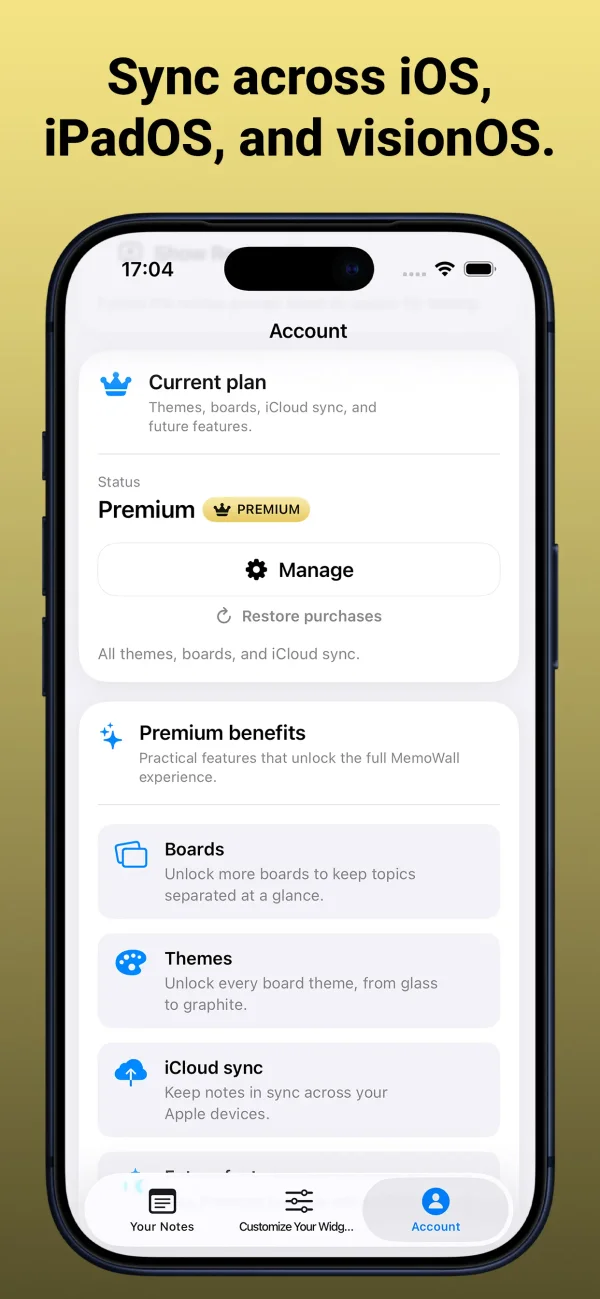
Use your Home board for everyday notes. With Premium, create additional boards for different projects and choose from more widget themes, including Blueprint, Neon Night, Newspaper, and Retro Computer.
Take your boards with you
With Premium, sync your boards, notes, and photos through iCloud across supported Apple devices. MemoWall also has a native Mac app with desktop widgets and keyboard shortcuts.
Terms of Use (EULA): https://www.apple.com/legal/internet-services/itunes/dev/stdeula/
Apple Customer Privacy Policy: https://www.apple.com/legal/privacy/
Novedades
Versión 1.2.0 · 10/11/2026
• Photo notes are here. Choose an image from your photo library or take one in the editor, adjust the framing, and add a caption. Photo notes appear in your boards and Home Screen widgets.
• Give your widgets a new look with four Premium themes: Blueprint, Neon Night, Newspaper, and Retro Computer.
• Find your notes more easily in a clearer grid with text and photos on each card.
• Improved iCloud sync keeps photos with their notes and makes moving existing boards to iCloud more reliable.
• MemoWall now supports Mac with a native app, desktop widgets, and keyboard shortcuts.
Privacidad de la aplicación
Lo que Andre Finetti Cangussu declara en App Store sobre cómo esta aplicación gestiona los datos.
-
No se recopilan datos
El desarrollador no recopila ningún dato de esta aplicación.
Las prácticas de privacidad pueden variar, por ejemplo, según las funciones que uses o tu edad.
Información
- Vendedor
- Andre Finetti Cangussu
- Categoría
- Productividad
- Versión
- 1.2.0
- Actualizado
- 10/11/2026
- Publicado
- 15/1/2026
- Tamaño
- 15,0 MB
- Requiere
- iOS 18.6 o posterior
- Clasificación por edad
- 4+
- Precio
- Gratis
- Compras en la aplicación
- Sí
- Idiomas
- Inglés, Francés, Alemán, Hindi, Italiano, Japonés, Portugués, Chino simplificado, Turco
- Copyright
- © 2025 André Finetti Cangussu
Quizá también te guste
-
 Easy Sticky Note Widget & PinProductividad
-
 Sticky Notes - PostyListas, Notas y Widgets
-
 aplicaciones de notas-stickiesnotas coloridas-lista tareas
-
 Sticky Notes + WidgetsProductividad
-
 Sync Sticky NotesProductividad
-
 Desktop Note - Notes & PhotosAlways-on-desktop sticky note
-
 Sticky Note Widget Memo PadProductividad
-
 abcNotesToDo, Checklists & Stickers
-
 Sticky Notes Widget. StickiesProductividad
-
 choclift: Workflow Sweetenerdesktop touch controls