MemoWall – Notes & Widgets
Spatial Notes & Boards
Conçue pour iPhone, iPad
Gratuit · Achats intégrés
- Classification d’âge4+
- CatégorieProductivité
- DéveloppeurAndre Finetti Cangussu
- LanguesAnglais+ 8 de plus
- Taille15,0 Mo
Renvoie vers la page App Store officielle
Download.org n’héberge aucun fichier de MemoWall – Notes & Widgets. Le bouton ouvre la page de l’application sur App Store, où Andre Finetti Cangussu la publie. Fiche vérifiée pour la dernière fois le 14/11/2026.
Captures d’écran
À propos
Le développeur n’a pas fourni ce texte dans votre langue.
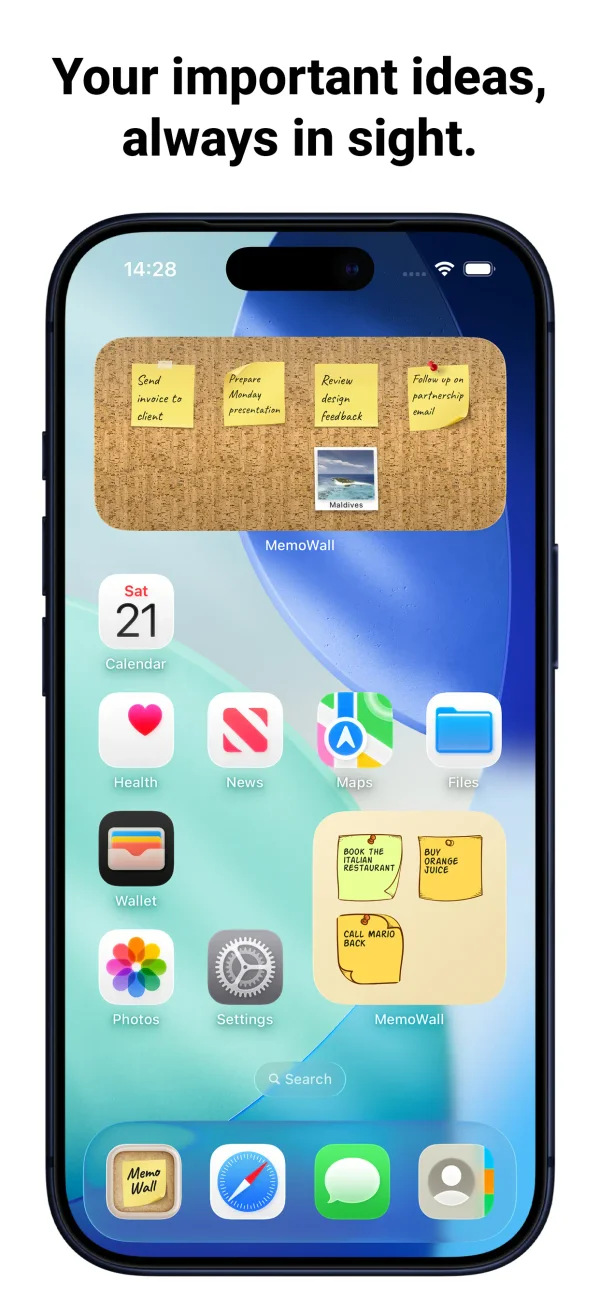
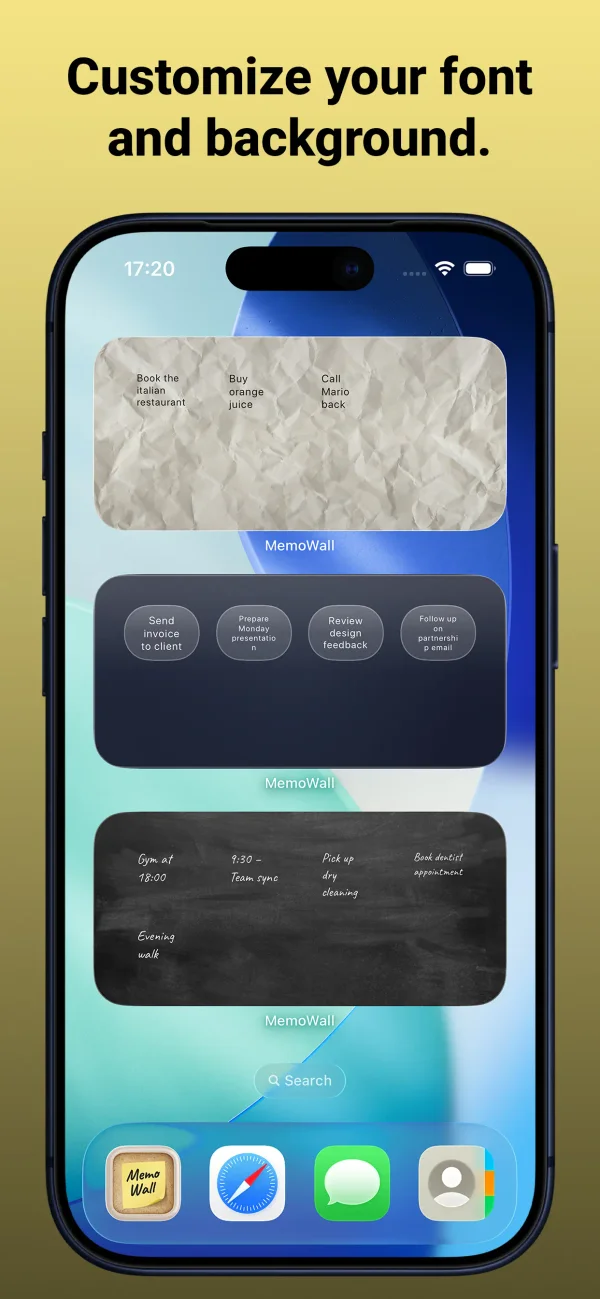
Keep the things you want to remember in sight. MemoWall brings sticky notes, photos, and boards to your iPhone and iPad, with widgets that put your notes right on the Home Screen.
Make a note with a photo
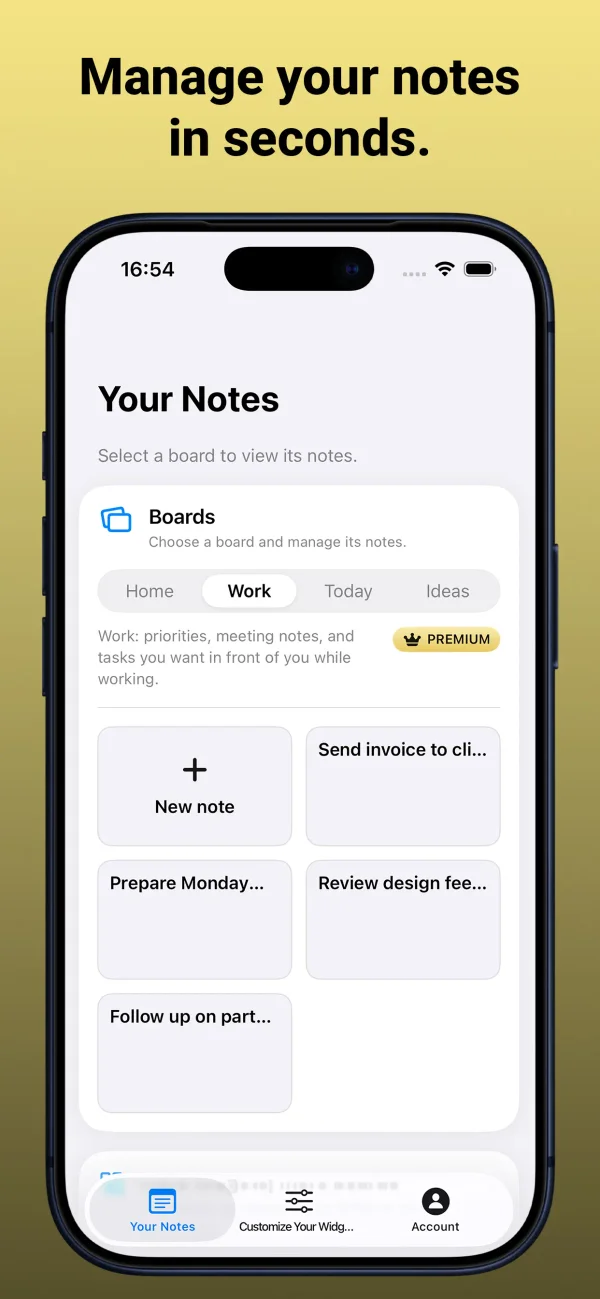
Choose a picture from your photo library or take one in the note editor. Adjust the framing, add a caption, and find your text and photo notes together in a clear grid.
Keep your notes on the Home Screen
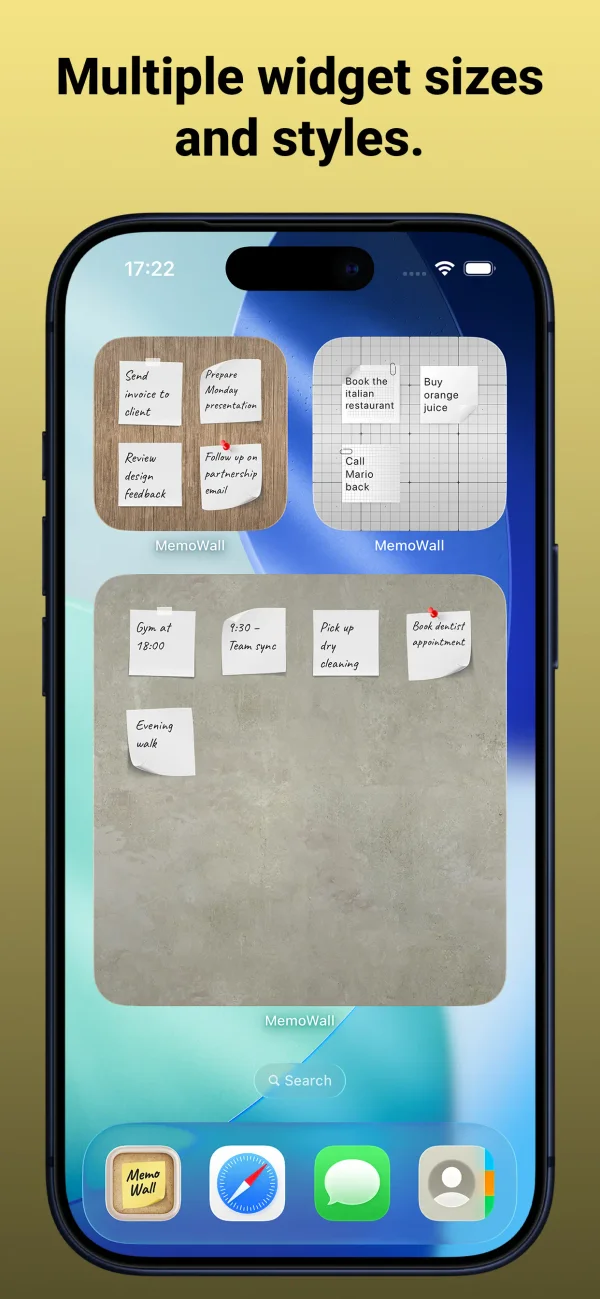
Add a small, medium, or large MemoWall widget to see your reminders, ideas, and photos at a glance. Tap a note to open it in MemoWall.
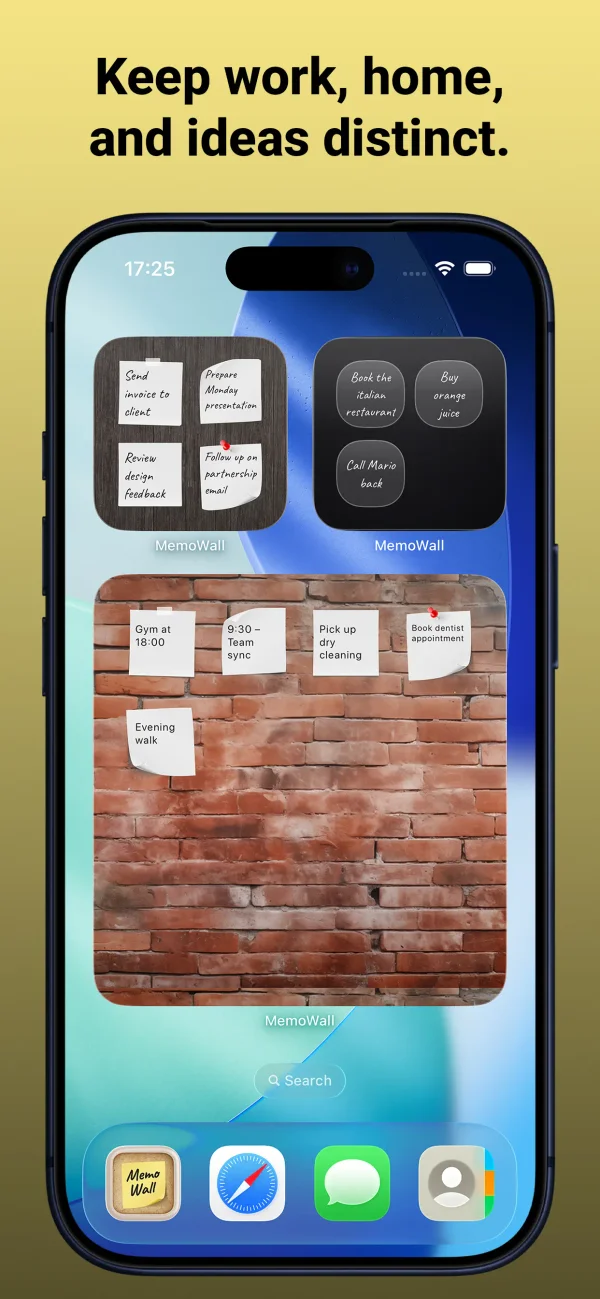
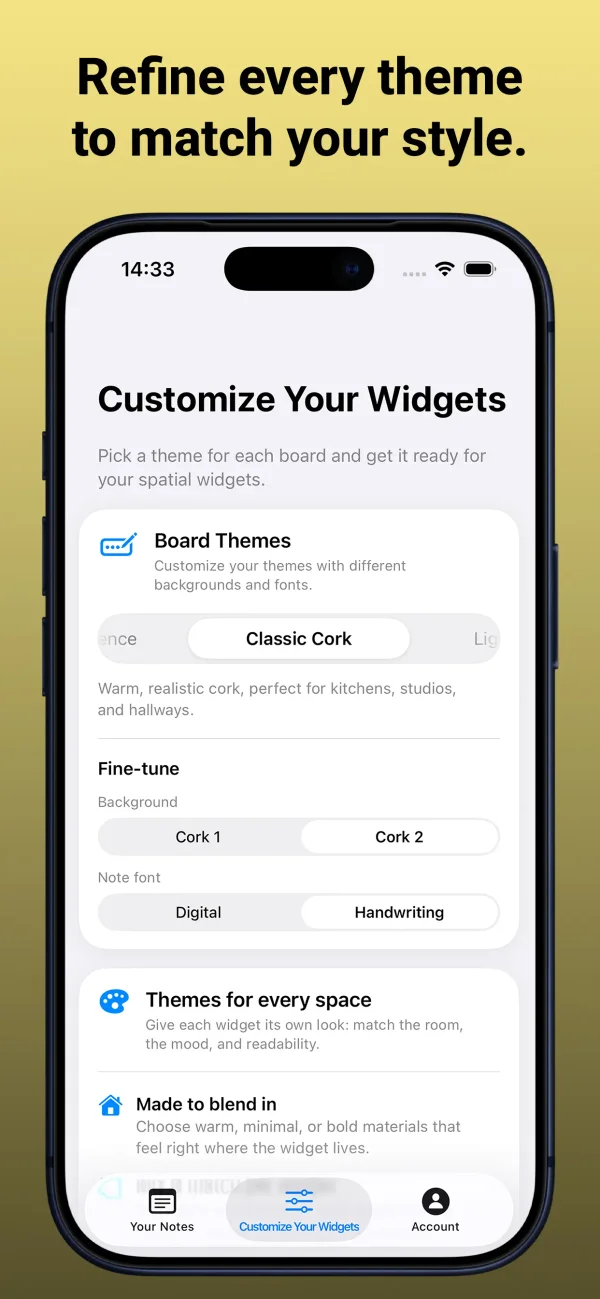
Make each board your own
Use your Home board for everyday notes. With Premium, create additional boards for different projects and choose from more widget themes, including Blueprint, Neon Night, Newspaper, and Retro Computer.
Take your boards with you
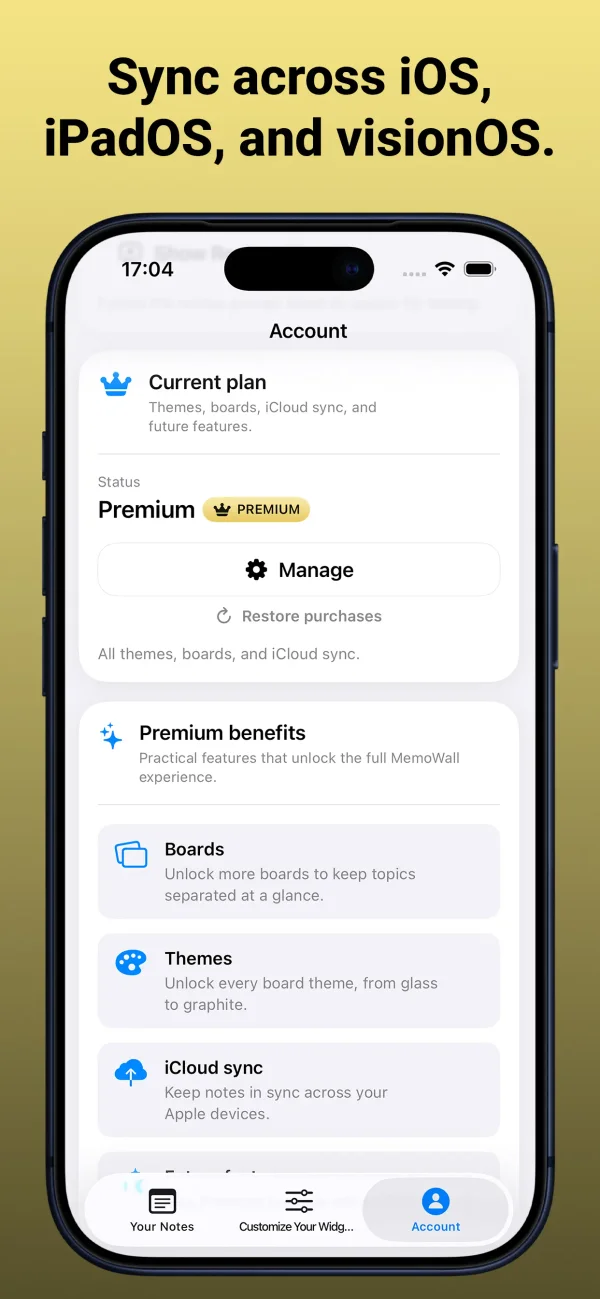
With Premium, sync your boards, notes, and photos through iCloud across supported Apple devices. MemoWall also has a native Mac app with desktop widgets and keyboard shortcuts.
Terms of Use (EULA): https://www.apple.com/legal/internet-services/itunes/dev/stdeula/
Apple Customer Privacy Policy: https://www.apple.com/legal/privacy/
Nouveautés
Version 1.2.0 · 10/11/2026
• Photo notes are here. Choose an image from your photo library or take one in the editor, adjust the framing, and add a caption. Photo notes appear in your boards and Home Screen widgets.
• Give your widgets a new look with four Premium themes: Blueprint, Neon Night, Newspaper, and Retro Computer.
• Find your notes more easily in a clearer grid with text and photos on each card.
• Improved iCloud sync keeps photos with their notes and makes moving existing boards to iCloud more reliable.
• MemoWall now supports Mac with a native app, desktop widgets, and keyboard shortcuts.
Confidentialité de l’application
Ce que Andre Finetti Cangussu déclare sur l’App Store au sujet du traitement des données par cette application.
-
Données non collectées
Le développeur ne collecte aucune donnée à partir de cette application.
Les pratiques en matière de confidentialité peuvent varier, notamment en fonction des fonctionnalités que vous utilisez ou de votre âge.
Informations
- Vendeur
- Andre Finetti Cangussu
- Catégorie
- Productivité
- Version
- 1.2.0
- Mis à jour
- 10/11/2026
- Publié
- 15/01/2026
- Taille
- 15,0 Mo
- Nécessite
- iOS 18.6 ou version ultérieure
- Classification d’âge
- 4+
- Prix
- Gratuit
- Achats intégrés
- Oui
- Langues
- Anglais, Français, Allemand, Hindi, Italien, Japonais, Portugais, Chinois simplifié, Turc
- Copyright
- © 2025 André Finetti Cangussu
Vous aimerez peut-être aussi
-
 Easy Sticky Note Widget & PinProductivité
-
 Sticky Notes - PostyTo-Do Lists, Notes & Widgets
-
 Bloc Notes AdhésivesPrise De Note Rapide Et Listes
-
 Sticky Notes + WidgetsProductivité
-
 Sync Sticky NotesProductivité
-
 Desktop Note - Notes & PhotosAlways-on-desktop sticky note
-
 Sticky Note Widget Memo PadProductivité
-
 abcNotesToDo, Checklists & Stickers
-
 Notes - Bloc Note, Liste UtileAgenda rapide, rappels, dessin
-
 choclift: Workflow Sweetenerdesktop touch controls