- Clasificación por edad4+
- CategoríaUtilidades
- DesarrolladorMechanismic Inc.
- IdiomasInglés
- Tamaño38,1 MB
Enlaza a la página oficial de App Store
Download.org no aloja ningún archivo de MicroBlue. El botón abre la página de la aplicación en App Store, donde la publica Mechanismic Inc. Ficha comprobada por última vez el 17/11/2026.
Capturas de pantalla


Acerca de
El desarrollador no ha proporcionado este texto en tu idioma.
MicroBlue is a companion app for microcontroller projects. Connect to your board over Bluetooth Low Energy (BLE), control it from your phone, and see what it sends back.
DRIVE
Two halves, each a D-Pad, Joystick, Tank (one stick per side), Tilt (steer by tilting the phone), Panel or Console. Leaving the Drive screen or the app sends the stop position.
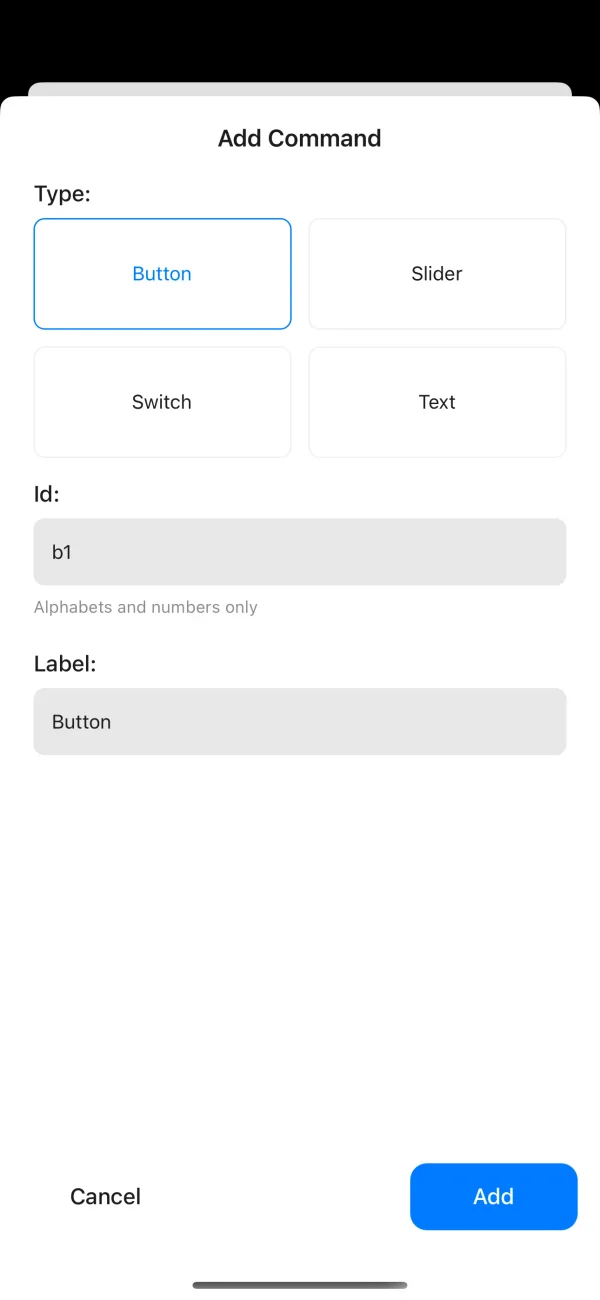
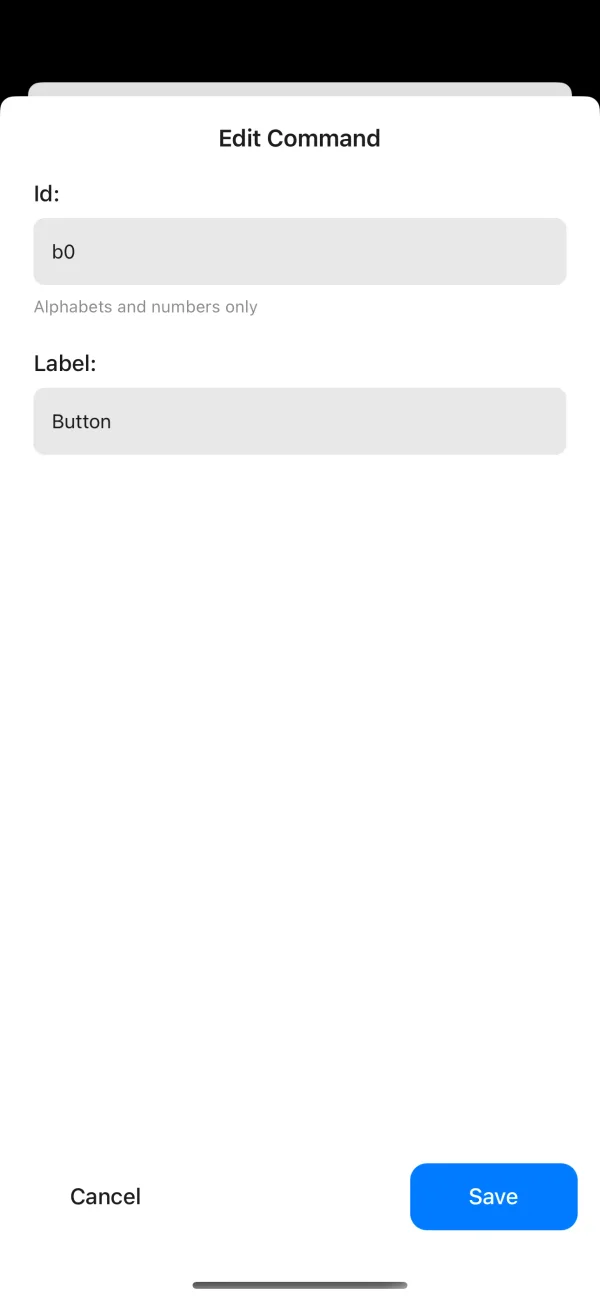
Buttons, switches, sliders with your own min and max, steppers, color buttons and text fields. Each sends its value with an id you choose.
DISPLAYS
Show what your board sends: a Value with its unit, a Bar, an LED, or a Chart of the last 10, 30 or 60 seconds that draws up to 4 lines from values like x,y,z.
CONSOLE AND RECORDING
See every message sent and received. Record a session to a CSV file and open it in Google Sheets, Excel or Numbers, great for classroom experiments.
LAYOUTS
Save a layout for each project and switch between them. Share a layout with a whole class by QR code or link; students add it with Scan QR Code.
A STEADY CONNECTION
• A heartbeat lets your board's program stop safely when the phone goes out of range or the app closes (can be turned off in Settings)
• Reconnects to your board automatically
• Shows the signal strength
• Choose what to send to and receive from on each board
WORKS WITH
Boards with built-in BLE or an HM-10 module, such as the Arduino UNO R4 WiFi, Arduino UNO R3 or UNO R4 Minima with an HM-10, Raspberry Pi Pico W (or Pico with an HM-10) and ESP32-S3.
Messages use a simple format in both directions: [0x01] id [0x02] value [0x03]. Help in the app shows what each control sends.
Requires iOS 16.4 or later.
For assistance and more information, visit: https://snappyxo.io/microblue.
Novedades
Versión 2.0.0 · 30/10/2026
MicroBlue 2.0: your board can now talk back.
• New tabs: Drive, Panel, Console and More.
• Drive with a Tank, or steer by tilting the phone. Either Drive half can also show the Panel or the Console.
• New controls: Stepper and Color. Sliders now have a min and max.
• Displays: show what your board sends on a Value, Bar, LED or Chart. A Chart draws up to 4 lines from values like x,y,z.
• Console: every message sent and received. Record them to a CSV file and open it in Sheets, Excel or Numbers.
• Layouts: save a layout for each project, and share layouts by QR code or link.
• A heartbeat lets your board's program stop safely when the phone goes out of range or the app closes.
• Reconnects to your board automatically and shows its signal strength.
• Choose what to send to and receive from on each board under Bluetooth → ⓘ.
Your controls and Drive layout carry over from 1.x.
Requires iOS 16.4 or later.
Privacidad de la aplicación
Lo que Mechanismic Inc. declara en App Store sobre cómo esta aplicación gestiona los datos.
-
No se recopilan datos
El desarrollador no recopila ningún dato de esta aplicación.
Las prácticas de privacidad pueden variar, por ejemplo, según las funciones que uses o tu edad.
Información
- Vendedor
- Mechanismic Inc.
- Categoría
- Utilidades
- Versión
- 2.0.0
- Actualizado
- 30/10/2026
- Publicado
- 21/3/2024
- Tamaño
- 38,1 MB
- Requiere
- iOS 16.4 o posterior
- Clasificación por edad
- 4+
- Precio
- Gratis
- Idiomas
- Inglés
- Copyright
- © Mechanismic Inc.