- Age rating4+
- CategoryUtilities
- DeveloperMechanismic Inc.
- LanguagesEnglish
- Size38.1 MB
Links to the official App Store page
Download.org hosts no file of MicroBlue. The button opens its official App Store page, published by Mechanismic Inc. Listing last checked on Nov 17, 2026.
Screenshots


About
MicroBlue is a companion app for microcontroller projects. Connect to your board over Bluetooth Low Energy (BLE), control it from your phone, and see what it sends back.
DRIVE
Two halves, each a D-Pad, Joystick, Tank (one stick per side), Tilt (steer by tilting the phone), Panel or Console. Leaving the Drive screen or the app sends the stop position.
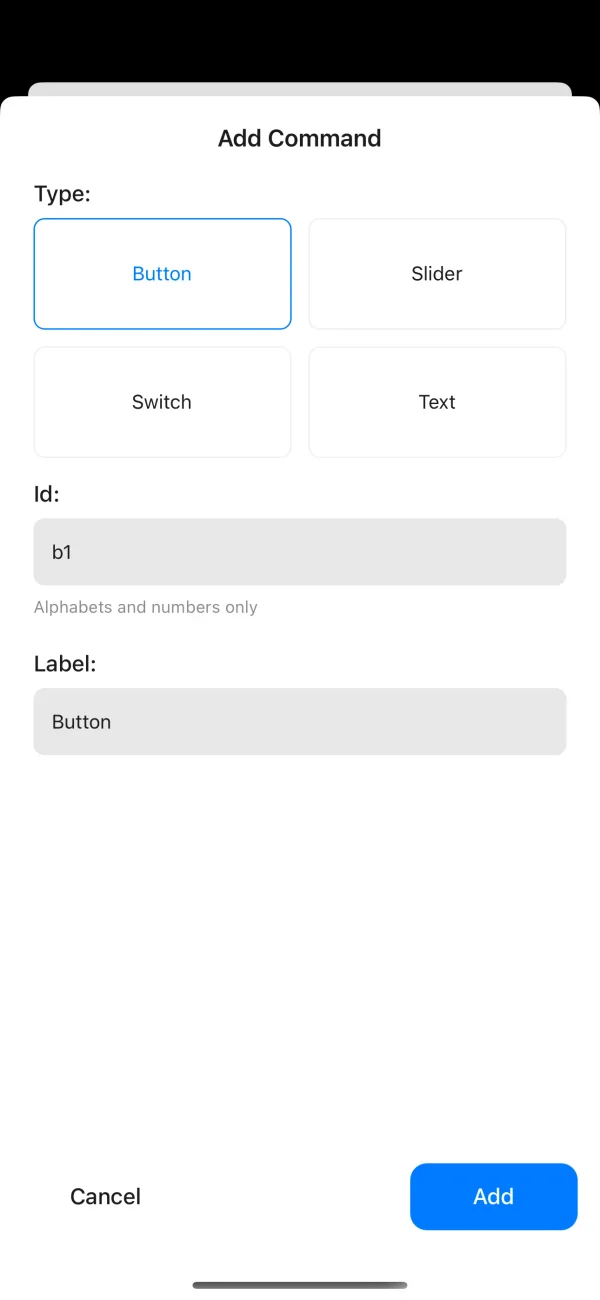
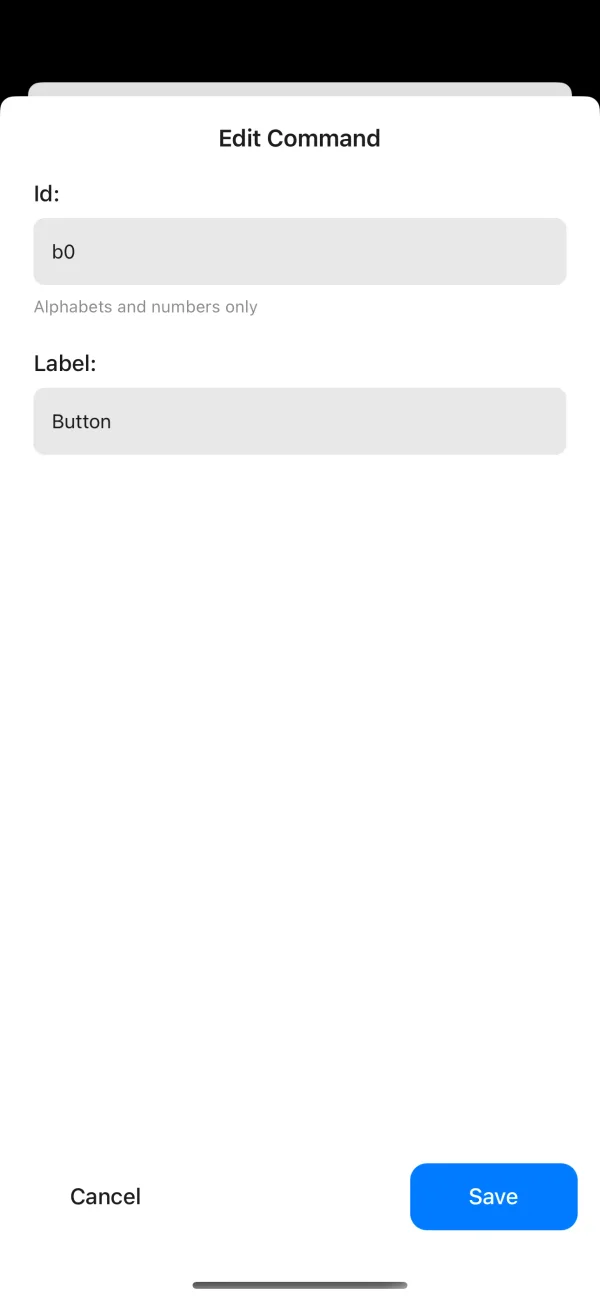
Buttons, switches, sliders with your own min and max, steppers, color buttons and text fields. Each sends its value with an id you choose.
DISPLAYS
Show what your board sends: a Value with its unit, a Bar, an LED, or a Chart of the last 10, 30 or 60 seconds that draws up to 4 lines from values like x,y,z.
CONSOLE AND RECORDING
See every message sent and received. Record a session to a CSV file and open it in Google Sheets, Excel or Numbers, great for classroom experiments.
LAYOUTS
Save a layout for each project and switch between them. Share a layout with a whole class by QR code or link; students add it with Scan QR Code.
A STEADY CONNECTION
• A heartbeat lets your board's program stop safely when the phone goes out of range or the app closes (can be turned off in Settings)
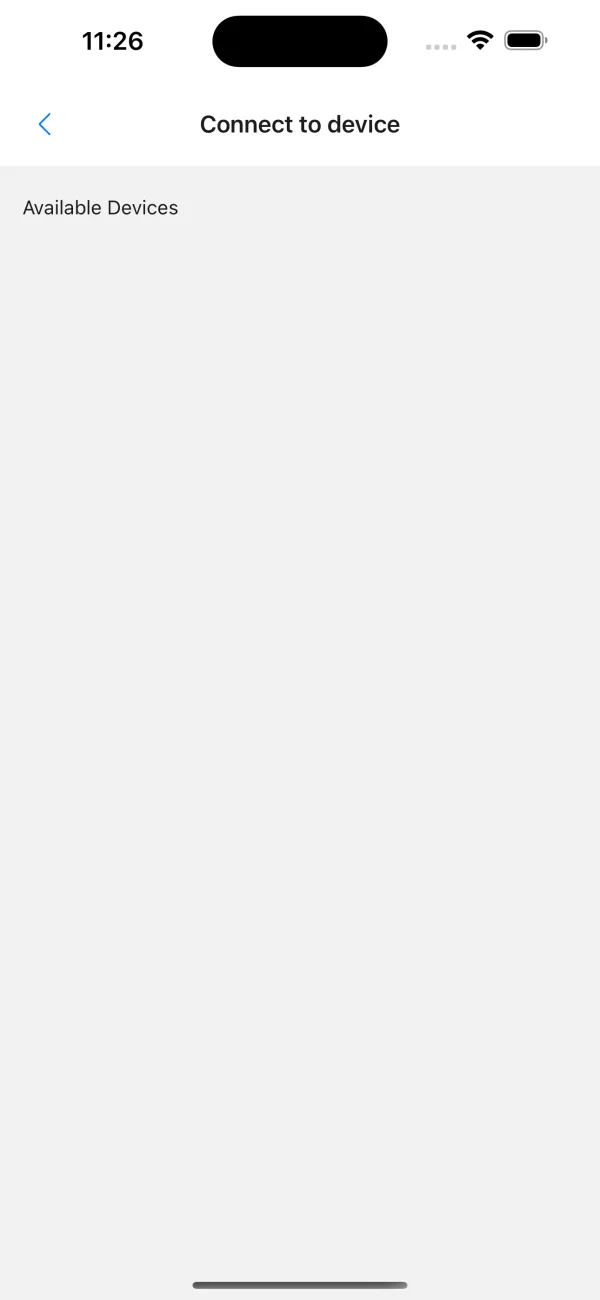
• Reconnects to your board automatically
• Shows the signal strength
• Choose what to send to and receive from on each board
WORKS WITH
Boards with built-in BLE or an HM-10 module, such as the Arduino UNO R4 WiFi, Arduino UNO R3 or UNO R4 Minima with an HM-10, Raspberry Pi Pico W (or Pico with an HM-10) and ESP32-S3.
Messages use a simple format in both directions: [0x01] id [0x02] value [0x03]. Help in the app shows what each control sends.
Requires iOS 16.4 or later.
For assistance and more information, visit: https://snappyxo.io/microblue.
What’s new
Version 2.0.0 · Oct 30, 2026
MicroBlue 2.0: your board can now talk back.
• New tabs: Drive, Panel, Console and More.
• Drive with a Tank, or steer by tilting the phone. Either Drive half can also show the Panel or the Console.
• New controls: Stepper and Color. Sliders now have a min and max.
• Displays: show what your board sends on a Value, Bar, LED or Chart. A Chart draws up to 4 lines from values like x,y,z.
• Console: every message sent and received. Record them to a CSV file and open it in Sheets, Excel or Numbers.
• Layouts: save a layout for each project, and share layouts by QR code or link.
• A heartbeat lets your board's program stop safely when the phone goes out of range or the app closes.
• Reconnects to your board automatically and shows its signal strength.
• Choose what to send to and receive from on each board under Bluetooth → ⓘ.
Your controls and Drive layout carry over from 1.x.
Requires iOS 16.4 or later.
App privacy
What Mechanismic Inc. declares on the App Store about how this app handles data.
-
Data not collected
The developer does not collect any data from this app.
Privacy practices may vary, for example with the features you use or your age.
Information
- Seller
- Mechanismic Inc.
- Category
- Utilities
- Version
- 2.0.0
- Updated
- Oct 30, 2026
- Released
- Mar 21, 2024
- Size
- 38.1 MB
- Requires
- iOS 16.4 or later
- Age rating
- 4+
- Price
- Free
- Languages
- English
- Copyright
- © Mechanismic Inc.
You might also like
-
 Bluetooth Serial ConnectCustom Arduino Controllers
-
 BLE JoystickUtilities
-
 Bluetooth for ArduinoRemote controller for Arduino
-
 WibleUnleash the Power of DIY Tech
-
 diBlueBLE Terminal & Relay Control
-
 BLE Controller – Arduino ESP32Utilities
-
 Arduino BT ControllerUtilities
-
 ParadigmaConnect and control
-
 RemoteXYUtilities
-
 BLE tools with terminalUtilities