
MidiLoom
The hub of your MIDI studio
Diseñada para iPad
Gratis · Compras en la aplicación
- Clasificación por edad4+
- CategoríaMúsica
- DesarrolladorJared Smythe
- IdiomasInglés
- Tamaño56,2 MB
Enlaza a la página oficial de App Store
Download.org no aloja ningún archivo de MidiLoom. El botón abre la página de la aplicación en App Store, donde la publica Jared Smythe. Ficha comprobada por última vez el 15/11/2026.
Capturas de pantalla


Acerca de
El desarrollador no ha proporcionado este texto en tu idioma.
MidiLoom makes your iPad the center of your MIDI studio. Connect every keyboard, controller, synth, drum machine, guitar processor and music app you own, then decide exactly where every note, clock and controller goes, and what happens to it on the way. You build it by wiring nodes on a canvas, or you describe what you want and let the AI build it for you; either way it runs live, with no fixed limit on devices or connections.
ASK AI FOR IT
• Say what you want in plain words, like "split my keyboard at middle C: bass below, piano above", and MidiLoom's AI creates the MIDI processing for you, wired to your own devices.
• Ask it to change a graph you already have: "add a drum beat on the same clock" or "send this to my synth an octave down". Your changes stay where you put them, and one undo puts it back.
• 5 free generations come with the trial or the Full Version; more come in packs of 10 or 60, and they don't expire. Needs an internet connection.
ONE HUB FOR EVERYTHING
• Route between USB MIDI devices, Bluetooth MIDI devices, other music apps through virtual MIDI ports, and MidiLoom's built-in instruments, all at the same time.
• Merge several controllers into one synth, send one keyboard to many instruments, or give every device its own path.
• Keeps running in the background while you play in other apps.
SPLIT, LAYER AND ROUTE
• Split the keyboard at any note, layer sounds by velocity, sort by channel, switch destinations with presets and buttons, or take turns across synths.
• Filter by message type, remap channels and controllers, reshape velocities.
PLAY, SEQUENCE AND KEEP TIME
• A clock for your whole studio: run MidiLoom's tempo and send MIDI clock to drum machines and other apps, or follow clock from your DAW or hardware.
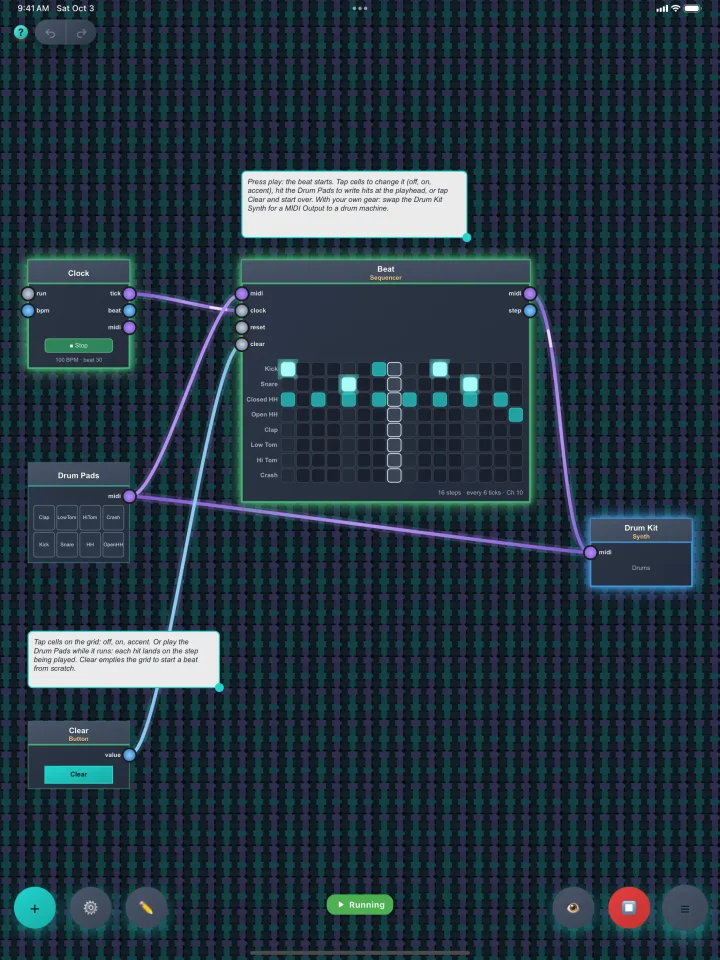
• Step sequencer, arpeggiator, LFO, echoes and strums in clock ticks or milliseconds, plus a MIDI file player and recorder.
CONTROL ANYTHING
• On-screen keyboards, drum pads, knobs, sliders, toggles, buttons and an XY pad that send notes, controllers, pitch bend and program changes to any device.
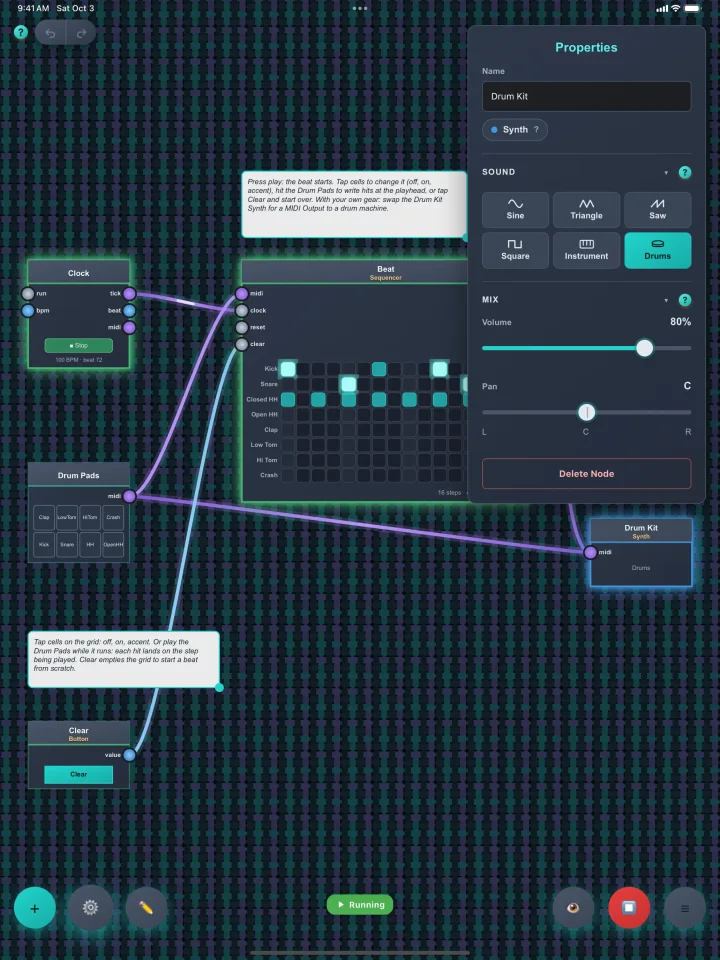
• A built-in synth with classic waveforms and a full General MIDI set of instruments and drums, as many at once as you need, so you can hear a graph with no other gear.
GO AS DEEP AS YOU LIKE
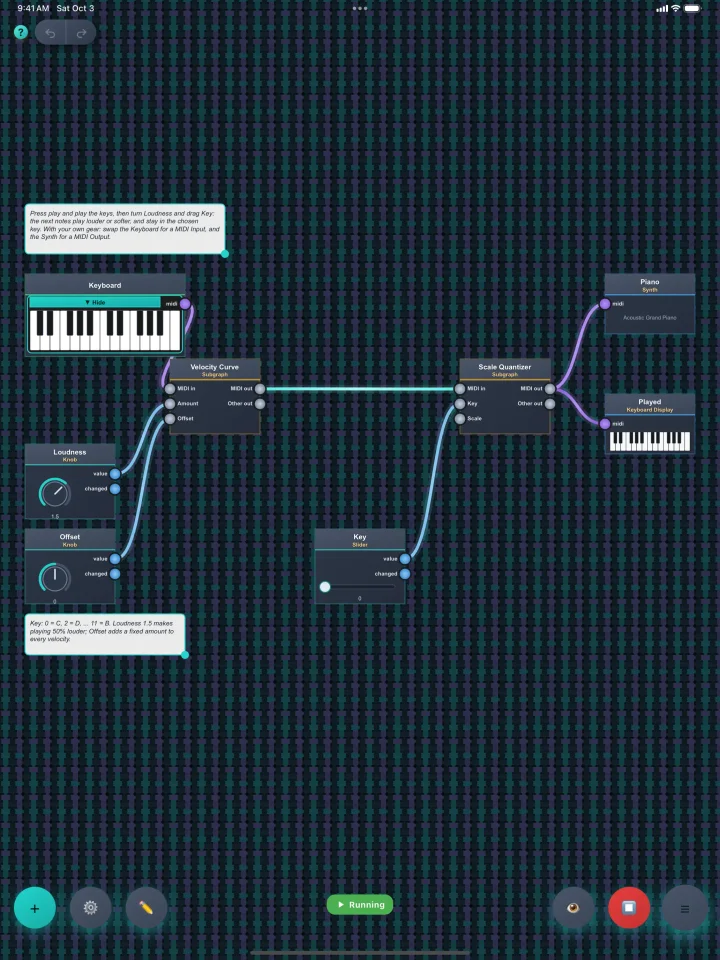
• More than 35 node types and a library of building blocks: transposers, scale quantizers, chord makers, velocity curves, clock dividers and more.
• Write your own processing in a short, readable expression language when you need something no node does.
• Turn any graph into a reusable building block and nest it inside others.
START IN MINUTES
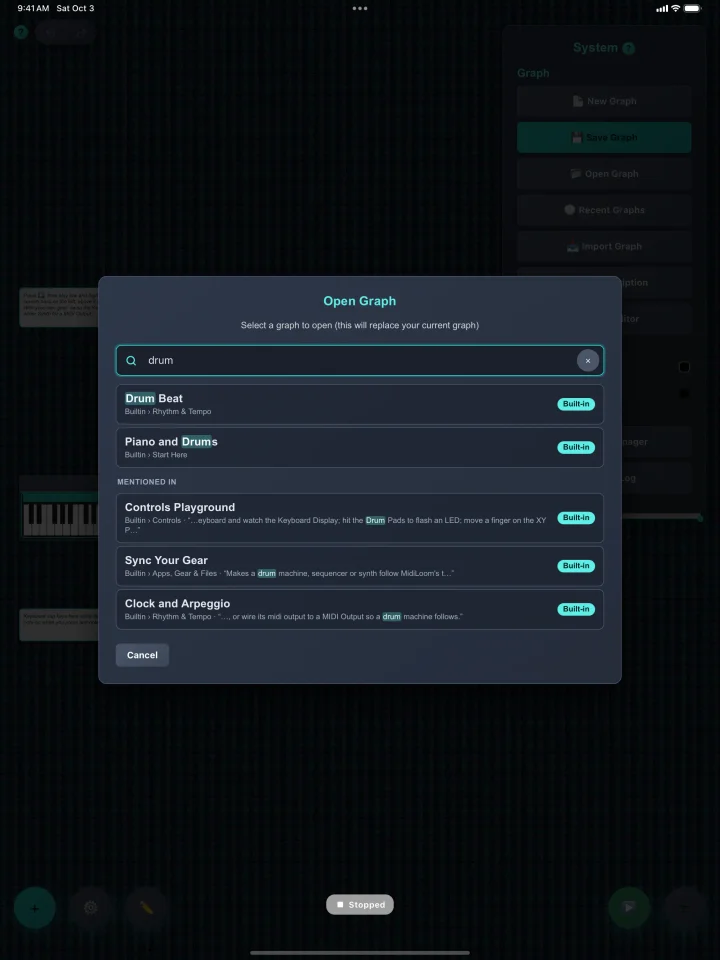
• 27 ready-to-play examples, each with a note saying what to try and what to swap in for your own gear; many need no hardware at all.
• Search every node, building block and graph, reopen recent graphs in a tap, and get searchable help for every node and setting.
FREE TO TRY, YOURS FOR GOOD
Try everything free for 14 days. After the trial, the examples, the built-in synth, the on-screen controls and editing stay free; USB and Bluetooth devices, virtual MIDI ports and saving graphs take a one-time Full Version purchase. No subscription, nothing charged automatically.
PRIVATE BY DESIGN
MidiLoom has no accounts, ads or tracking, and works offline. Only Ask AI for it goes online: your request goes to MidiLoom's server and to Anthropic's Claude to design the graph, and isn't kept by MidiLoom.
Built-in sounds: GeneralUser GS by S. Christian Collins.
Novedades
Versión 1.1 · 3/11/2026
New: Ask AI for it. Say what you want your MIDI to do, and MidiLoom's AI builds the graph for you, wired to your own devices, or changes the graph you already have. Find it in the main menu, under Ask AI for it.
5 free generations come with the trial or the Full Version; more come in packs of 10 or 60.
Also new: a busy indicator while a graph opens.
Privacidad de la aplicación
Lo que Jared Smythe declara en App Store sobre cómo esta aplicación gestiona los datos.
-
Datos vinculados a ti
Pueden recopilarse y vincularse a tu identidad.
- Compras
- Identificadores
-
Datos no vinculados a ti
Pueden recopilarse, pero no se vinculan a tu identidad.
- Contenido del usuario
Las prácticas de privacidad pueden variar, por ejemplo, según las funciones que uses o tu edad.
Información
- Vendedor
- Jared Smythe
- Categoría
- Música
- Versión
- 1.1
- Actualizado
- 3/11/2026
- Publicado
- 29/10/2026
- Tamaño
- 56,2 MB
- Requiere
- iOS 15.0 o posterior
- Clasificación por edad
- 4+
- Precio
- Gratis
- Compras en la aplicación
- Sí
- Idiomas
- Inglés
- Copyright
- © 2026 Jared Smythe