Mori - Markdown Editor
See your Markdown as you type
Diseñada para iPhone, iPad, Mac
Gratis · Compras en la aplicación
- Clasificación por edad4+
- CategoríaProductividad
- DesarrolladorGAGASOFT
- IdiomasCoreano+ 1 más
- Tamaño2,8 MB
Enlaza a la página oficial de App Store
Download.org no aloja ningún archivo de Mori - Markdown Editor. El botón abre la página de la aplicación en App Store, donde la publica GAGASOFT. Ficha comprobada por última vez el 10/11/2026.
Capturas de pantalla
Acerca de
El desarrollador no ha proporcionado este texto en tu idioma.
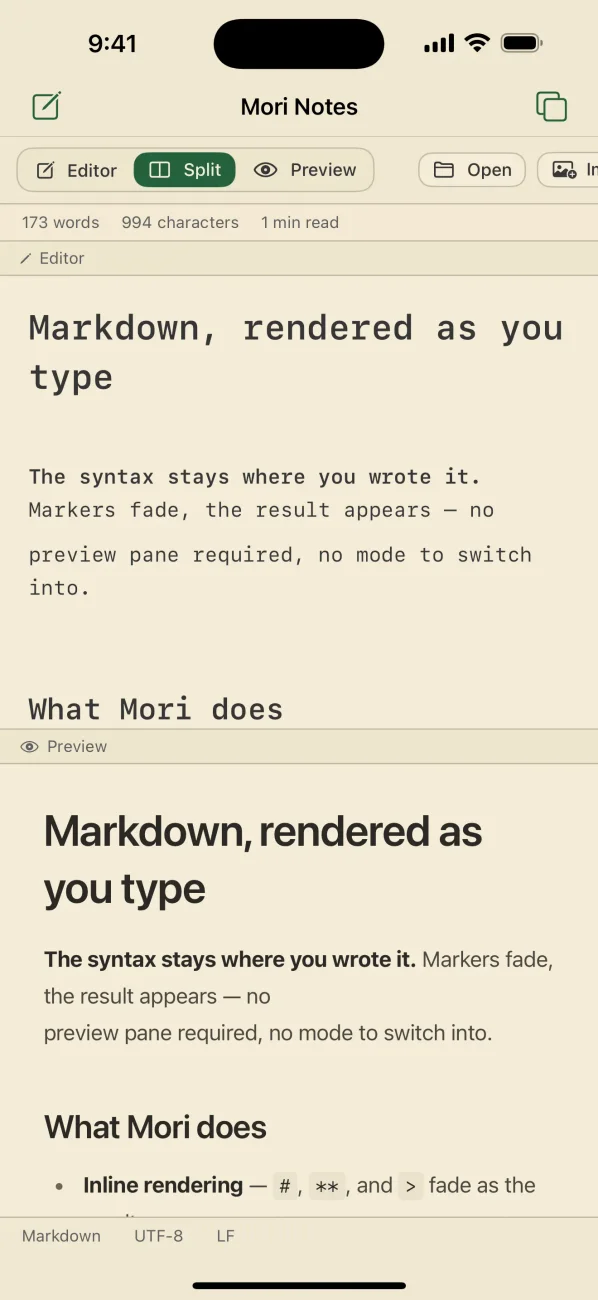
Mori is a Markdown editor that shows you the result while you are still typing it.
Type a heading and it grows into a heading right there in the editor. Mark a word bold and it turns bold. The Markdown source stays exactly where it is, so you can always go back and edit the syntax by hand. You do not need a separate preview window open to know how your document looks.
Three view modes
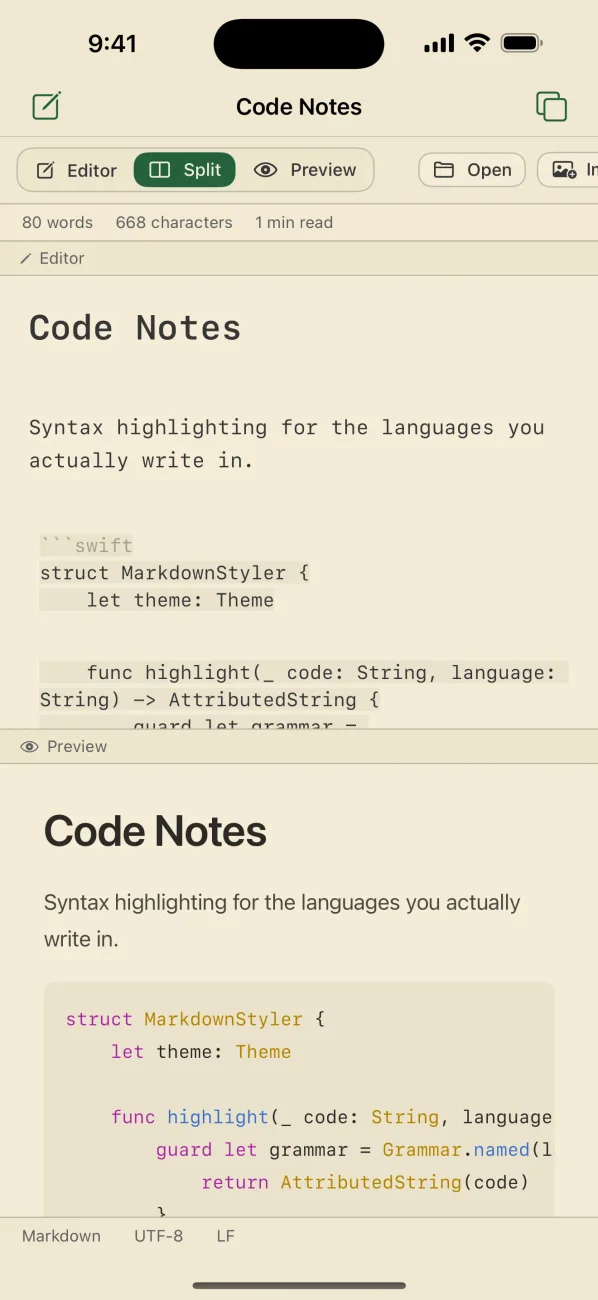
Choose the editor alone, a side-by-side split, or the preview alone. In split mode the preview follows along as you scroll the editor, so you never have to hunt for the paragraph you are working on in a long document.
Syntax highlighting
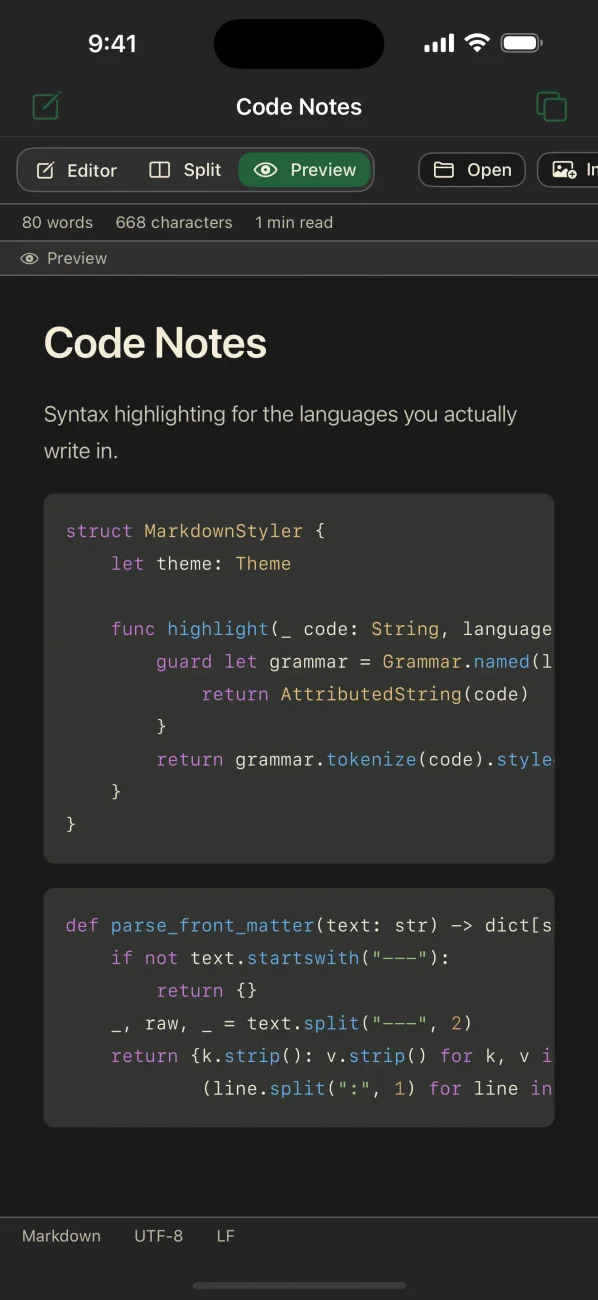
Code blocks are colored by language. Swift, Kotlin, Java, JavaScript, TypeScript, Python, C, C++, Go, Rust, Ruby, PHP, SQL, Bash, JSON, YAML, TOML, HTML and CSS are all supported. Blocks with no language tag are read and identified automatically, so pasted code gets colored too.
Export to the format you need
Save as Markdown, HTML, PDF, PNG image, or plain text. On macOS you can export to Word as well. You can also copy straight to the clipboard and paste into another app without creating a file at all.
Attach images
Drag an image onto the window and it is inserted into your document. When you export to PDF or HTML the images travel inside the exported file, so you only have to send one file for the pictures to show up on the other end.
Conversion tools
Turn CSV and JSON into Markdown tables. Go the other way to convert a table into CSV, HTML into Markdown, or Markdown into unformatted plain text. Copy the result or drop it straight into your document.
Documents in tabs
Keep several documents open as tabs in one window. Drag a tab out and it becomes its own window; drag it onto another window's tab bar and it joins that window. It works the way your web browser does. (macOS)
Easy on the eyes
A warm cream light theme and a comfortable dark theme are both included. Exported PDFs and images follow the theme you picked, so working in a light window never produces a dark PDF.
No account, no internet
Everything happens on your device. There is no sign-up, and your documents are never uploaded to a server. It works the same on a plane as it does at your desk.
Free to read, one purchase to write
Opening and reading Markdown is free forever - no account, no time limit. When you
want to edit, export, attach images or insert converter output, start the 7-day free
trial from inside the app. After the trial, Mori stays a full-featured reader; unlock
writing permanently with a single $4.99 purchase. It is a one-time purchase, not a
subscription.
Available on Mac, iPhone and iPad.
Novedades
Versión 1.0.2 · 26/10/2026
Bug fixes and usability improvements
Privacidad de la aplicación
Lo que GAGASOFT declara en App Store sobre cómo esta aplicación gestiona los datos.
-
No se recopilan datos
El desarrollador no recopila ningún dato de esta aplicación.
Las prácticas de privacidad pueden variar, por ejemplo, según las funciones que uses o tu edad.
Información
- Vendedor
- GAGASOFT
- Categoría
- Productividad
- Versión
- 1.0.2
- Actualizado
- 26/10/2026
- Publicado
- 10/9/2026
- Tamaño
- 2,8 MB
- Requiere
- iOS 17.0 o posterior
- Clasificación por edad
- 4+
- Precio
- Gratis
- Compras en la aplicación
- Sí
- Idiomas
- Coreano, Inglés
- Copyright
- © 2026 HanilSoft
Quizá también te guste
-
 LocalBrain AITranscripción de audio offline
-
 ExplorePDF: Read, Fill & SignProductividad
-
 Markdown Reader & Editor - MDEditor de Markdown y Lector
-
 Offprint: Web to PDF & EPUBProductividad
-
 OfflineGPTIA privada, rápida y segura
-
 Serval: Finest Ollama ClientProductividad
-
 Daygraph: Registro SimpleSimplemente, un mañana mejor
-
 Markdown Viewer MobileProductividad
-
 SimpleumSafe3:cifrar los datosCifrar datos seguro y fácil
-
 Wallabag ReaderProductividad