My Diary Pro - يومياتي بروّ
Plan, Focus & Track Your Day
Diseñada para iPhone
Gratis
- Clasificación por edad4+
- CategoríaProductividad
- Desarrolladoromar alotaibi
- IdiomasInglés+ 1 más
- Tamaño10,5 MB
Enlaza a la página oficial de App Store
Download.org no aloja ningún archivo de My Diary Pro - يومياتي بروّ. El botón abre la página de la aplicación en App Store, donde la publica omar alotaibi. Ficha comprobada por última vez el 15/11/2026.
Capturas de pantalla
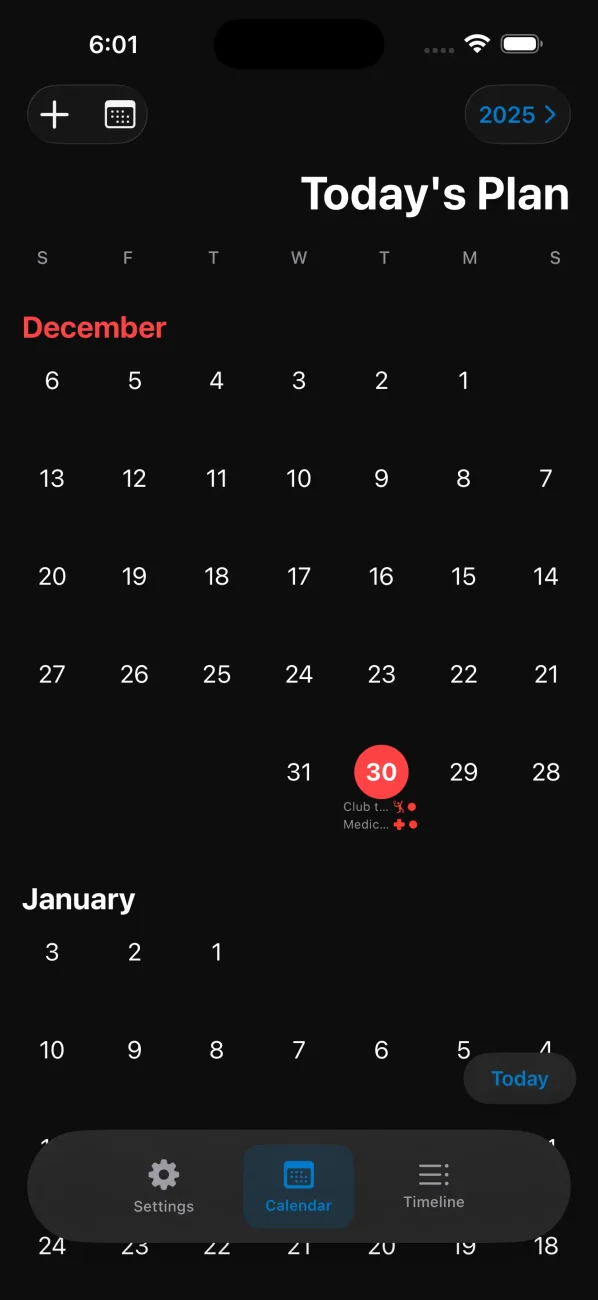
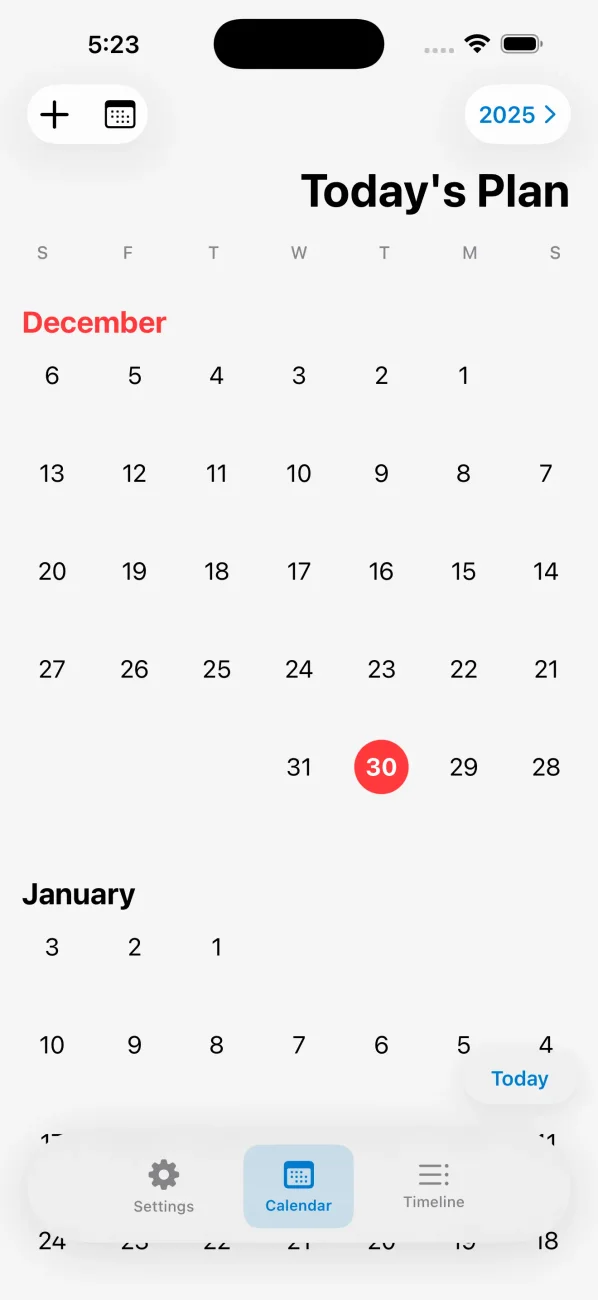
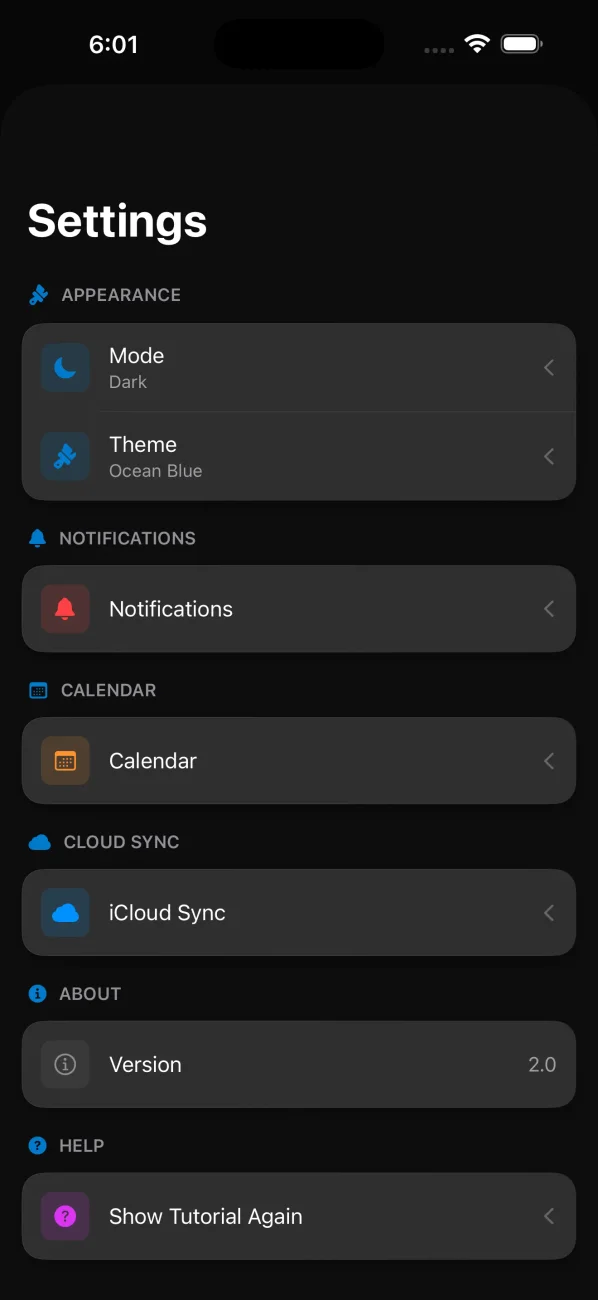
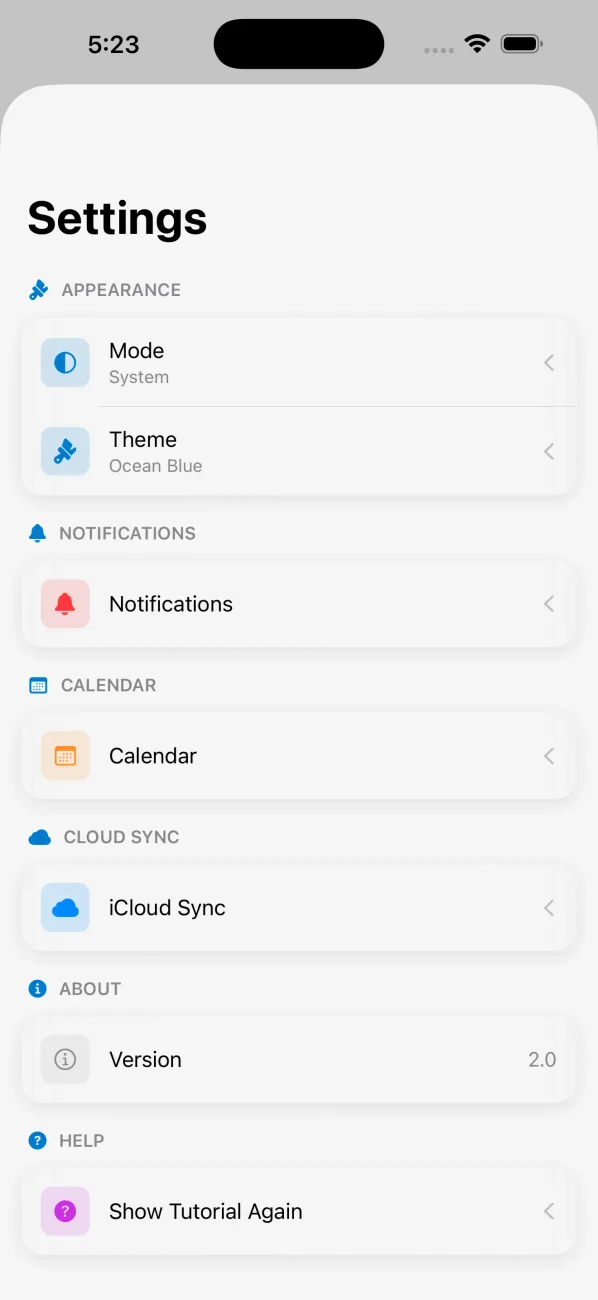
Acerca de
El desarrollador no ha proporcionado este texto en tu idioma.
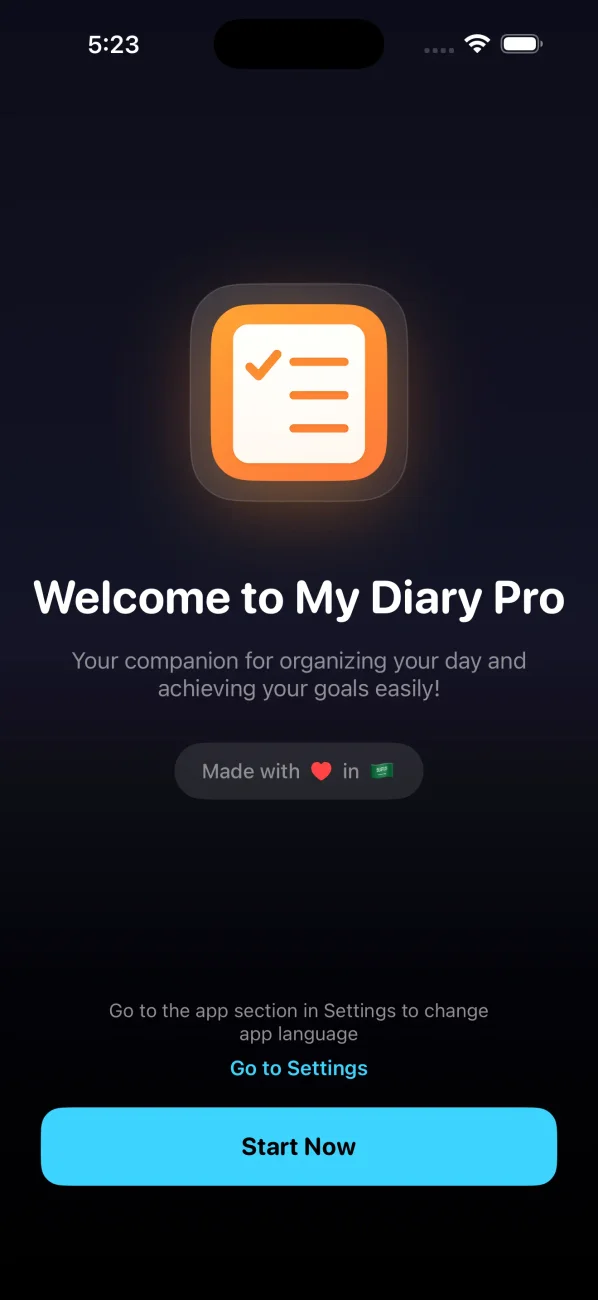
My Diary Pro is your smart daily companion for organizing your day and achieving your goals with ease.
- - - - - - - - - - - - - - -
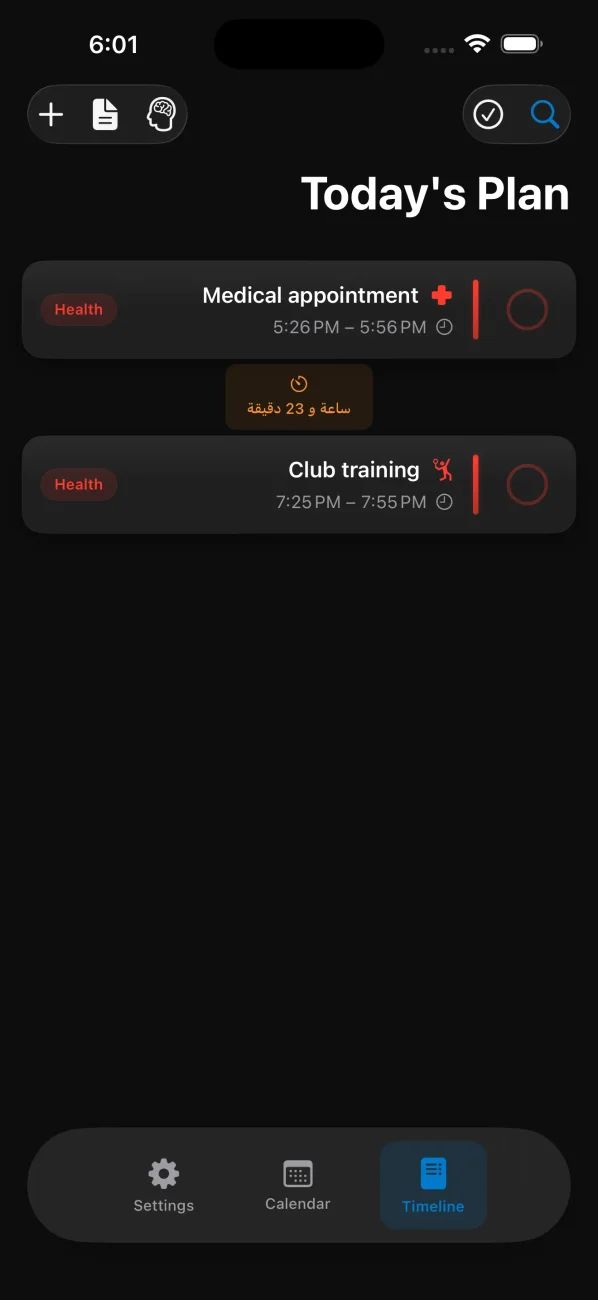
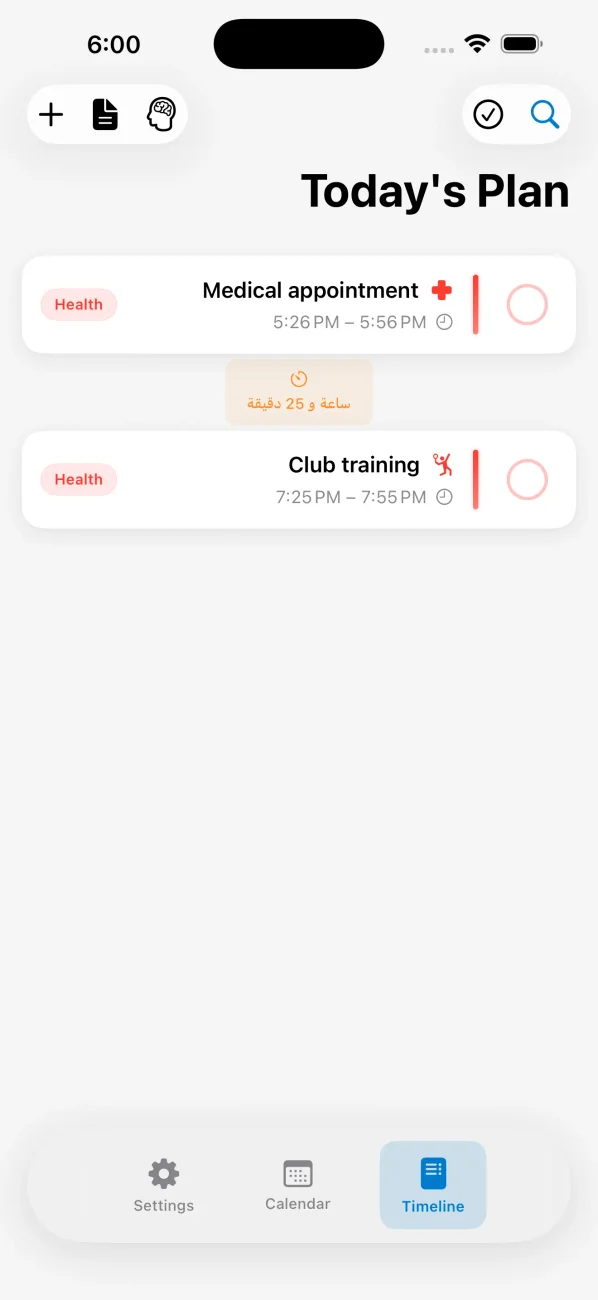
Visual Interactive Timeline
View your tasks in a clear, interactive daily timeline. Swipe left to complete, postpone, or delete tasks. Tap to edit any detail instantly.
Professional Focus Mode
Enter focus sessions from 15 to 90 minutes with an elegant circular timer. Choose soothing ambient sounds:
• Rain
• Ocean Waves
• Forest
• Campfire
• White and Brown Noise
Apple Calendar Sync
Your tasks automatically sync with Apple Calendar across all your devices. Never miss a task, no matter what device you use.
iCloud Sync
All your data is encrypted and automatically synced between iPhone, iPad, and Mac via iCloud.
Productivity Statistics
Track your daily and weekly achievements with clear charts:
• Daily completion rate
• Consecutive day streaks
• Task distribution by category
• Your most productive hours
Smart Interactive Reminders
Receive notifications before each task is due. Directly from the notification:
• Mark as Done
• Snooze for 15 minutes
No need to open the app.
Reusable Task Templates
Create templates for recurring task groups (morning routine, work session, fitness day) and apply them with a single tap.
Smart Task Recurrence
Set your recurring tasks with full flexibility:
Daily - Weekly - Monthly - Weekdays - Custom Schedule
Subtasks and Notes
Break every task into steps, and add detailed notes to each one.
Themes and Full Customization
Choose from four elegant themes:
• Ocean Blue
• Nature Green
• Sunset Orange
• OLED Black
Full light and dark mode support.
Advanced Search
Search all your tasks with filters for date, category, and status.
Secure Local Backup
Export all your data and templates into a single file, and import it on any device. Your privacy is fully protected.
Home Screen Widget
Check today's tasks directly from your home screen.
Quick Actions and Shortcuts
Add a new task or start a focus session from the app icon shortcuts.
Siri Support
Open Focus Mode or add a task using your voice with Siri.
- - - - - - - - - - - - - - -
Made in Saudi Arabia
Novedades
Versión 2.4 · 27/4/2026
General repairs
Privacidad de la aplicación
Lo que omar alotaibi declara en App Store sobre cómo esta aplicación gestiona los datos.
-
No se recopilan datos
El desarrollador no recopila ningún dato de esta aplicación.
Las prácticas de privacidad pueden variar, por ejemplo, según las funciones que uses o tu edad.
Información
- Vendedor
- omar alotaibi
- Categoría
- Productividad
- Versión
- 2.4
- Actualizado
- 27/4/2026
- Publicado
- 5/1/2026
- Tamaño
- 10,5 MB
- Requiere
- iOS 18.0 o posterior
- Clasificación por edad
- 4+
- Precio
- Gratis
- Idiomas
- Inglés, Árabe
- Copyright
- © Omar
Quizá también te guste
-
 Listo: Tasks & NotesProductividad
-
 ZapTodo: To Do List–CalendarioTareas por Voz y Recordatorios
-
 Injaz — Task OrganizerProductividad
-
 استلاميProductividad
-
 Tasks: Lista de tareasAgenda diaria y checklist
-
 Merge Planner: Todo & CalendarProductividad
-
 يومياتي - منظم العاداتProductividad
-
 My Organizer: Tasks and ListProductividad
-
 SplitPDF -iReadPDFProductividad
-
 Focus Ninja: Pomodoro & FokusStudy Timer · Habit Tracker