- Age rating4+
- CategoryProductivity
- Developeromar alotaibi
- LanguagesEnglish+ 1 more
- Size10.5 MB
Links to the official App Store page
Download.org hosts no file of My Diary Pro - يومياتي بروّ. The button opens its official App Store page, published by omar alotaibi. Listing last checked on Nov 15, 2026.
Screenshots
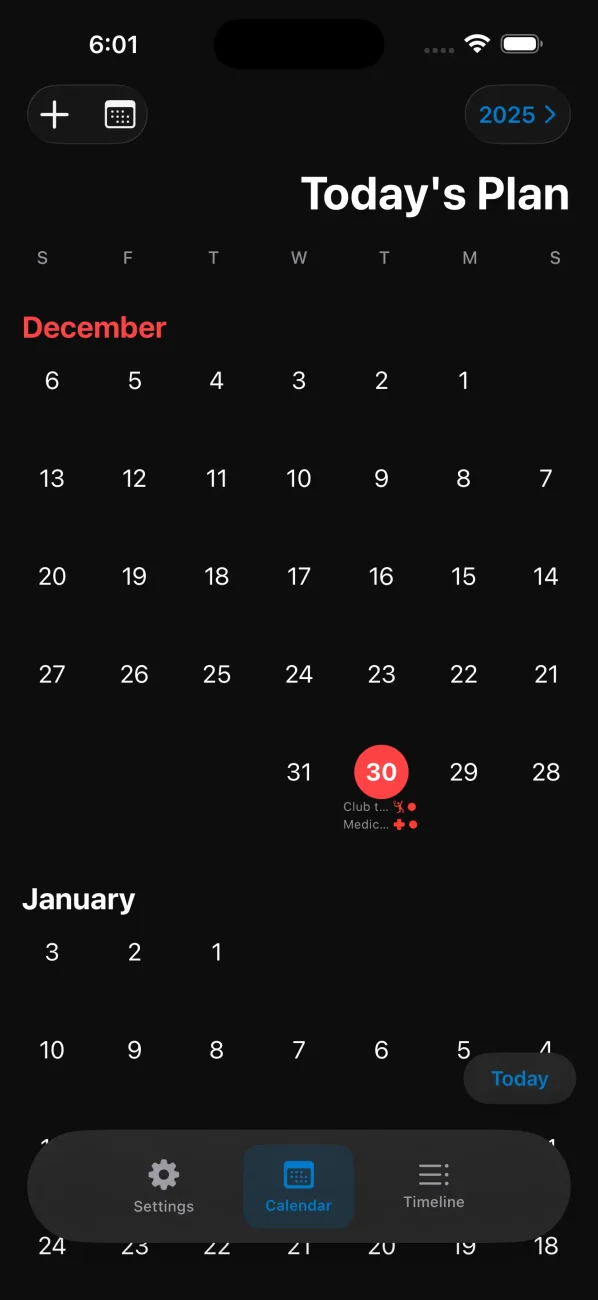
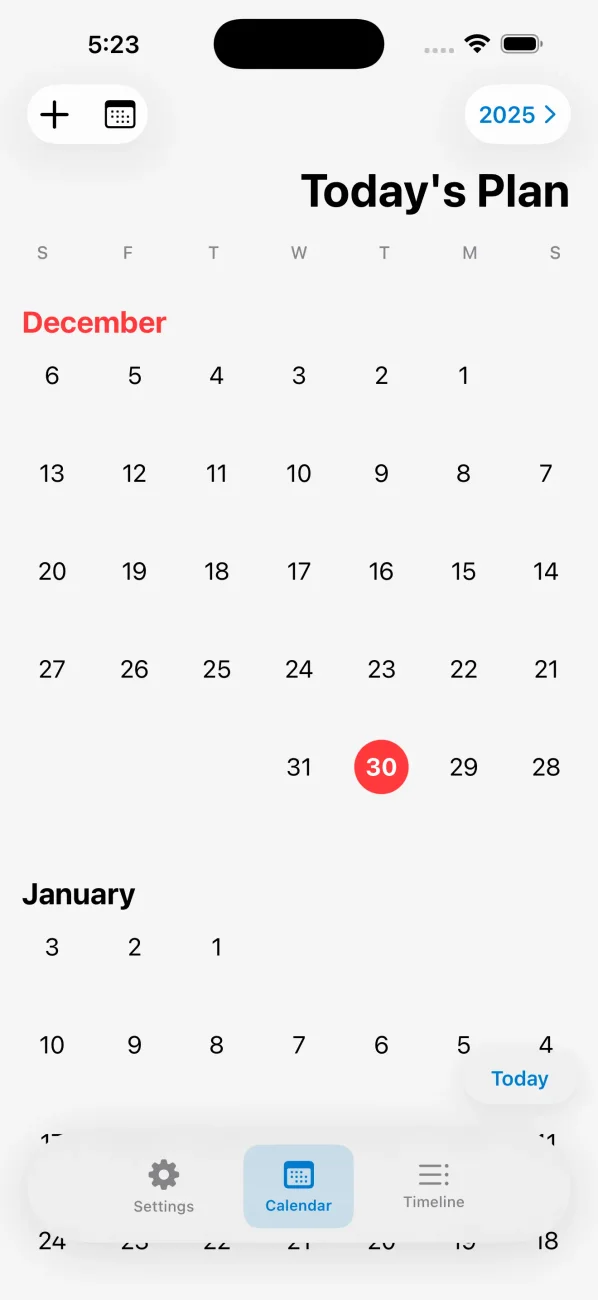
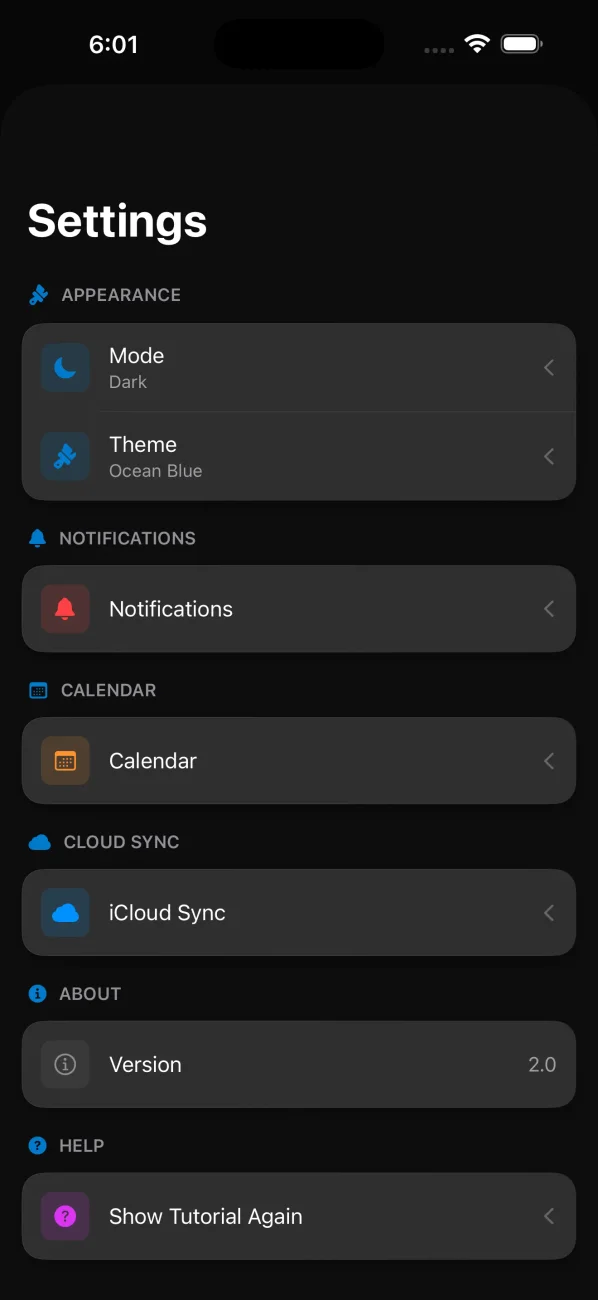
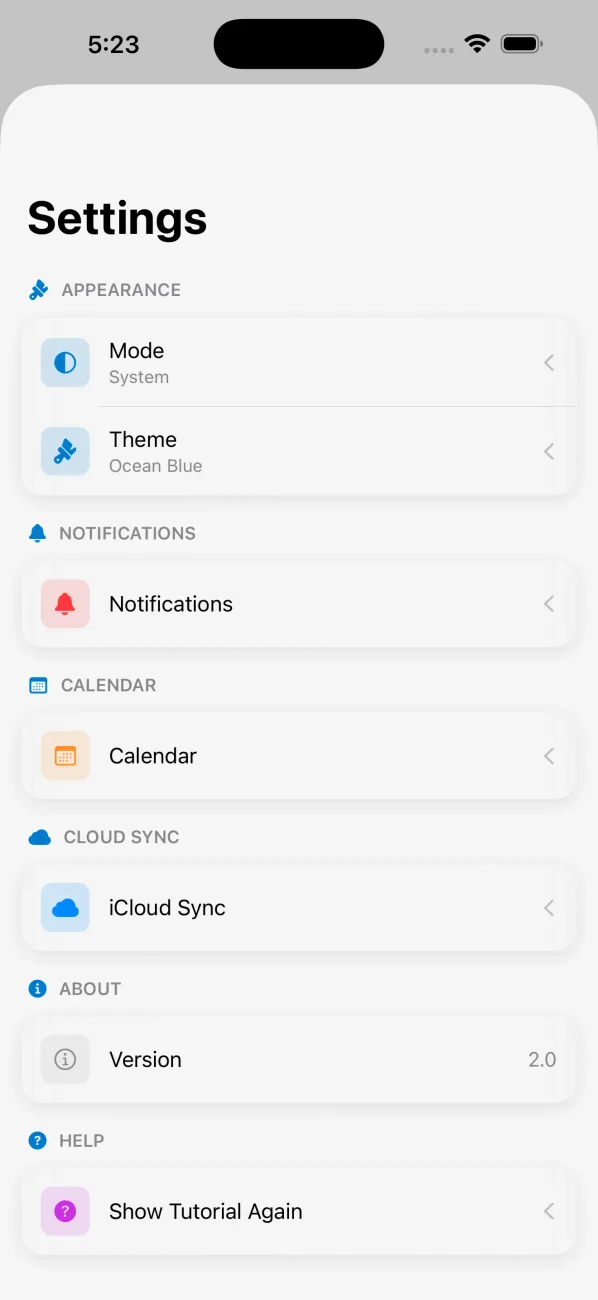
About
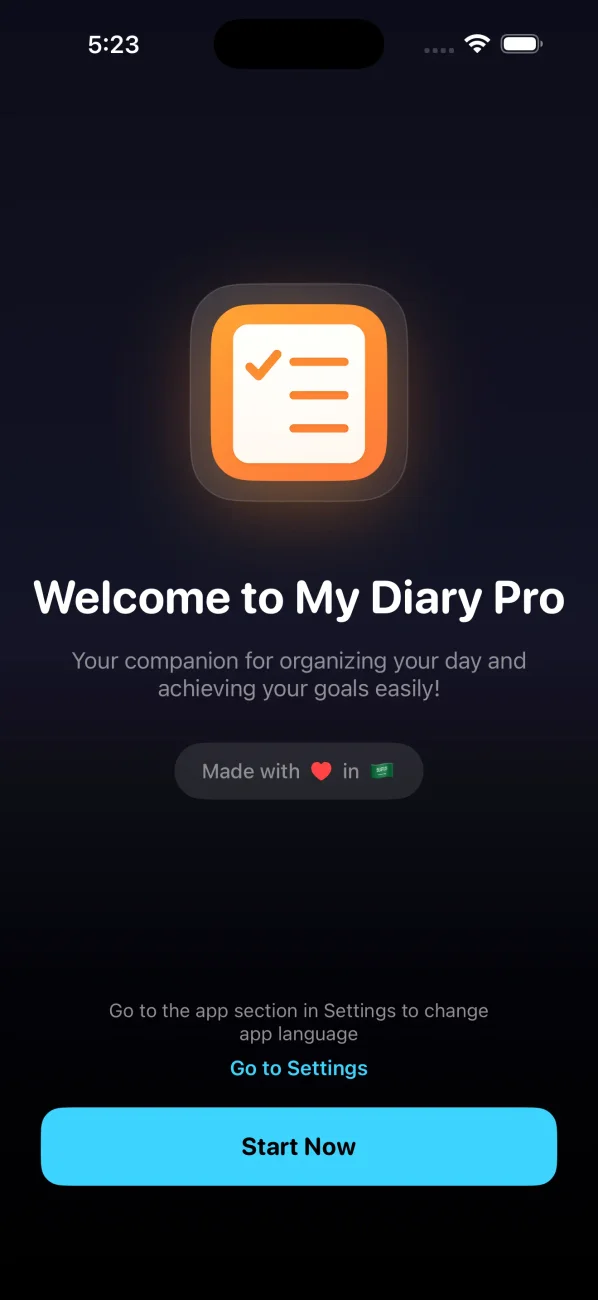
My Diary Pro is your smart daily companion for organizing your day and achieving your goals with ease.
- - - - - - - - - - - - - - -
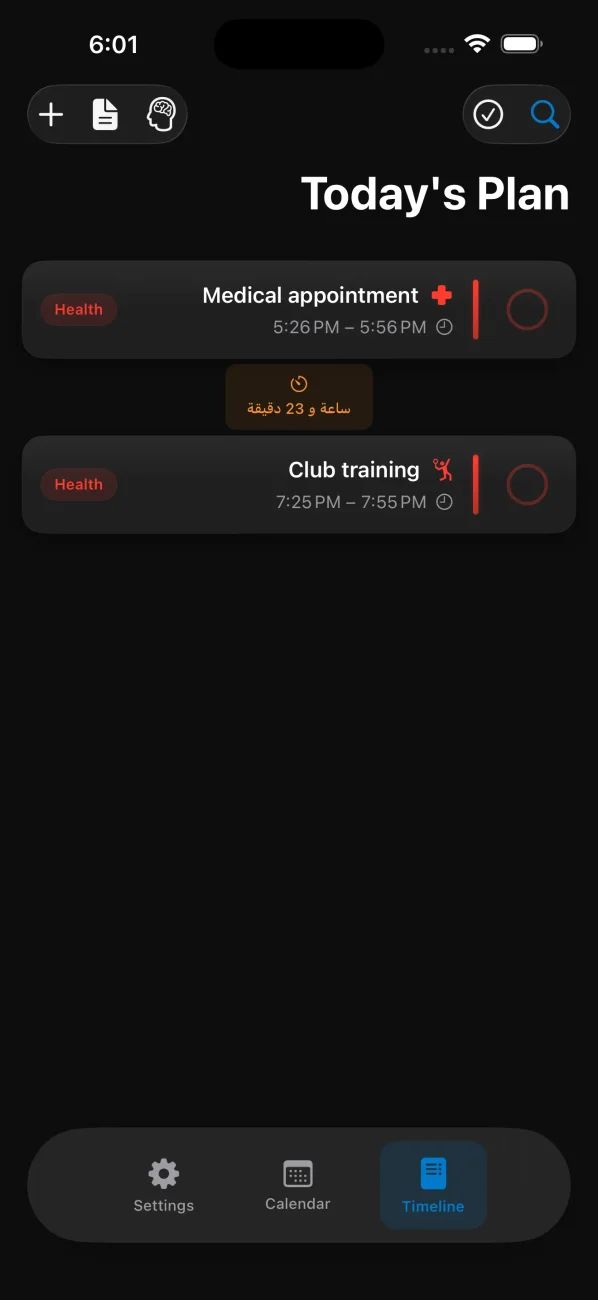
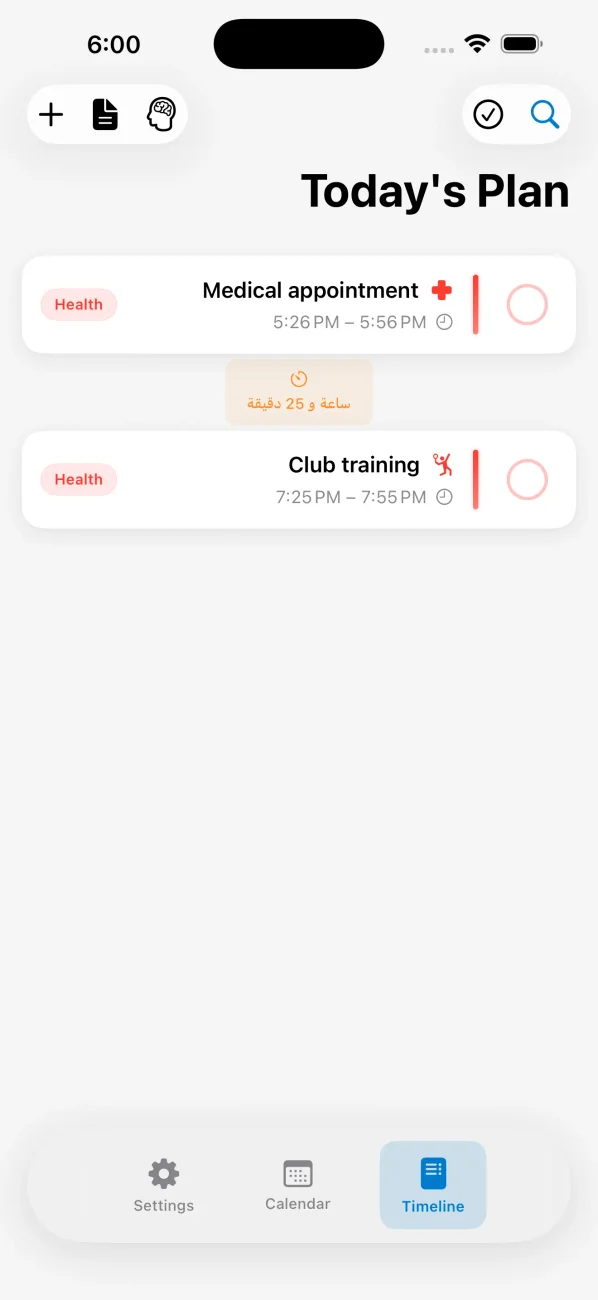
Visual Interactive Timeline
View your tasks in a clear, interactive daily timeline. Swipe left to complete, postpone, or delete tasks. Tap to edit any detail instantly.
Professional Focus Mode
Enter focus sessions from 15 to 90 minutes with an elegant circular timer. Choose soothing ambient sounds:
• Rain
• Ocean Waves
• Forest
• Campfire
• White and Brown Noise
Apple Calendar Sync
Your tasks automatically sync with Apple Calendar across all your devices. Never miss a task, no matter what device you use.
iCloud Sync
All your data is encrypted and automatically synced between iPhone, iPad, and Mac via iCloud.
Productivity Statistics
Track your daily and weekly achievements with clear charts:
• Daily completion rate
• Consecutive day streaks
• Task distribution by category
• Your most productive hours
Smart Interactive Reminders
Receive notifications before each task is due. Directly from the notification:
• Mark as Done
• Snooze for 15 minutes
No need to open the app.
Reusable Task Templates
Create templates for recurring task groups (morning routine, work session, fitness day) and apply them with a single tap.
Smart Task Recurrence
Set your recurring tasks with full flexibility:
Daily - Weekly - Monthly - Weekdays - Custom Schedule
Subtasks and Notes
Break every task into steps, and add detailed notes to each one.
Themes and Full Customization
Choose from four elegant themes:
• Ocean Blue
• Nature Green
• Sunset Orange
• OLED Black
Full light and dark mode support.
Advanced Search
Search all your tasks with filters for date, category, and status.
Secure Local Backup
Export all your data and templates into a single file, and import it on any device. Your privacy is fully protected.
Home Screen Widget
Check today's tasks directly from your home screen.
Quick Actions and Shortcuts
Add a new task or start a focus session from the app icon shortcuts.
Siri Support
Open Focus Mode or add a task using your voice with Siri.
- - - - - - - - - - - - - - -
Made in Saudi Arabia
What’s new
Version 2.4 · Apr 27, 2026
General repairs
App privacy
What omar alotaibi declares on the App Store about how this app handles data.
-
Data not collected
The developer does not collect any data from this app.
Privacy practices may vary, for example with the features you use or your age.
Information
- Seller
- omar alotaibi
- Category
- Productivity
- Version
- 2.4
- Updated
- Apr 27, 2026
- Released
- Jan 5, 2026
- Size
- 10.5 MB
- Requires
- iOS 18.0 or later
- Age rating
- 4+
- Languages
- English, Arabic
- Copyright
- © Omar
You might also like
-
 Listo: Tasks & NotesPlan your day with clarity.
-
 ZapTodo: To-Do List & PlannerSpeak Tasks & Daily Reminders
-
 Injaz — Task OrganizerTasks, focus, get it done
-
 استلاميProductivity
-
 Tasks: To-Do List & PlannerDaily planner & checklist
-
 Merge Planner: Todo & CalendarHabits, Goals & Daily Tasks
-
 يومياتي - منظم العاداتProductivity
-
 My Organizer: Tasks and ListProductivity
-
 SplitPDF -iReadPDFDivide PDFs into files
-
 Focus Ninja: Pomodoro TimerStudy & Productivity Tracker