
- Clasificación por edad17+
- CategoríaProductividad
- DesarrolladorCardinal/Detecto Scale Company
- IdiomasInglés
- Tamaño23,9 MB
Enlaza a la página oficial de App Store
Download.org no aloja ningún archivo de nControl. El botón abre la página de la aplicación en App Store, donde la publica Cardinal/Detecto Scale Company. Ficha comprobada por última vez el 25/11/2026.
Capturas de pantalla

Acerca de
El desarrollador no ha proporcionado este texto en tu idioma.
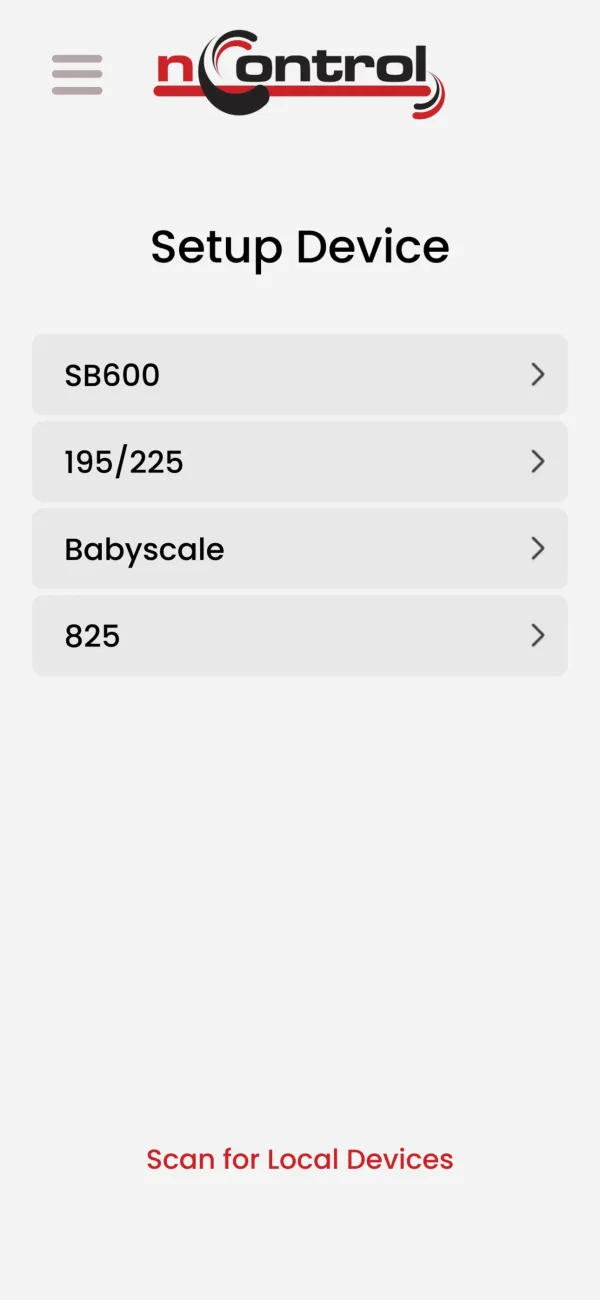
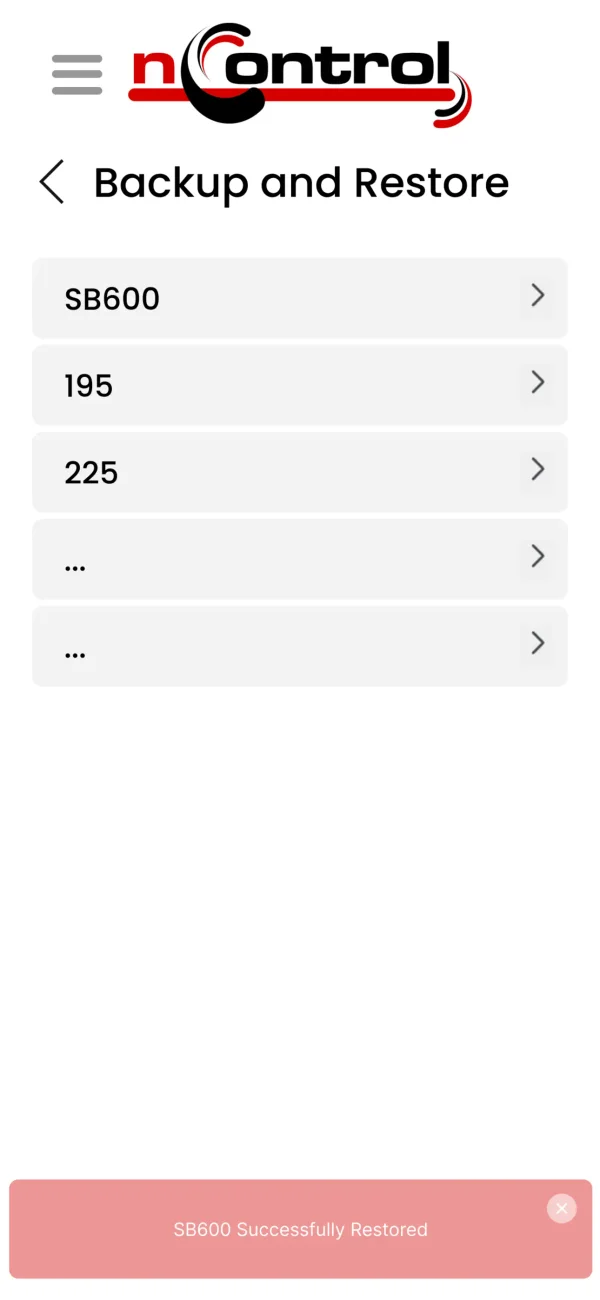
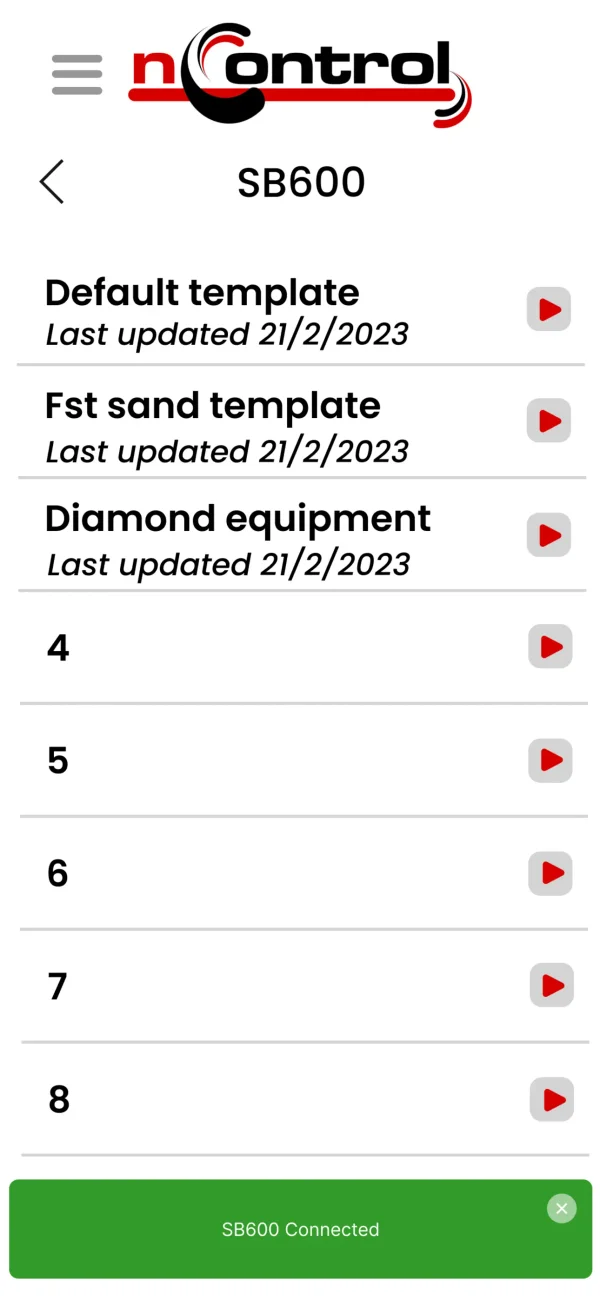
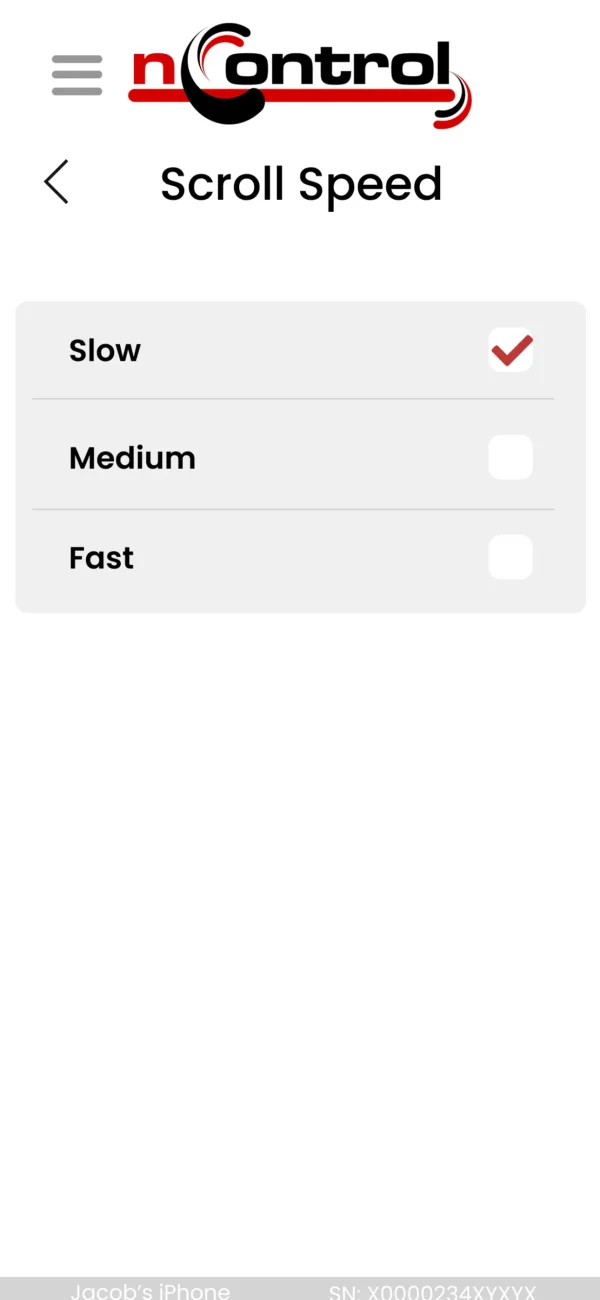
Cardinal Scale's nControl app configures the model 195 and 225 weight indicators and the SB600 remote display from your iPhone or iPad, no cables, no laptop, no extra software. nControl connects directly over Bluetooth and presents every setting in the same menu structure shown on the device's own front panel, so a technician who knows the indicator already knows the app. Connections to a 195/225 are protected by the six-digit nControl password set at the indicator, and a built-in search finds any setting by name or value across the entire menu.
Settings templates capture a configured unit every setting into a single file that can be applied to as many units as needed, so a row of identical scales is set up once and copied to the rest. Templates can also be built with no unit present by choosing the scale card and the cards fitted in both option slots. Before writing anything, nControl checks the template against the unit in front of it and warns when the scale card, option cards, or firmware menu version don't match. Every value written is read back from the device to confirm it, and anything the indicator refused or adjusted is reported. Templates are shared by Mail, AirDrop, or Files and open directly in nControl on another iPhone or iPad.
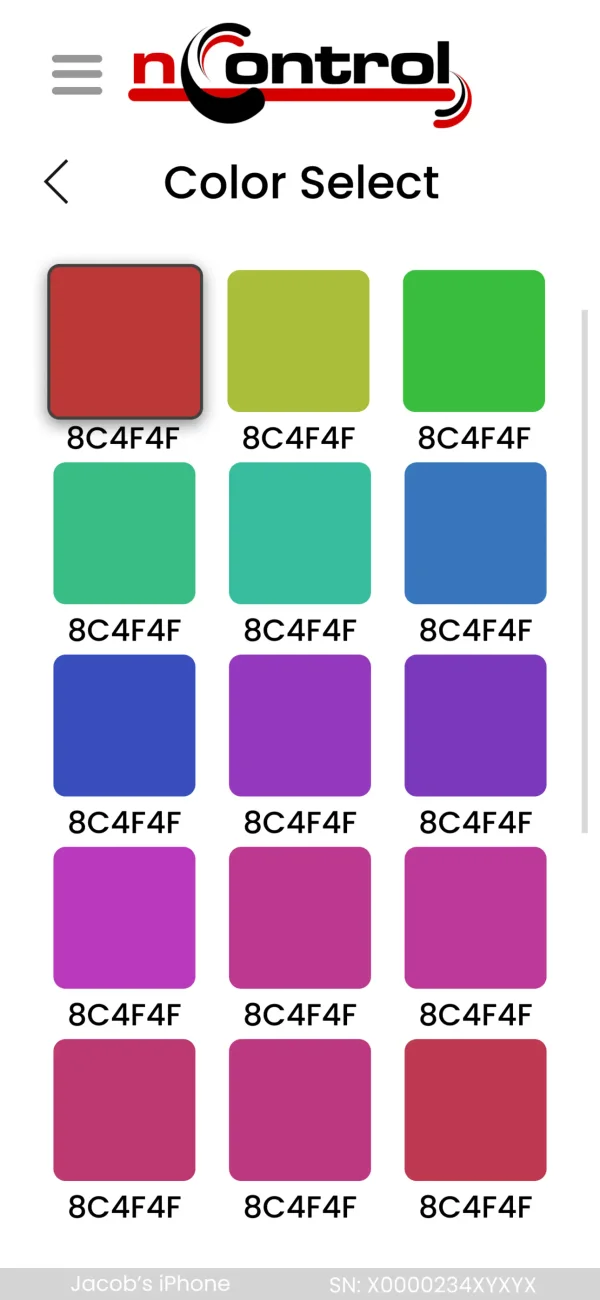
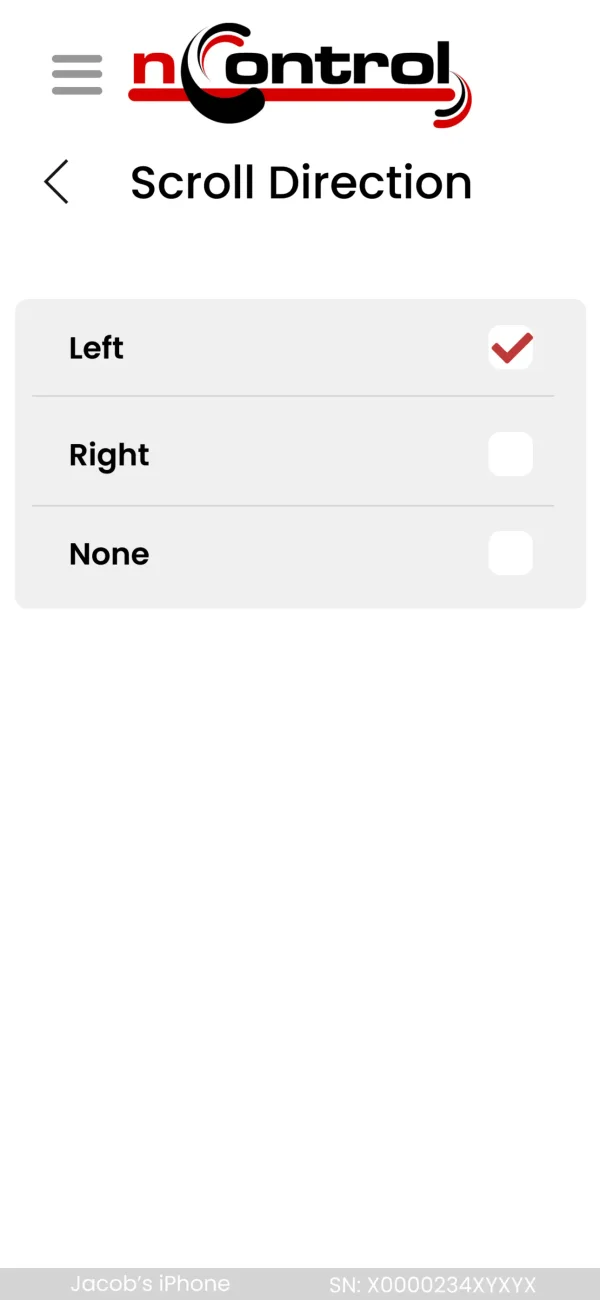
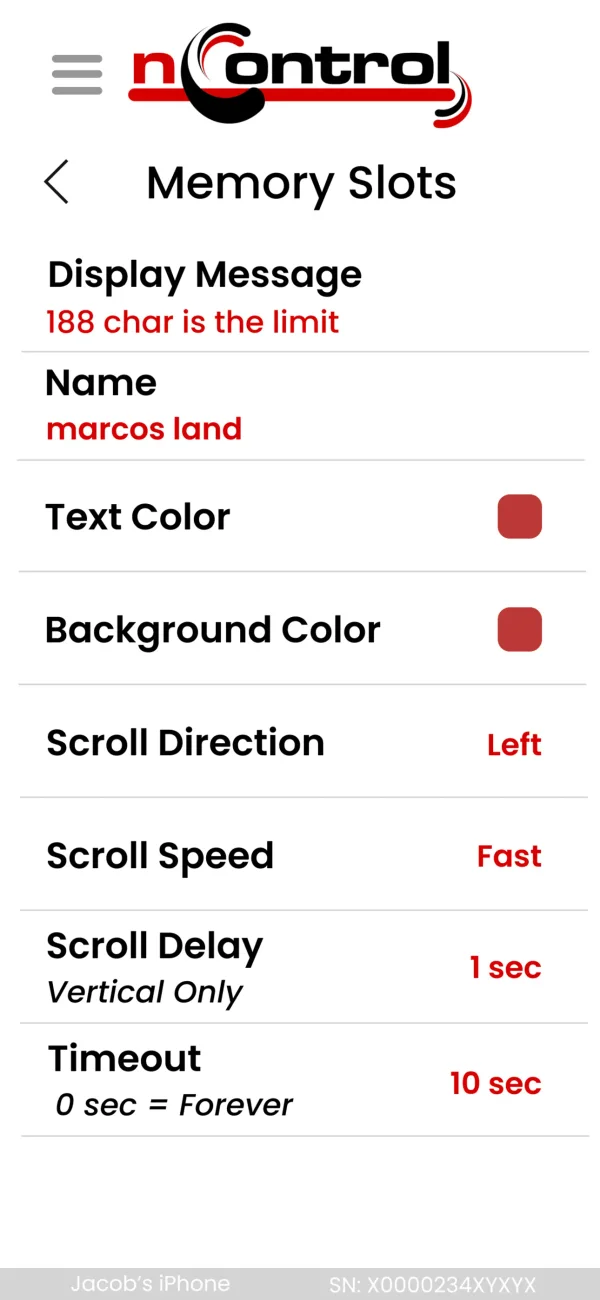
The built-in ticket designer creates custom print layouts and sends them over Bluetooth to any of the indicator's three ticket slots, using the same file format as Cardinal's desktop nControl software. Command sets for Epson, Star, and Eltron/EPL printers are included. For the SB600 remote display, nControl edits the message slots: text, color, speed, and effects and configures display, communication, and serial settings, with the same template capture and upload used by the indicators. Recently used units stay one tap from the home screen and can be pinned in whatever order suits the job.
Novedades
Versión 2.0.3 · 24/11/2026
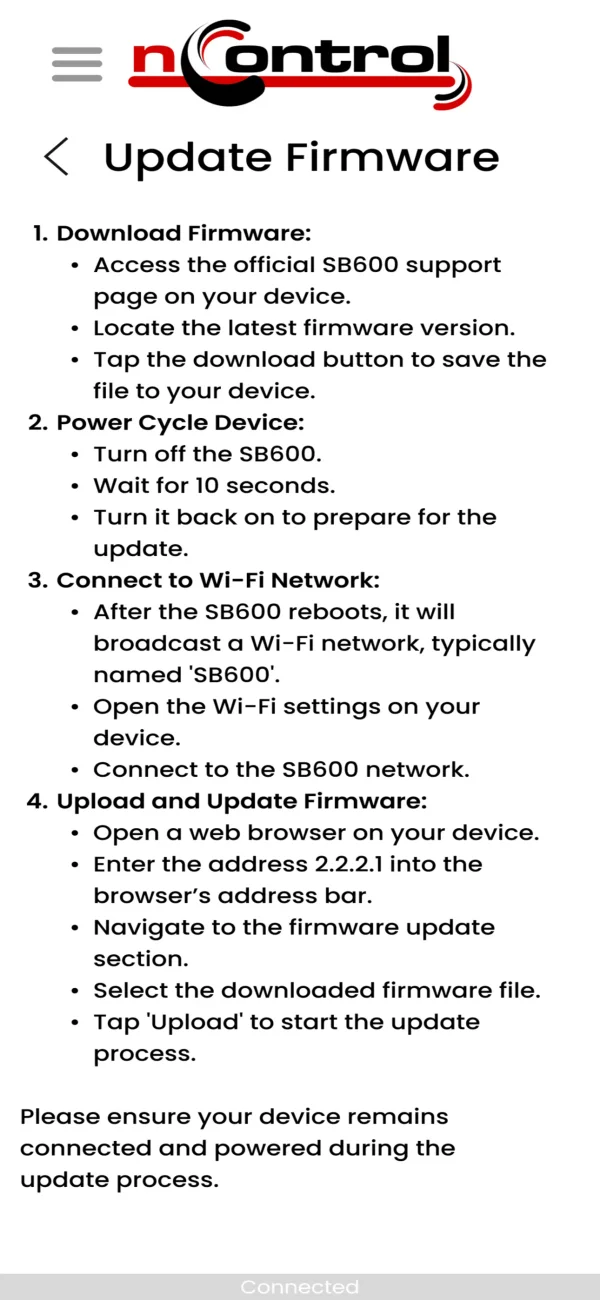
This update fixes an issue where the SB600 Wi-Fi and Indicator Settings screens could stay on "Reading settings from device" and never finish loading. Both screens now load right away, including on signs that don't have a Wi-Fi network set up yet. Network details from a previously connected sign also no longer show on the next sign you connect to.
Privacidad de la aplicación
Lo que Cardinal/Detecto Scale Company declara en App Store sobre cómo esta aplicación gestiona los datos.
-
Datos no vinculados a ti
Pueden recopilarse, pero no se vinculan a tu identidad.
- Información de contacto
Las prácticas de privacidad pueden variar, por ejemplo, según las funciones que uses o tu edad.
Información
- Vendedor
- Cardinal Scale manufacturing company
- Categoría
- Productividad
- Versión
- 2.0.3
- Actualizado
- 24/11/2026
- Publicado
- 2/5/2024
- Tamaño
- 23,9 MB
- Requiere
- iOS 15.1 o posterior
- Clasificación por edad
- 17+
- Precio
- Gratis
- Idiomas
- Inglés
- Copyright
- © Cardinal/Detecto Scale Manufacturing Company
Quizá también te guste
-
 Seedemo - Songwriting MemoProductividad
-
 Loadrite InsightHQProductividad
-
 Countdown Timer Nano (Legacy)Productividad
-
 BLE Scan ProProductividad
-
 Unit Converter : Best Unit AppProductividad
-
 Tidbyt WidgetsProductividad
-
 LiteManagerProductividad
-
 Lexicon DJProductividad
-
 Ai checker detect ai text passProductividad
-
 MultiTimer - Timer & StopwatchProductividad