
- Độ tuổi17+
- Danh mụcHiệu Suất
- Nhà phát triểnCardinal/Detecto Scale Company
- Ngôn ngữTiếng Anh
- Kích thước23,9 MB
Liên kết đến trang App Store chính thức
Download.org không lưu trữ tệp nào của nControl. Nút này mở trang ứng dụng trên App Store, nơi Cardinal/Detecto Scale Company phát hành ứng dụng. Trang được kiểm tra lần cuối: 25/11/2026.
Ảnh chụp màn hình

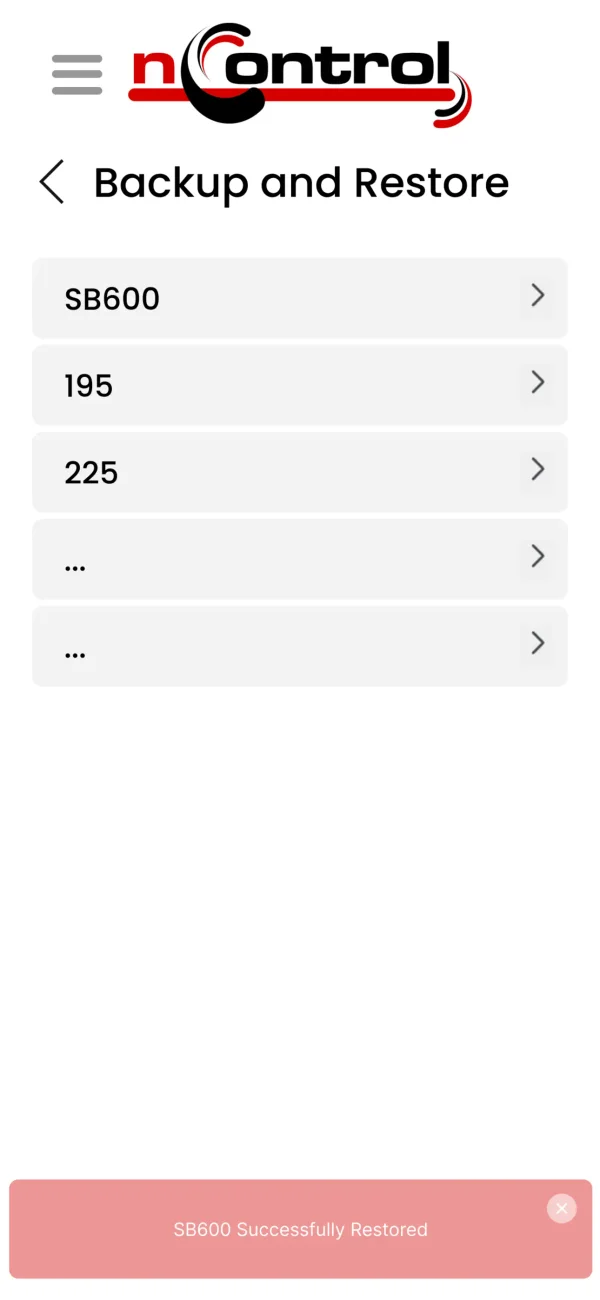
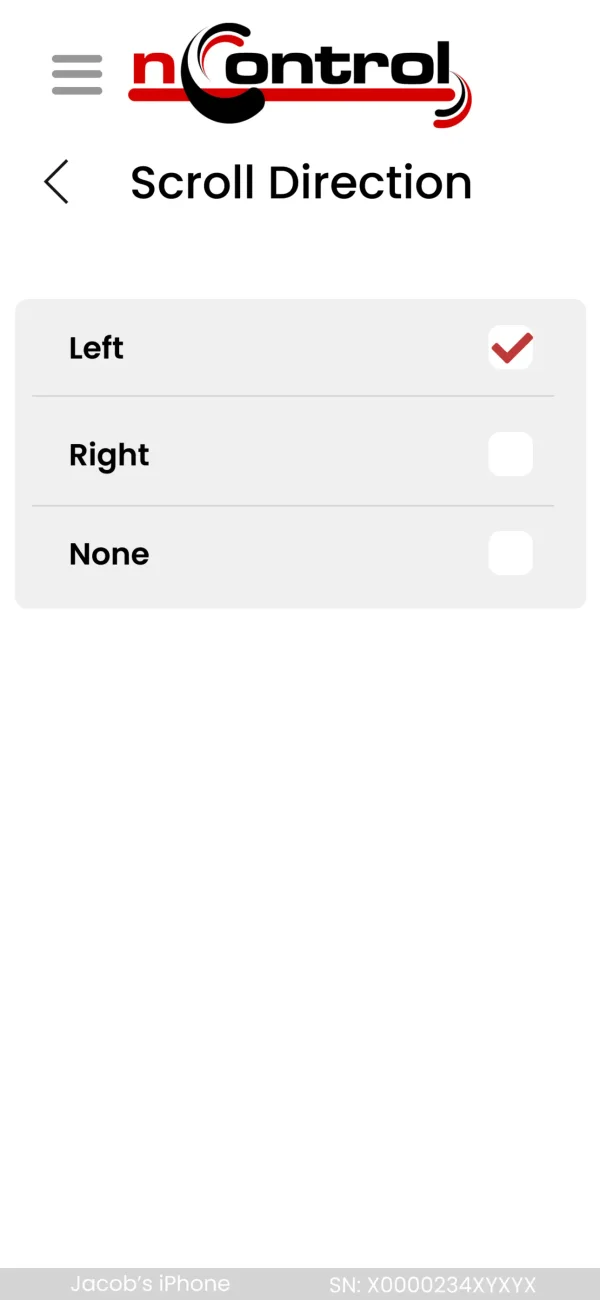
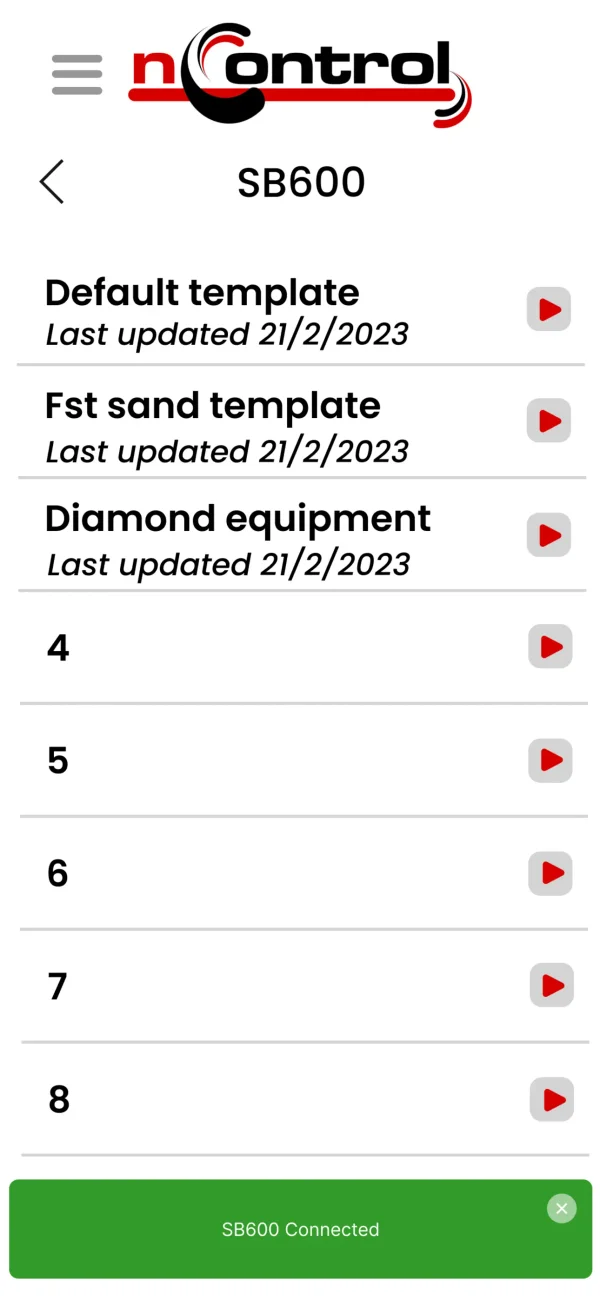
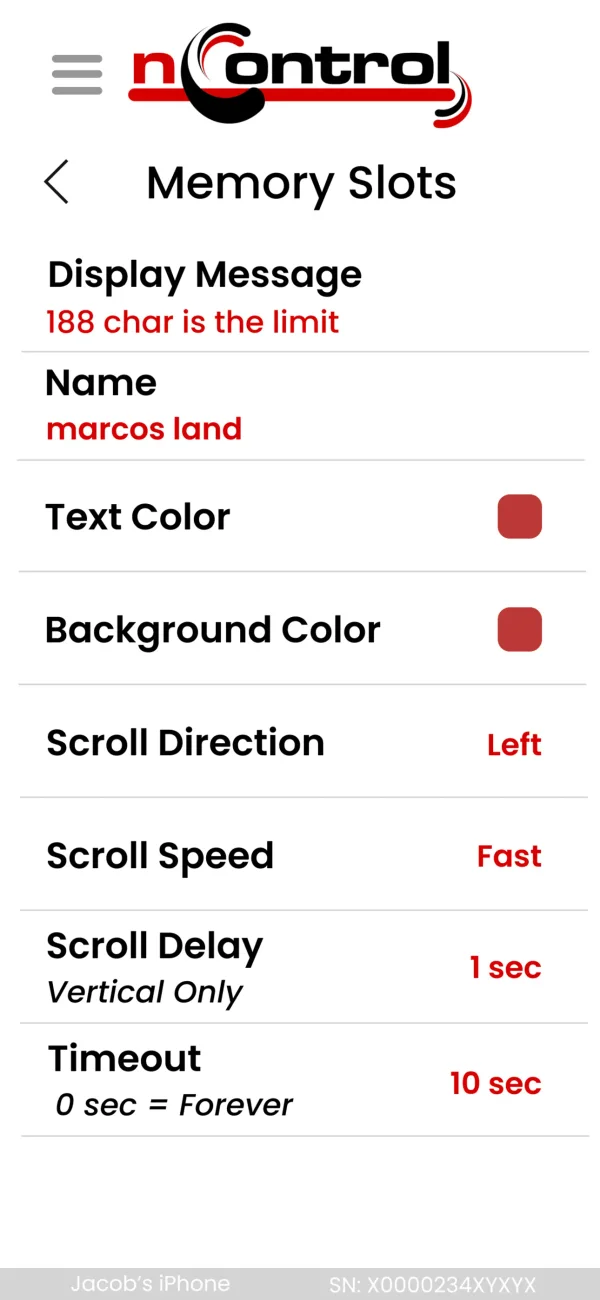
Giới thiệu
Nhà phát triển chưa cung cấp nội dung này bằng ngôn ngữ của bạn.
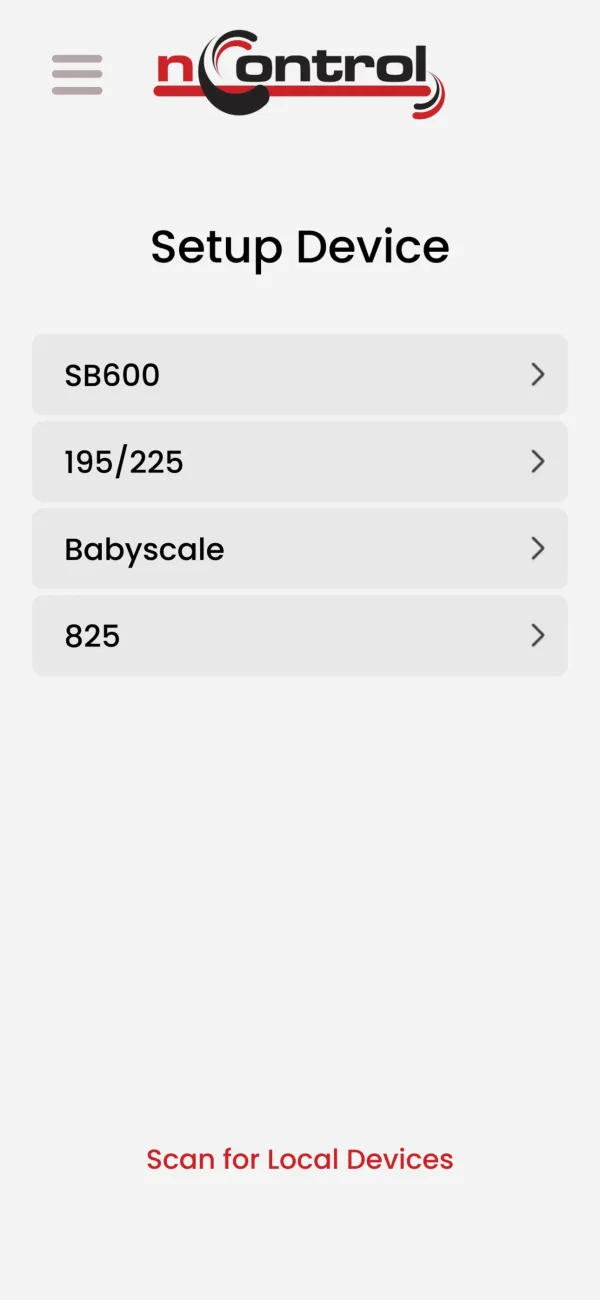
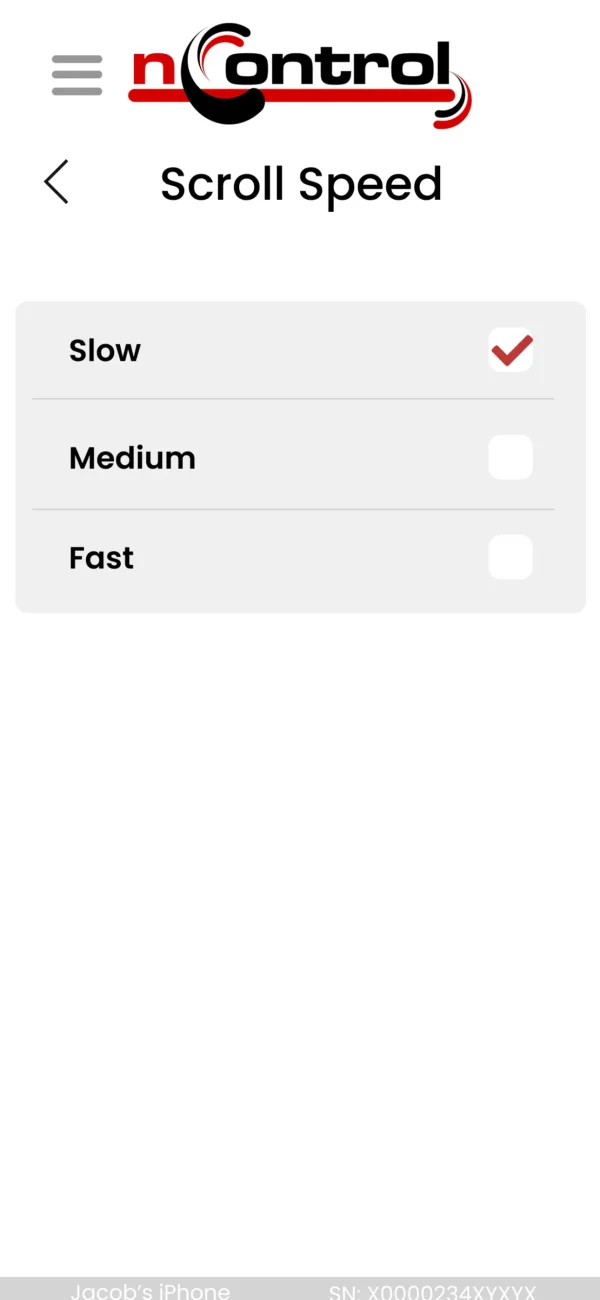
Cardinal Scale's nControl app configures the model 195 and 225 weight indicators and the SB600 remote display from your iPhone or iPad, no cables, no laptop, no extra software. nControl connects directly over Bluetooth and presents every setting in the same menu structure shown on the device's own front panel, so a technician who knows the indicator already knows the app. Connections to a 195/225 are protected by the six-digit nControl password set at the indicator, and a built-in search finds any setting by name or value across the entire menu.
Settings templates capture a configured unit every setting into a single file that can be applied to as many units as needed, so a row of identical scales is set up once and copied to the rest. Templates can also be built with no unit present by choosing the scale card and the cards fitted in both option slots. Before writing anything, nControl checks the template against the unit in front of it and warns when the scale card, option cards, or firmware menu version don't match. Every value written is read back from the device to confirm it, and anything the indicator refused or adjusted is reported. Templates are shared by Mail, AirDrop, or Files and open directly in nControl on another iPhone or iPad.
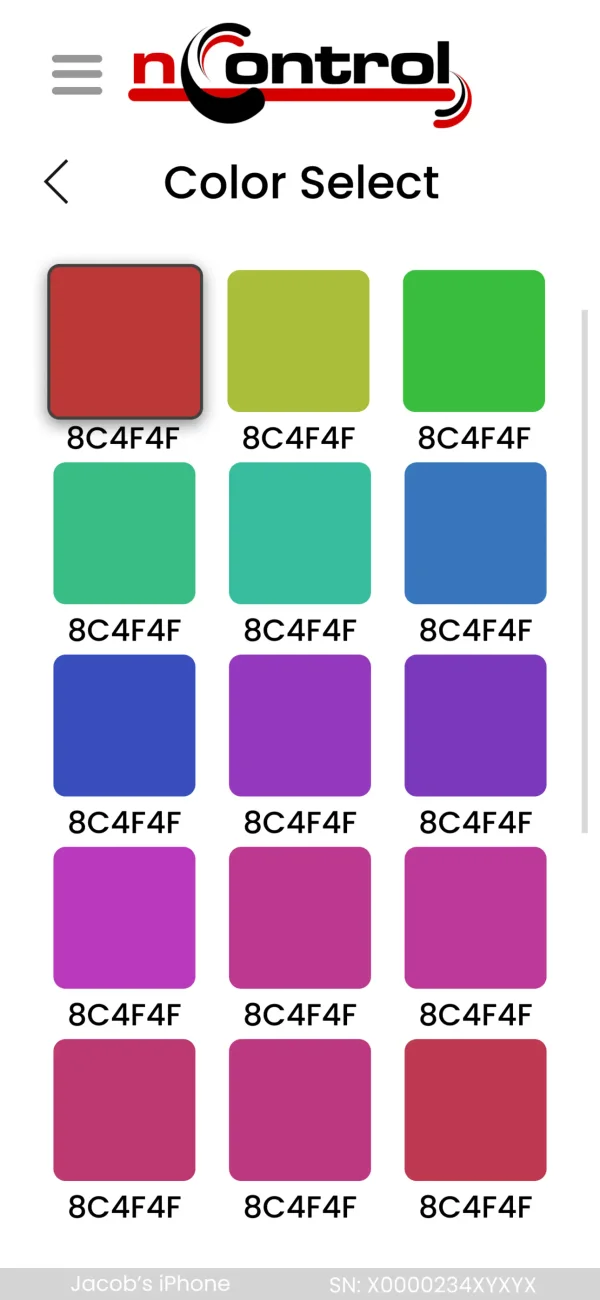
The built-in ticket designer creates custom print layouts and sends them over Bluetooth to any of the indicator's three ticket slots, using the same file format as Cardinal's desktop nControl software. Command sets for Epson, Star, and Eltron/EPL printers are included. For the SB600 remote display, nControl edits the message slots: text, color, speed, and effects and configures display, communication, and serial settings, with the same template capture and upload used by the indicators. Recently used units stay one tap from the home screen and can be pinned in whatever order suits the job.
Có gì mới
Phiên bản 2.0.3 · 24/11/2026
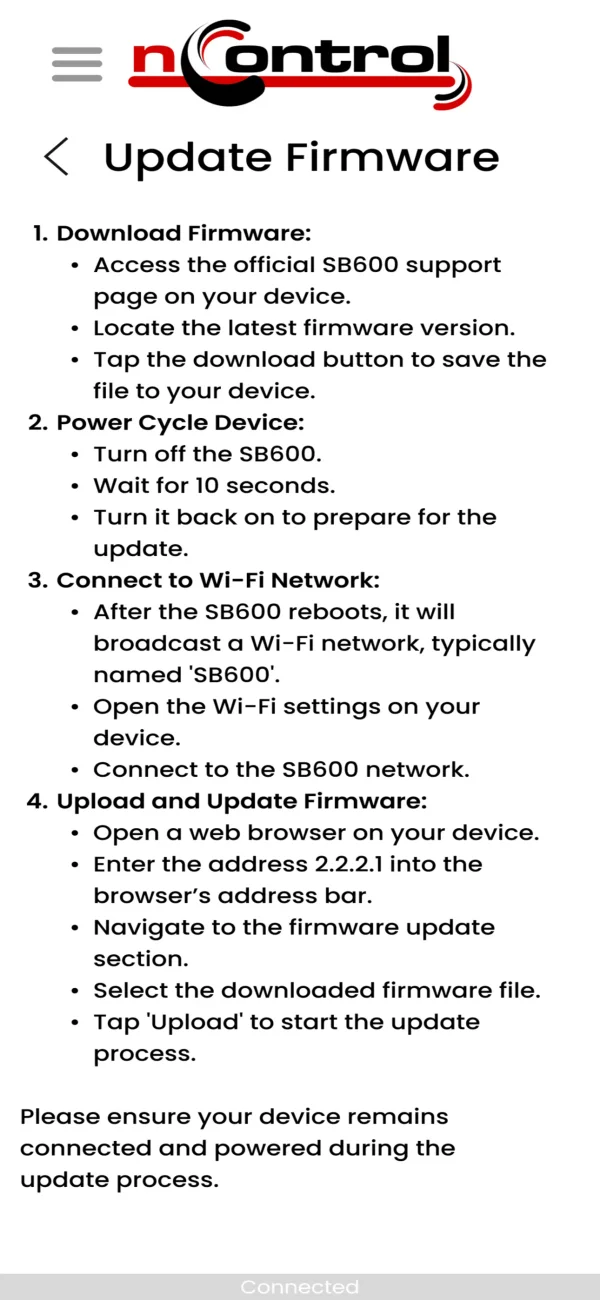
This update fixes an issue where the SB600 Wi-Fi and Indicator Settings screens could stay on "Reading settings from device" and never finish loading. Both screens now load right away, including on signs that don't have a Wi-Fi network set up yet. Network details from a previously connected sign also no longer show on the next sign you connect to.
Quyền riêng tư của ứng dụng
Những gì Cardinal/Detecto Scale Company khai báo trên App Store về cách ứng dụng này xử lý dữ liệu.
-
Dữ liệu không liên kết với bạn
Có thể được thu thập nhưng không liên kết với danh tính của bạn.
- Thông tin liên hệ
Phương thức đảm bảo quyền riêng tư có thể khác nhau, chẳng hạn như tuỳ theo các tính năng bạn sử dụng hoặc độ tuổi của bạn.
Thông tin
- Người bán
- Cardinal Scale manufacturing company
- Danh mục
- Hiệu Suất
- Phiên bản
- 2.0.3
- Cập nhật
- 24/11/2026
- Phát hành
- 02/05/2024
- Kích thước
- 23,9 MB
- Yêu cầu
- iOS 15.1 trở lên
- Độ tuổi
- 17+
- Giá
- Miễn phí
- Ngôn ngữ
- Tiếng Anh
- Bản quyền
- © Cardinal/Detecto Scale Manufacturing Company
Có thể bạn cũng thích
-
 Seedemo - Songwriting MemoHiệu Suất
-
 Loadrite InsightHQHiệu Suất
-
 Countdown Timer Nano (Legacy)Hiệu Suất
-
 BLE Scan ProHiệu Suất
-
 Unit Converter : Best Unit AppHiệu Suất
-
 Tidbyt WidgetsHiệu Suất
-
 LiteManagerHiệu Suất
-
 Lexicon DJHiệu Suất
-
 Ai checker detect ai text passHiệu Suất
-
 MultiTimerĐồng hồ hẹn giờ & bấm giờ