NibTune
Draw Chiptune with a Stylus
Diseñada para iPad
Gratis · Compras en la aplicación
- Clasificación por edad4+
- CategoríaMúsica
- DesarrolladorRyuichi Ikegami
- IdiomasInglés+ 1 más
- Tamaño21,1 MB
Enlaza a la página oficial de App Store
Download.org no aloja ningún archivo de NibTune. El botón abre la página de la aplicación en App Store, donde la publica Ryuichi Ikegami. Ficha comprobada por última vez el 6/11/2026.
Capturas de pantalla



Acerca de
El desarrollador no ha proporcionado este texto en tu idioma.
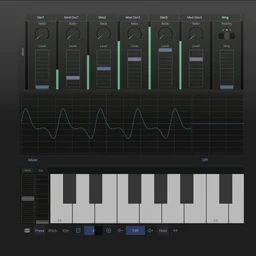
NibTune is a chiptune sequencer for iPad. Draw notes on a piano roll with Apple Pencil or your finger, and write for four channels: two pulse, wavetable, and noise.
■ Compose by drawing
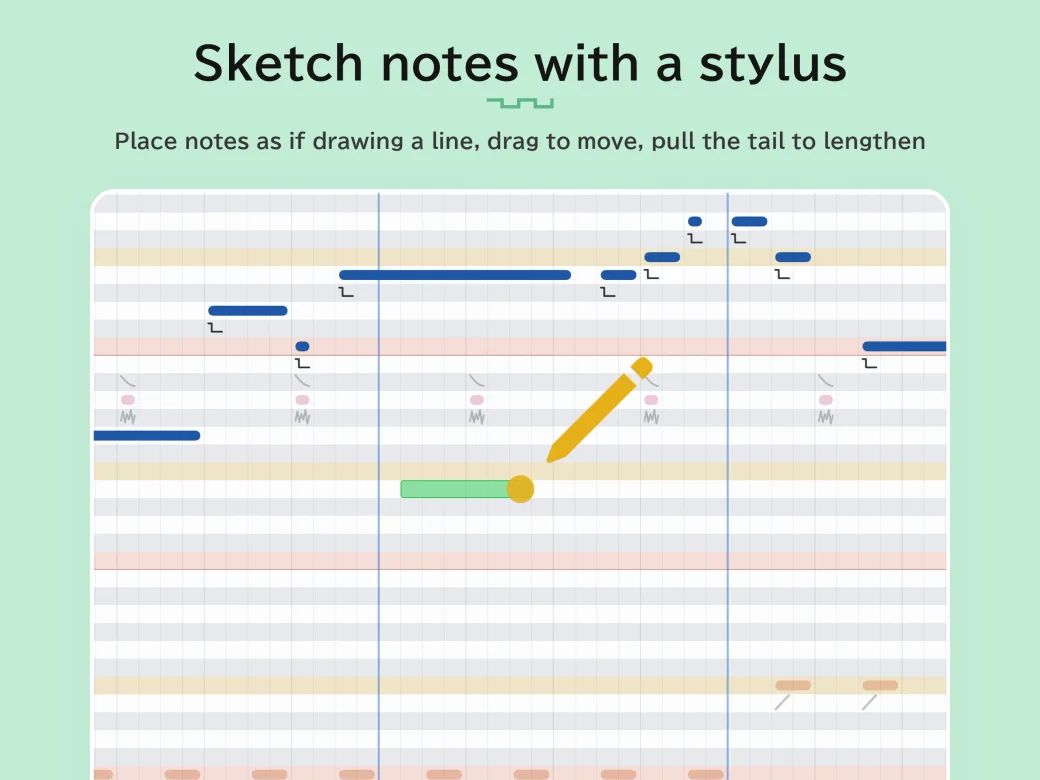
Place notes as if drawing a line, drag to move them, pull the tail to lengthen. The hand holding the Pencil can scroll and pinch-zoom too. Pencil, eraser, repaint, and select modes; 16th, triplet, and 32nd grids; markers and loops; onion-skin view of other channels while you edit.
■ One-handed radial menu
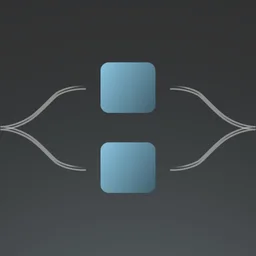
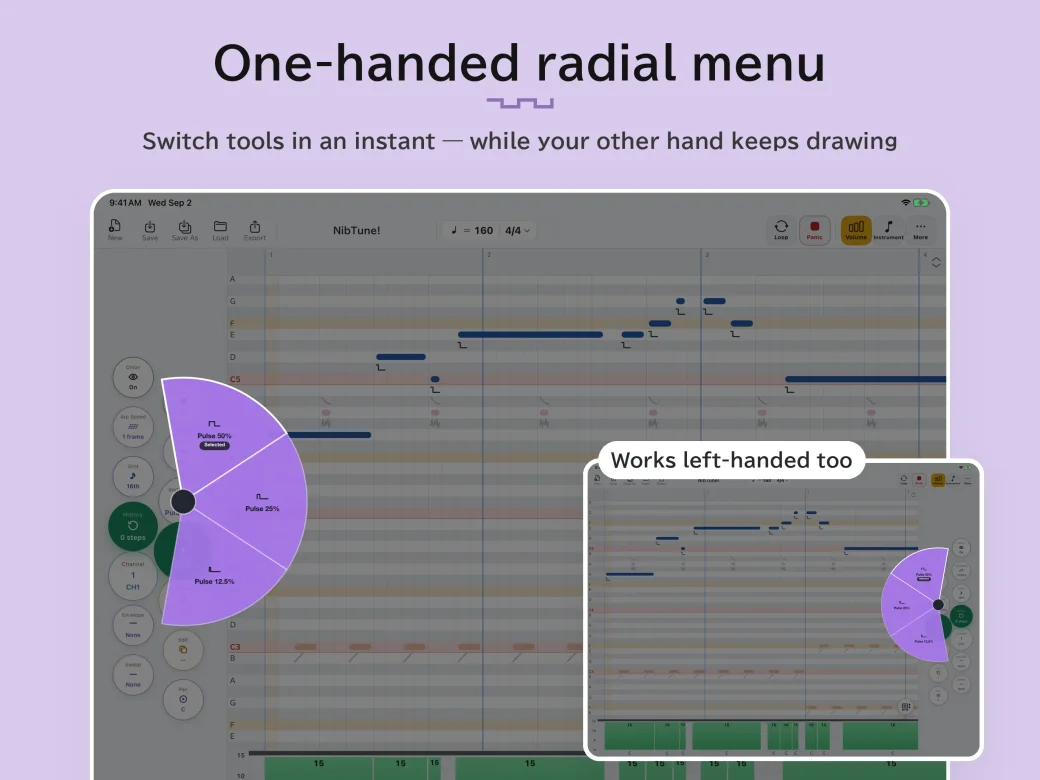
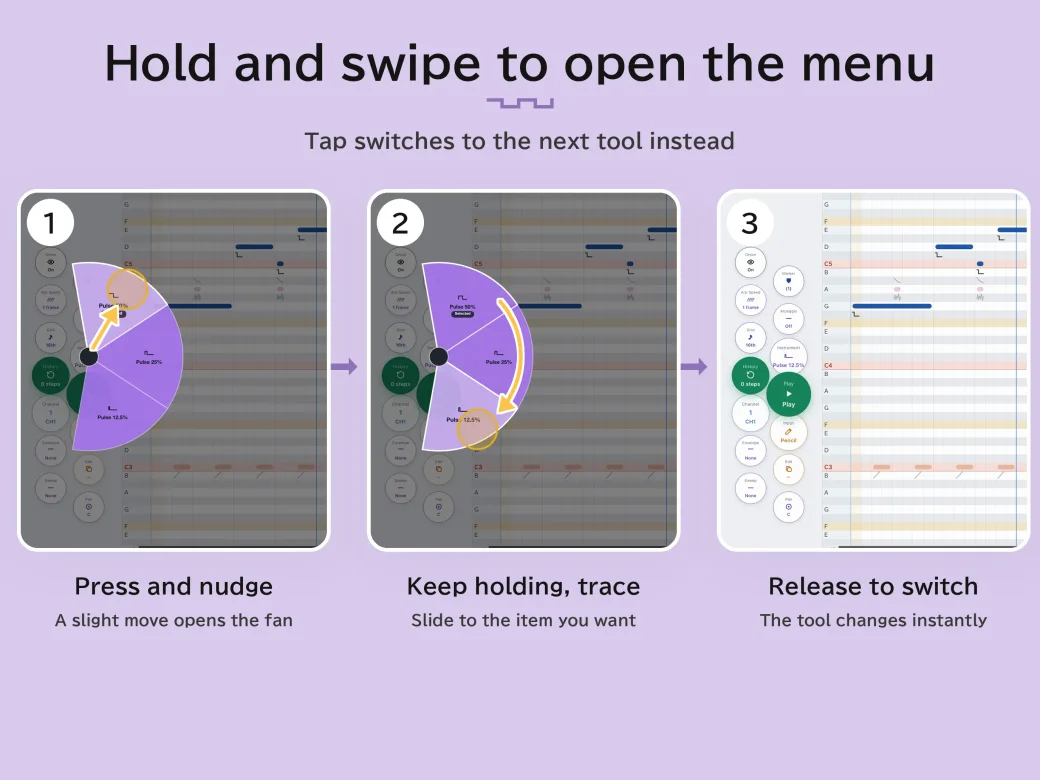
Hold the iPad in one hand and open the menu with your thumb. Flick to switch mode, channel, instrument, or grid while your other hand keeps drawing. Menu size and column count are adjustable in Settings.
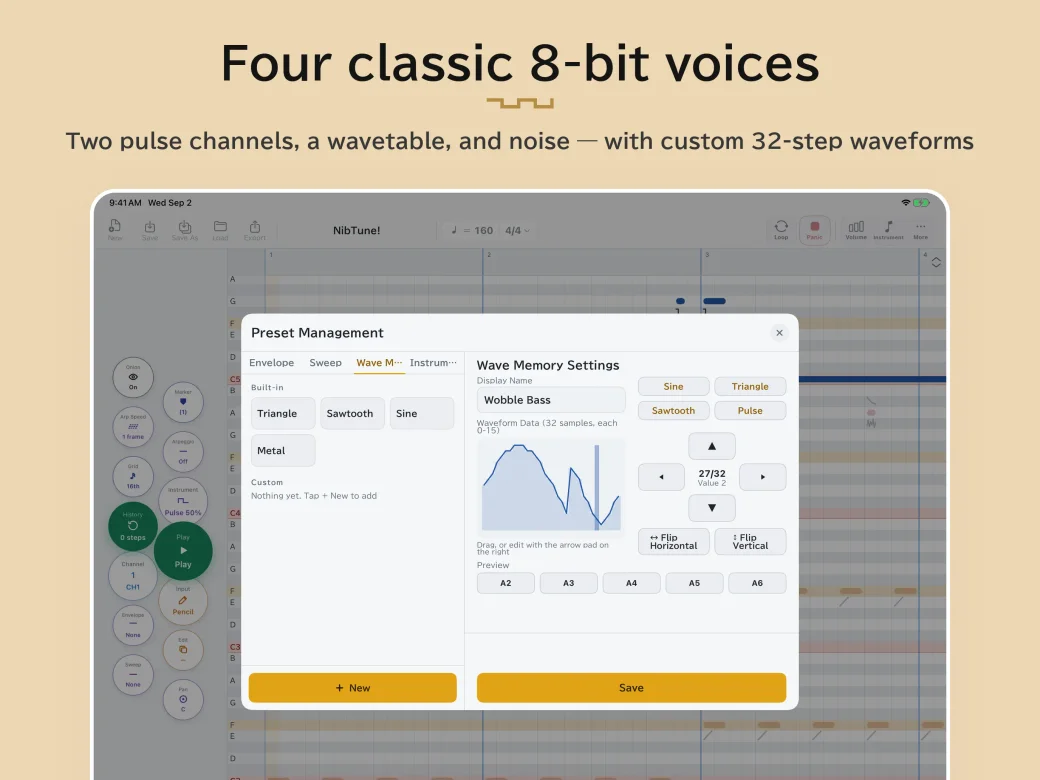
■ Four classic 8-bit voices
CH1 Pulse — adjustable duty, envelope, and sweep
CH2 Pulse — second square wave, no sweep
CH3 Wavetable — custom 32-step waveform
CH4 Noise — switchable long/short period with envelope By default you compose within retro-handheld-style limits. Free mode, which lifts them, is part of Pro.
■ Works without a Pencil
Finger mode (one finger edits, two fingers scroll and zoom) is supported. Hardware-keyboard entry and editing, and VoiceOver, are also supported, with coverage expanding in updates.
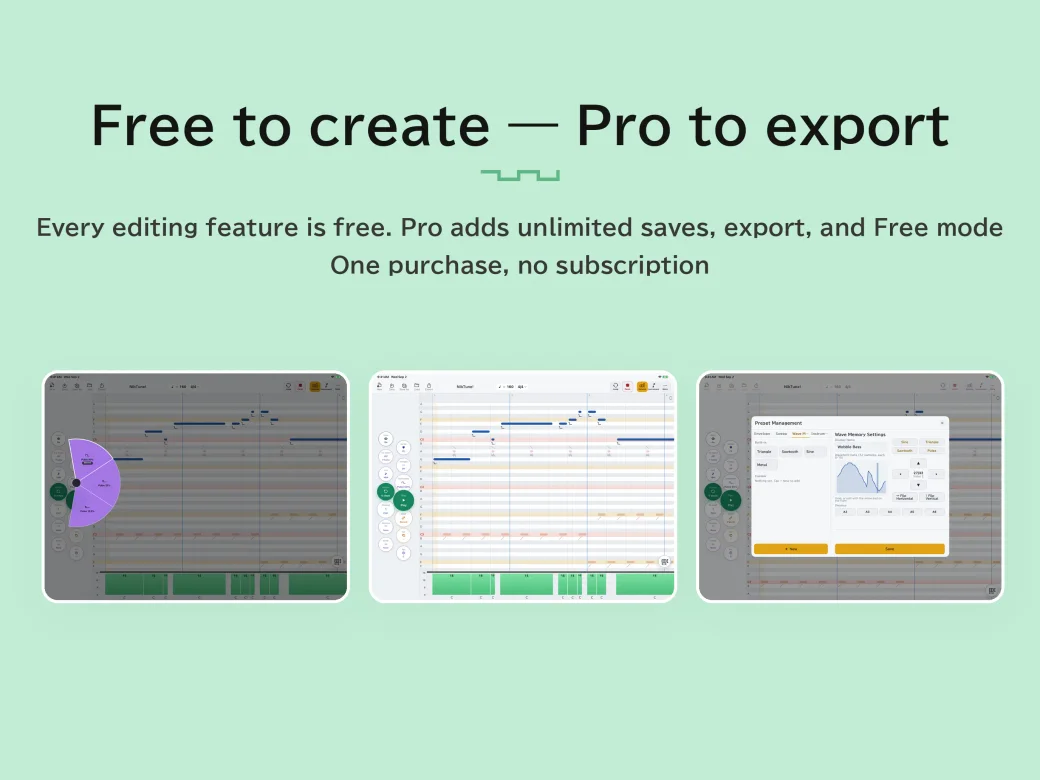
■ Free to create, Pro to export
Every editing feature is free. The free version saves up to 3 songs. Pro is a one-time purchase that lifts the save limit and unlocks WAV and project-file (.nibtune) export, plus Free mode. No subscription.
■ Privacy
No account, no data collection, no transmission. Your songs and settings stay on your iPad. The app reaches the network only to buy or restore Pro.
Requires iPad with iPadOS 18 or later. Apple Pencil recommended.
Novedades
Versión 1.1.2 · 4/10/2026
• Reworked the radial menu text colors in every theme so every button is easy to read
• Fixed the top bar getting cut off and the tempo value disappearing in narrow layouts such as Split View; buttons that don't fit now move into the More menu
• Fixed other minor issues
Privacidad de la aplicación
Lo que Ryuichi Ikegami declara en App Store sobre cómo esta aplicación gestiona los datos.
-
No se recopilan datos
El desarrollador no recopila ningún dato de esta aplicación.
Las prácticas de privacidad pueden variar, por ejemplo, según las funciones que uses o tu edad.
Información
- Vendedor
- Ryuichi Ikegami
- Categoría
- Música
- Versión
- 1.1.2
- Actualizado
- 4/10/2026
- Publicado
- 8/10/2026
- Tamaño
- 21,1 MB
- Requiere
- iOS 18.0 o posterior
- Clasificación por edad
- 4+
- Precio
- Gratis
- Compras en la aplicación
- Sí
- Idiomas
- Inglés, Japonés
- Copyright
- © 2026 Paper App Studio