NibTune
Draw Chiptune with a Stylus
Conçue pour iPad
Gratuit · Achats intégrés
- Classification d’âge4+
- CatégorieMusique
- DéveloppeurRyuichi Ikegami
- LanguesAnglais+ 1 de plus
- Taille21,1 Mo
Renvoie vers la page App Store officielle
Download.org n’héberge aucun fichier de NibTune. Le bouton ouvre la page de l’application sur App Store, où Ryuichi Ikegami la publie. Fiche vérifiée pour la dernière fois le 06/11/2026.
Captures d’écran



À propos
Le développeur n’a pas fourni ce texte dans votre langue.
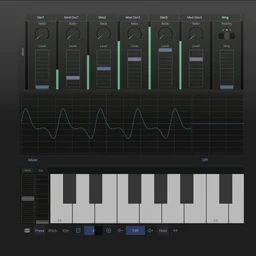
NibTune is a chiptune sequencer for iPad. Draw notes on a piano roll with Apple Pencil or your finger, and write for four channels: two pulse, wavetable, and noise.
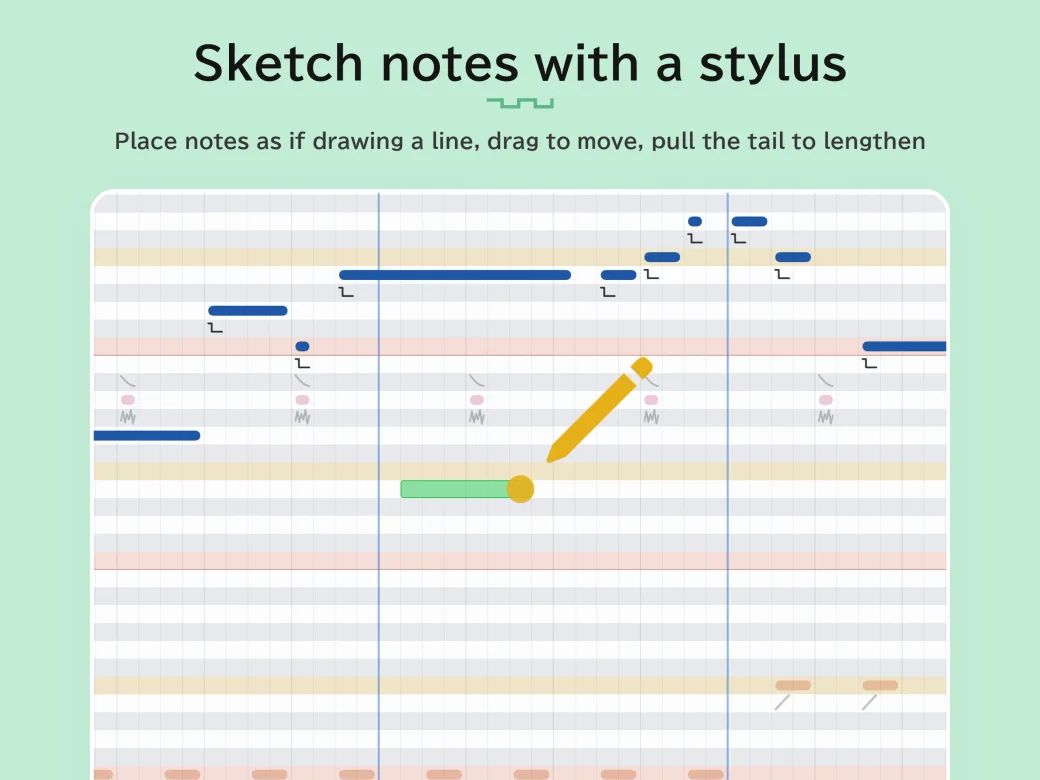
■ Compose by drawing
Place notes as if drawing a line, drag to move them, pull the tail to lengthen. The hand holding the Pencil can scroll and pinch-zoom too. Pencil, eraser, repaint, and select modes; 16th, triplet, and 32nd grids; markers and loops; onion-skin view of other channels while you edit.
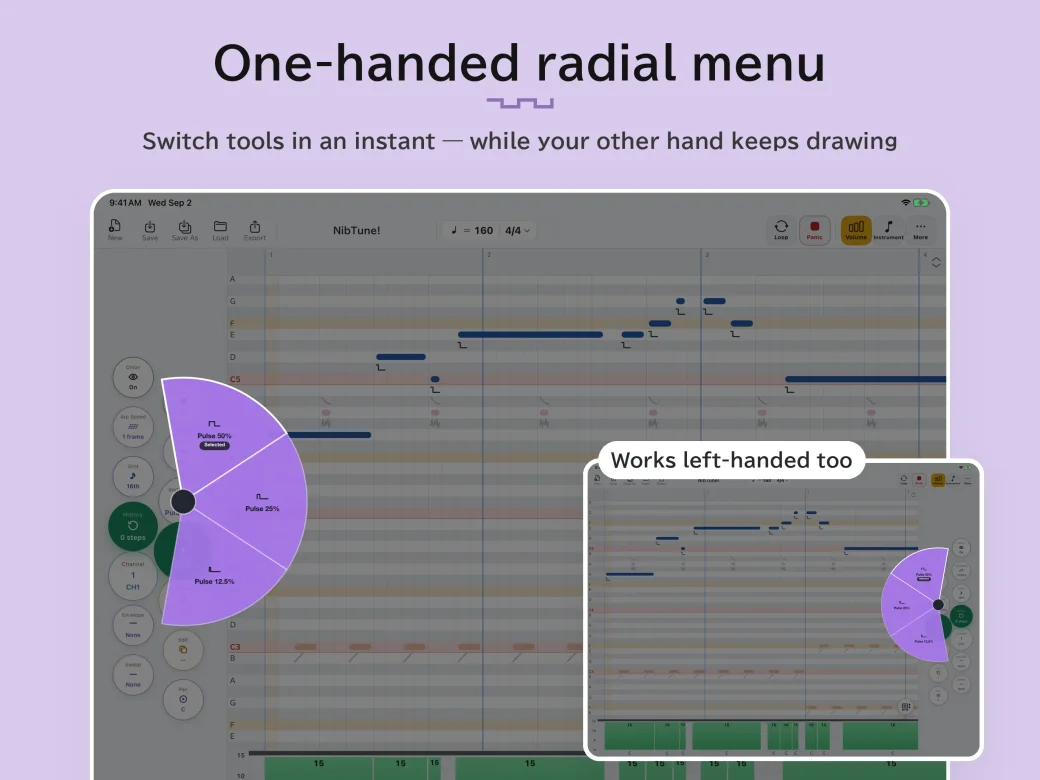
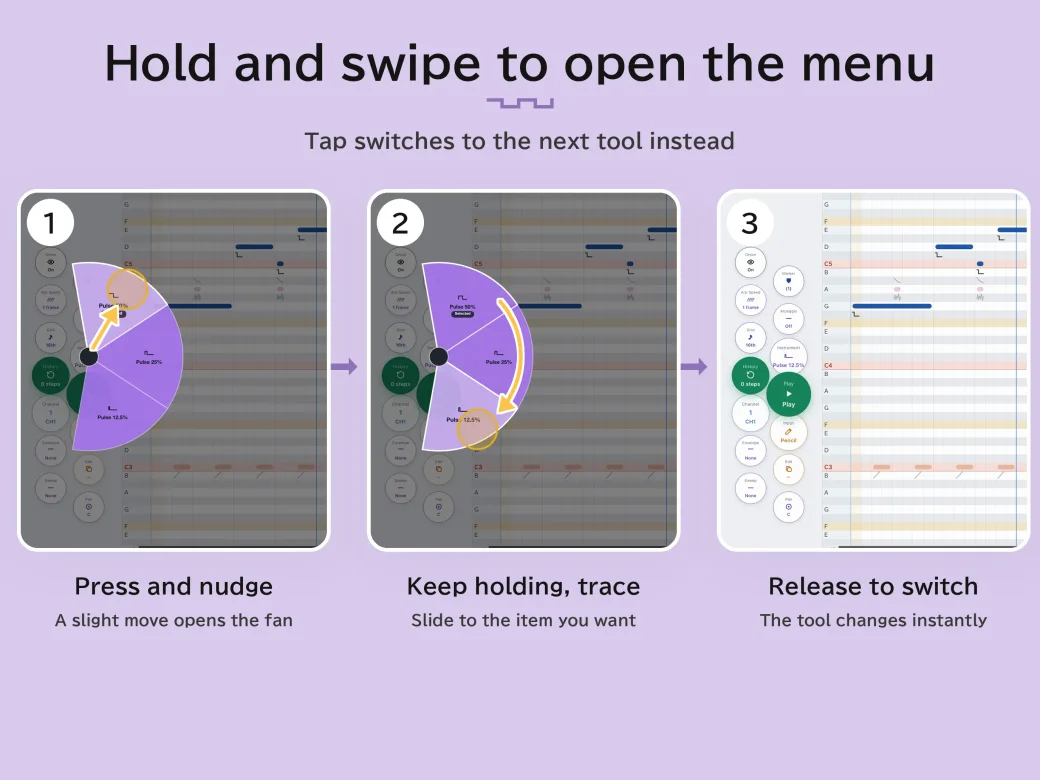
■ One-handed radial menu
Hold the iPad in one hand and open the menu with your thumb. Flick to switch mode, channel, instrument, or grid while your other hand keeps drawing. Menu size and column count are adjustable in Settings.
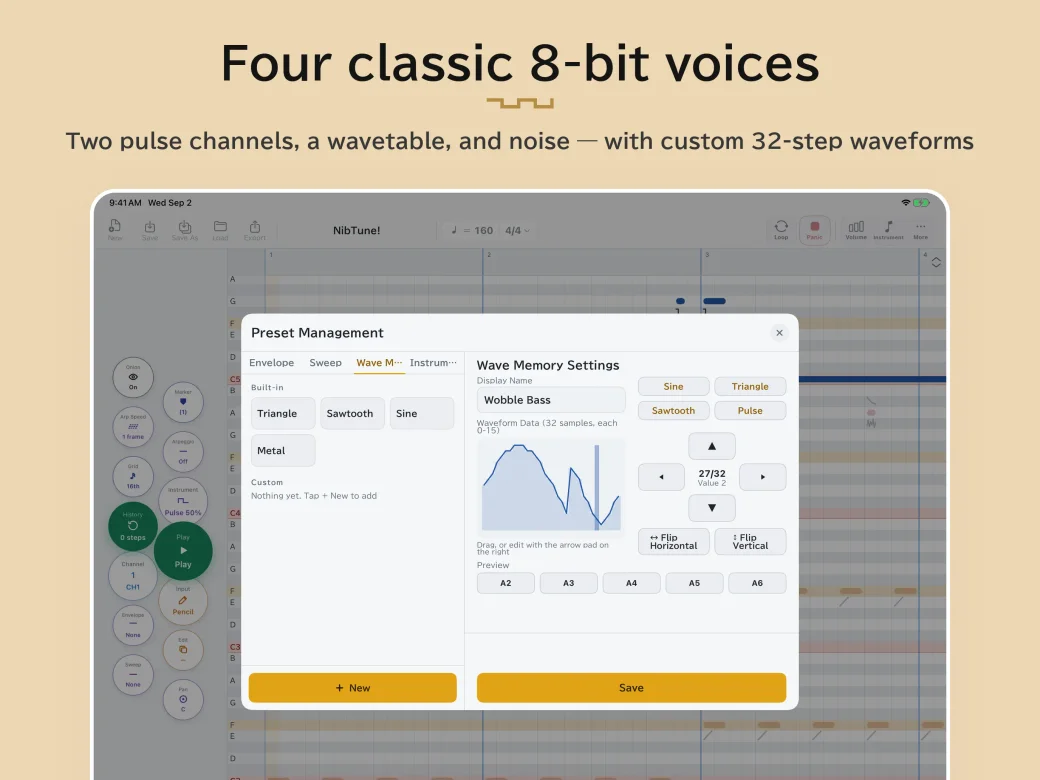
■ Four classic 8-bit voices
CH1 Pulse — adjustable duty, envelope, and sweep
CH2 Pulse — second square wave, no sweep
CH3 Wavetable — custom 32-step waveform
CH4 Noise — switchable long/short period with envelope By default you compose within retro-handheld-style limits. Free mode, which lifts them, is part of Pro.
■ Works without a Pencil
Finger mode (one finger edits, two fingers scroll and zoom) is supported. Hardware-keyboard entry and editing, and VoiceOver, are also supported, with coverage expanding in updates.
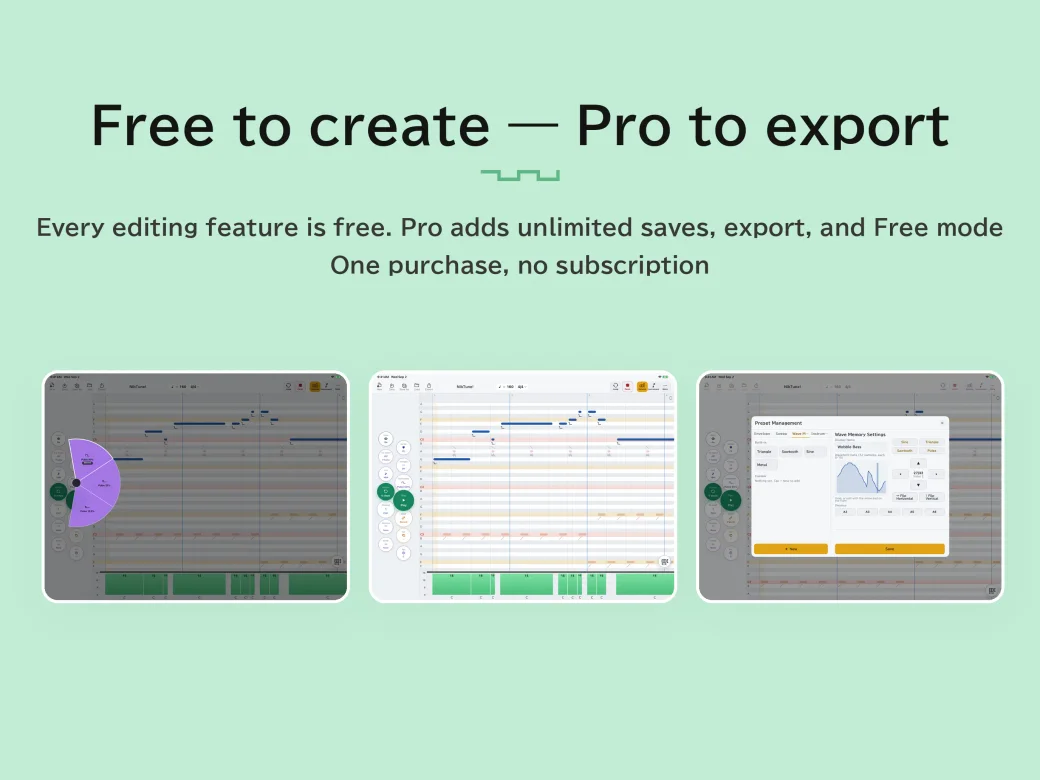
■ Free to create, Pro to export
Every editing feature is free. The free version saves up to 3 songs. Pro is a one-time purchase that lifts the save limit and unlocks WAV and project-file (.nibtune) export, plus Free mode. No subscription.
■ Privacy
No account, no data collection, no transmission. Your songs and settings stay on your iPad. The app reaches the network only to buy or restore Pro.
Requires iPad with iPadOS 18 or later. Apple Pencil recommended.
Nouveautés
Version 1.1.2 · 04/10/2026
• Reworked the radial menu text colors in every theme so every button is easy to read
• Fixed the top bar getting cut off and the tempo value disappearing in narrow layouts such as Split View; buttons that don't fit now move into the More menu
• Fixed other minor issues
Confidentialité de l’application
Ce que Ryuichi Ikegami déclare sur l’App Store au sujet du traitement des données par cette application.
-
Données non collectées
Le développeur ne collecte aucune donnée à partir de cette application.
Les pratiques en matière de confidentialité peuvent varier, notamment en fonction des fonctionnalités que vous utilisez ou de votre âge.
Informations
- Vendeur
- Ryuichi Ikegami
- Catégorie
- Musique
- Version
- 1.1.2
- Mis à jour
- 04/10/2026
- Publié
- 08/10/2026
- Taille
- 21,1 Mo
- Nécessite
- iOS 18.0 ou version ultérieure
- Classification d’âge
- 4+
- Prix
- Gratuit
- Achats intégrés
- Oui
- Langues
- Anglais, Japonais
- Copyright
- © 2026 Paper App Studio