NinthScene
Place 3D models in your space
Diseñada para iPhone
Gratis · Compras en la aplicación
- Clasificación por edad4+
- CategoríaDiseño gráfico
- Desarrollador栋 李
- IdiomasInglés+ 1 más
- Tamaño18,0 MB
Enlaza a la página oficial de App Store
Download.org no aloja ningún archivo de NinthScene. El botón abre la página de la aplicación en App Store, donde la publica 栋 李. Ficha comprobada por última vez el 12/11/2026.
Capturas de pantalla

Acerca de
El desarrollador no ha proporcionado este texto en tu idioma.
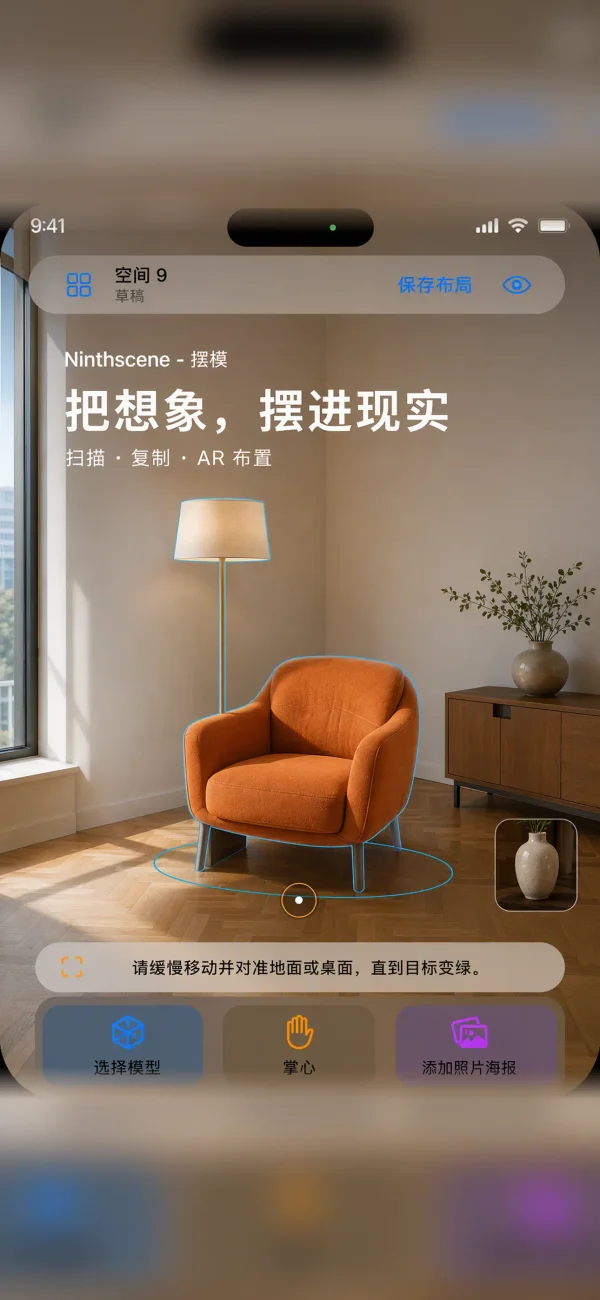
NinthScene is an AR app that lets you place 3D models directly in real rooms.
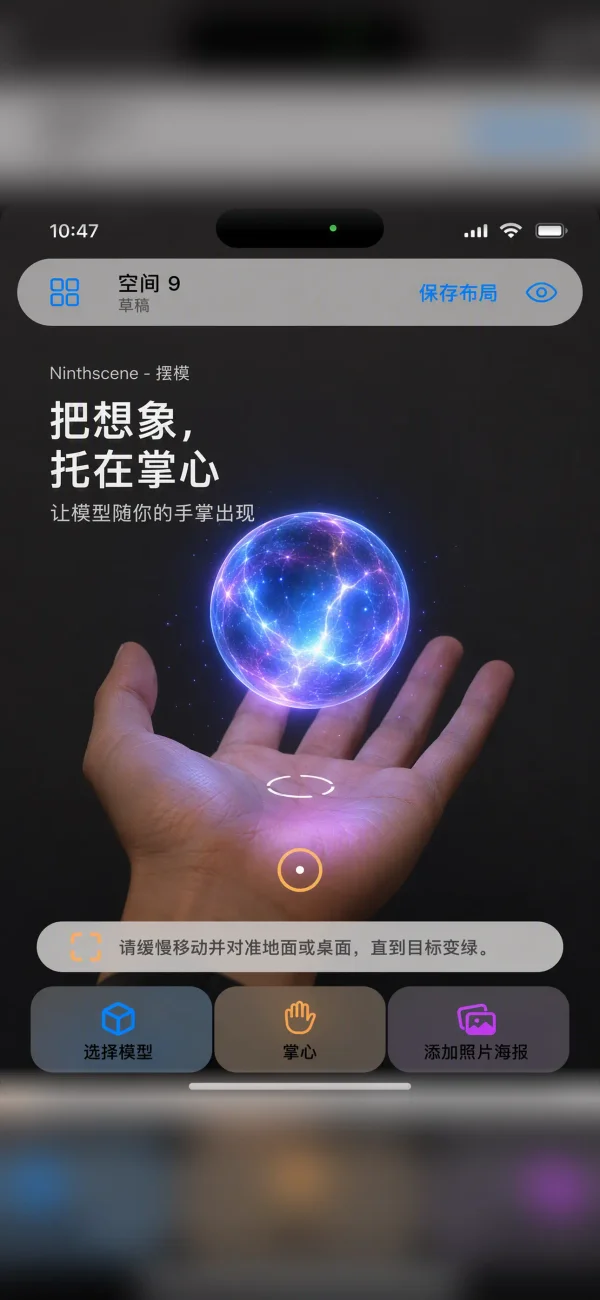
Scan a floor or table with your iPhone, choose a model, and tap the surface to place it. You can drag to move it, rotate with two fingers, pinch to scale, and adjust its height until it sits exactly where you want.
What makes NinthScene different from a typical AR preview is Spaces. Save a scanned room together with its complete layout. When you return to the same room, open the Space and move your iPhone slowly to relocalize; your previously placed items return to their saved positions. Create separate Spaces for different rooms and keep each layout organized.
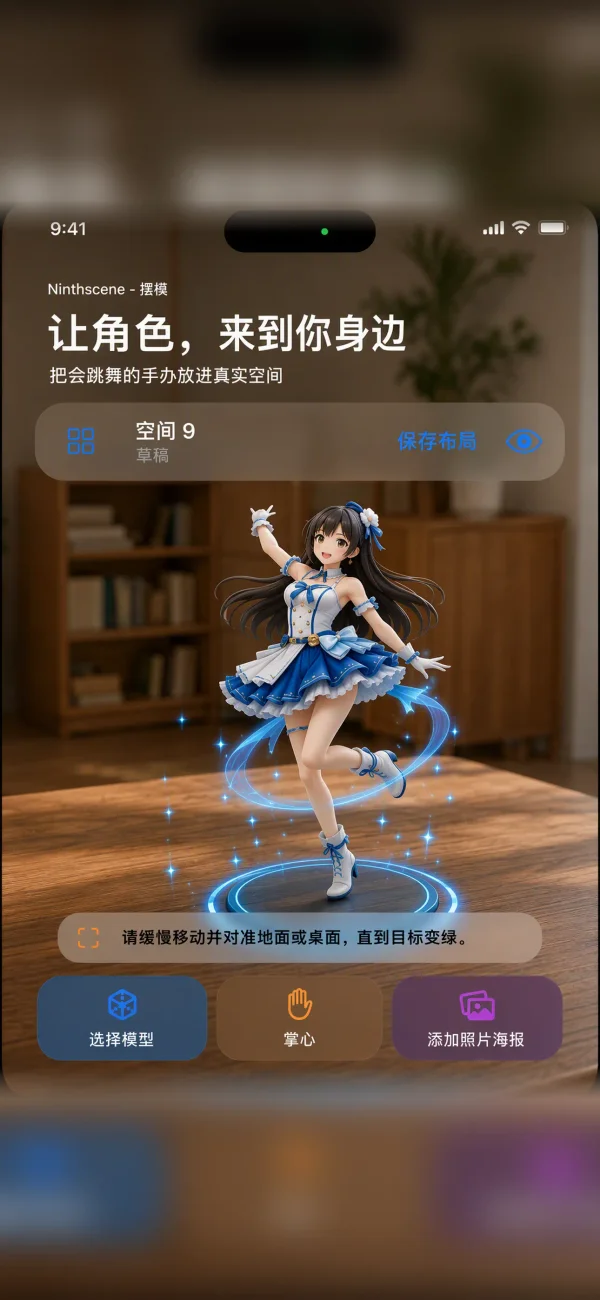
In addition to the built-in collection, you can import your own USDZ models from Files. Imported models can be placed, saved, and restored just like built-in models. USDZ files with skeletal animations can play and switch actions in the scene. On supported devices, RealityKit Object Capture can also turn a real object into a 3D model that you can place in AR.
Use NinthScene to plan furniture and decor, preview the real-world size of 3D artwork, arrange figures and collectibles, or preserve scanned objects in layouts you can restore later.
All app data is processed and stored on your device. No account is required. NinthScene contains no advertising or third-party analytics, and camera frames and room scans are not uploaded.
FREE AND PRO
The free version includes placement, editing, and saving and restoring Spaces, with limits of 2 Spaces and 5 imported models.
Upgrade to Pro to unlock:
• Unlimited Spaces
• Unlimited imported models
• Object Capture scanning (supported devices only)
• USDZ animation playback
Pro is a one-time lifetime purchase, not a subscription, and does not renew automatically. Restore Purchases is available for the same Apple Account.
REQUIREMENTS
Requires an ARKit-capable iPhone running iOS 17 or later and camera permission for AR surface detection. Object Capture is available only on devices with the required hardware support.
Novedades
Versión 1.0.2 · 15/9/2026
• Import Gaussian splat scenes and explore them in tabletop AR or immersive previews.
• Capture AR photos and videos with improved recording controls.
• Adjust scene size and orientation with new presets, plus improvements to large-scene loading, rendering and detail.
• Enjoy improved placement feedback and animations, and fixes for Object Capture model imports.
Privacidad de la aplicación
Lo que 栋 李 declara en App Store sobre cómo esta aplicación gestiona los datos.
-
No se recopilan datos
El desarrollador no recopila ningún dato de esta aplicación.
Las prácticas de privacidad pueden variar, por ejemplo, según las funciones que uses o tu edad.
Información
- Vendedor
- 栋 李
- Categoría
- Diseño gráfico
- Versión
- 1.0.2
- Actualizado
- 15/9/2026
- Publicado
- 7/8/2026
- Tamaño
- 18,0 MB
- Requiere
- iOS 17.0 o posterior
- Clasificación por edad
- 4+
- Precio
- Gratis
- Compras en la aplicación
- Sí
- Idiomas
- Inglés, Chino simplificado
- Copyright
- © 2026 lia4u
Quizá también te guste
-
 MotionStage: Ver y posar MMDCarga PMX, reproduce VMD, posa
-
 3D Maker Studio3D Models form Text & Images
-
 Home Styler AI : Room DesignDiseño gráfico
-
 PoseFrame - 3D AnimationDiseño gráfico
-
 Foto a 3D Model Maker con IAEscaner Scan, Render, Imprimir
-
 UGScan - 3D ScannerDiseño gráfico
-
 Handy 3D Designs For Bambu LabDiseño gráfico
-
 Pro Poser 3D Model PosesDiseño gráfico
-
 JigSpace: 3D & AR ViewerDiseño gráfico