- 対象年齢4+
- カテゴリグラフィック/デザイン
- 開発元栋 李
- 言語英語ほか1言語
- サイズ18.0 MB
App Storeの公式ページにリンクしています
Download.orgはNinthSceneのファイルを一切ホストしていません。ボタンを押すと、栋 李が公開しているApp Storeのアプリページが開きます。ページの最終確認:2026/11/12。
スクリーンショット

概要
開発元はこのテキストをお使いの言語で提供していません。
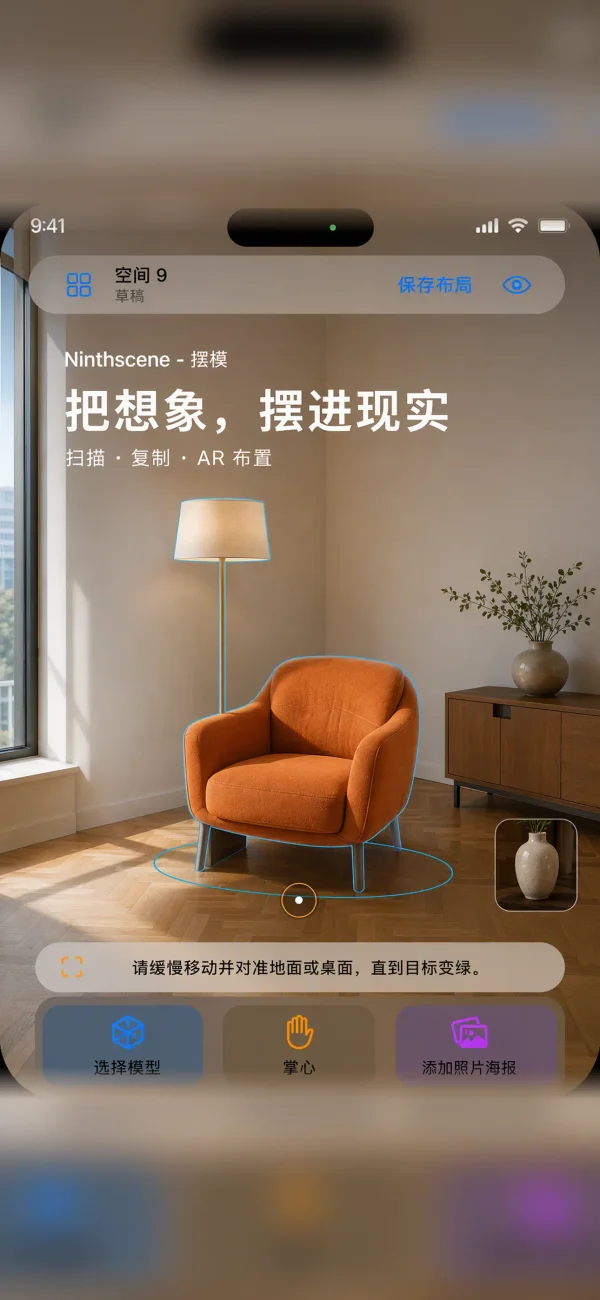
NinthScene is an AR app that lets you place 3D models directly in real rooms.
Scan a floor or table with your iPhone, choose a model, and tap the surface to place it. You can drag to move it, rotate with two fingers, pinch to scale, and adjust its height until it sits exactly where you want.
What makes NinthScene different from a typical AR preview is Spaces. Save a scanned room together with its complete layout. When you return to the same room, open the Space and move your iPhone slowly to relocalize; your previously placed items return to their saved positions. Create separate Spaces for different rooms and keep each layout organized.
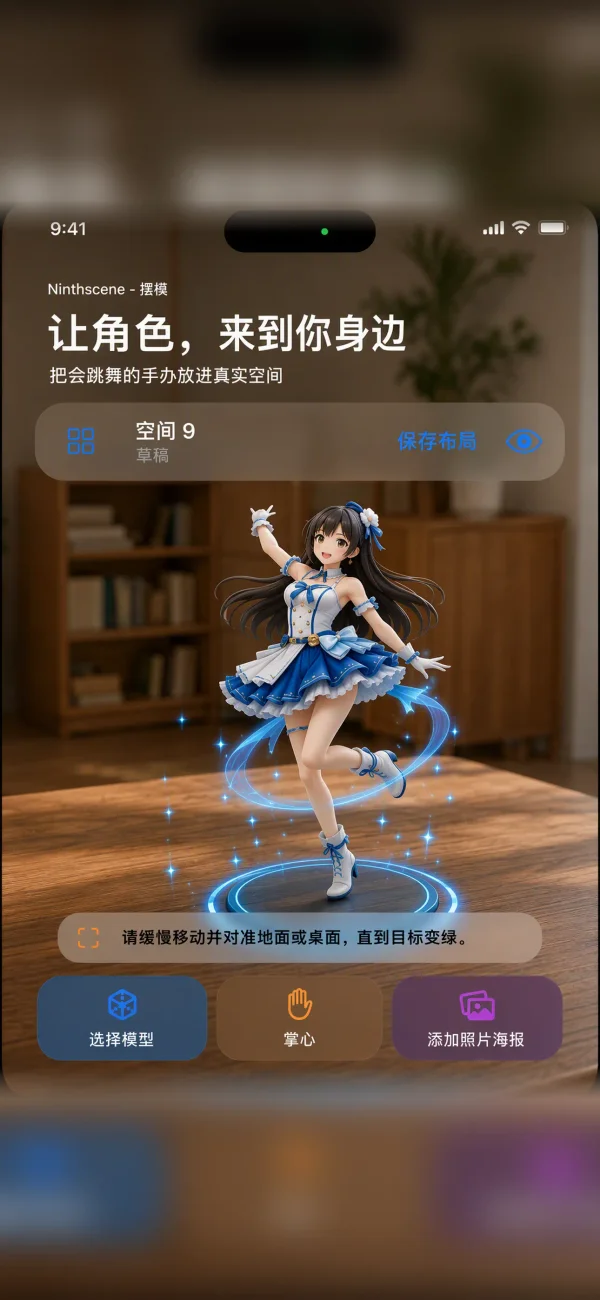
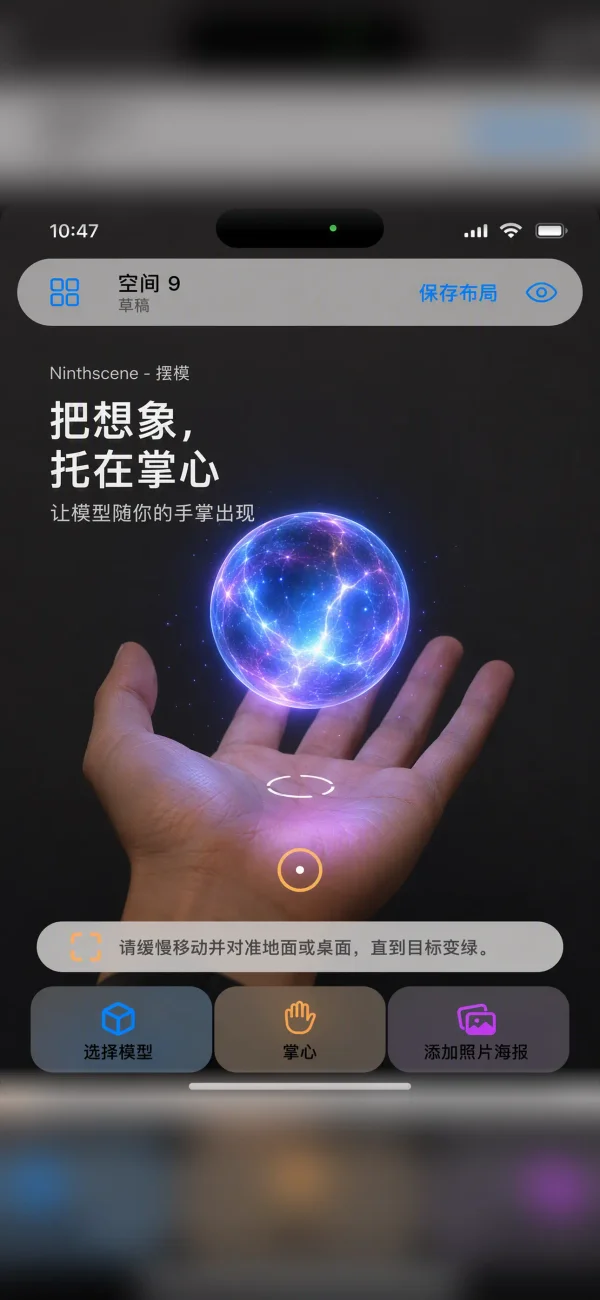
In addition to the built-in collection, you can import your own USDZ models from Files. Imported models can be placed, saved, and restored just like built-in models. USDZ files with skeletal animations can play and switch actions in the scene. On supported devices, RealityKit Object Capture can also turn a real object into a 3D model that you can place in AR.
Use NinthScene to plan furniture and decor, preview the real-world size of 3D artwork, arrange figures and collectibles, or preserve scanned objects in layouts you can restore later.
All app data is processed and stored on your device. No account is required. NinthScene contains no advertising or third-party analytics, and camera frames and room scans are not uploaded.
FREE AND PRO
The free version includes placement, editing, and saving and restoring Spaces, with limits of 2 Spaces and 5 imported models.
Upgrade to Pro to unlock:
• Unlimited Spaces
• Unlimited imported models
• Object Capture scanning (supported devices only)
• USDZ animation playback
Pro is a one-time lifetime purchase, not a subscription, and does not renew automatically. Restore Purchases is available for the same Apple Account.
REQUIREMENTS
Requires an ARKit-capable iPhone running iOS 17 or later and camera permission for AR surface detection. Object Capture is available only on devices with the required hardware support.
新機能
バージョン 1.0.2 · 2026/9/15
• Import Gaussian splat scenes and explore them in tabletop AR or immersive previews.
• Capture AR photos and videos with improved recording controls.
• Adjust scene size and orientation with new presets, plus improvements to large-scene loading, rendering and detail.
• Enjoy improved placement feedback and animations, and fixes for Object Capture model imports.
アプリのプライバシー
このアプリのデータの取り扱いについて、栋 李がApp Storeで申告している内容です。
-
データの収集なし
開発元はこのアプリからデータを収集しません。
プライバシーの取り扱いは、ご利用の機能やお客様の年齢などに応じて異なる場合があります。
情報
- 販売元
- 栋 李
- カテゴリ
- グラフィック/デザイン
- バージョン
- 1.0.2
- 更新日
- 2026/9/15
- リリース
- 2026/8/7
- サイズ
- 18.0 MB
- 必要条件
- iOS 17.0以降
- 対象年齢
- 4+
- 価格
- 無料
- アプリ内課金
- あり
- 言語
- 英語, 簡体字中国語
- 著作権
- © 2026 lia4u
こちらもおすすめ
-
 MotionStage: MMD再生・ポーズPMXを読み込み、カメラで踊らせる
-
 3Dメーカースタジオテキスト&画像から3Dモデルを作成
-
 Home Styler AI : Room Designグラフィック/デザイン
-
 PoseFrame - 3D Animationグラフィック/デザイン
-
 AI写真を3D変換 Model MakerAI画像生成・3Dスキャン・印刷対応
-
 UGScan - 3D スキャナーポケットの中の3Dスキャナー
-
 Handy 3D Designs For Bambu Labグラフィック/デザイン
-
 Pro Poser 3D Model Posesグラフィック/デザイン
-
 JigSpace: 3D & AR Viewerグラフィック/デザイン