
Notelane - Markdown Editor
Your notes, your own storage
Diseñada para iPhone, iPad
Gratis
- Clasificación por edad4+
- CategoríaProductividad
- DesarrolladorAsterios Digital GmbH
- IdiomasInglés
- Tamaño19,4 MB
Enlaza a la página oficial de App Store
Download.org no aloja ningún archivo de Notelane - Markdown Editor. El botón abre la página de la aplicación en App Store, donde la publica Asterios Digital GmbH. Ficha comprobada por última vez el 12/11/2026.
Capturas de pantalla
Acerca de
El desarrollador no ha proporcionado este texto en tu idioma.
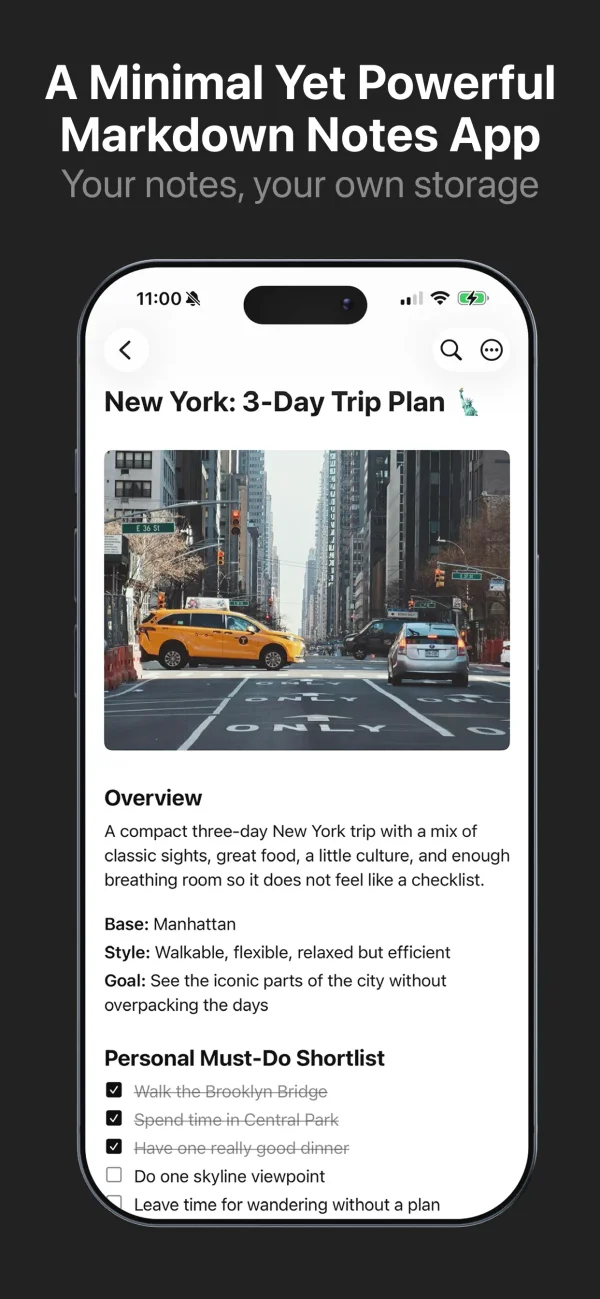
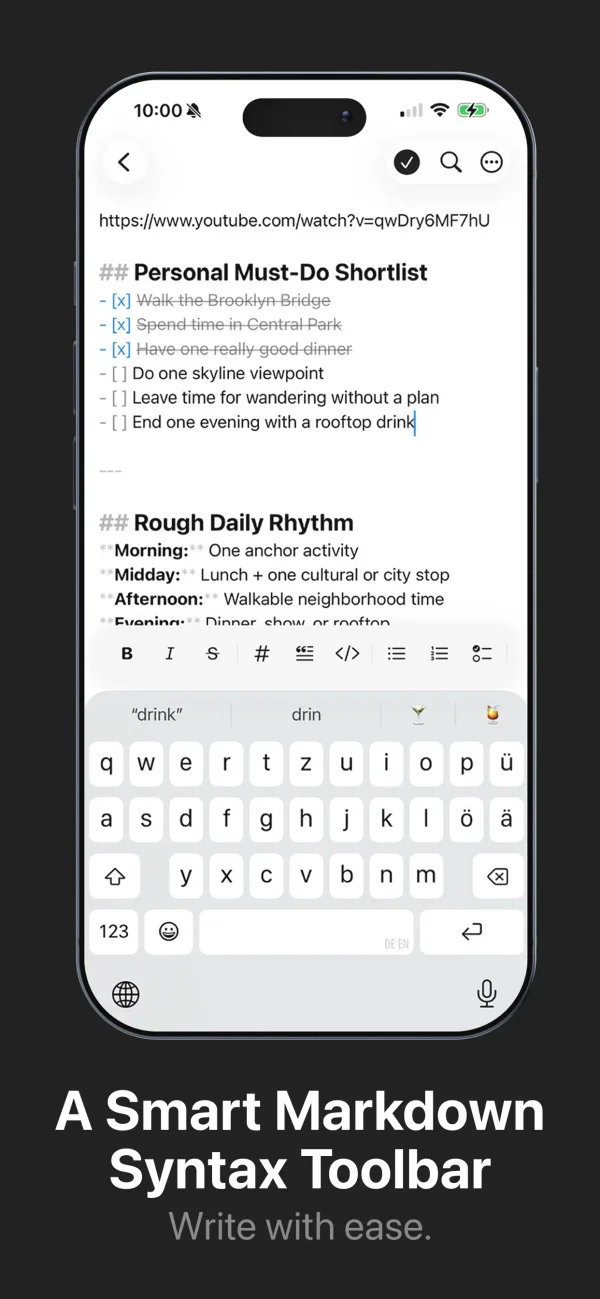
Write in markdown and see your formatting come to life as you type — headings, bold, italic, links, code blocks, checklists, and more — all rendered inline.
Your files. Your folders. Your way.
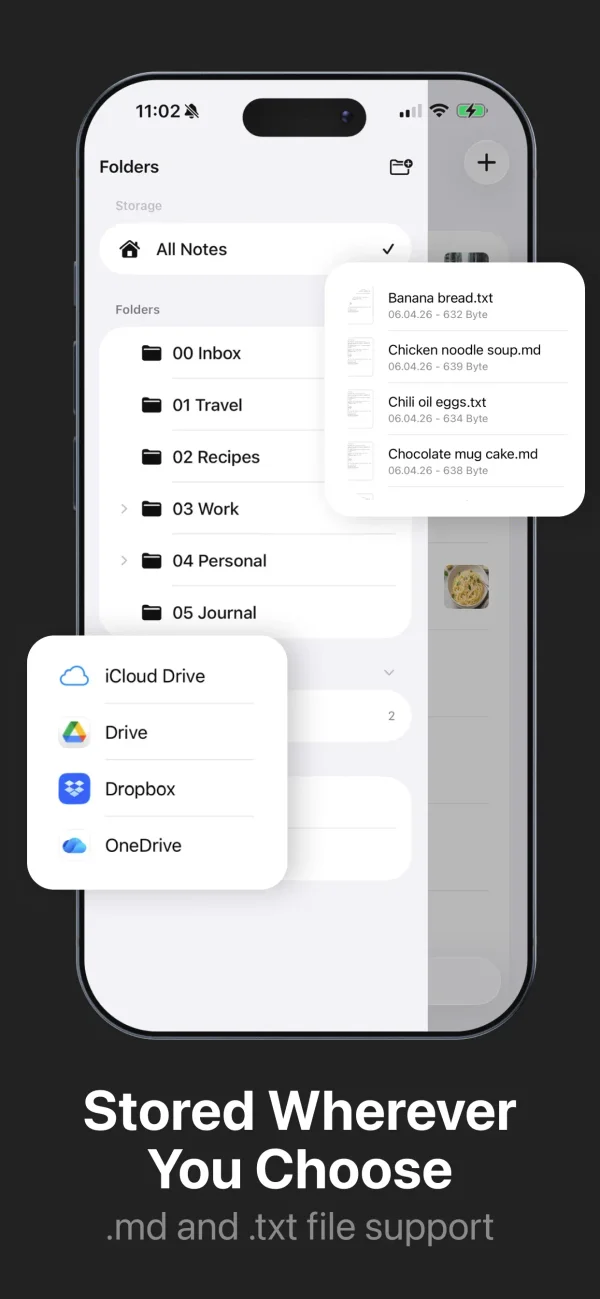
Notelane works directly with the files on your device. On first launch, pick any folder — local storage, iCloud Drive, Dropbox, or any connected cloud provider visible in the Files app. Your notes stay as standard .md files, fully portable and never locked in.
Write with clarity
A distraction-free editor with live formatting that renders your markdown as you type. No toggle between "edit" and "preview" — just write.
Store notes anywhere
Pick any folder on your device or in the cloud. Notelane works with iCloud Drive, Google Drive, Dropbox, or any storage provider visible in the Files app.
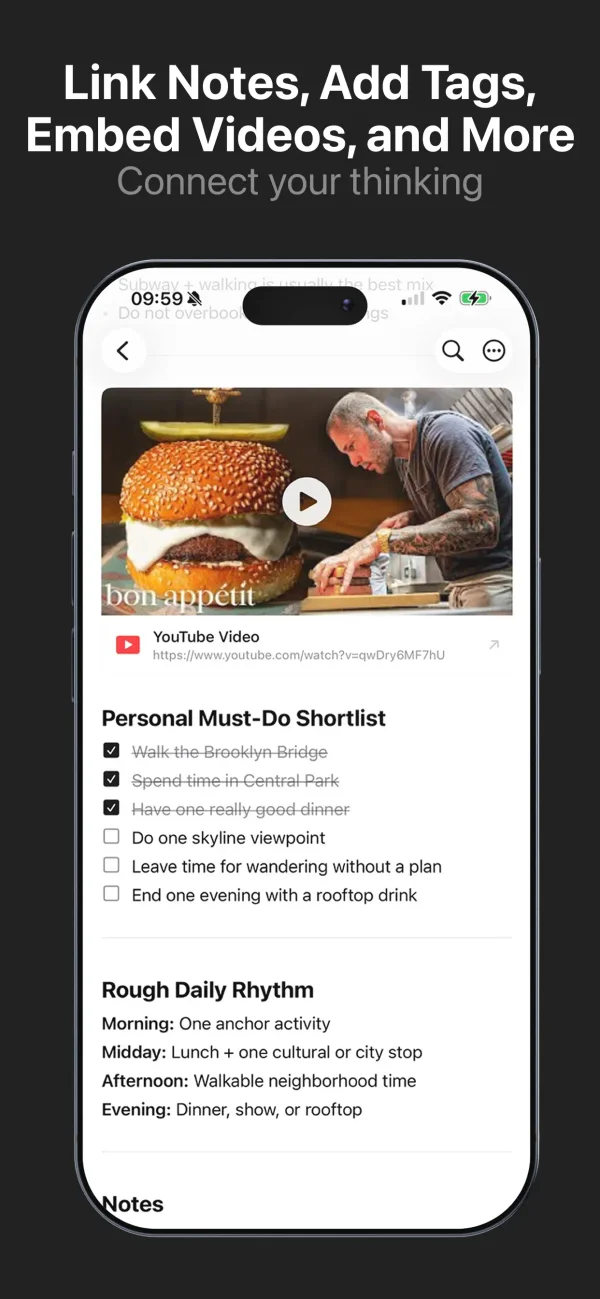
Connect your thinking
Link notes together with [[wikilinks]] and organize with #tags to build your own personal knowledge base — no complex setup required.
Stay in control
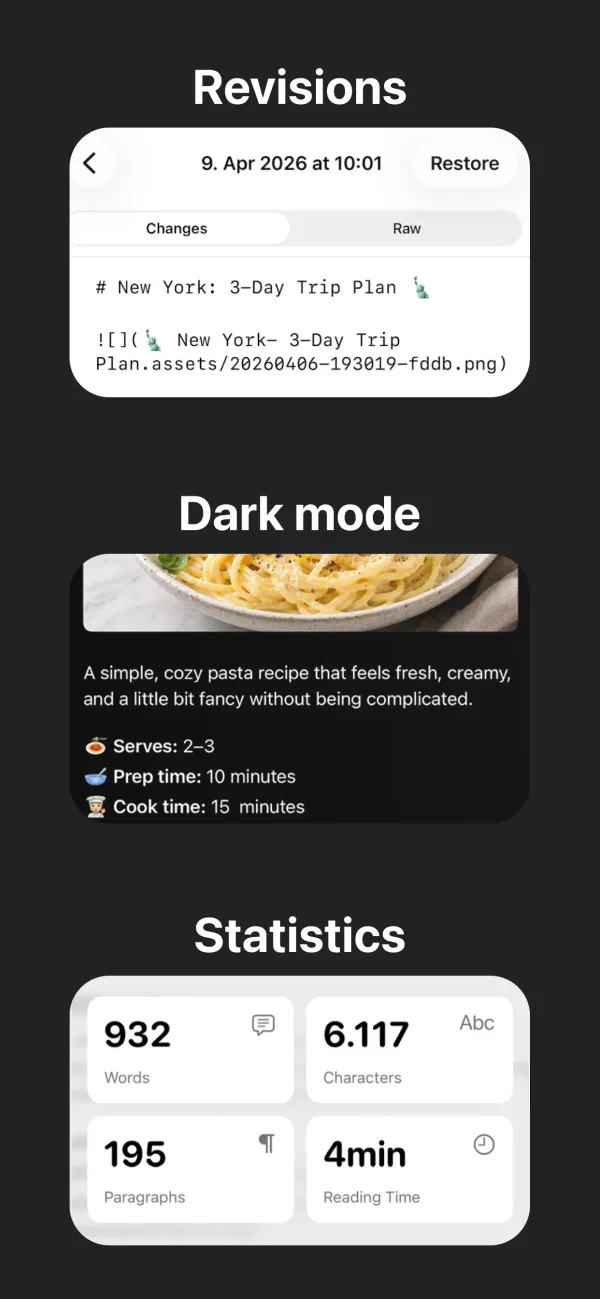
Revision history lets you restore previous versions of any note. PDF export and sharing are built in. A trash bin keeps deleted notes recoverable.
Organize your way
Nested folders, pinning, and tag-based filtering keep everything tidy. A clean sidebar puts your entire library one tap away.
Note statistics
Word count, character count, paragraphs, and estimated reading time — always available at a glance.
Your writing deserves a home that respects simplicity. Notelane is that home.
Novedades
Versión 1.2.2 · 1/7/2026
Outline & Table of Contents
Jump around long notes in a tap. A new Outline button lets you see all your headings at a glance and scroll straight to any section — the heading you picked briefly highlights so you always know where you landed.
Dedicated Statistics button
Word count, character count, and reading time now live in their own button, right in the note toolbar.
Cleaner writing mode
When you're editing, the toolbar keeps only what you need — distractions hide away and reappear the moment you switch back to preview.
iOS-native folder menu
The folder menu now slides your notes gently aside instead of covering them, matching the feel you expect from iOS. It's faster, smoother, and scrolls freely.
Also in this update
- Added a Changelog link in Settings so you can see what's new
- Various refinements and polish
Privacidad de la aplicación
Lo que Asterios Digital GmbH declara en App Store sobre cómo esta aplicación gestiona los datos.
-
No se recopilan datos
El desarrollador no recopila ningún dato de esta aplicación.
Las prácticas de privacidad pueden variar, por ejemplo, según las funciones que uses o tu edad.
Información
- Vendedor
- Asterios Digital GmbH
- Categoría
- Productividad
- Versión
- 1.2.2
- Actualizado
- 1/7/2026
- Publicado
- 14/4/2026
- Tamaño
- 19,4 MB
- Requiere
- iOS 18.0 o posterior
- Clasificación por edad
- 4+
- Precio
- Gratis
- Idiomas
- Inglés
- Copyright
- © Alexander Kaiser
Quizá también te guste
-
 Marked — Markdown EditorProductividad
-
 Markflow — Markdown ReaderProductividad
-
 SaveIt - Enlaces y notasGuardar para leer más tarde
-
 Ki-noteProductividad
-
 Bookmark Read Later - LinkjoyProductividad
-
 Hansson VaultProductividad
-
 Verbatim: AI Note TakerProductividad
-
 VortixProductividad
-
 SoloMD: Editor Markdown NotasGratis Offline · PDF, Word
-
 ZenNotes: Markdown NotesProductividad