
Notelane - Markdown Editor
Your notes, your own storage
Được thiết kế cho iPhone, iPad
Miễn phí
- Độ tuổi4+
- Danh mụcHiệu Suất
- Nhà phát triểnAsterios Digital GmbH
- Ngôn ngữTiếng Anh
- Kích thước19,4 MB
Liên kết đến trang App Store chính thức
Download.org không lưu trữ tệp nào của Notelane - Markdown Editor. Nút này mở trang ứng dụng trên App Store, nơi Asterios Digital GmbH phát hành ứng dụng. Trang được kiểm tra lần cuối: 12/11/2026.
Ảnh chụp màn hình
Giới thiệu
Nhà phát triển chưa cung cấp nội dung này bằng ngôn ngữ của bạn.
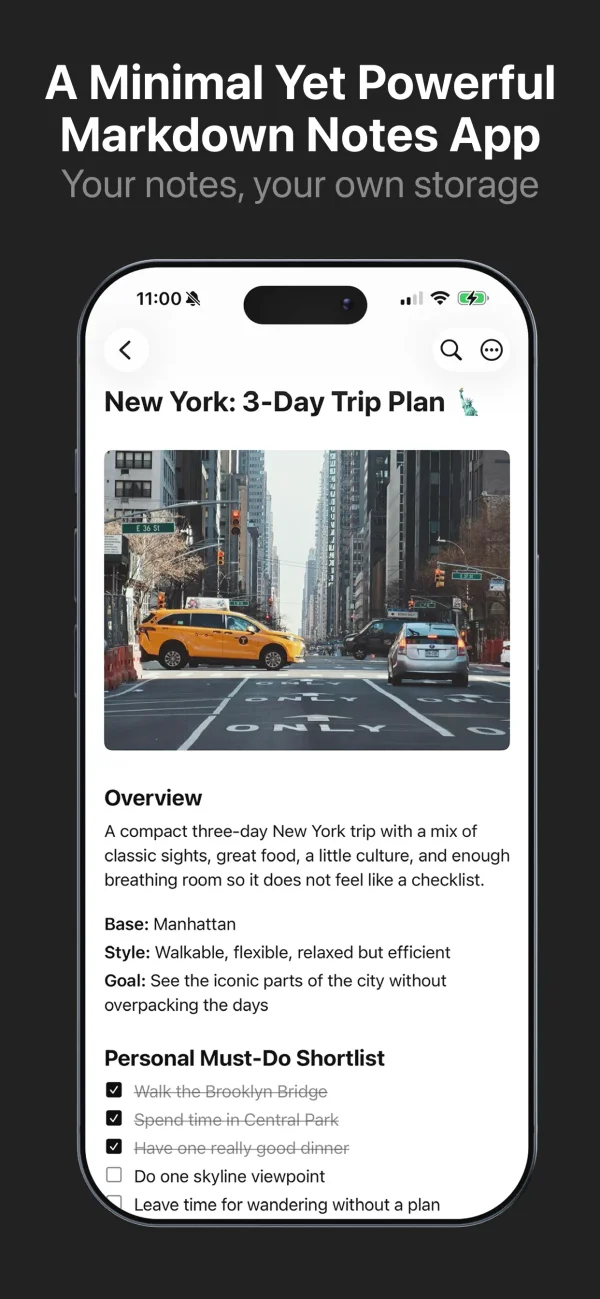
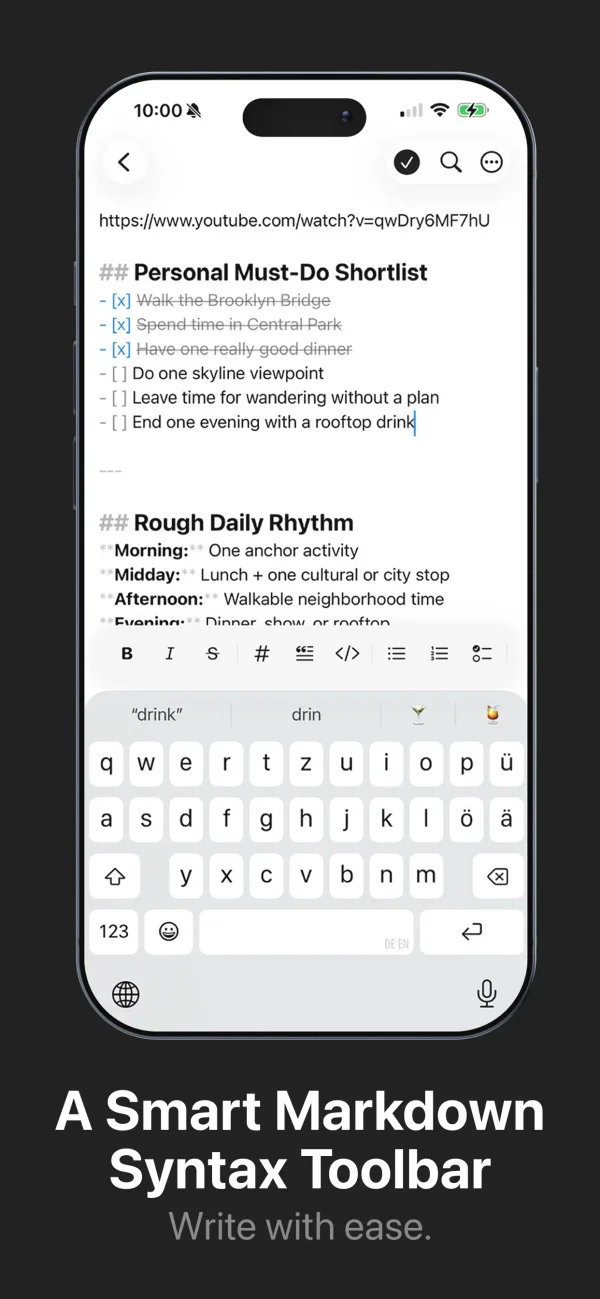
Write in markdown and see your formatting come to life as you type — headings, bold, italic, links, code blocks, checklists, and more — all rendered inline.
Your files. Your folders. Your way.
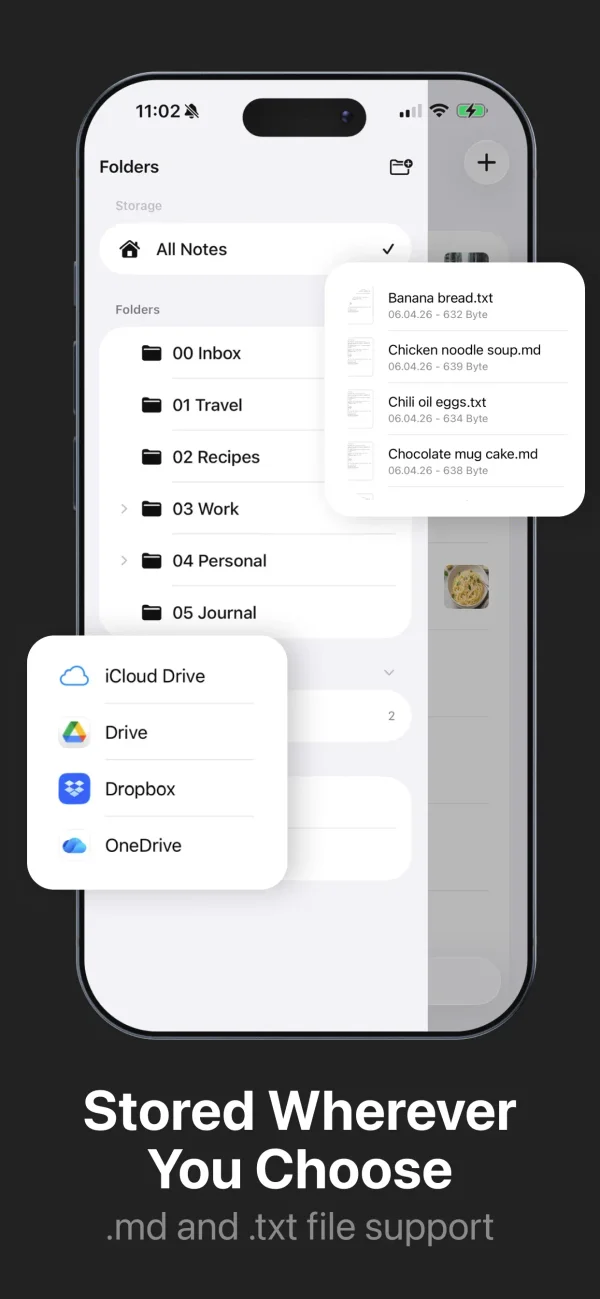
Notelane works directly with the files on your device. On first launch, pick any folder — local storage, iCloud Drive, Dropbox, or any connected cloud provider visible in the Files app. Your notes stay as standard .md files, fully portable and never locked in.
Write with clarity
A distraction-free editor with live formatting that renders your markdown as you type. No toggle between "edit" and "preview" — just write.
Store notes anywhere
Pick any folder on your device or in the cloud. Notelane works with iCloud Drive, Google Drive, Dropbox, or any storage provider visible in the Files app.
Connect your thinking
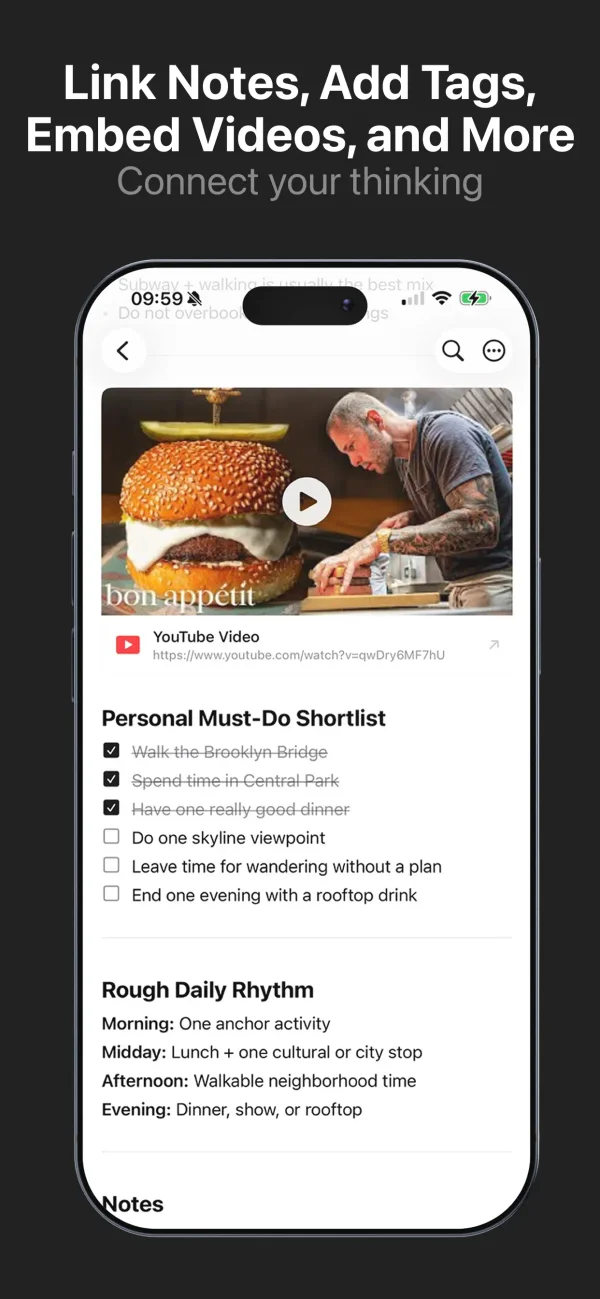
Link notes together with [[wikilinks]] and organize with #tags to build your own personal knowledge base — no complex setup required.
Stay in control
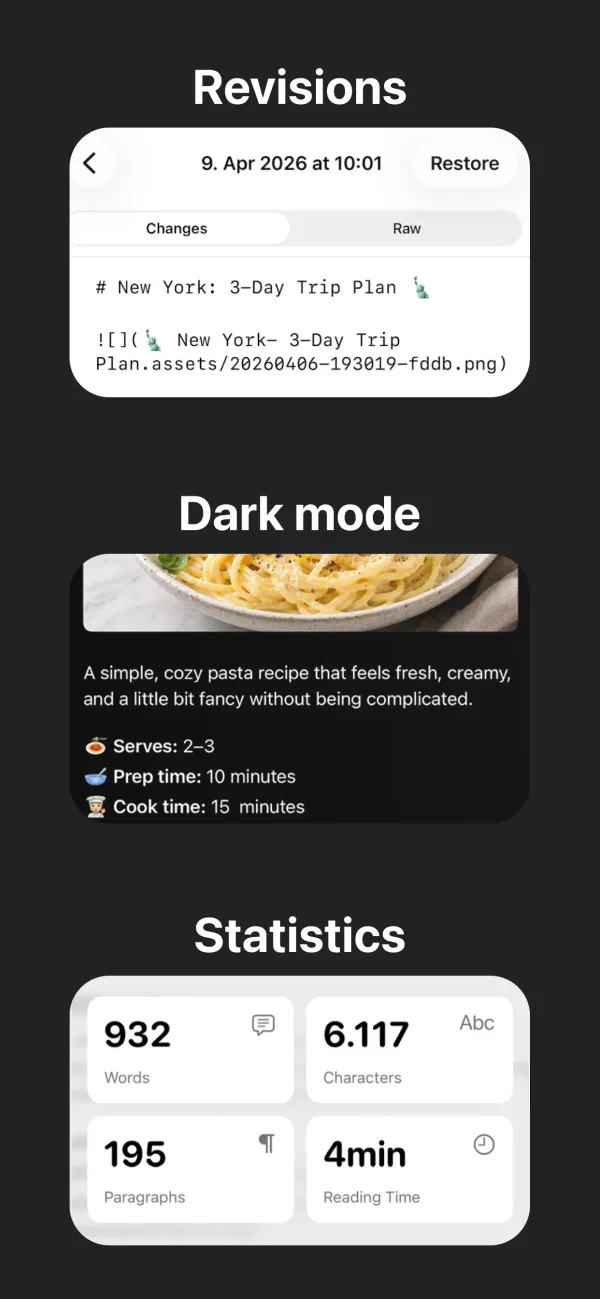
Revision history lets you restore previous versions of any note. PDF export and sharing are built in. A trash bin keeps deleted notes recoverable.
Organize your way
Nested folders, pinning, and tag-based filtering keep everything tidy. A clean sidebar puts your entire library one tap away.
Note statistics
Word count, character count, paragraphs, and estimated reading time — always available at a glance.
Your writing deserves a home that respects simplicity. Notelane is that home.
Có gì mới
Phiên bản 1.2.2 · 01/07/2026
Outline & Table of Contents
Jump around long notes in a tap. A new Outline button lets you see all your headings at a glance and scroll straight to any section — the heading you picked briefly highlights so you always know where you landed.
Dedicated Statistics button
Word count, character count, and reading time now live in their own button, right in the note toolbar.
Cleaner writing mode
When you're editing, the toolbar keeps only what you need — distractions hide away and reappear the moment you switch back to preview.
iOS-native folder menu
The folder menu now slides your notes gently aside instead of covering them, matching the feel you expect from iOS. It's faster, smoother, and scrolls freely.
Also in this update
- Added a Changelog link in Settings so you can see what's new
- Various refinements and polish
Quyền riêng tư của ứng dụng
Những gì Asterios Digital GmbH khai báo trên App Store về cách ứng dụng này xử lý dữ liệu.
-
Dữ liệu không được thu thập
Nhà phát triển không thu thập bất kỳ dữ liệu nào từ ứng dụng này.
Phương thức đảm bảo quyền riêng tư có thể khác nhau, chẳng hạn như tuỳ theo các tính năng bạn sử dụng hoặc độ tuổi của bạn.
Thông tin
- Người bán
- Asterios Digital GmbH
- Danh mục
- Hiệu Suất
- Phiên bản
- 1.2.2
- Cập nhật
- 01/07/2026
- Phát hành
- 14/04/2026
- Kích thước
- 19,4 MB
- Yêu cầu
- iOS 18.0 trở lên
- Độ tuổi
- 4+
- Giá
- Miễn phí
- Ngôn ngữ
- Tiếng Anh
- Bản quyền
- © Alexander Kaiser
Có thể bạn cũng thích
-
 Marked — Markdown EditorHiệu Suất
-
 Markflow — Markdown ReaderHiệu Suất
-
 SaveIt - Save Links & NotesHiệu Suất
-
 Ki-noteHiệu Suất
-
 Bookmark Read Later - LinkjoyHiệu Suất
-
 Hansson VaultHiệu Suất
-
 Verbatim: AI Note TakerHiệu Suất
-
 VortixHiệu Suất
-
 SoloMD: Markdown Editor & NoteHiệu Suất
-
 ZenNotes: Markdown NotesHiệu Suất