- Clasificación por edad4+
- CategoríaUtilidades
- DesarrolladorJessica Tunnicliffe
- IdiomasInglés
- Tamaño50,5 MB
Enlaza a la página oficial de App Store
Download.org no aloja ningún archivo de NotePad-Pro. El botón abre la página de la aplicación en App Store, donde la publica Jessica Tunnicliffe. Ficha comprobada por última vez el 14/11/2026.
Capturas de pantalla

Acerca de
El desarrollador no ha proporcionado este texto en tu idioma.
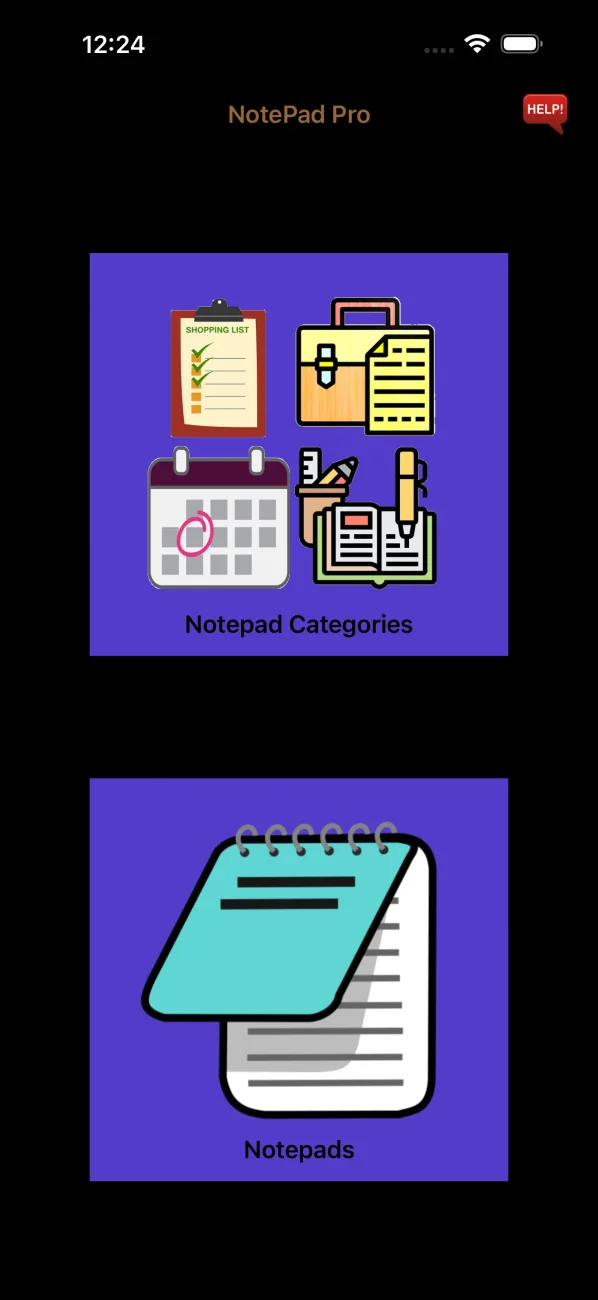
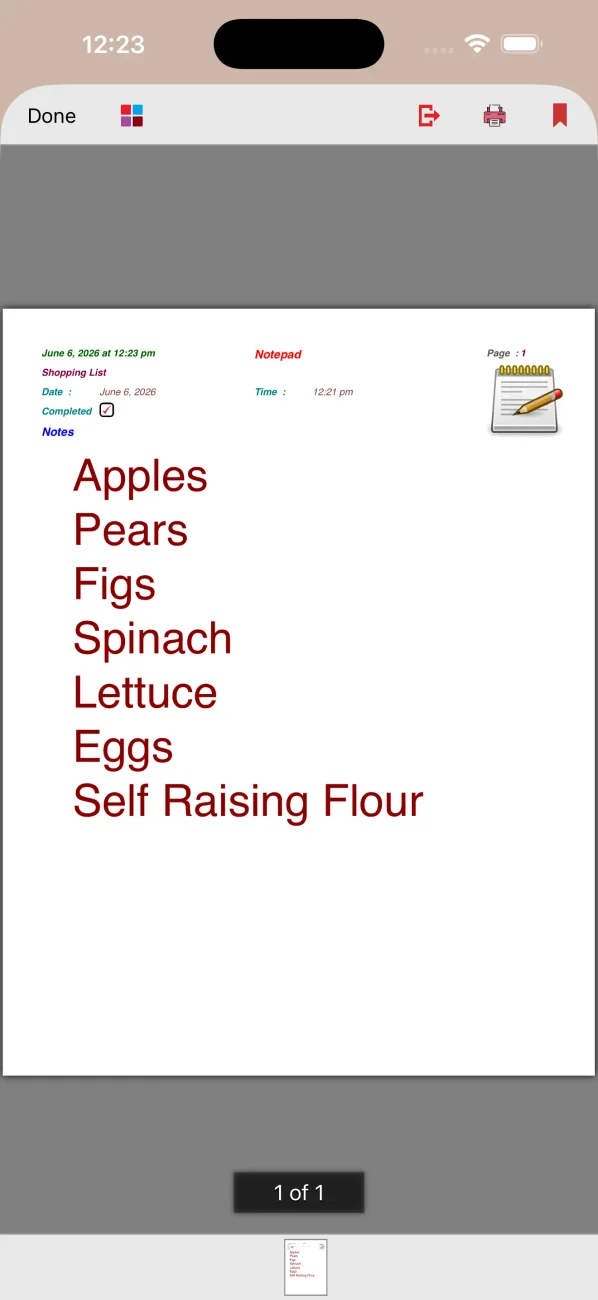
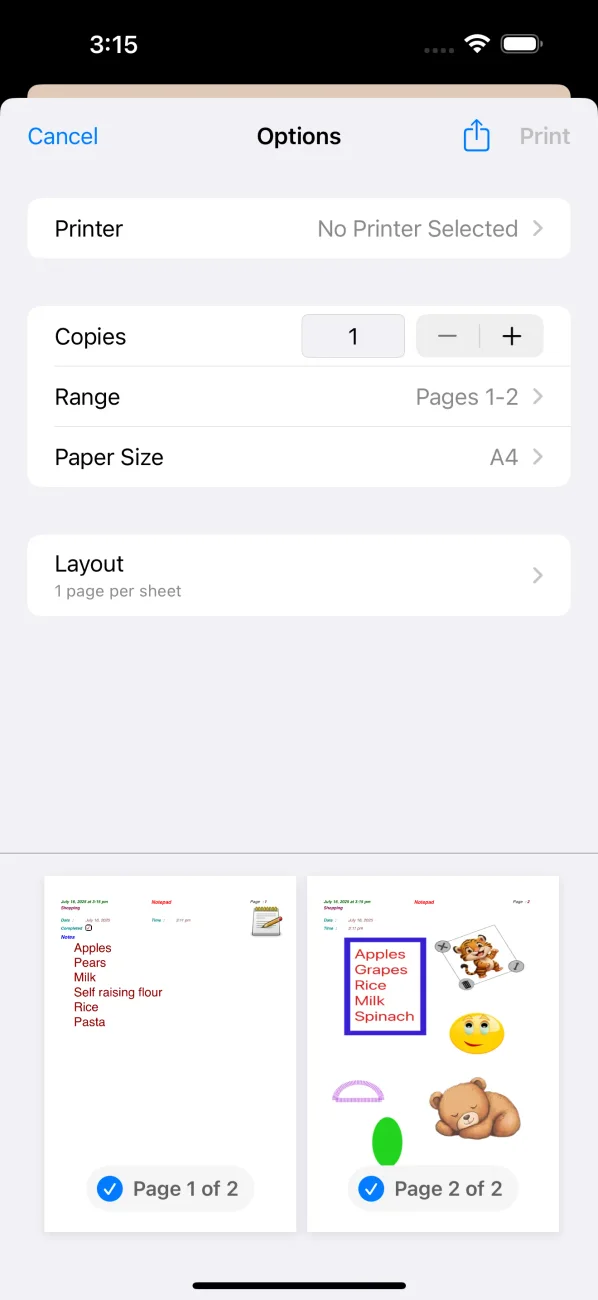
NotePad Pro was created to help you manage and create notepads in both typed format and handwritten format. Notepads are great for keeping notes, reminders, used as a shopping list, homework notes, meeting notes, lecture notes, etc. You have the option to create a book of all notepads, selected categories or selected notepads. They can be printed, emailed, send reminders or sms (sms typed text only). There are two functions available:
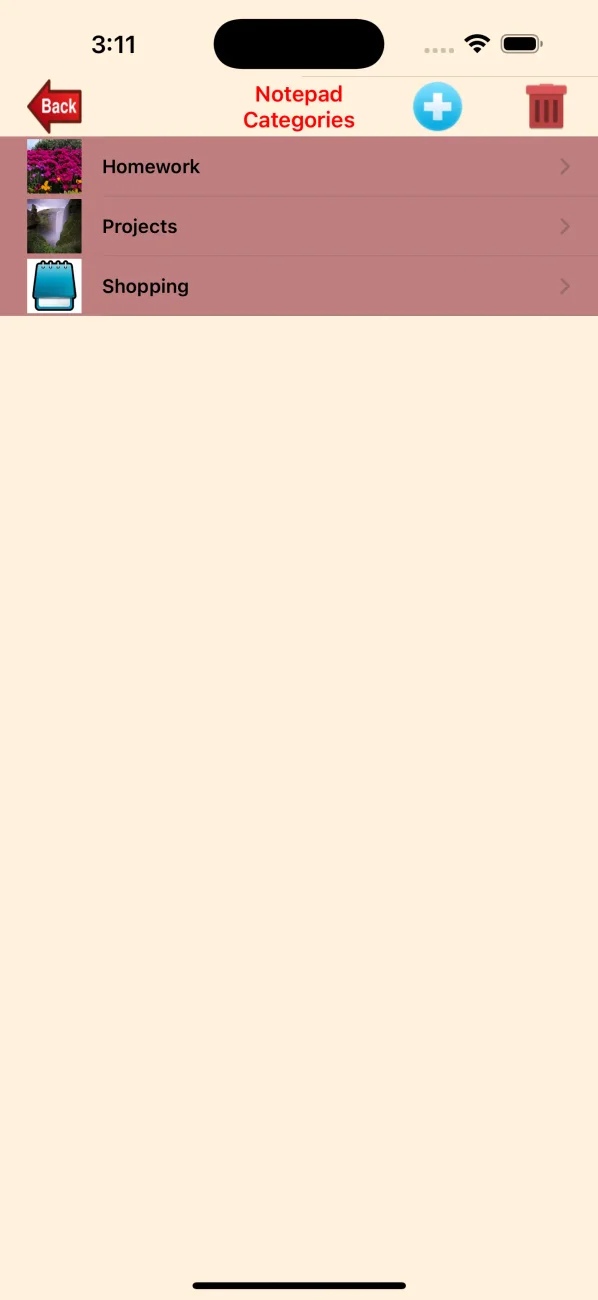
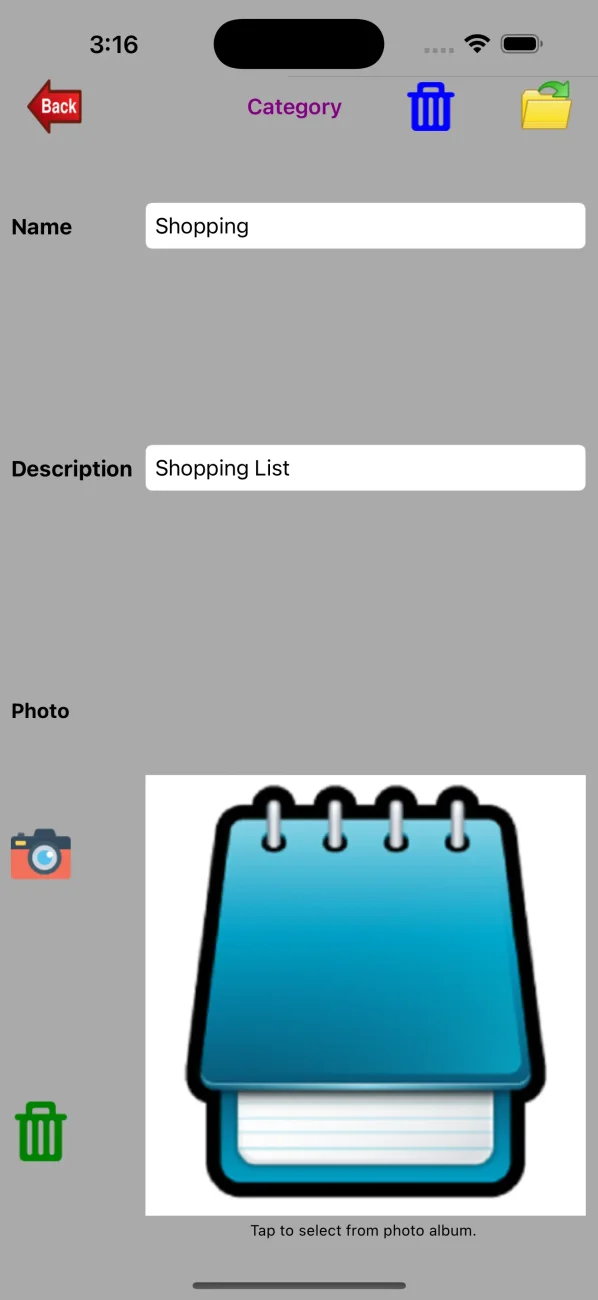
NotePad Categories - Create, edit or delete the categories for each notepad with the option to select a photo from your photo album or take a new photo. If you delete a Category, all notepads under that category will be deleted as well. To search for a category, simply enter the Category Name. You can change the photo or re-take another one.
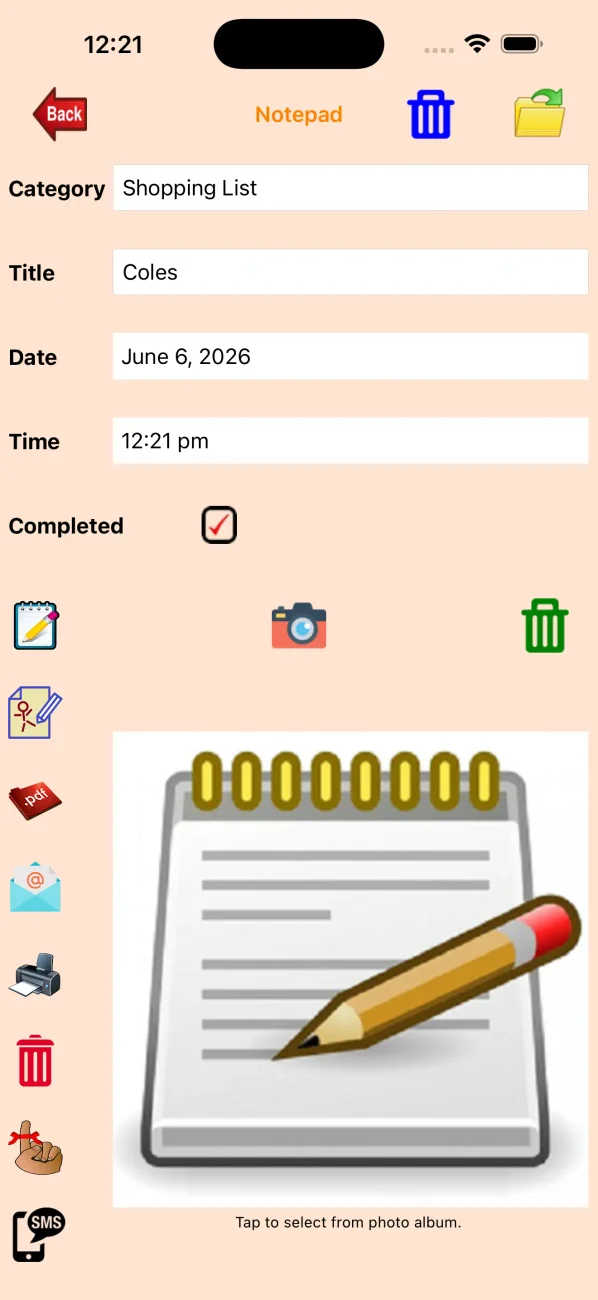
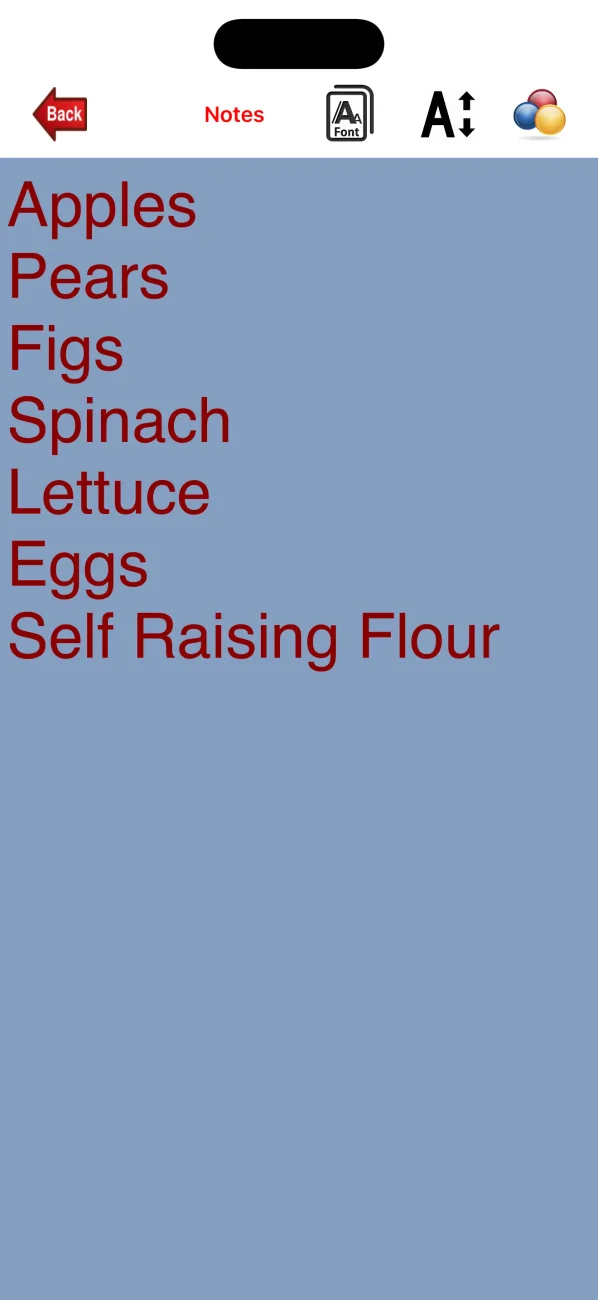
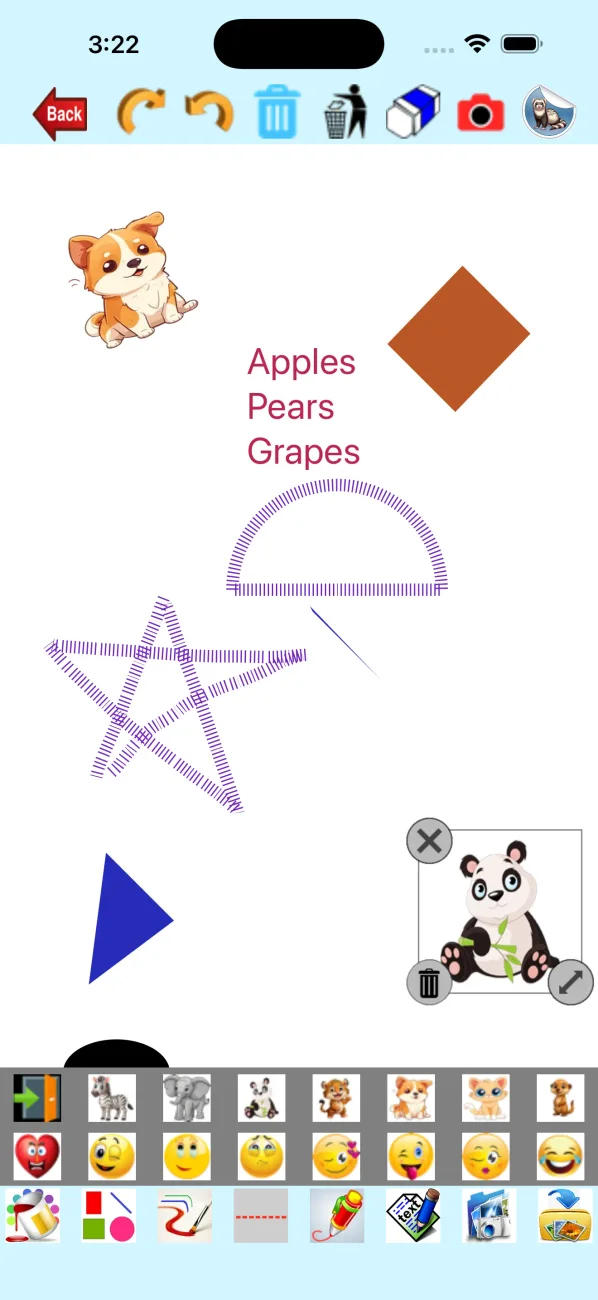
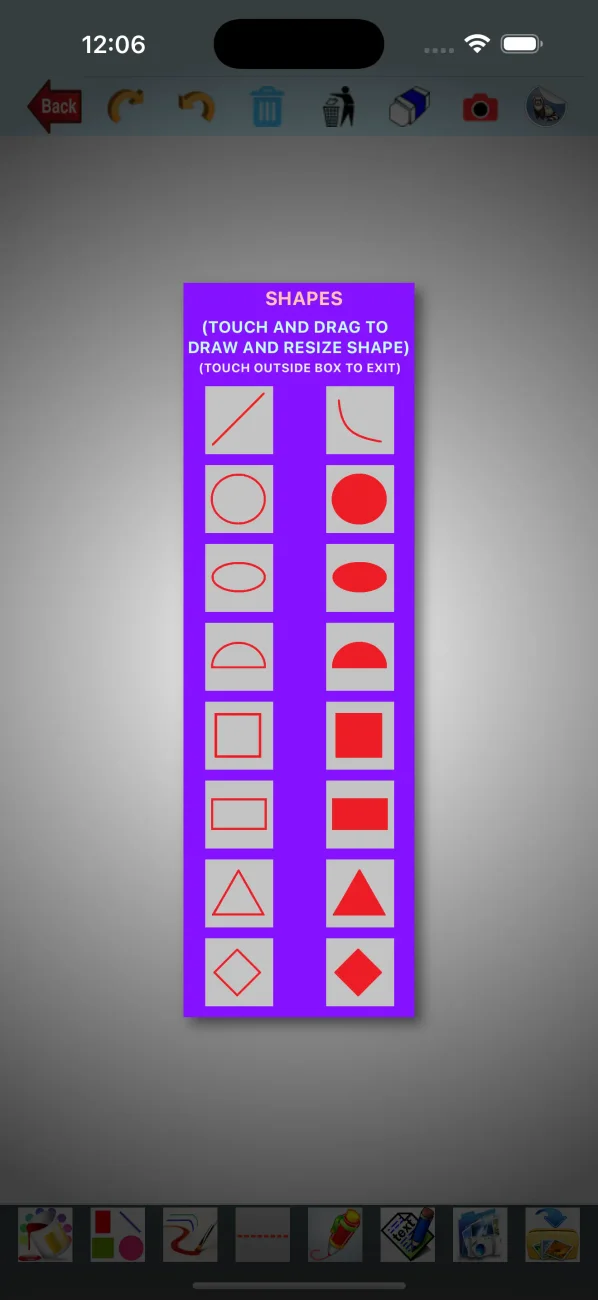
Notepads - Create, edit or delete the notepad for each category. You also have the option to delete all Checked notepads or one at a time. For each notepad, you enter the title, photo, notes (typed and/or written) and completion (checked/unchecked). You can select the photo from your photo album or take a new photo. The category, creation time and creation date will be automatically displayed. You can change the date and time. You have the option to change fonts, font size and font colour when entering the typed notes. To search for a notepad, simply enter the Notepad Title and the details will be displayed. For the handwritten notes, you can change the colour and width of the text or shapes. You can also select solid lines or dashed lines. Shapes included are arc, line, rectangle, rectangle fill, square, square fill, diamond, diamond fill, circle, circle fill, semicircle, semicirclefill, ellipse, ellipse fill, triangle and triangle fill. Stickers or Emoticons can be added to the page. Option to pick a photo from photo album or take a new one to use as background. You can also save the handwritten notes to your photo album. You have the option to email, display the pdf file, print, delete, set a reminder or SMS the notepad. The email will include the notepad in the email body and a pdf file as an attachment.
Novedades
Versión 1.0.46 · 22/10/2026
Bug fixes.
Privacidad de la aplicación
Lo que Jessica Tunnicliffe declara en App Store sobre cómo esta aplicación gestiona los datos.
-
No se recopilan datos
El desarrollador no recopila ningún dato de esta aplicación.
Las prácticas de privacidad pueden variar, por ejemplo, según las funciones que uses o tu edad.
Información
- Vendedor
- Jessica Tunnicliffe
- Categoría
- Utilidades
- Versión
- 1.0.46
- Actualizado
- 22/10/2026
- Publicado
- 27/8/2014
- Tamaño
- 50,5 MB
- Requiere
- iOS 15.6 o posterior
- Clasificación por edad
- 4+
- Precio
- 2,99 €
- Idiomas
- Inglés
- Copyright
- © Jessica Tunnicliffe
Quizá también te guste
-
 Meeting SlotUtilidades
-
 Notepad Pro - Color Memo NotesUtilidades
-
 Notas Adhesivas: Widget MemoNotas en pantalla de bloqueo
-
 CNAF CasualtyUtilidades
-
 Database : PocketDBUtilidades
-
 Electrical Calculator PlusUtilidades
-
 Patio Calculator Plusby Inch Calculator
-
 Tylö EliteUtilidades
-
 Mgears GoUtilidades
-
 Calculadora de Bloque Plusby Inch Calculator