- Age rating4+
- CategoryUtilities
- DeveloperJessica Tunnicliffe
- LanguagesEnglish
- Size50.5 MB
Links to the official App Store page
Download.org hosts no file of NotePad-Pro. The button opens its official App Store page, published by Jessica Tunnicliffe. Listing last checked on Nov 14, 2026.
Screenshots

About
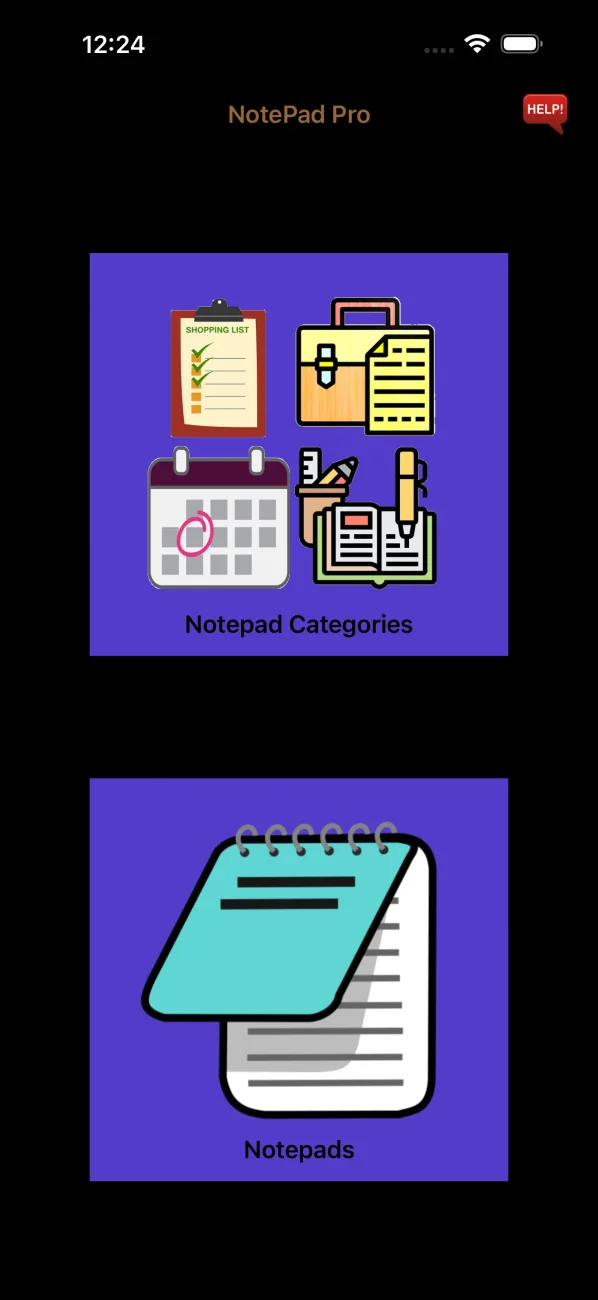
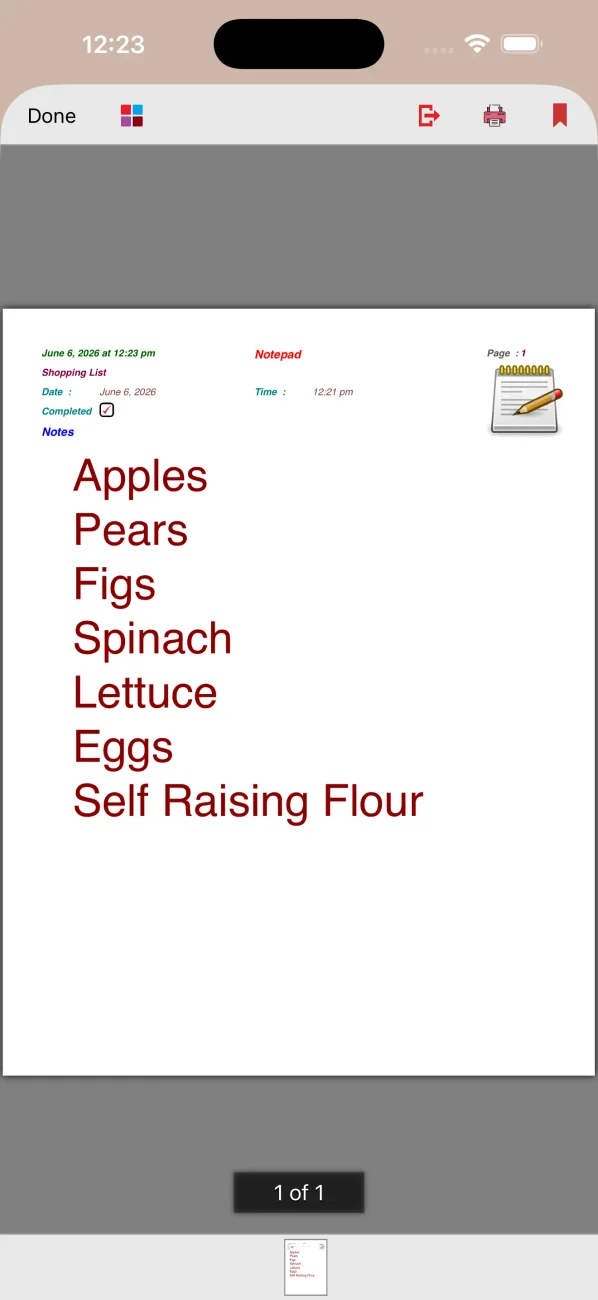
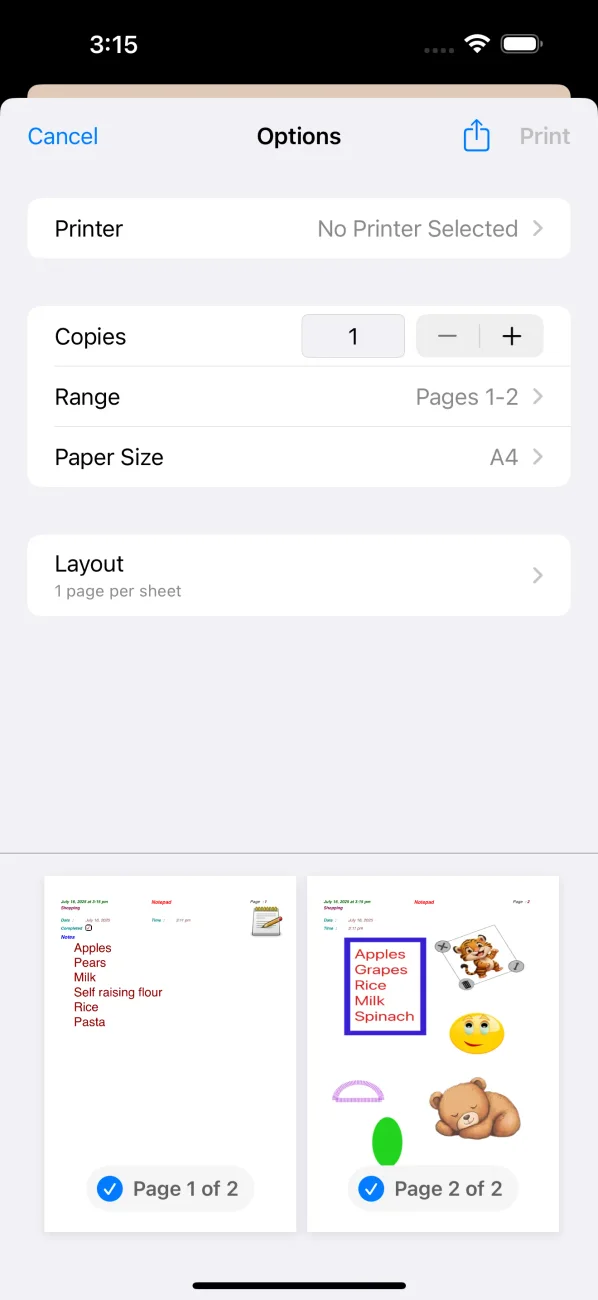
NotePad Pro was created to help you manage and create notepads in both typed format and handwritten format. Notepads are great for keeping notes, reminders, used as a shopping list, homework notes, meeting notes, lecture notes, etc. You have the option to create a book of all notepads, selected categories or selected notepads. They can be printed, emailed, send reminders or sms (sms typed text only). There are two functions available:
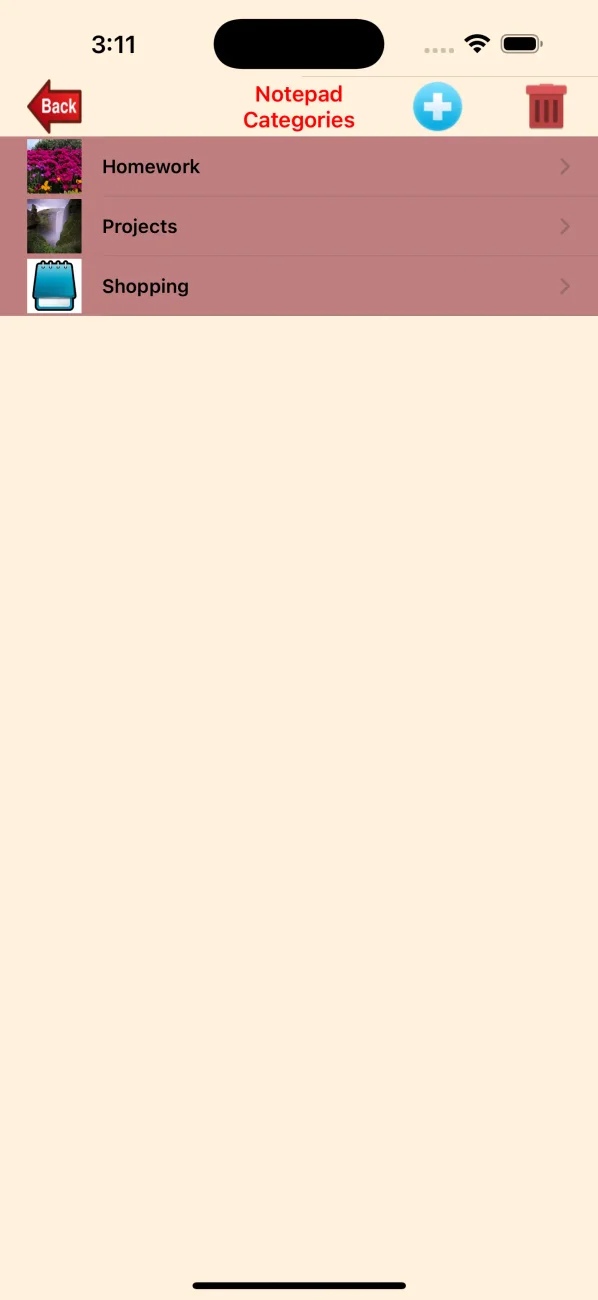
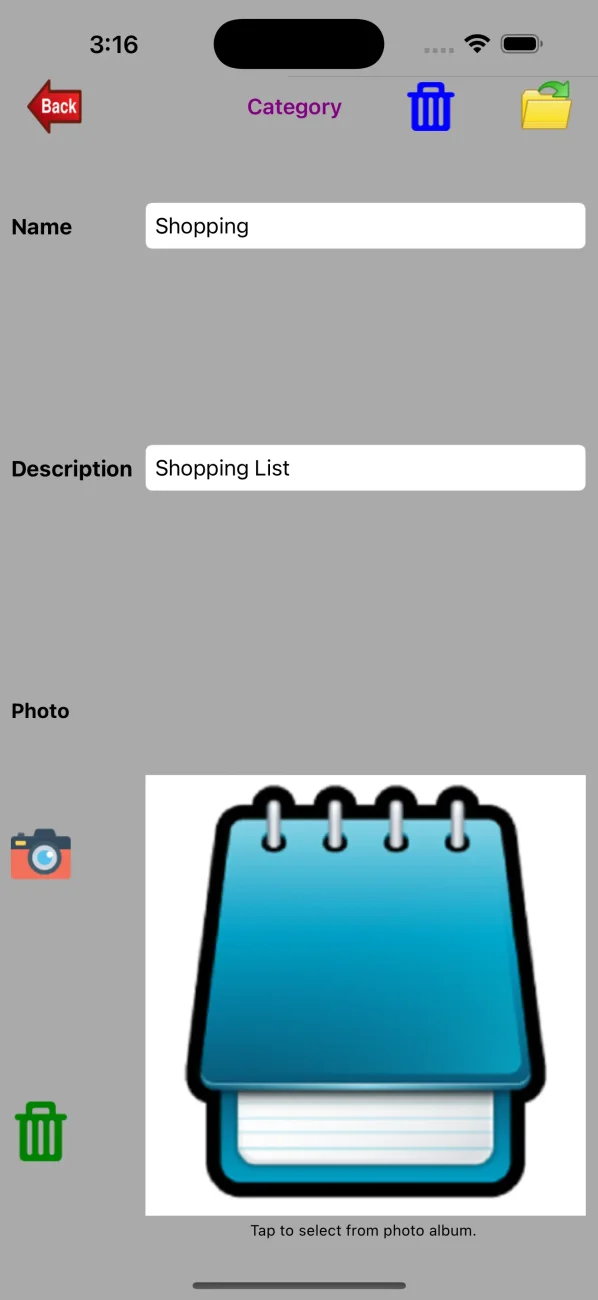
NotePad Categories - Create, edit or delete the categories for each notepad with the option to select a photo from your photo album or take a new photo. If you delete a Category, all notepads under that category will be deleted as well. To search for a category, simply enter the Category Name. You can change the photo or re-take another one.
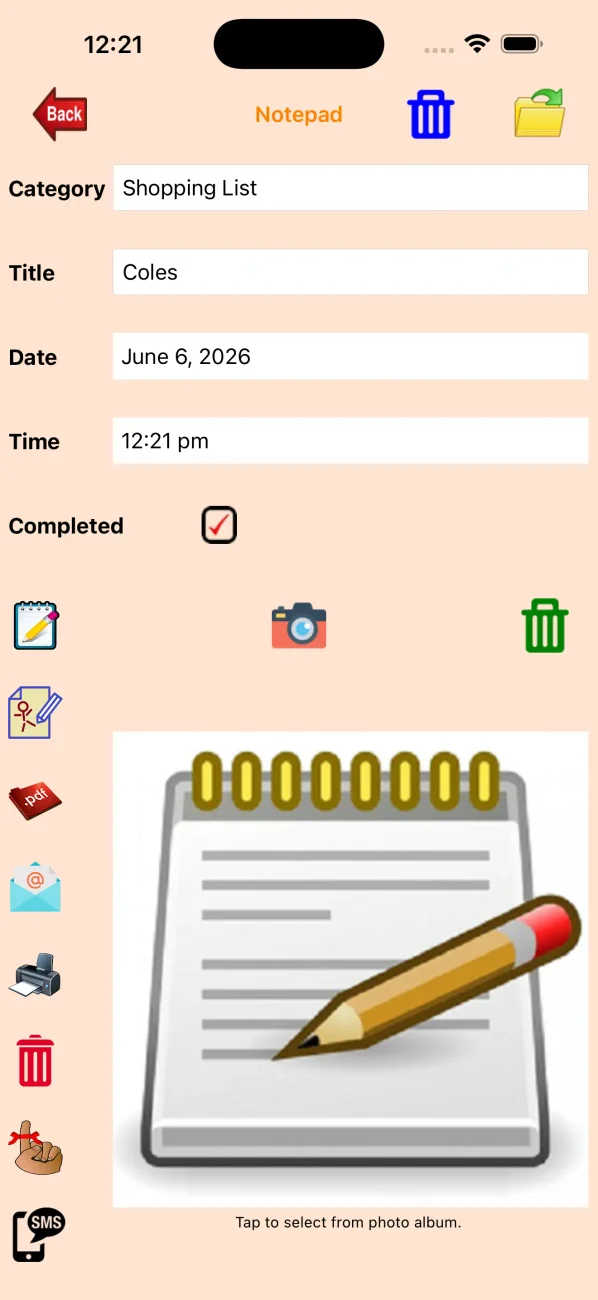
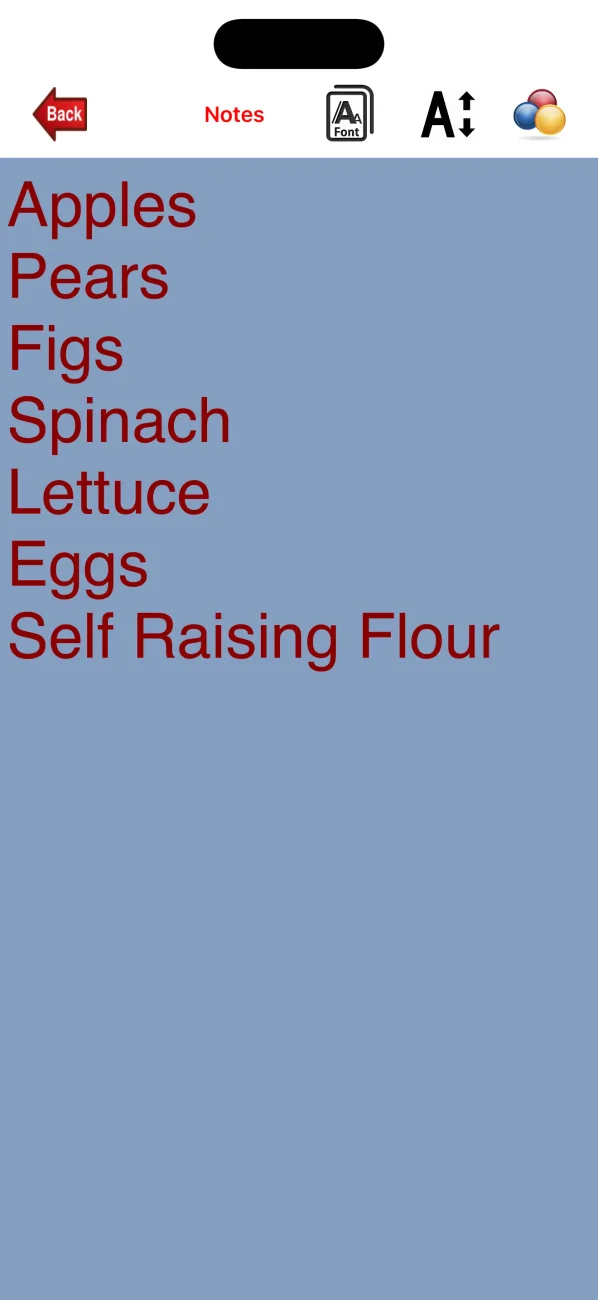
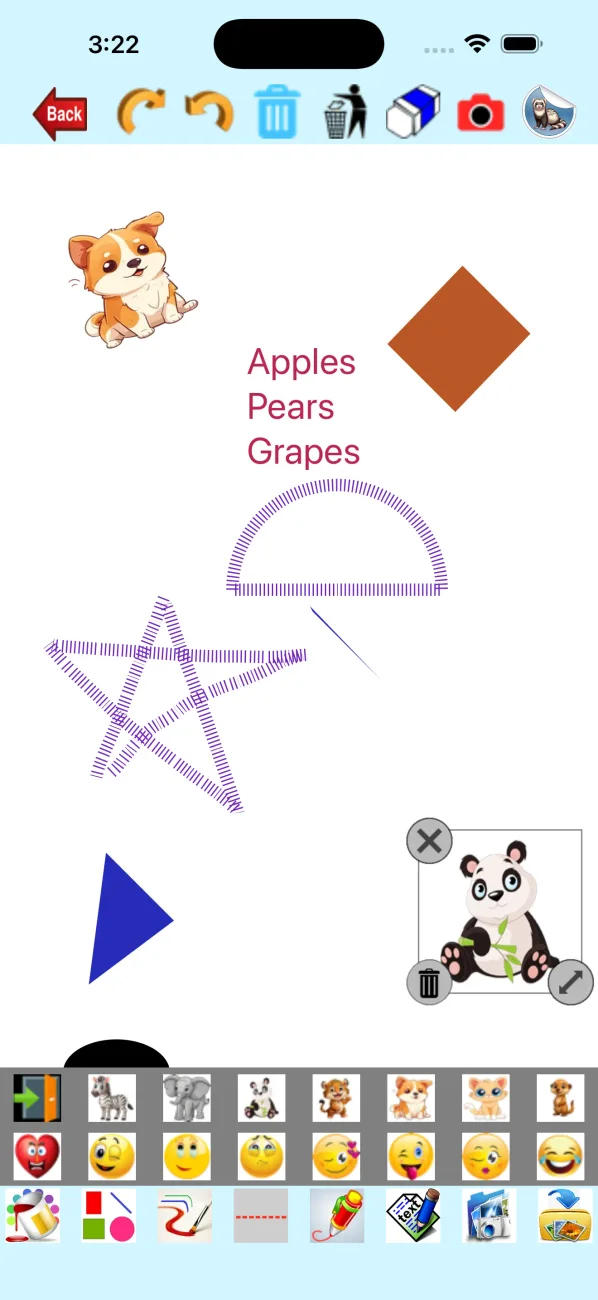
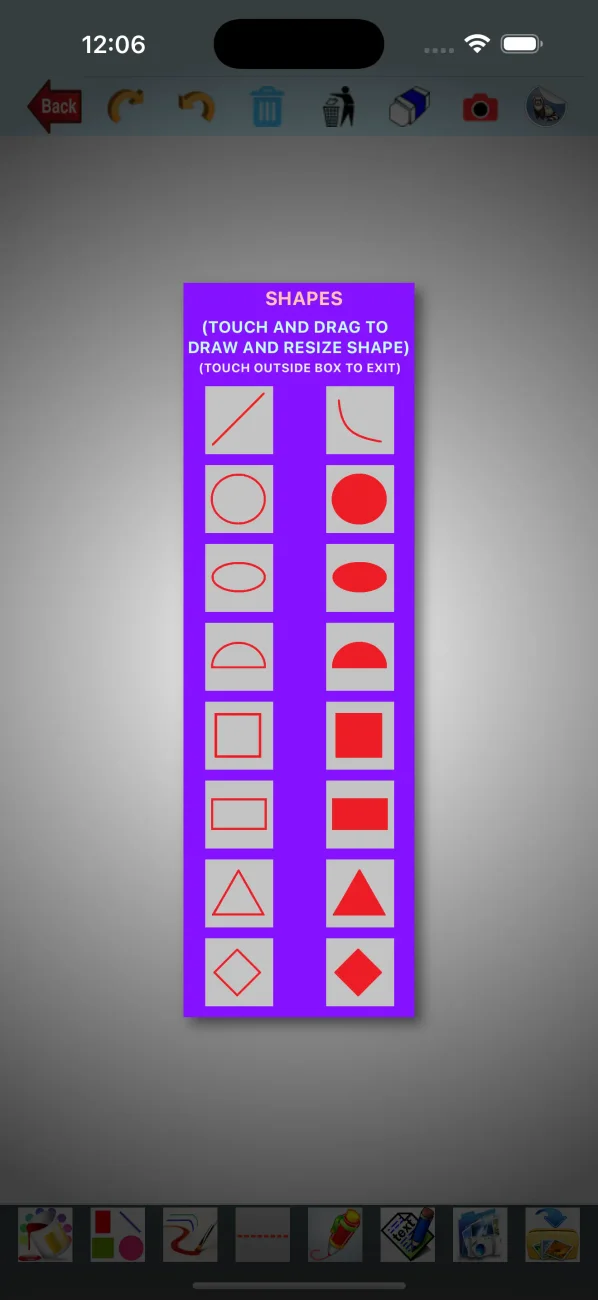
Notepads - Create, edit or delete the notepad for each category. You also have the option to delete all Checked notepads or one at a time. For each notepad, you enter the title, photo, notes (typed and/or written) and completion (checked/unchecked). You can select the photo from your photo album or take a new photo. The category, creation time and creation date will be automatically displayed. You can change the date and time. You have the option to change fonts, font size and font colour when entering the typed notes. To search for a notepad, simply enter the Notepad Title and the details will be displayed. For the handwritten notes, you can change the colour and width of the text or shapes. You can also select solid lines or dashed lines. Shapes included are arc, line, rectangle, rectangle fill, square, square fill, diamond, diamond fill, circle, circle fill, semicircle, semicirclefill, ellipse, ellipse fill, triangle and triangle fill. Stickers or Emoticons can be added to the page. Option to pick a photo from photo album or take a new one to use as background. You can also save the handwritten notes to your photo album. You have the option to email, display the pdf file, print, delete, set a reminder or SMS the notepad. The email will include the notepad in the email body and a pdf file as an attachment.
What’s new
Version 1.0.46 · Oct 22, 2026
Bug fixes.
App privacy
What Jessica Tunnicliffe declares on the App Store about how this app handles data.
-
Data not collected
The developer does not collect any data from this app.
Privacy practices may vary, for example with the features you use or your age.
Information
- Seller
- Jessica Tunnicliffe
- Category
- Utilities
- Version
- 1.0.46
- Updated
- Oct 22, 2026
- Released
- Aug 27, 2014
- Size
- 50.5 MB
- Requires
- iOS 15.6 or later
- Age rating
- 4+
- Price
- $2.99
- Languages
- English
- Copyright
- © Jessica Tunnicliffe
You might also like
-
 Meeting Slotfor International meeting
-
 Notepad Pro - Color Memo NotesSimple Quick Lists & Reminders
-
 Post Stick Notes: Memo WidgetSticky Notes on Lock Screen
-
 CNAF CasualtyUtilities
-
 Database : PocketDBInfo collector, home inventory
-
 Electrical Calculator Plusby Inch Calculator
-
 Patio Calculator Plusby Inch Calculator
-
 Tylö EliteUtilities
-
 Mgears GoMstick, available on Mgears Go
-
 Block Calculator Plusby Inch Calculator