- Clasificación por edad4+
- CategoríaUtilidades
- DesarrolladorStanley Stradling
- IdiomasInglés
- Tamaño19,1 MB
Es posible que OBS HUB no esté disponible en App Store en este momento
No se pudo acceder a la ficha de la tienda en nuestra última comprobación. El enlace sigue llevando a la página oficial de App Store.
Capturas de pantalla

Acerca de
El desarrollador no ha proporcionado este texto en tu idioma.
OBS Hub — Live Production Controller
Take control of your live production from anywhere in the room.
OBS Hub is a professional remote control surface for OBS Studio, designed for church AV teams, live event operators, and broadcast technicians who need reliable, responsive control without being tethered to a computer.
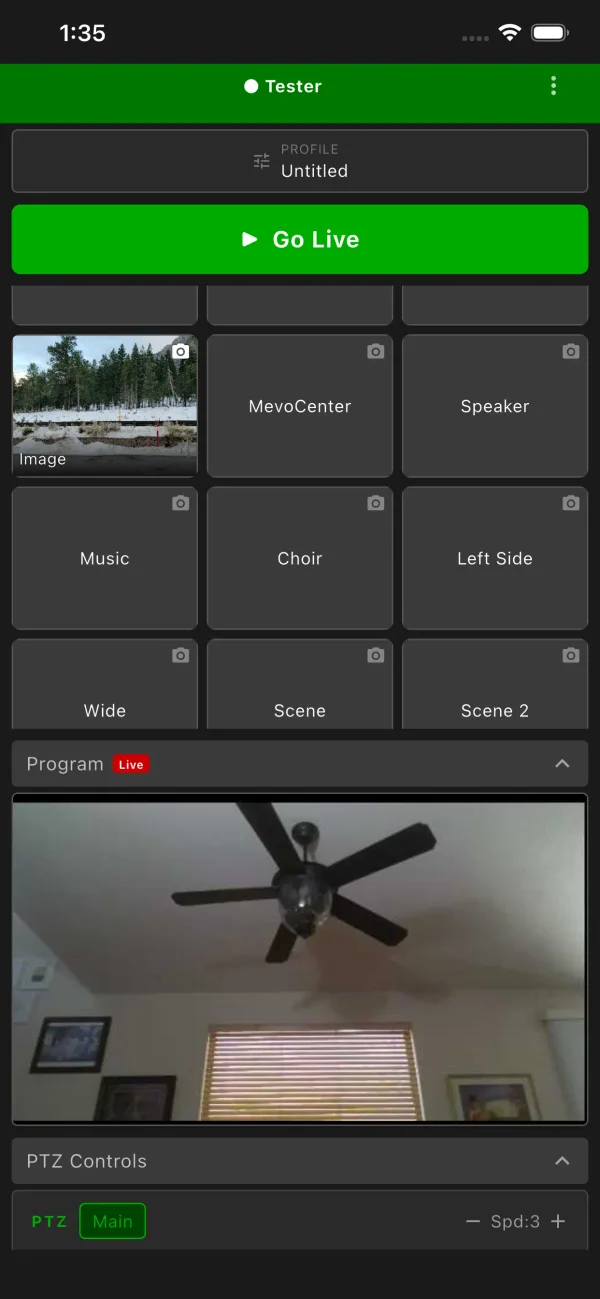
Scene Control
Switch scenes instantly, monitor your program output live, and manage studio mode transitions — all from your phone.
PTZ Camera Control
Pan, tilt, zoom, and recall presets on your PTZ cameras directly from the app. Save custom positions for quick recall during live events.
Audio Management
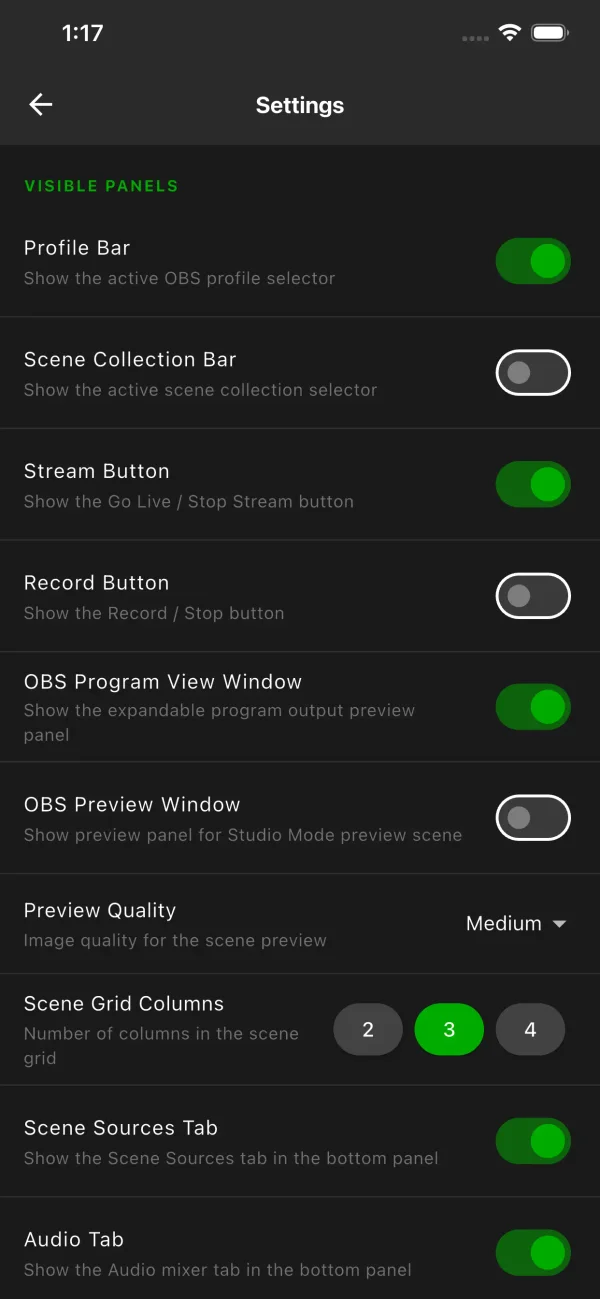
Mute, unmute, and adjust volume levels on any audio source. Monitor filters and manage which sources are visible to keep your workspace clean.
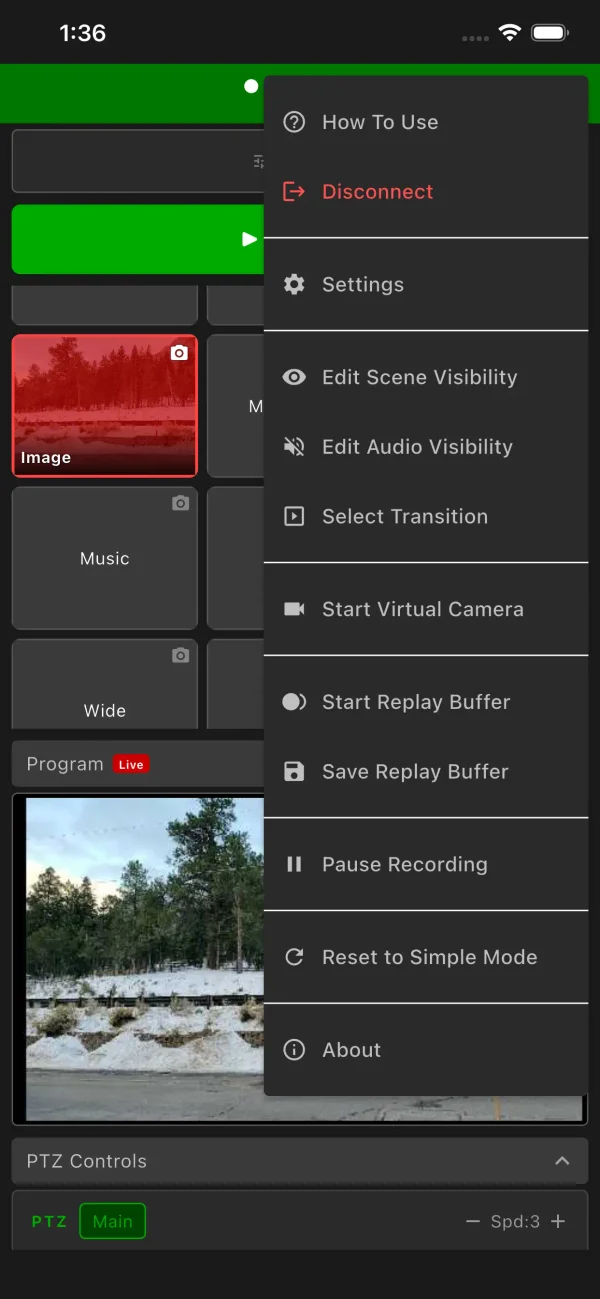
Stream & Record
Start, stop, and monitor your stream and recording with live timers and status indicators.
Built for Real Production
Works entirely on your local network — no internet required
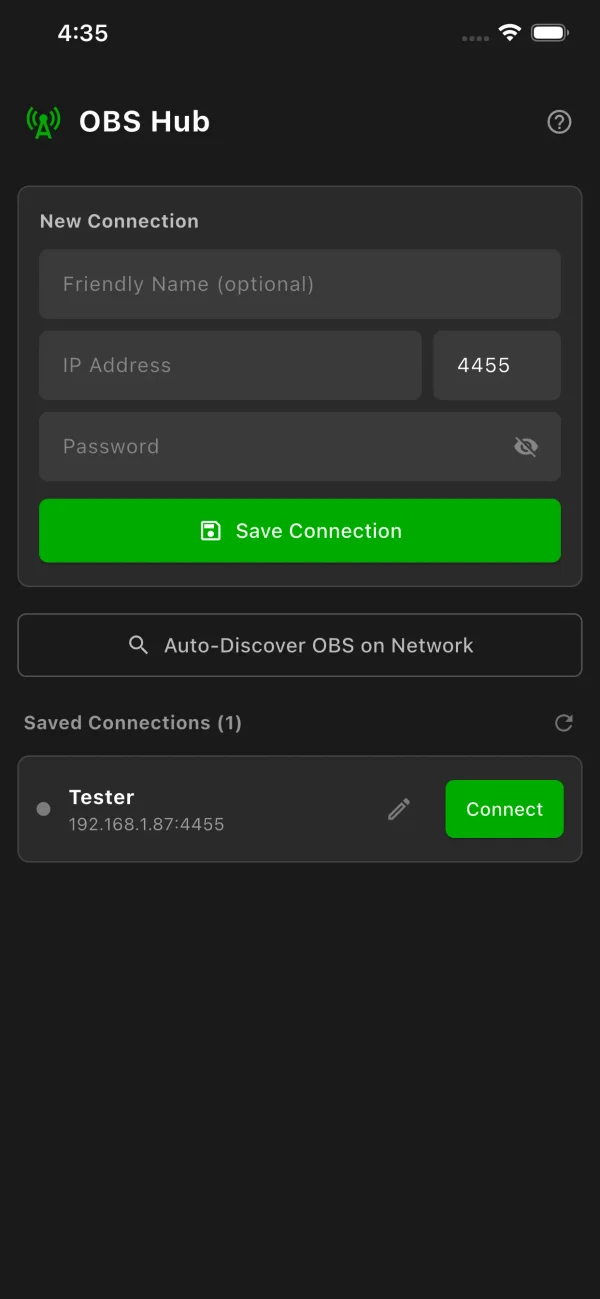
Connects directly to OBS Studio via WebSocket
Per-connection settings for multiple venues
Designed for volunteers and professionals alike
Requirements
OBS Studio with WebSocket Server enabled (Tools → WebSocket Server Settings)
Same local network as your OBS machine
Port 4455 open (default OBS WebSocket port)
Novedades
Versión 1.0.16 · 10/6/2026
• Active Audio Indicators — sources show a green "Active" pill when signal is detected in real time. In Studio Mode,
preview sources show a blue "Prev" pill
• Active Only Filter — new button in the Audio tab to hide silent sources
• PTZ Preset Labels — long-press any preset button (P1–P12) to set a custom name
• Confirm Before Stopping Stream — safety confirmation when stopping a live stream
• Stream controls pinned to top — no longer scrolls away
• Dropped frames shown inline with stream timecode
• Bug fixes: thumbnails per-connection, projector save/load fixes
Privacidad de la aplicación
Lo que Stanley Stradling declara en App Store sobre cómo esta aplicación gestiona los datos.
-
No se recopilan datos
El desarrollador no recopila ningún dato de esta aplicación.
Las prácticas de privacidad pueden variar, por ejemplo, según las funciones que uses o tu edad.
Información
- Vendedor
- Stanley Stradling
- Categoría
- Utilidades
- Versión
- 1.0.16
- Actualizado
- 10/6/2026
- Publicado
- 8/4/2026
- Tamaño
- 19,1 MB
- Requiere
- iOS 13.0 o posterior
- Clasificación por edad
- 4+
- Idiomas
- Inglés
- Copyright
- © 2026 Stanley Stradling