- Độ tuổi4+
- Danh mụcTiện Ích
- Nhà phát triểnStanley Stradling
- Ngôn ngữTiếng Anh
- Kích thước19,1 MB
Liên kết đến trang App Store chính thức
Download.org không lưu trữ tệp nào của OBS HUB. Nút này mở trang ứng dụng trên App Store, nơi Stanley Stradling phát hành ứng dụng. Trang được kiểm tra lần cuối: 16/11/2026.
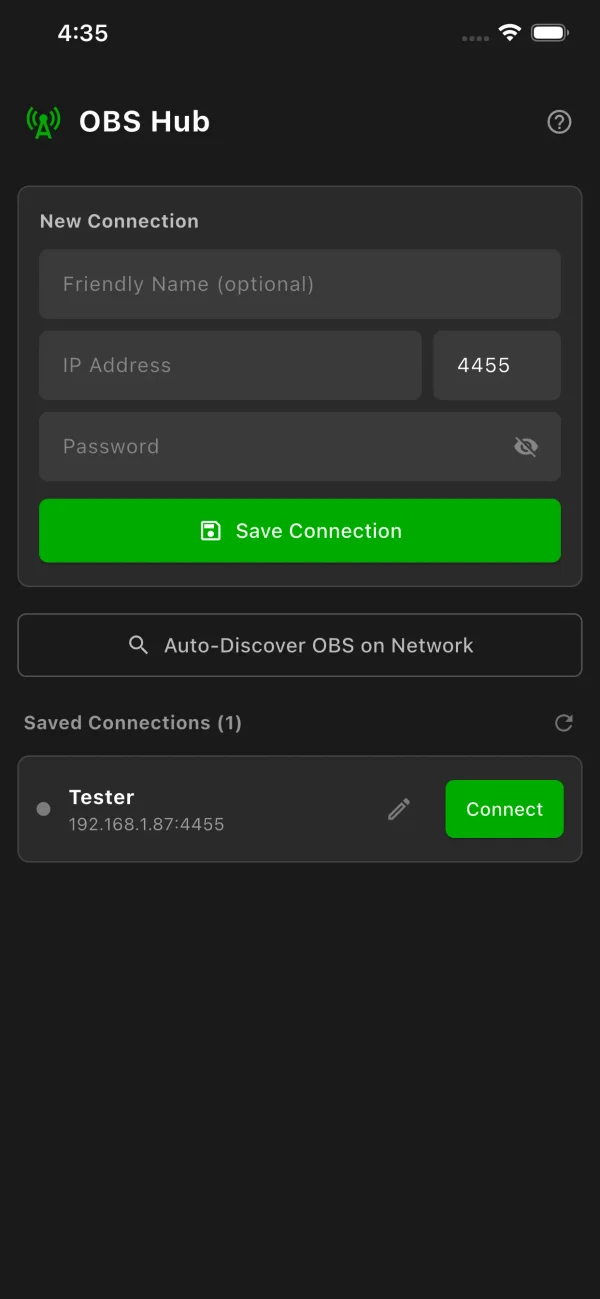
Ảnh chụp màn hình

Giới thiệu
Nhà phát triển chưa cung cấp nội dung này bằng ngôn ngữ của bạn.
OBS Hub — Live Production Controller
Take control of your live production from anywhere in the room.
OBS Hub is a professional remote control surface for OBS Studio, designed for church AV teams, live event operators, and broadcast technicians who need reliable, responsive control without being tethered to a computer.
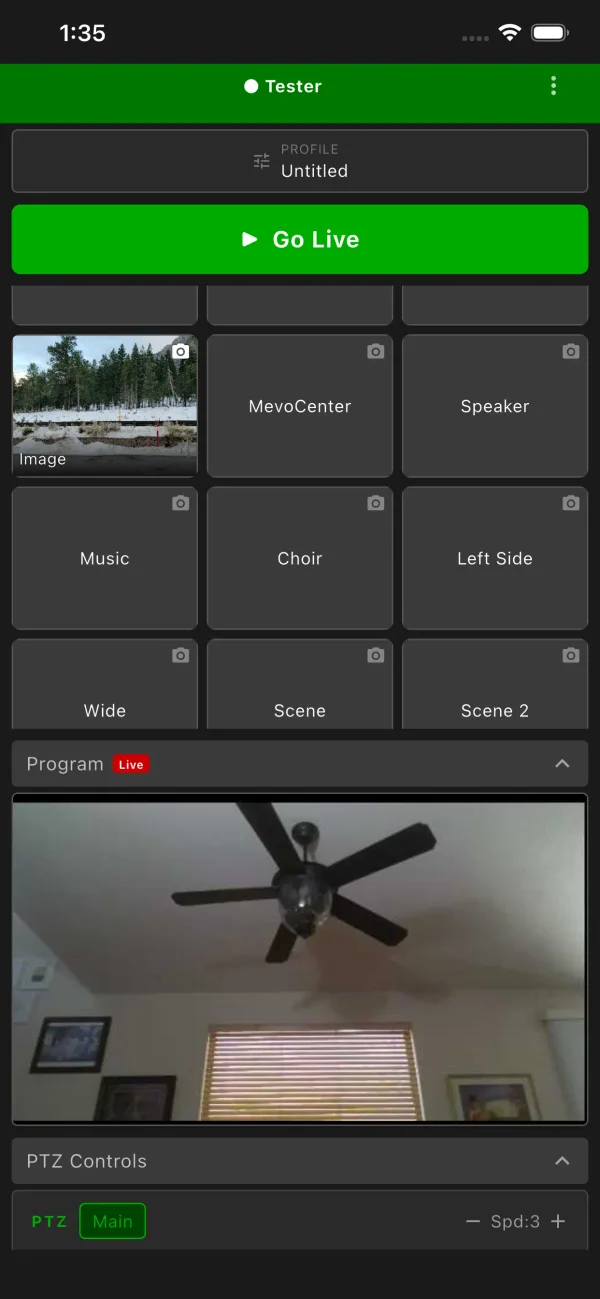
Scene Control
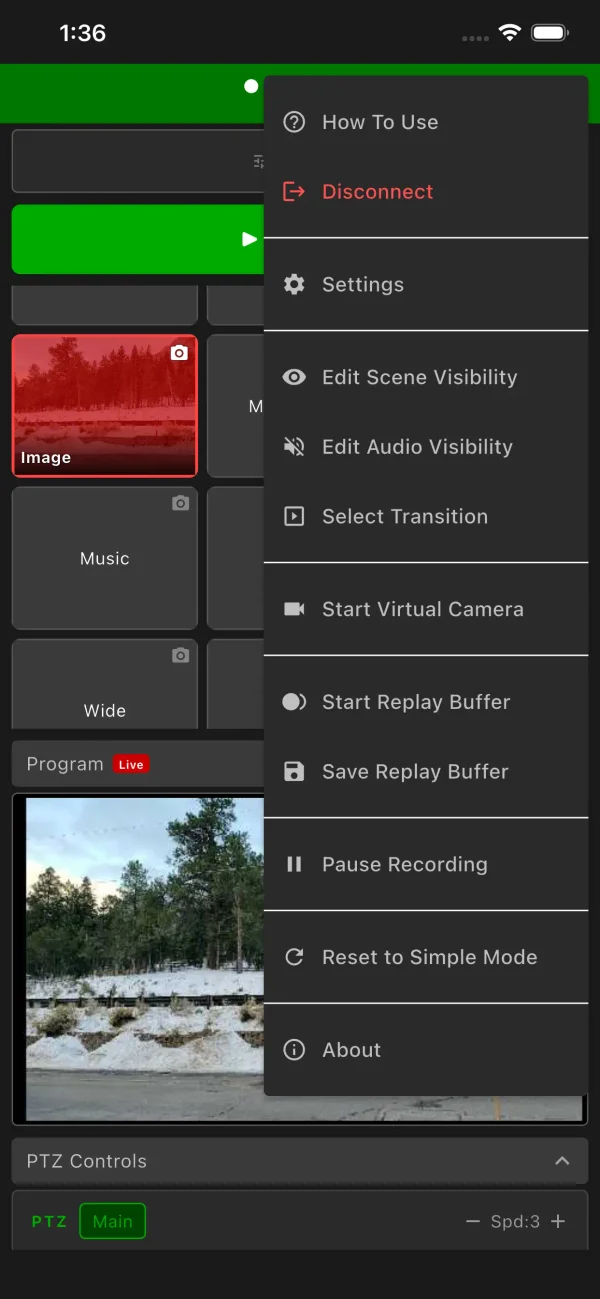
Switch scenes instantly, monitor your program output live, and manage studio mode transitions — all from your phone.
PTZ Camera Control
Pan, tilt, zoom, and recall presets on your PTZ cameras directly from the app. Save custom positions for quick recall during live events.
Audio Management
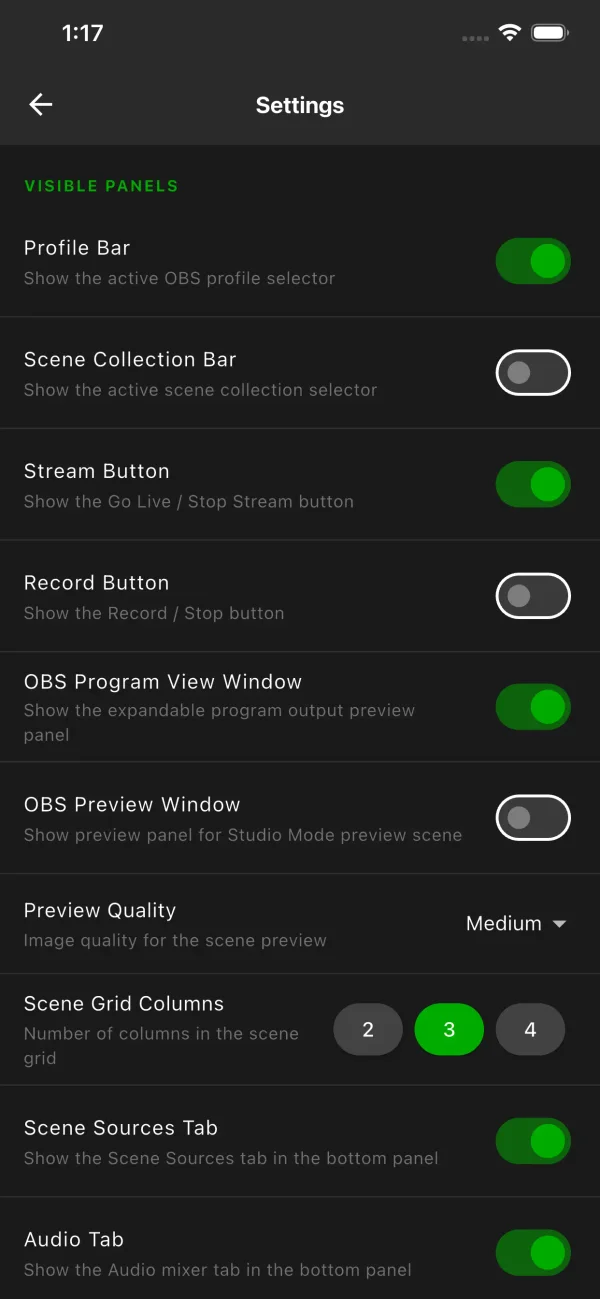
Mute, unmute, and adjust volume levels on any audio source. Monitor filters and manage which sources are visible to keep your workspace clean.
Stream & Record
Start, stop, and monitor your stream and recording with live timers and status indicators.
Built for Real Production
Works entirely on your local network — no internet required
Connects directly to OBS Studio via WebSocket
Per-connection settings for multiple venues
Designed for volunteers and professionals alike
Requirements
OBS Studio with WebSocket Server enabled (Tools → WebSocket Server Settings)
Same local network as your OBS machine
Port 4455 open (default OBS WebSocket port)
Có gì mới
Phiên bản 1.0.16 · 10/06/2026
• Active Audio Indicators — sources show a green "Active" pill when signal is detected in real time. In Studio Mode,
preview sources show a blue "Prev" pill
• Active Only Filter — new button in the Audio tab to hide silent sources
• PTZ Preset Labels — long-press any preset button (P1–P12) to set a custom name
• Confirm Before Stopping Stream — safety confirmation when stopping a live stream
• Stream controls pinned to top — no longer scrolls away
• Dropped frames shown inline with stream timecode
• Bug fixes: thumbnails per-connection, projector save/load fixes
Quyền riêng tư của ứng dụng
Những gì Stanley Stradling khai báo trên App Store về cách ứng dụng này xử lý dữ liệu.
-
Dữ liệu không được thu thập
Nhà phát triển không thu thập bất kỳ dữ liệu nào từ ứng dụng này.
Phương thức đảm bảo quyền riêng tư có thể khác nhau, chẳng hạn như tuỳ theo các tính năng bạn sử dụng hoặc độ tuổi của bạn.
Thông tin
- Người bán
- Stanley Stradling
- Danh mục
- Tiện Ích
- Phiên bản
- 1.0.16
- Cập nhật
- 10/06/2026
- Phát hành
- 08/04/2026
- Kích thước
- 19,1 MB
- Yêu cầu
- iOS 13.0 trở lên
- Độ tuổi
- 4+
- Giá
- Miễn phí
- Ngôn ngữ
- Tiếng Anh
- Bản quyền
- © 2026 Stanley Stradling