OCR, Read & Convert Documents
PDF, OCR, Scanner & CV
Diseñada para iPhone, iPad
Gratis · Compras en la aplicación
- Clasificación por edad4+
- CategoríaProductividad
- DesarrolladorAnatol Radzko
- IdiomasItaliano+ 2 más
- Tamaño28,4 MB
Enlaza a la página oficial de App Store
Download.org no aloja ningún archivo de OCR, Read & Convert Documents. El botón abre la página de la aplicación en App Store, donde la publica Anatol Radzko. Ficha comprobada por última vez el 21/11/2026.
Capturas de pantalla
Acerca de
El desarrollador no ha proporcionado este texto en tu idioma.
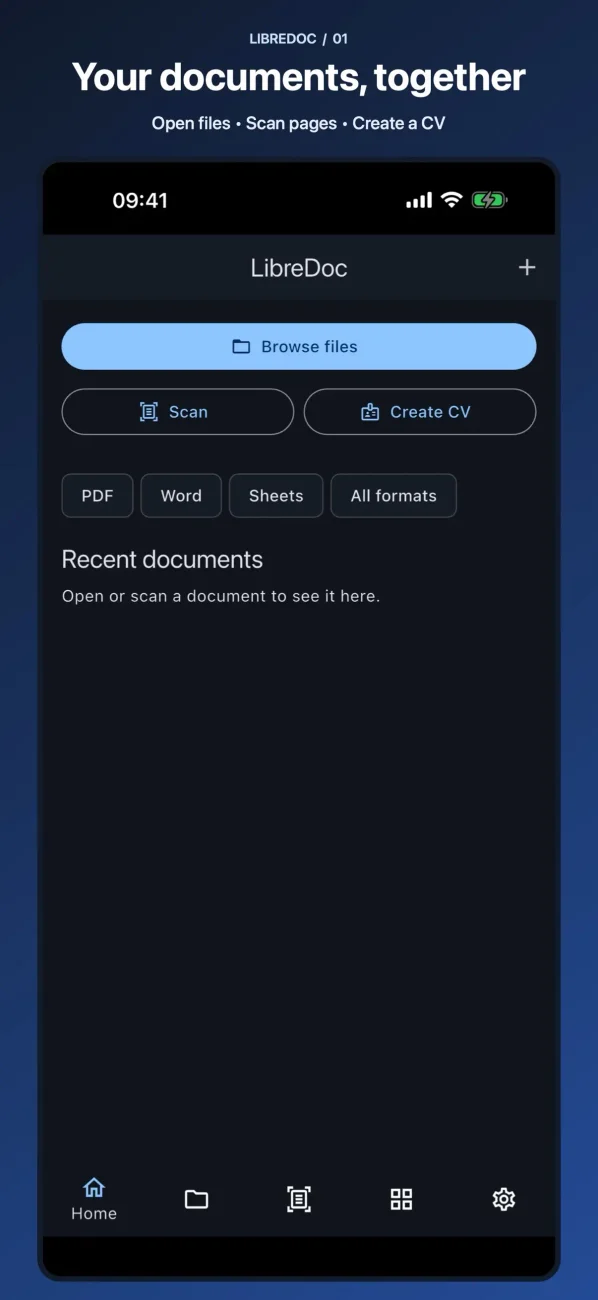
Scan paper, edit PDF text, open files and build a CV in one workspace. LibreDoc processes your document contents on the device and does not require a LibreDoc account.
Read and edit on the page
Open supported documents, resume reading, scan paper with on-device OCR, and add notes or highlights. Tap a word and edit on the PDF page. Save several changes in one session. LibreDoc approximates the original size, typeface, text colour and background; complex layouts can differ. Visual editing is not secure redaction.
Build a CV
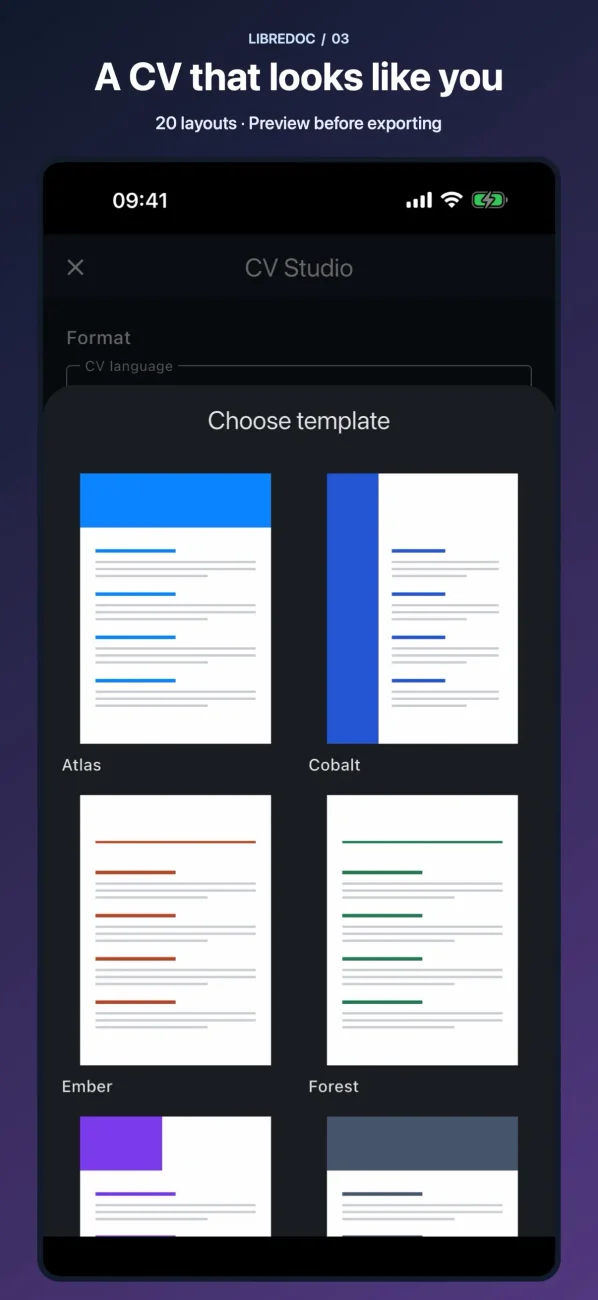
Choose from 20 layouts and six CV languages. Add experience, education and an optional portrait. Adjust the photo in the chosen layout and check a watermarked preview before exporting. Each clean PDF export uses one credit, including for subscribers.
Convert, print and share
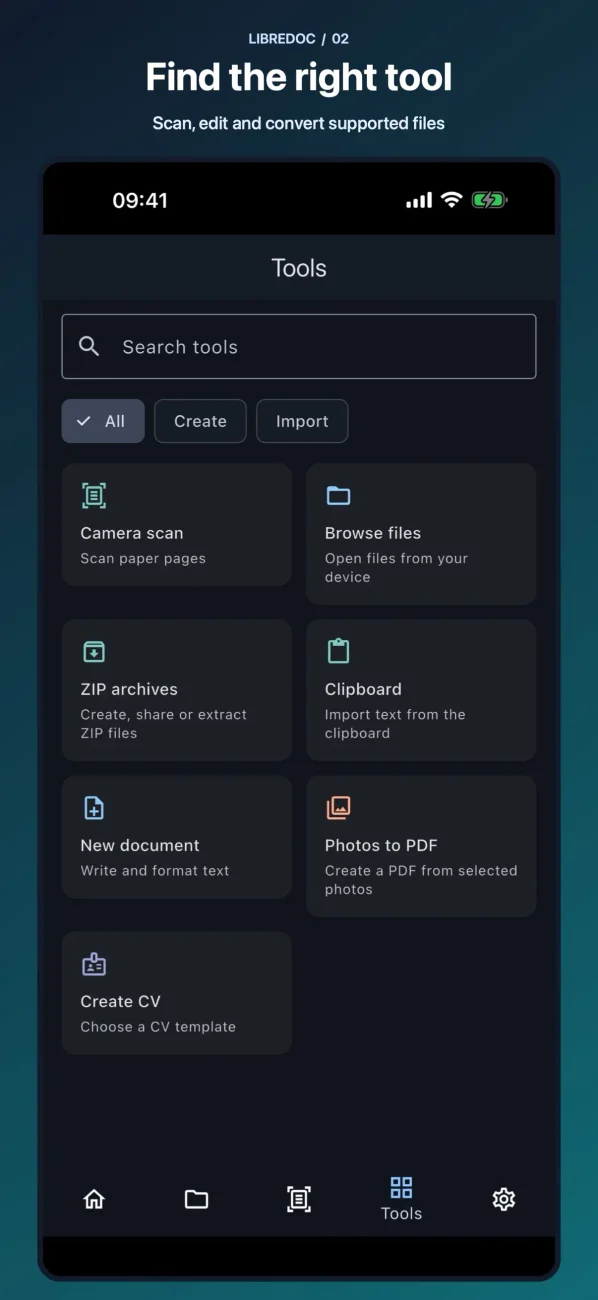
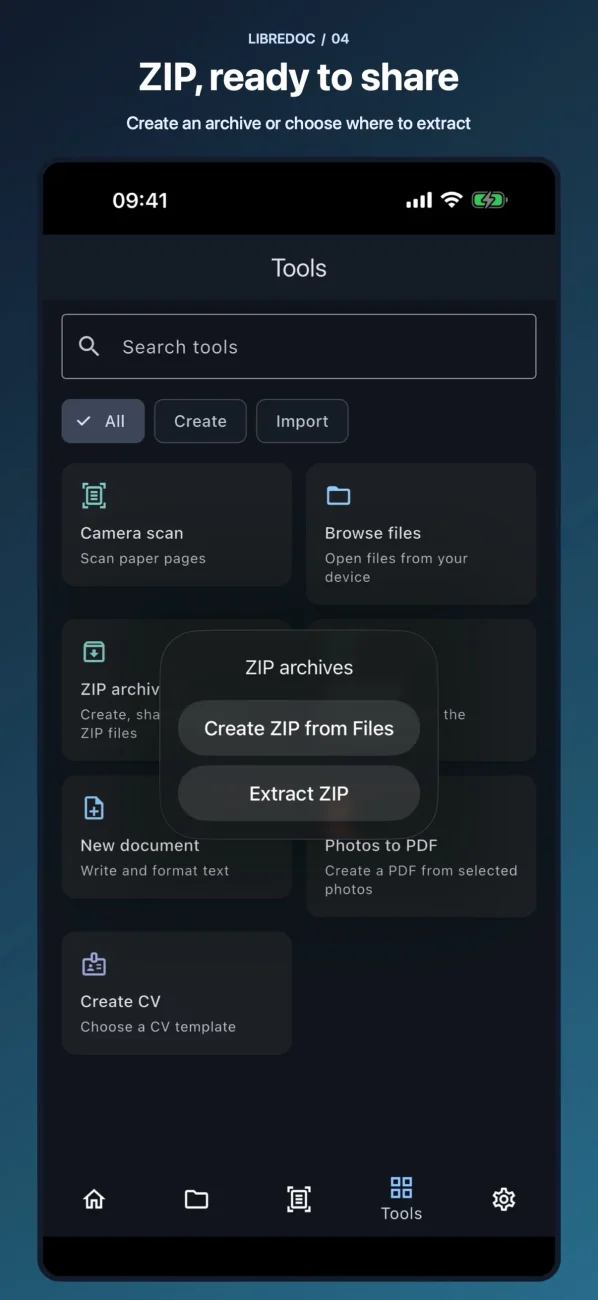
Open and convert supported PDF, Office, image, text and e-book files. Create and share a ZIP or choose where to extract it. Display and print embedded PDFs from supported PDF.p7m containers. LibreDoc does not verify digital signatures; keep the original container.
One PDF editing session and two conversions are available per local calendar day without watching a rewarded ad. Additional access is available through optional rewarded ads or subscriptions. Full Pro removes ads. The App Store shows prices before purchase.
Novedades
Versión 1.2.1 · 18/11/2026
Edit multiple words directly on a PDF page and save them in one session. LibreDoc better matches text colour, size and background, and opens more supported PDF.p7m files. Digital signatures are not verified. This release also brings a redesigned workspace, in-template CV portrait adjustment and ZIP tools.
Privacidad de la aplicación
Lo que Anatol Radzko declara en App Store sobre cómo esta aplicación gestiona los datos.
-
Datos usados para rastrearte
Pueden usarse para rastrearte en aplicaciones y sitios web propiedad de otras empresas.
- Identificadores
-
Datos vinculados a ti
Pueden recopilarse y vincularse a tu identidad.
- Ubicación
- Identificadores
- Datos de uso
- Diagnóstico
-
Datos no vinculados a ti
Pueden recopilarse, pero no se vinculan a tu identidad.
- Diagnóstico
Las prácticas de privacidad pueden variar, por ejemplo, según las funciones que uses o tu edad.
Información
- Vendedor
- Anatol Radzko
- Categoría
- Productividad
- Versión
- 1.2.1
- Actualizado
- 18/11/2026
- Publicado
- 18/8/2026
- Tamaño
- 28,4 MB
- Requiere
- iOS 18.0 o posterior
- Clasificación por edad
- 4+
- Precio
- Gratis
- Compras en la aplicación
- Sí
- Idiomas
- Italiano, Inglés, Ruso
- Copyright
- © 2026 Anatol Radzko
Quizá también te guste
-
 PDF Toolkit: PDF Editor & ScanProductividad
-
 LiftNetProductividad
-
 Privascan: PDF Scanner & OCRProductividad
-
 Skanae: Escáner de documentosEscáner privado sin conexión
-
 PDF Scanner & Doc EditorProductividad
-
 ReadSync - PDF ReaderLee, resalta y sincroniza PDF
-
 Editor PDF y Escáner – FolbrioEscanear Documentos y Firma
-
 My Documents: Secure VaultProductividad
-
 Simple Notes WidgetWidget de listas sincronizadas