OrigamiDraw
Crease Patterns with Ease
Diseñada para iPhone, iPad, iPod touch
Gratis
- Clasificación por edad4+
- CategoríaEntretenimiento
- DesarrolladorAkira Terao
- IdiomasInglés+ 1 más
- Tamaño89,3 MB
Enlaza a la página oficial de App Store
Download.org no aloja ningún archivo de OrigamiDraw. El botón abre la página de la aplicación en App Store, donde la publica Akira Terao. Ficha comprobada por última vez el 17/11/2026.
Capturas de pantalla
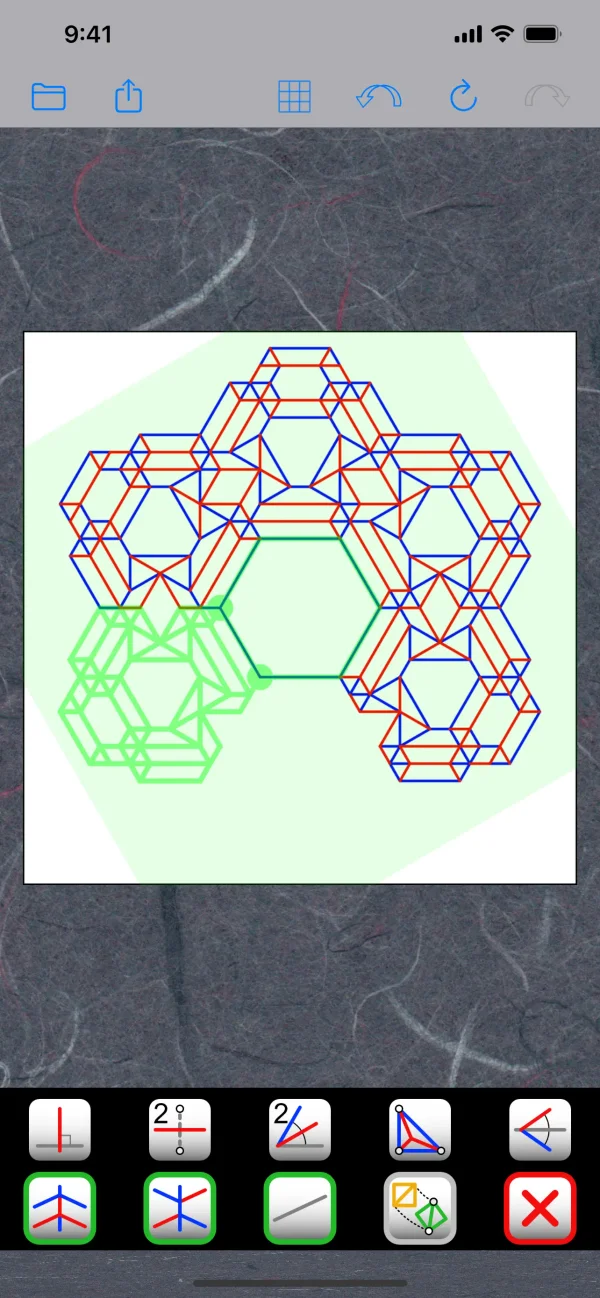

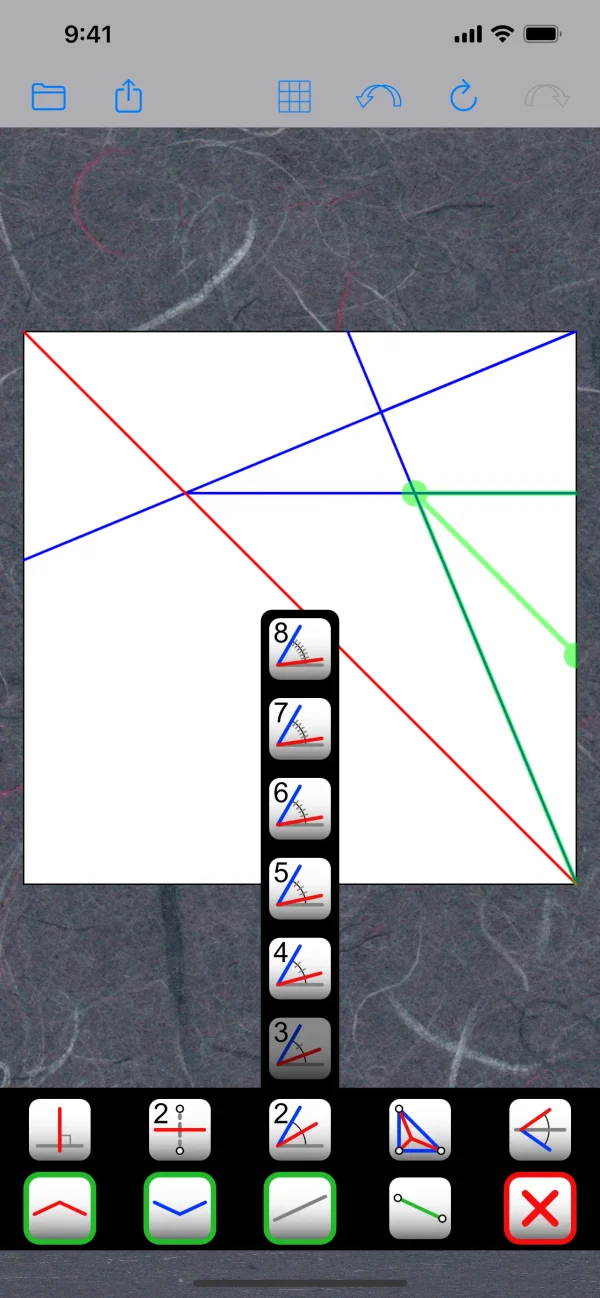
Acerca de
El desarrollador no ha proporcionado este texto en tu idioma.
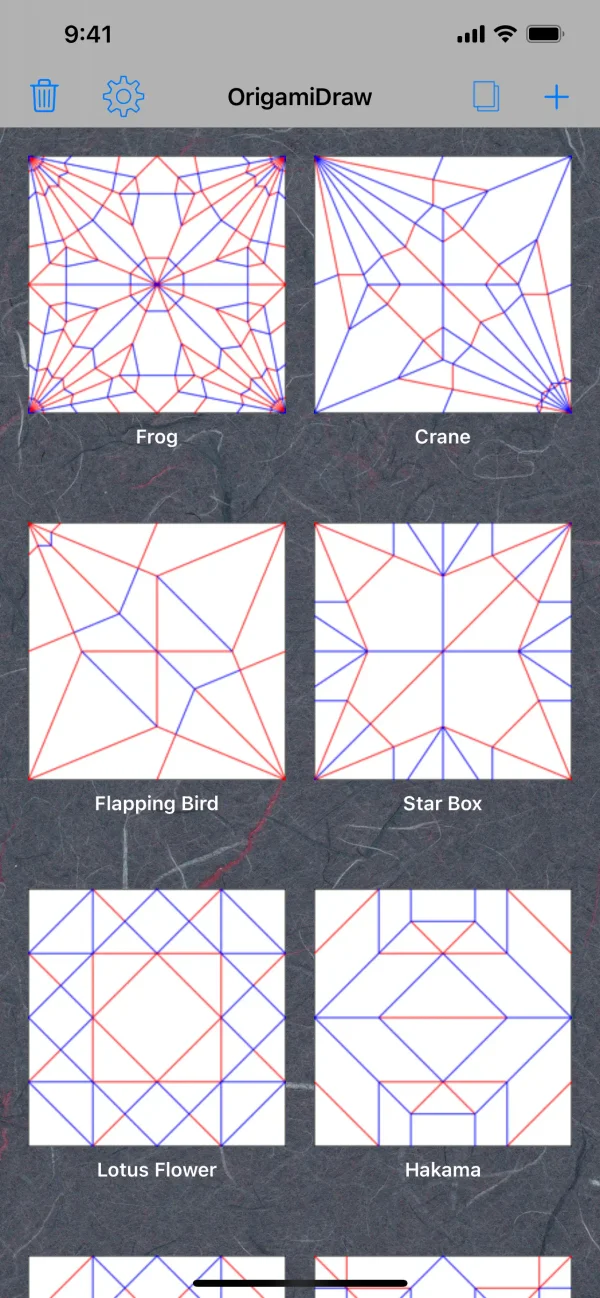
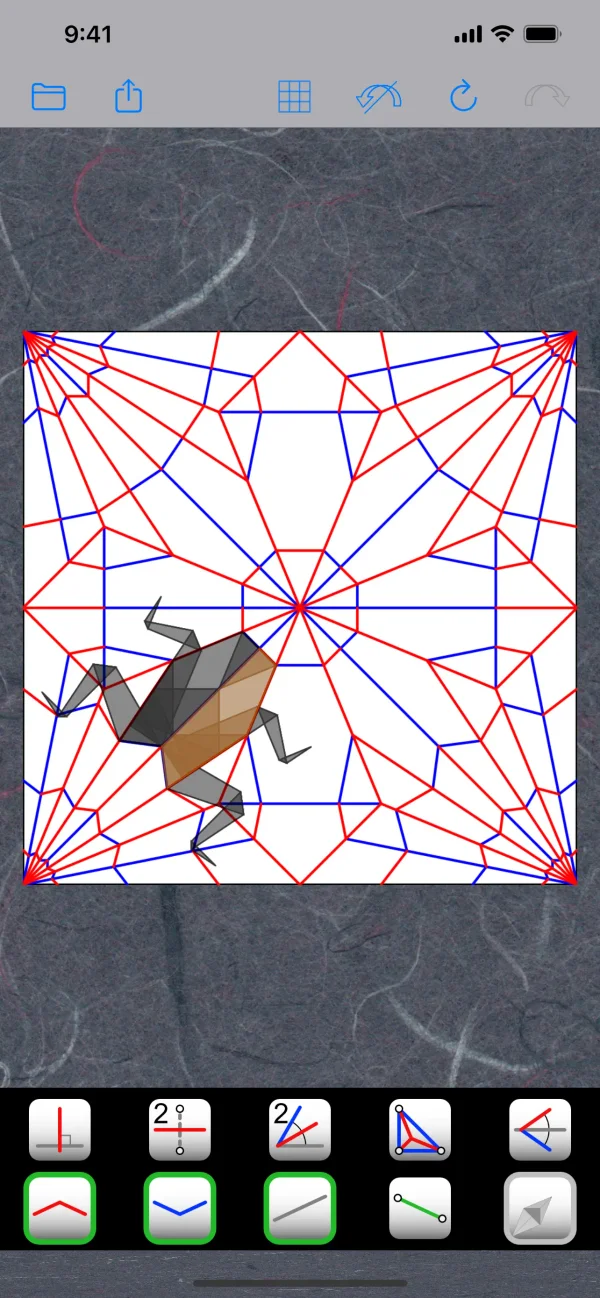
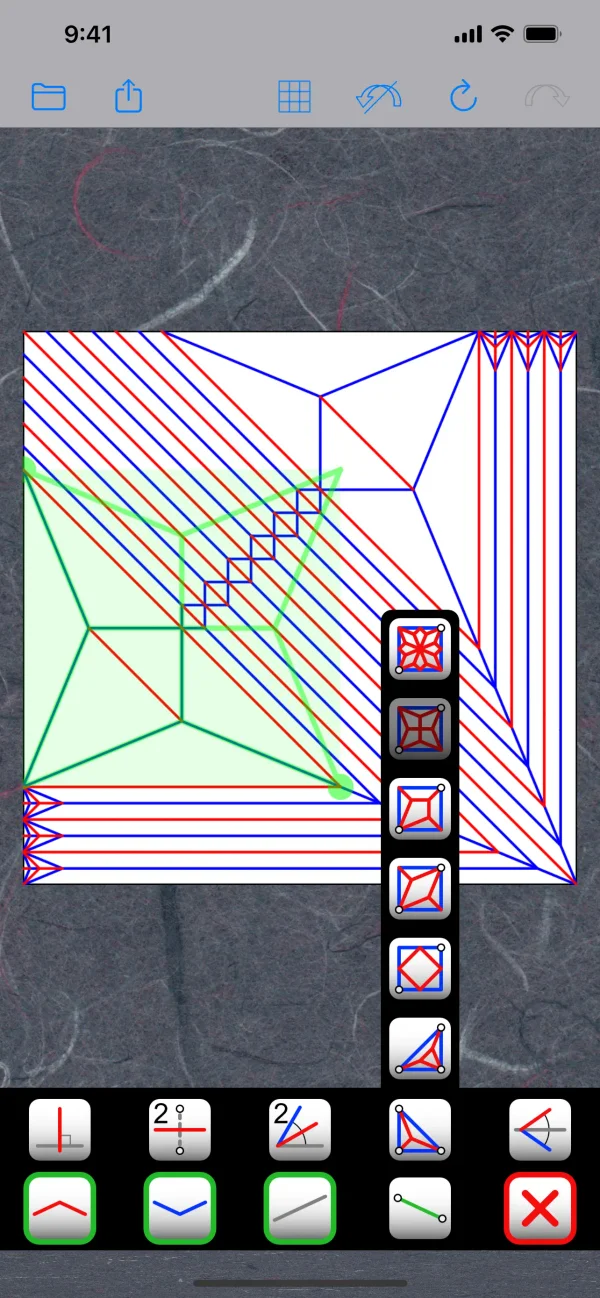
For advanced origami folders, OrigamiDraw brings an unparalleled level of comfort to Crease Pattern (CP) design. On your couch —or anywhere inspiration strikes you— draw your CP as you would fold your paper, intuitively, easily, fast.
With OrigamiDraw, you can:
- Perform all folds possible with the 7 Huzita-Hatori/Justin axioms
- Divide segments and angles in any number between 2 and 8
- Compose with building blocks from rabbit ear to frog base, or even your own patterns
- Propagate new folds across existing ones, alternating mountain and valley folds (or not)
- Instantly find the missing fold to flatten the paper around a node
- Find and retain all references needed to replicate your model exactly
- Verify the flat-foldability of your base, with clear indications if anything is missing
- See an X-ray image of your folded model
- Keep all your CPs in one place
- Create different versions as your design evolves or to show a folding sequence
- E-mail your CP to your desktop computer as an Oripa, Orihime, Oriedita, Flat-Folder, PNG, JPG, and/or SVG file
Novedades
Versión 3.0 · 15/1/2025
- You have been asking for it: removing unnecessary nodes! This can be done by copying and pasting onto an empty canvas. This way, all references are still in the old CP but the new CP is clean as a whistle.
- Mirror fold: Entry order has been reversed: first select the fold to reflect, then the mirror. If you land on a point with multiple possibilities, the latest fold remains selected and you can choose a new mirror to continue the propagation.
- Undo / Redo now works across sessions. When the app is relaunched, Undo is locked but can be unlocked with a long press.
- Continuous angle mode: for those working in a fixed angle system (22.5, 30, or 15 degrees), a long press allows repeated entry of angle-constrained folds.
Privacidad de la aplicación
Lo que Akira Terao declara en App Store sobre cómo esta aplicación gestiona los datos.
-
No se recopilan datos
El desarrollador no recopila ningún dato de esta aplicación.
Las prácticas de privacidad pueden variar, por ejemplo, según las funciones que uses o tu edad.
Información
- Vendedor
- Akira Terao
- Categoría
- Entretenimiento
- Versión
- 3.0
- Actualizado
- 15/1/2025
- Publicado
- 9/4/2018
- Tamaño
- 89,3 MB
- Requiere
- iOS 12.0 o posterior
- Clasificación por edad
- 4+
- Precio
- Gratis
- Idiomas
- Inglés, Francés
- Copyright
- © 2025 Akira Terao
Quizá también te guste
-
 Origami - formas de papelExperiencia despliegue pasos
-
 AexelsEntretenimiento
-
 KinetiformEntretenimiento
-
 Origami Master: Create & FoldEntretenimiento
-
 Euler VSEntretenimiento
-
 Draw 3D - Full VersionEntretenimiento
-
 KaleidoPaintEntretenimiento
-
 Spirograph MakerEntretenimiento
-
 Dancing ParticleDazzling Visual Arts
-
 String Art DesignerEntretenimiento