OrigamiDraw
Crease Patterns with Ease
Được thiết kế cho iPhone, iPad, iPod touch
Miễn phí
- Độ tuổi4+
- Danh mụcGiải Trí
- Nhà phát triểnAkira Terao
- Ngôn ngữTiếng Anh+ 1 ngôn ngữ khác
- Kích thước89,3 MB
Liên kết đến trang App Store chính thức
Download.org không lưu trữ tệp nào của OrigamiDraw. Nút này mở trang ứng dụng trên App Store, nơi Akira Terao phát hành ứng dụng. Trang được kiểm tra lần cuối: 17/11/2026.
Ảnh chụp màn hình

Giới thiệu
Nhà phát triển chưa cung cấp nội dung này bằng ngôn ngữ của bạn.
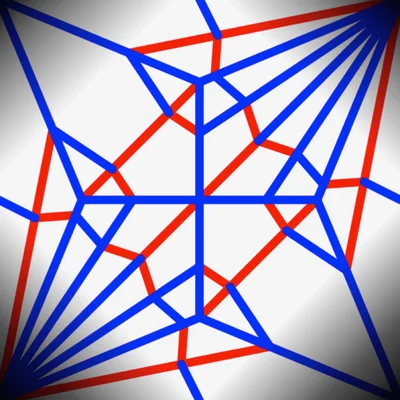
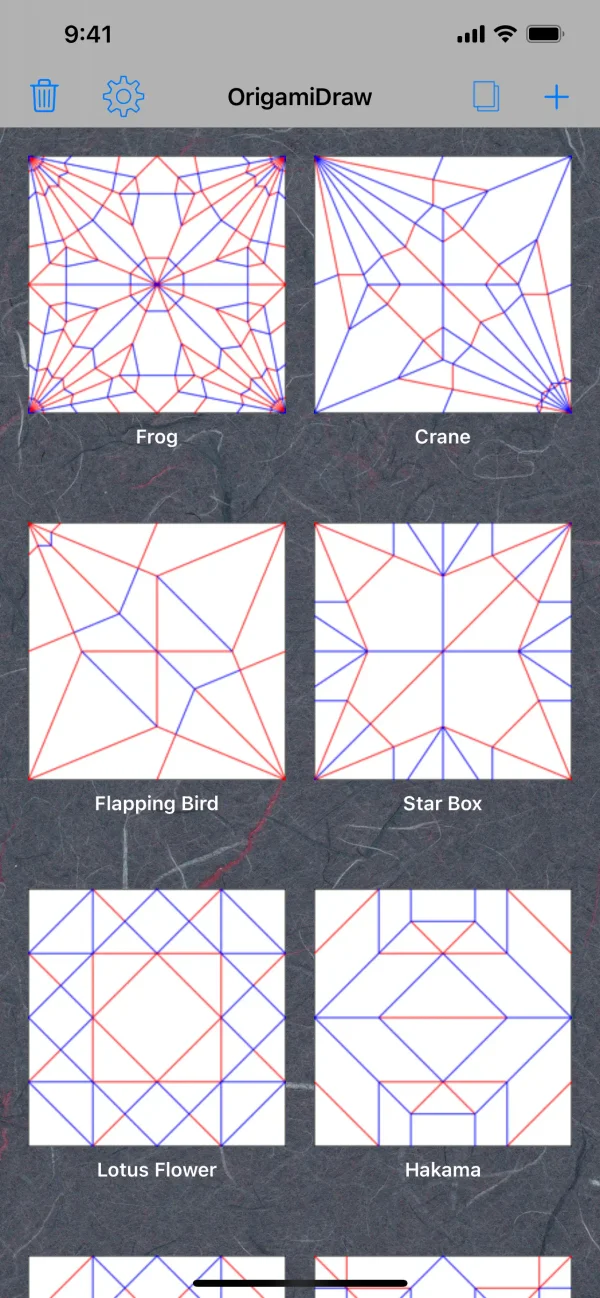
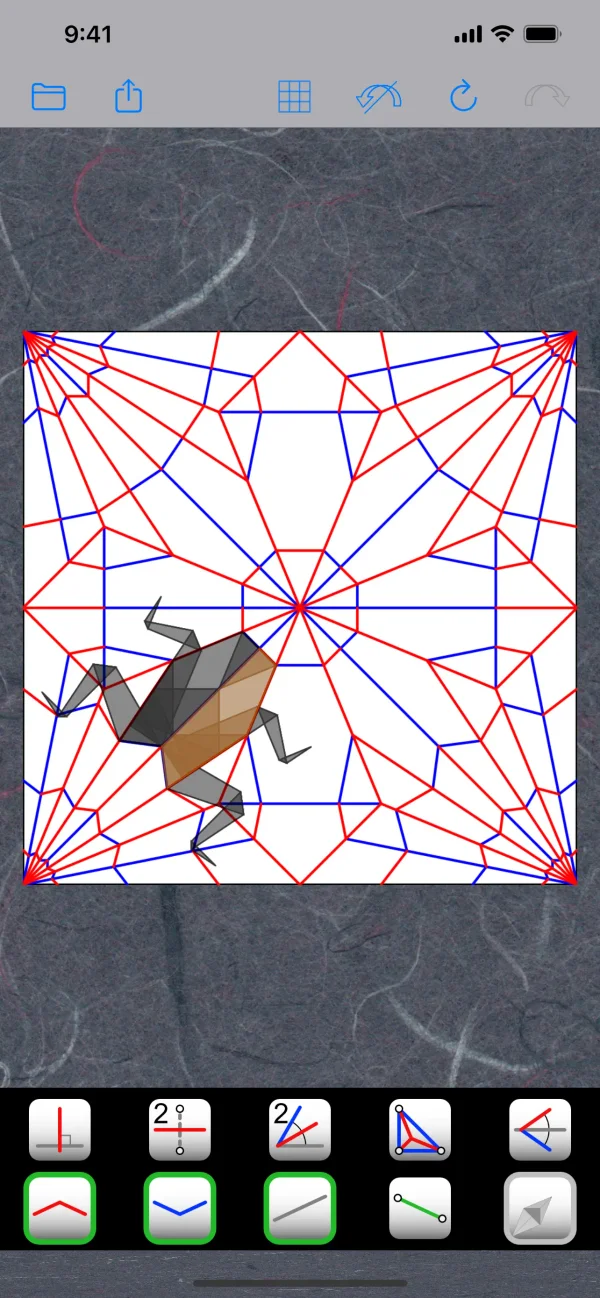
For advanced origami folders, OrigamiDraw brings an unparalleled level of comfort to Crease Pattern (CP) design. On your couch —or anywhere inspiration strikes you— draw your CP as you would fold your paper, intuitively, easily, fast.
With OrigamiDraw, you can:
- Perform all folds possible with the 7 Huzita-Hatori/Justin axioms
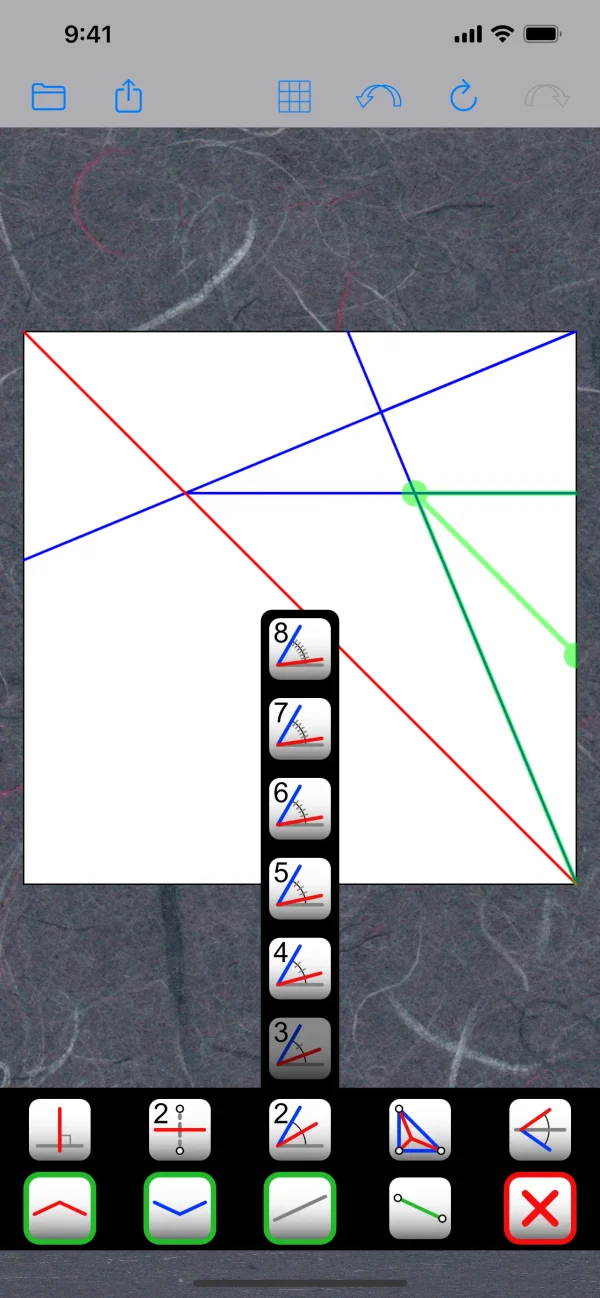
- Divide segments and angles in any number between 2 and 8
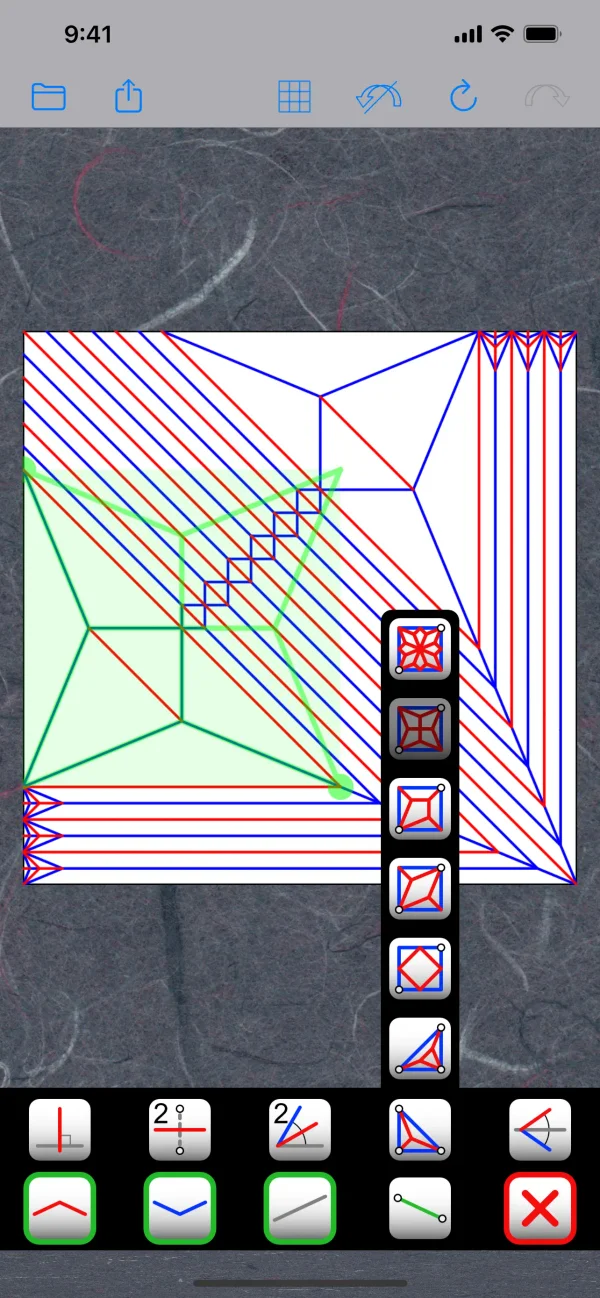
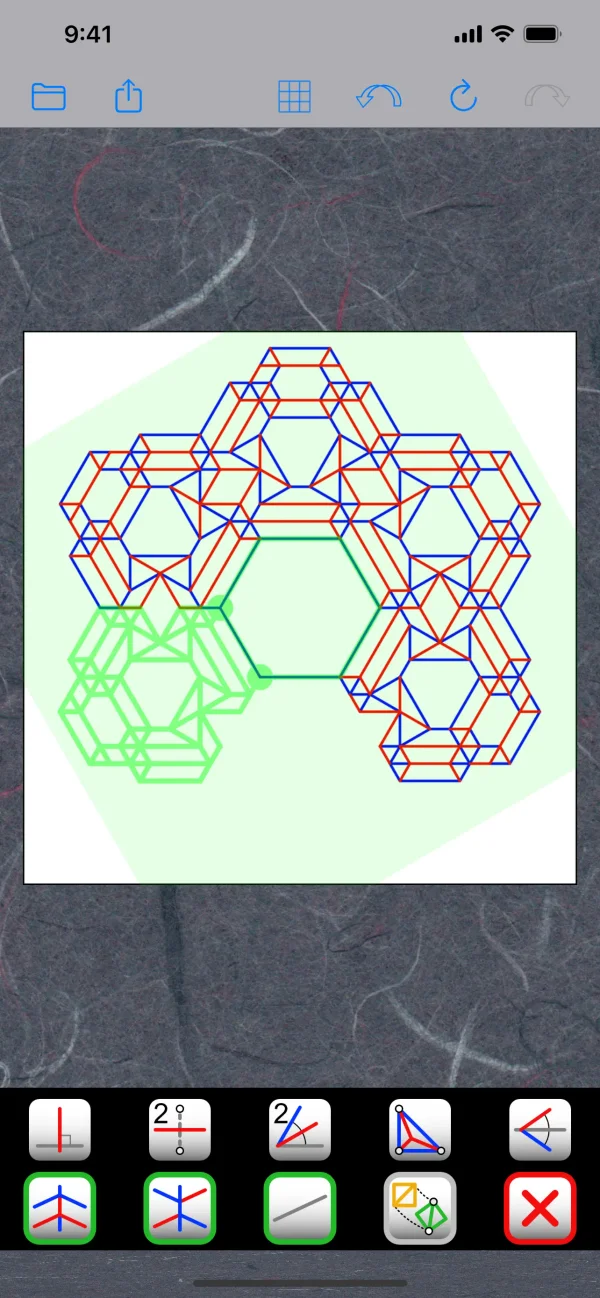
- Compose with building blocks from rabbit ear to frog base, or even your own patterns
- Propagate new folds across existing ones, alternating mountain and valley folds (or not)
- Instantly find the missing fold to flatten the paper around a node
- Find and retain all references needed to replicate your model exactly
- Verify the flat-foldability of your base, with clear indications if anything is missing
- See an X-ray image of your folded model
- Keep all your CPs in one place
- Create different versions as your design evolves or to show a folding sequence
- E-mail your CP to your desktop computer as an Oripa, Orihime, Oriedita, Flat-Folder, PNG, JPG, and/or SVG file
Có gì mới
Phiên bản 3.0 · 15/01/2025
- You have been asking for it: removing unnecessary nodes! This can be done by copying and pasting onto an empty canvas. This way, all references are still in the old CP but the new CP is clean as a whistle.
- Mirror fold: Entry order has been reversed: first select the fold to reflect, then the mirror. If you land on a point with multiple possibilities, the latest fold remains selected and you can choose a new mirror to continue the propagation.
- Undo / Redo now works across sessions. When the app is relaunched, Undo is locked but can be unlocked with a long press.
- Continuous angle mode: for those working in a fixed angle system (22.5, 30, or 15 degrees), a long press allows repeated entry of angle-constrained folds.
Quyền riêng tư của ứng dụng
Những gì Akira Terao khai báo trên App Store về cách ứng dụng này xử lý dữ liệu.
-
Dữ liệu không được thu thập
Nhà phát triển không thu thập bất kỳ dữ liệu nào từ ứng dụng này.
Phương thức đảm bảo quyền riêng tư có thể khác nhau, chẳng hạn như tuỳ theo các tính năng bạn sử dụng hoặc độ tuổi của bạn.
Thông tin
- Người bán
- Akira Terao
- Danh mục
- Giải Trí
- Phiên bản
- 3.0
- Cập nhật
- 15/01/2025
- Phát hành
- 09/04/2018
- Kích thước
- 89,3 MB
- Yêu cầu
- iOS 12.0 trở lên
- Độ tuổi
- 4+
- Giá
- Miễn phí
- Ngôn ngữ
- Tiếng Anh, Tiếng Pháp
- Bản quyền
- © 2025 Akira Terao