
Overlay Expert
Console stream overlays, no PC
Diseñada para iPhone, iPad
Gratis · Compras en la aplicación
- Clasificación por edad4+
- CategoríaFoto y vídeo
- DesarrolladorOverlay Expert Inc
- IdiomasInglés
- Tamaño80,1 MB
Enlaza a la página oficial de App Store
Download.org no aloja ningún archivo de Overlay Expert. El botón abre la página de la aplicación en App Store, donde la publica Overlay Expert Inc. Ficha comprobada por última vez el 21/11/2026.
Capturas de pantalla



Acerca de
El desarrollador no ha proporcionado este texto en tu idioma.
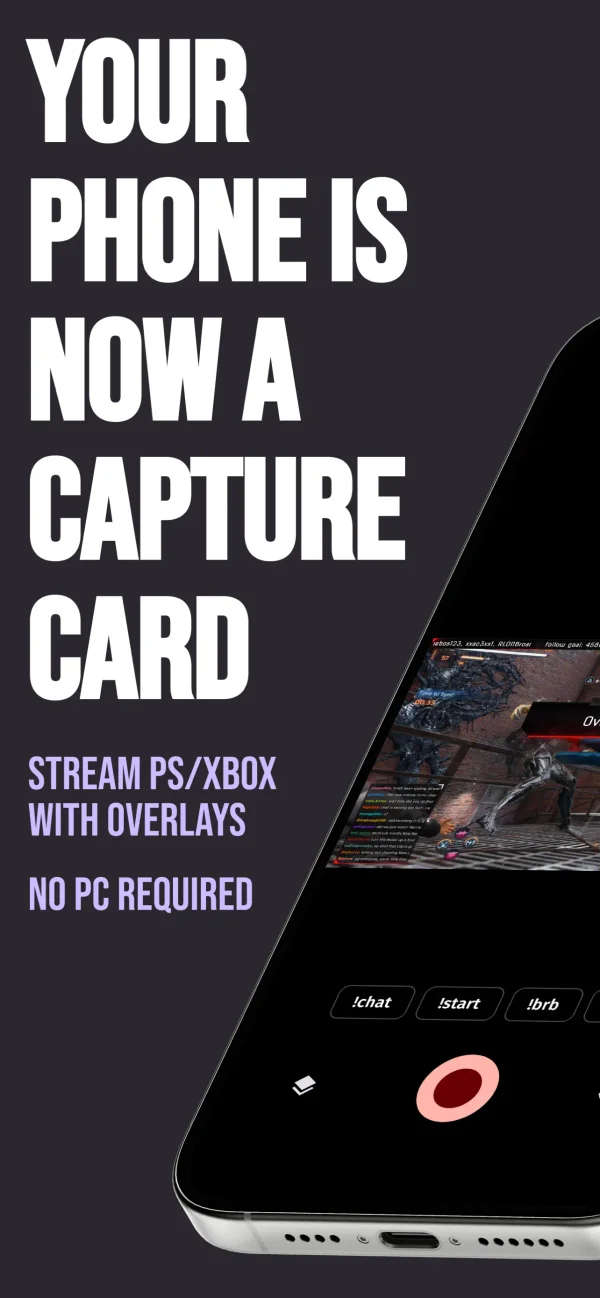
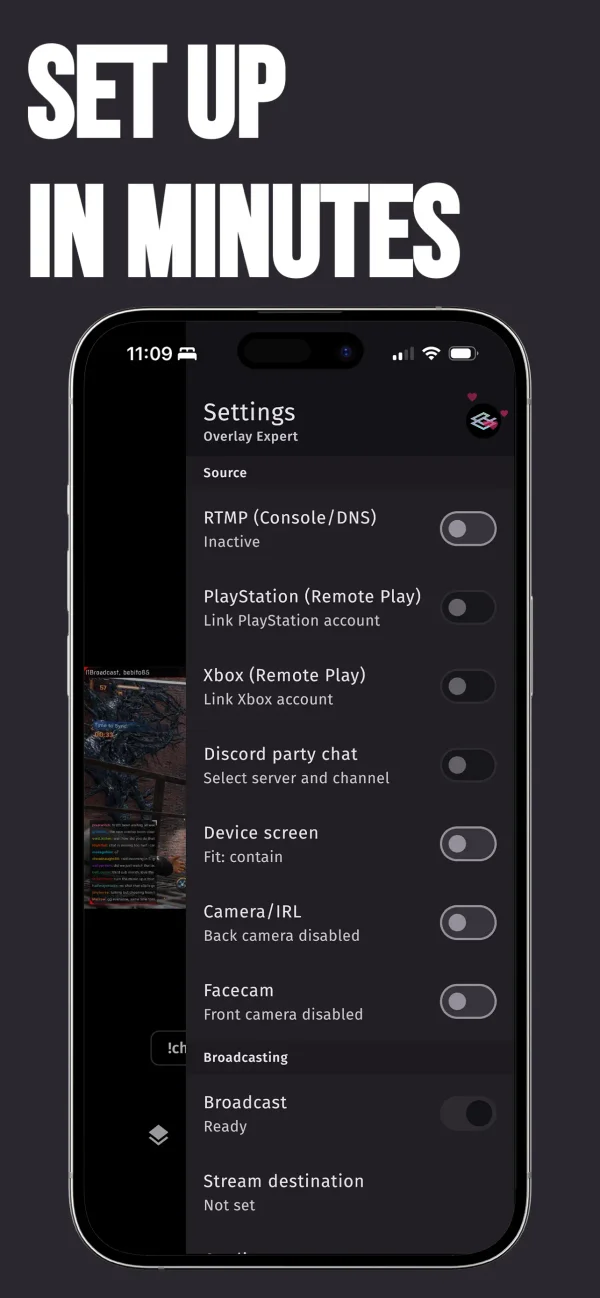
Turn your iPhone into a capture card and make your console streams look professional with Overlay Expert, the easiest way to add polished overlays and on-screen branding to your PlayStation or Xbox stream. It's not just for consoles: go live IRL with the same overlays and alerts, straight from your iPhone.
KEY BENEFITS
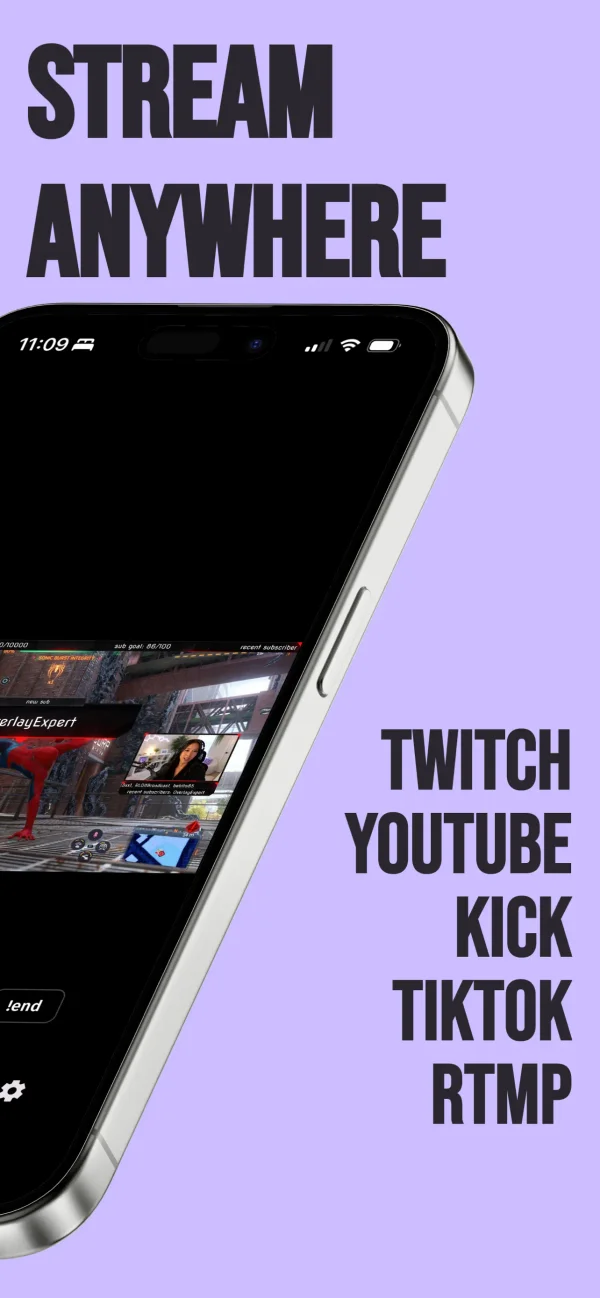
• Free to stream. Broadcast your console through the app to Twitch, YouTube, TikTok or Kick in 1080p at 60 FPS. No capture card needed.
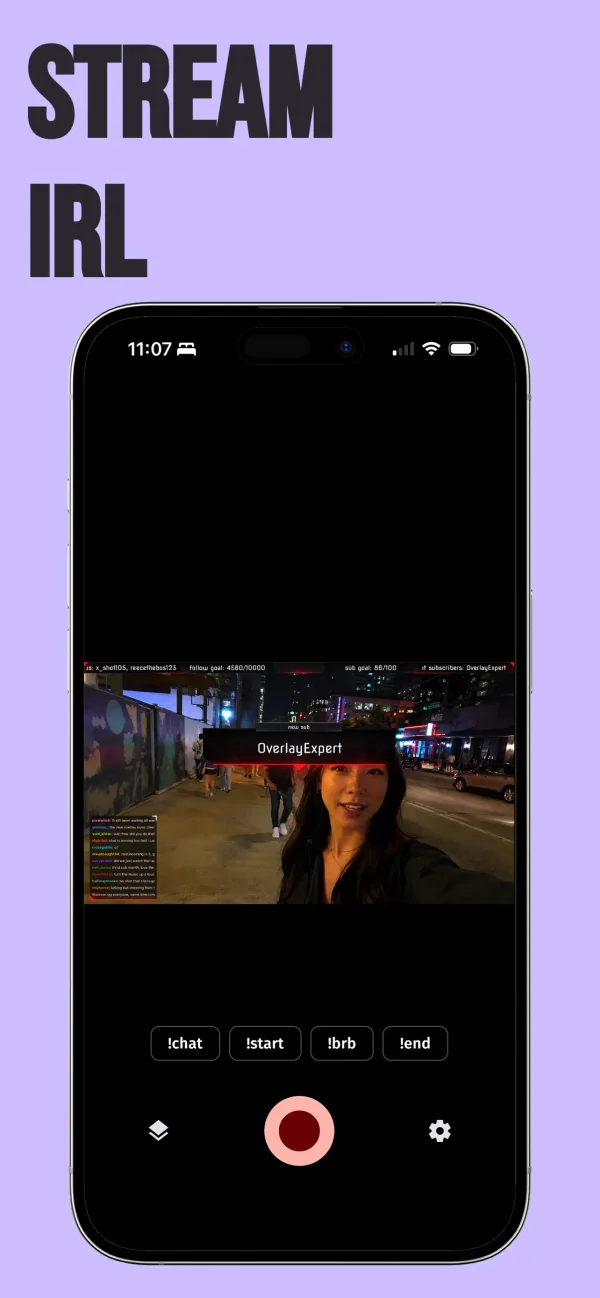
• Stream more than your console. Go live IRL from your iPhone camera, with the same overlays and alerts.
• Talk with your party on stream. Join your Discord voice channel from the app and mix party chat straight into your broadcast.
• Boost engagement. Overlays and animated alerts draw attention and keep viewers interacting.
• Strengthen your brand. Consistent on-screen logos and graphics make your channel memorable.
• Save setup time. Get a pro look in seconds, no design skills required.
HOW IT WORKS
1. For console streams, connect your console and iPhone to the same Wi-Fi network. For PlayStation, use PlayStation Remote Play or our dedicated DNS server. For Xbox, use Remote Play.
2. Open Overlay Expert, choose your overlay, and go live. For console, your game stream appears on your iPhone; for IRL, use the front or back camera.
3. Broadcast to Twitch, YouTube, TikTok or Kick with your overlay live on stream.
FEATURES
• PlayStation Remote Play and DNS connection options, so you can pick whatever works best for your setup.
• Xbox Remote Play support.
• IRL streaming from your iPhone camera, with overlays and alerts.
• Discord party voice chat. Link your Discord account, join a voice channel, and hear and talk with your party while you stream, with party audio mixed into your broadcast.
• Stream in 1080p at 60 FPS to Twitch, YouTube, TikTok and Kick.
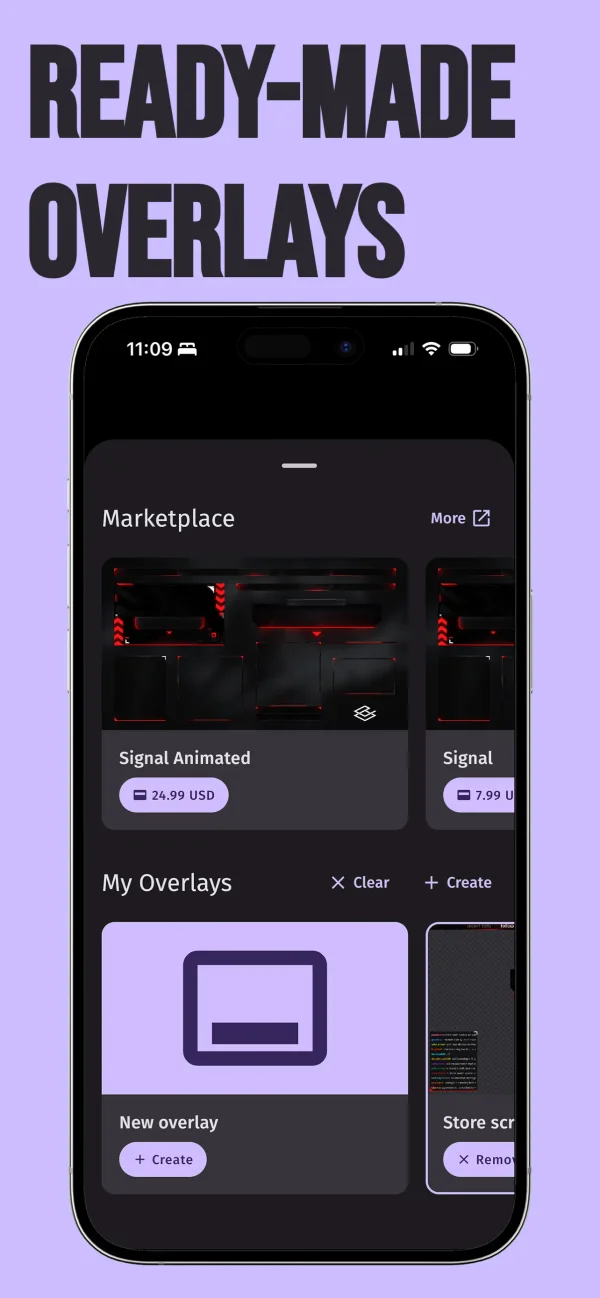
• Customizable overlays, logos and on-screen graphics.
• Animated alerts to drive viewer interaction.
• Fast, no-PC setup so you can go live straight from your iPhone.
FREE AND SUBSCRIPTION OPTIONS
Overlay Expert is free to download and stream, with an on-stream watermark. Optional monthly or yearly subscriptions unlock more:
• Remove the on-stream watermark.
• Add custom browser sources to bring overlays from tools like Streamlabs and StreamElements onto your console stream, no PC needed.
Subscriptions renew automatically at the end of each month or year, depending on the plan, unless cancelled in your App Store account settings. Terms of use: https://overlay.expert/terms-of-use. Privacy policy: https://overlay.expert/privacy-policy.
WHO IT'S FOR
Overlay Expert is built for console gamers on PlayStation and Xbox who want a professional on-screen presence without a capture card, a PC, or hours of setup, plus IRL streamers who want the same polished look from their iPhone.
Novedades
Versión 0.24.3 · 18/11/2026
- Chat and alerts from an account you just connected now show in the overlay without refreshing it.
Privacidad de la aplicación
Lo que Overlay Expert Inc declara en App Store sobre cómo esta aplicación gestiona los datos.
-
Datos vinculados a ti
Pueden recopilarse y vincularse a tu identidad.
- Compras
- Información de contacto
- Contenido del usuario
- Identificadores
- Datos de uso
- Diagnóstico
-
Datos no vinculados a ti
Pueden recopilarse, pero no se vinculan a tu identidad.
- Ubicación
Las prácticas de privacidad pueden variar, por ejemplo, según las funciones que uses o tu edad.
Información
- Vendedor
- Overlay Expert Inc
- Categoría
- Foto y vídeo
- Versión
- 0.24.3
- Actualizado
- 18/11/2026
- Publicado
- 24/9/2026
- Tamaño
- 80,1 MB
- Requiere
- iOS 26.0 o posterior
- Clasificación por edad
- 4+
- Precio
- Gratis
- Compras en la aplicación
- Sí
- Idiomas
- Inglés
- Copyright
- © 2026 Overlay Expert Inc. All rights reserved.
Quizá también te guste
-
 StreamNow: Live Stream StudioFoto y vídeo
-
 CastreamGo Live Everywhere in Seconds
-
 StreamVeil Live + GrabaciónPC & Mobile games 1080p 60 fps
-
 Lurk for TwitchFoto y vídeo
-
 StreamsterFoto y vídeo
-
 StreamLadder: AI Clip EditorFoto y vídeo
-
 Eklipse.ggFoto y vídeo
-
 Larix Broadcaster: Live StreamCodificador en vivo: SRT, NDI
-
 PNG TuberFoto y vídeo
-
 Stream Tracker for Twitch LiveSeguidores y estadísticas